
Humorous Hamster Director Scene
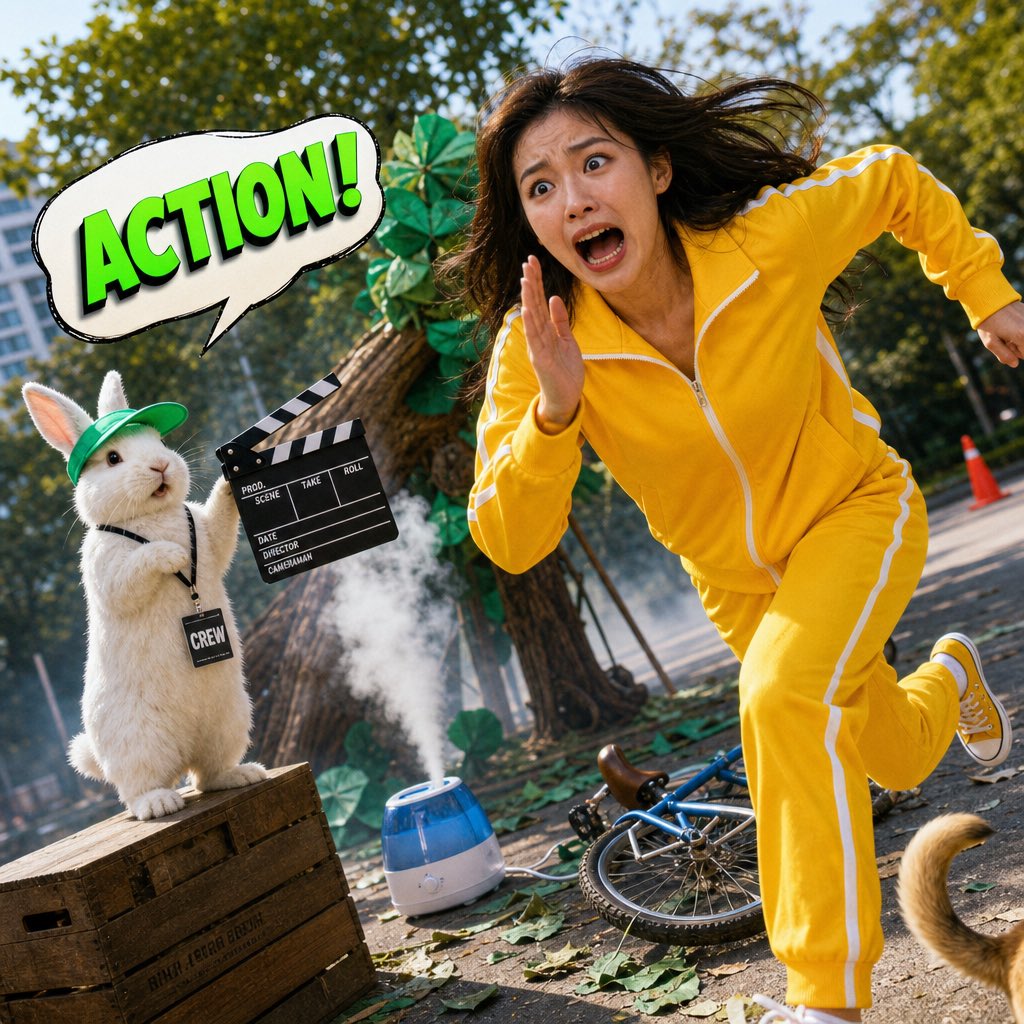
A creative mixed-media prompt featuring a tiny hamster director on a film camera giving instructions to a theatrical actor.
- Prompt included
- Model and format preset
- Free template
The prompt behind this image
Copy the exact prompt behind Humorous Hamster Director Scene, or open it in the studio and make it yours.
A completely absurd, bright, and humorous mixed-media photograph combining real human photography with a glossy 3D cartoon element. A tiny, chubby {argument name="animal" default="hamster"} sits on top of a professional film camera, its tiny paws gripping a glossy 3D-rendered mini megafon. The hamster wears a tiny pair of retro round glasses and a red bandana. A bold 3D speech bubble above the hamster reads: **「MORE DRAMA!」** in flamboyant, swirling purple font. In front of the camera, a {argument name="subject" default="young East Asian man"} is on his knees on a small stage, his face 100% photorealistic—a look of over-the-top, theatrical despair, one hand clutching his chest, the other reaching toward the sky, mouth open in a dramatic, silent wail. He wears a {argument name="outfit" default="velvet burgundy robe"} over a simple black t-shirt. The background is a slightly cluttered home studio with a green screen that has fallen down, a boom mic hanging crookedly, scattered costume pieces, and a half-eaten donut on a stool. Bright studio light, slightly clipped highlights on the velvet robe. Realistic skin texture, visible pores, no beauty filter. Heavy grain, slight chromatic aberration. A stray cat tail peeks from behind the fallen green screen at the bottom left corner. dutch angle, stray cat tail --ar 9:16
How to use Humorous Hamster Director Scene in 3 steps
- 1
Open
The prompt is already in the box next to the preview, with the template's model and format selected.
- 2…a portrait of your subject in softgolden-hour light, 85mm…
Personalize
Edit the subject and creative details for your destination.
- 3Generate
Generate
Press Generate — your image is created in PicX Studio, so you can compare it with the original and refine one variable at a time.
More like this
Templates with the same subject, style or setup. Open one to see its prompt.
Office Hamster Manga Diary
Mitarashi Calico Cat and Hamster
Happiest Hamster Portrait
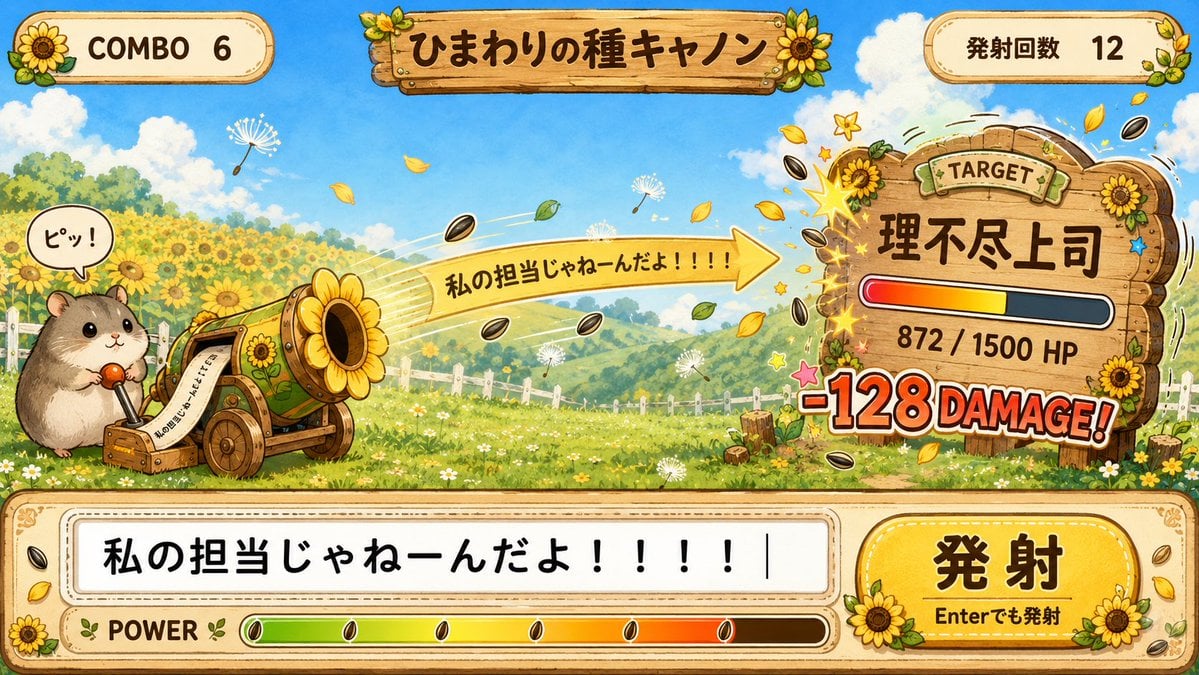
Hamster Sunflower Cannon Game UI

Quiet Hamster Manga Page
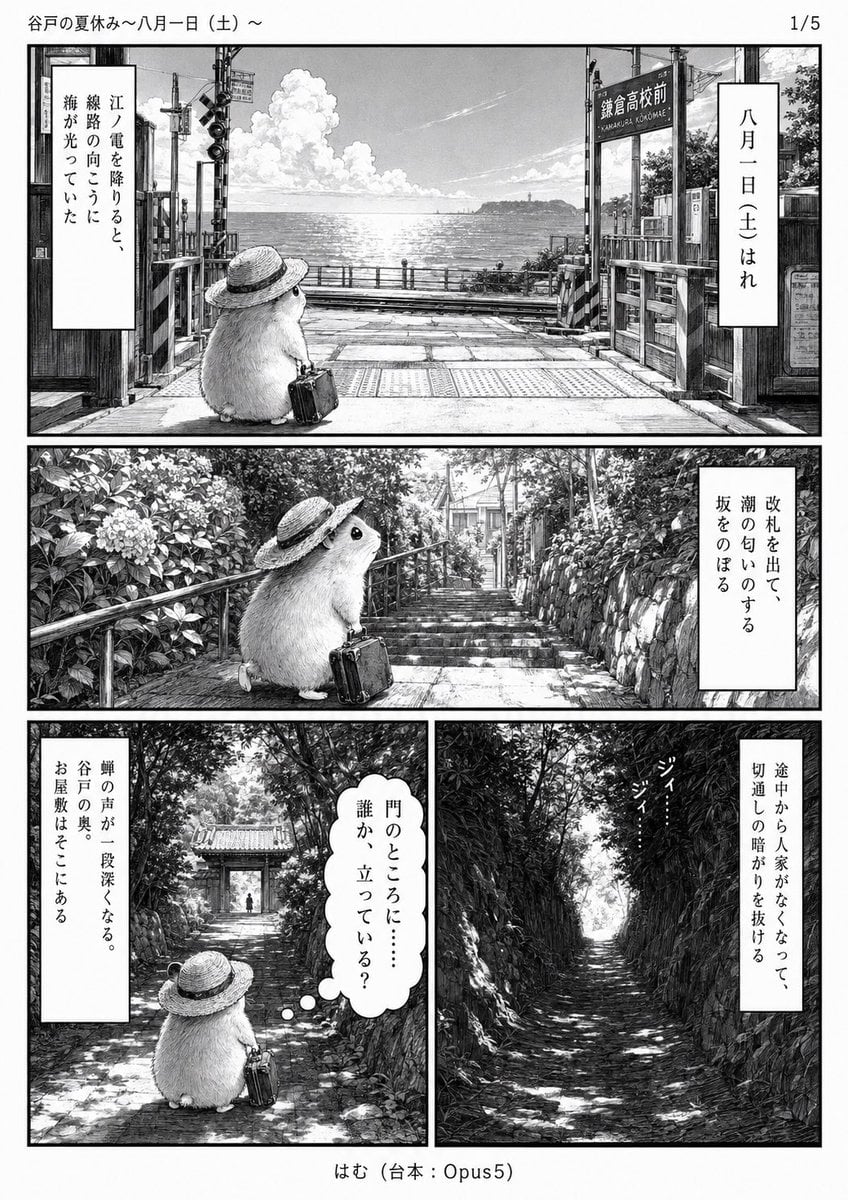
Monochrome Summer Hamster Manga Page
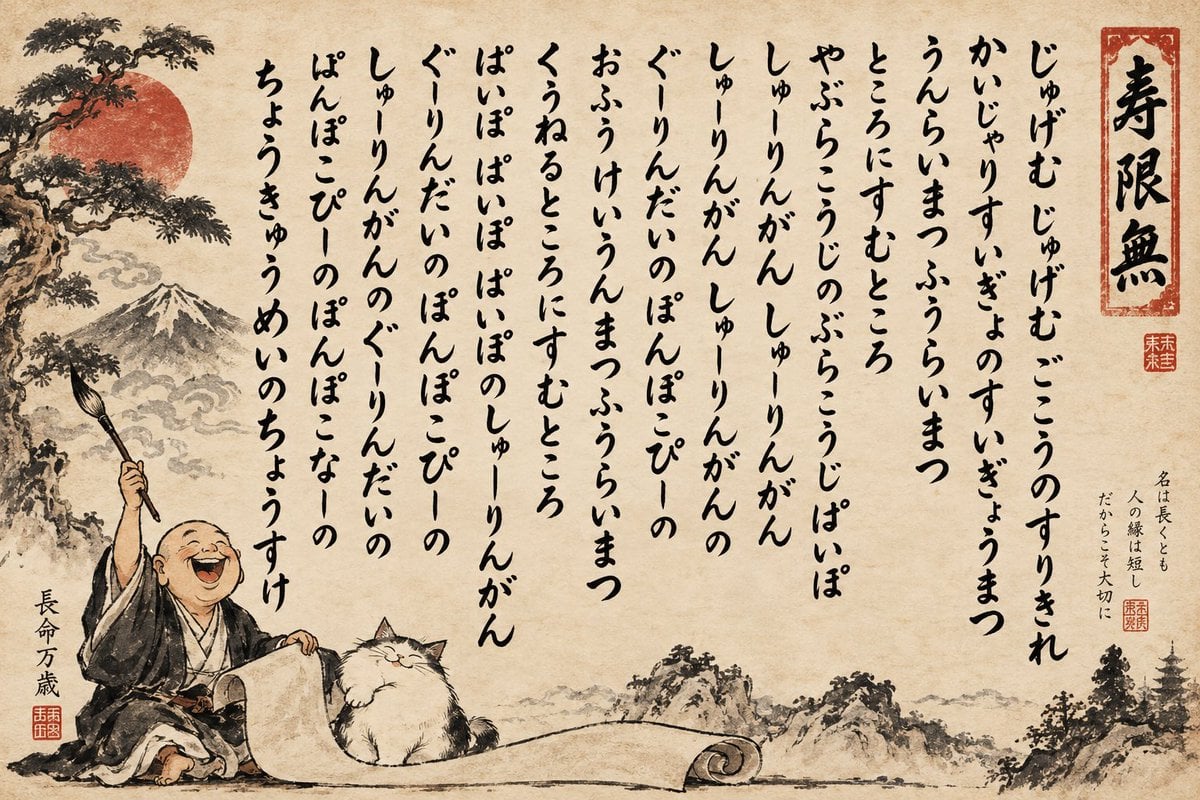
Humorous Sumi-e Jugemu Calligraphy Poster
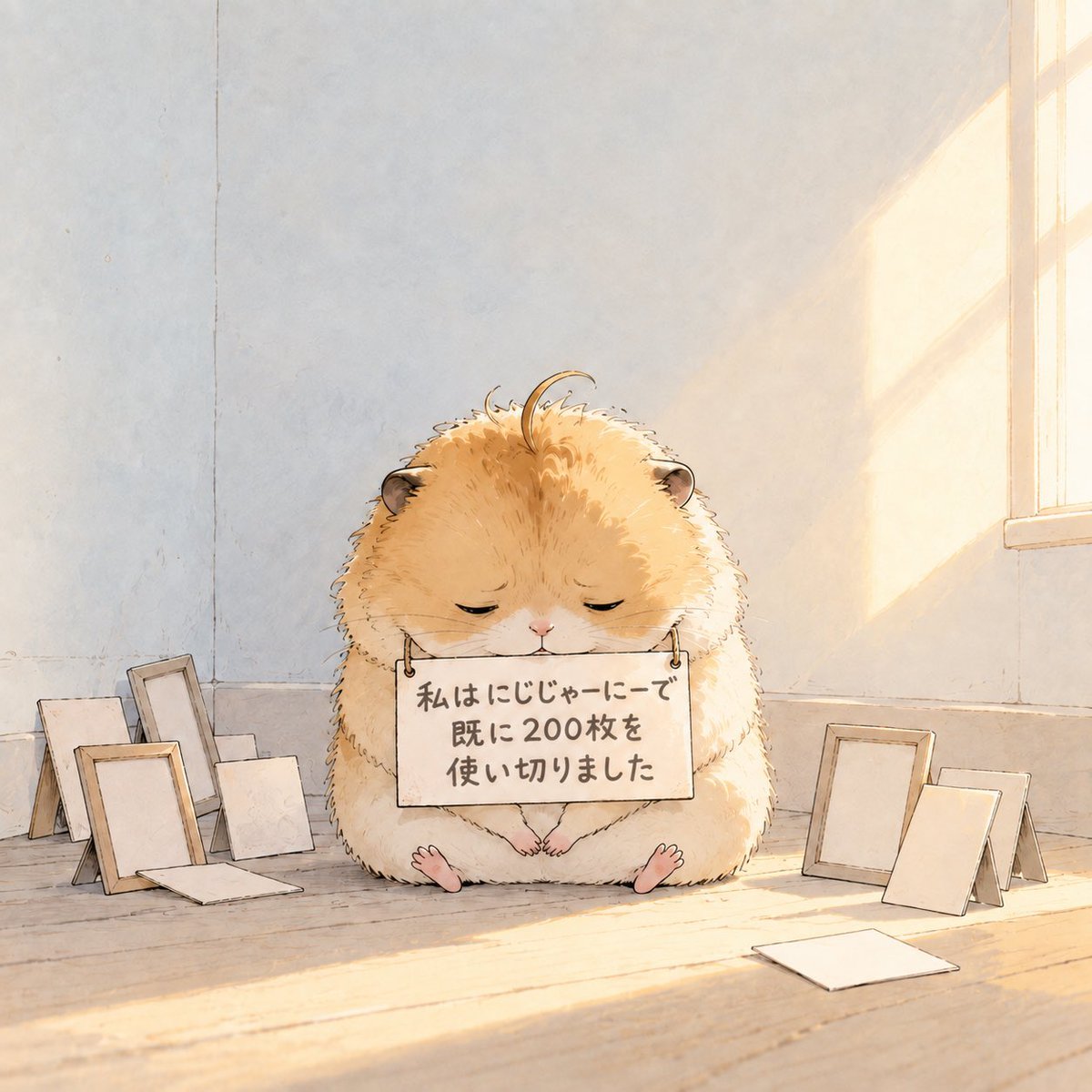
Fluffy Hamster Holding Japanese Sign
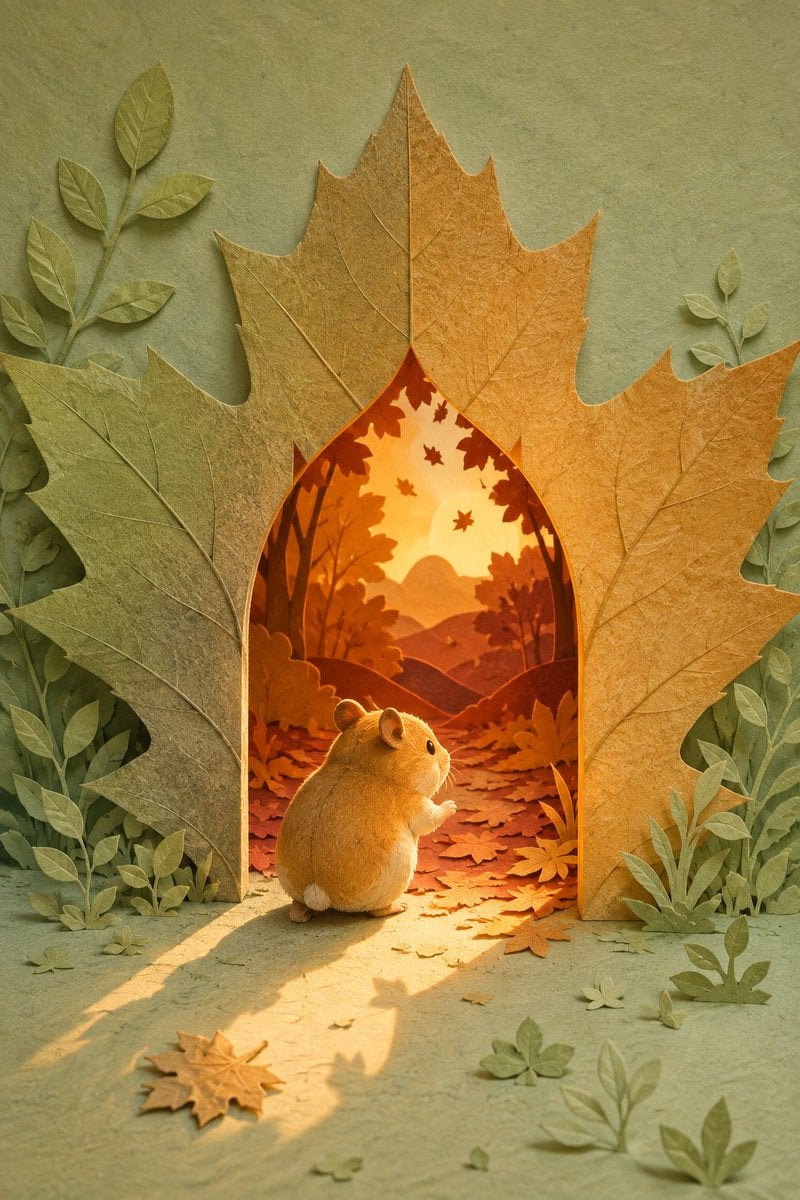
Hamster Autumn Leaf Doorway
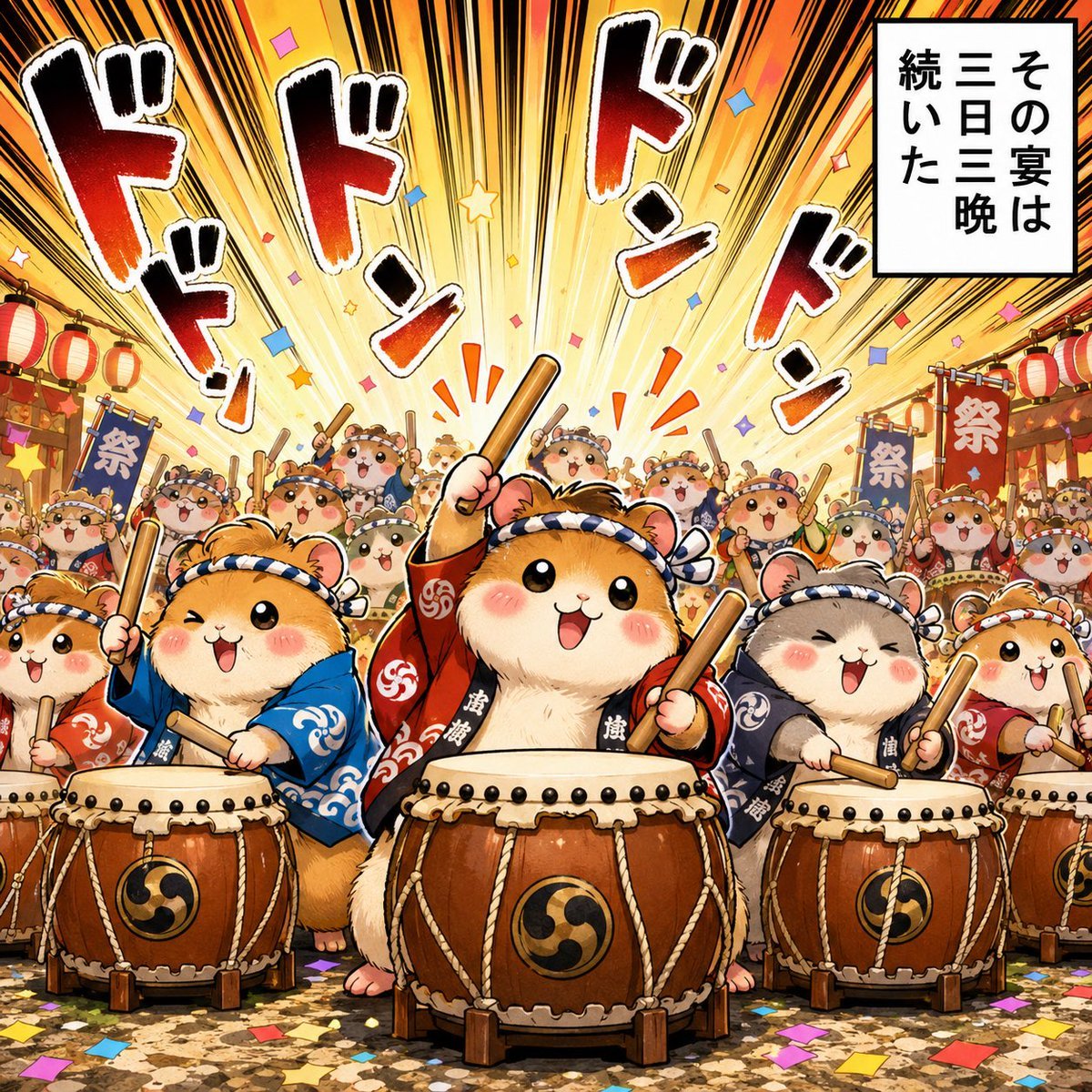
Hamster Taiko Festival Manga Scene
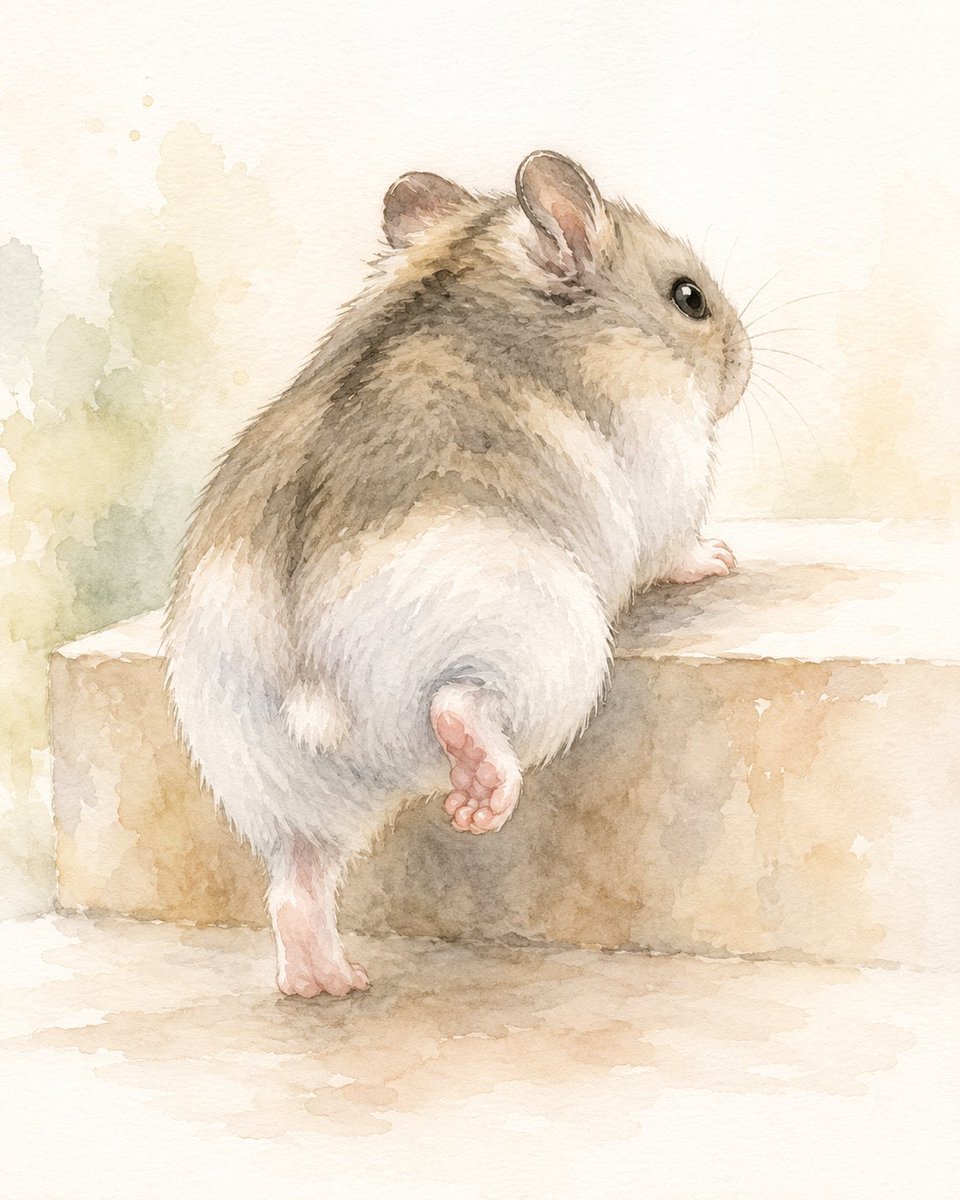
Watercolor Hamster Climbing Step
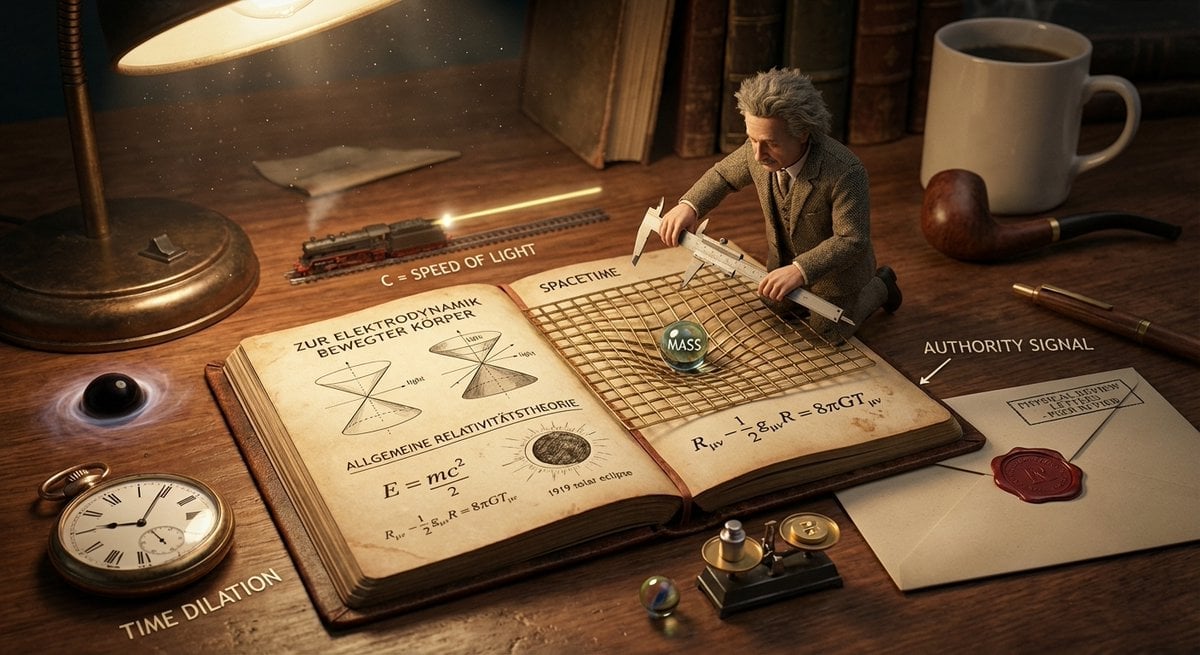
You are a cinematic miniature-diorama director and museum exhibit
Make it yours
Humorous Hamster Director Scene works as-is. These are the safest ways to change it without losing the look.
Change one field
Copy a single group, rewrite it, and generate again so you can see what that field is doing.
Keep the frame, change the subject
Hold the composition and light of Humorous Hamster Director Scene, then swap wardrobe, props or the person for a new take.
| If the result… | Why | Fix |
|---|---|---|
| The result drifts from the preview | Too many fields changed at once. | Reuse Humorous Hamster Director Scene as-is first, then change one group — subject, light, or setting. |
| The model over-stylizes the scene | The prose prompt leaves finish and camera underspecified. | Add one camera or lighting sentence and stay on GPT Image 2. |
More GPT Image 2 templates
Other prompts made for GPT Image 2.

Six VTuber Japanese Logo Sheet

Realistic Portrait of Woman and Deer

The Vista Modular Condo Poster

AI Model Routing Comparison Infographic

2.5D Anime Art Board

Isometric Productivity Desk Scene

New York Double Exposure Poster

Four-Panel AI Landscape Comparison

Japanese Tatami Lifestyle Magazine Cover

NESCAFÉ Coffee Map Poster
More image prompts
Fresh picks from across the catalog.
Futuristic Cyberpunk Twitter X Portrait
Miniature Diorama Skincare Advertisement
Tokyo Shibuya Streetwear Portrait
Cinematic Double Exposure Portrait

Red Carpet Premiere Gala Prompt (Multilingual)
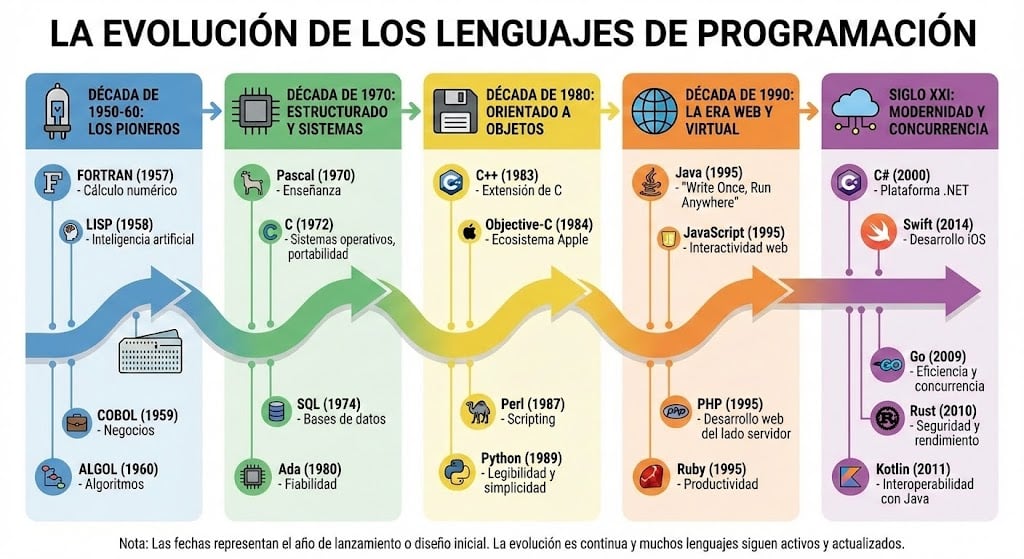
Infographic of programming language evolution
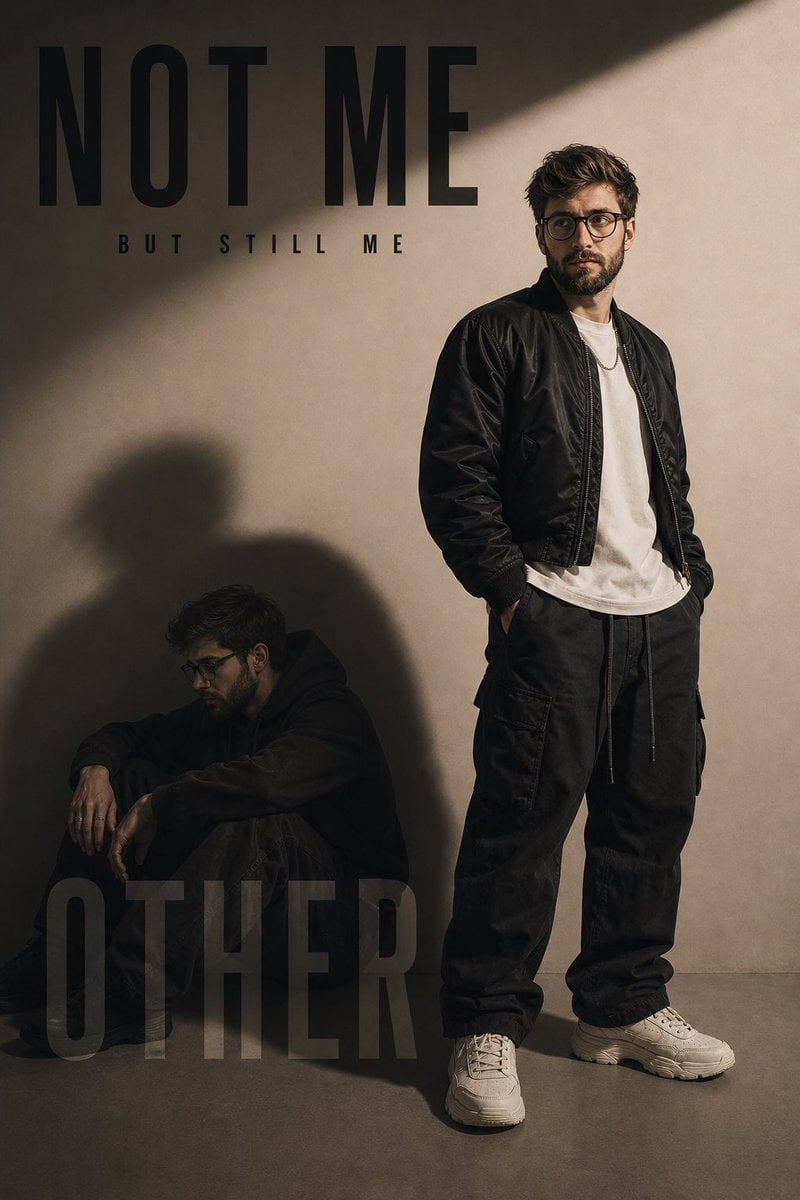
Conceptual Fashion Shadow Portrait
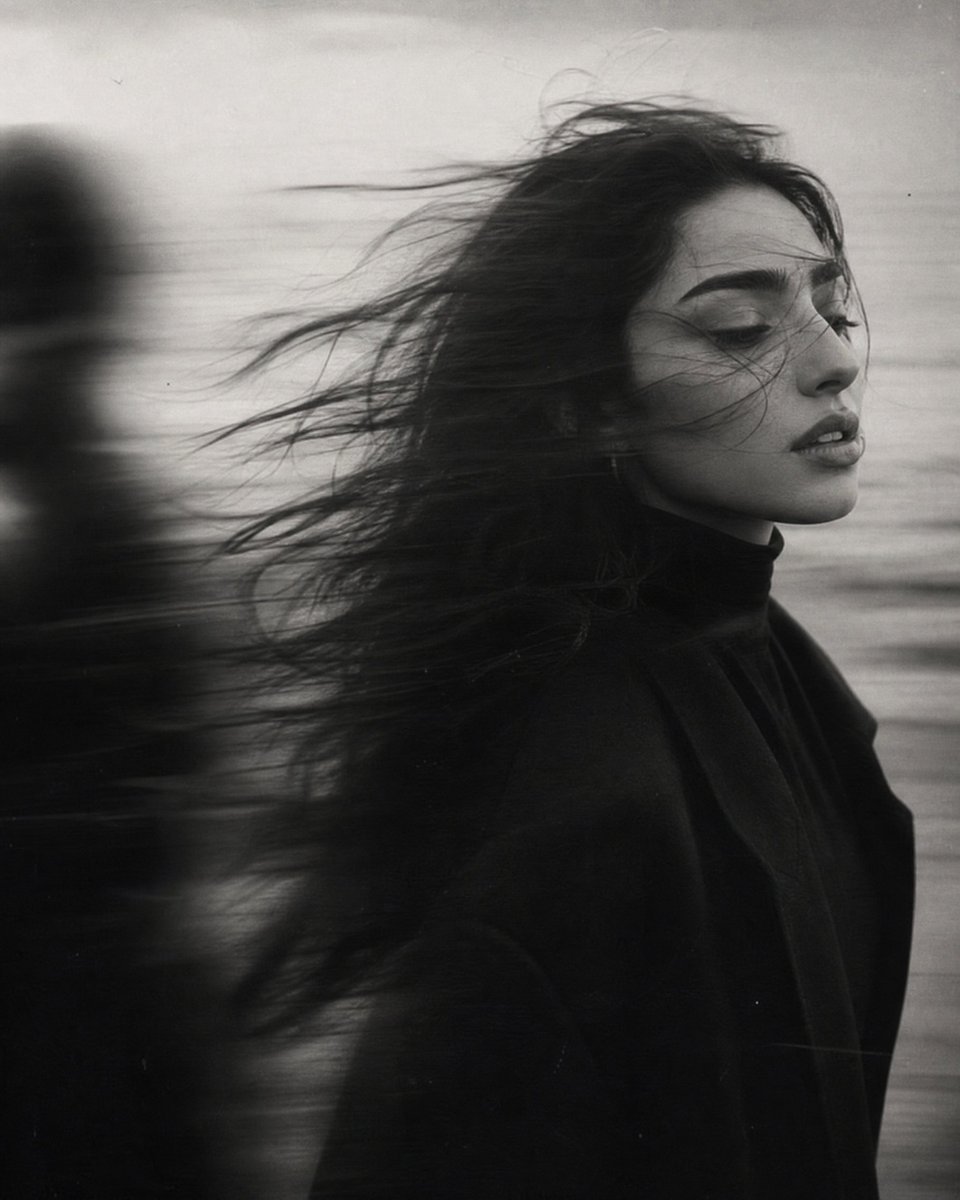
Windblown Anonymous Film Portrait
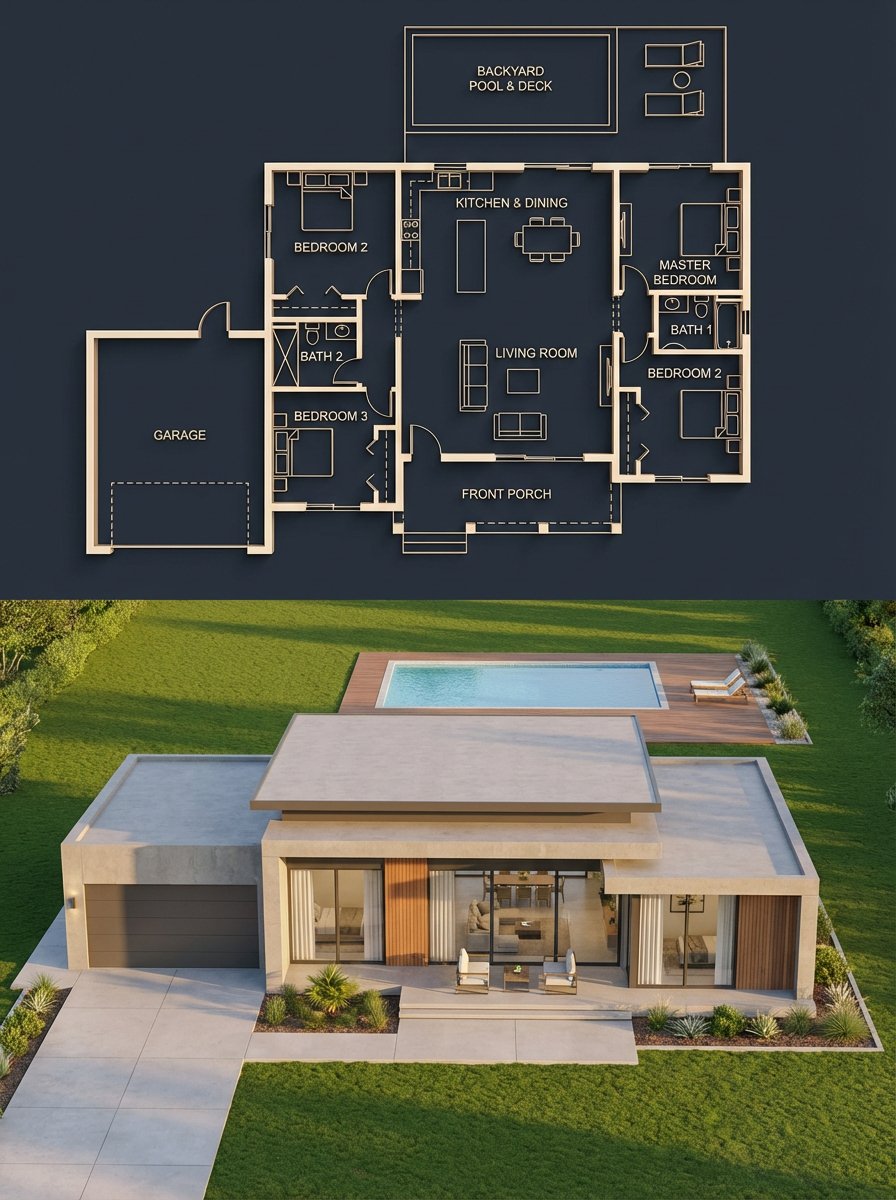
Architectural Blueprint to Render Split
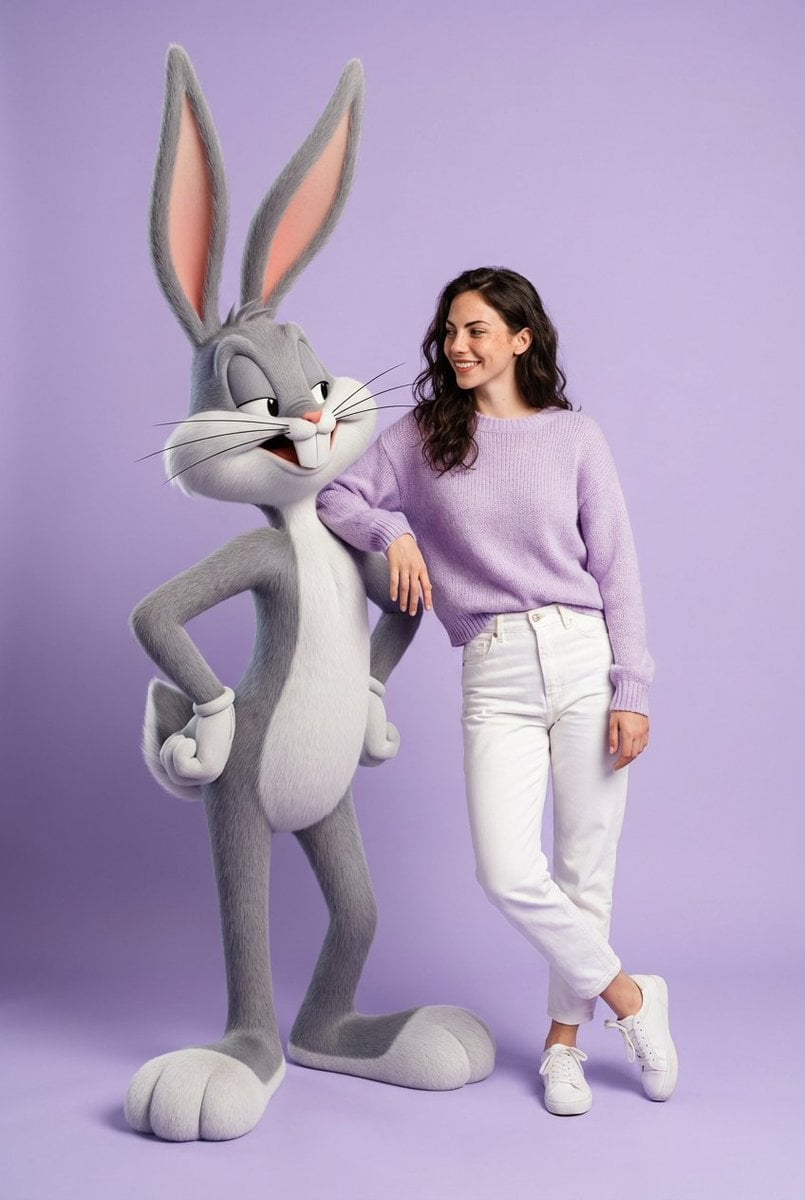
Playful Fashion Shoot with Giant Bugs Bunny
Browse template categories
Humorous Hamster Director Scene questions
How do I use the Humorous Hamster Director Scene template?
Add your photo if the template asks for one, edit the prompt if you like — the template's model and format are already selected — and press Generate. Your version opens in PicX Studio.
Can I customize the Humorous Hamster Director Scene template?
Yes. You can change the subject, setting, lighting, mood, format, and available model controls before creating your image.
Is the Humorous Hamster Director Scene template free?
Opening and editing this template is free. Generating uses credits, shown on the Generate button when you are signed in.
Which AI model should I use?
Start with GPT Image 2, which is the model associated with this template. You can compare another compatible model for a different finish.
Looking for something else? Browse all templates.

Your photo, any look
Thousands of ready templates for every top image and video model, from one credit balance.