
Ascetic Monk Cleaning Neon Tokyo
Generates a cinematic rainy Japanese nightlife street scene featuring a hermit-like monk collecting trash among neon pachinko and karaoke signs.
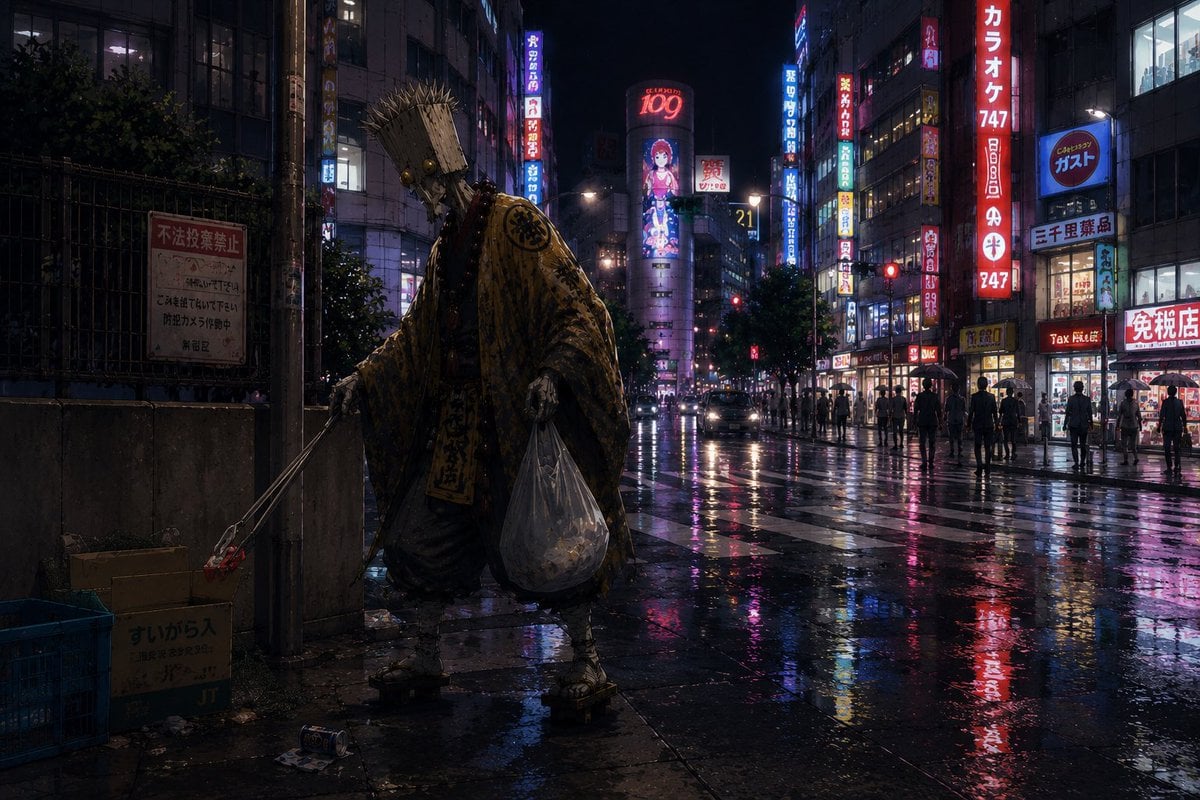
- Prompt included
- Model and format preset
- Free template
The prompt behind this image
Copy the exact prompt behind Ascetic Monk Cleaning Neon Tokyo, or open it in the studio and make it yours.
Create a cinematic, photorealistic night scene in a dense Japanese entertainment district after rain, with wet asphalt reflecting neon signs in pink, red, blue, and yellow. In the left foreground, show one mysterious wandering ascetic monk or hermit, seen from behind, wearing a heavy tattered patterned golden-brown robe, straw sandals, a rope belt, and a tall bundled straw hat or woven pilgrim headpiece that hides the face. The monk is doing street cleanup before entering the nightlife district: he holds one long metal litter picker in the left hand, grasping one piece of red trash near an open cardboard box, and carries one large transparent plastic garbage bag in the right hand filled with collected litter. Include exactly four prominent cleanup-related foreground objects: one cardboard box with Japanese writing, one blue plastic crate, one posted warning sign on a fence, and scattered small trash on the pavement. The background is a deep urban canyon of buildings with many glowing vertical Japanese signs, pachinko and karaoke-style storefronts, pedestrians with umbrellas and silhouettes, car headlights, traffic lights, and a large central billboard with a stylized anime girl and the number 109. Mood: contemplative, surreal, and slightly humorous, as if a saintly hermit is accumulating virtue before gambling. Use {argument name="city district" default="Kabukicho-like Tokyo nightlife street"}, {argument name="main character" default="wandering ascetic monk"}, {argument name="robe color" default="tattered golden-brown"}, {argument name="weather" default="rainy night after a storm"}, and {argument name="neon sign theme" default="pachinko, karaoke, tax-free shops, and anime billboards"}. Ultra-detailed realistic textures, moody low-key lighting, reflective puddles, wide-angle street photography composition, 16:9 aspect ratio, gritty cinematic color grading, no clean fantasy glow, no cartoon style.
How to use Ascetic Monk Cleaning Neon Tokyo in 3 steps
- 1Upload ImagePNG, JPG or paste
Add your photo
Upload the photo the template builds on. The prompt, model and format are already set.
- 2…a portrait of your subject in softgolden-hour light, 85mm…
Personalize
Edit the subject and creative details for your destination.
- 3Generate
Generate
Press Generate — your image is created in PicX Studio, so you can compare it with the original and refine one variable at a time.
More like this
Templates with the same subject, style or setup. Open one to see its prompt.

80s Neon Disco Night

Cartoon TV Show Poster Pack

Rainy Night Android Cyberpunk Portrait

Korean Idol Partial Shadow Editorial Portrait

Cyberpunk Neon Profile Fashion Portrait

Neon Night Crosswalk Candid Portrait

Subway Platform Quiet Introspective Portrait
Rainy Night Android Cyberpunk Portrait

Cinematic Sci-Fi Commander Side Profile Portrait
Low-Angle Cyberpunk Neon Profile Portrait

Cinematic Neon Light Strip Studio Portrait

Neon Violet Streetwear Fashion Portrait
Make it yours
Ascetic Monk Cleaning Neon Tokyo works as-is. These are the safest ways to change it without losing the look.
Change one field
Copy a single group, rewrite it, and generate again so you can see what that field is doing.
Keep the frame, change the subject
Hold the composition and light of Ascetic Monk Cleaning Neon Tokyo, then swap wardrobe, props or the person for a new take.
| If the result… | Why | Fix |
|---|---|---|
| The result drifts from the preview | Too many fields changed at once. | Reuse Ascetic Monk Cleaning Neon Tokyo as-is first, then change one group — subject, light, or setting. |
| The model over-stylizes the scene | The prose prompt leaves finish and camera underspecified. | Add one camera or lighting sentence and stay on GPT Image 2. |
More GPT Image 2 templates
Other prompts made for GPT Image 2.

Six VTuber Japanese Logo Sheet

Realistic Portrait of Woman and Deer

The Vista Modular Condo Poster

AI Model Routing Comparison Infographic

2.5D Anime Art Board

Isometric Productivity Desk Scene

New York Double Exposure Poster

Four-Panel AI Landscape Comparison

Japanese Tatami Lifestyle Magazine Cover

NESCAFÉ Coffee Map Poster
More image prompts
Fresh picks from across the catalog.

Generate a 9-way split image at 2K resolution

untitled
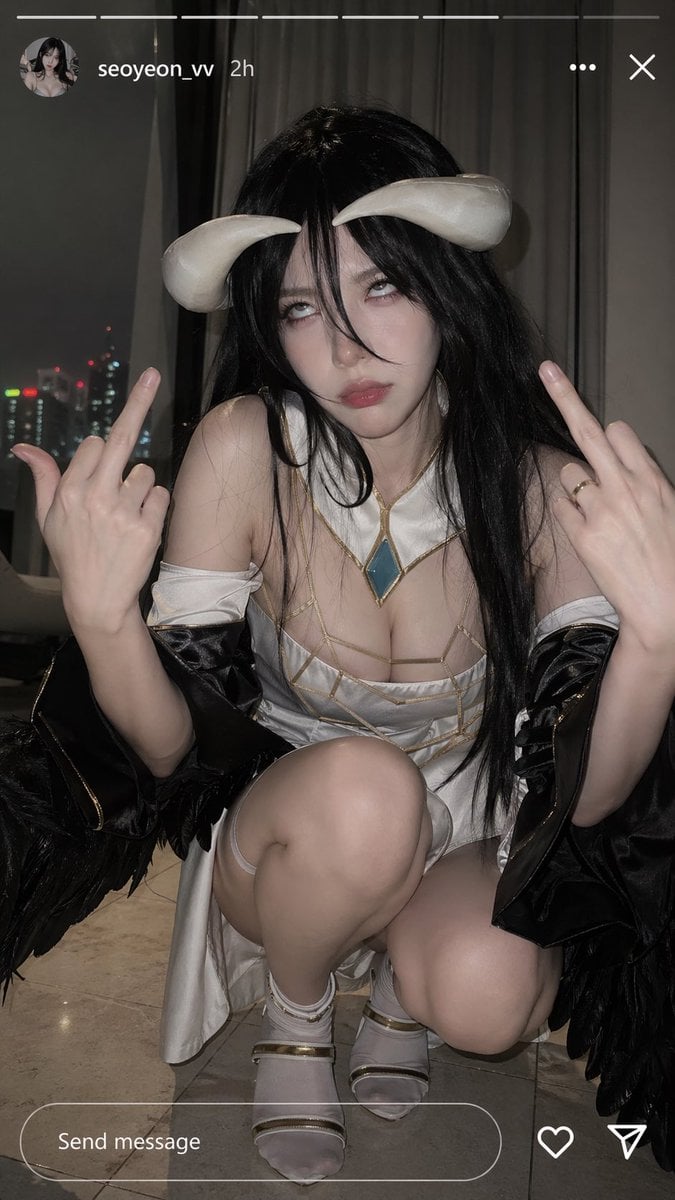
Albedo Cosplay Instagram Story
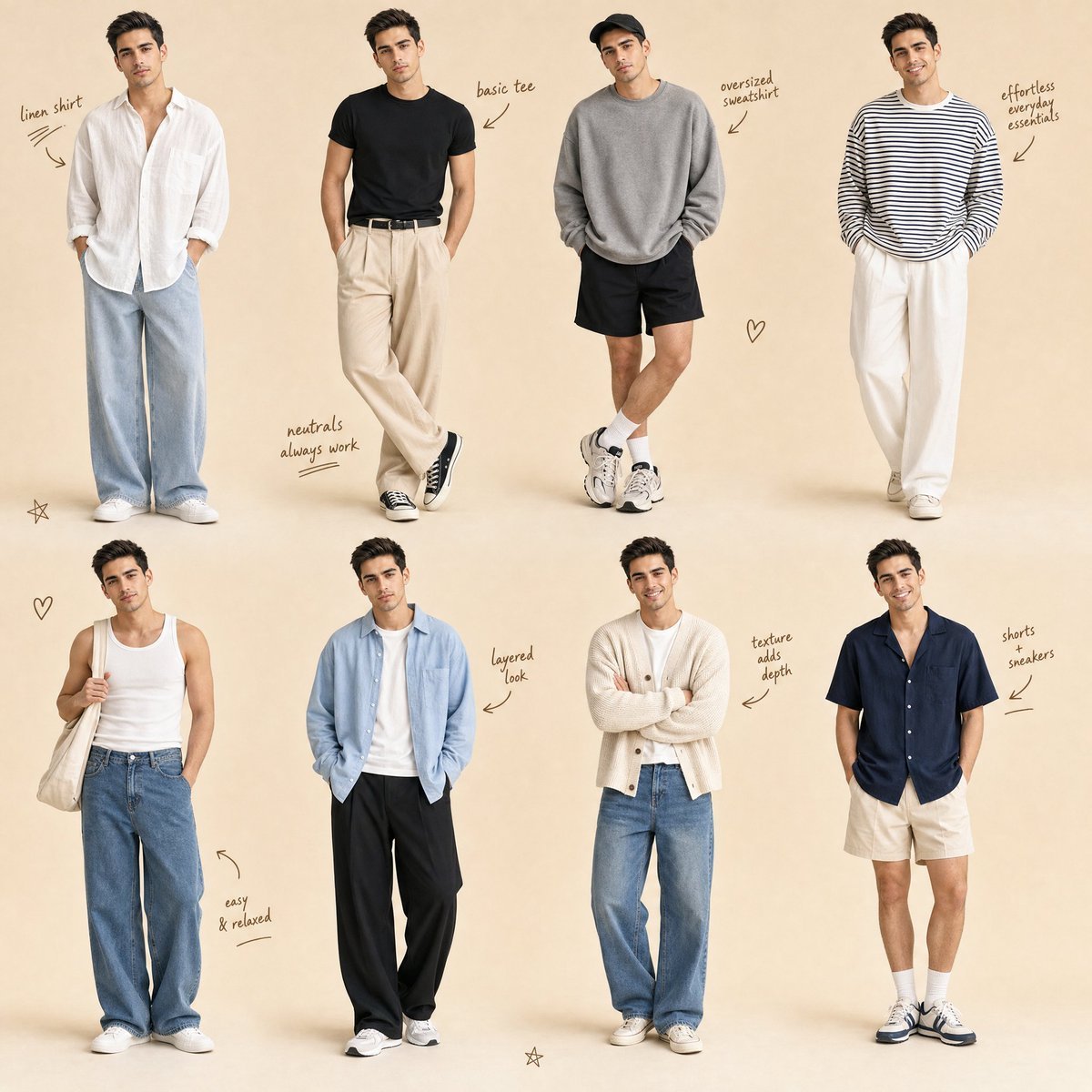
Minimalist Men's Fashion Collage
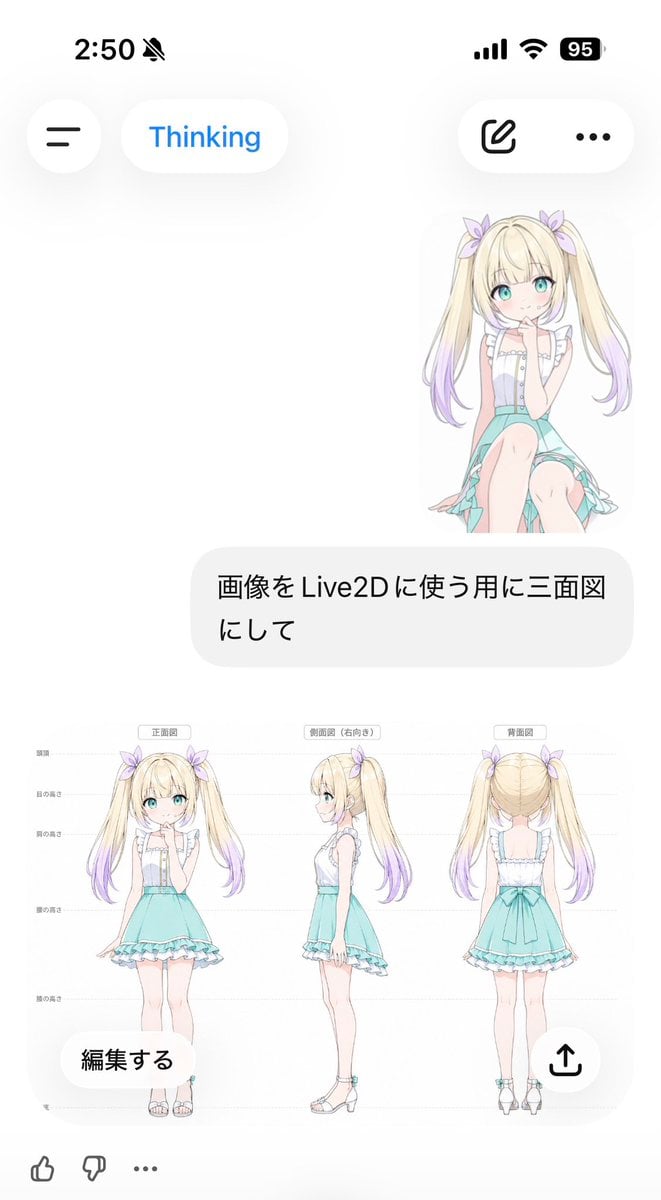
Anime Live2D Turnaround Chat Screenshot
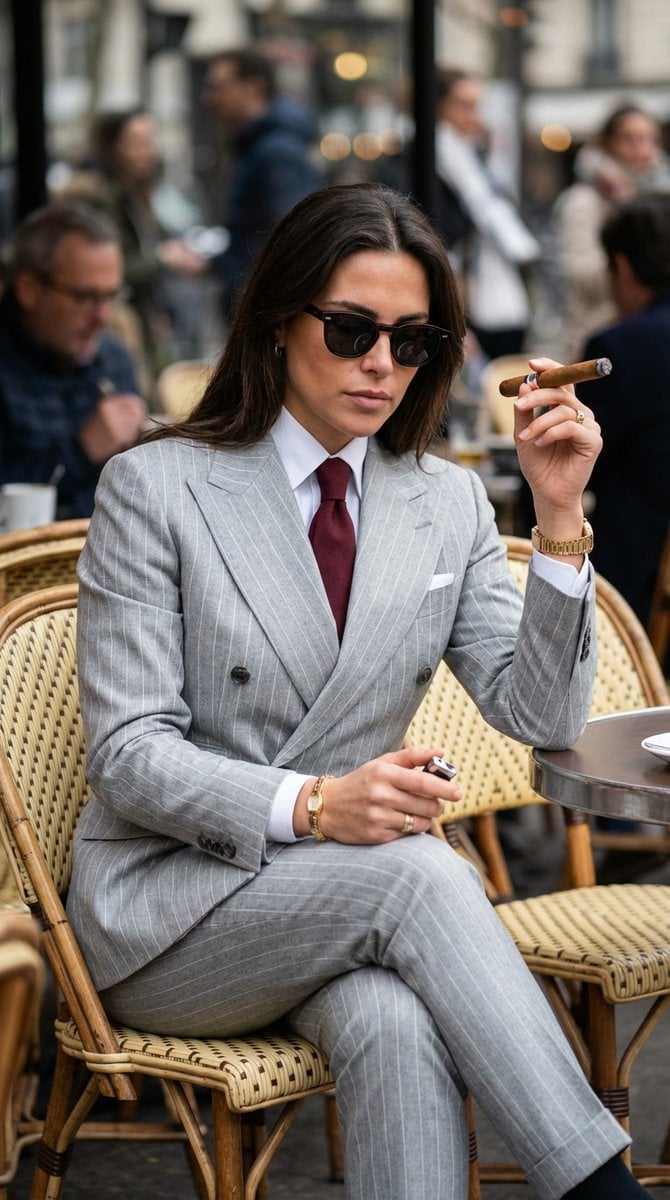
Luxury Editorial Paparazzi Style Image Editing Prompt for Nano Banana Pro

untitled

Pink Floral Vacation Café Portrait
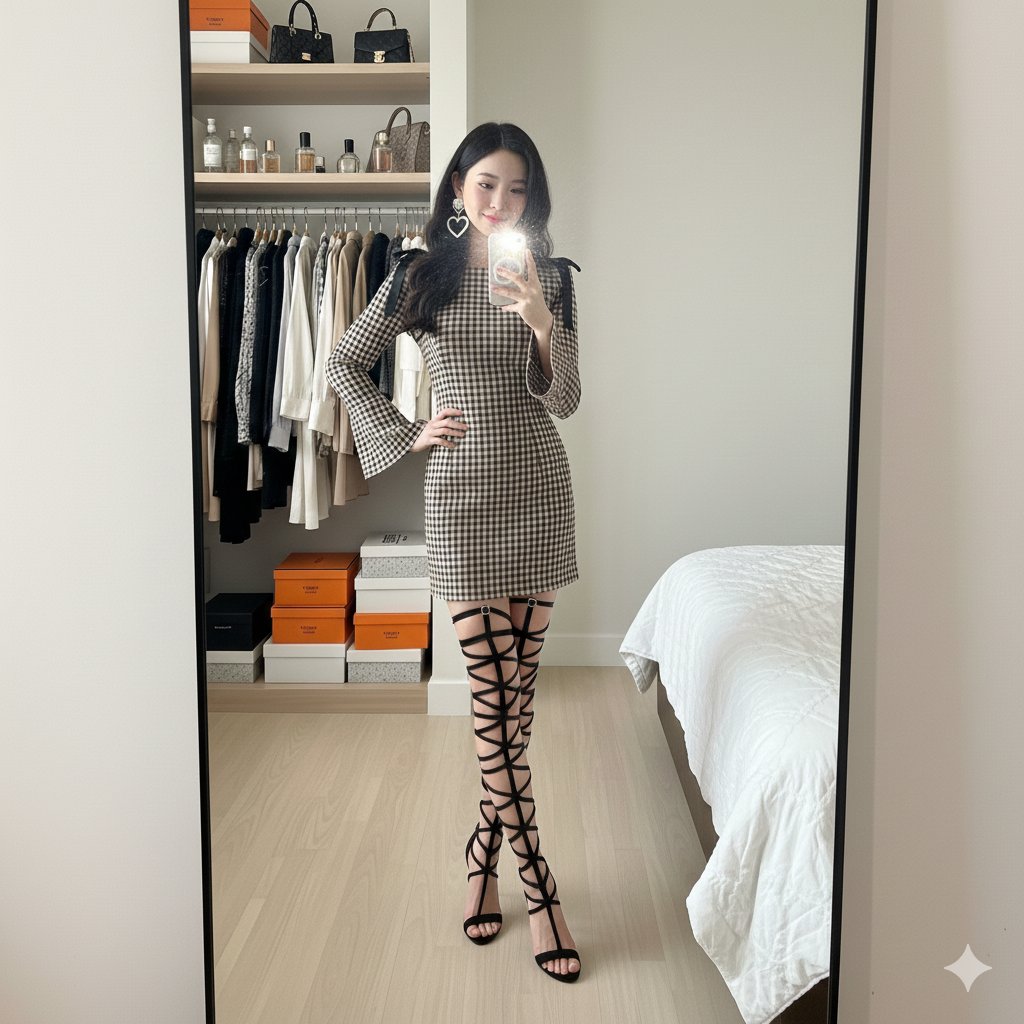
Mirror Selfie in Walk-In Closet Prompt
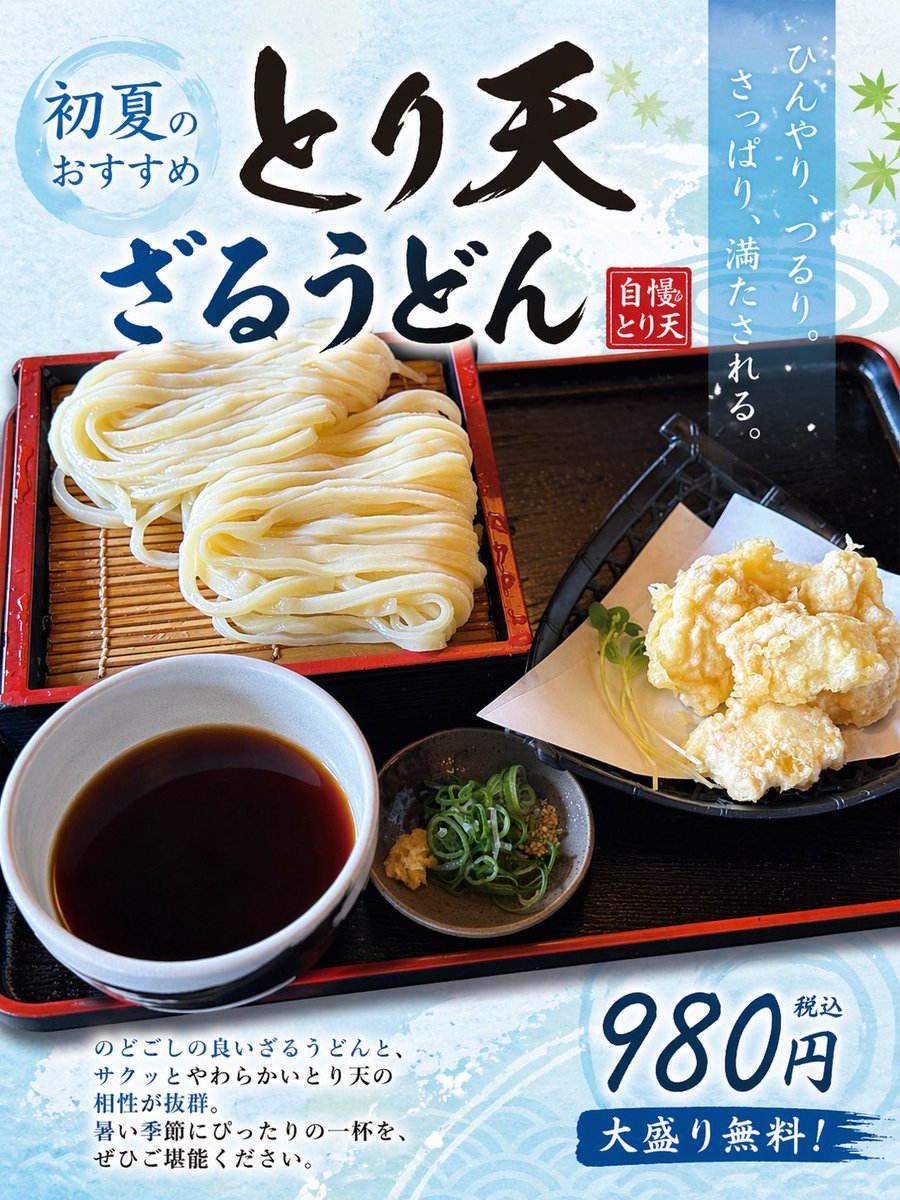
Turn Food Photo Into Japanese Poster
Browse template categories
Ascetic Monk Cleaning Neon Tokyo questions
How do I use the Ascetic Monk Cleaning Neon Tokyo template?
Add your photo if the template asks for one, edit the prompt if you like — the template's model and format are already selected — and press Generate. Your version opens in PicX Studio.
Can I customize the Ascetic Monk Cleaning Neon Tokyo template?
Yes. You can change the subject, setting, lighting, mood, format, and available model controls before creating your image.
Is the Ascetic Monk Cleaning Neon Tokyo template free?
Opening and editing this template is free. Generating uses credits, shown on the Generate button when you are signed in.
Which AI model should I use?
Start with GPT Image 2, which is the model associated with this template. You can compare another compatible model for a different finish.
Looking for something else? Browse all templates.

Your photo, any look
Thousands of ready templates for every top image and video model, from one credit balance.