
Shaolin Monk Character Sheet
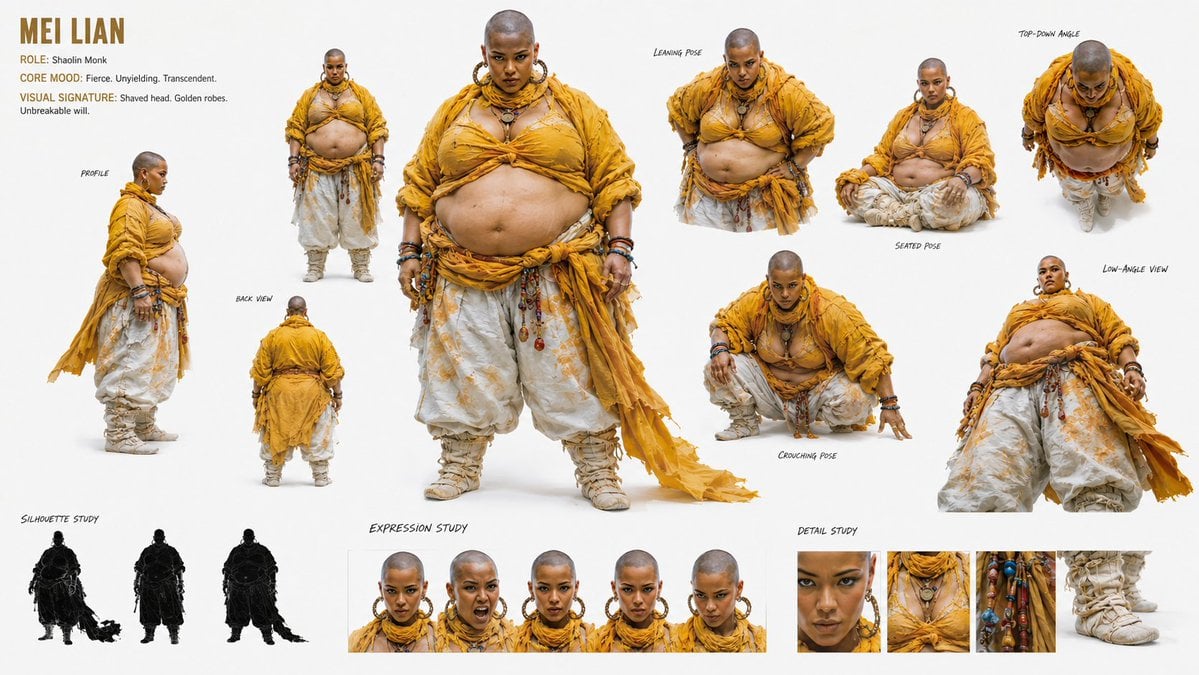
Generates a wide professional character reference sheet for a fierce golden-robed Shaolin monk with poses, silhouettes, expressions, and costume detail studies.
- Prompt included
- Model and format preset
- Premium template
The prompt behind this image
Copy the exact prompt behind Shaolin Monk Character Sheet, or open it in the studio and make it yours.
Goal: Create a high-end cinematic character design sheet for {argument name="character name" default="MEI LIAN"}, a fierce Shaolin monk character with a shaved head, golden robes, and an unbreakable presence, suitable as a reference sheet for animation or game production. Canvas: Wide horizontal white studio canvas, approximately 16:9, clean negative space, photorealistic concept-art presentation with soft studio lighting and faint contact shadows under the character. Use a warm ochre, saffron, cream, and weathered gold palette. Top-left text block: Large title “{argument name="character name" default="MEI LIAN"}” in bold condensed uppercase golden-brown lettering. Under it include three concise lines: “ROLE: Shaolin Monk”, “CORE MOOD: Fierce. Unyielding. Transcendent.”, and “VISUAL SIGNATURE: Shaved head. Golden robes. Unbreakable will.” Main subject details: The character is a plus-size bald female Shaolin monk with medium-brown skin, intense direct gaze, strong eyebrows, large gold hoop earrings, layered necklaces, bracelets, prayer beads, talismans, and weathered fabric accessories. She wears {argument name="robe color" default="saffron golden-yellow"} layered monk robes wrapped loosely across the shoulders and chest, exposing the belly, with voluminous off-white harem pants printed with subtle gold motifs, wrapped beige boots, and a long torn trailing sash. Her expression is commanding, serene, and intimidating. Layout and counted elements: Show exactly 15 character/reference elements total. Include 1 large central full-body front view dominating the middle of the sheet. Include 6 additional pose/view studies around it: 1 left side profile full-body view labeled “PROFILE”, 1 small rear full-body view labeled “BACK VIEW”, 1 upper-body forward leaning pose labeled “LEANING POSE”, 1 seated cross-legged pose labeled “SEATED POSE”, 1 low crouching pose labeled “CROUCHING POSE”, and 1 dramatic low-angle view labeled “LOW-ANGLE VIEW”. Include 1 top-down perspective pose in the upper-right labeled “TOP-DOWN ANGLE”. Include 3 black silhouette studies along the lower-left labeled “SILHOUETTE STUDY”: front silhouette with trailing sash, rear silhouette, and side/rear silhouette. Include 5 face expression thumbnails along the lower center labeled “EXPRESSION STUDY”: calm intense stare, shouting open mouth, stern neutral face, worried or tense face, and downward suspicious glare. Include 4 close-up detail thumbnails along the lower-right labeled “DETAIL STUDY”: eyes and earrings, layered chest robe and necklaces, hanging bead/talisman accessories, and wrapped boot. Visual style: Photorealistic fantasy costume concept sheet with subtle ink-like handwritten labels, realistic fabric texture, frayed robe edges, dusty boots, detailed jewelry, natural skin texture, and consistent studio lighting. The sheet should feel like a professional character reference board, not a comic page. Constraints: Keep all background areas plain white or very light gray. Do not add scenery, weapons, logos, watermark, UI elements, or extra characters. Maintain the exact counted pose groups and labels. Make the character visually consistent across all views, with the same shaved head, body shape, costume, jewelry, and golden monk identity.
How to use Shaolin Monk Character Sheet in 3 steps
- 1Upload ImagePNG, JPG or paste
Add your photo
Upload the photo the template builds on. The prompt, model and format are already set.
- 2…a portrait of your subject in softgolden-hour light, 85mm…
Personalize
Edit the subject and creative details for your destination.
- 3Generate
Generate
Press Generate — your image is created in PicX Studio, so you can compare it with the original and refine one variable at a time.
More like this
Templates with the same subject, style or setup. Open one to see its prompt.

Dancer Character - Four View Reference Sheet

Movement Sheet - Dance Reference (Seedance 2.0)
Cyberpunk Android Monk Sky City
Cyber Spiritualism Digital Monk
Ascetic Monk Cleaning Neon Tokyo
Humorous Temple Signboard with Goofy Monk
Dark Fantasy Wounded Monk Portrait
Monk Delivering Life Advice Video Still Prompt

Six VTuber Japanese Logo Sheet

Retro Manga StackChan Concept Sheet

Halloween Nun Chibi Character Sheet

Anime Lantern Girl Character Sheet
Make it yours
Shaolin Monk Character Sheet works as-is. These are the safest ways to change it without losing the look.
Change one field
Copy a single group, rewrite it, and generate again so you can see what that field is doing.
Keep the frame, change the subject
Hold the composition and light of Shaolin Monk Character Sheet, then swap wardrobe, props or the person for a new take.
| If the result… | Why | Fix |
|---|---|---|
| The result drifts from the preview | Too many fields changed at once. | Reuse Shaolin Monk Character Sheet as-is first, then change one group — subject, light, or setting. |
| The model over-stylizes the scene | The prose prompt leaves finish and camera underspecified. | Add one camera or lighting sentence and stay on GPT Image 2. |
More GPT Image 2 templates
Other prompts made for GPT Image 2.

Realistic Portrait of Woman and Deer

The Vista Modular Condo Poster

AI Model Routing Comparison Infographic

2.5D Anime Art Board

Isometric Productivity Desk Scene

New York Double Exposure Poster

Four-Panel AI Landscape Comparison

Japanese Tatami Lifestyle Magazine Cover

NESCAFÉ Coffee Map Poster

Brutalist Cogito Chinese Typography Poster
More image prompts
Fresh picks from across the catalog.
Whimsical 3D Character Interaction Portrait
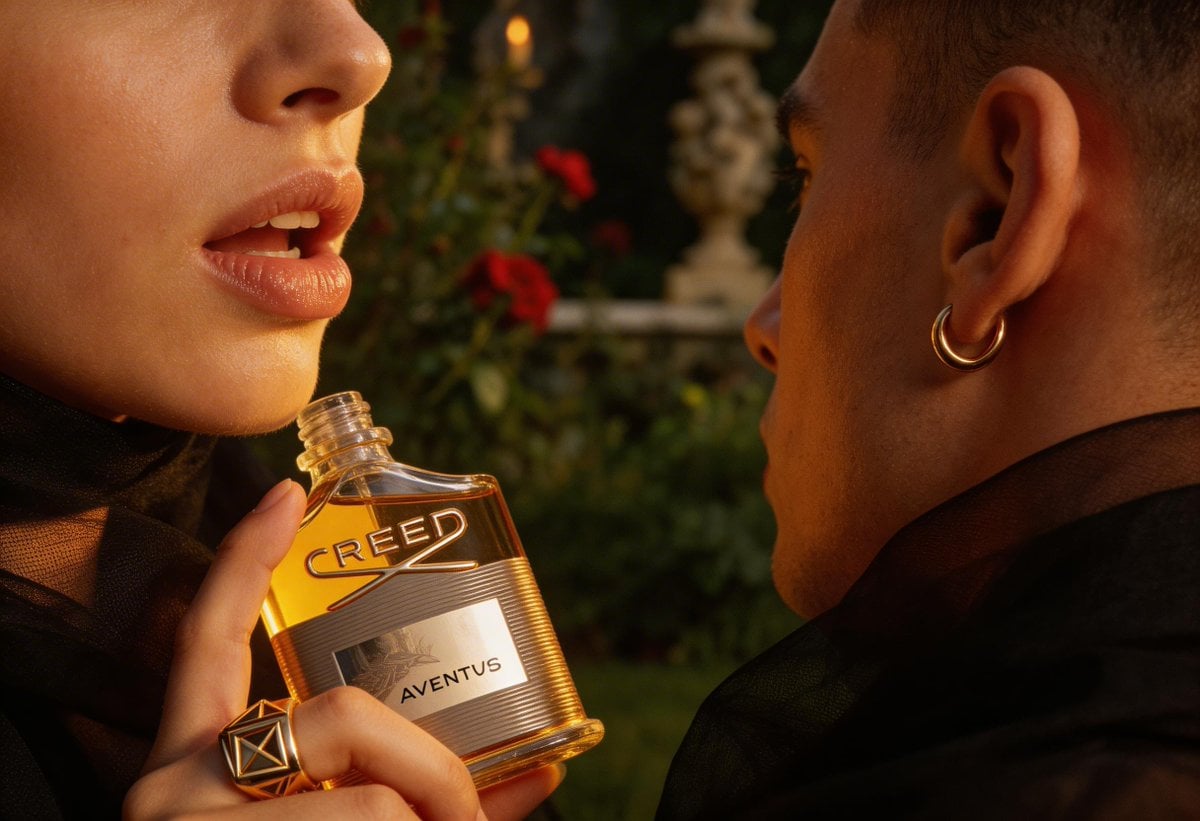
High-End Fashion Editorial Close-up (Creed Aventus)
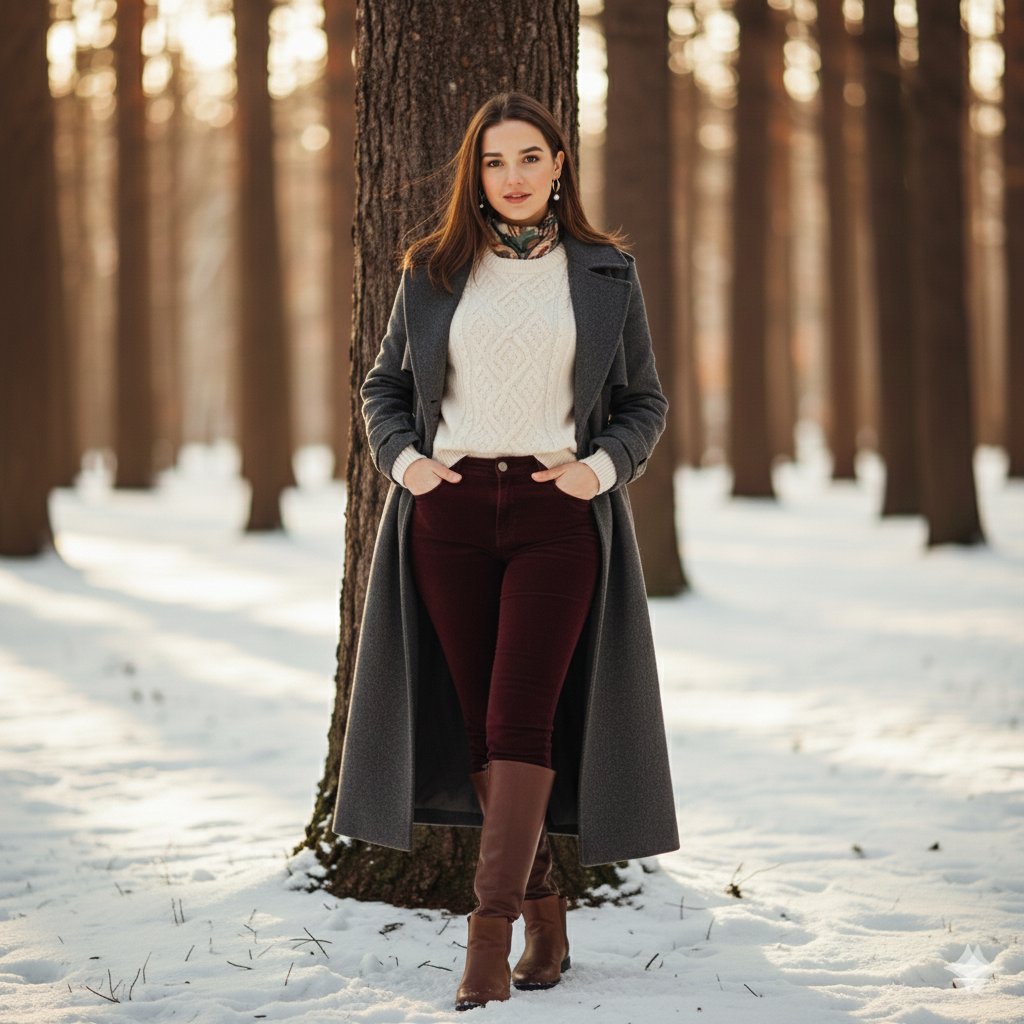
Cinematic Winter Portrait Photoshoot Prompt
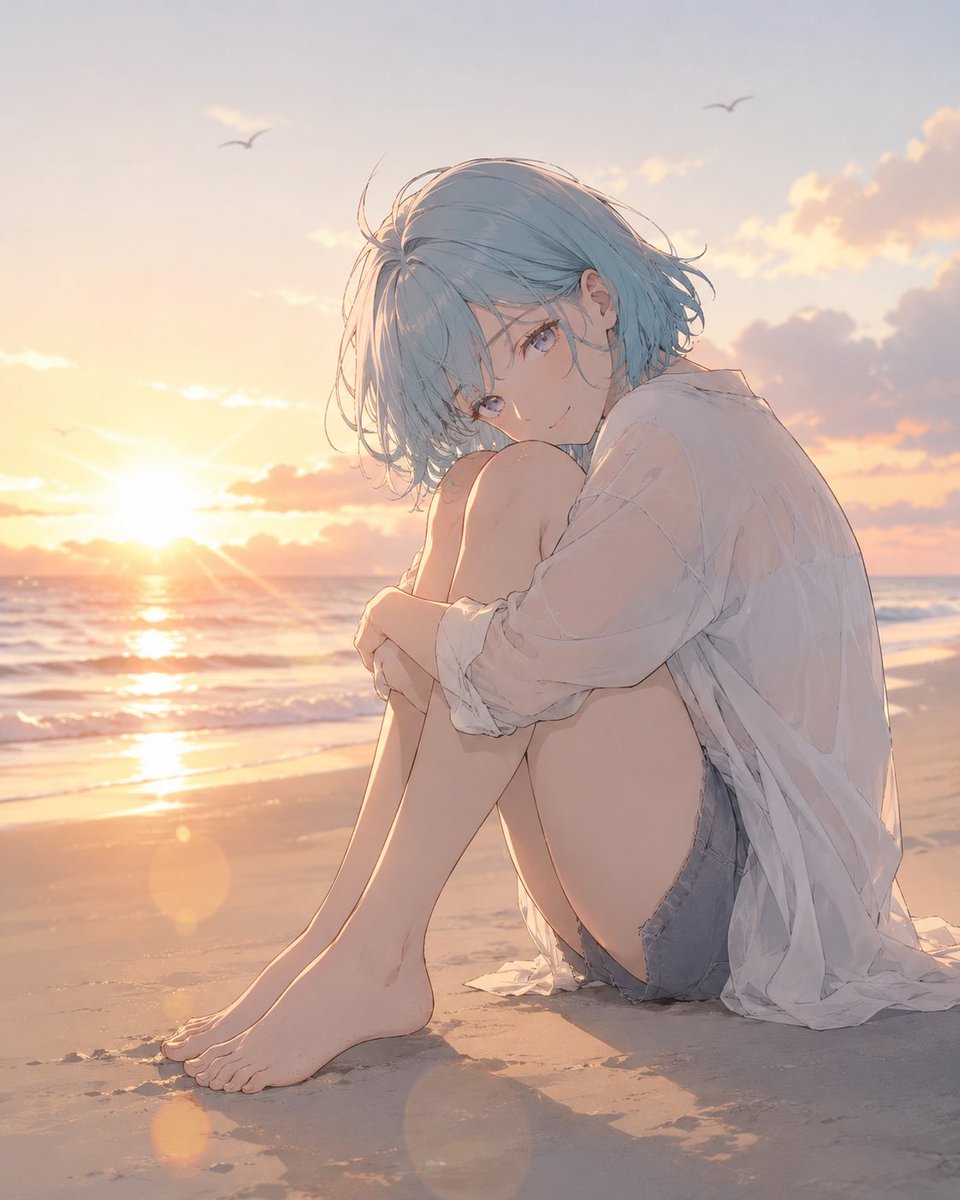
Anime Woman at Sunset Beach
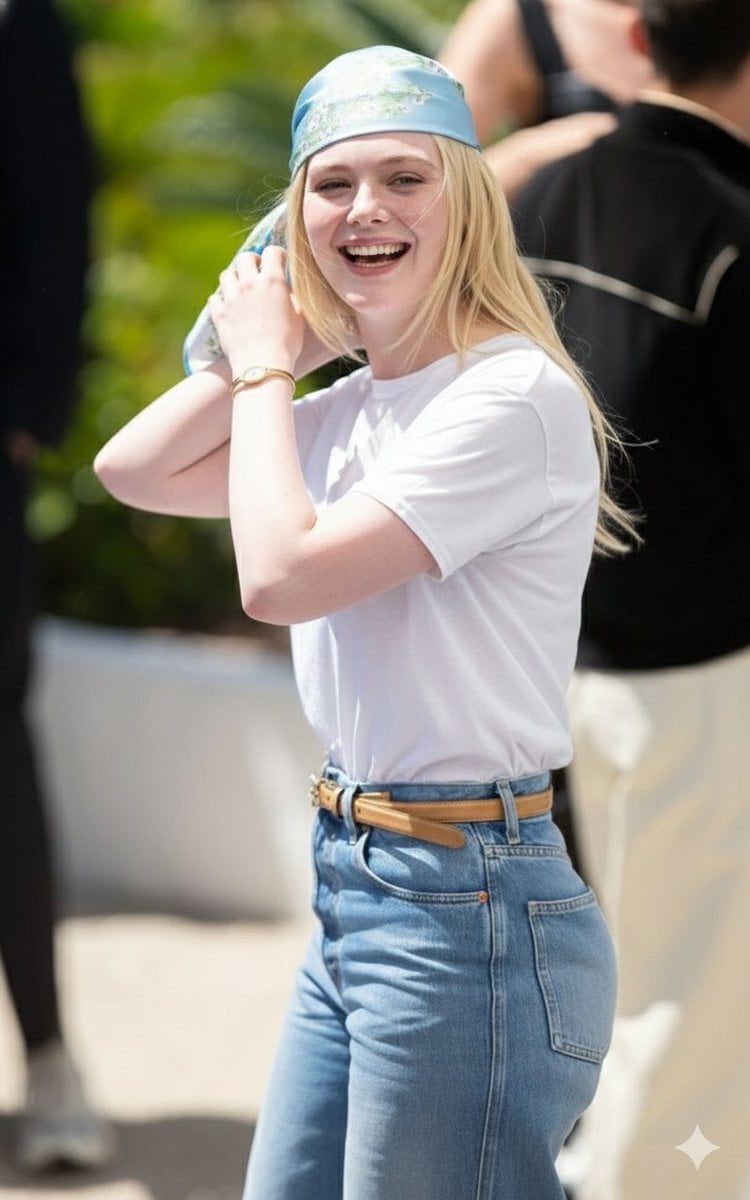
Candid Paparazzi-Style Street Photograph
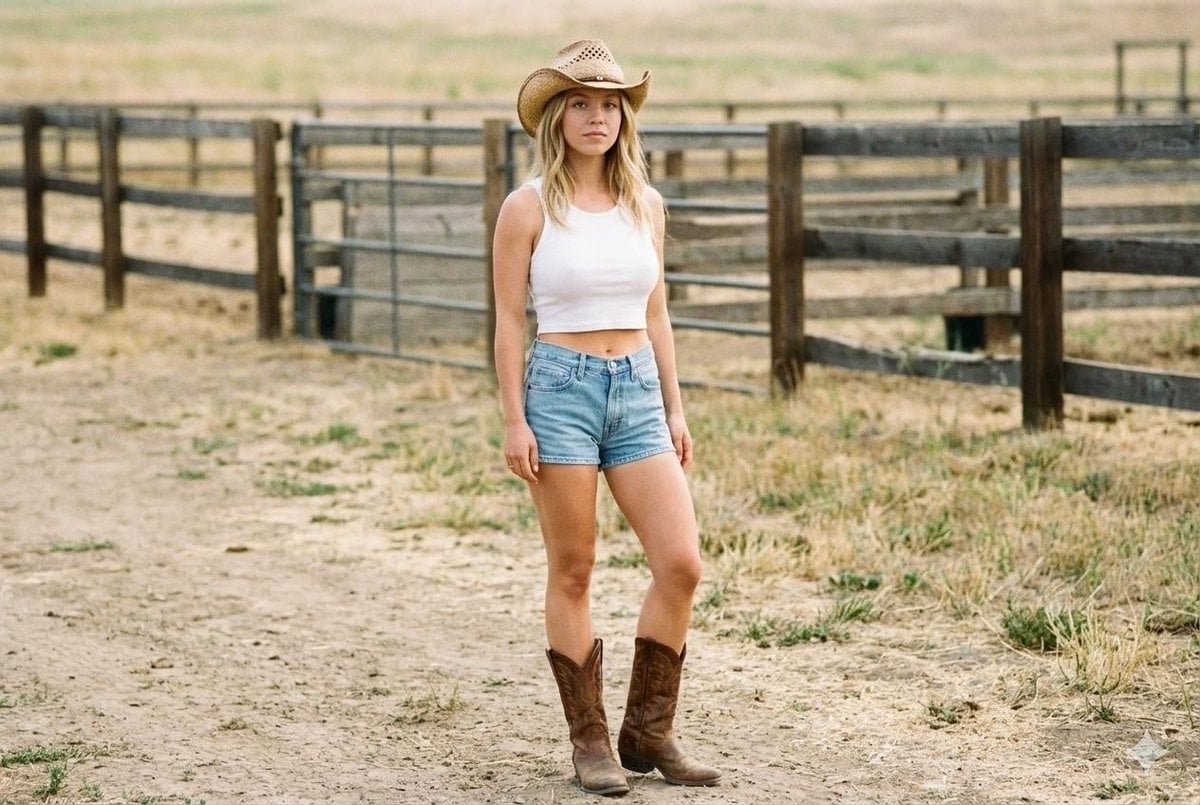
Candid Cowgirl Hat and Denim Snapshot
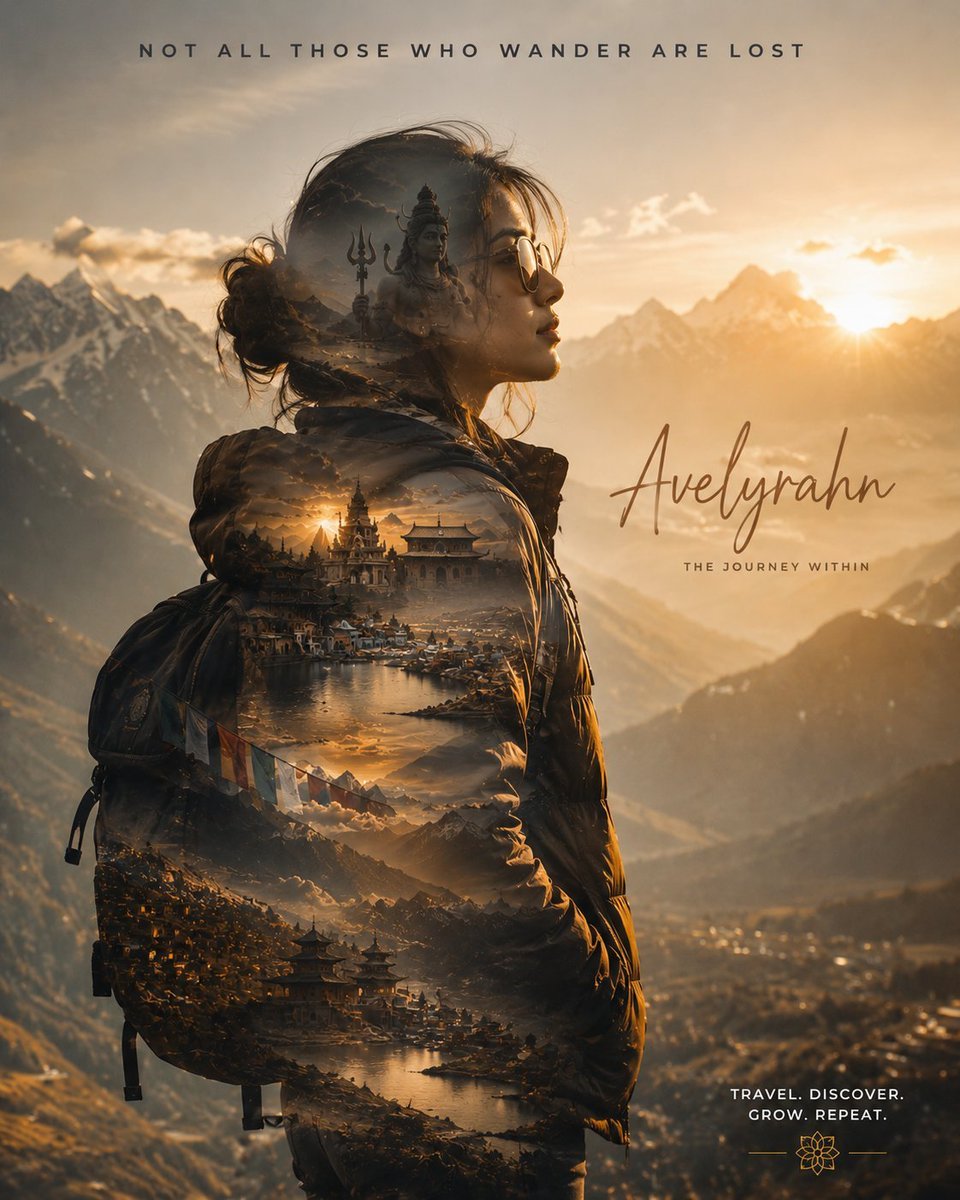
Double Exposure Spiritual Travel Poster
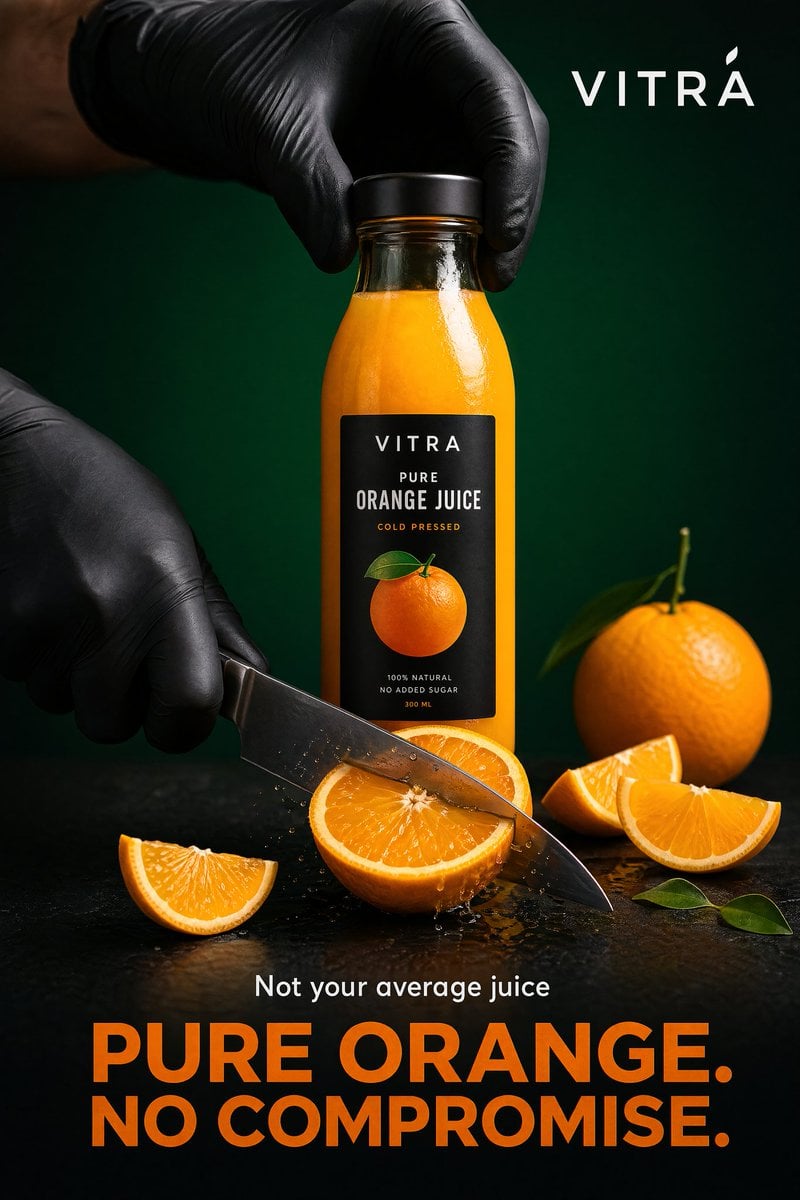
Premium Beverage Commercial Poster
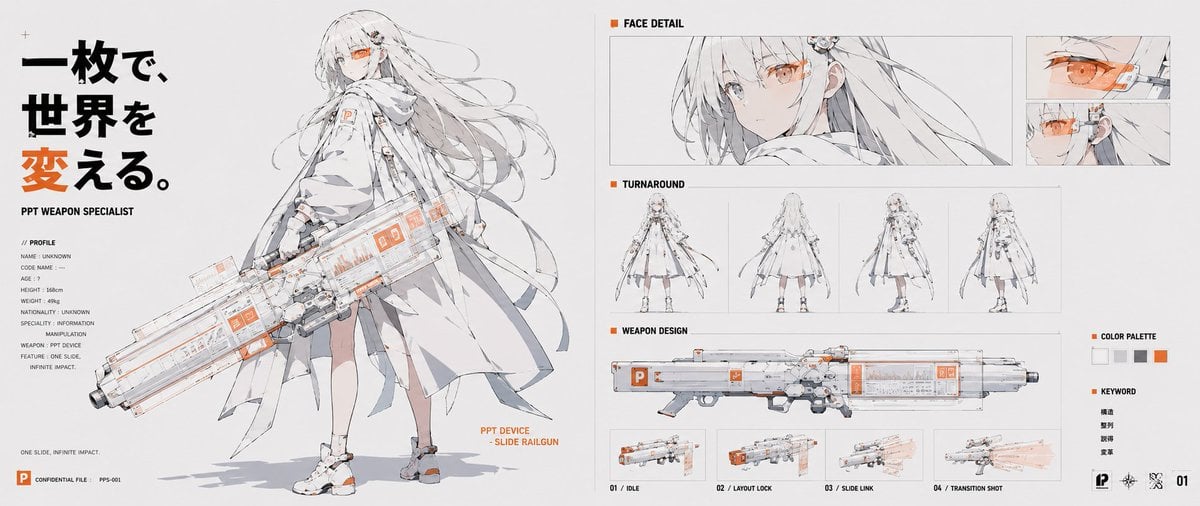
PPT Weapon Specialist Character Sheet

World Cup Tunnel Champion
Browse template categories
Shaolin Monk Character Sheet questions
How do I use the Shaolin Monk Character Sheet template?
Add your photo if the template asks for one, edit the prompt if you like — the template's model and format are already selected — and press Generate. Your version opens in PicX Studio.
Can I customize the Shaolin Monk Character Sheet template?
Yes. You can change the subject, setting, lighting, mood, format, and available model controls before creating your image.
Is the Shaolin Monk Character Sheet template free?
Opening and editing this template is free. Generating uses credits, shown on the Generate button when you are signed in.
Which AI model should I use?
Start with GPT Image 2, which is the model associated with this template. You can compare another compatible model for a different finish.
Looking for something else? Browse all templates.

Your photo, any look
Thousands of ready templates for every top image and video model, from one credit balance.