
Hyper-Chaotic Japanese Digicam Snapshot
A highly detailed prompt for generating a chaotic, early-2000s Japanese digicam style photo featuring a subject chasing a cat with extreme fisheye distortion and raw paparazzi energy.
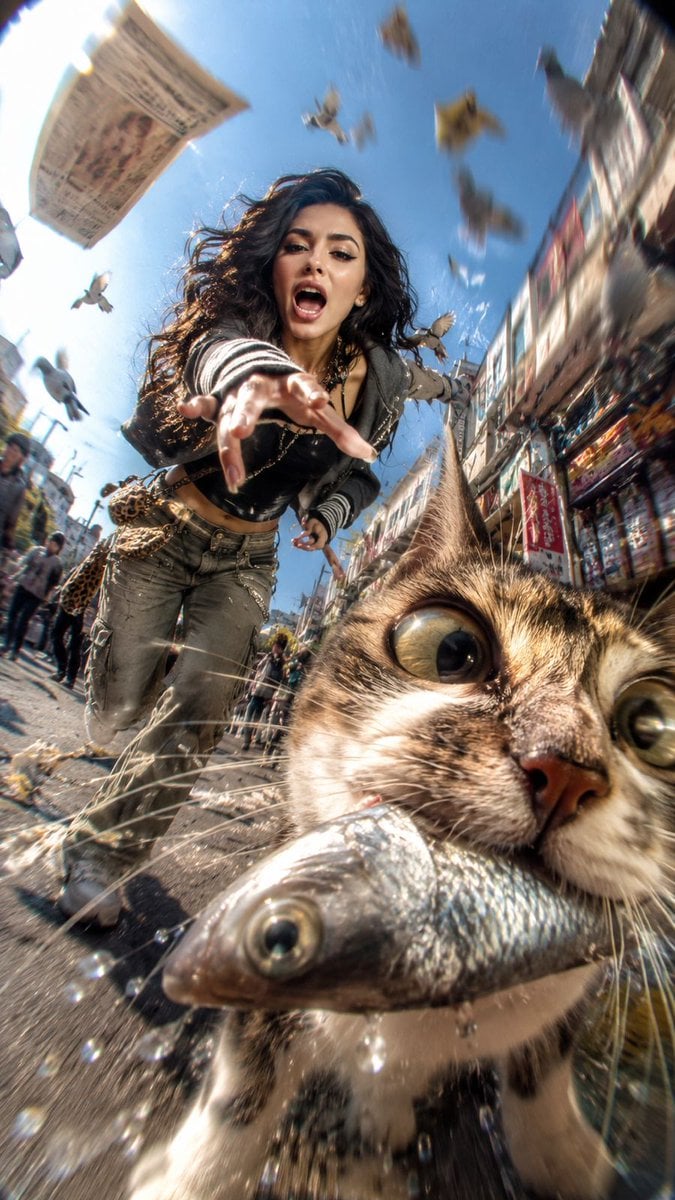
- Prompt included
- Model and format preset
- Free template
The prompt behind this image
Copy the exact prompt behind Hyper-Chaotic Japanese Digicam Snapshot, or open it in the studio and make it yours.
Use the uploaded reference image as the exact identity base for the main subject. Preserve their authentic facial structure, recognizable appearance, hairstyle, body proportions, skin texture, and overall identity with high consistency. Completely ignore any unrelated background from the original image. Create a hyper-chaotic early-2000s Japanese digicam snapshot aesthetic with raw paparazzi energy and accidental comedy. Scene: the subject is sprinting wildly through a busy city street while yelling and laughing in pure chaos, desperately trying to catch a {argument name="animal" default="mischievous cat"} that just stole a {argument name="stolen item" default="large shiny fish"} from a market stall. The cat is gripping the slippery silver fish tightly in its mouth while running directly toward the camera. Composition must prioritize TWO focal subjects: 1. PRIMARY FOCUS → the cat’s face 2. SECONDARY FOCUS → the human subject’s face The cat dominates the foreground frame with its face pushed absurdly close into the lens, partially cropped near the lower-right side. Massive fisheye distortion stretches its features dramatically — huge bulging eyes, exaggerated whiskers, detailed fur texture, fish flapping violently with droplets and motion streaks flying outward. Behind the cat, the subject is charging forward aggressively with intense energy, reaching toward the animal mid-run. Their expression is loud, chaotic, and comedic, eyes locked directly onto the cat to create strong interaction and pursuit tension. Styling: Randomized layered {argument name="fashion style" default="Y2K Tokyo streetwear"} inspired by chaotic Shibuya nightlife fashion — oversized zip hoodies, vintage mesh layers, mini bags, low-rise pieces, striped arm warmers, chunky accessories, early-2000s sneaker styling, messy fashionable youth aesthetic. Camera & framing: extreme low-angle fisheye lens, ultra-wide invasive perspective, severe Dutch angle, asymmetrical framing, warped spatial distortion, exaggerated depth compression, aggressive foreshortening. Motion treatment: insanely intense movement blur with radial streaking, shutter drag, CCD sensor smearing, directional speed trails, accidental camera shake, stretched highlights, warped moving objects, imperfect chaotic snapshot timing. Environment: sunny crowded urban street with pigeons exploding into flight across the frame, scattered newspapers and debris flying through the air, warped pedestrians, market elements smeared by motion, overexposed sunlight leaking into one corner of the frame. Lighting & texture: harsh direct flash combined with bright outdoor sunlight, dirty CCD digicam texture, blown highlights, chromatic aberration, digital noise, bloom artifacts, compressed early-2000s camera look, gritty nostalgic cyber-chaos atmosphere. Ultra-raw candid energy, messy composition, humorous accidental masterpiece aesthetic.
How to use Hyper-Chaotic Japanese Digicam Snapshot in 3 steps
- 1Upload ImagePNG, JPG or paste
Add your photo
Upload the photo the template builds on. The prompt, model and format are already set.
- 2…a portrait of your subject in softgolden-hour light, 85mm…
Personalize
Edit the subject and creative details for your destination.
- 3Generate
Generate
Press Generate — your image is created in PicX Studio, so you can compare it with the original and refine one variable at a time.
More like this
Templates with the same subject, style or setup. Open one to see its prompt.

Nostalgic Digicam Café Afternoon Portrait

Minecraft Japanese Research Lab Exploration
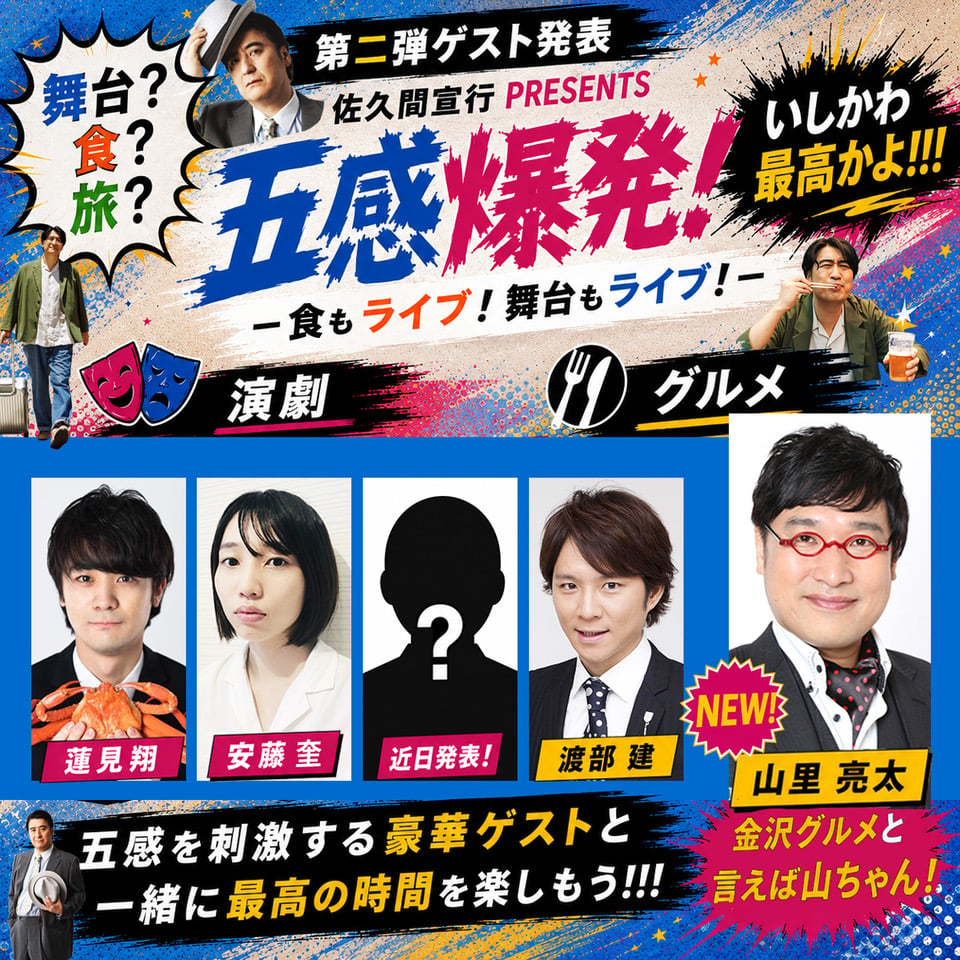
Chaotic Japanese Guest Announcement Poster

Japanese Architectural Concrete Studio Fashion Campaign

Japanese Minimalist Concrete Studio Fashion Editorial

Blue Backdrop Luxury Fashion Portrait Campaign
Nostalgic Digicam Café Afternoon Portrait
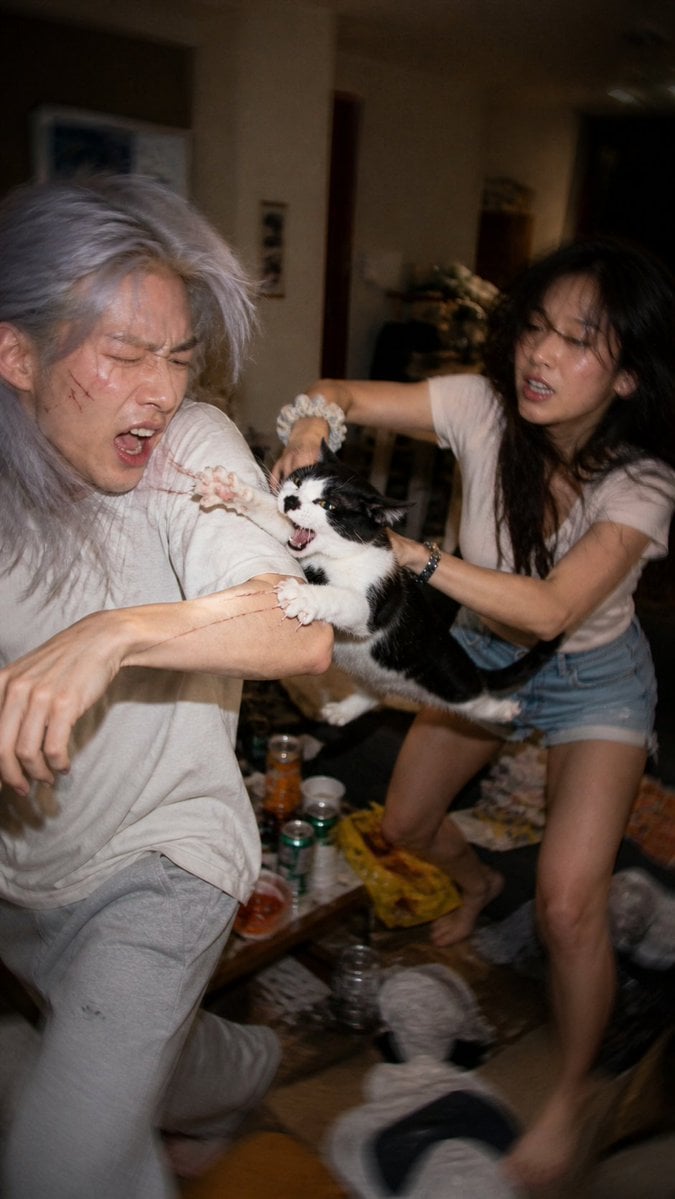
Chaotic Cat Flash Snapshot

Japanese Film Reflection Idol
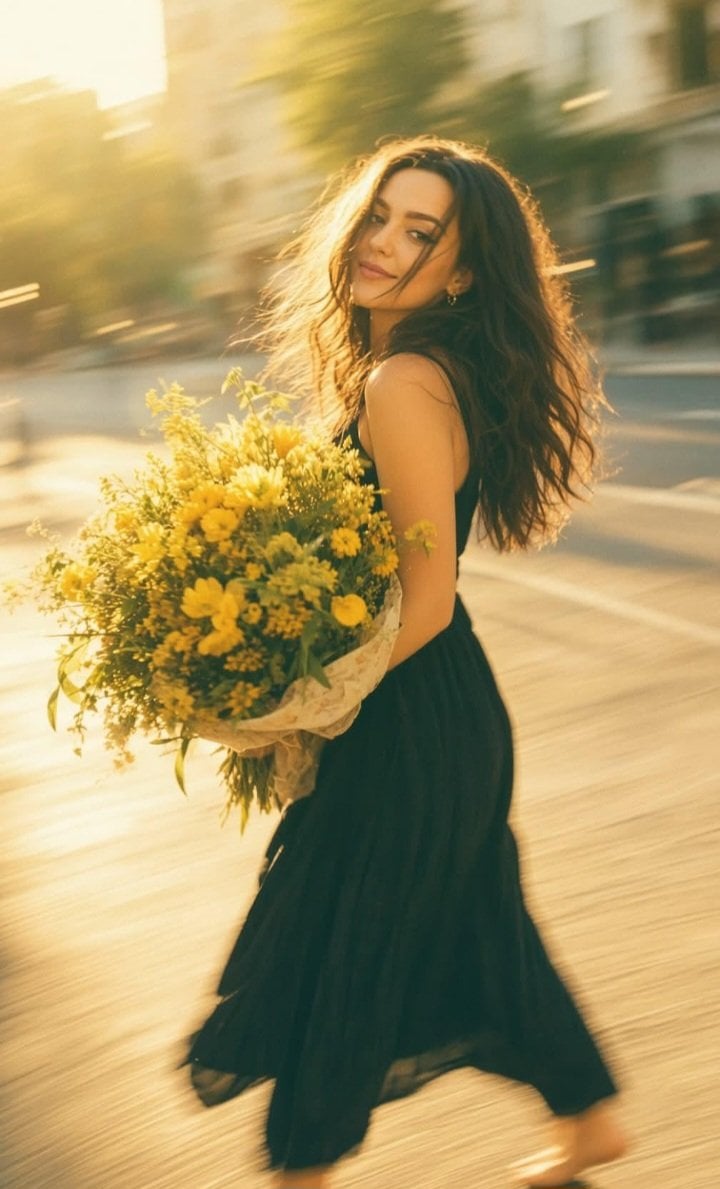
Consistent Series Character Street Snapshot
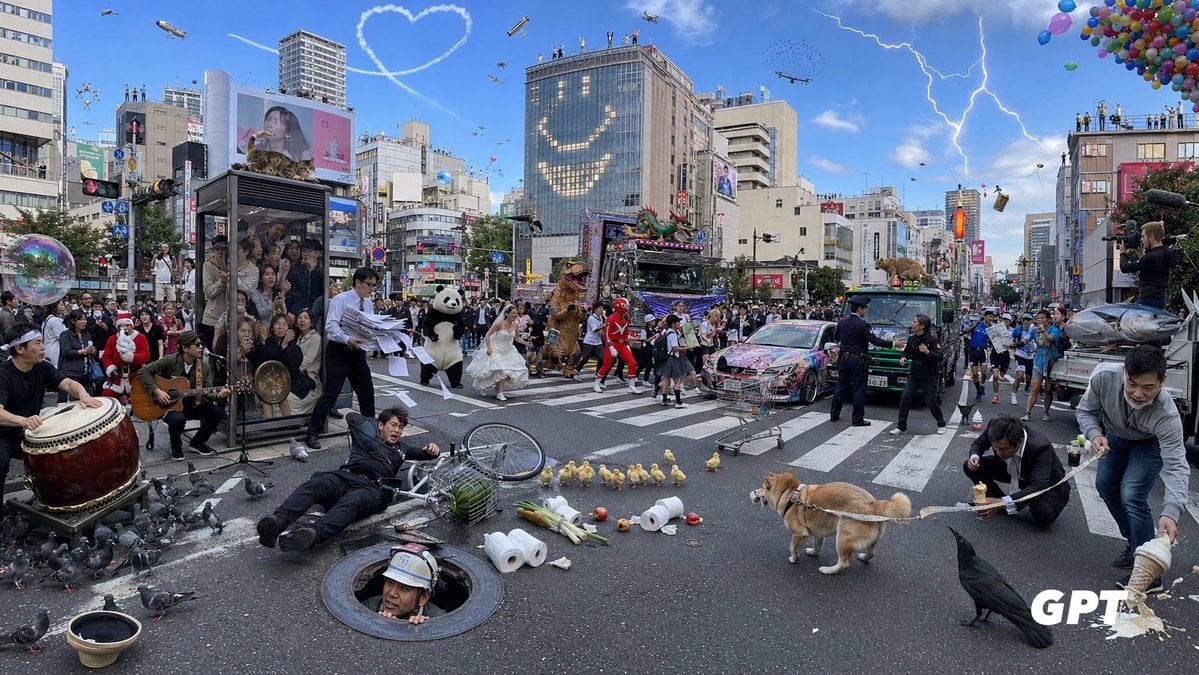
Chaotic Shibuya Scramble Crossing
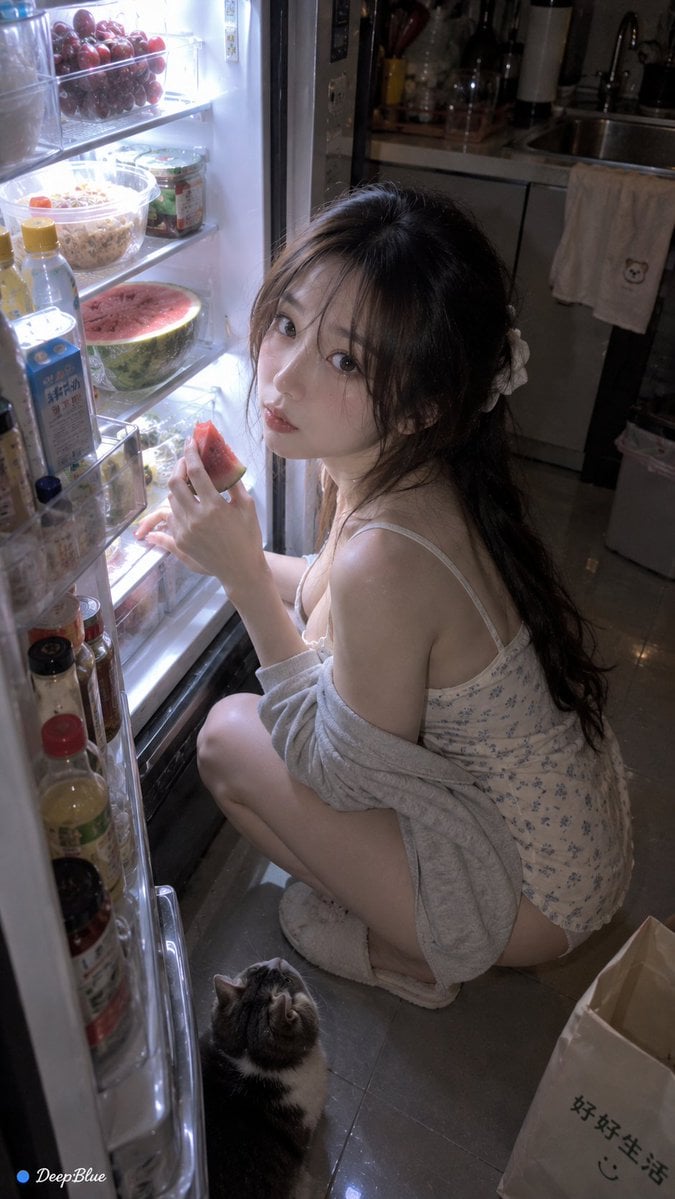
Late Night Fridge Candid Snapshot
Make it yours
Hyper-Chaotic Japanese Digicam Snapshot works as-is. These are the safest ways to change it without losing the look.
Change one field
Copy a single group, rewrite it, and generate again so you can see what that field is doing.
Keep the frame, change the subject
Hold the composition and light of Hyper-Chaotic Japanese Digicam Snapshot, then swap wardrobe, props or the person for a new take.
| If the result… | Why | Fix |
|---|---|---|
| The result drifts from the preview | Too many fields changed at once. | Reuse Hyper-Chaotic Japanese Digicam Snapshot as-is first, then change one group — subject, light, or setting. |
| The model over-stylizes the scene | The prose prompt leaves finish and camera underspecified. | Add one camera or lighting sentence and stay on GPT Image 2. |
More GPT Image 2 templates
Other prompts made for GPT Image 2.

Realistic Portrait of Woman and Deer

The Vista Modular Condo Poster

AI Model Routing Comparison Infographic

2.5D Anime Art Board

Isometric Productivity Desk Scene

New York Double Exposure Poster

Four-Panel AI Landscape Comparison

NESCAFÉ Coffee Map Poster

Brutalist Cogito Chinese Typography Poster

Cinematic Luxury Terrace Portrait
More image prompts
Fresh picks from across the catalog.
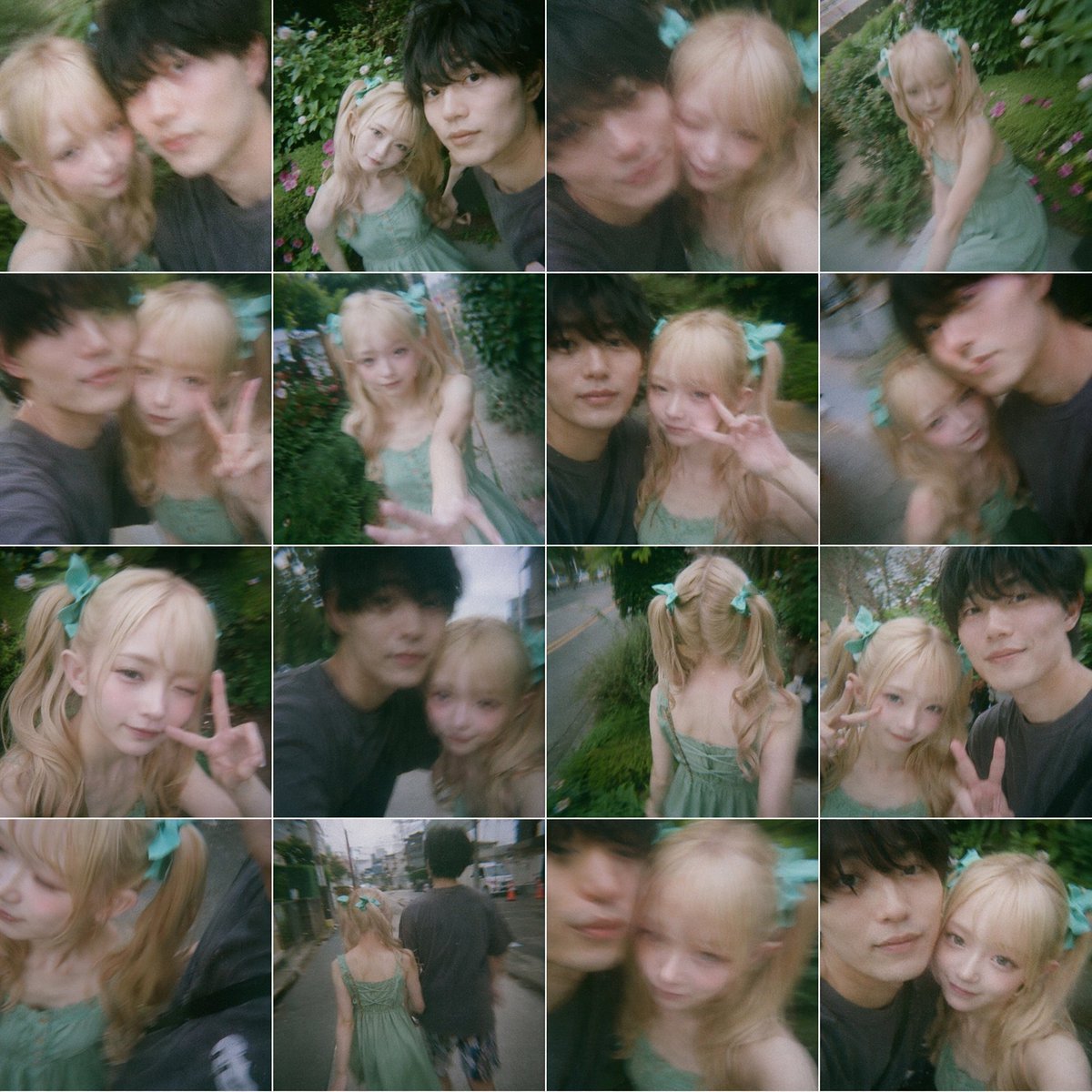
Dreamy 16-Photo Couple Walk Collage
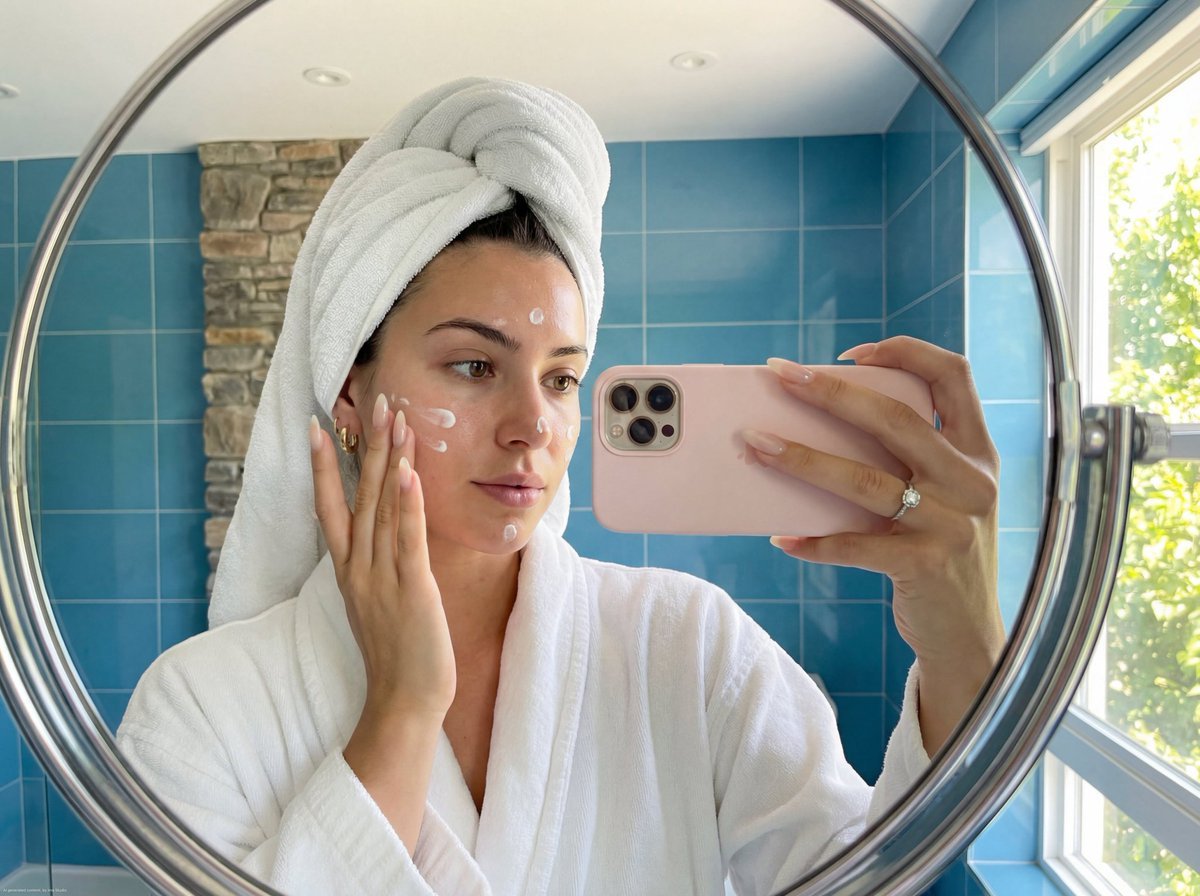
Skincare Mirror Selfie in a Modern Bathroom
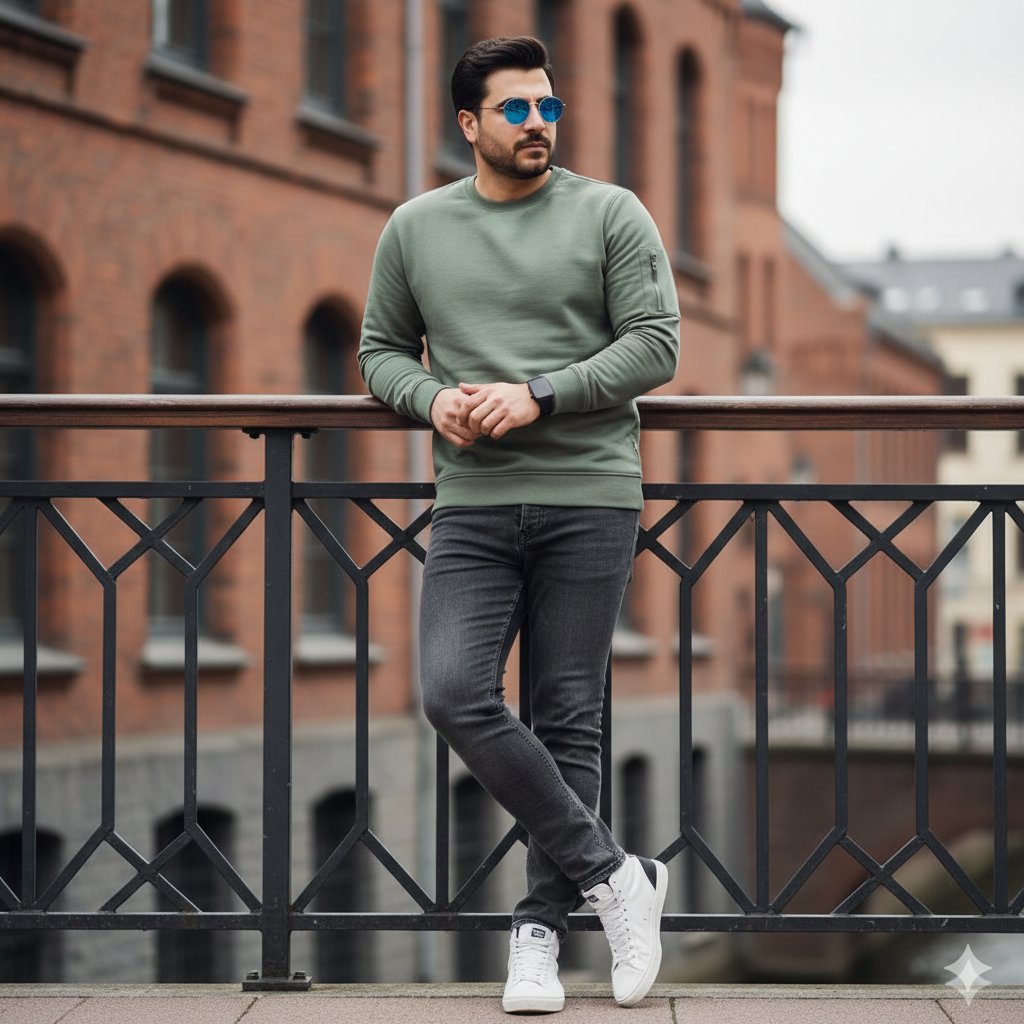
Urban Street Style Fashion Editorial

Cinematic Ottoman Historical Romance Kiss Prompt
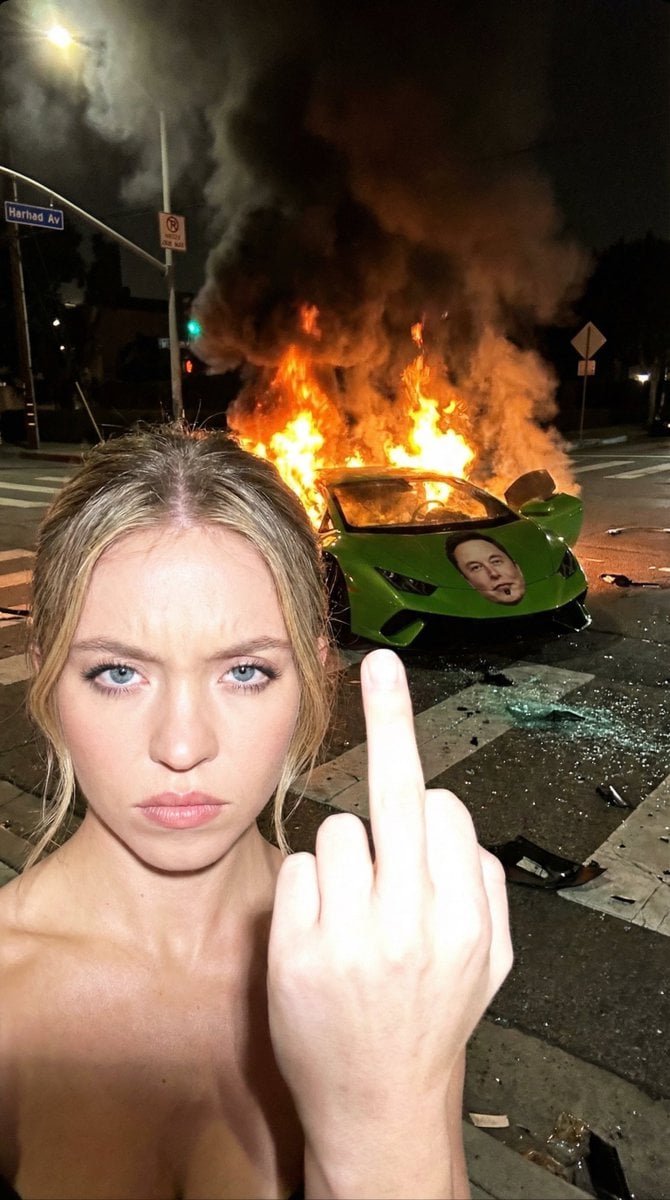
The Crash & The Gesture: Aggressive Street Photography
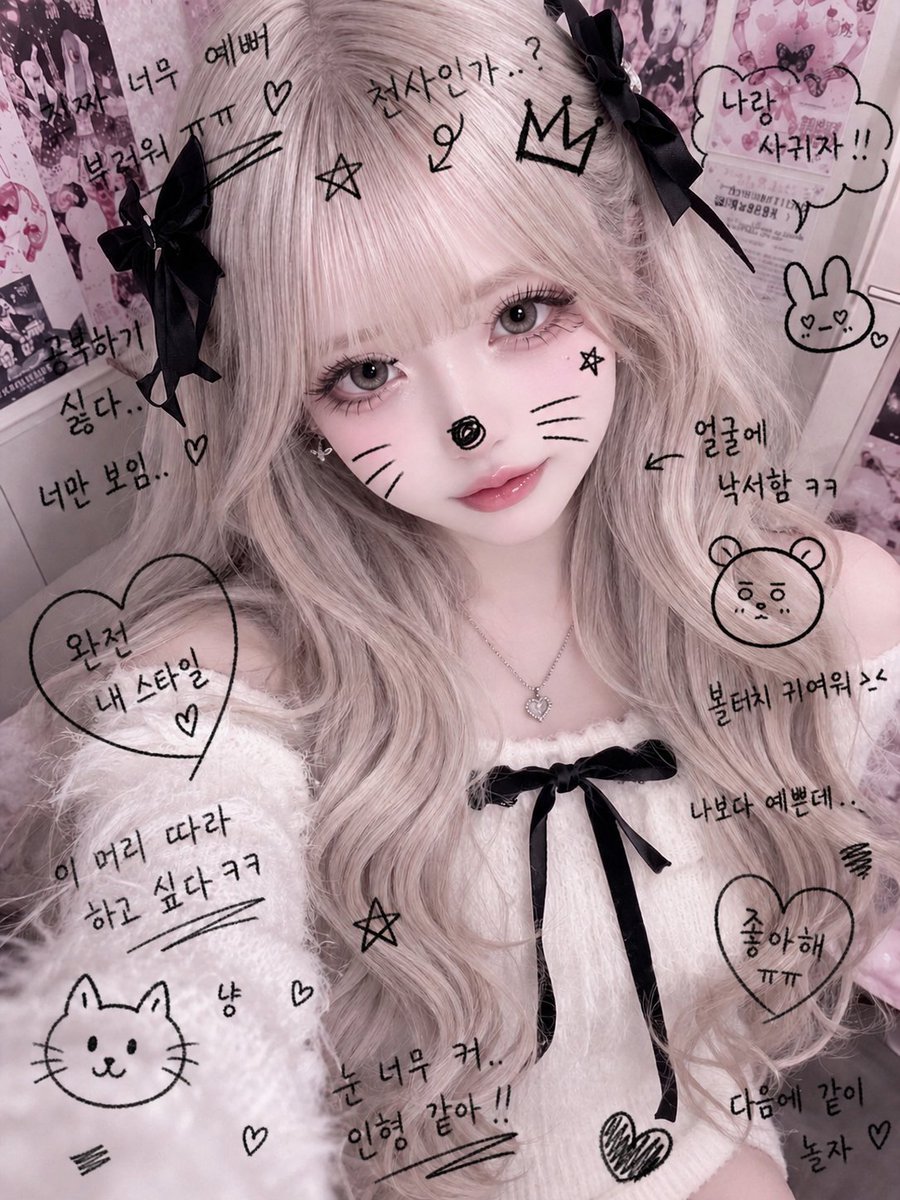
Cute Student Photo Doodle
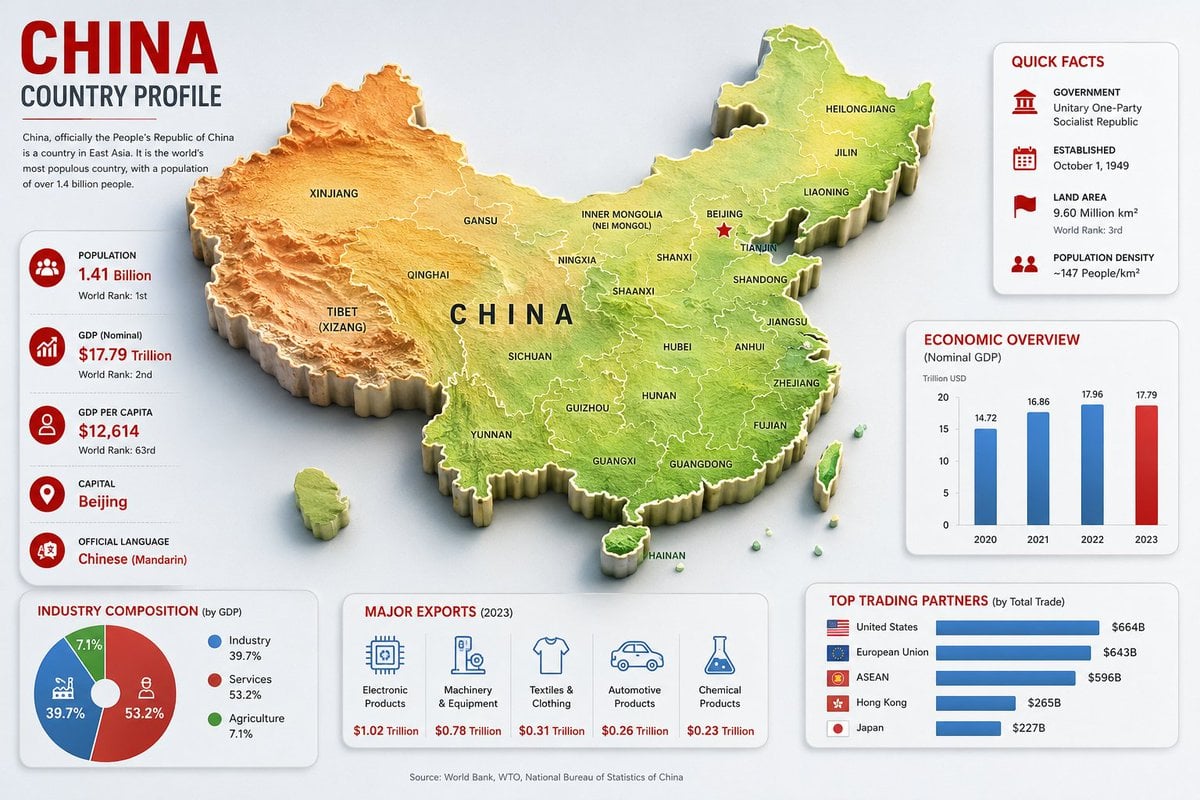
China Country Profile Infographic
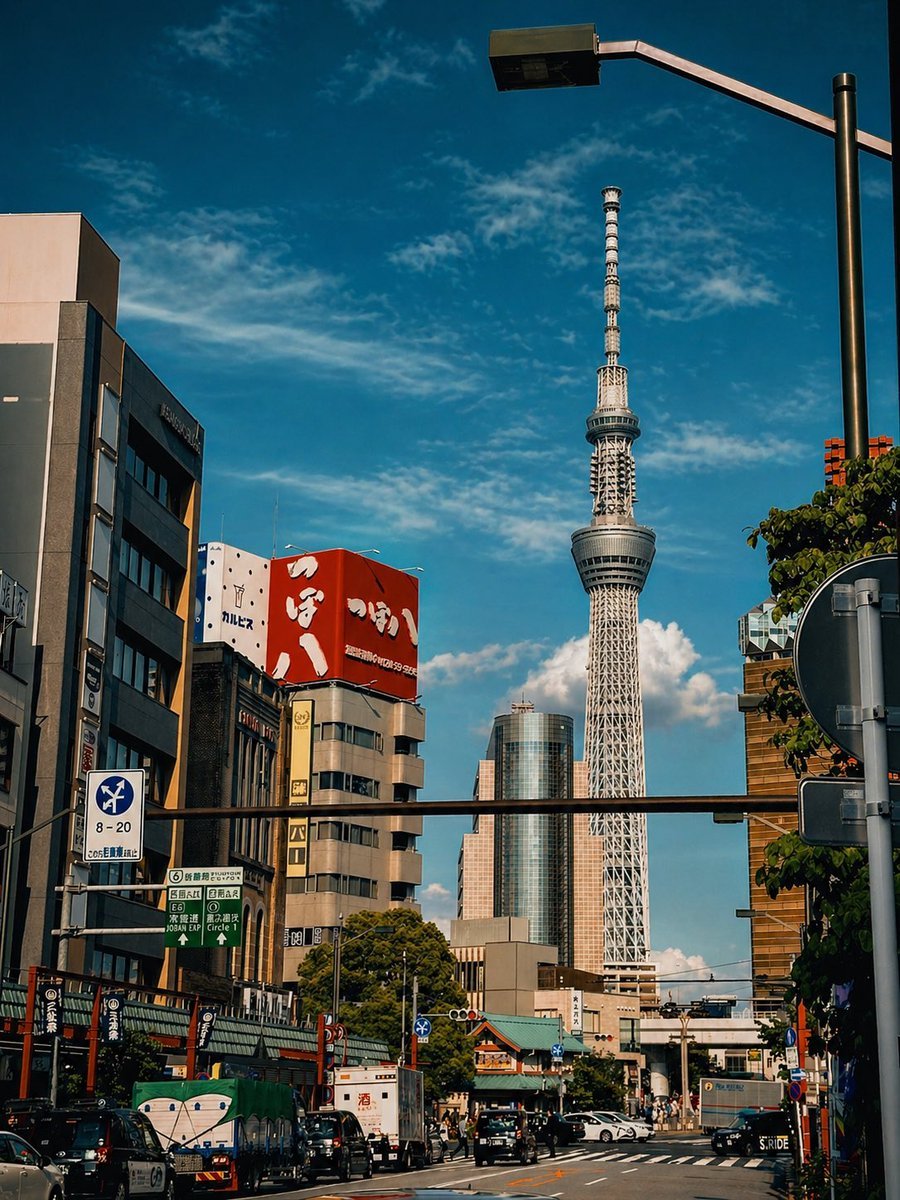
Cinematic Tokyo Street Color Grade
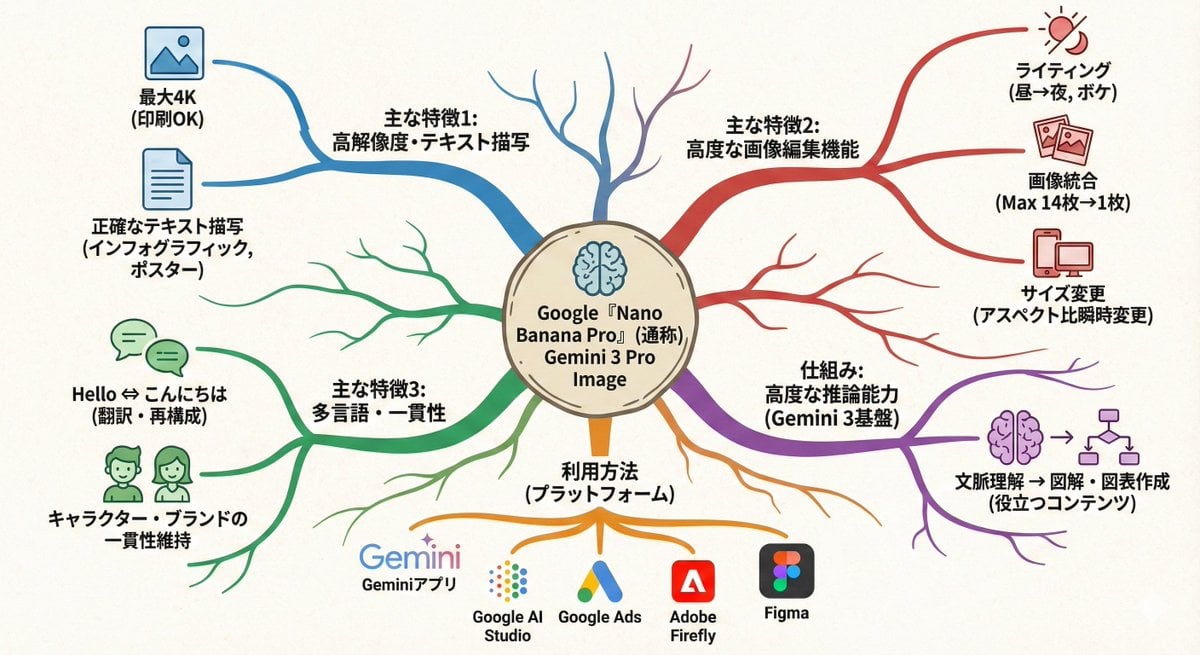
Text-to-mindmap graphic
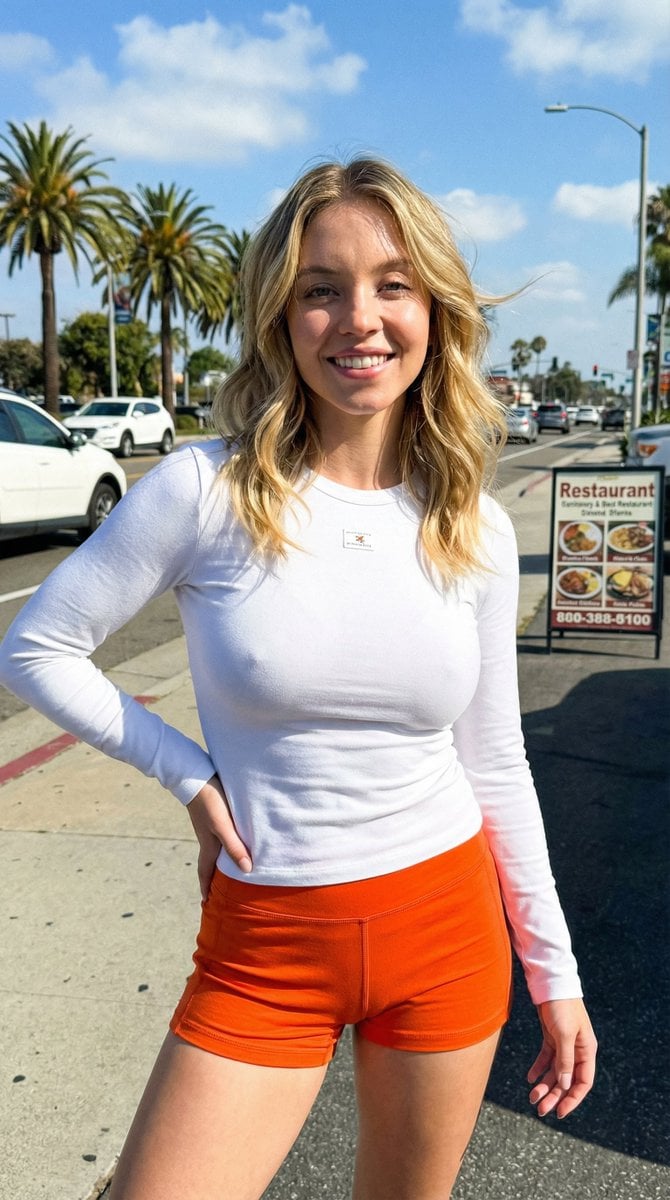
iPhone Outdoor Photography with Natural Sunlight
Browse template categories
Hyper-Chaotic Japanese Digicam Snapshot questions
How do I use the Hyper-Chaotic Japanese Digicam Snapshot template?
Add your photo if the template asks for one, edit the prompt if you like — the template's model and format are already selected — and press Generate. Your version opens in PicX Studio.
Can I customize the Hyper-Chaotic Japanese Digicam Snapshot template?
Yes. You can change the subject, setting, lighting, mood, format, and available model controls before creating your image.
Is the Hyper-Chaotic Japanese Digicam Snapshot template free?
Opening and editing this template is free. Generating uses credits, shown on the Generate button when you are signed in.
Which AI model should I use?
Start with GPT Image 2, which is the model associated with this template. You can compare another compatible model for a different finish.
Looking for something else? Browse all templates.

Your photo, any look
Thousands of ready templates for every top image and video model, from one credit balance.