
Cyberpunk Chibi Tactical Hero
A vertical cinematic prompt for generating a rain-soaked neon cyberpunk chibi action hero with tactical gear and a blank face placeholder.
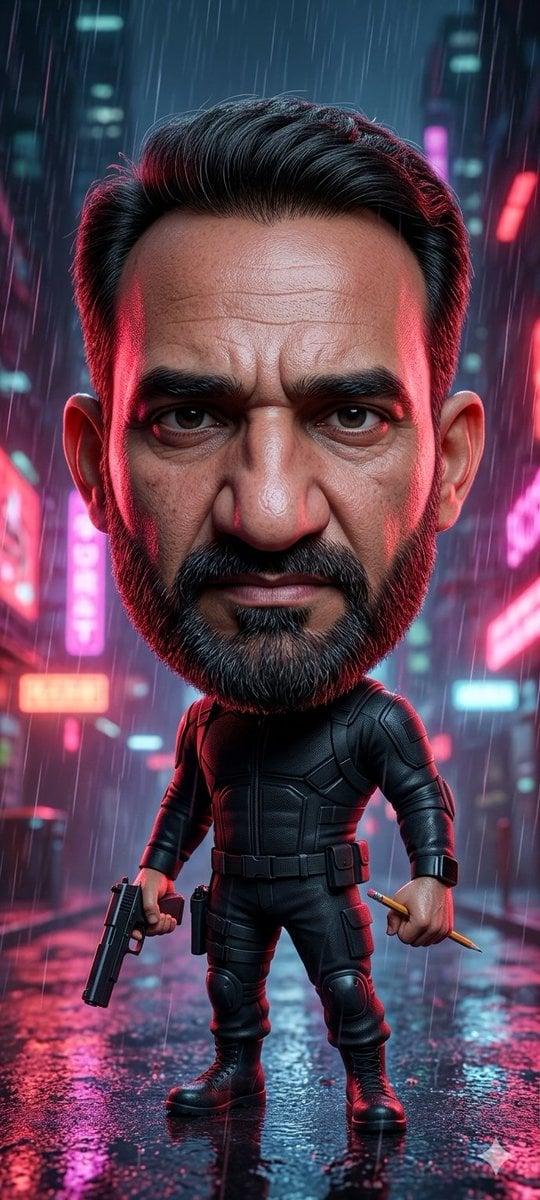
- Prompt included
- Model and format preset
- Free template
The prompt behind this image
Copy the exact prompt behind Cyberpunk Chibi Tactical Hero, or open it in the studio and make it yours.
Create a vertical cinematic cyberpunk character portrait of a stylized chibi action hero standing full-body in the middle of a rain-soaked neon city street at night. The character has an oversized head with neatly swept-back {argument name="hair color" default="black"} hair, visible ears, and a large smooth rectangular face placeholder covering the entire face area from forehead to chin, filled with a muted brown-to-purple gradient and no facial features. The small body wears a fitted black tactical armored suit with segmented chest plates, elbow and knee pads, utility belt, thigh pouches, gloves, and heavy black combat boots. The character stands confidently with legs apart, holding exactly 2 items: a black pistol pointed downward in the left hand and a short golden pencil or baton in the right hand. Set the scene in heavy rain with long visible raindrops, wet reflective pavement, puddles, and blurred skyscrapers in the background. Add glowing neon signs and bokeh lights in exactly 4 dominant accent colors: hot pink, cyan, red, and blue. Use dramatic rim lighting from both sides, red highlights on one side and cool cyan highlights on the other, with glossy reflections on the suit and ground. Make it highly detailed, cinematic, shallow depth of field, ultra-realistic toy-like proportions, vertical 9:16 composition, centered subject, no text, no watermark, no extra characters.
How to use Cyberpunk Chibi Tactical Hero in 3 steps
- 1Upload ImagePNG, JPG or paste
Add your photo
Upload the photo the template builds on. The prompt, model and format are already set.
- 2…a portrait of your subject in softgolden-hour light, 85mm…
Personalize
Edit the subject and creative details for your destination.
- 3Generate
Generate
Press Generate — your image is created in PicX Studio, so you can compare it with the original and refine one variable at a time.
More like this
Templates with the same subject, style or setup. Open one to see its prompt.
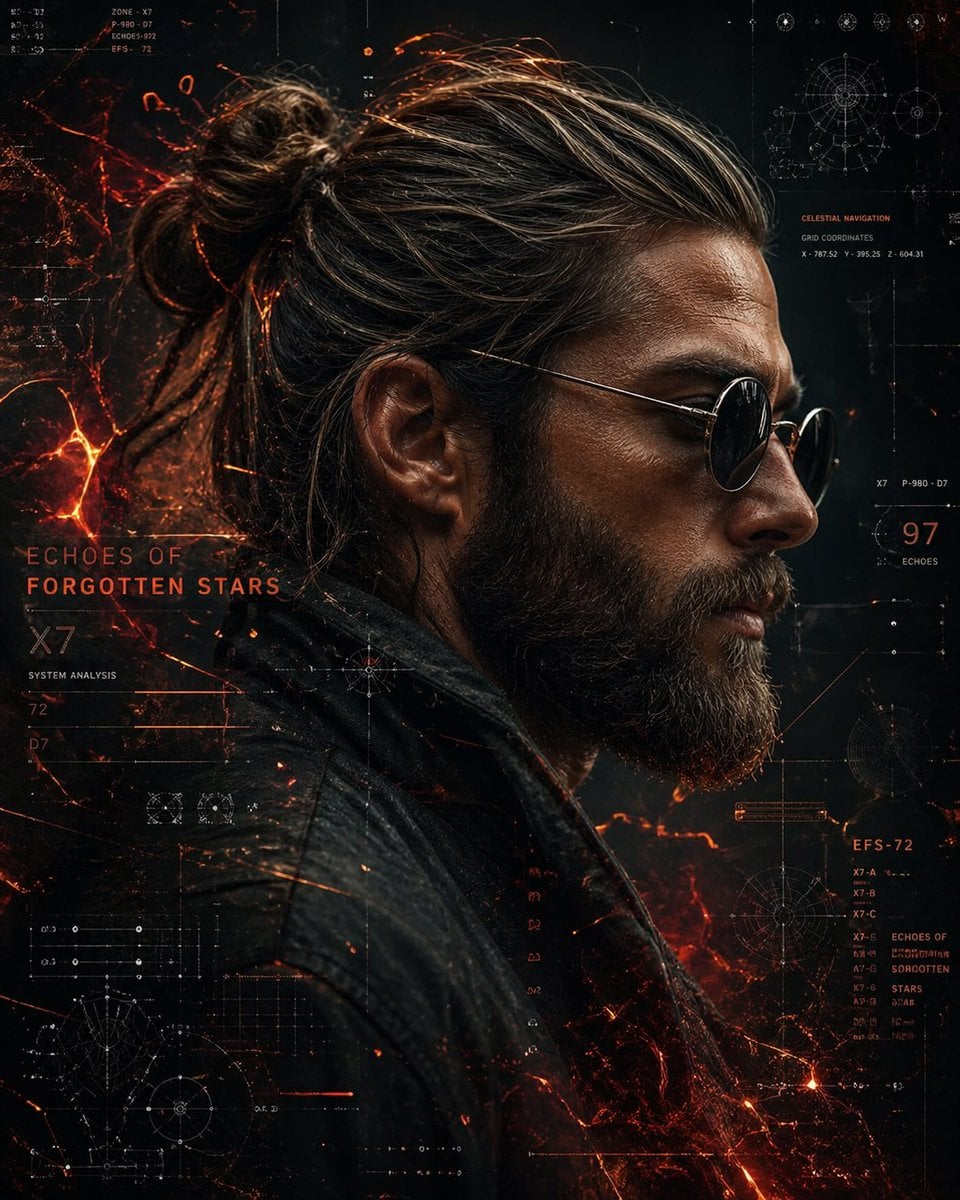
Cinematic Side Profile Cyberpunk Hero Poster
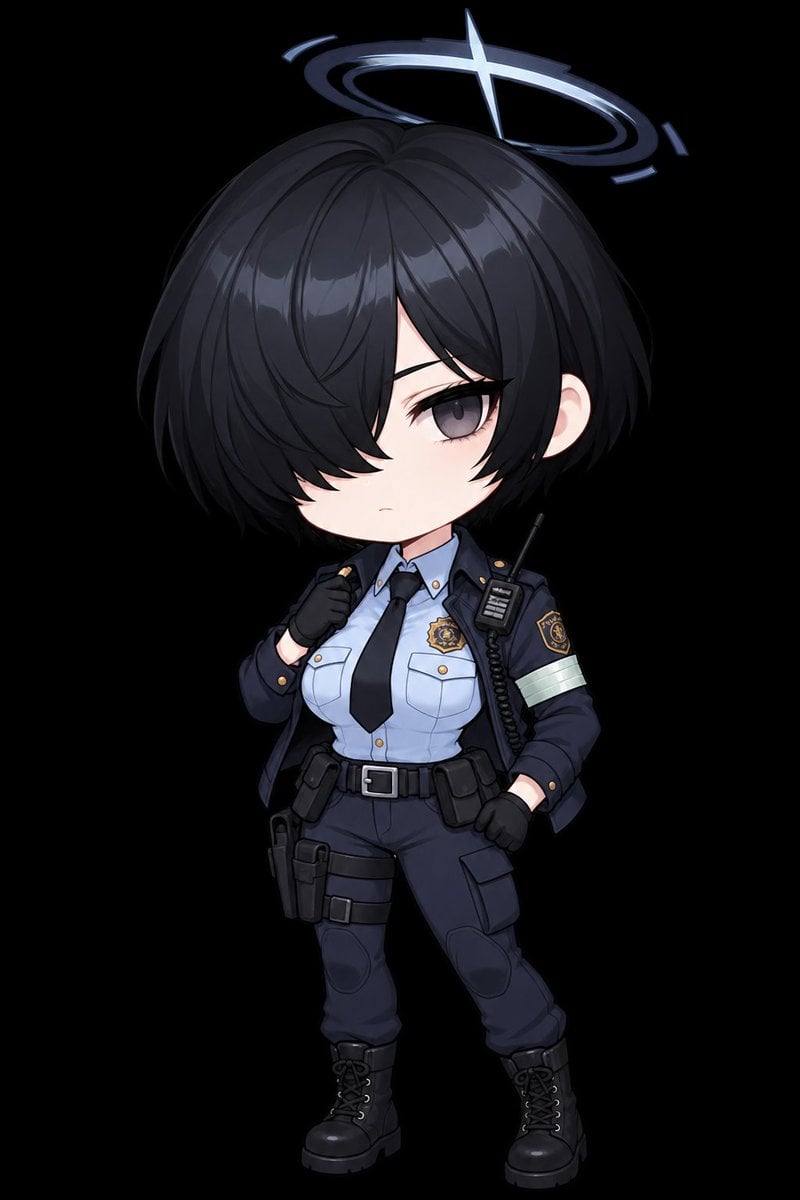
Chibi Tactical Police Girl with Halo
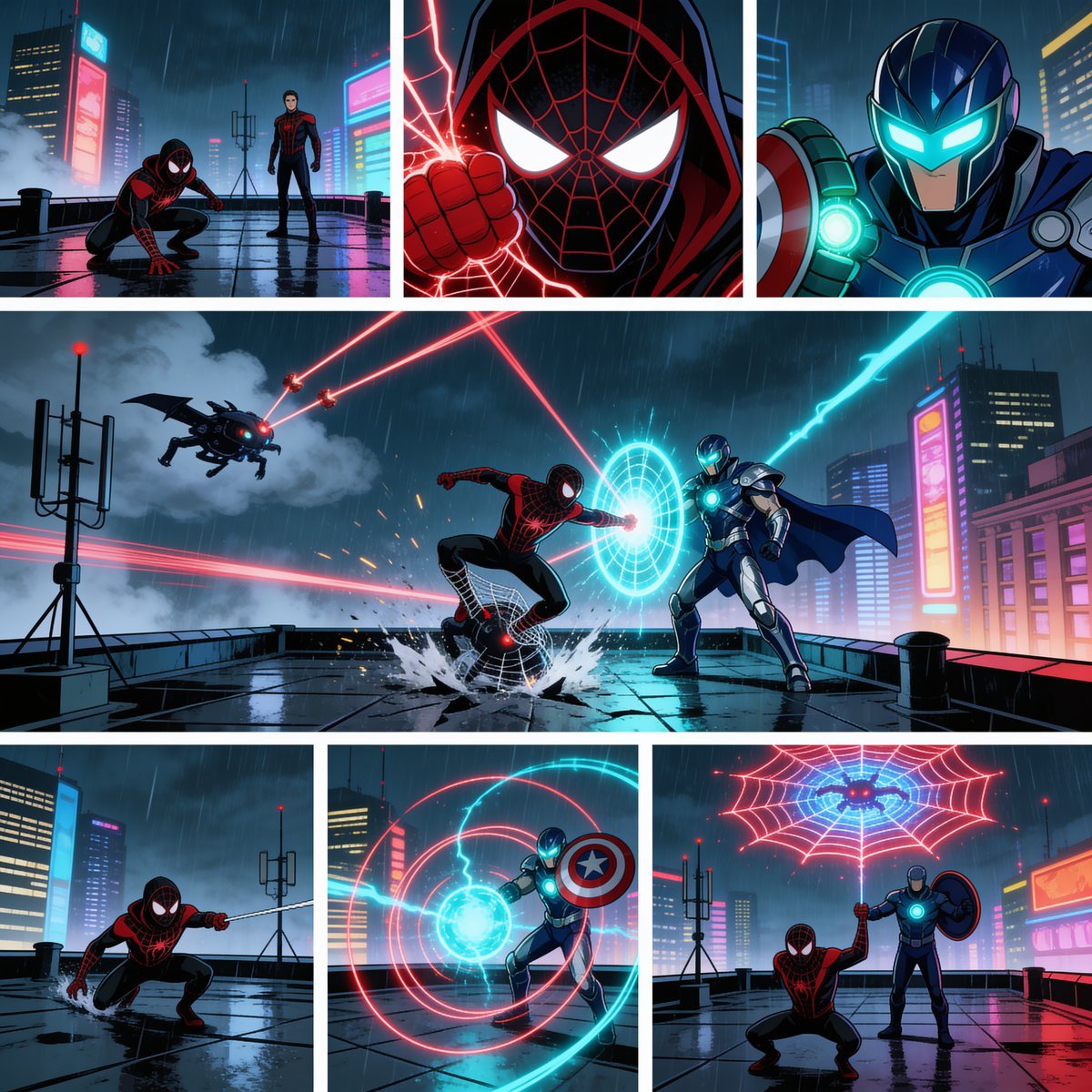
Rainy Cyberpunk Superhero Comic Page

Cute Layered Paper Cut Chibi Girl

Pixar-Style Chibi Café Morning Scene

Rainy Night Android Cyberpunk Portrait

Korean Idol Partial Shadow Editorial Portrait

Cinematic Sci-Fi Interface Side Profile

Cyberpunk Neon Profile Fashion Portrait

Cinematic Neon Light Strip Studio Portrait

Futuristic Studio Neon Ring Minimalist Portrait

Neon Violet Streetwear Fashion Portrait
Make it yours
Cyberpunk Chibi Tactical Hero works as-is. These are the safest ways to change it without losing the look.
Change one field
Copy a single group, rewrite it, and generate again so you can see what that field is doing.
Keep the frame, change the subject
Hold the composition and light of Cyberpunk Chibi Tactical Hero, then swap wardrobe, props or the person for a new take.
| If the result… | Why | Fix |
|---|---|---|
| The result drifts from the preview | Too many fields changed at once. | Reuse Cyberpunk Chibi Tactical Hero as-is first, then change one group — subject, light, or setting. |
| The model over-stylizes the scene | The prose prompt leaves finish and camera underspecified. | Add one camera or lighting sentence and stay on GPT Image 2. |
More GPT Image 2 templates
Other prompts made for GPT Image 2.

Six VTuber Japanese Logo Sheet

Realistic Portrait of Woman and Deer

The Vista Modular Condo Poster

AI Model Routing Comparison Infographic

2.5D Anime Art Board

Isometric Productivity Desk Scene

New York Double Exposure Poster

Four-Panel AI Landscape Comparison

Japanese Tatami Lifestyle Magazine Cover

NESCAFÉ Coffee Map Poster
More image prompts
Fresh picks from across the catalog.
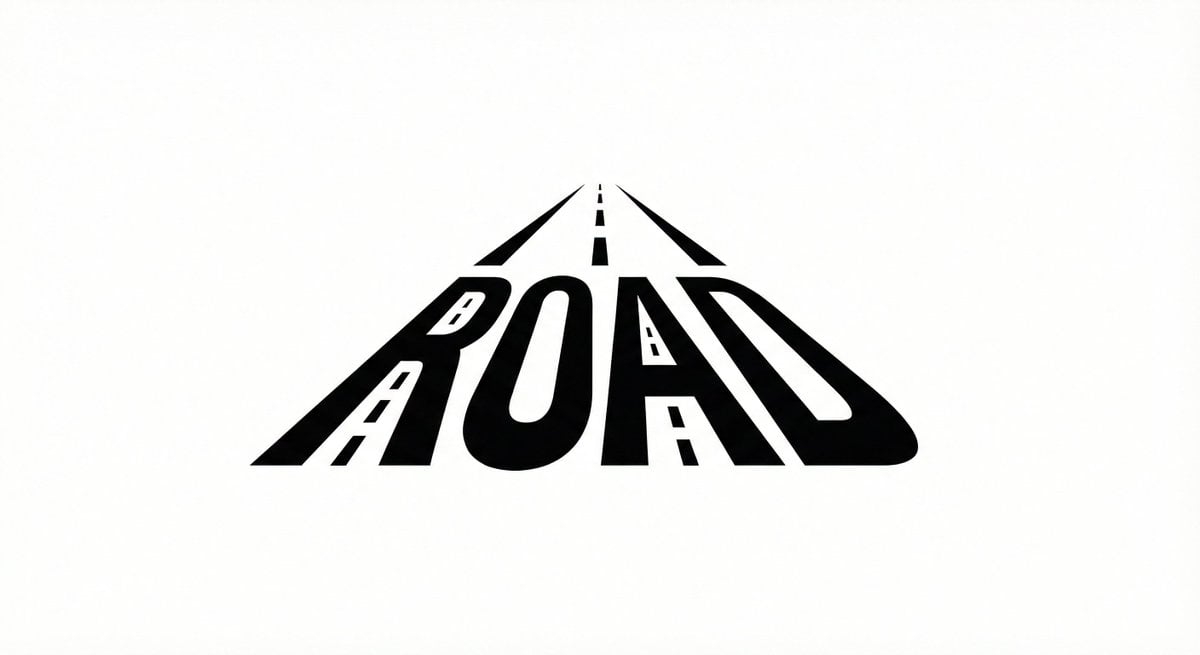
Minimalist Word-as-Object Logo Design
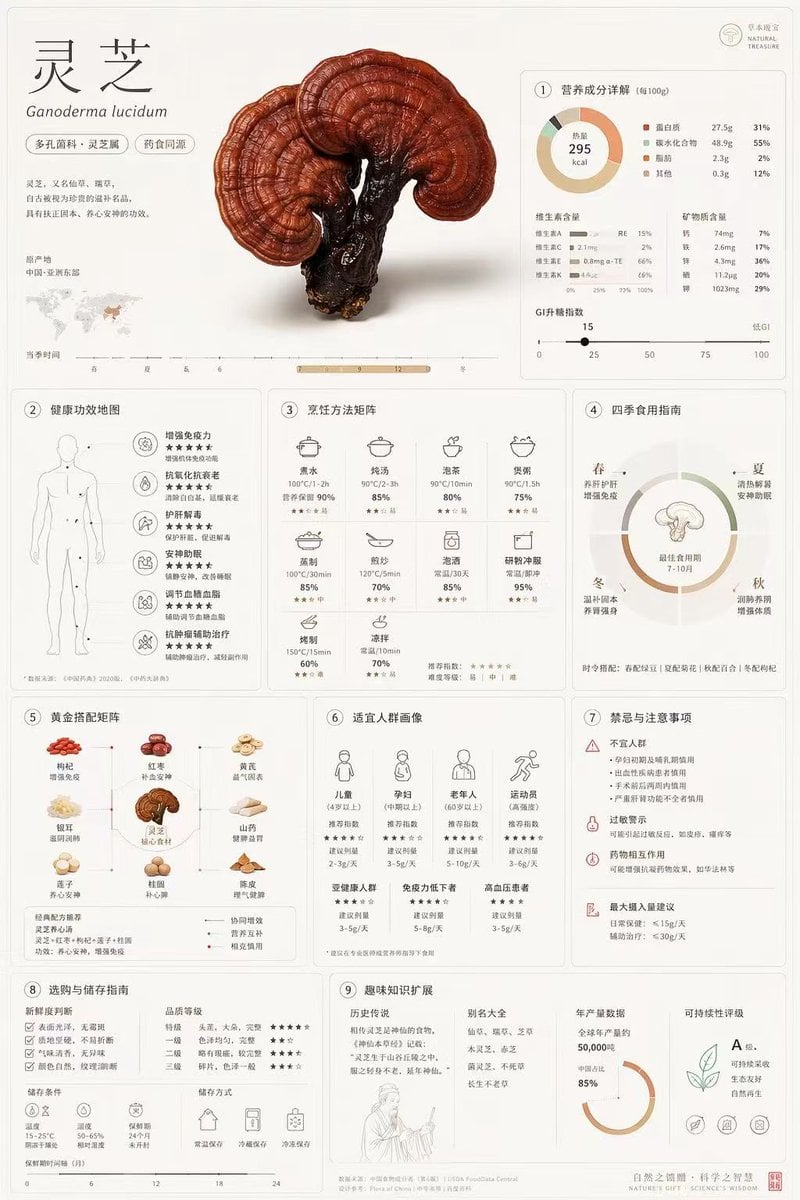
Comprehensive Botanical Infographic
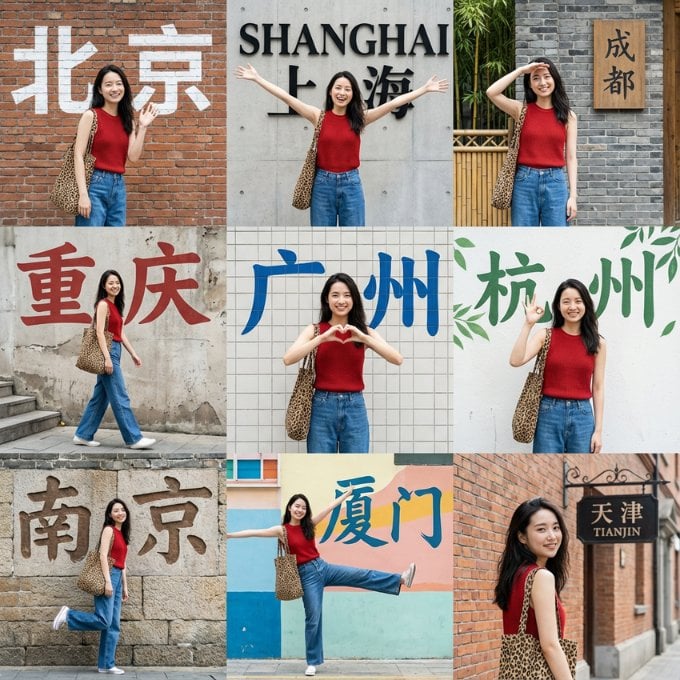
Nine-Grid Street Photography Prompt Framework

Ultra-Realistic Banana Caramel Tart Food Photography Prompt
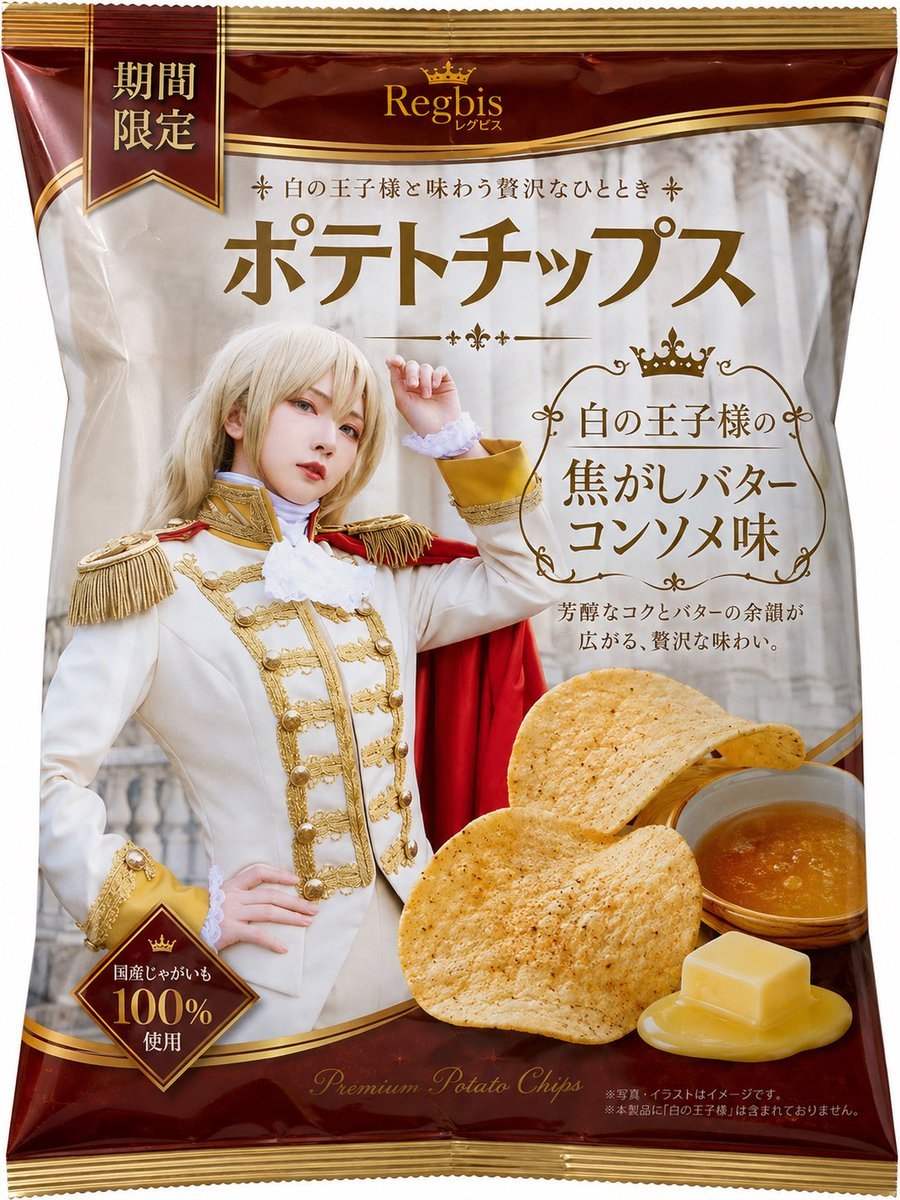
Royal Prince Potato Chips Package

Ultrarrealista Retrato Profesional de Oficina 8K
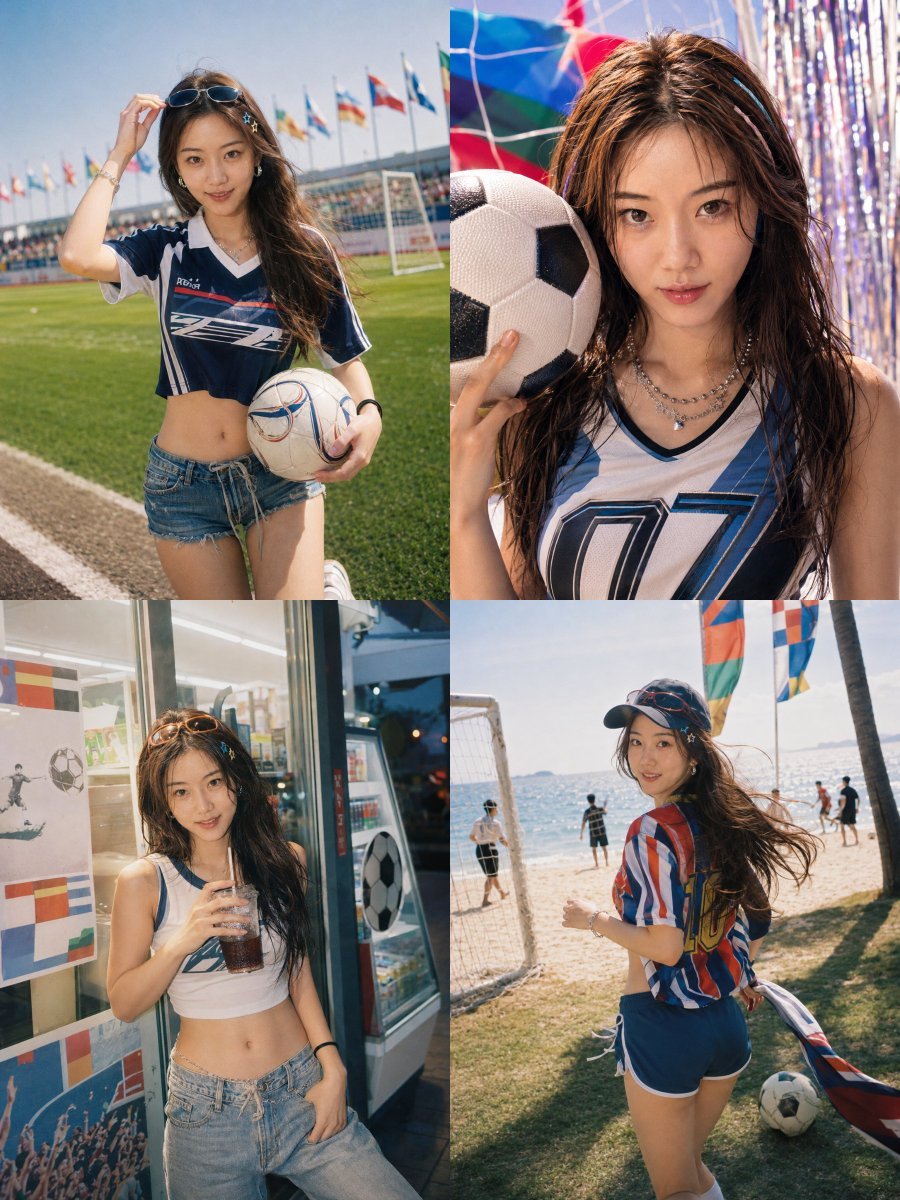
Detailed Summer World Cup Kpop Portrait Series
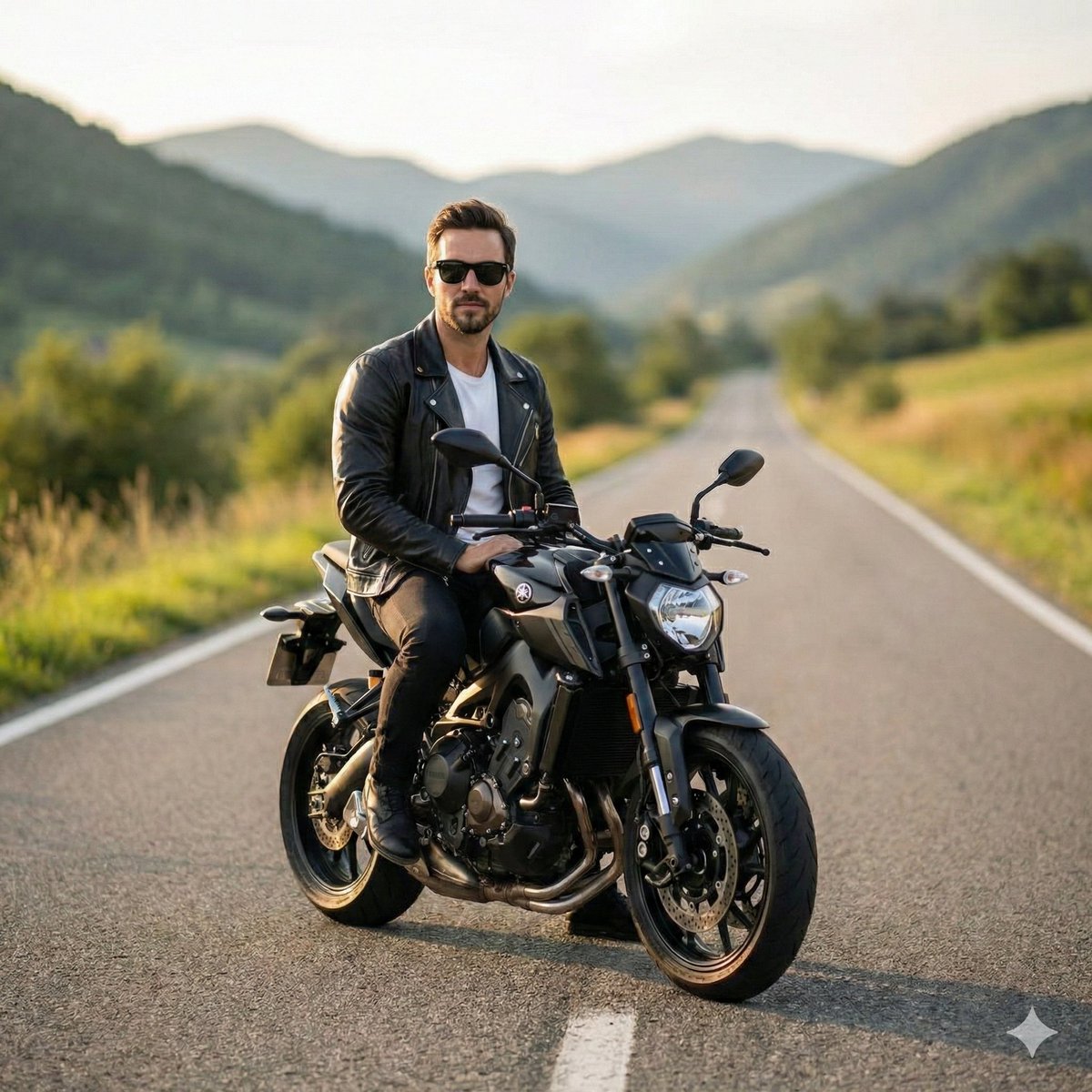
Cinematic Portrait of Man on Modern Motorbike
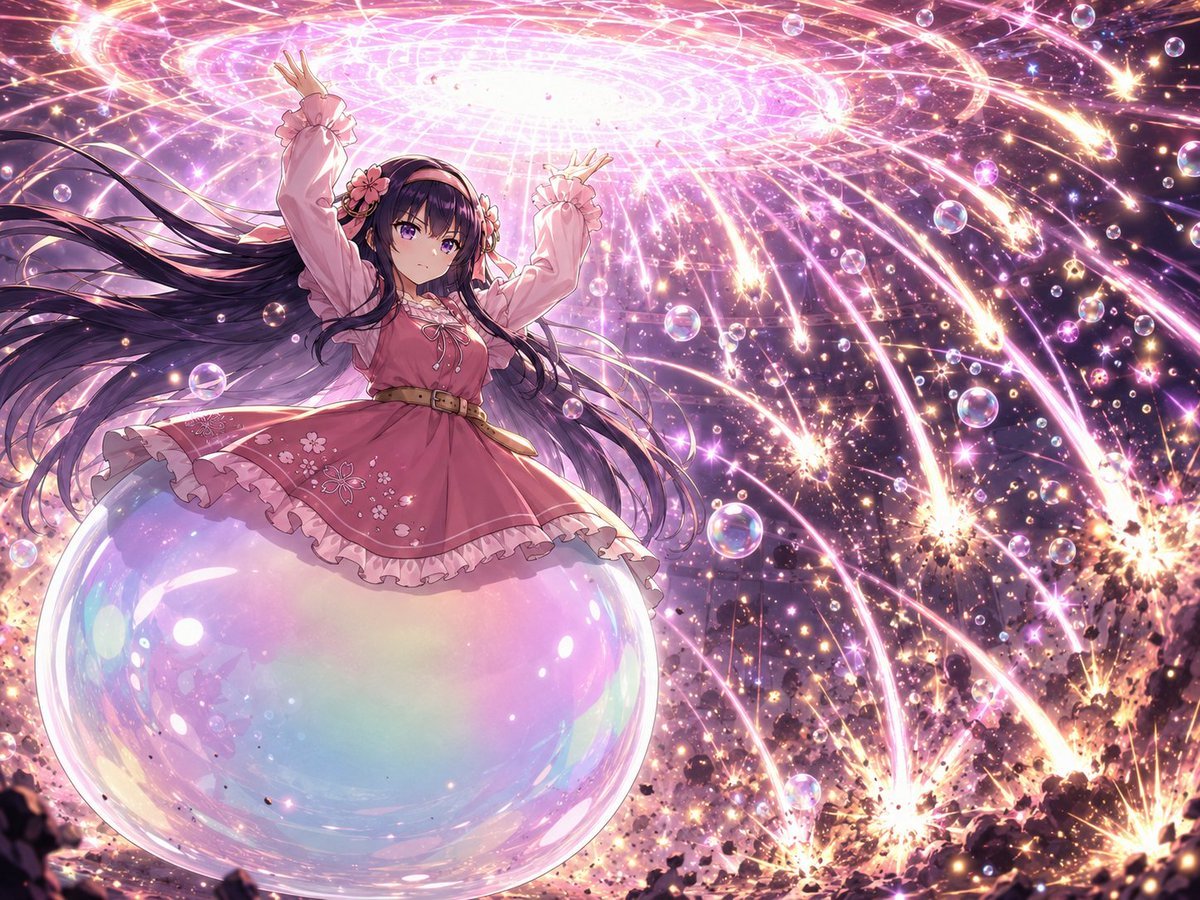
Magical Girl Starstorm on Bubble
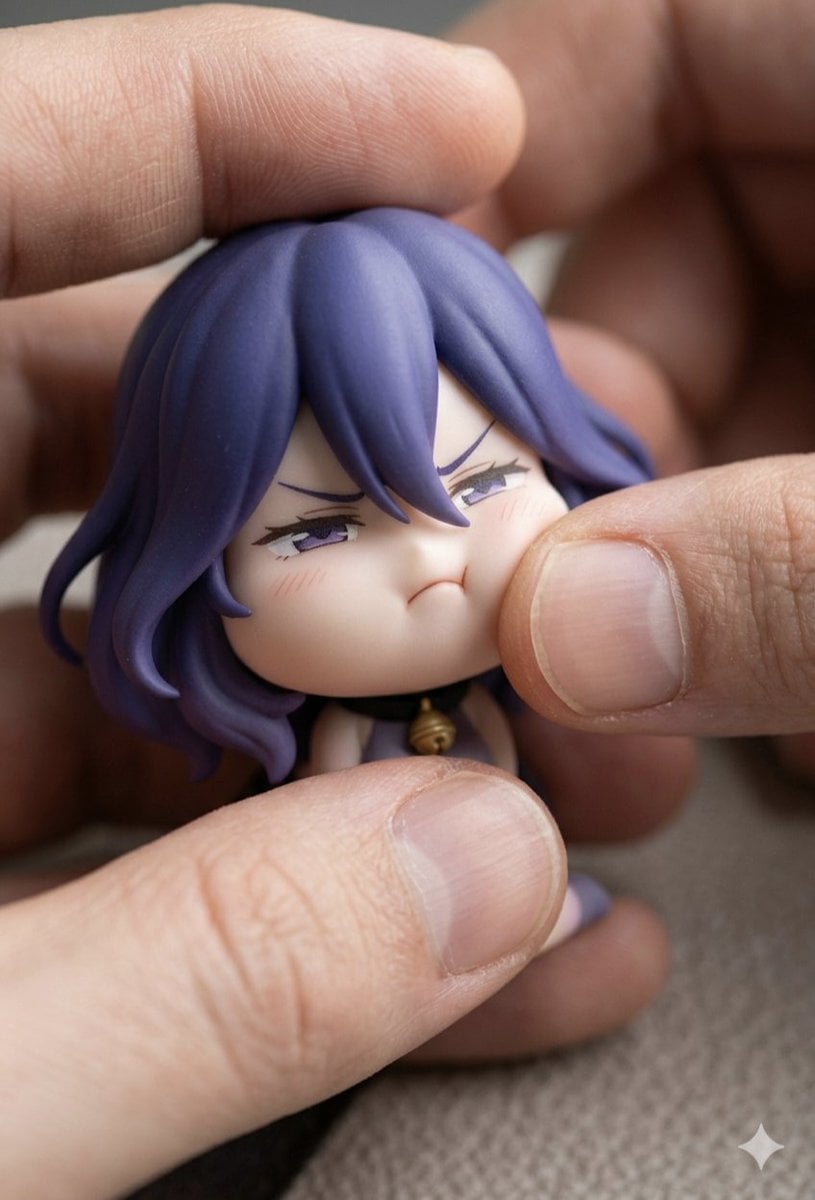
Macro Photography of Chibi Anime Figurine Prompt
Browse template categories
Cyberpunk Chibi Tactical Hero questions
How do I use the Cyberpunk Chibi Tactical Hero template?
Add your photo if the template asks for one, edit the prompt if you like — the template's model and format are already selected — and press Generate. Your version opens in PicX Studio.
Can I customize the Cyberpunk Chibi Tactical Hero template?
Yes. You can change the subject, setting, lighting, mood, format, and available model controls before creating your image.
Is the Cyberpunk Chibi Tactical Hero template free?
Opening and editing this template is free. Generating uses credits, shown on the Generate button when you are signed in.
Which AI model should I use?
Start with GPT Image 2, which is the model associated with this template. You can compare another compatible model for a different finish.
Looking for something else? Browse all templates.

Your photo, any look
Thousands of ready templates for every top image and video model, from one credit balance.