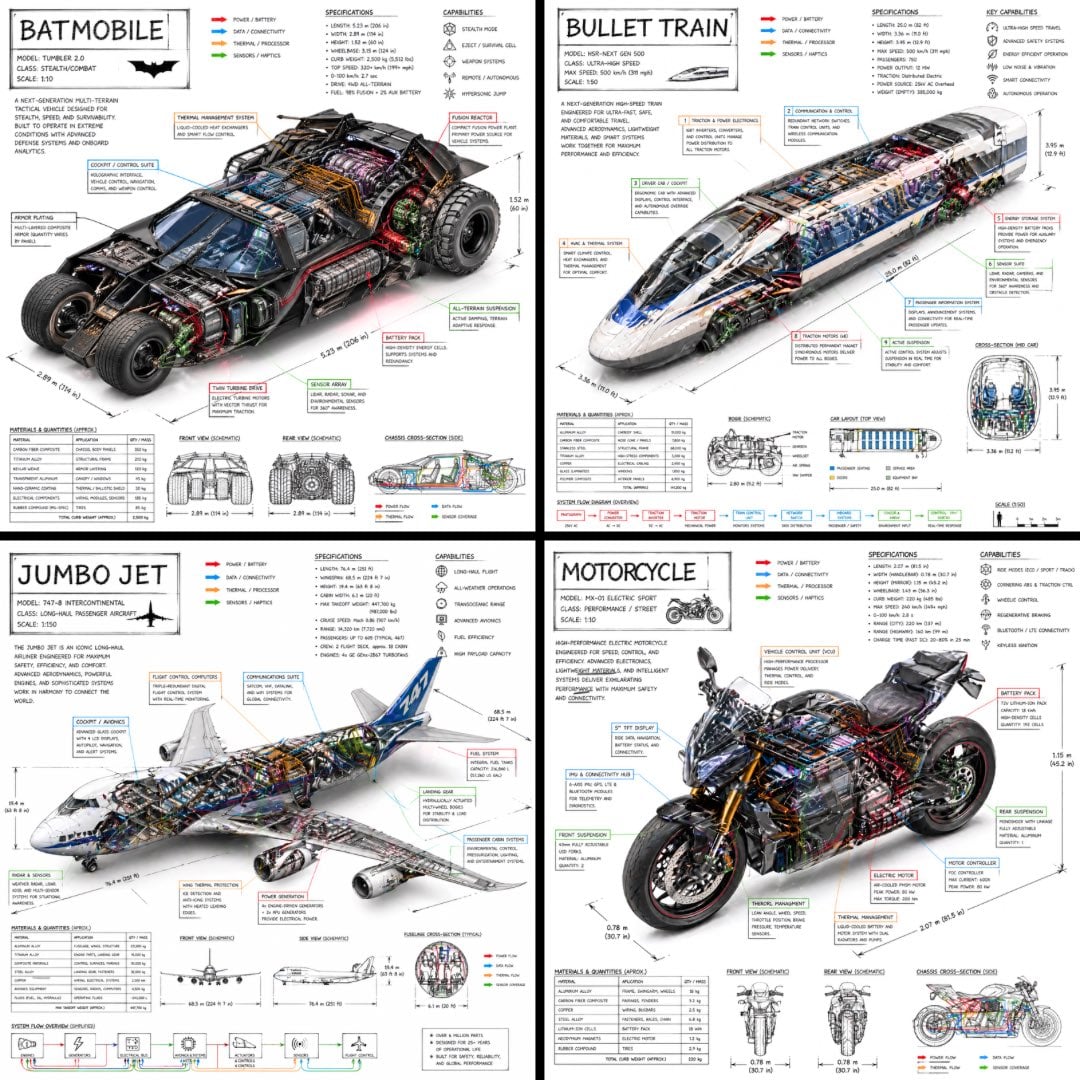
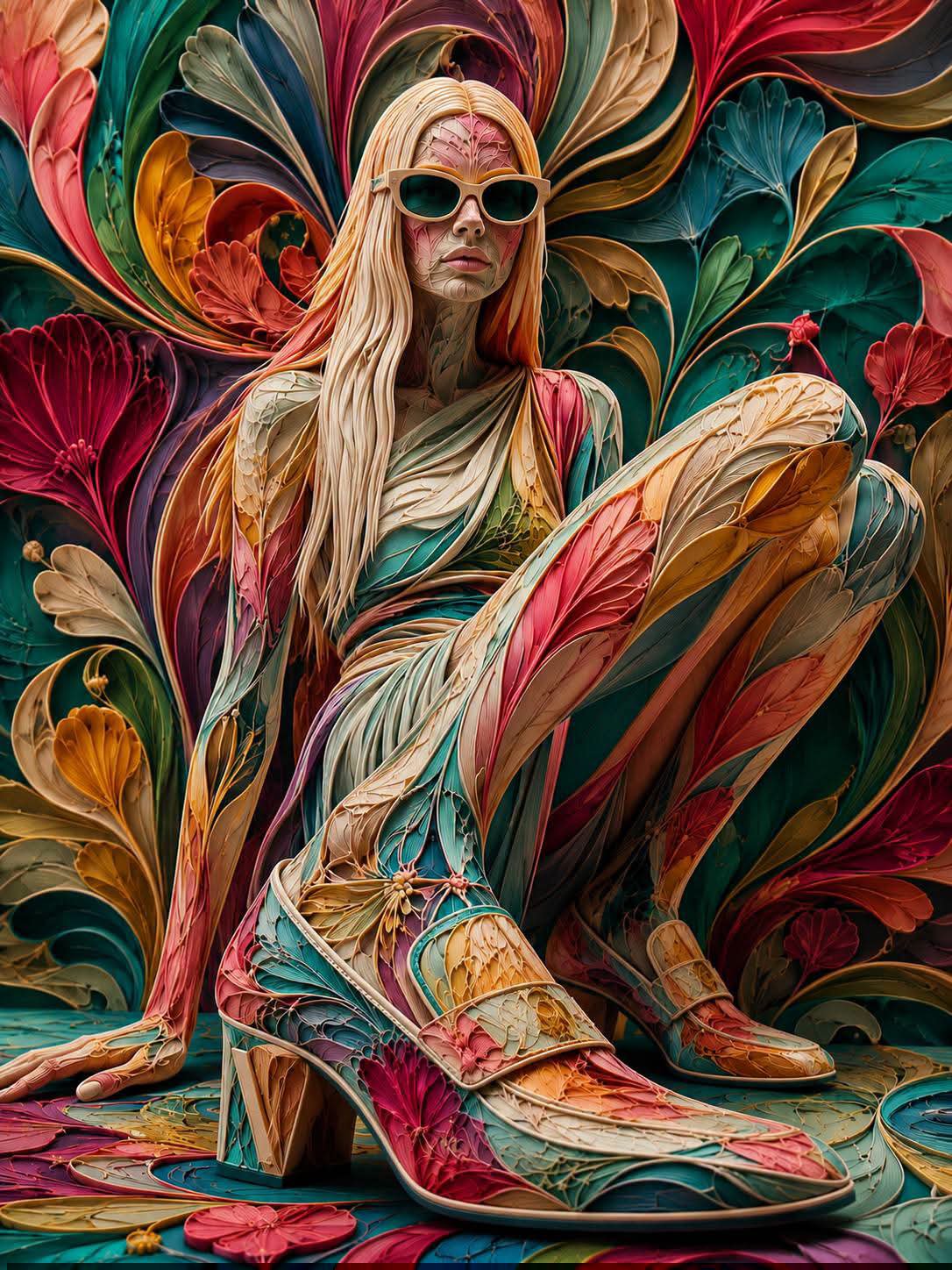
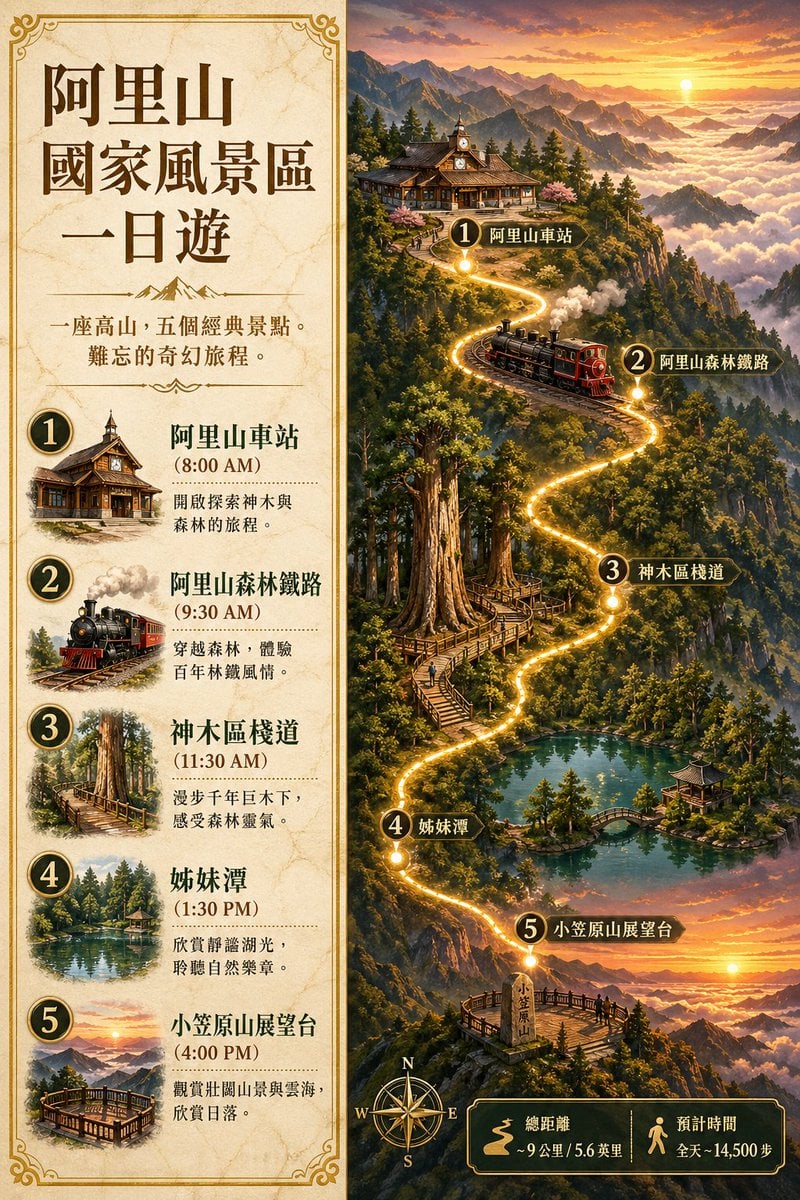
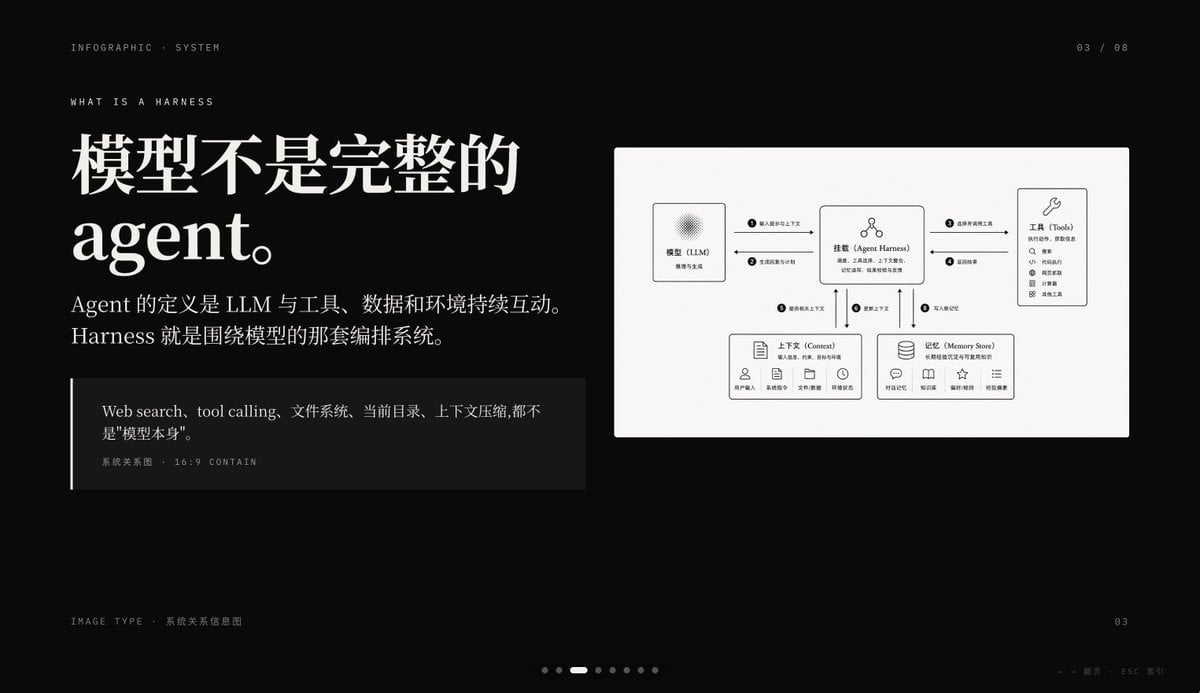
How do I use the Comprehensive Botanical Infographic template?
Edit the prompt in the box under the preview — the template's model and format are already selected — and press Generate. Your version appears right on this page.
Generates a highly detailed, grid-based infographic poster detailing the nutritional, medicinal, and practical uses of a specific plant or fungus.

This template uses your photo — add one with the + button.
{ "type": "botanical and nutritional infographic poster", "subject": { "name": "{argument name=\"subject name\" default=\"灵芝\"}", "scientific_name": "{argument name=\"scientific name\" default=\"Ganoderma lucidum\"}", "image": "large, detailed illustration of a glossy, reddish-brown Reishi mushroom with concentric growth rings, positioned top-center" }, "layout": { "style": "clean, modern, grid-based, light beige background with subtle grid lines, minimalist icons, data visualization elements", "sections": [ { "title": "Header/Intro (Top Left)", "content": "Large title text, scientific name, tags ('多孔菌科·灵芝属', '药食同源'), brief description text, origin map (China/East Asia), and a seasonal timeline bar chart." }, { "title": "1 营养成分详解 (每100g) (Top Right)", "content": "Nutritional breakdown. Includes a circular chart showing calories (295 kcal), a table of macronutrients (protein, carbs, fat, others) with percentages, two bar charts for vitamins and minerals, and a GI index slider (value 15)." }, { "title": "2 健康功效地图 (Middle Left)", "content": "Health benefits map. Features a stylized human body outline with 6 callout points linking to icons and text blocks describing benefits (e.g., immunity, anti-aging, liver protection, sleep aid, blood sugar/lipid regulation, tumor adjuvant therapy), each with a 5-star rating." }, { "title": "3 烹饪方法矩阵 (Middle Center)", "content": "Cooking methods matrix. A 3x3 grid of 9 icons representing different preparation methods (boiling, stewing, tea, porridge, steaming, stir-frying, infusing in wine, powdering, roasting, cold mixing). Each includes temperature/time, nutrient retention percentage, and a star rating." }, { "title": "4 四季食用指南 (Middle Right)", "content": "Four seasons consumption guide. A circular diagram divided into four quadrants (Spring, Summer, Autumn, Winter) around a central mushroom icon, detailing seasonal benefits and optimal consumption periods (7-10 months)." }, { "title": "5 黄金搭配矩阵 (Bottom Left)", "content": "Golden pairing matrix. A 3x3 grid showing 8 complementary ingredients (goji berries, red dates, astragalus, snow fungus, yam, lotus seeds, longan, aged tangerine peel) surrounding the central Reishi mushroom, with text explaining synergistic effects." }, { "title": "6 适宜人群画像 (Bottom Center)", "content": "Suitable demographics. Icons and text for 7 user groups (children, pregnant women, elderly, athletes, sub-healthy, low immunity, high blood pressure), showing recommended daily dosage and star ratings." }, { "title": "7 禁忌与注意事项 (Bottom Right)", "content": "Contraindications and precautions. List format with warning icons covering unsuitable groups, allergy warnings, drug interactions, and maximum daily intake recommendations." }, { "title": "8 选购与储存指南 (Bottom Left, below section 5)", "content": "Buying and storage guide. Checklists for freshness, quality grading table (Special, Grade 1, 2, 3) with star ratings, storage conditions icons (temperature, humidity, shelf life), and a timeline for shelf life." }, { "title": "9 趣味知识扩展 (Bottom Right, below section 7)", "content": "Fun facts expansion. Text blocks covering historical legends, alternative names, global production data (50,000 tons, China 85%), and a sustainability rating (A grade)." } ] } }
Edit the prompt in the box under the preview — the template's model and format are already selected — and press Generate. Your version appears right on this page.
Yes. You can change the subject, setting, lighting, mood, format, and available model controls before creating your image.
Opening and editing this template is free. Generating uses credits, shown on the Generate button when you are signed in.
Start with GPT Image 2, which is the model associated with this template. You can compare another compatible model for a different finish.
Follow a topic to a crawlable collection of related PicX Studio templates.