How do I use the 3D Plush Cartoon Character template?
Edit the prompt in the box under the preview — the template's model and format are already selected — and press Generate. Your version appears right on this page.
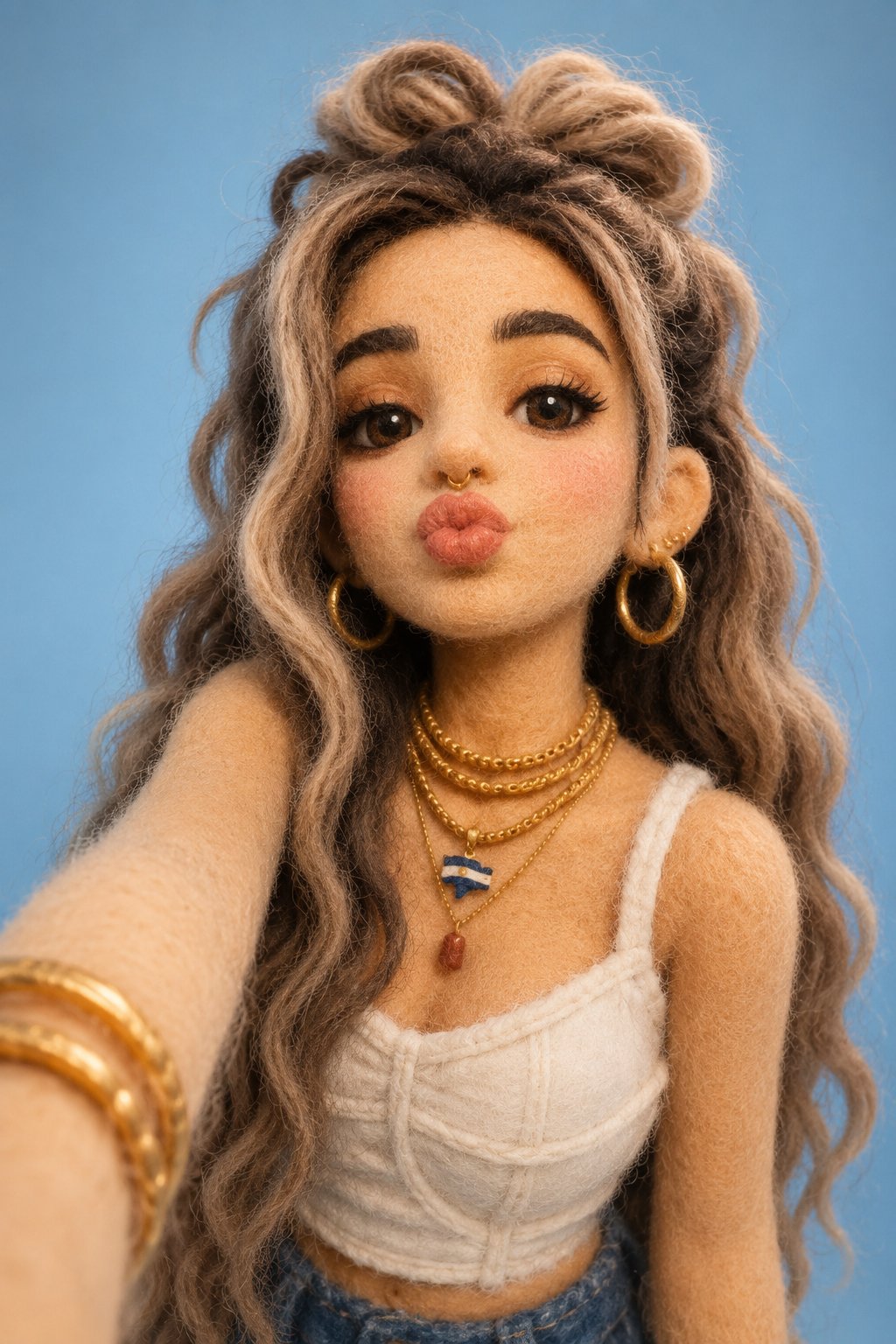
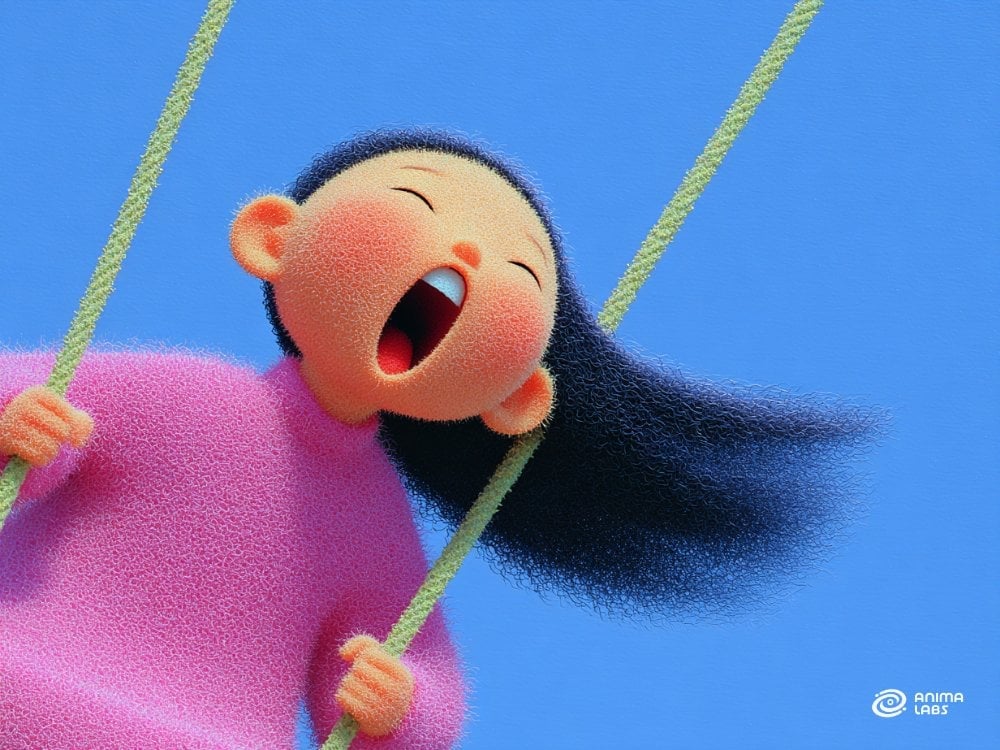
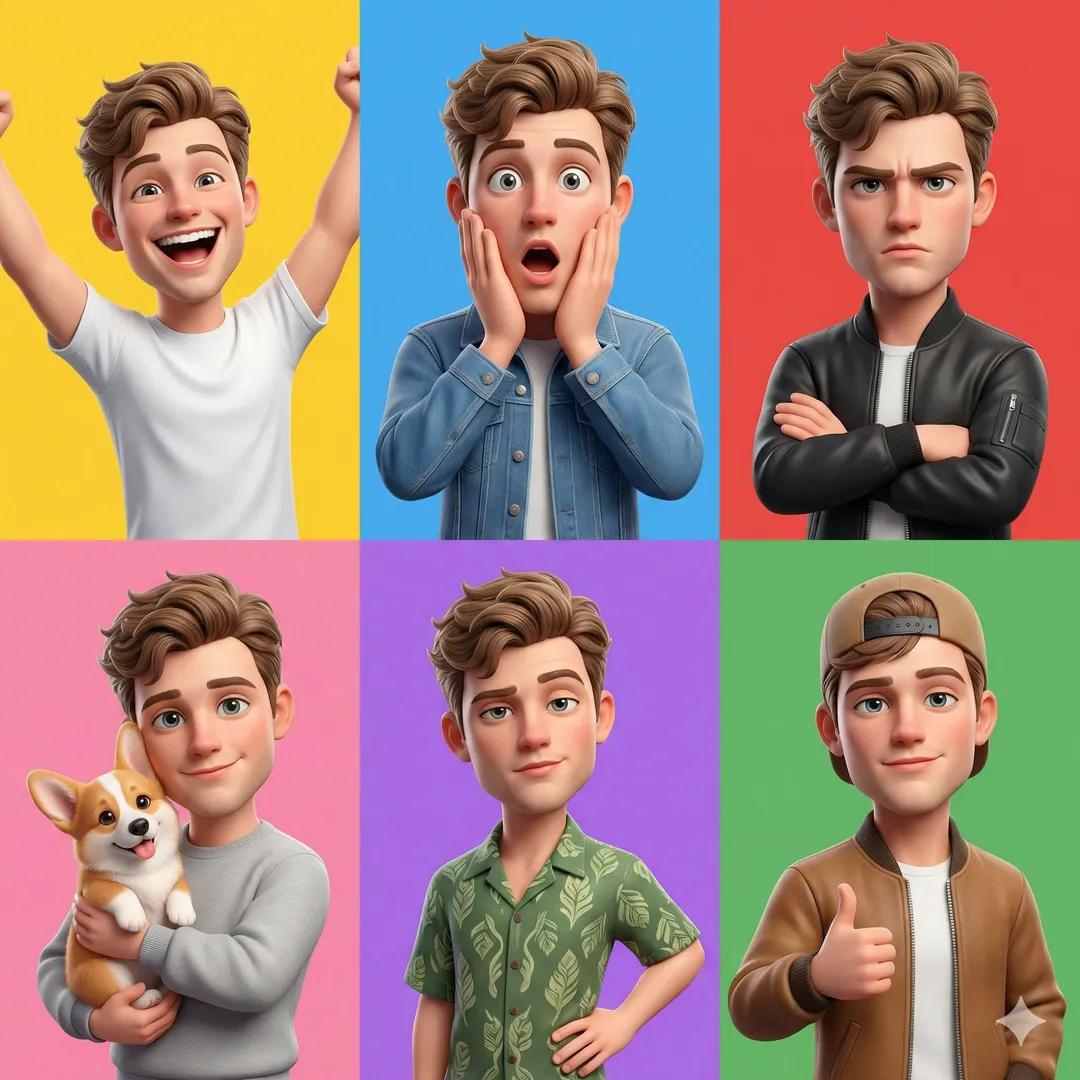
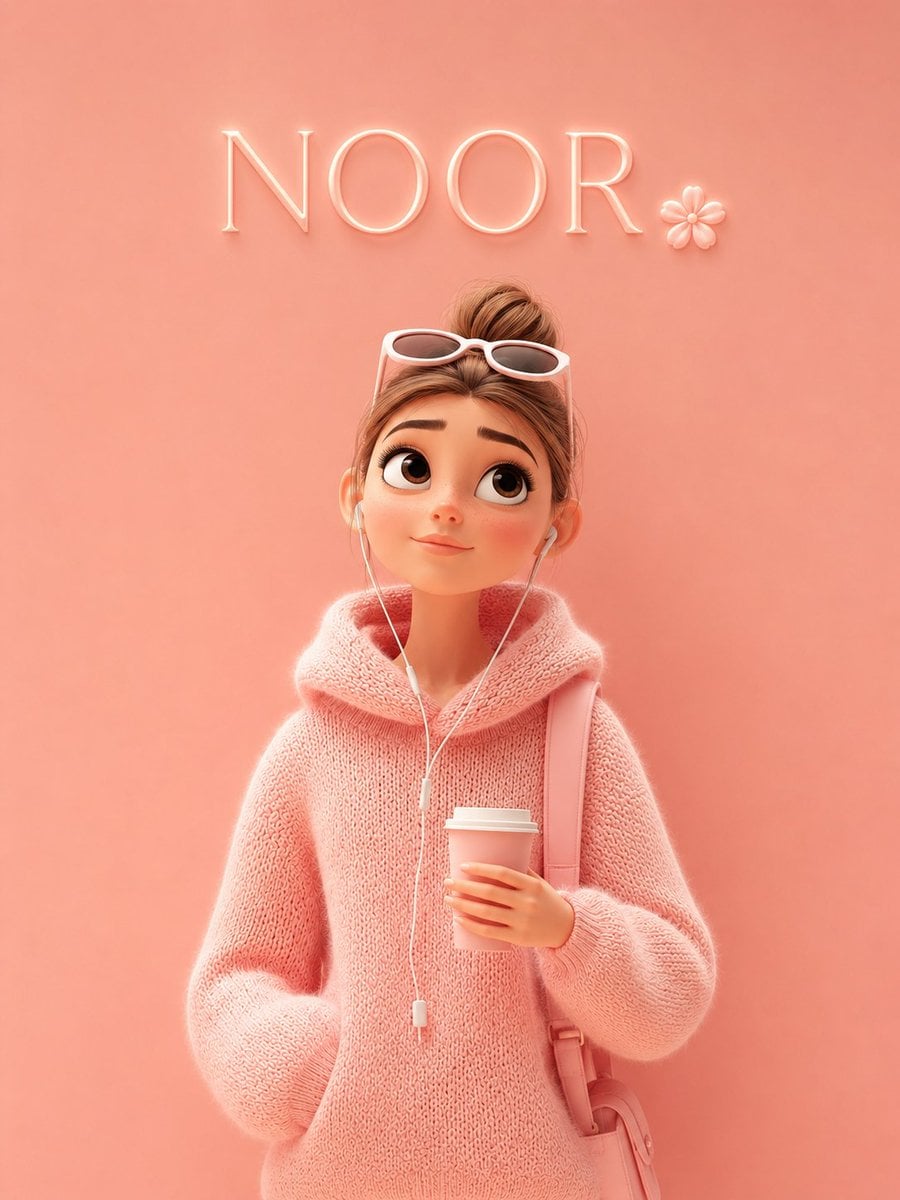
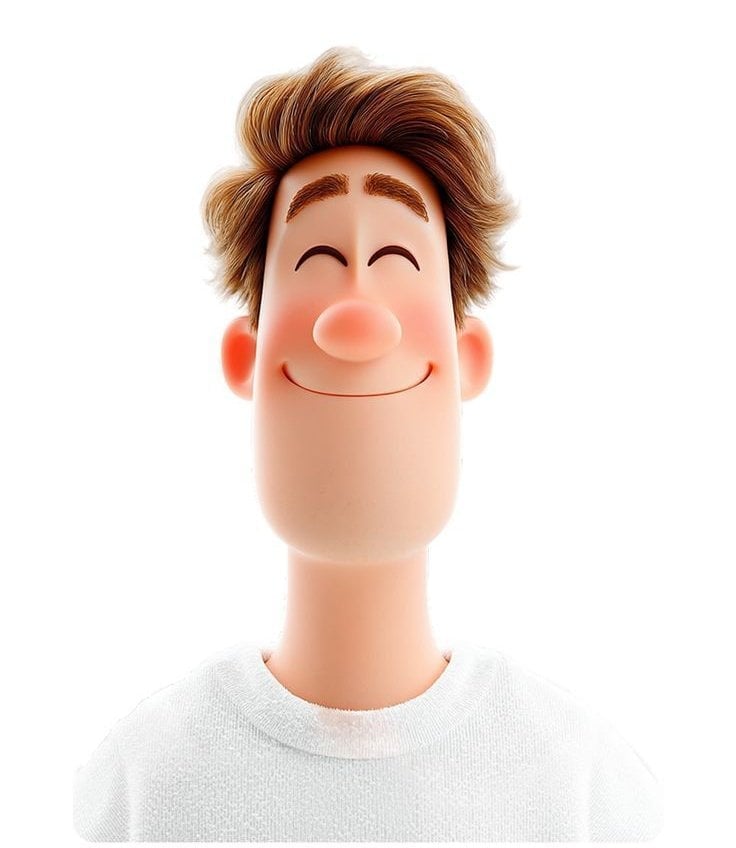
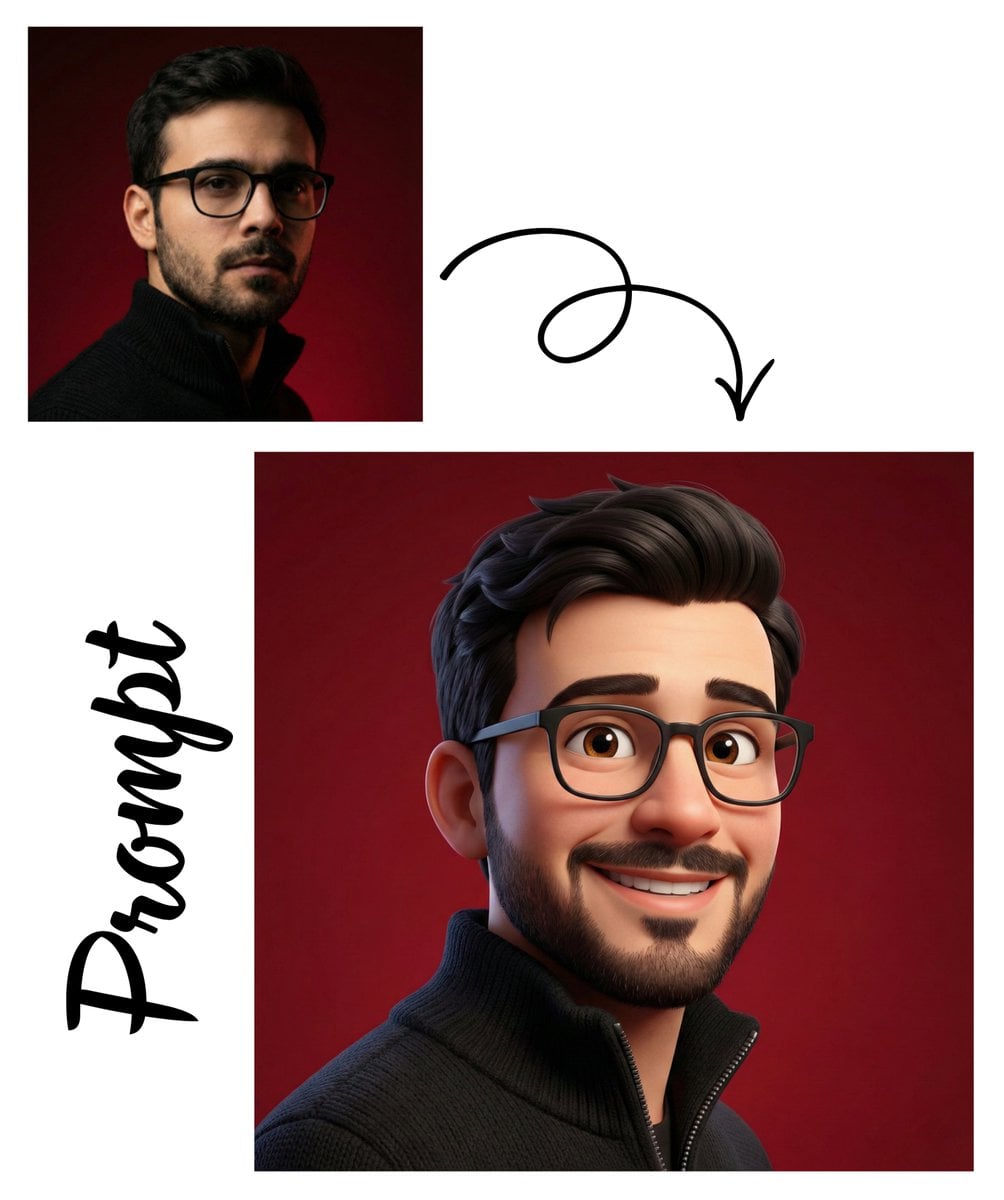
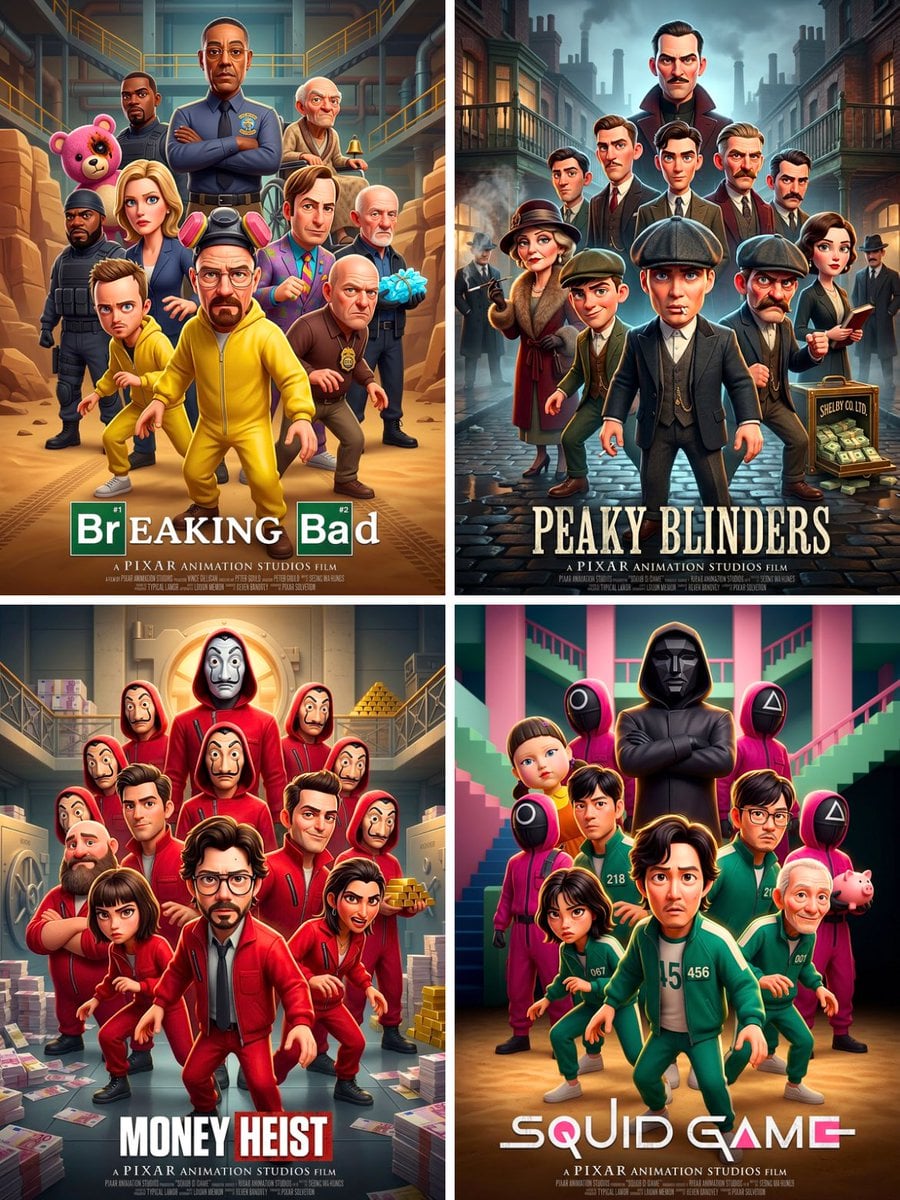
A Pixar-style 3D plush character prompt that reinterprets a reference photo into a soft, fluffy toy with studio lighting.

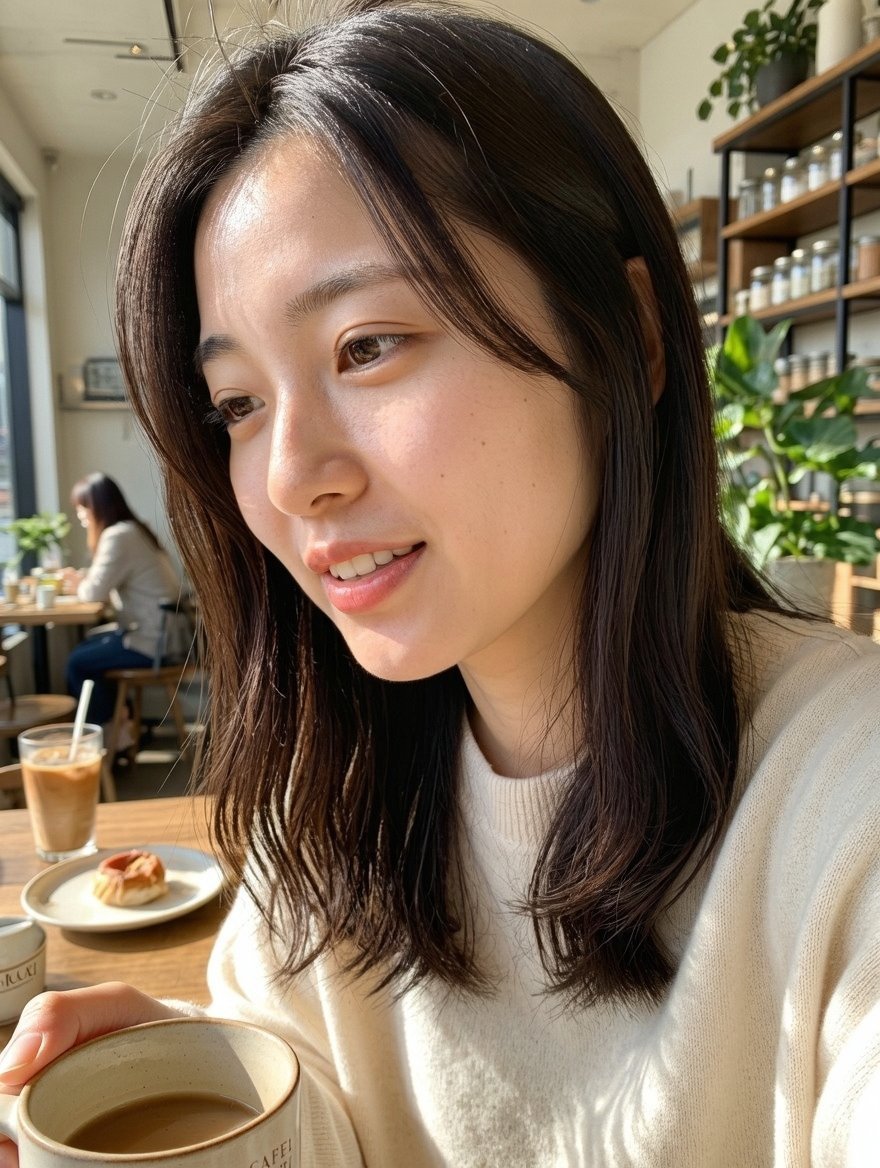
This template uses your photo — add one with the + button.
Create an ultra-detailed 3D plush cartoon character inspired by the look of classic animated television. Place the character perfectly in the center of the frame with the entire body visible. Use my uploaded photo as the reference for identity and appearance, but reinterpret it as a {argument name="material" default="soft toy"} character with {argument name="texture" default="realistic fluffy fur"}, smooth rounded forms, {argument name="color palette" default="bright saturated colors"}, oversized expressive eyes, and adorable proportions. Render the image in a high-resolution Pixar-like 3D style with soft studio illumination, a subtle rim light, a clean blue-toned gradient backdrop, cinematic depth of field, highly detailed fur strands, gentle shadows beneath the feet, a glossy nose, and a toy-like material finish. Keep the composition minimal and symmetrical, with the character facing forward and wearing a cute, charming expression. Make the final result look like an ultra-crisp 8K render.
Create an ultra-detailed 3D plush cartoon character inspired by the look of classic animated television. Place the character perfectly in the center of the frame with the entire body visible. Use my uploaded photo as the reference for identity and appearance, but reinterpret it as a {argument name="material" default="soft toy"} character with {argument name="texture" default="realistic fluffy fur"}, smooth rounded forms, {argument name="color palette" default="bright saturated colors"}, oversized expressive eyes, and adorable proportions. Render the image in a high-resolution Pixar-like 3D style with soft studio illumination, a subtle rim light, a clean blue-toned gradient backdrop, cinematic depth of field, highly detailed fur strands, gentle shadows beneath the feet, a glossy nose, and a toy-like material finish. Keep the composition minimal and symmetrical, with the character facing forward and wearing a cute, charming expression. Make the final result look like an ultra-crisp 8K render.
Edit the prompt in the box under the preview — the template's model and format are already selected — and press Generate. Your version appears right on this page.
Yes. You can change the subject, setting, lighting, mood, format, and available model controls before creating your image.
Opening and editing this template is free. Generating uses credits, shown on the Generate button when you are signed in.
Start with GPT Image 2, which is the model associated with this template. You can compare another compatible model for a different finish.
Follow a topic to a crawlable collection of related PicX Studio templates.