
Anime Fashion Magazine Poster
Creates an editorial anime character poster with refined typography, negative space, and overseas fashion magazine styling.
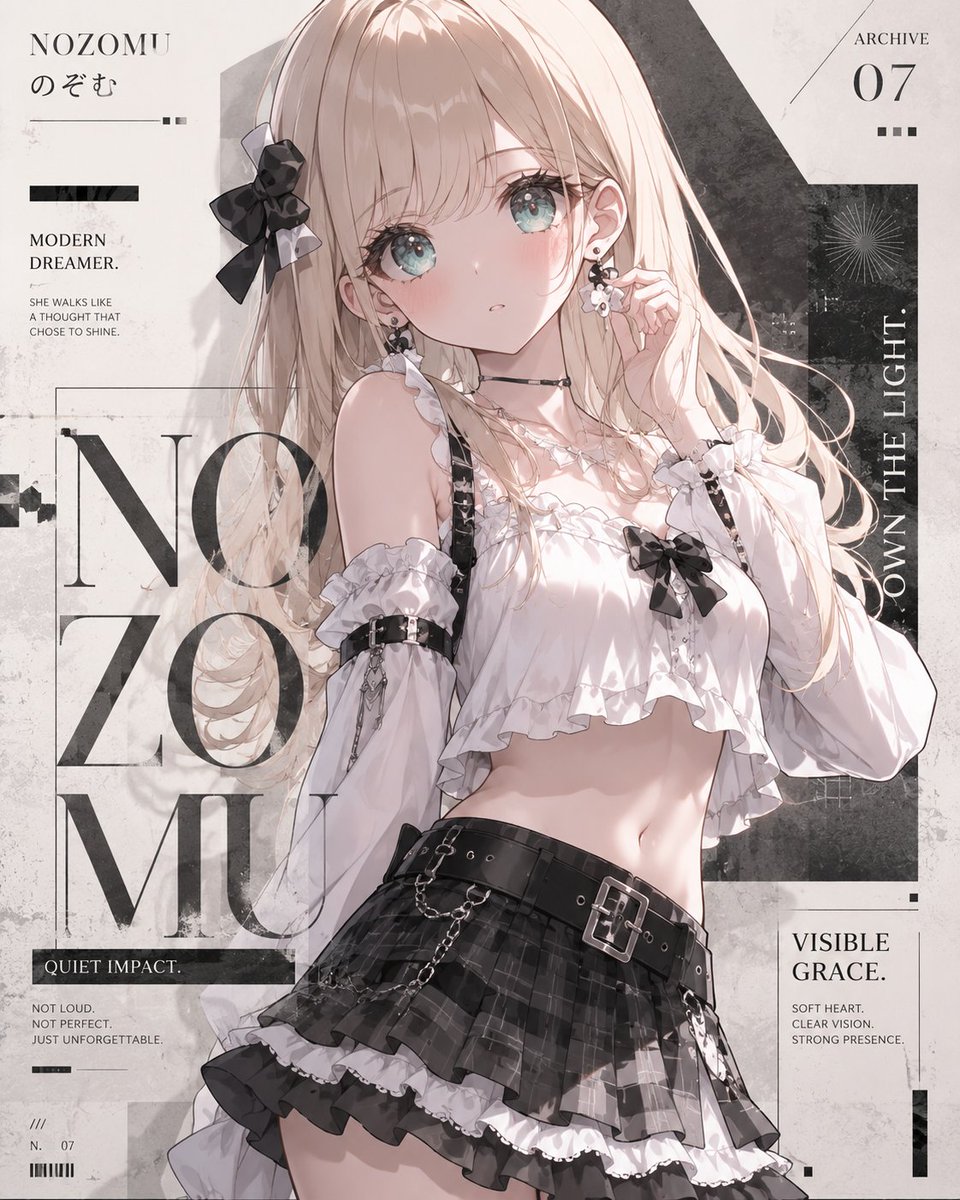
- Prompt included
- Model and format preset
- Premium template
The prompt behind this image
Copy the exact prompt behind Anime Fashion Magazine Poster, or open it in the studio and make it yours.
Goal: Create a high-fashion overseas magazine poster featuring an anime-style original character, using restrained typography, negative space, and an editorial mood rather than adding extra cuteness. Canvas: Square 1:1 poster, off-white paper background with subtle concrete texture, faint stains, scratches, ink smudges, thin layout lines, and layered black rectangular graphic blocks. Main subject: A delicate anime girl named {argument name="character name" default="NOZOMU"} posed from upper thighs to head, slightly angled, occupying the center and right side of the poster. She has very long pale blonde hair with soft highlights, flowing strands, and a large black bow hair accessory on the left side. Her face is intentionally covered by a centered muted beige square block, like a privacy mask or editorial placeholder. She wears a white frilled off-shoulder crop blouse with ruffles, puff sleeves, black straps, black bow accents, lace trim, and small jewelry details. Her lower outfit is a black plaid layered mini skirt with white frill underskirt, a wide black belt with silver buckle, hanging chains, and gothic street-fashion details. Her pose is refined and slightly mature: one hand near the ear, body relaxed, soft light on skin, elegant but youthful fashion-magazine atmosphere. Layout and typography: Use large serif editorial typography in black and dark gray, mixed with small sans-serif captions. Put oversized stacked letters behind and beside the character reading “NO / ZO / MU” on the left half, partially hidden by the subject. Add fine rectangular frames and alignment guides around the typography. Visible text content: Include exactly 8 distinct text areas: 1) top left title “NOZOMU” with small Japanese hiragana “のぞむ” beneath it; 2) small left headline “MODERN DREAMER.”; 3) small paragraph under it reading “SHE WALKS LIKE A THOUGHT THAT CHOSE TO SHINE.”; 4) large background typography “NO ZO MU”; 5) black strip near lower left reading “QUIET IMPACT.”; 6) tiny lower-left copy reading “NOT LOUD. NOT PERFECT. JUST UNFORGETTABLE.” plus small archive marks “///”, “N. 07”, and barcode lines; 7) top right label “ARCHIVE” with large number “07” and three small square dots; 8) right-side vertical text “OWN THE LIGHT.” beside a dark textured rectangular panel, plus a lower-right card reading “VISIBLE GRACE.” with small text “SOFT HEART. CLEAR VISION. STRONG PRESENCE.” Visual style: Japanese anime illustration blended with Western fashion magazine poster design, monochrome editorial palette with warm cream, blush skin tones, pale blonde hair, black accents, and soft gray shadows. Use high detail in clothing, hair, chains, ruffles, and texture, while keeping the overall composition airy, elegant, and poster-like. Constraints: Keep the square face-covering block visible and centered over the face; do not add extra characters; do not add more than the listed 8 text areas; avoid neon colors, clutter, logos, watermarks, or photorealistic rendering.
How to use Anime Fashion Magazine Poster in 3 steps
- 1Upload ImagePNG, JPG or paste
Add your photo
Upload the photo the template builds on. The prompt, model and format are already set.
- 2…a portrait of your subject in softgolden-hour light, 85mm…
Personalize
Edit the subject and creative details for your destination.
- 3Generate
Generate
Press Generate — your image is created in PicX Studio, so you can compare it with the original and refine one variable at a time.
More like this
Templates with the same subject, style or setup. Open one to see its prompt.
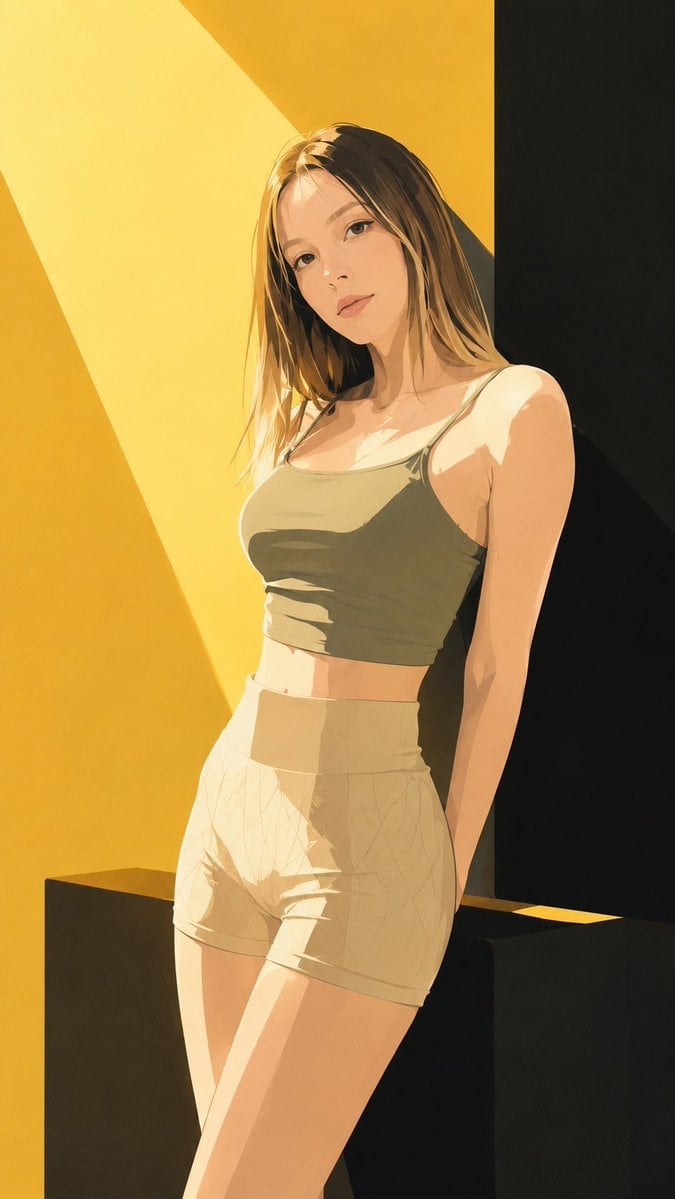
Japanese Fashion Magazine Anime Cover

Gpt2 Youtube Thumbnail Anime Music Bootcamp Promo Poster

80s College Gate

1988 Mall Style

80s Polka Dot Saree

Japan Travel Brochure Poster

Off Duty Fashion Magazine Cover

Nice Day Anime Poster

Anime Mahjong Magazine Cover

Neon Anime Fireworks Magazine Cover

High-Fashion Magazine Cover Portrait

Cel 2D Underwater Reef
Make it yours
Anime Fashion Magazine Poster works as-is. These are the safest ways to change it without losing the look.
Change one field
Copy a single group, rewrite it, and generate again so you can see what that field is doing.
Keep the frame, change the subject
Hold the composition and light of Anime Fashion Magazine Poster, then swap wardrobe, props or the person for a new take.
| If the result… | Why | Fix |
|---|---|---|
| The result drifts from the preview | Too many fields changed at once. | Reuse Anime Fashion Magazine Poster as-is first, then change one group — subject, light, or setting. |
| The model over-stylizes the scene | The prose prompt leaves finish and camera underspecified. | Add one camera or lighting sentence and stay on GPT Image 2. |
More GPT Image 2 templates
Other prompts made for GPT Image 2.

Six VTuber Japanese Logo Sheet

Realistic Portrait of Woman and Deer

The Vista Modular Condo Poster

AI Model Routing Comparison Infographic

2.5D Anime Art Board

Isometric Productivity Desk Scene

New York Double Exposure Poster

Four-Panel AI Landscape Comparison

Japanese Tatami Lifestyle Magazine Cover

NESCAFÉ Coffee Map Poster
More image prompts
Fresh picks from across the catalog.
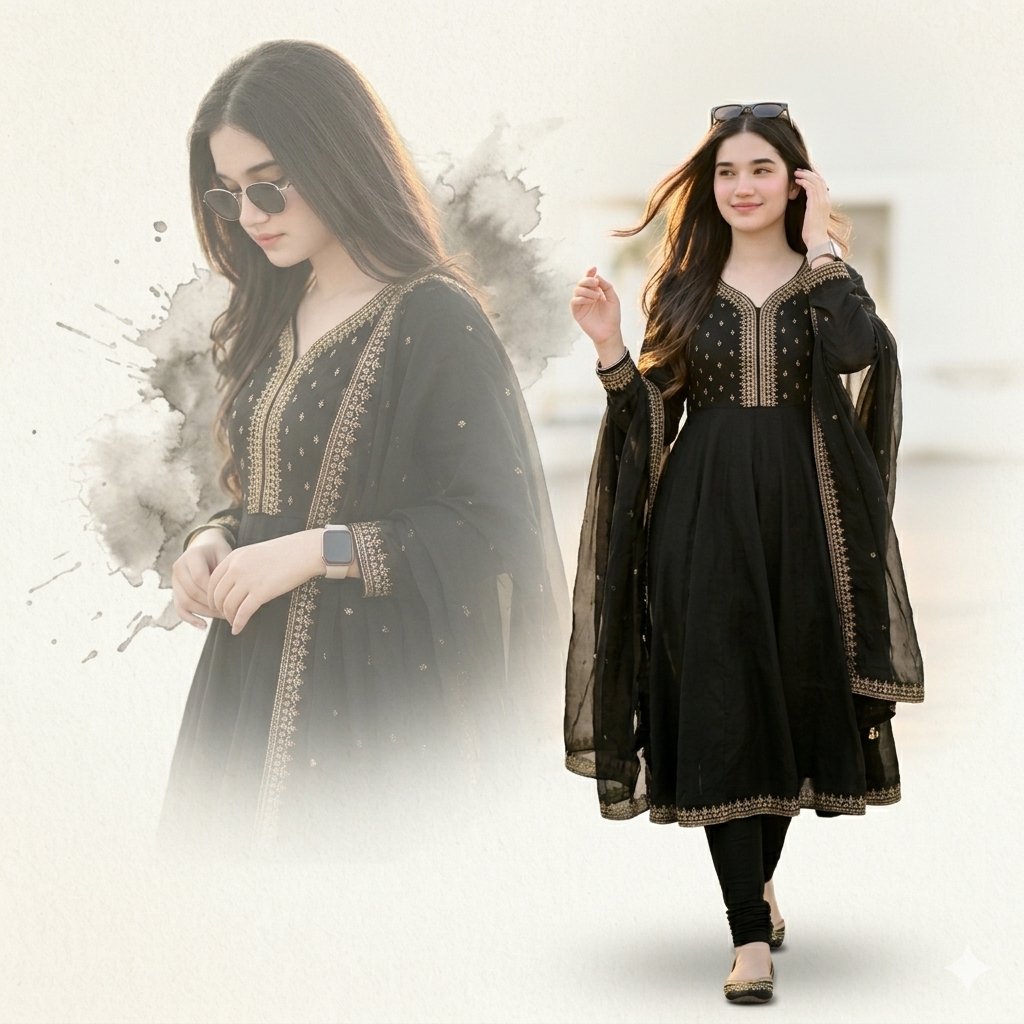
Elegant Double Portrait Fashion Collage

Red Carpet Premiere Gala Prompt (Multilingual)
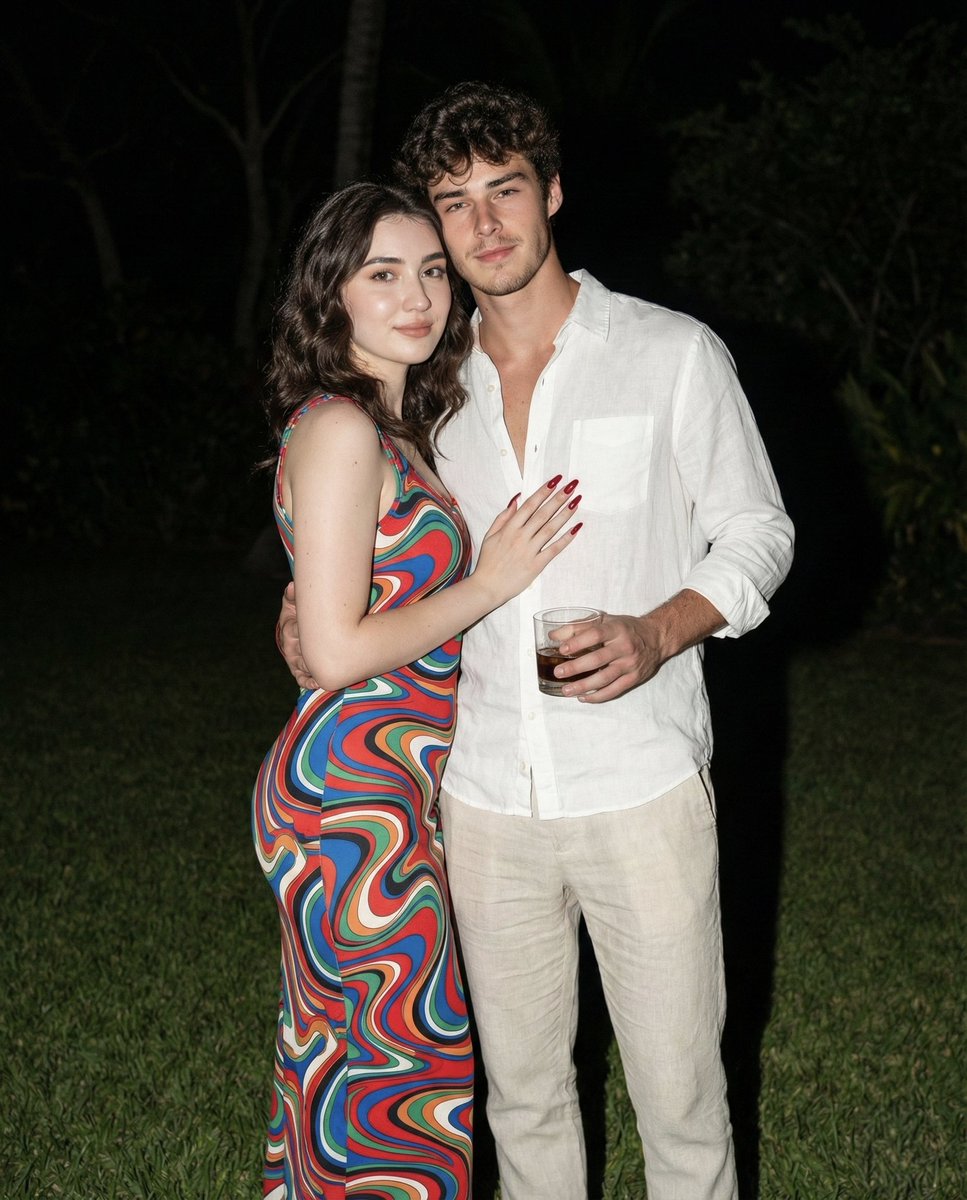
Nighttime Lifestyle Couple Portrait with Direct Flash Prompt
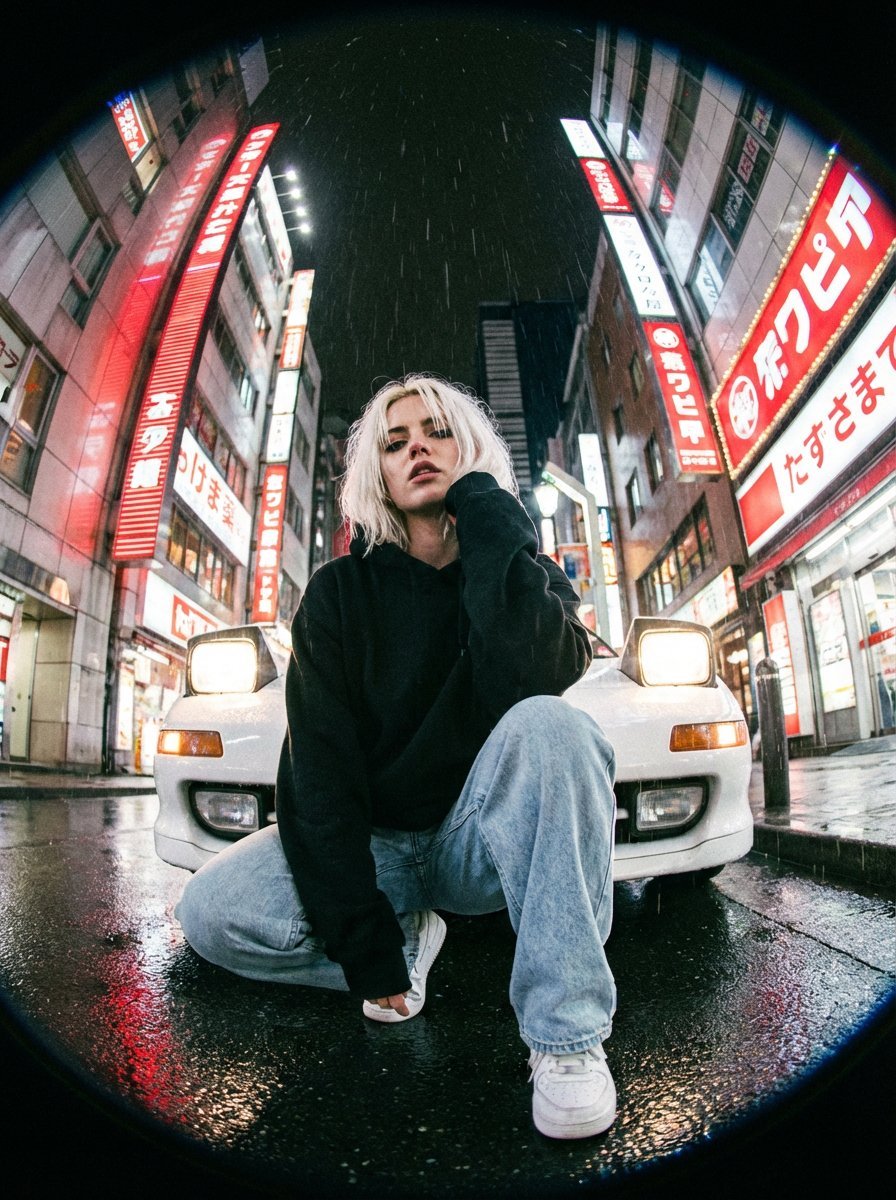
Hyper-Realistic Fisheye Street Portrait in Tokyo Rain
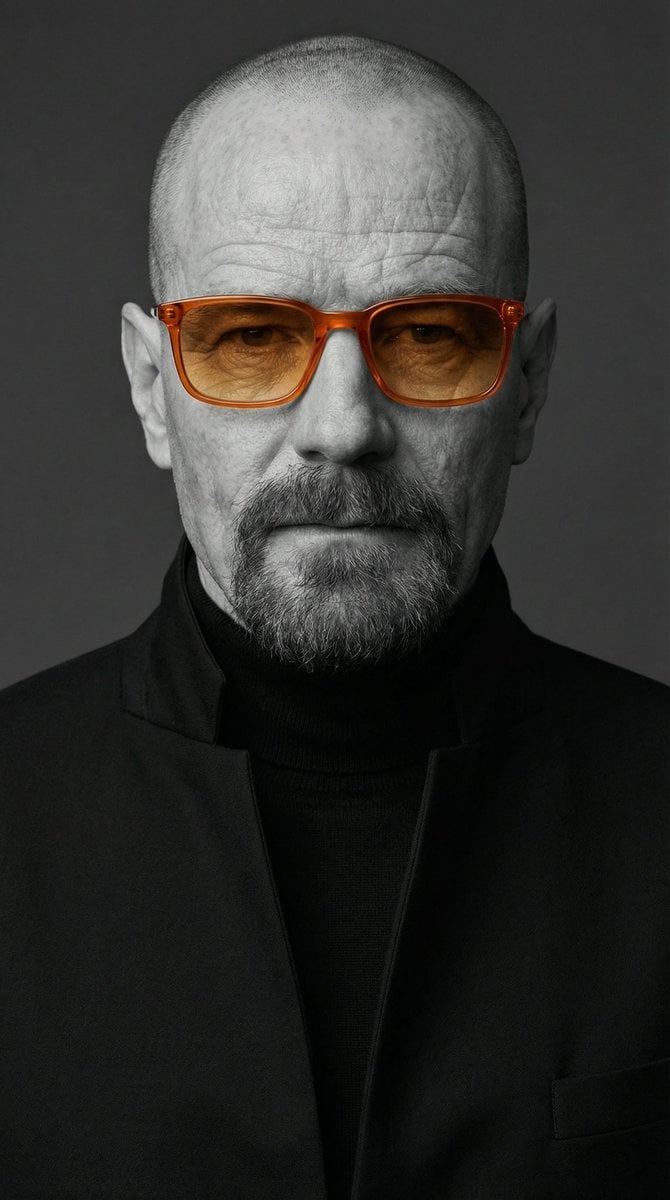
Selective Color Monochrome Studio Portrait
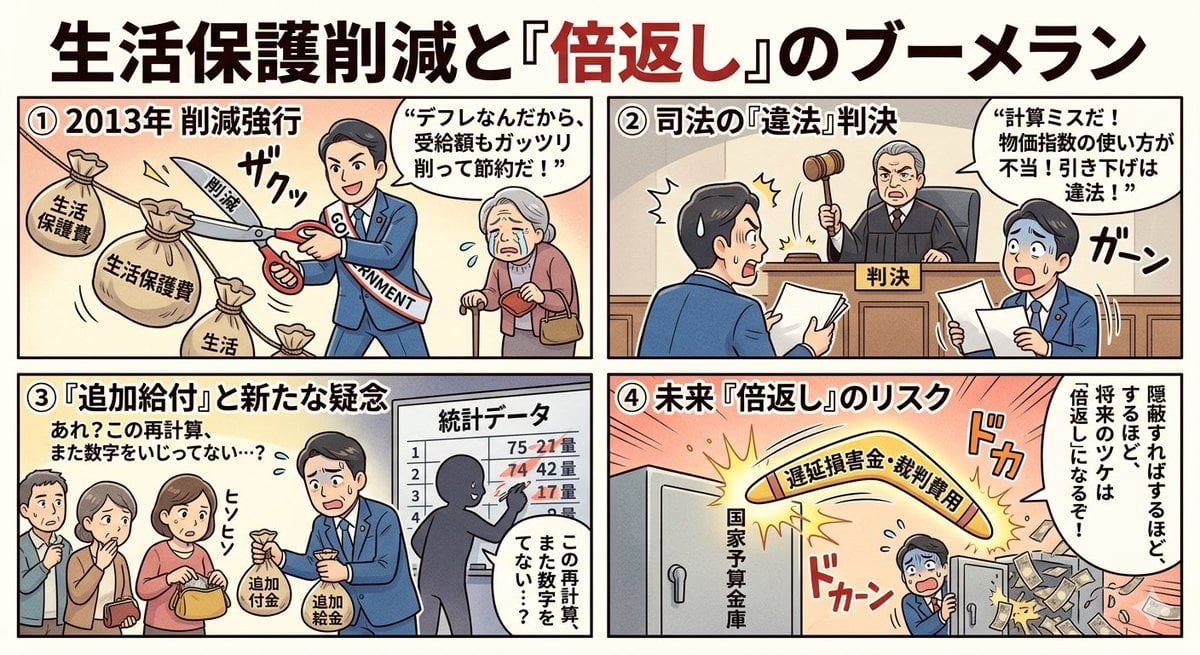
Four-Panel Manga: Boomerang of Double Repayment

Unfiltered Paparazzi-Style Portrait in a Private Jet
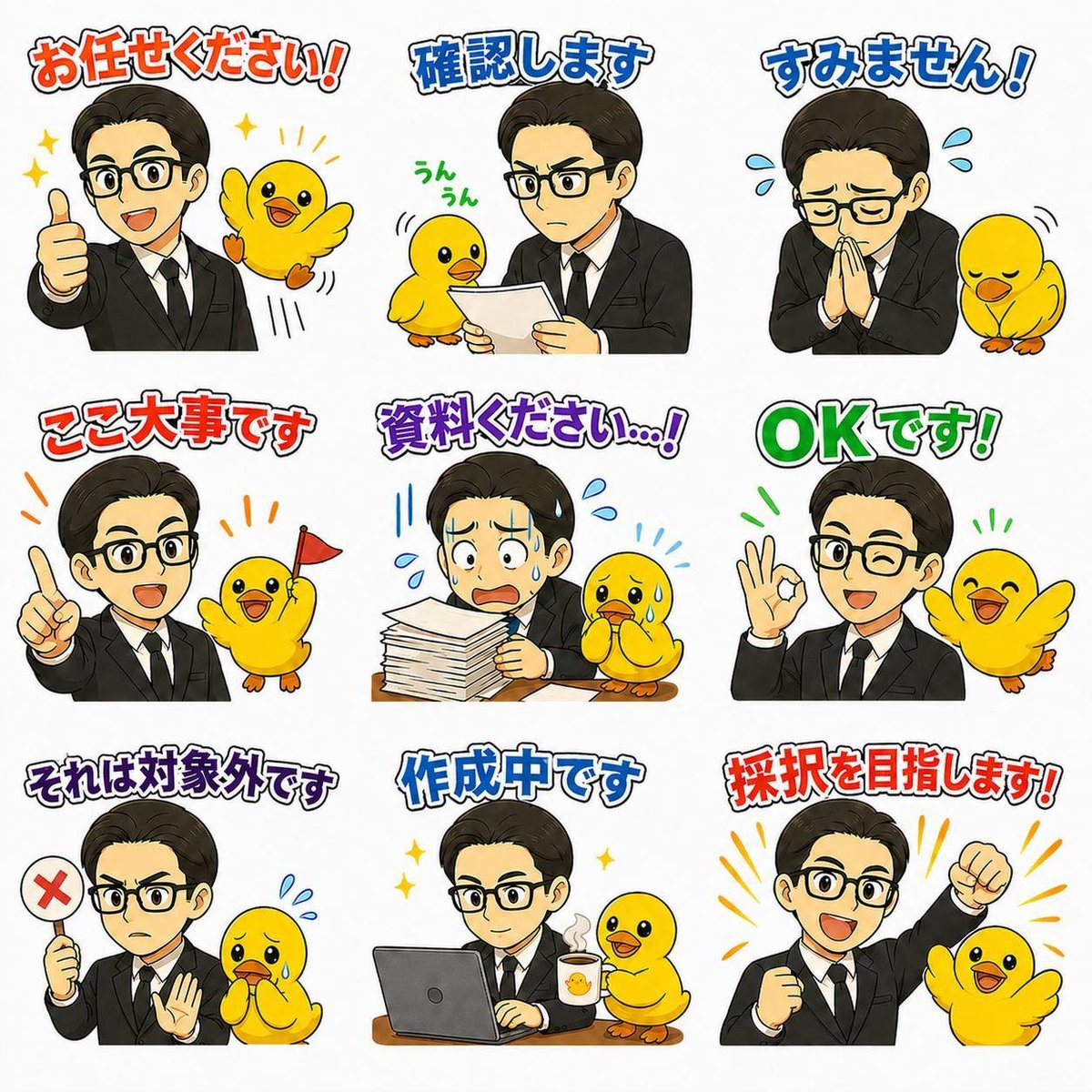
Japanese Office LINE Sticker Sheet
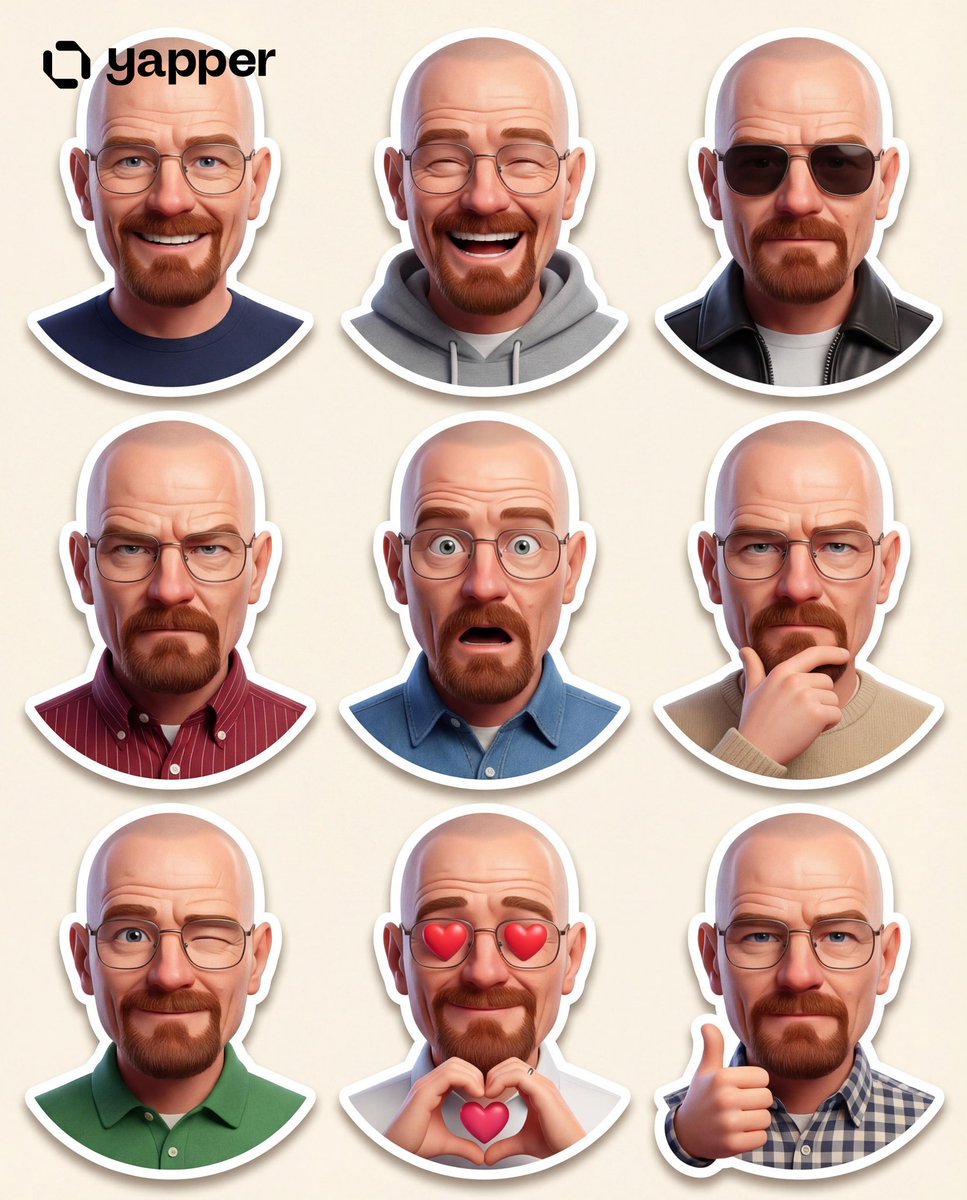
Pixar-Style 3D Character Sticker Set (9 Variations)
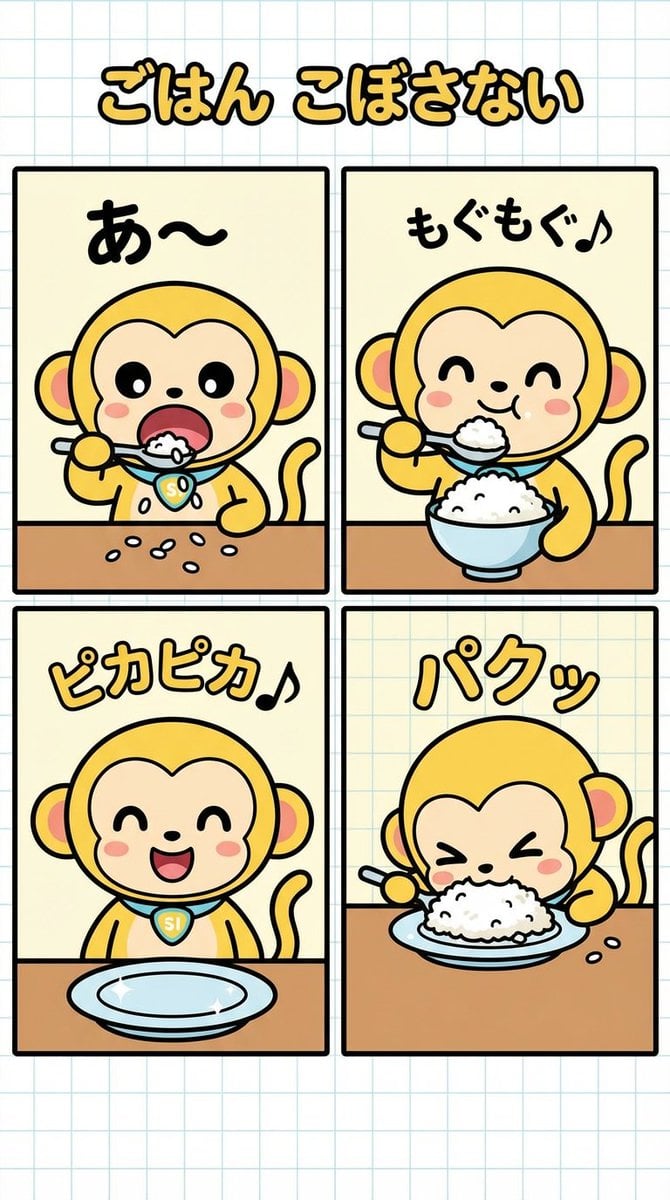
Four-Panel Manga Creation: Don't Spill Your Rice
Browse template categories
Anime Fashion Magazine Poster questions
How do I use the Anime Fashion Magazine Poster template?
Add your photo if the template asks for one, edit the prompt if you like — the template's model and format are already selected — and press Generate. Your version opens in PicX Studio.
Can I customize the Anime Fashion Magazine Poster template?
Yes. You can change the subject, setting, lighting, mood, format, and available model controls before creating your image.
Is the Anime Fashion Magazine Poster template free?
Opening and editing this template is free. Generating uses credits, shown on the Generate button when you are signed in.
Which AI model should I use?
Start with GPT Image 2, which is the model associated with this template. You can compare another compatible model for a different finish.
Looking for something else? Browse all templates.

Your photo, any look
Thousands of ready templates for every top image and video model, from one credit balance.