
Gothic Cat Château
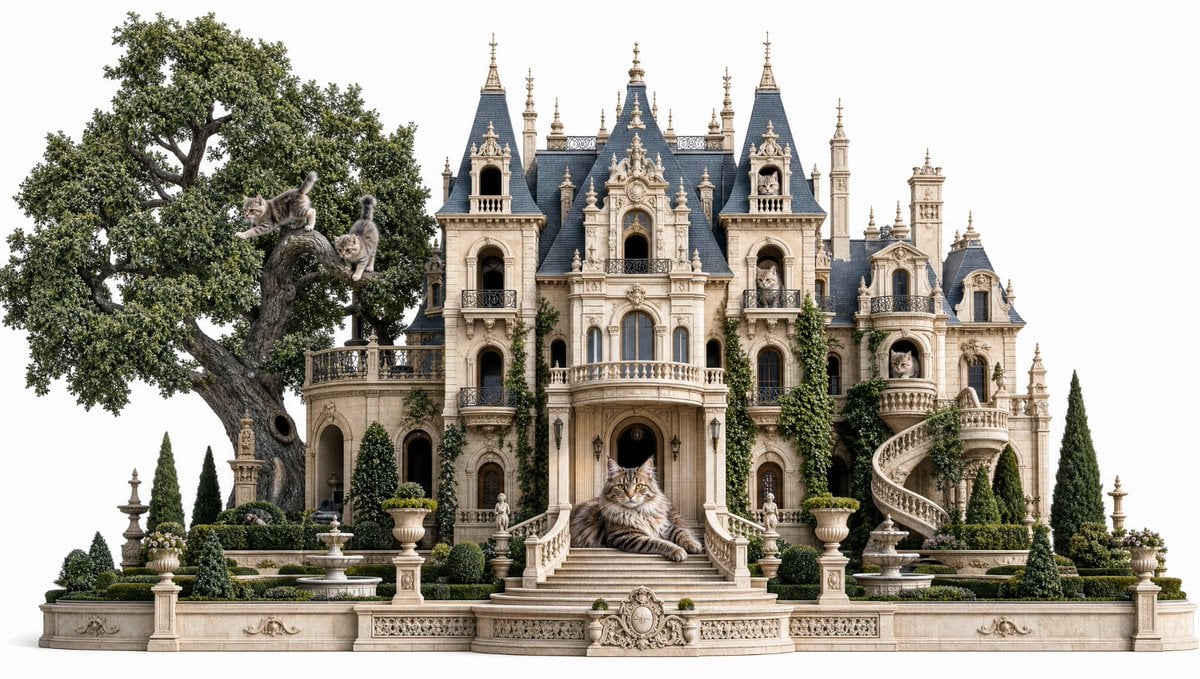
A photorealistic fantasy prompt for generating an ornate French Gothic cat mansion filled with visible tabby cats.
- Prompt included
- Model and format preset
- Free template
The prompt behind this image
Copy the exact prompt behind Gothic Cat Château, or open it in the studio and make it yours.
Create a highly detailed photorealistic fantasy architectural scene on a clean white background: an ornate French Gothic château transformed into a luxurious cat mansion. The mansion is symmetrical and cream-colored limestone, with dark blue slate mansard roofs, many steep spires, dormer windows, carved balconies, arched openings, balustrades, sculptural trim, and ivy climbing parts of the facade. In front, a grand central staircase curves down to formal gardens with clipped hedges, urn planters, small fountains, stone statues, cypress trees, and decorative low walls. On the left, a massive ancient oak tree grows beside the mansion, its trunk twisting upward and its dense green canopy filling the upper-left side. Include exactly 9 realistic long-haired gray tabby cats: 3 cats in the oak tree, one leaping from a branch, one perched on the trunk, and one climbing with tail raised; 1 cat resting on the low terrace near the tree; 1 large majestic Maine Coon-like cat lying prominently on the central front steps as the focal point; 1 cat visible in an upper left tower window; 1 cat visible in an upper right tower window; 1 cat sitting on the rounded right-side balcony; and 1 cat peeking from the far-right arched window. Use soft daylight, crisp architectural detail, natural shadows, elegant storybook realism, balanced frontal composition, no people, no text, no watermark.
How to use Gothic Cat Château in 3 steps
- 1Upload ImagePNG, JPG or paste
Add your photo
Upload the photo the template builds on. The prompt, model and format are already set.
- 2…a portrait of your subject in softgolden-hour light, 85mm…
Personalize
Edit the subject and creative details for your destination.
- 3Generate
Generate
Press Generate — your image is created in PicX Studio, so you can compare it with the original and refine one variable at a time.
More like this
Templates with the same subject, style or setup. Open one to see its prompt.

Cat Photobomb Selfie — 0.5x Wide Angle Café Chaos

Surreal Cat Astronaut — Humanoid Face Freefall

Low Angle Floor Selfie With Upside Down Cat
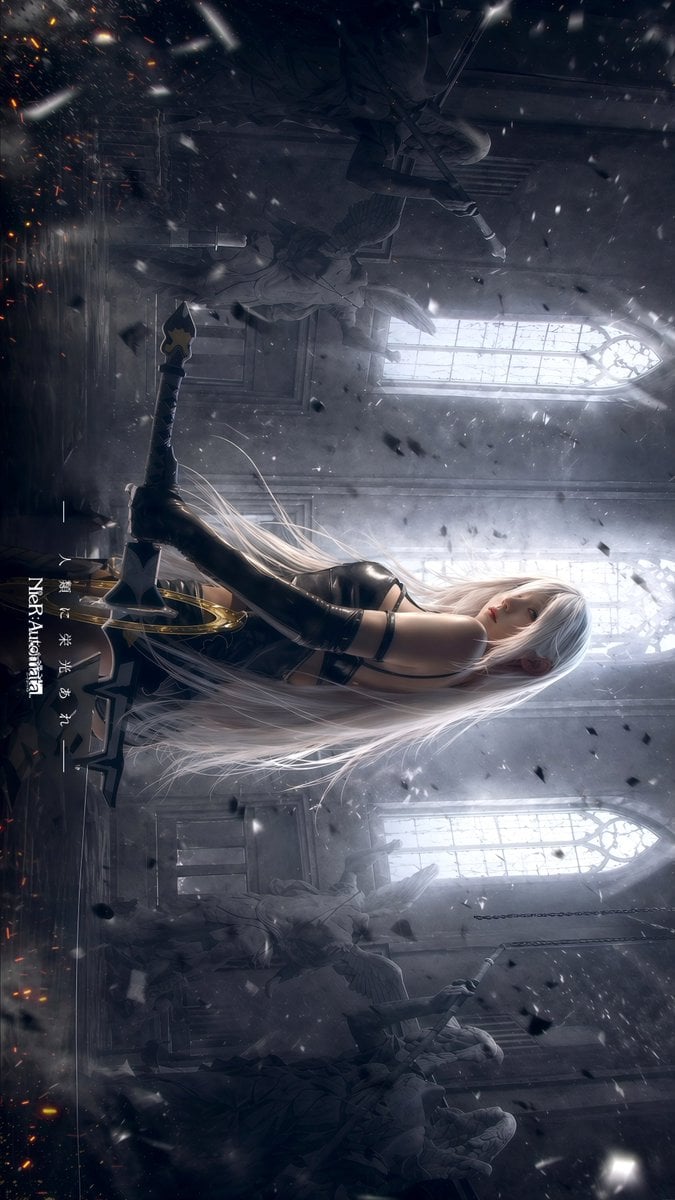
Gothic Android Warrior Cathedral Key Art

Gothic Japanese Mobile Homepage

Burning Gothic Flood Escape
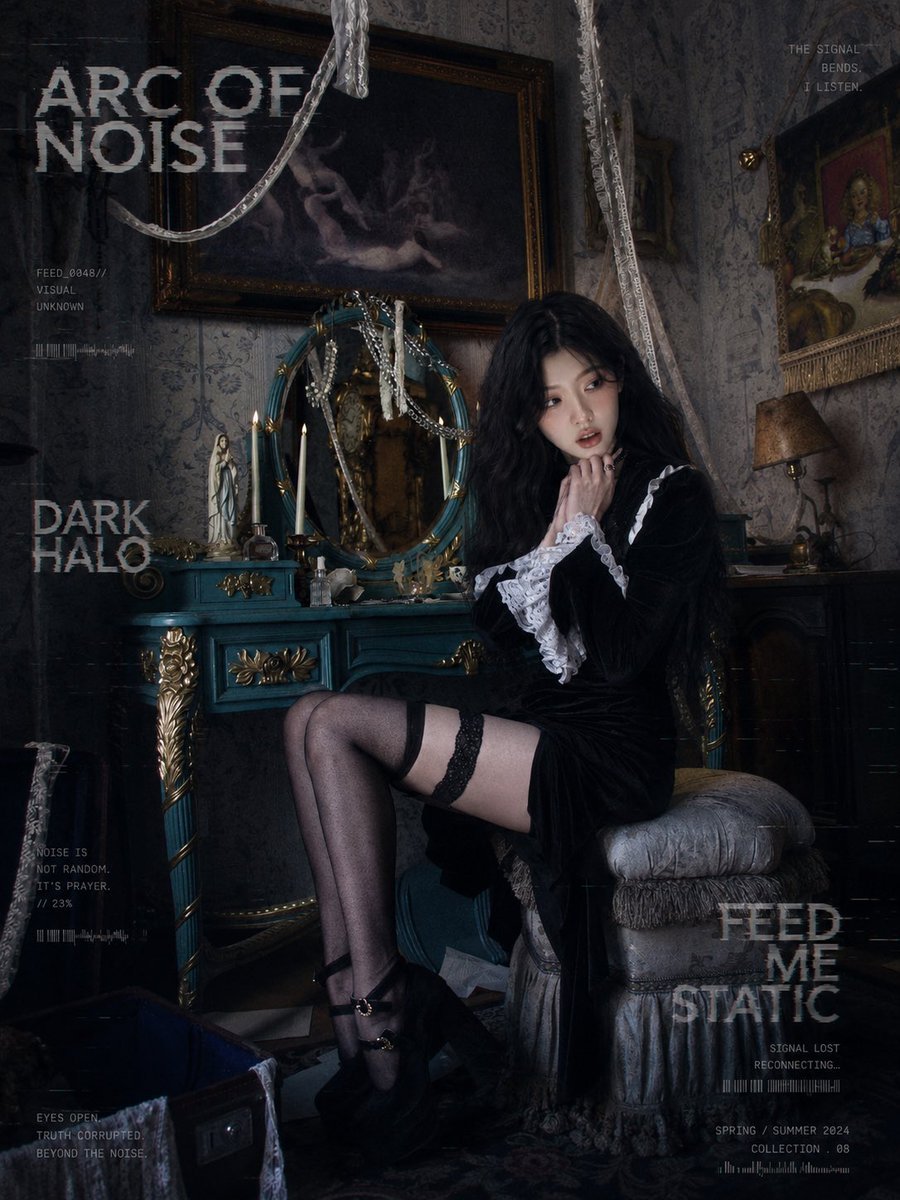
Dark Gothic Lolita Static Portrait

Gothic Girl Character Turnaround Sheet
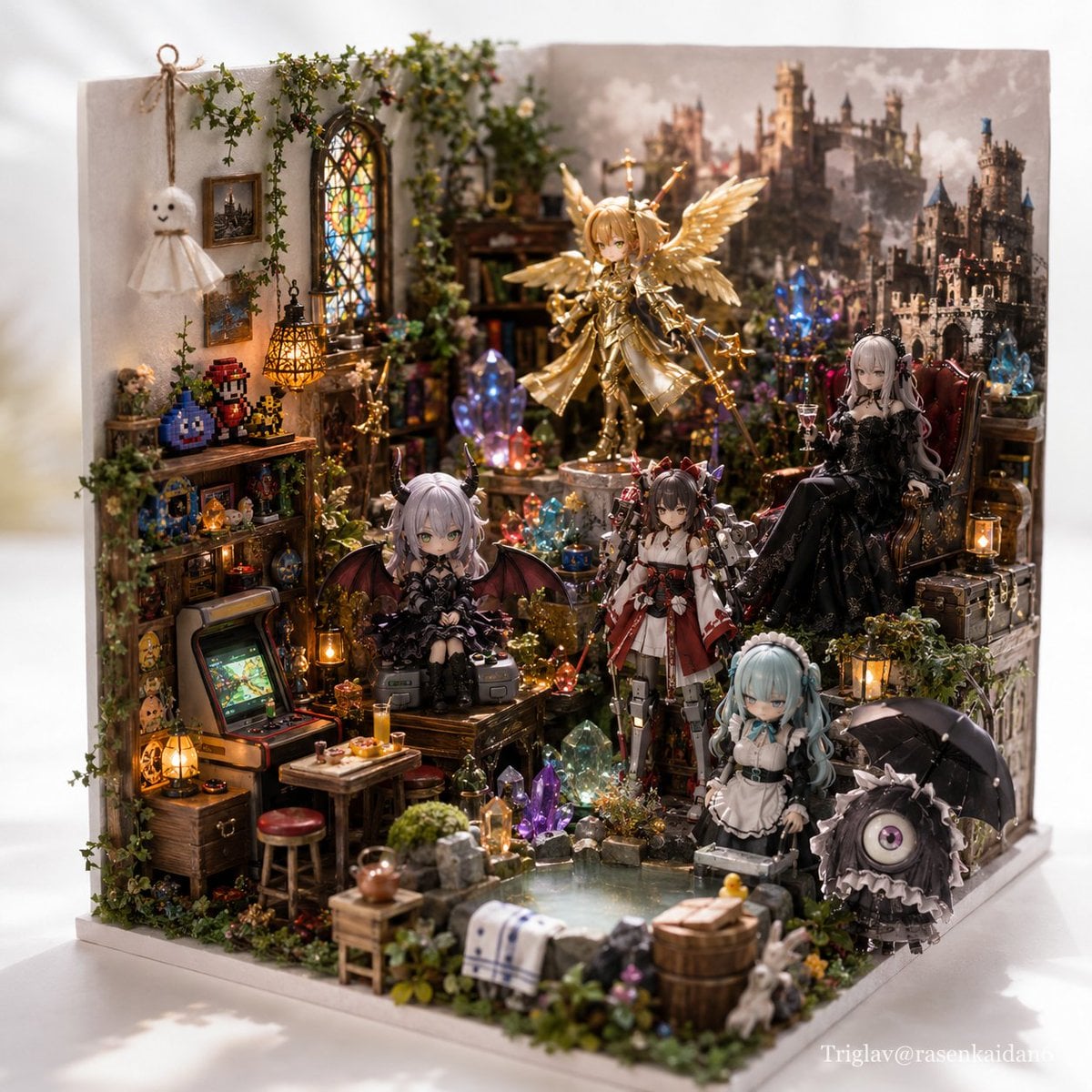
Gothic Fantasy Diorama Room
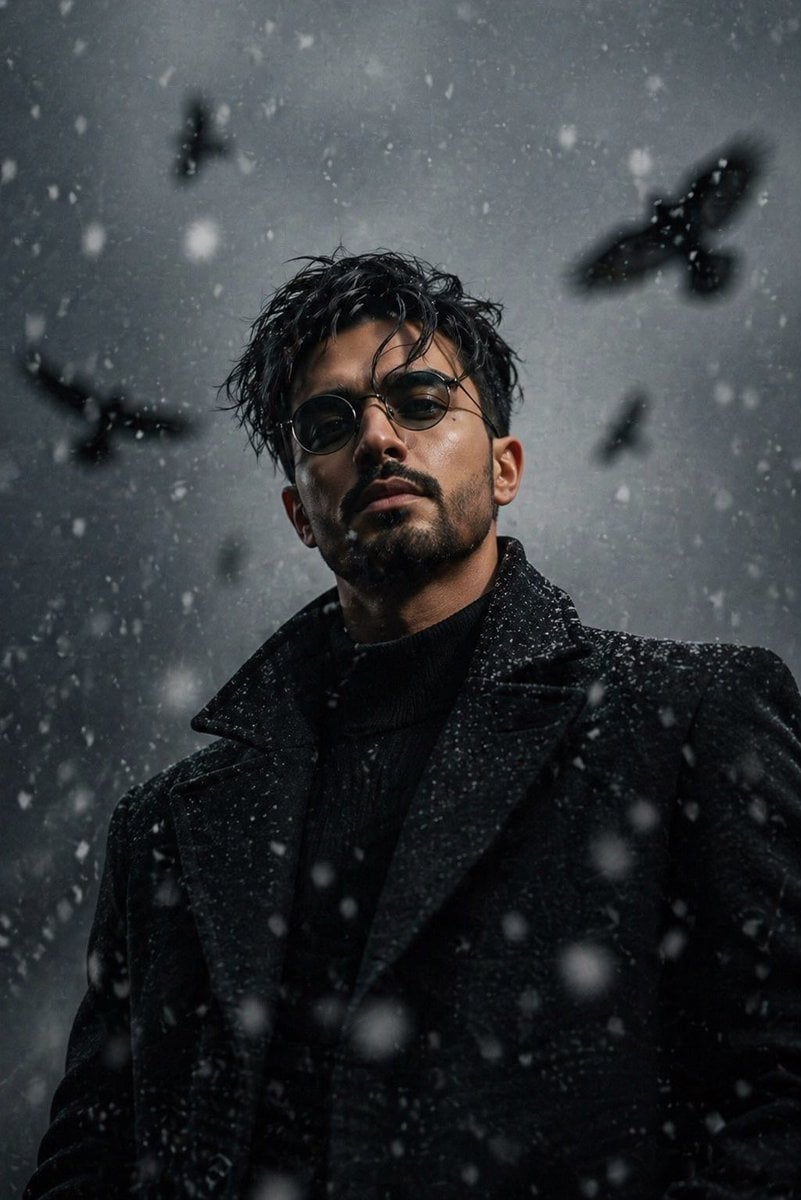
Cinematic Gothic Winter Portrait
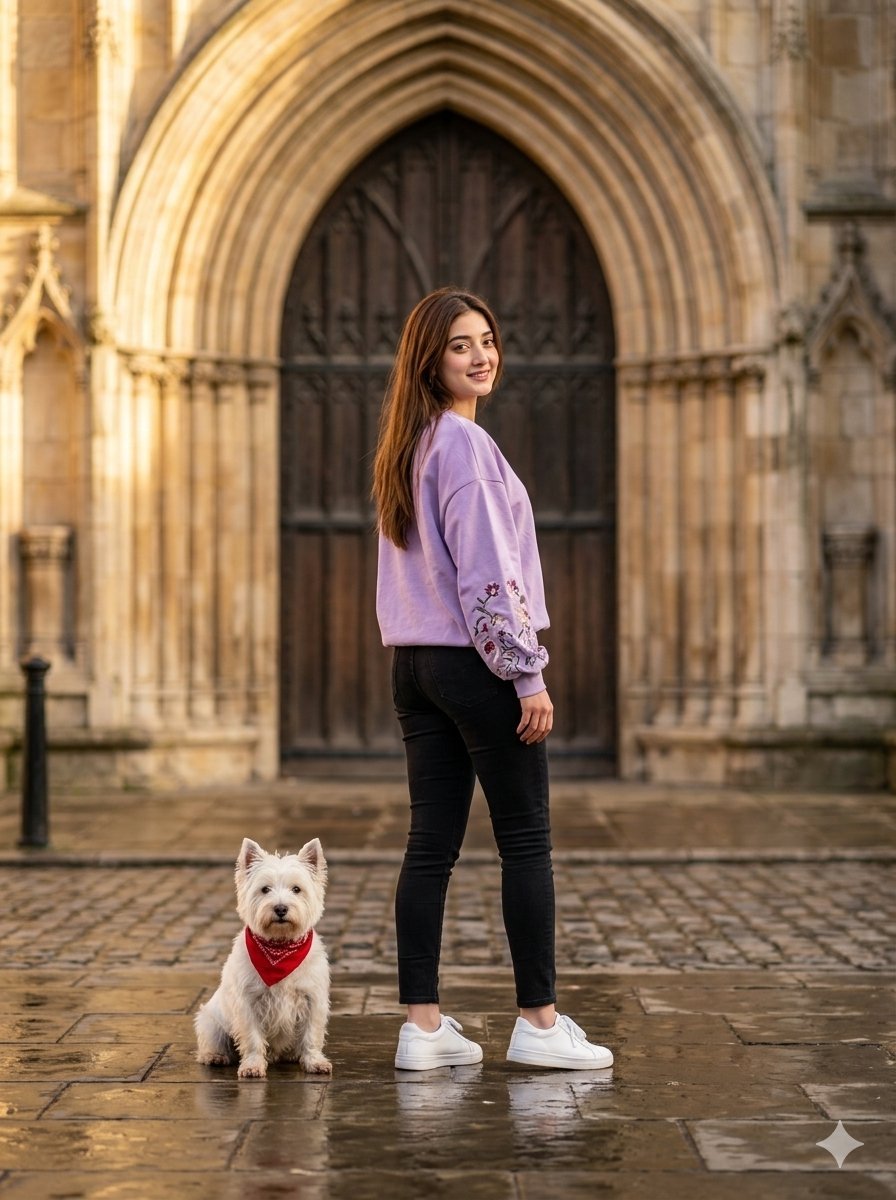
Gothic Archway Street Fashion
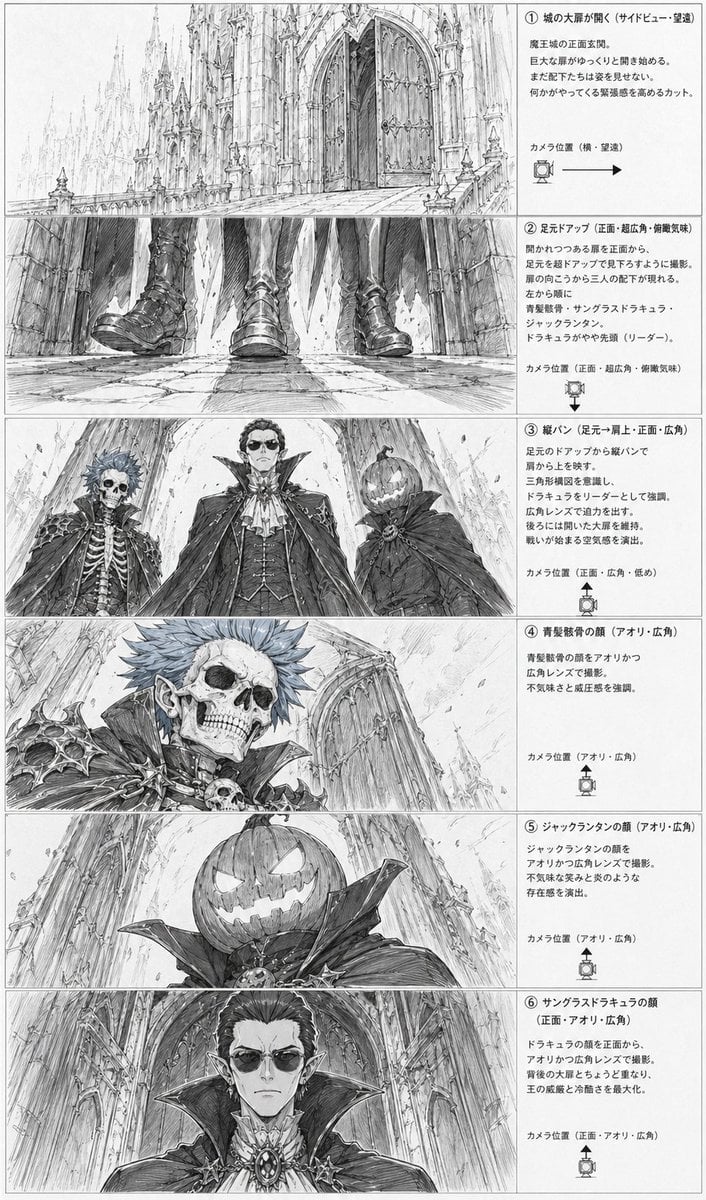
Gothic Villain Storyboard Sheet
Make it yours
Gothic Cat Château works as-is. These are the safest ways to change it without losing the look.
Change one field
Copy a single group, rewrite it, and generate again so you can see what that field is doing.
Keep the frame, change the subject
Hold the composition and light of Gothic Cat Château, then swap wardrobe, props or the person for a new take.
| If the result… | Why | Fix |
|---|---|---|
| The result drifts from the preview | Too many fields changed at once. | Reuse Gothic Cat Château as-is first, then change one group — subject, light, or setting. |
| The model over-stylizes the scene | The prose prompt leaves finish and camera underspecified. | Add one camera or lighting sentence and stay on GPT Image 2. |
More GPT Image 2 templates
Other prompts made for GPT Image 2.

Six VTuber Japanese Logo Sheet

Realistic Portrait of Woman and Deer

The Vista Modular Condo Poster

AI Model Routing Comparison Infographic

2.5D Anime Art Board

Isometric Productivity Desk Scene

New York Double Exposure Poster

Four-Panel AI Landscape Comparison

Japanese Tatami Lifestyle Magazine Cover

NESCAFÉ Coffee Map Poster
More image prompts
Fresh picks from across the catalog.
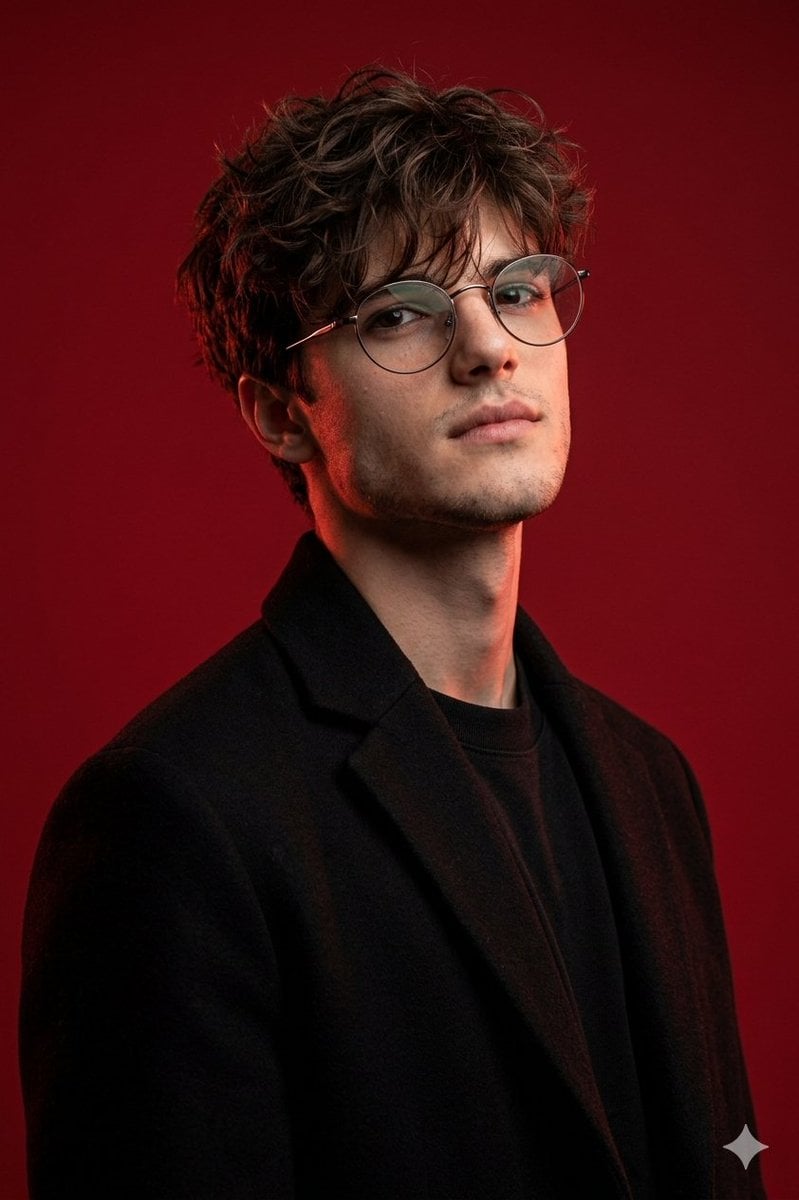
Brutal Studio Red Backdrop Portrait
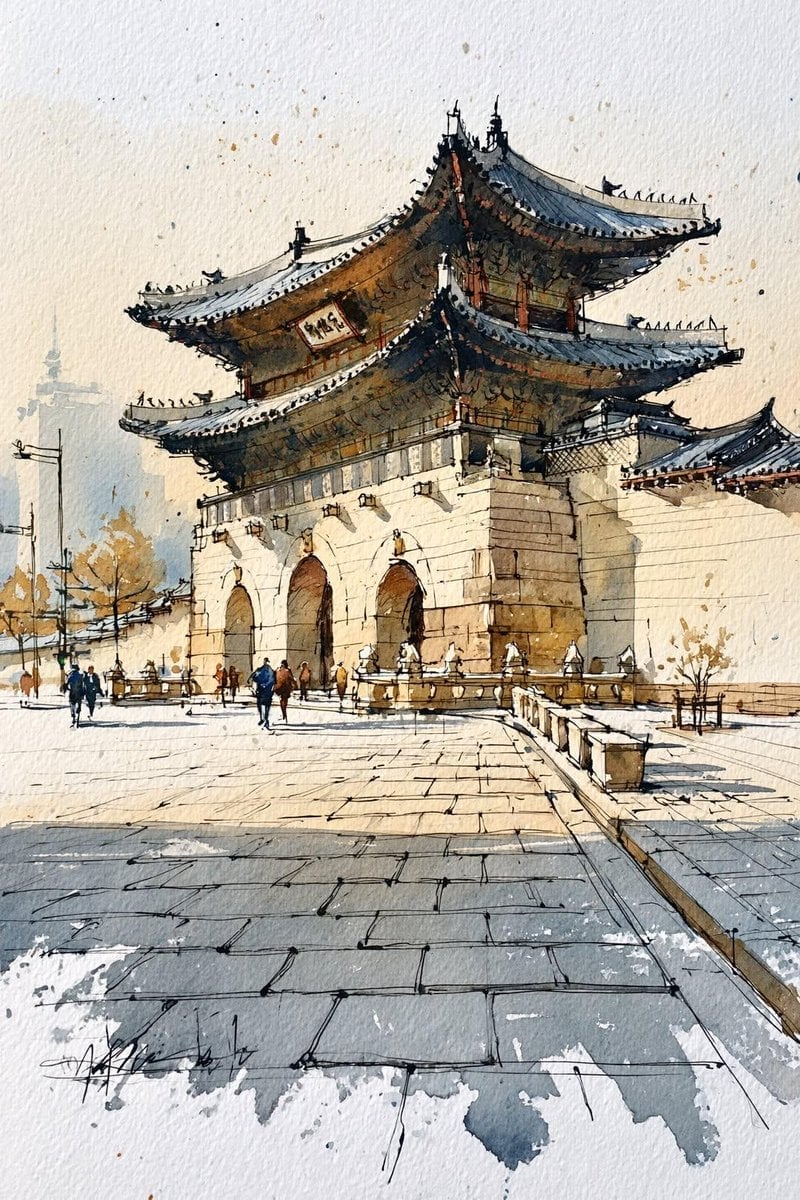
Korean Hanok Watercolor Sketch
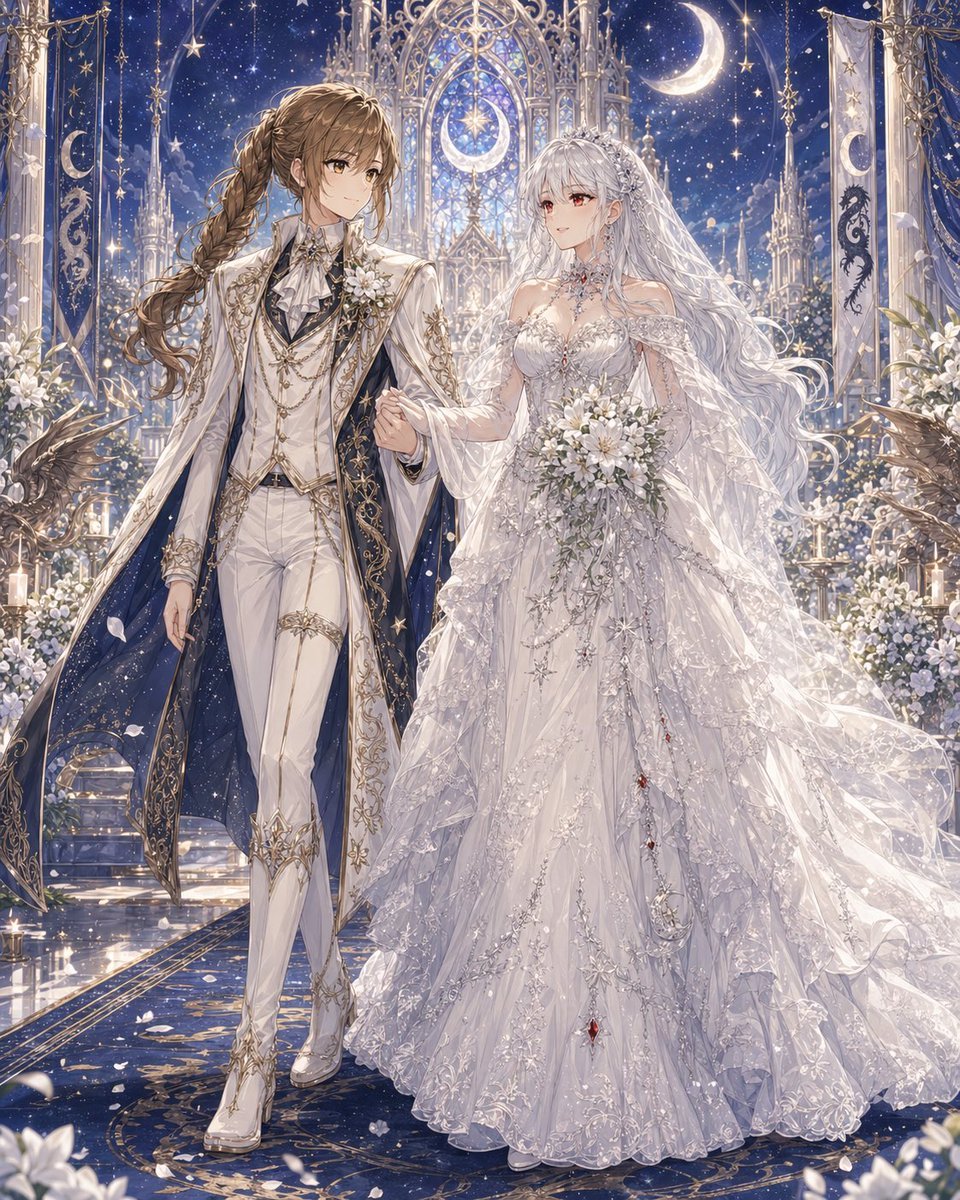
Celestial Yuri Wedding in Moonlit Cathedral
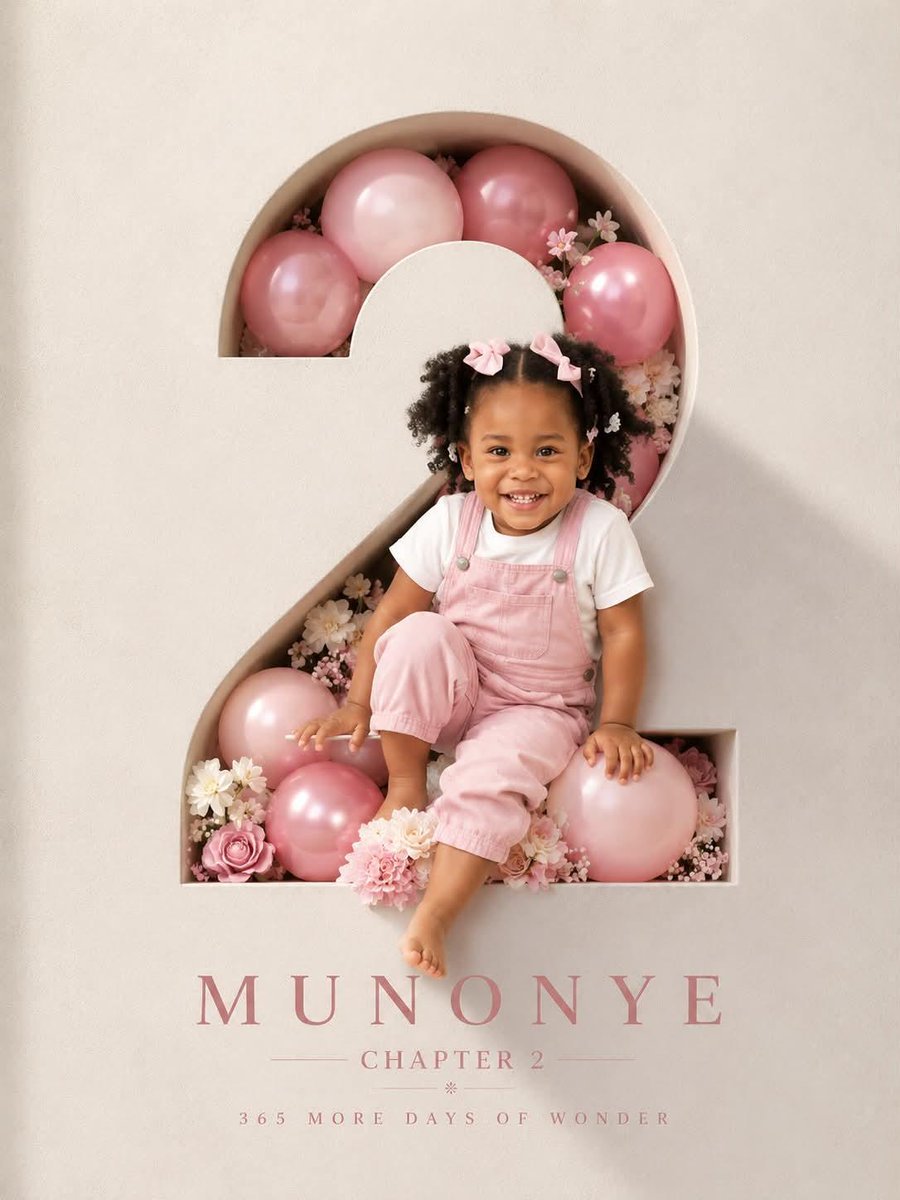
3D Luxury Birthday Poster
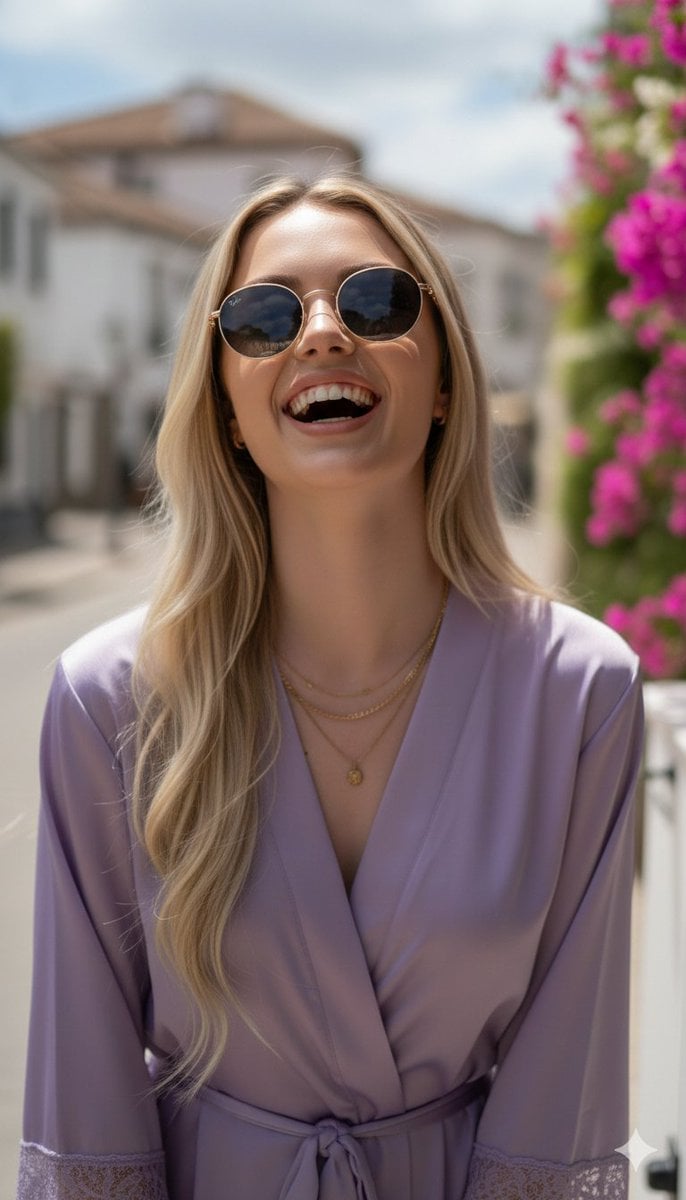
Photorealistic Portrait in a European Street with Bougainvillea
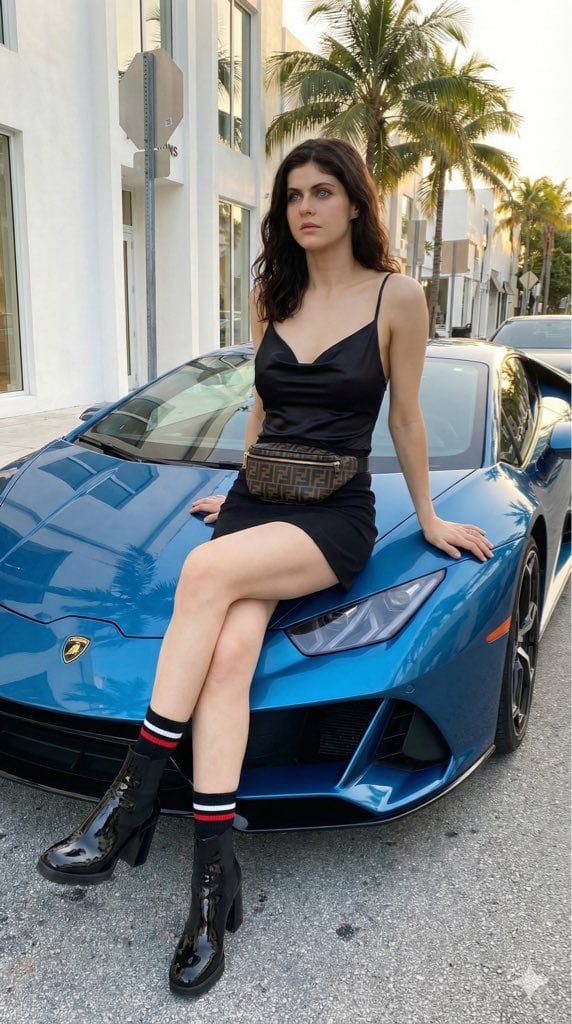
High-Fashion Editorial of Alexandra Daddario with a Lamborghini
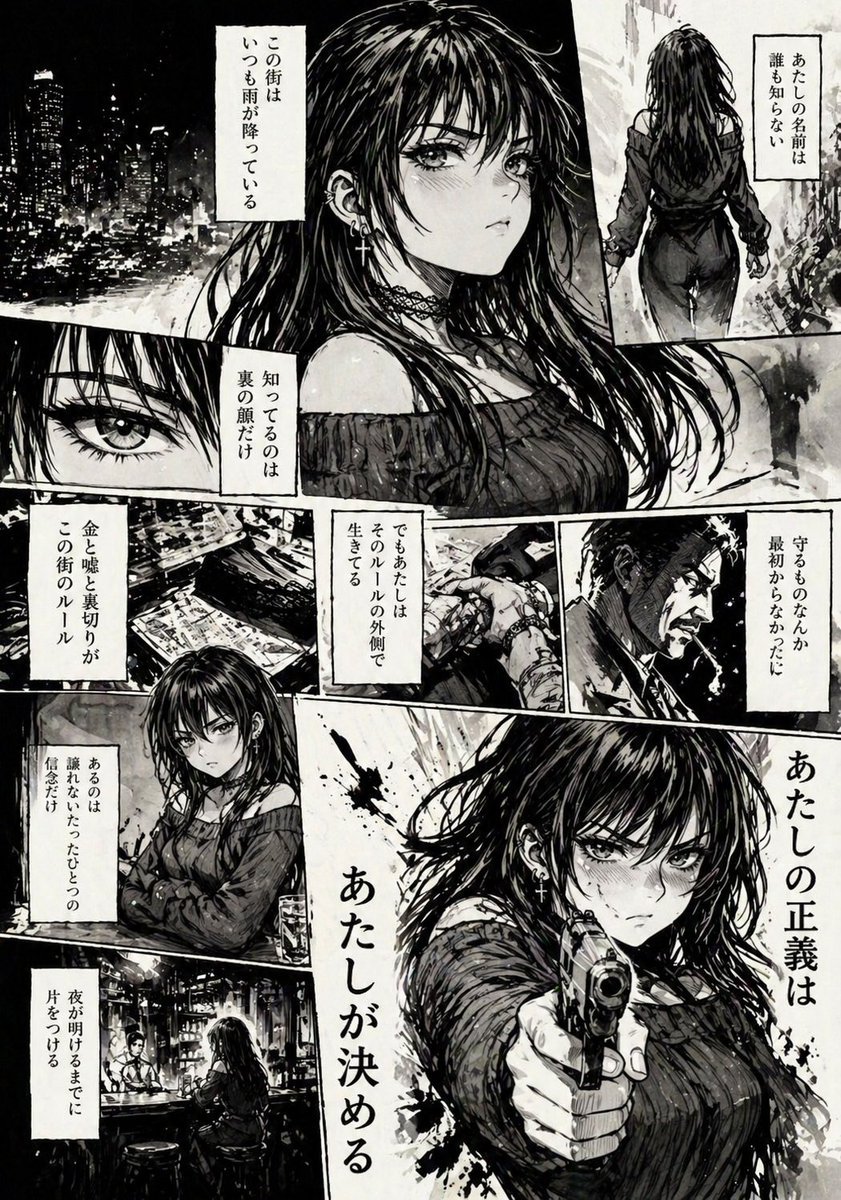
Hard-Boiled Noir Manga Woman Page

Chinese Wellness Recovery App UI
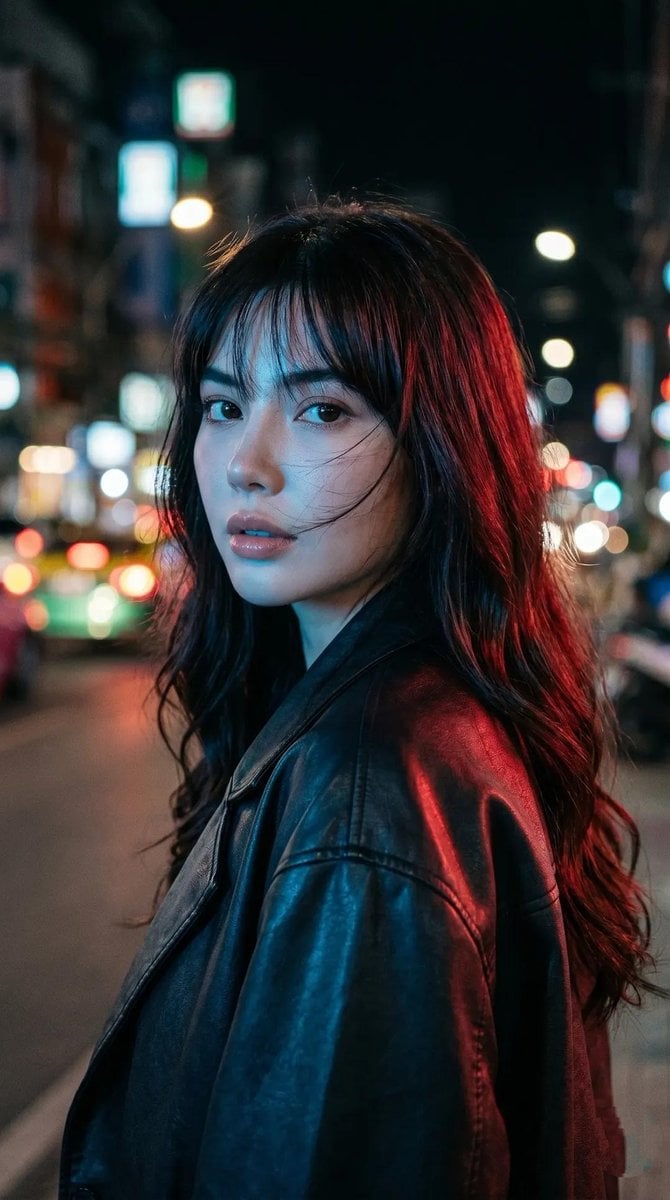
Cyberpunk Neon Portrait
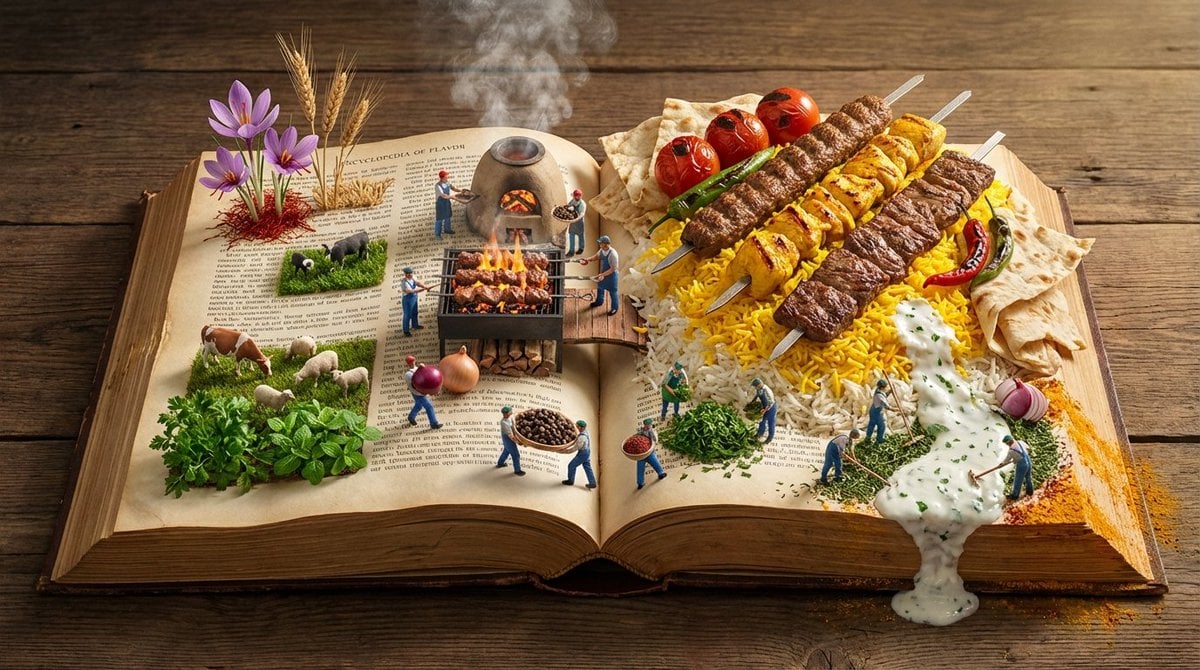
Encyclopedia of Flavor Diorama Generator
Browse template categories
Gothic Cat Château questions
How do I use the Gothic Cat Château template?
Add your photo if the template asks for one, edit the prompt if you like — the template's model and format are already selected — and press Generate. Your version opens in PicX Studio.
Can I customize the Gothic Cat Château template?
Yes. You can change the subject, setting, lighting, mood, format, and available model controls before creating your image.
Is the Gothic Cat Château template free?
Opening and editing this template is free. Generating uses credits, shown on the Generate button when you are signed in.
Which AI model should I use?
Start with GPT Image 2, which is the model associated with this template. You can compare another compatible model for a different finish.
Looking for something else? Browse all templates.

Your photo, any look
Thousands of ready templates for every top image and video model, from one credit balance.