
Celestial Yuri Wedding in Moonlit Cathedral
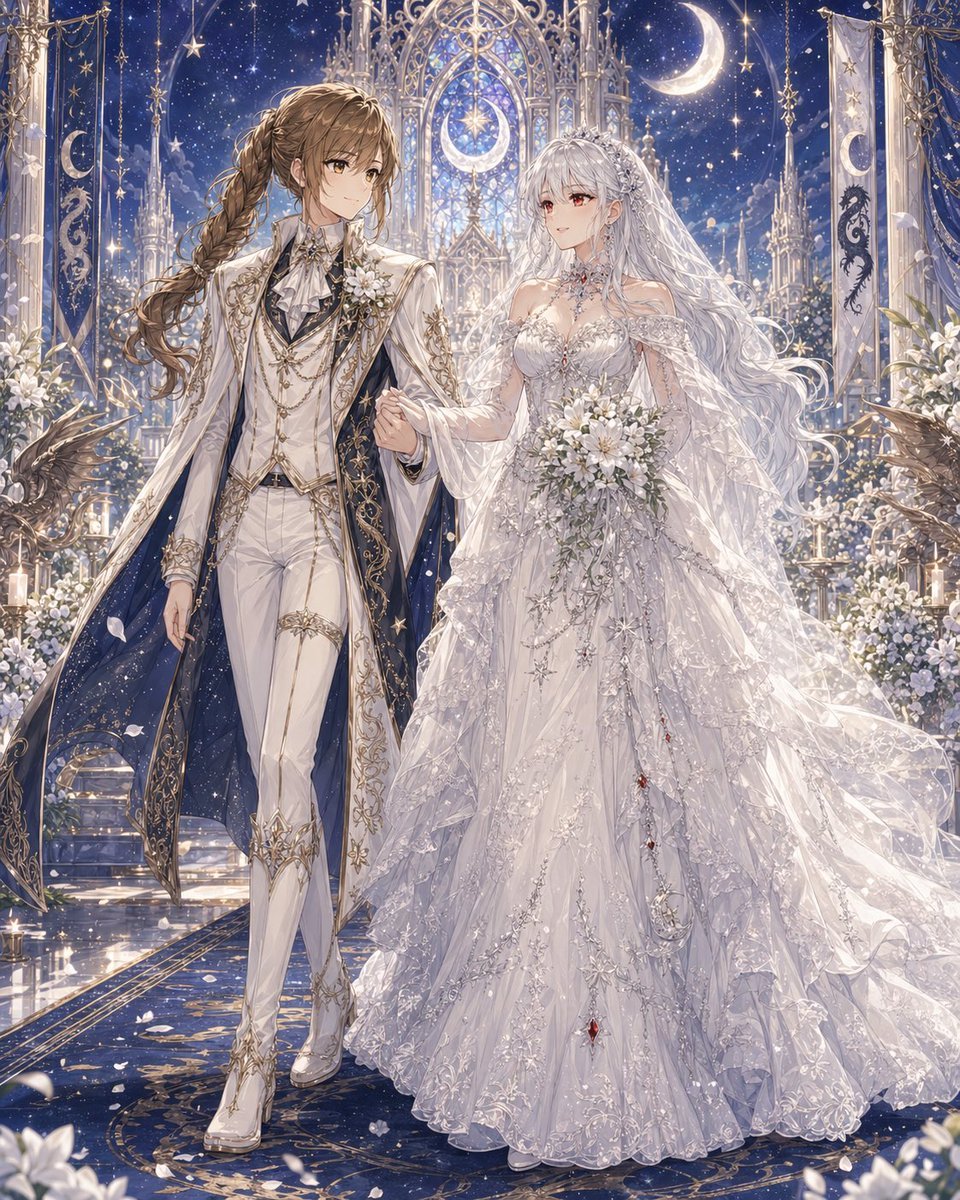
This prompt generates a highly ornate anime-style fantasy wedding portrait of two brides in celestial formalwear, ideal for romantic original character art and dramatic ceremonial scenes.
- Prompt included
- Model and format preset
- Free template
The prompt behind this image
Copy the exact prompt behind Celestial Yuri Wedding in Moonlit Cathedral, or open it in the studio and make it yours.
A lavish fantasy yuri wedding illustration in a highly detailed anime style, full-body portrait of two brides walking arm in arm down the aisle in a celestial cathedral at night. The left bride is a tall, elegant androgynous woman with {argument name="left character hair color" default="warm brown"} hair in a long thick side braid over one shoulder, wearing an aristocratic white wedding suit with fitted trousers, heeled white boots, a ruffled cravat, layered gold chains, embroidered gold filigree, floral corsage, and a dramatic long white coat lined in deep midnight blue like a starry sky. The right bride is a graceful woman with {argument name="right character hair color" default="silver white"} very long flowing wavy hair, a jeweled tiara, and a sheer veil, wearing an opulent {argument name="wedding dress style" default="voluminous white celestial lace ball gown"} with translucent layered sleeves, intricate silver embroidery, star and moon motifs, sparkling beadwork, and tiny red gemstone accents cascading down the skirt. She holds a {argument name="bouquet flowers" default="white lily and rose bouquet"}. Their expressions are serene and romantic, posed close together as if proceeding during the ceremony. The setting is a glowing moonlit gothic chapel with towering ornate arches, stained-glass-like tracery, hanging banners, candles, white floral arrangements, and celestial decorations. Count 2 large crescent moons visible in the architecture and sky, 2 vertical ceremonial banners, and 2 dark winged bird or griffin statues near the foreground sides. The background is a rich {argument name="sky color" default="deep sapphire blue"} star-filled sky with glittering particles, soft petals drifting through the air, and polished reflective flooring with gold patterns. Use ultra-detailed fabrics, luminous highlights, delicate lace, shimmering jewelry, elegant composition, dreamy fantasy romance, majestic wedding atmosphere, soft ethereal lighting, and a refined luxurious color palette of white, silver, gold, and midnight blue.
How to use Celestial Yuri Wedding in Moonlit Cathedral in 3 steps
- 1Upload ImagePNG, JPG or paste
Add your photo
Upload the photo the template builds on. The prompt, model and format are already set.
- 2…a portrait of your subject in softgolden-hour light, 85mm…
Personalize
Edit the subject and creative details for your destination.
- 3Generate
Generate
Press Generate — your image is created in PicX Studio, so you can compare it with the original and refine one variable at a time.
More like this
Templates with the same subject, style or setup. Open one to see its prompt.
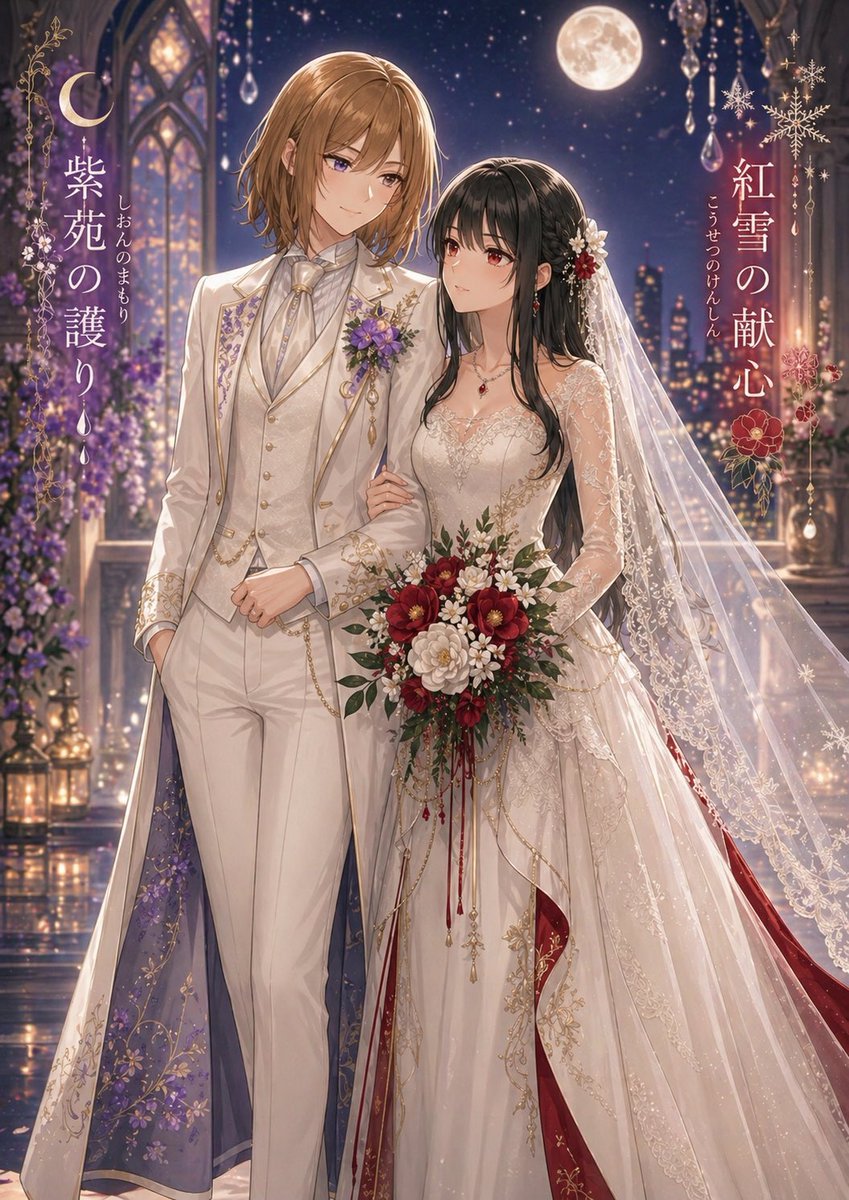
Moonlit Yuri Wedding Poster

Anime Fantasy Celestial Movie Poster
Anime Fantasy Celestial Movie Poster
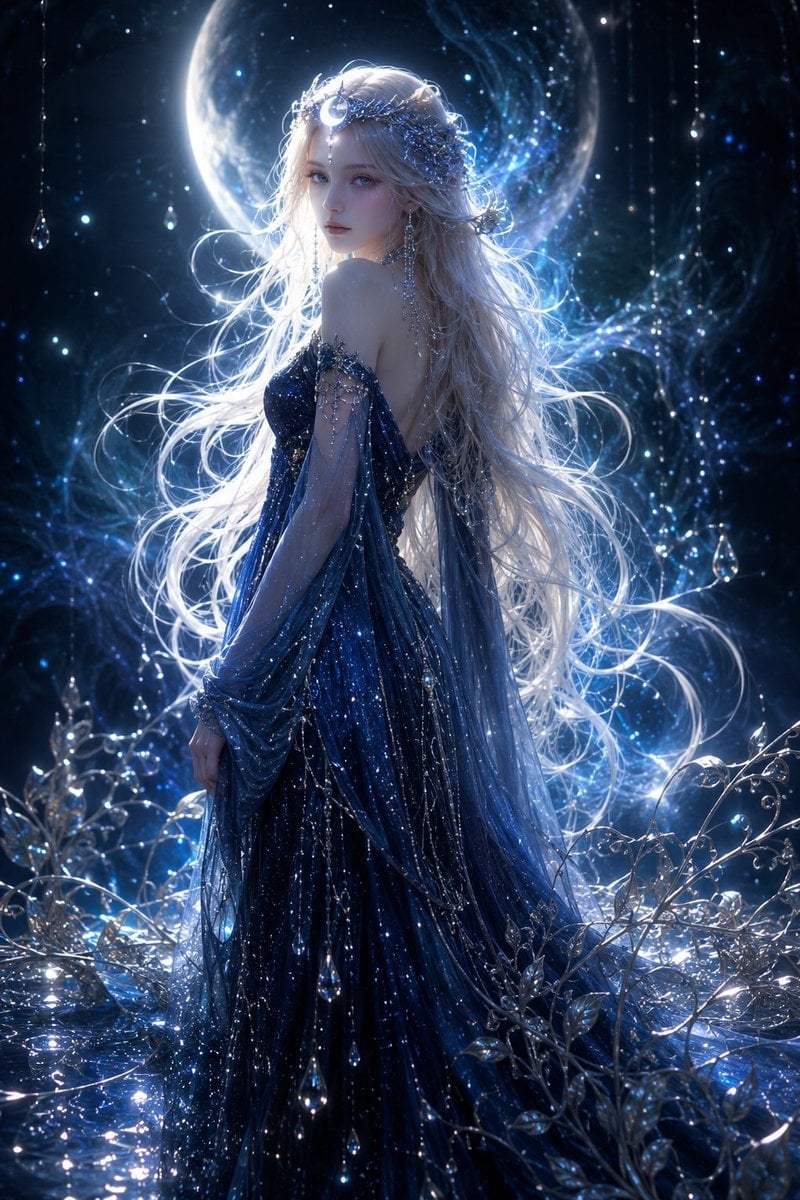
Moonlit Celestial Goddess Portrait
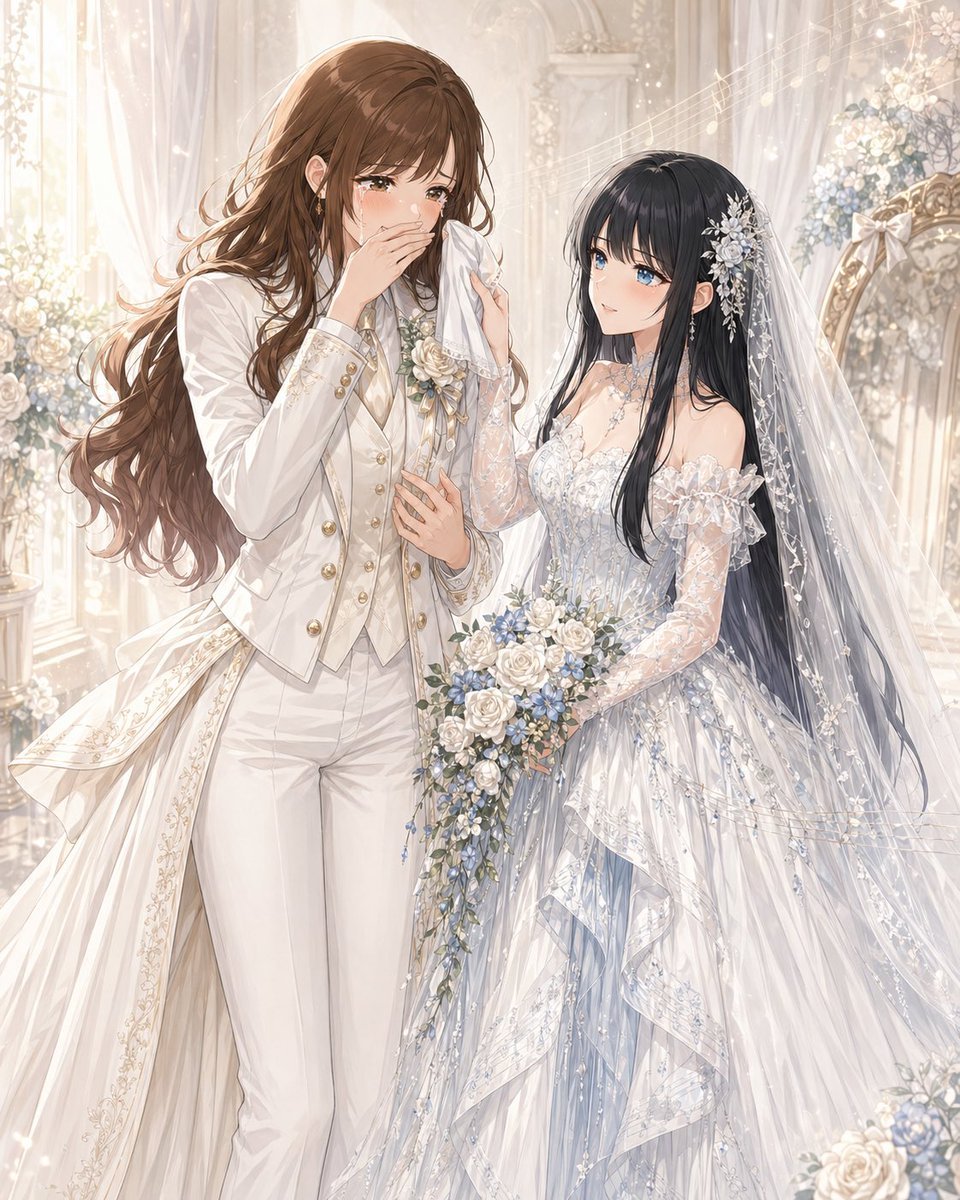
Romantic Yuri Wedding Chapel Portrait
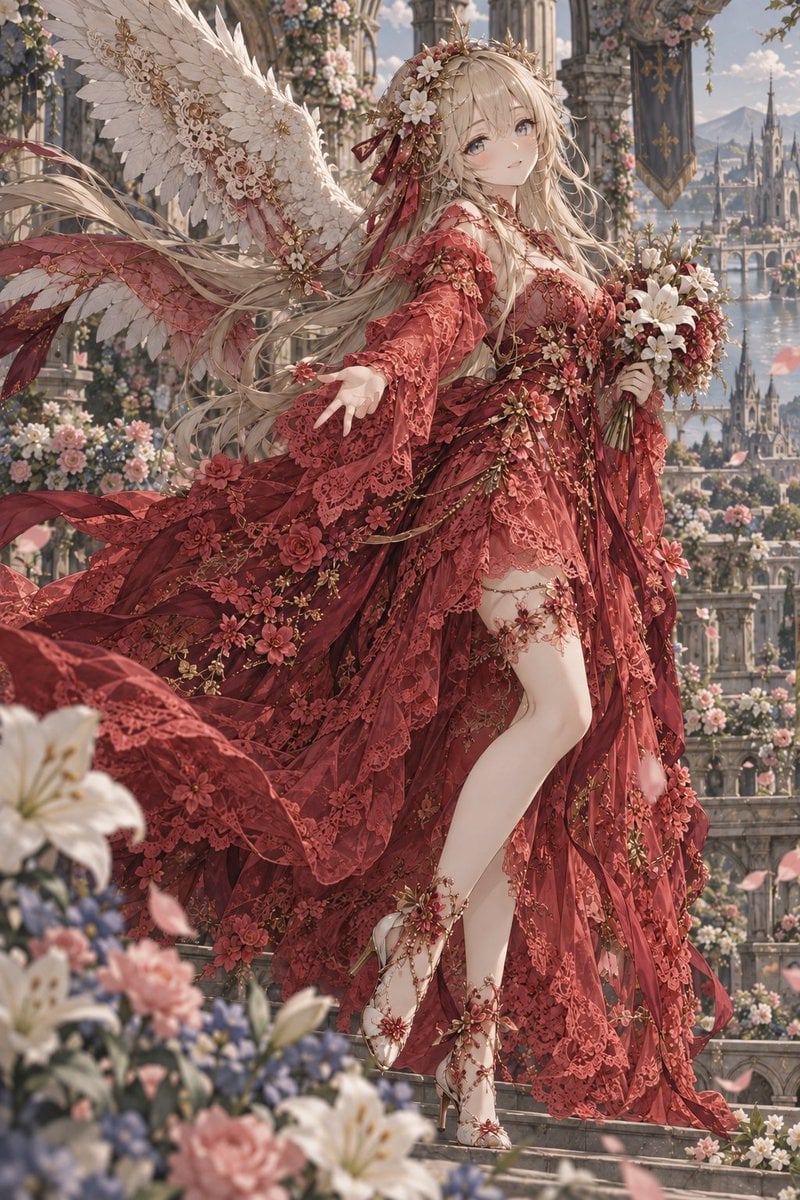
Crimson Angel Princess in Floral Cathedral
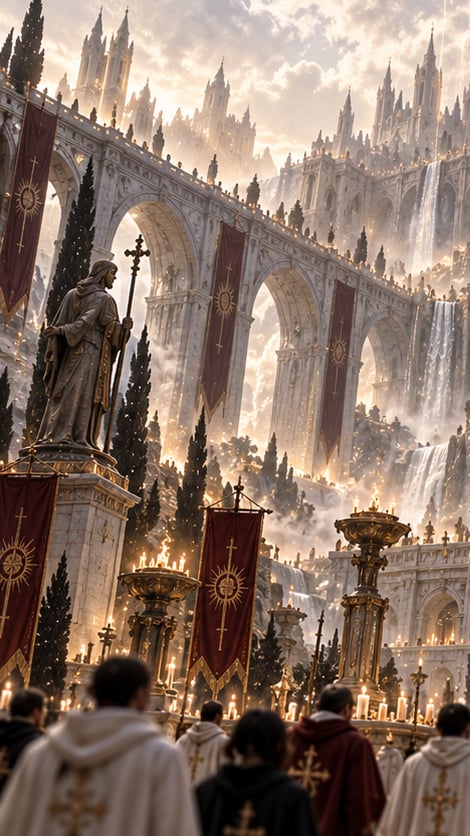
Gothic Saint Pilgrimage Cathedral

Moonlit Fox Mask Night Market

Lone Mountaineer in Moonlit Snow

Moonlit Ghost Lotus Anime Portrait
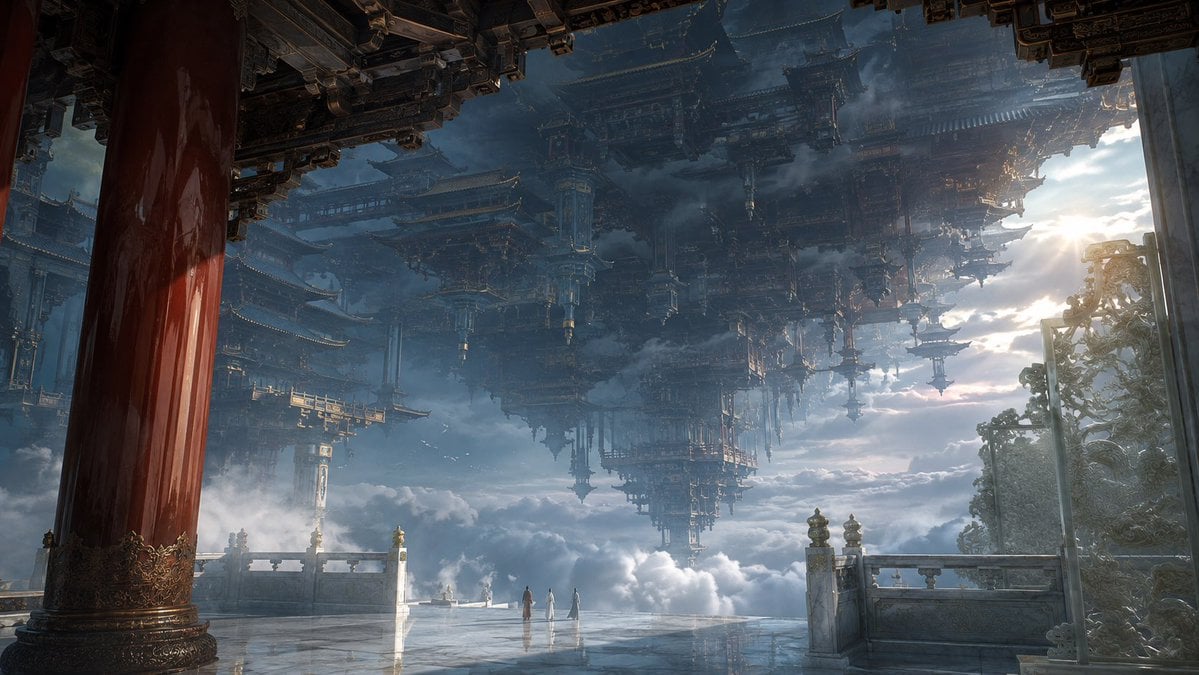
Celestial Inverted Oriental Palace

Pet Wedding Invitation Design
Make it yours
Celestial Yuri Wedding in Moonlit Cathedral works as-is. These are the safest ways to change it without losing the look.
Change one field
Copy a single group, rewrite it, and generate again so you can see what that field is doing.
Keep the frame, change the subject
Hold the composition and light of Celestial Yuri Wedding in Moonlit Cathedral, then swap wardrobe, props or the person for a new take.
| If the result… | Why | Fix |
|---|---|---|
| The result drifts from the preview | Too many fields changed at once. | Reuse Celestial Yuri Wedding in Moonlit Cathedral as-is first, then change one group — subject, light, or setting. |
| The model over-stylizes the scene | The prose prompt leaves finish and camera underspecified. | Add one camera or lighting sentence and stay on GPT Image 2. |
More GPT Image 2 templates
Other prompts made for GPT Image 2.

Six VTuber Japanese Logo Sheet

Realistic Portrait of Woman and Deer

The Vista Modular Condo Poster

AI Model Routing Comparison Infographic

2.5D Anime Art Board

Isometric Productivity Desk Scene

New York Double Exposure Poster

Four-Panel AI Landscape Comparison

Japanese Tatami Lifestyle Magazine Cover

NESCAFÉ Coffee Map Poster
More image prompts
Fresh picks from across the catalog.
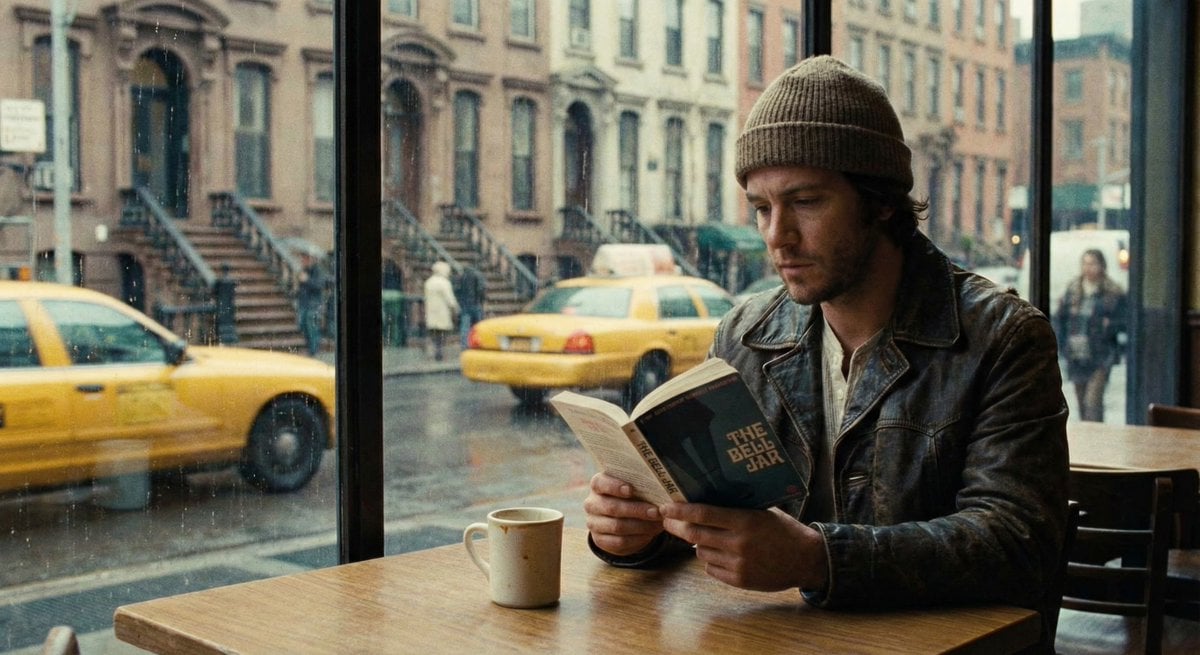
Cinematic Still of a Man in a Coffee Shop
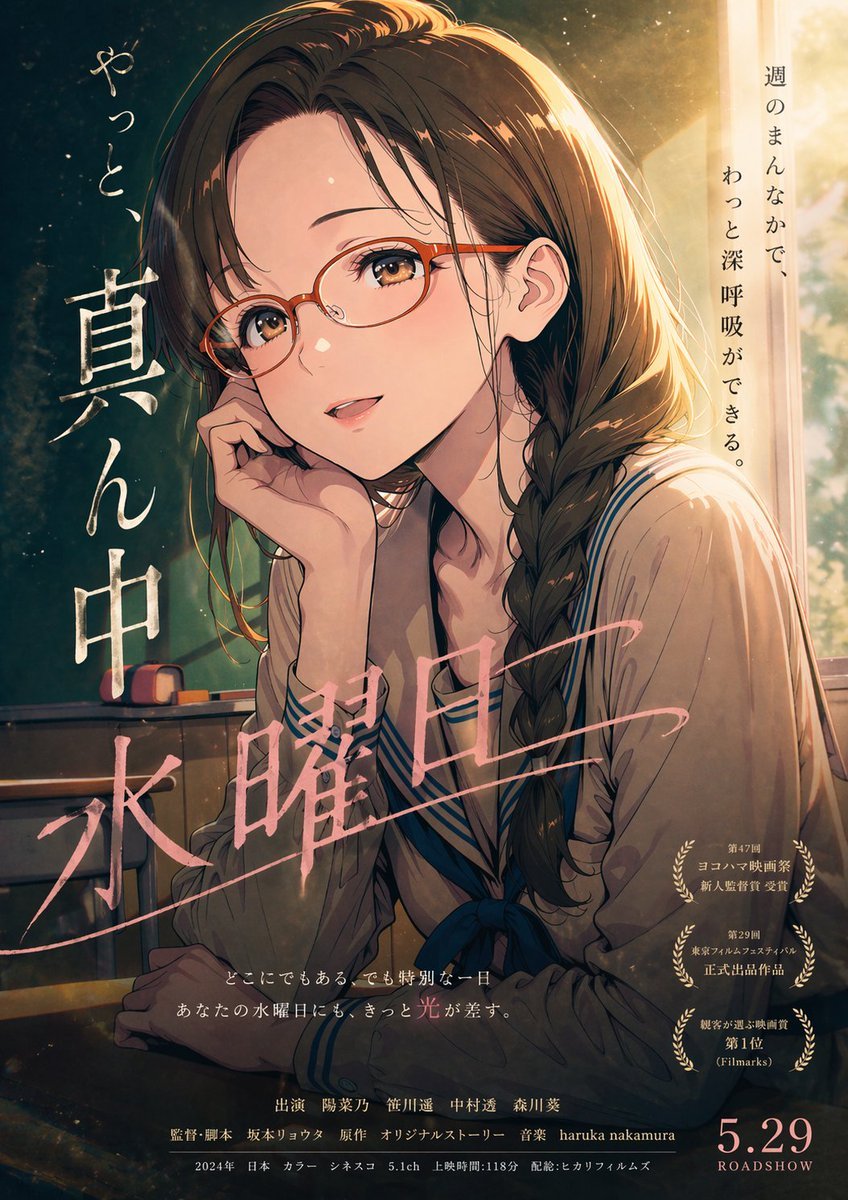
Cinematic Wednesday Anime Poster
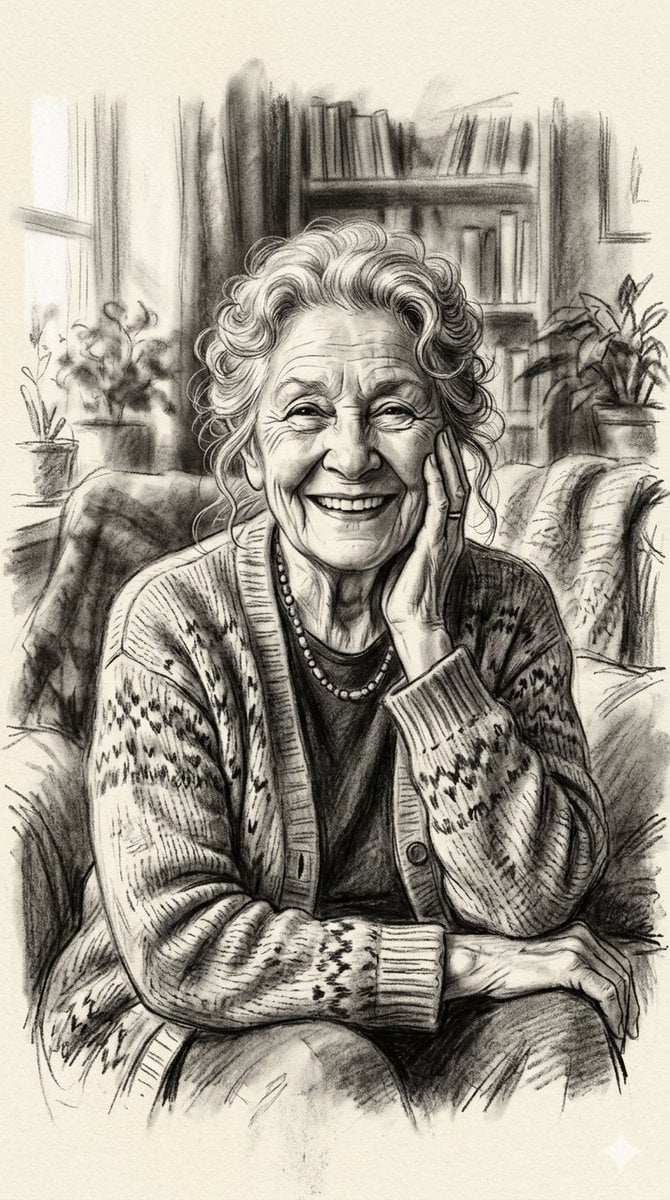
X Minahil42298354 Subject a Heartwarming Portrait
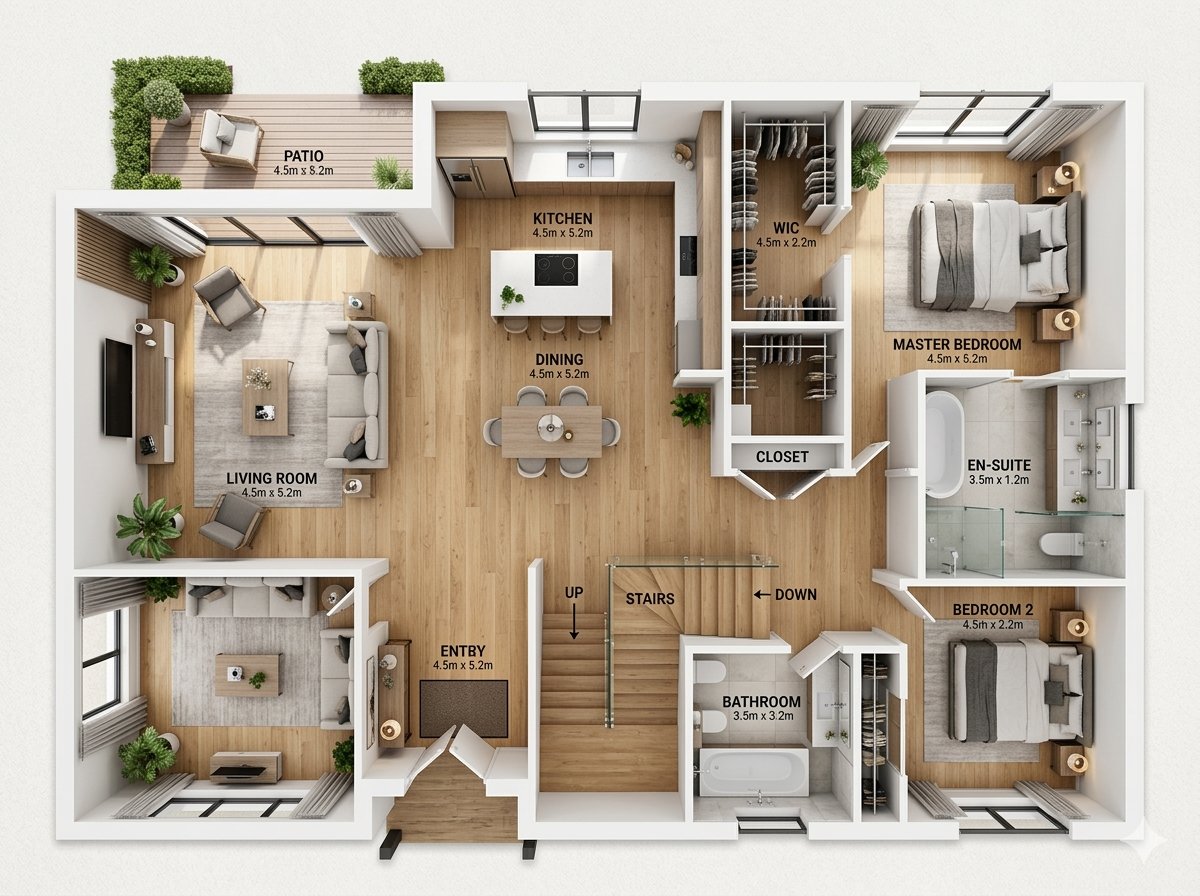
Modern Home Interior Architectural Blueprint Prompt
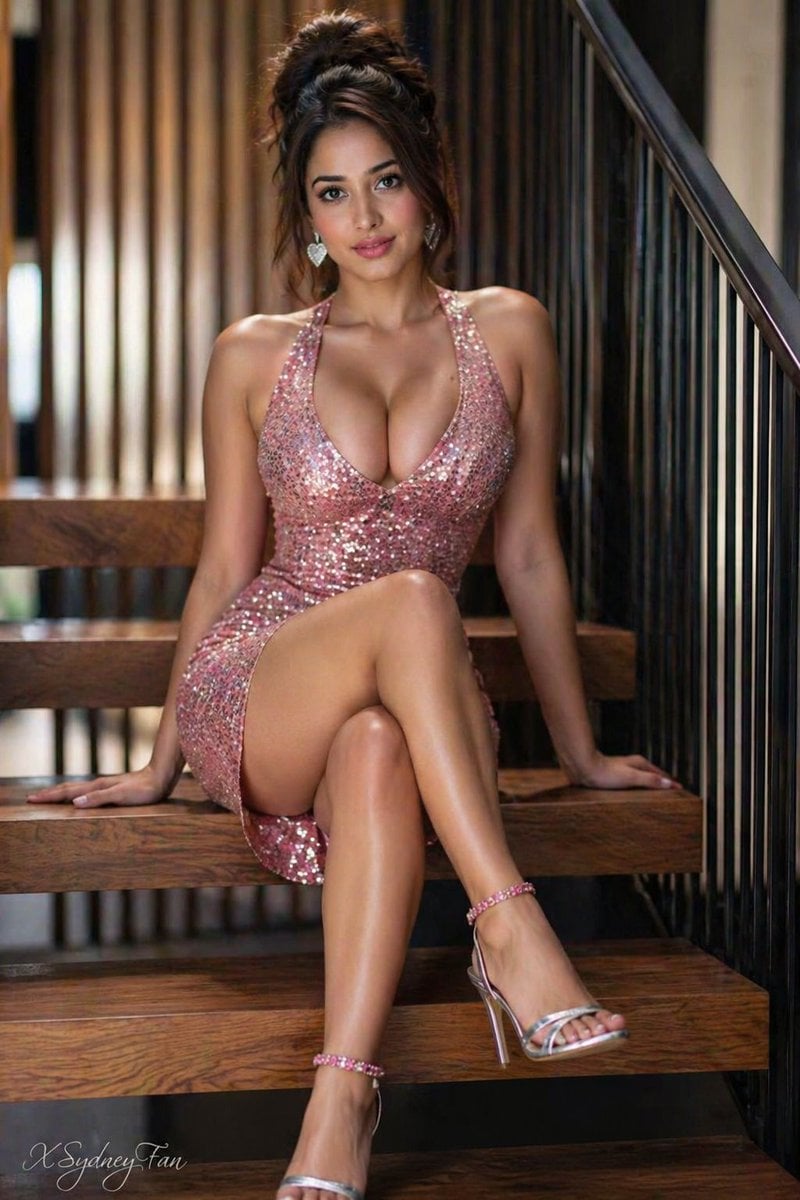
Young Woman in Sequin Dress on Stairs
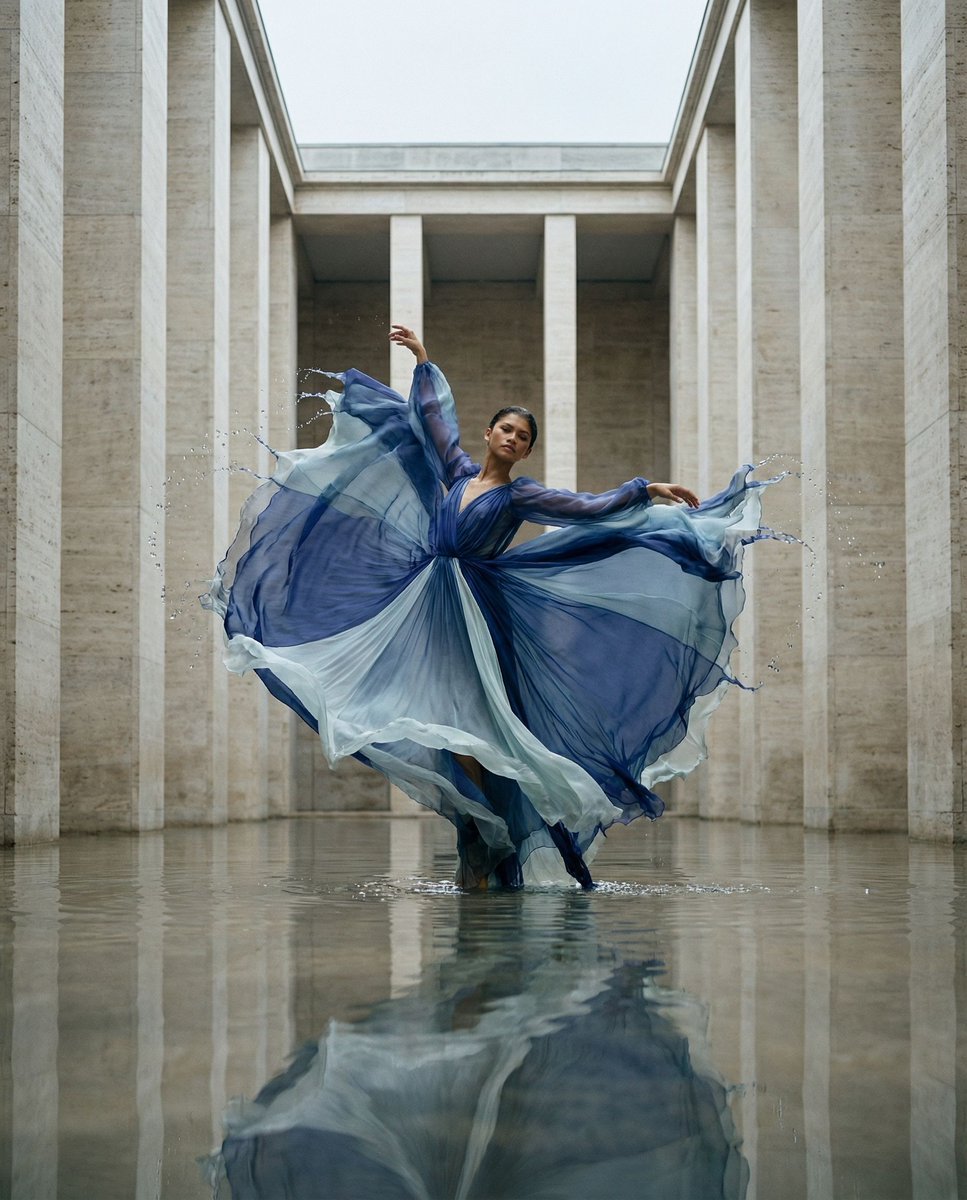
Cinematic Symmetrical Motion Portrait
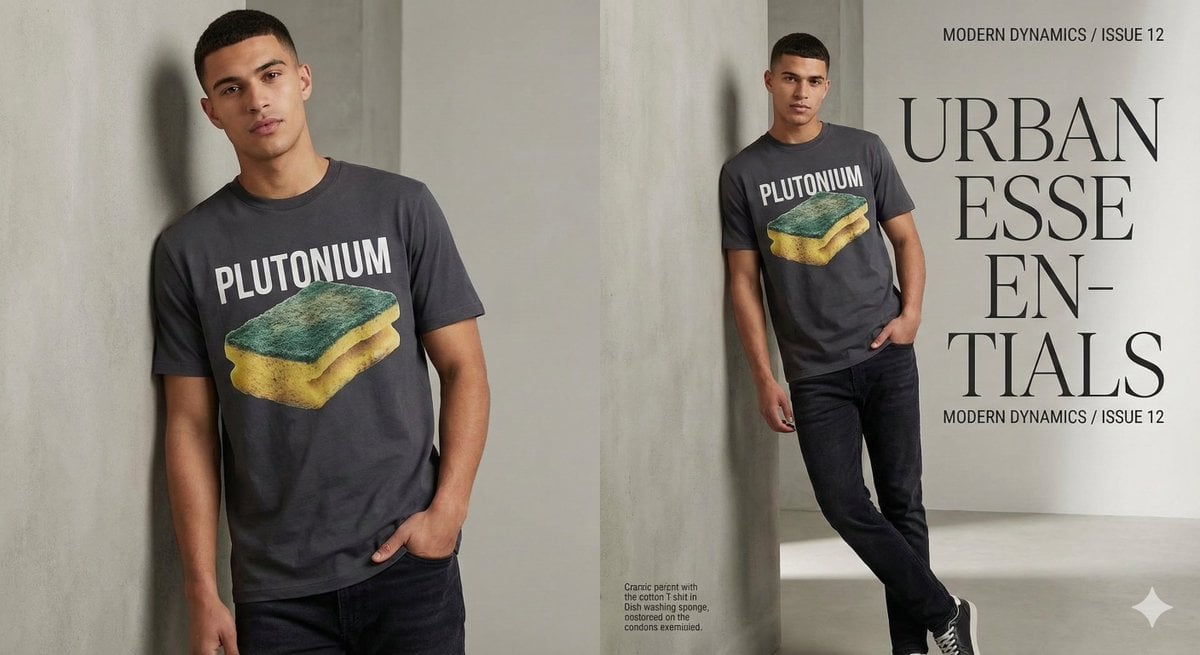
Fashion Magazine Style Sponge T-shirt with 'Error'
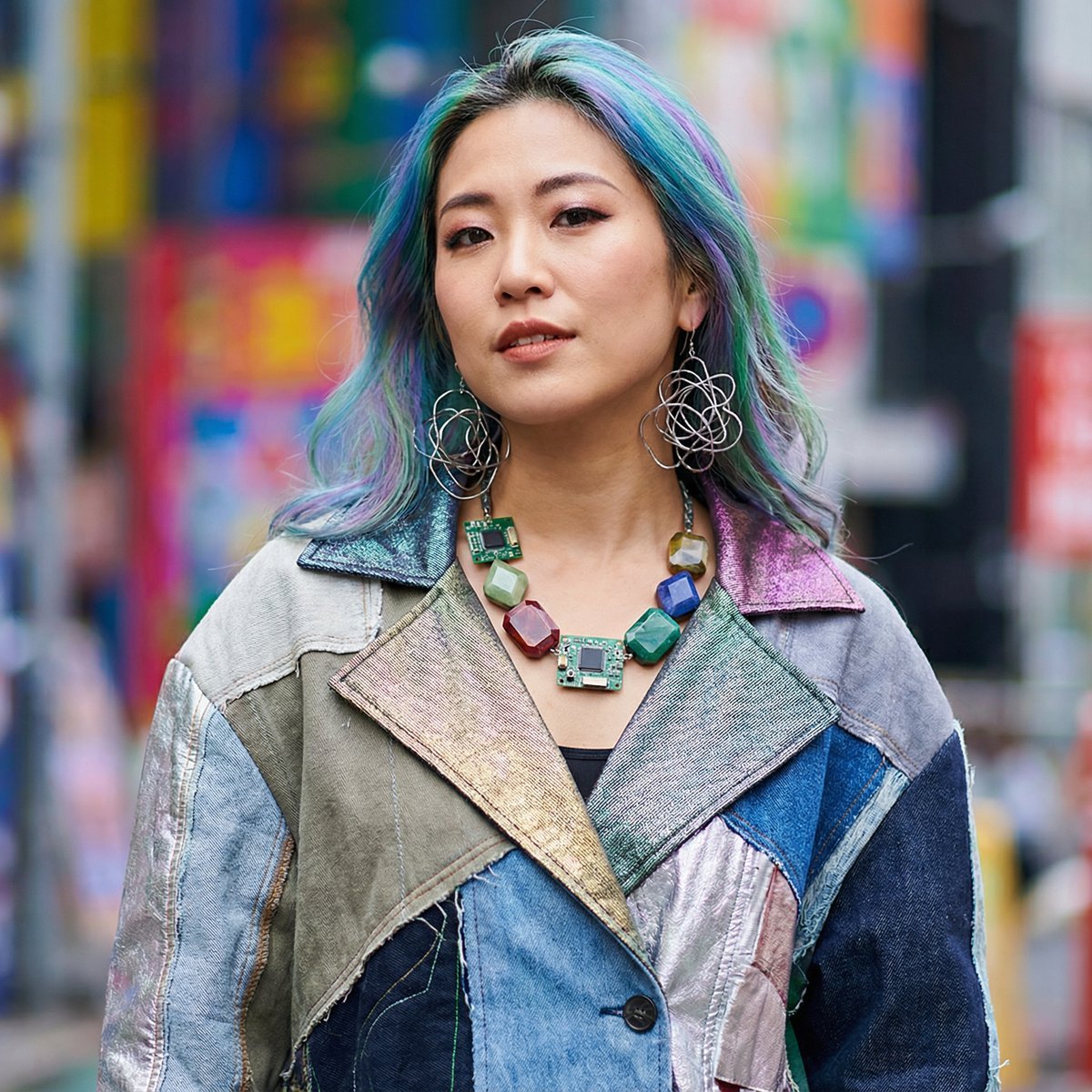
Prompt for 3D Caricature from Uploaded Image
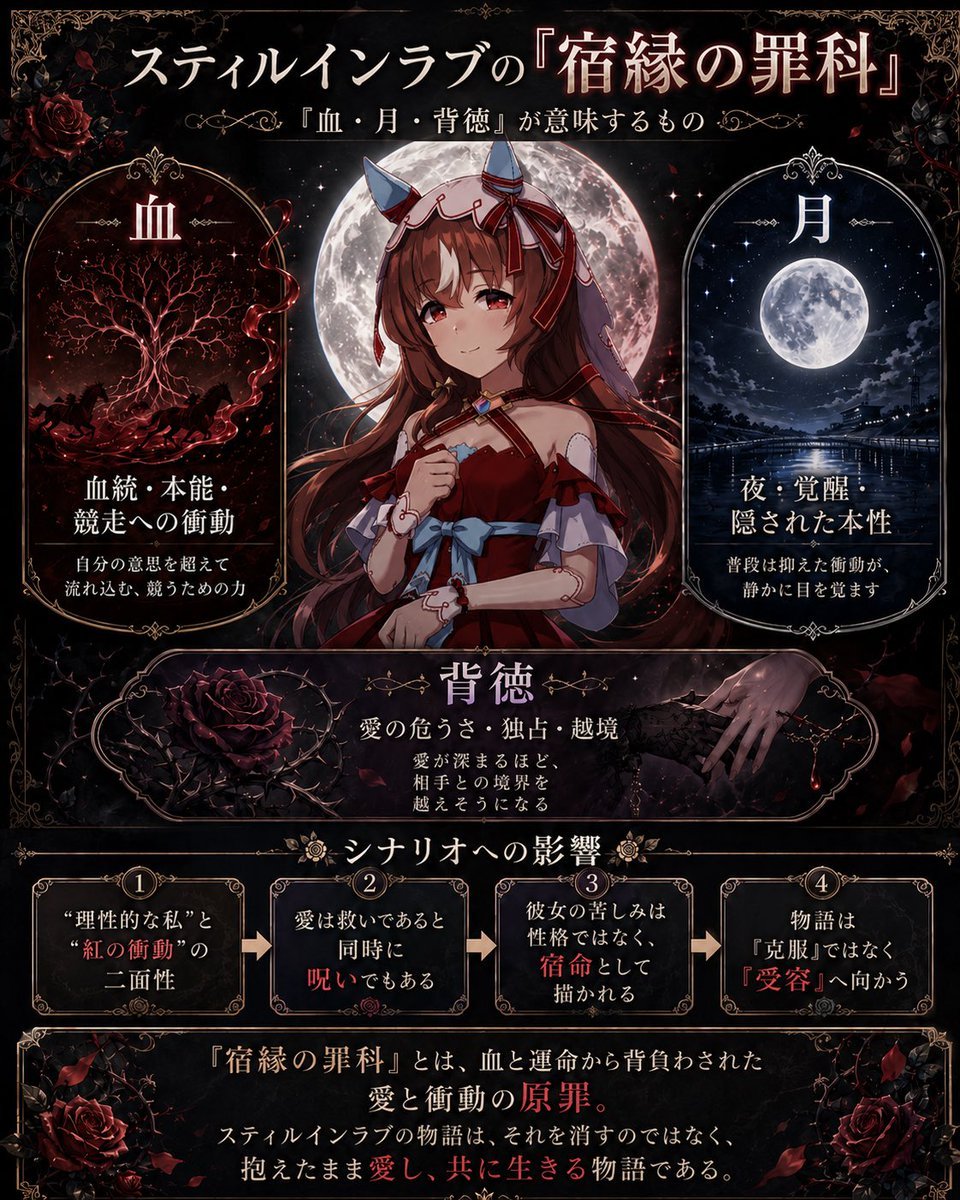
Gothic Anime Concept Infographic
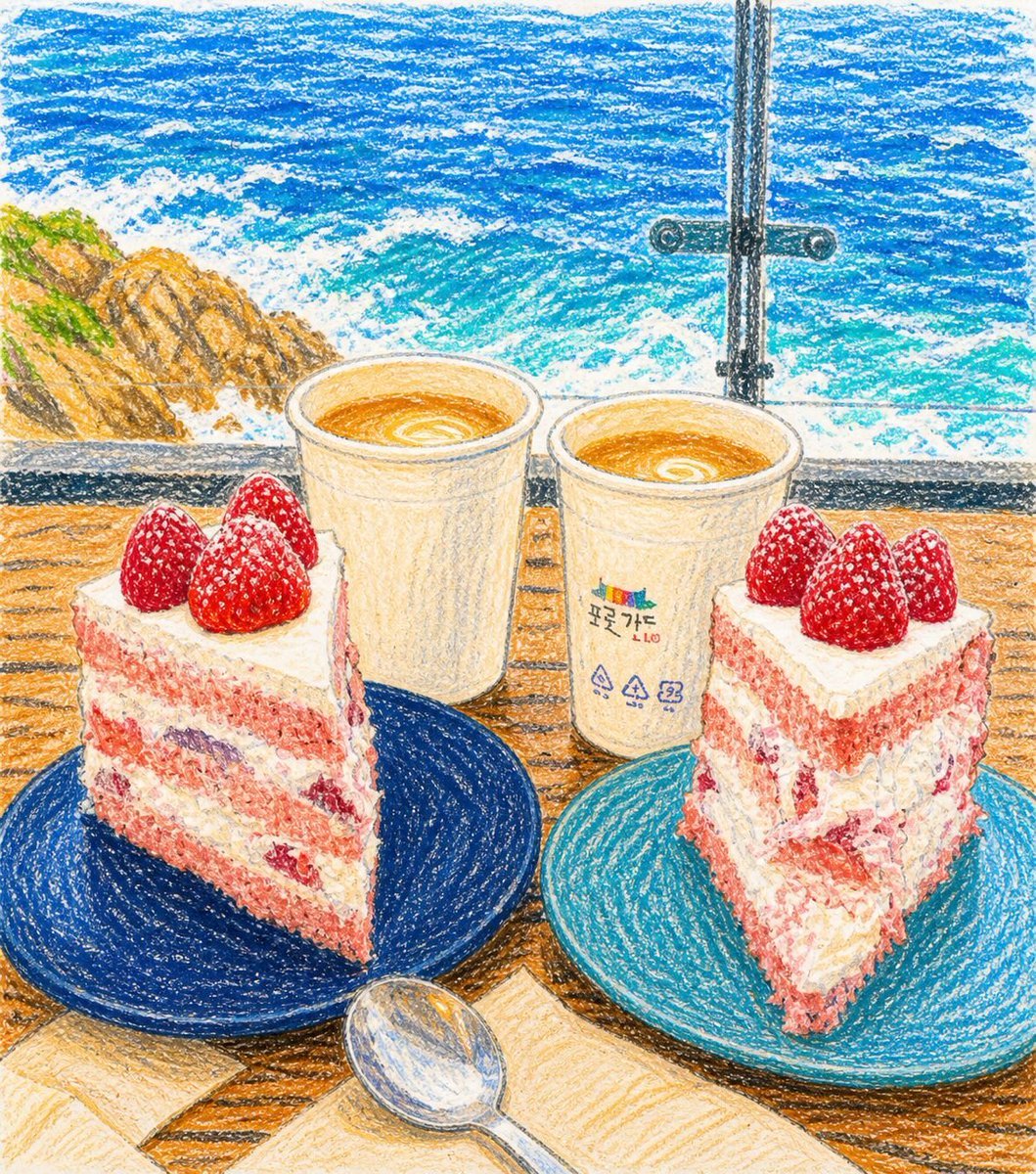
Crayon Drawing Transformation
Browse template categories
Celestial Yuri Wedding in Moonlit Cathedral questions
How do I use the Celestial Yuri Wedding in Moonlit Cathedral template?
Add your photo if the template asks for one, edit the prompt if you like — the template's model and format are already selected — and press Generate. Your version opens in PicX Studio.
Can I customize the Celestial Yuri Wedding in Moonlit Cathedral template?
Yes. You can change the subject, setting, lighting, mood, format, and available model controls before creating your image.
Is the Celestial Yuri Wedding in Moonlit Cathedral template free?
Opening and editing this template is free. Generating uses credits, shown on the Generate button when you are signed in.
Which AI model should I use?
Start with GPT Image 2, which is the model associated with this template. You can compare another compatible model for a different finish.
Looking for something else? Browse all templates.

Your photo, any look
Thousands of ready templates for every top image and video model, from one credit balance.