
Romantic Yuri Wedding Chapel Portrait
This prompt generates a soft, ornate anime wedding illustration of two brides in contrasting bridal outfits, ideal for original character romance art or ceremonial key visuals.
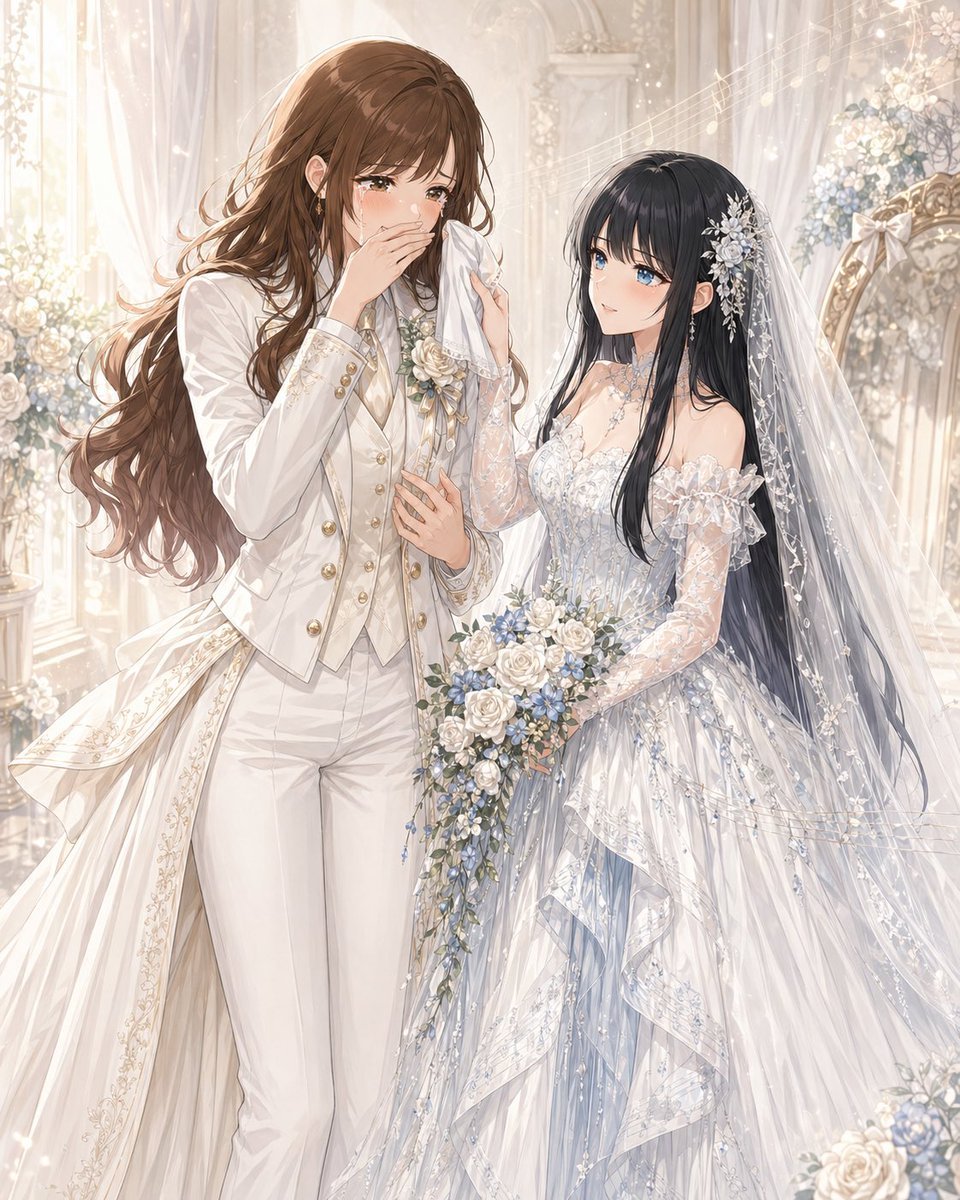
- Prompt included
- Model and format preset
- Premium template
The prompt behind this image
Copy the exact prompt behind Romantic Yuri Wedding Chapel Portrait, or open it in the studio and make it yours.
A luminous, ultra-detailed anime-style wedding portrait of two brides in a romantic white chapel filled with soft ivory light, sheer curtains, carved arches, pale floral arrangements, and sparkling bokeh. The composition is vertical and elegant, showing the pair from about thigh-up to full dress detail, standing close together in an intimate yuri moment. The taller bride on the left has {argument name="hair color" default="warm chestnut brown"} long wavy hair cascading over her shoulders and back, wearing a refined white bridal pantsuit with a fitted tailcoat, gold buttons, a cream vest, a silk cravat, subtle floral embroidery along the coat tails, and a white rose boutonniere with pale blue accents. She is visibly emotional, gently wiping tears with a handkerchief, her other hand resting near her chest, giving the feeling of being moved by the ceremony. The shorter bride on the right has {argument name="second bride hair color" default="long black hair"}, very long and glossy, and wears an ornate off-shoulder wedding gown in white with icy blue undertones, translucent lace sleeves, intricate beadwork, floral embroidery, layered ruffles, and a long veil decorated with tiny flowers and crystal-like details. A silver floral hair ornament with dangling pieces decorates the side of her head. She looks up at her partner tenderly while holding a cascading bouquet of white roses, blue flowers, and trailing greenery. Emphasize the contrast between the tailored princely suit and the delicate fairy-tale gown, with luxurious fabric textures, lace transparency, fine embroidery, soft glowing highlights, drifting sparkles, and a dreamy, emotional atmosphere. Make the scene feel like {argument name="relationship theme" default="an original yuri wedding between an older office lady-style bride and a younger nurse-style bride"}, painted in polished, high-end romantic illustration style, ethereal, graceful, and heartfelt.
How to use Romantic Yuri Wedding Chapel Portrait in 3 steps
- 1Upload ImagePNG, JPG or paste
Add your photo
Upload the photo the template builds on. The prompt, model and format are already set.
- 2…a portrait of your subject in softgolden-hour light, 85mm…
Personalize
Edit the subject and creative details for your destination.
- 3Generate
Generate
Press Generate — your image is created in PicX Studio, so you can compare it with the original and refine one variable at a time.
More like this
Templates with the same subject, style or setup. Open one to see its prompt.

Romantic Cinematic Still of a Couple in
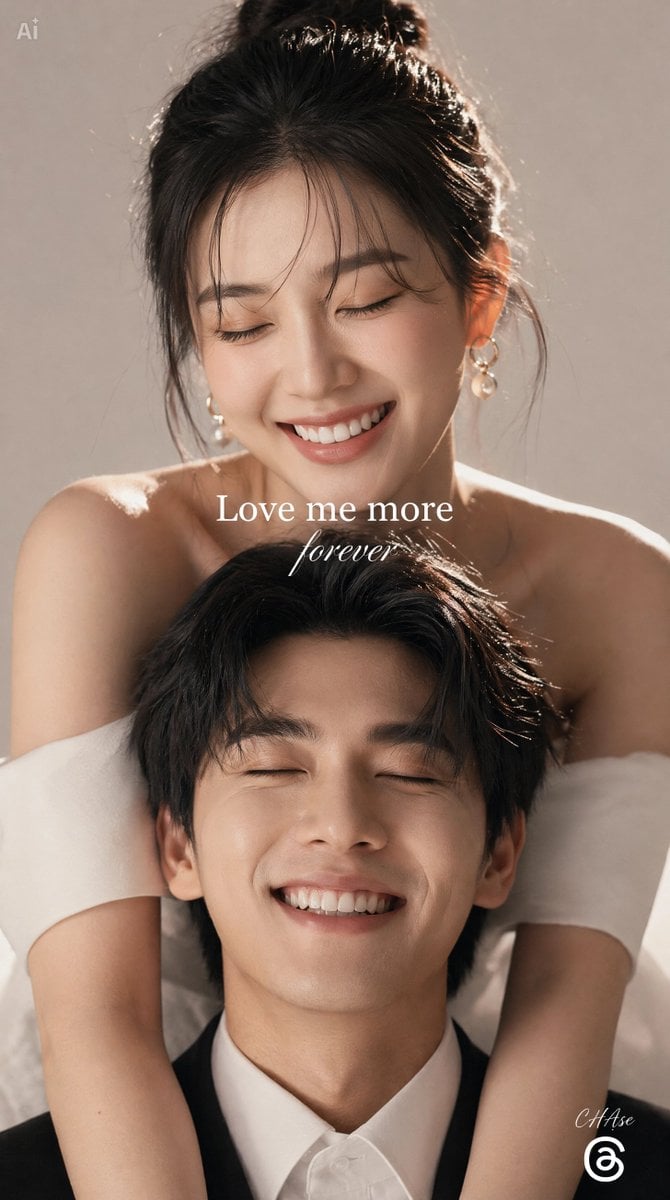
Romantic Wedding Studio Portrait

Found Photograph: Us, 1970

80s Couple Studio Portrait

80s Bollywood Star

80s Golden Hour Cinema

Me in 1985

1985 Studio Portrait

Hyper-Realistic Minecraft POV Portrait

Rooftop Fisheye — Cat-Ear Balaclava at Golden Hour

Rainy Café Window Moody Portrait
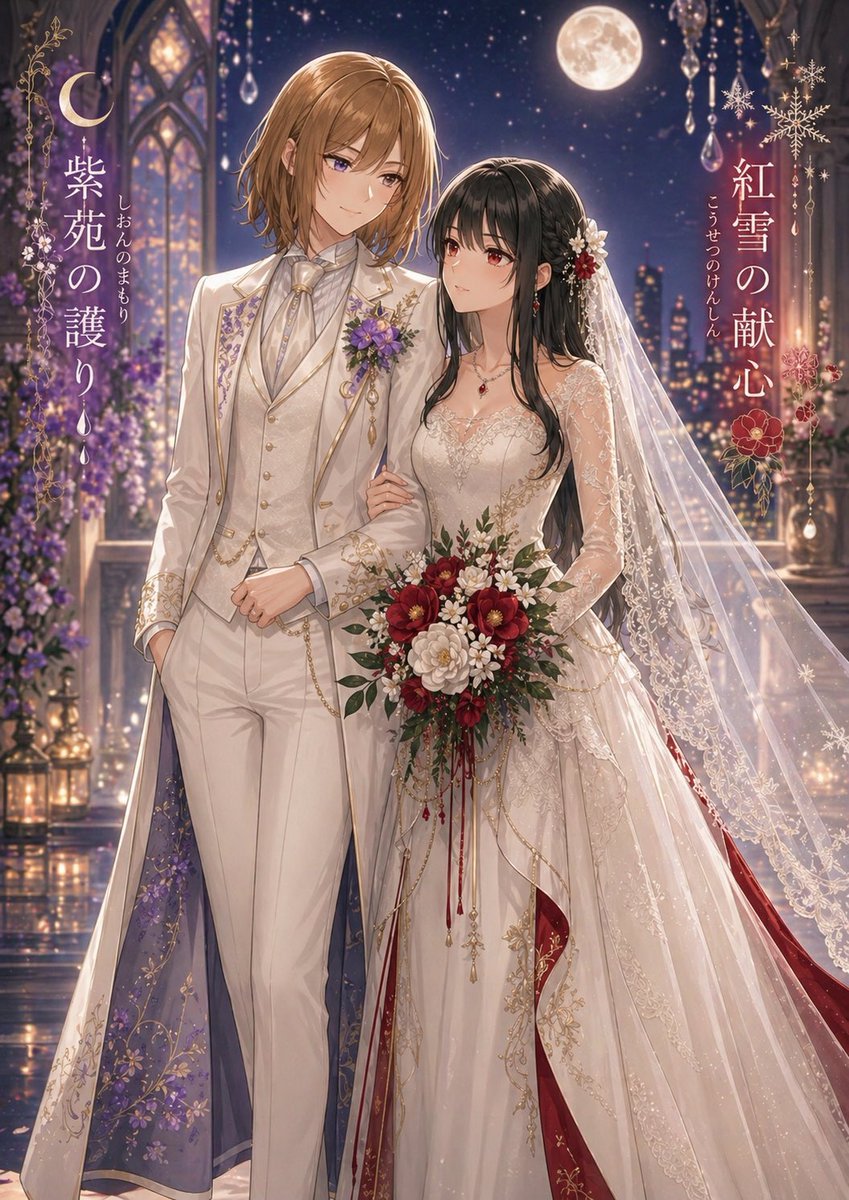
Moonlit Yuri Wedding Poster
Make it yours
Romantic Yuri Wedding Chapel Portrait works as-is. These are the safest ways to change it without losing the look.
Change one field
Copy a single group, rewrite it, and generate again so you can see what that field is doing.
Keep the frame, change the subject
Hold the composition and light of Romantic Yuri Wedding Chapel Portrait, then swap wardrobe, props or the person for a new take.
| If the result… | Why | Fix |
|---|---|---|
| The result drifts from the preview | Too many fields changed at once. | Reuse Romantic Yuri Wedding Chapel Portrait as-is first, then change one group — subject, light, or setting. |
| The model over-stylizes the scene | The prose prompt leaves finish and camera underspecified. | Add one camera or lighting sentence and stay on GPT Image 2. |
More GPT Image 2 templates
Other prompts made for GPT Image 2.

Six VTuber Japanese Logo Sheet

Realistic Portrait of Woman and Deer

The Vista Modular Condo Poster

AI Model Routing Comparison Infographic

2.5D Anime Art Board

Isometric Productivity Desk Scene

New York Double Exposure Poster

Four-Panel AI Landscape Comparison

Japanese Tatami Lifestyle Magazine Cover

NESCAFÉ Coffee Map Poster
More image prompts
Fresh picks from across the catalog.
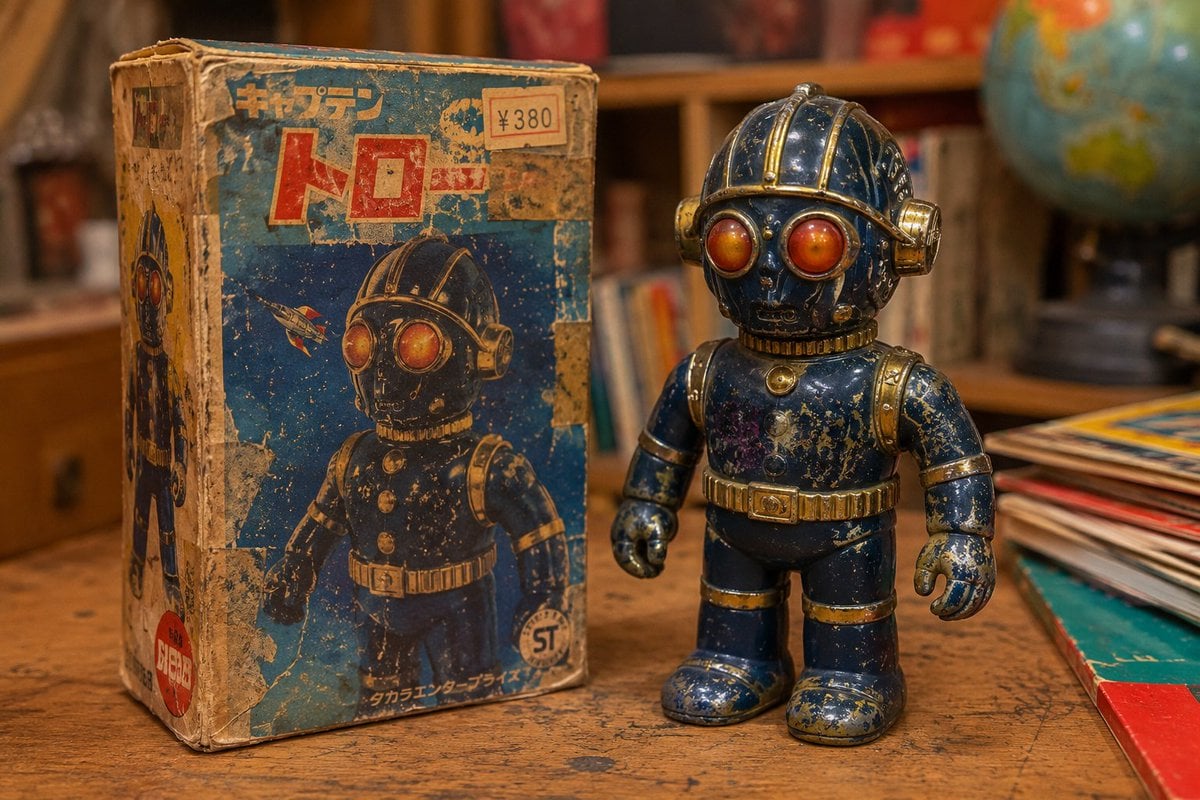
Vintage 1970s Japanese Soft Vinyl Toy

Monumental Monster Energy Can in the Arctic
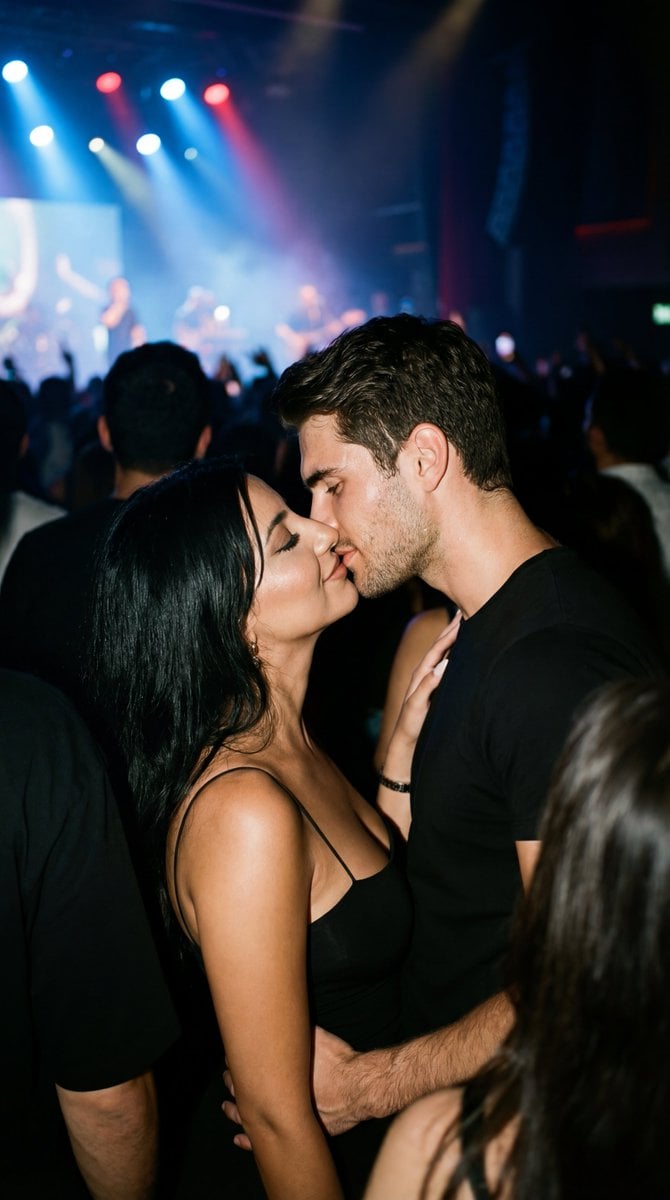
Candid 35mm Concert Romance Film Still
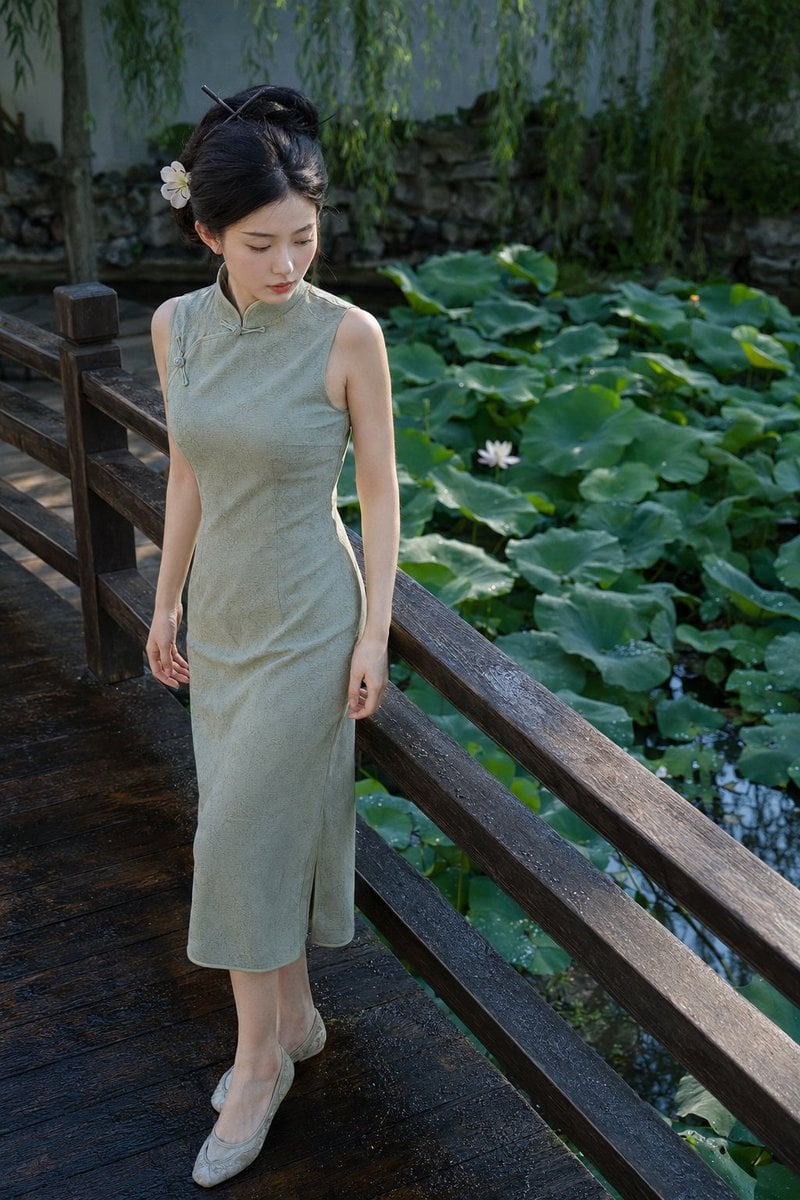
Suzhou Garden Qipao Portrait

Japanese Gourmet Dessert Shop Branding
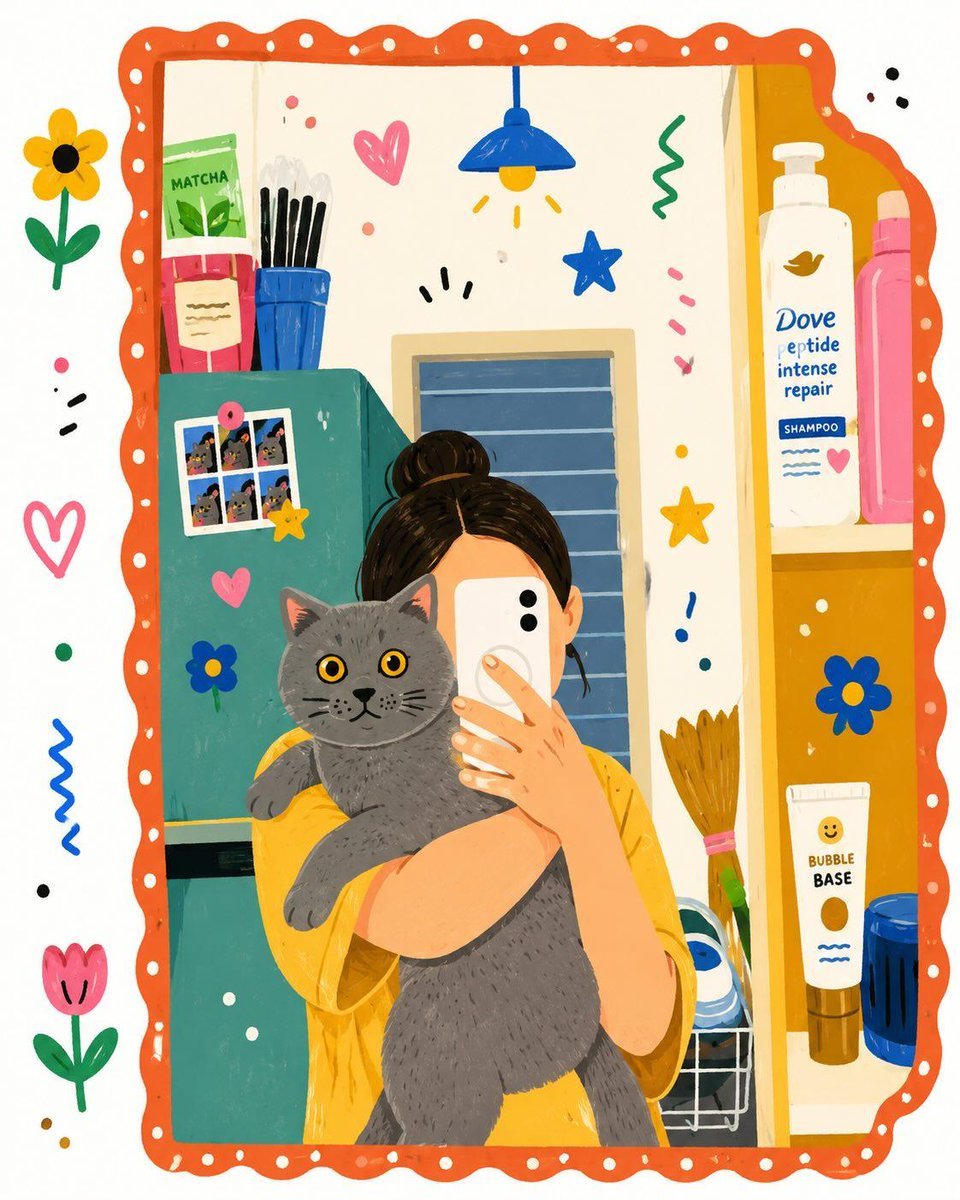
Flat Folk Illustration Style Transformation
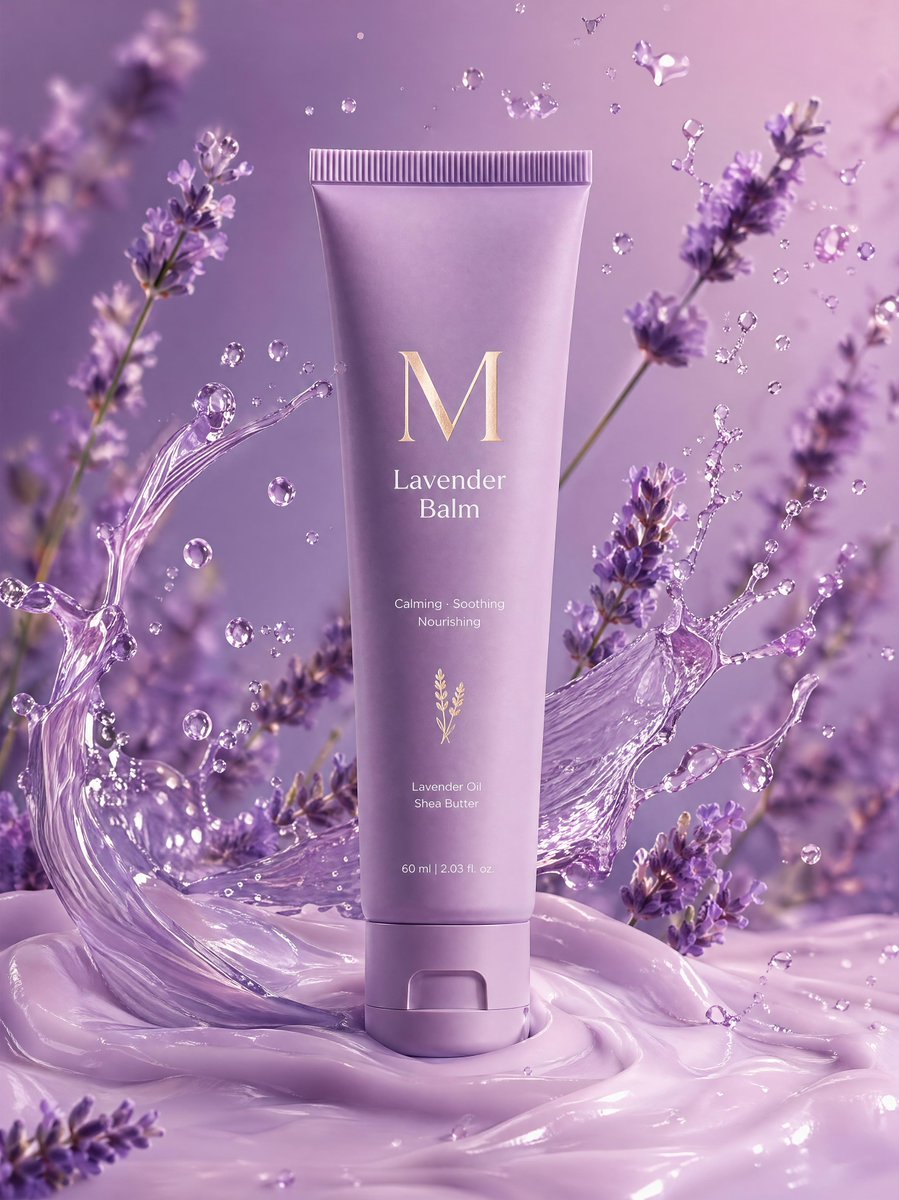
Premium Lavender Balm Product Shot
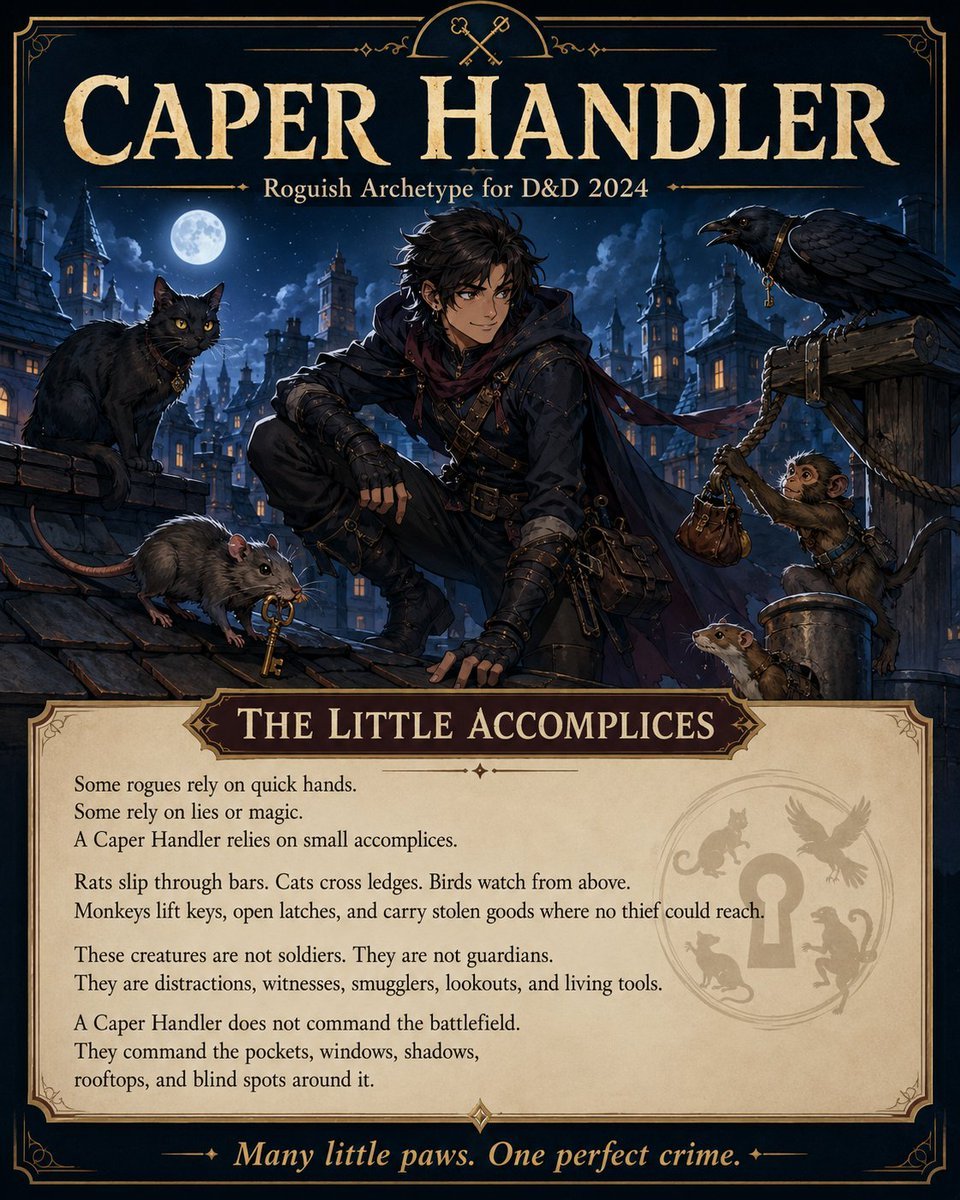
Caper Handler Rogue Poster
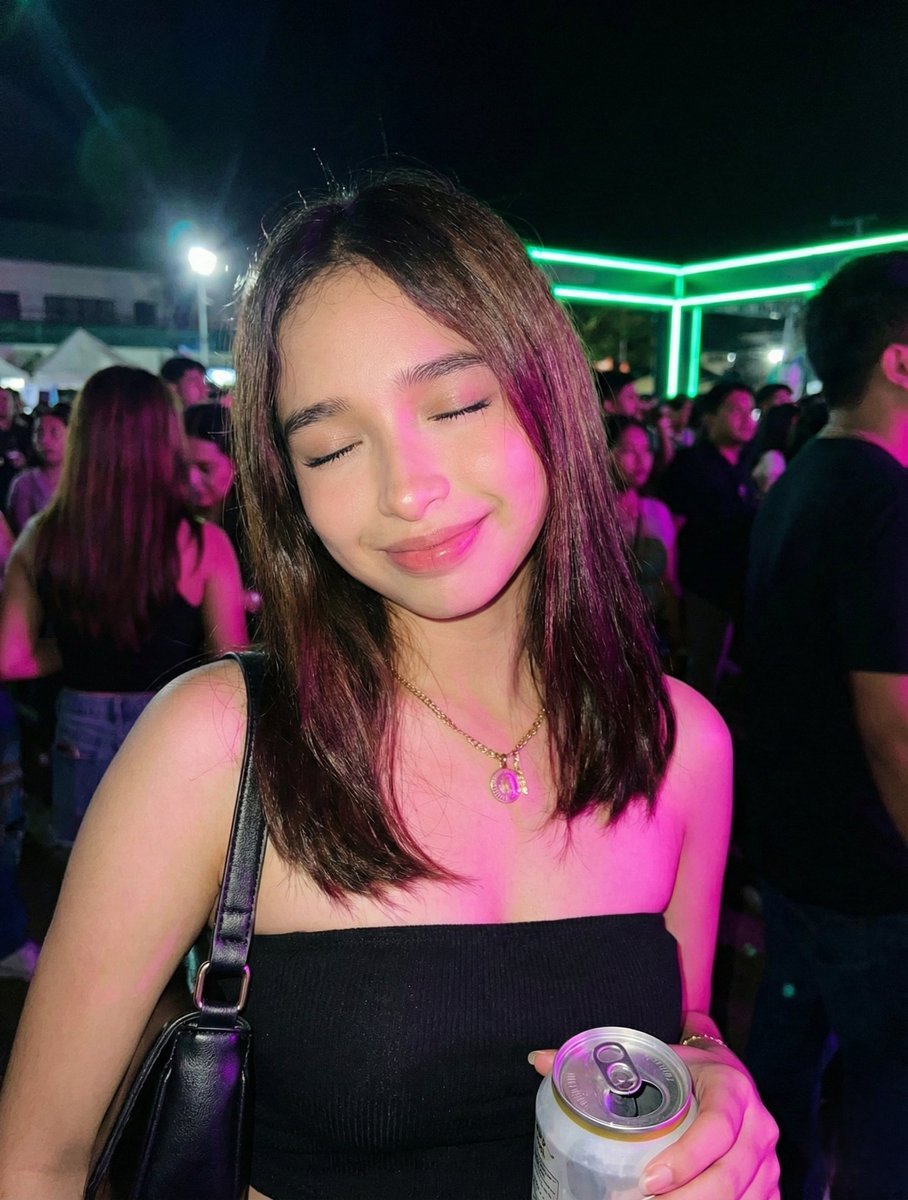
Night Party Portrait with Identity Lock Prompt

Cinematic Lifestyle with 3D Cartoon Characters
Browse template categories
Romantic Yuri Wedding Chapel Portrait questions
How do I use the Romantic Yuri Wedding Chapel Portrait template?
Add your photo if the template asks for one, edit the prompt if you like — the template's model and format are already selected — and press Generate. Your version opens in PicX Studio.
Can I customize the Romantic Yuri Wedding Chapel Portrait template?
Yes. You can change the subject, setting, lighting, mood, format, and available model controls before creating your image.
Is the Romantic Yuri Wedding Chapel Portrait template free?
Opening and editing this template is free. Generating uses credits, shown on the Generate button when you are signed in.
Which AI model should I use?
Start with GPT Image 2, which is the model associated with this template. You can compare another compatible model for a different finish.
Looking for something else? Browse all templates.

Your photo, any look
Thousands of ready templates for every top image and video model, from one credit balance.