
Romantic Wedding Studio Portrait
A highly detailed prompt for generating a romantic wedding-style studio portrait featuring a couple in a close-up back-hug pose with soft studio lighting and custom text.
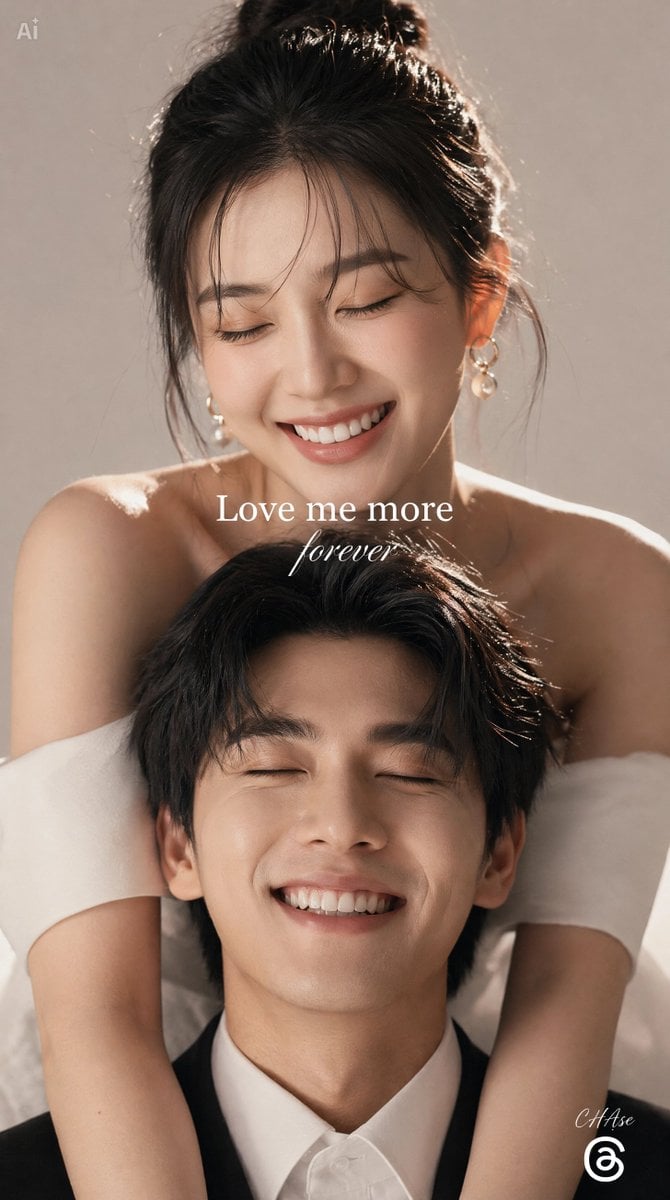
- Prompt included
- Model and format preset
- Free template
The prompt behind this image
Copy the exact prompt behind Romantic Wedding Studio Portrait, or open it in the studio and make it yours.
[{argument name="여성 인물" default="여성인물"}] 이미지 1, 이미지 2, 이미지 3\n\n[인물의 포즈 및 표정]\n\n여성이 남성의 뒤에서 목을 감싸 안으며 다정하게 백허그를 하고 있습니다. 두 사람 모두 눈을 감은 채 치아를 드러내며 환하게 웃고 있어, 친밀하고 행복함이 가득 묻어나는 연인의 순간을 보여줍니다. 여성은 프레임 상단에 위치하고, 남성은 프레임 하단에 위치합니다. 50/50 비율로 여성과 남성의 얼굴이 프레임 상,하단을 차지합니다. 절대 같은 높이에 여성과 남성의 얼굴이 놓여 있지 않습니다.\n\n[인물 의상]\n\n남성은 단정한 흰색 와이셔츠 위에 깔끔한 블랙 수트 재킷을 입고 있습니다. 여성은 어깨와 쇄골 라인이 깔끔하게 드러나는 심플하고 우아한 화이트 오프숄더 드레스를 착용하여 세련된 분위기를 줍니다.\n\n[인물 헤어스타일 및 메이크업 디테일]\n\n남성은 가르마를 탄 단정한 흑발 스타일이며, 여성은 머리를 높이 묶은 번 헤어에 앞머리와 잔머리가 얼굴 앞으로 자연스럽게 흘러내립니다. 여성은 진주 드롭이 달린 골드 링 귀걸이를 착용했고 깨끗한 투명 메이크업을 했습니다.\n\n[조명 및 빛 방향]\n\n인물들의 후면에서 부드럽게 분산되어 들어오는 밝고 고른 화이트 스튜디오 조명입니다. 인물의 얼굴에 강한 음영을 만들며 사실적인 웨딩 스냅 느낌을 들게합니다.\n\n[질감과 색감 무드]\n\n화이트와 소프트 베이지 톤이 중심이 되는 따뜻하고 화사한 색감입니다. 인물들의 부드러운 피부 질감과 웃음 지을 때 생기는 자연스러운 피부 주름이 생생하게 표현되어 로맨틱하고 정갈한 무드를 자아냅니다.\n\n[필름 및 카메라 렌즈 심도, 앵글]\n\n두 사람의 웃는 얼굴을 화면 가득 담아낸 정면 눈높이의 클로즈업 숏입니다. 얕은 피사계 심도를 사용하여 인물들의 생생한 표정과 감정에만 시선이 집중되도록 배경을 완전히 아웃포커싱 처리했습니다.\n\n[배경 요소 (옵션)]\n\n아무런 장식이 없는 깨끗하고 미니멀한 단색의 밝은 그레이 스튜디오 배경입니다. 화면 중앙에는 흰색 글씨로 "{argument name="텍스트" default="Love me more"}"와 "forever" 텍스트가 적혀 있으며, 우측하단에는 Meta가 운영하는 Threads 로고가 작게 위치하고, 그 위에 흰색 필기체로 "{argument name="사인" default="CHAse"}"라고 싸인처럼 작게 적혀 있다. 9:16 비율
How to use Romantic Wedding Studio Portrait in 3 steps
- 1
Open
The prompt is already in the box next to the preview, with the template's model and format selected.
- 2…a portrait of your subject in softgolden-hour light, 85mm…
Personalize
Edit the subject and creative details for your destination.
- 3Generate
Generate
Press Generate — your image is created in PicX Studio, so you can compare it with the original and refine one variable at a time.
More like this
Templates with the same subject, style or setup. Open one to see its prompt.

80s Couple Studio Portrait

1985 Studio Portrait

Gpt Image 2 Fashion Portrait

Romantic Cinematic Still of a Couple in
Romantic Yuri Wedding Chapel Portrait

Found Photograph: Us, 1970

80s Bollywood Star

80s Golden Hour Cinema

Me in 1985

Hyper-Realistic Minecraft POV Portrait

Rooftop Fisheye — Cat-Ear Balaclava at Golden Hour

Rainy Café Window Moody Portrait
Make it yours
Romantic Wedding Studio Portrait works as-is. These are the safest ways to change it without losing the look.
Change one field
Copy a single group, rewrite it, and generate again so you can see what that field is doing.
Keep the frame, change the subject
Hold the composition and light of Romantic Wedding Studio Portrait, then swap wardrobe, props or the person for a new take.
| If the result… | Why | Fix |
|---|---|---|
| The result drifts from the preview | Too many fields changed at once. | Reuse Romantic Wedding Studio Portrait as-is first, then change one group — subject, light, or setting. |
| The model over-stylizes the scene | The prose prompt leaves finish and camera underspecified. | Add one camera or lighting sentence and stay on GPT Image 2. |
More GPT Image 2 templates
Other prompts made for GPT Image 2.

Six VTuber Japanese Logo Sheet

Realistic Portrait of Woman and Deer

The Vista Modular Condo Poster

AI Model Routing Comparison Infographic

2.5D Anime Art Board

Isometric Productivity Desk Scene

New York Double Exposure Poster

Four-Panel AI Landscape Comparison

Japanese Tatami Lifestyle Magazine Cover

NESCAFÉ Coffee Map Poster
More image prompts
Fresh picks from across the catalog.
Ultra-High Resolution Upscale and Skin Texture Transfer Prompt
Architect Live Stream UI Mockup
Cinematic Fashion Portrait in Dubai Prompt
Photorealistic Festival Scene During Golden Hour
Vogue Style Fashion Sketch

Warm Editorial Sneaker Poster
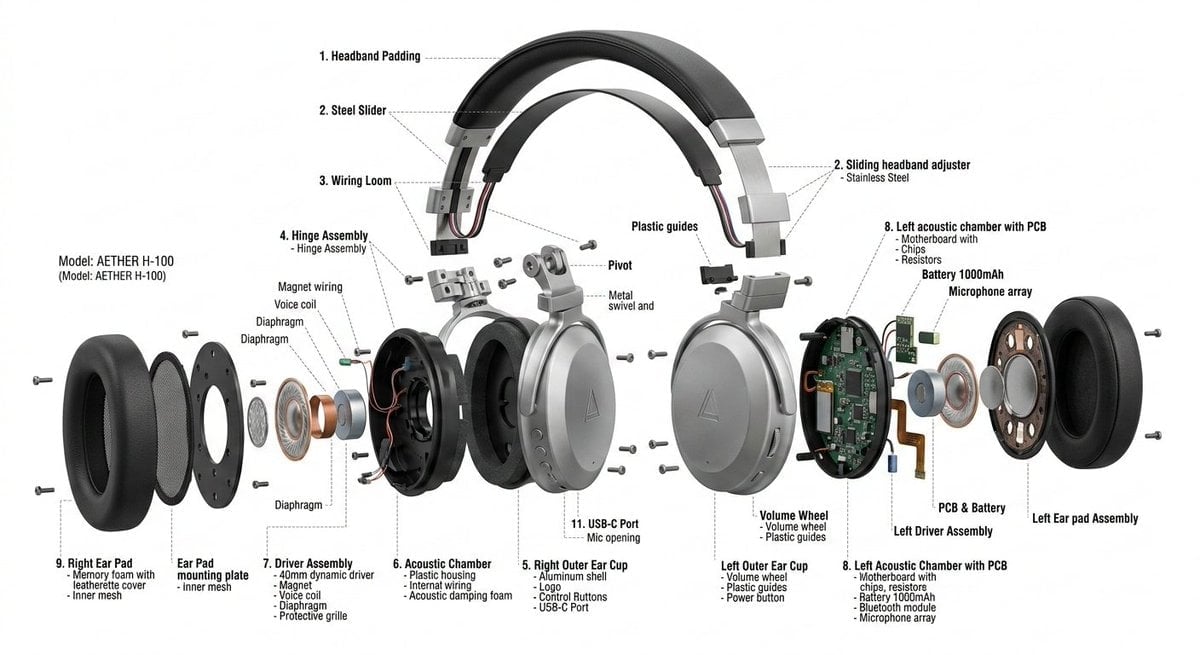
Exploded View Product Design Diagram Prompt
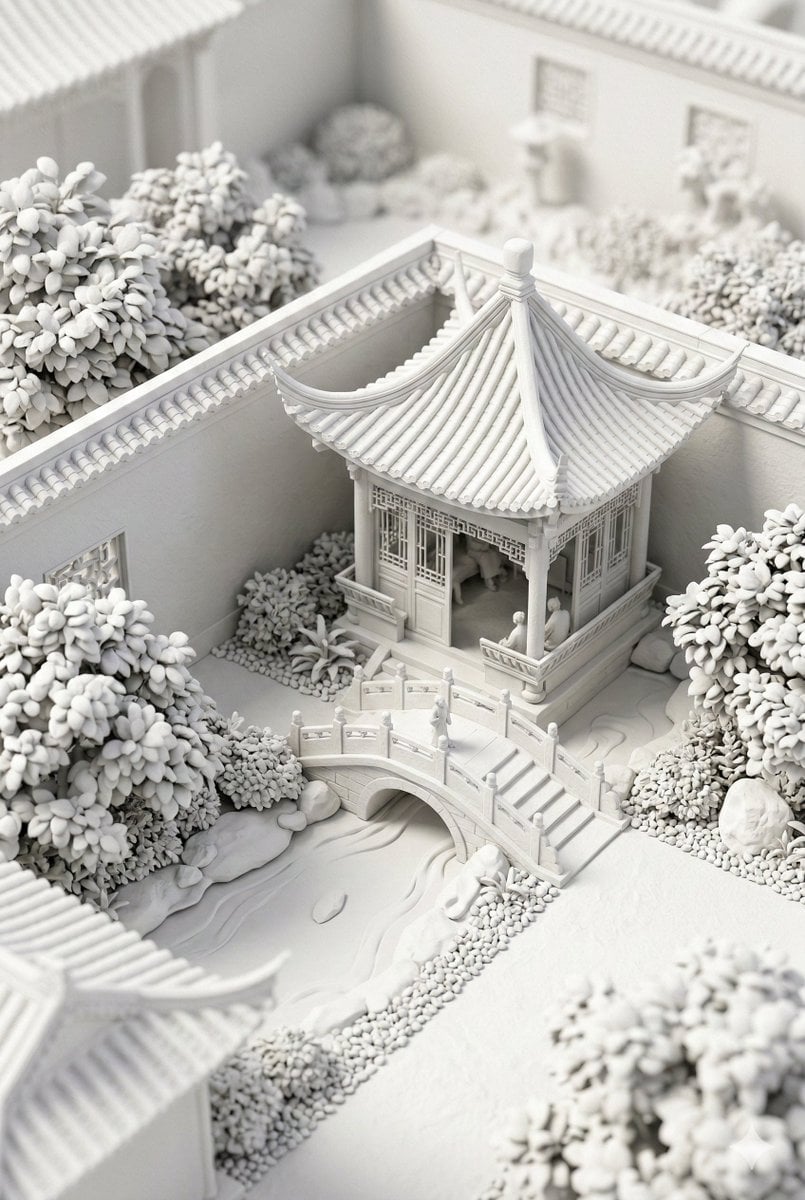
Chinese Garden Clay Render Prompt (Nano Banana 2)
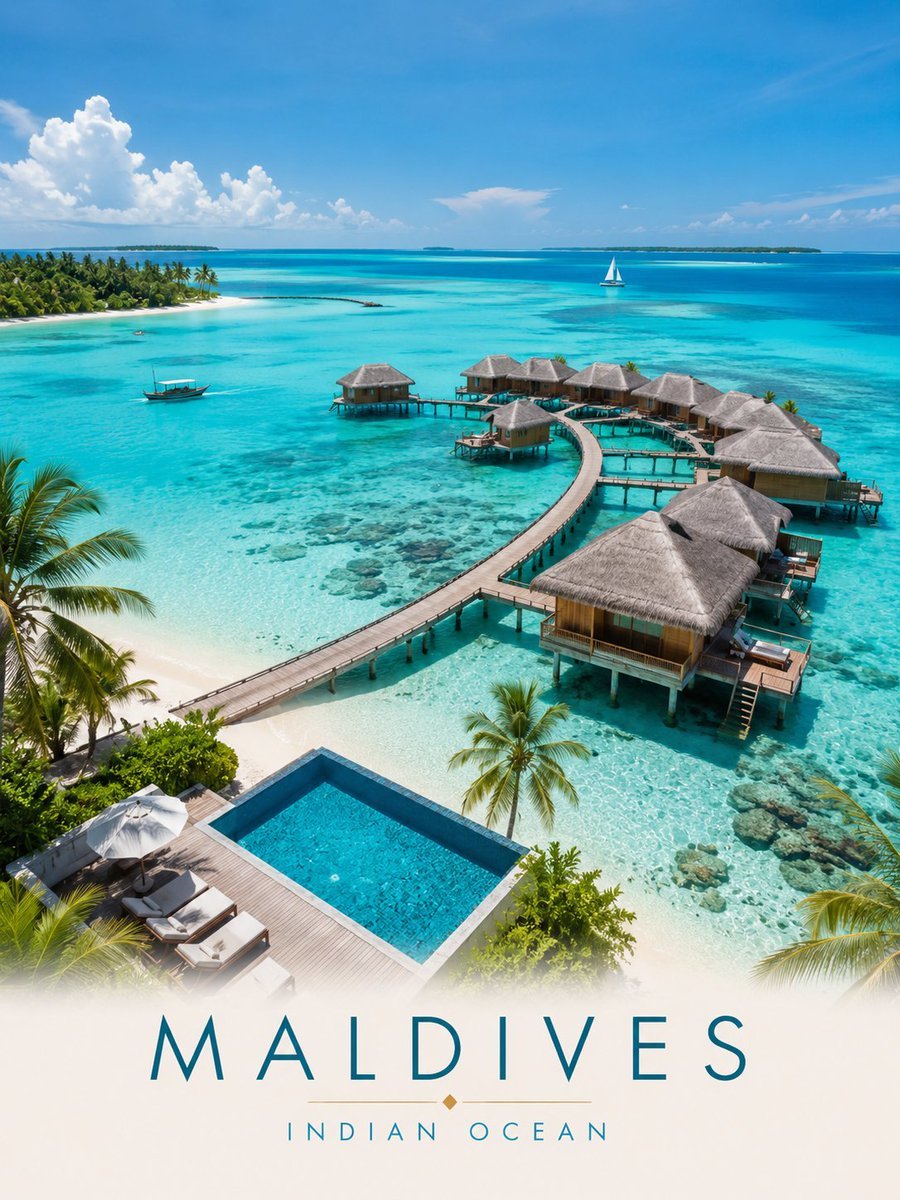
Maldives Luxury Travel Poster
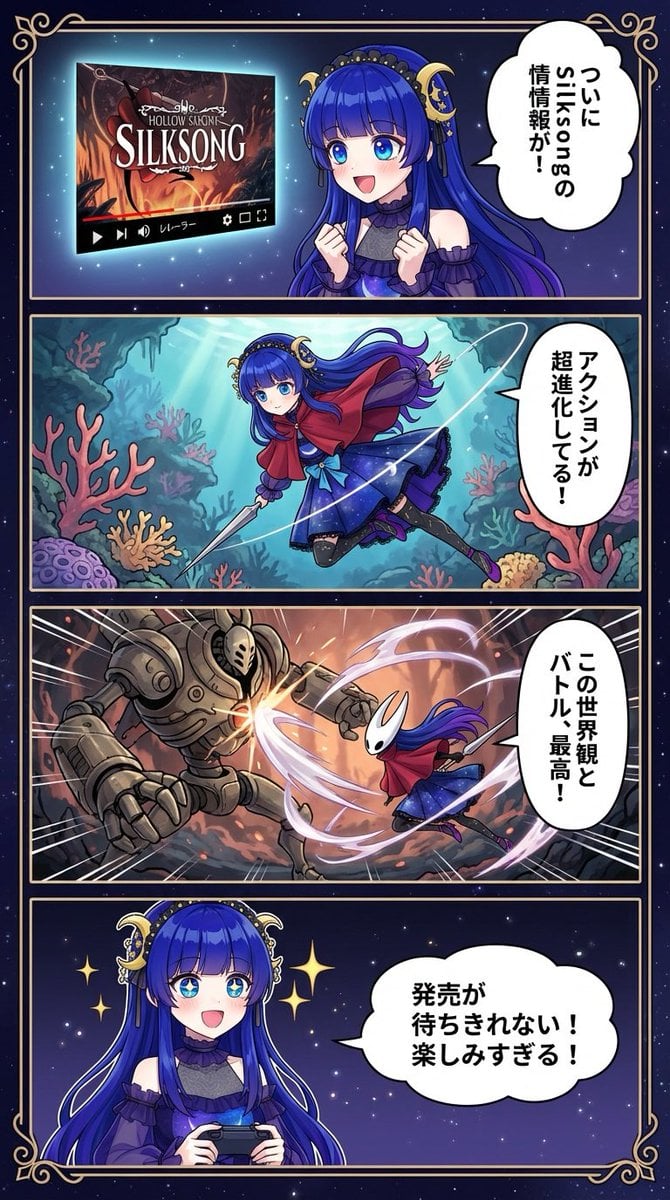
Silksong 4-panel comic from uploaded character
Browse template categories
Romantic Wedding Studio Portrait questions
How do I use the Romantic Wedding Studio Portrait template?
Add your photo if the template asks for one, edit the prompt if you like — the template's model and format are already selected — and press Generate. Your version opens in PicX Studio.
Can I customize the Romantic Wedding Studio Portrait template?
Yes. You can change the subject, setting, lighting, mood, format, and available model controls before creating your image.
Is the Romantic Wedding Studio Portrait template free?
Opening and editing this template is free. Generating uses credits, shown on the Generate button when you are signed in.
Which AI model should I use?
Start with GPT Image 2, which is the model associated with this template. You can compare another compatible model for a different finish.
Looking for something else? Browse all templates.

Your photo, any look
Thousands of ready templates for every top image and video model, from one credit balance.