
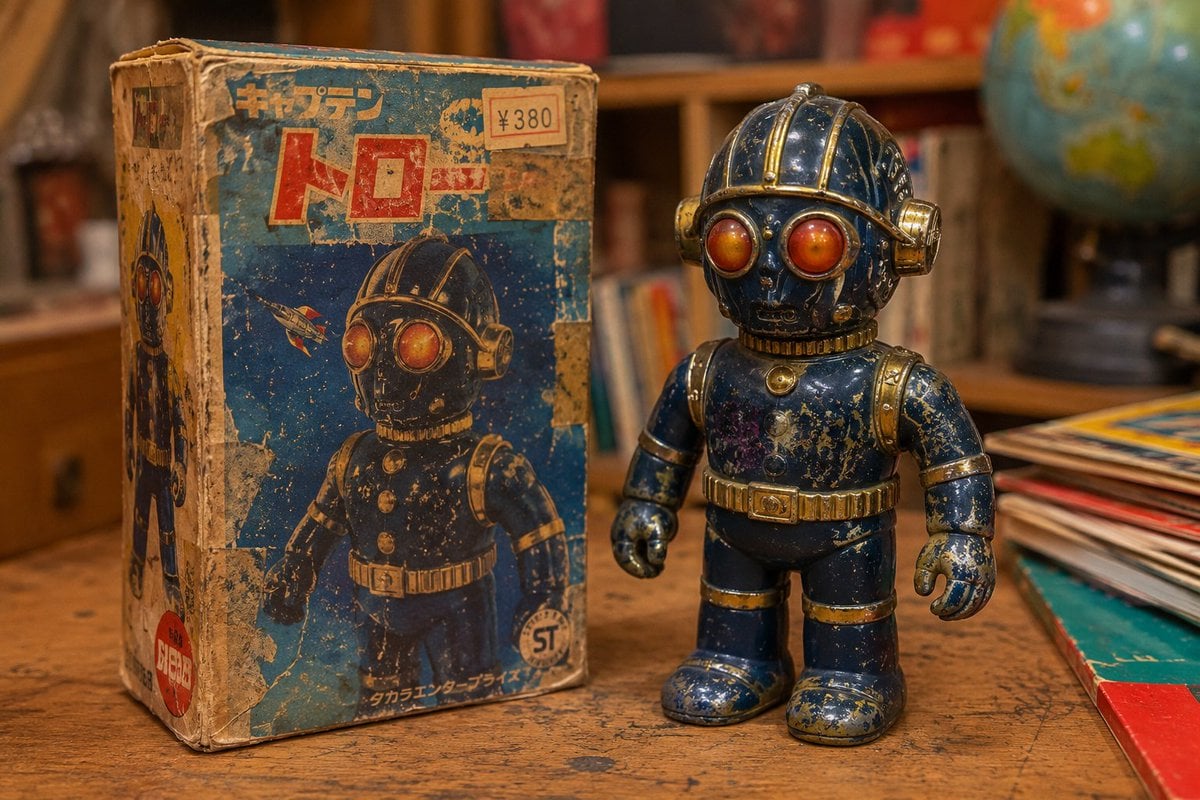
Vintage 1970s Japanese Soft Vinyl Toy
A comprehensive prompt for generating realistic photos of weathered, vintage Japanese 'sofubi' toys from the Showa era, including sun-damaged packaging and authentic signs of play-wear on a wooden desk.
- Prompt included
- Model and format preset
- Free template
The prompt behind this image
Copy the exact prompt behind Vintage 1970s Japanese Soft Vinyl Toy, or open it in the studio and make it yours.
アップロードされたロボット画像を完全な参照元として使用する。頭部形状、発光する大きな複眼、濃紺と金色の配色、レトロフューチャーなデザインを維持したまま、1970年代の日本製ソフビ玩具としてデフォルメする。テーマは「{argument name="年代" default="1978"}年に発売され、子供に何十年も遊び倒された中古ソフビ」。画面左側にはオリジナルの箱。強い日焼けで色が抜け、角は潰れ、破れをセロハンテープで補修している。印刷は擦れて消えかけており、値札シールや子供が貼ったシール跡が残っている。湿気による変形や汚れもある。昭和の玩具店の売れ残りではなく、実際に何十年も家庭で保管されてきた雰囲気。画面右側にはロボットのソフビ人形。頭部や肩は何度も床に落とされたため細かな打痕だらけ。鼻先や角の塗装は剥がれ、下地のソフビ成形色が露出している。複眼パーツには細かな擦り傷。腕や脚には遊んだ跡の無数の傷。足裏は摩耗して角が丸くなっている。濃紺のソフビは長年の日光で部分的に退色。金色塗装は半分以上剥がれ、塗膜がひび割れている。関節周辺には黒ずみや埃の蓄積。全体に経年変化によるツヤの低下。新品の光沢感はない。子供が油性ペンで名前を書いた跡をうっすら残す。落書きを消そうとした擦れ跡。接着剤で修理された小さな亀裂。昭和の子供が本気で遊んだリアルな生活感。木製の学習机の上。机には細かな傷や鉛筆跡。背景には昭和の子供部屋を思わせるボケた風景。暖色の白熱電球照明。夕方の雰囲気。玩具コレクターが発見した実在の中古ソフビを撮影したようなフォトリアルな商品写真。フィルム写真風の粒状感。微細な埃。高精細。ヴィンテージ玩具専門誌の特集ページ品質。 extremely worn vintage sofubi, heavily played with by children, chipped paint, scratches, dents, faded colors, repaired cracks, dust accumulation, realistic aging, authentic Japanese vintage toy photography, photorealistic, collectible toy documentation no mint condition, no factory new appearance, no modern collectible figure, no premium statue, no pristine surface, no clean packaging, no modern toy store display
How to use Vintage 1970s Japanese Soft Vinyl Toy in 3 steps
- 1Upload ImagePNG, JPG or paste
Add your photo
Upload the photo the template builds on. The prompt, model and format are already set.
- 2…a portrait of your subject in softgolden-hour light, 85mm…
Personalize
Edit the subject and creative details for your destination.
- 3Generate
Generate
Press Generate — your image is created in PicX Studio, so you can compare it with the original and refine one variable at a time.
More like this
Templates with the same subject, style or setup. Open one to see its prompt.











Make it yours
Vintage 1970s Japanese Soft Vinyl Toy works as-is. These are the safest ways to change it without losing the look.
Change one field
Copy a single group, rewrite it, and generate again so you can see what that field is doing.
Keep the frame, change the subject
Hold the composition and light of Vintage 1970s Japanese Soft Vinyl Toy, then swap wardrobe, props or the person for a new take.
| If the result… | Why | Fix |
|---|---|---|
| The result drifts from the preview | Too many fields changed at once. | Reuse Vintage 1970s Japanese Soft Vinyl Toy as-is first, then change one group — subject, light, or setting. |
| The model over-stylizes the scene | The prose prompt leaves finish and camera underspecified. | Add one camera or lighting sentence and stay on GPT Image 2. |
More GPT Image 2 templates
Other prompts made for GPT Image 2.

Six VTuber Japanese Logo Sheet

Realistic Portrait of Woman and Deer

The Vista Modular Condo Poster

AI Model Routing Comparison Infographic

2.5D Anime Art Board

Isometric Productivity Desk Scene

New York Double Exposure Poster

Four-Panel AI Landscape Comparison

Japanese Tatami Lifestyle Magazine Cover

NESCAFÉ Coffee Map Poster
More image prompts
Fresh picks from across the catalog.

Pisa Tower Ice Cream Perspective Prompt
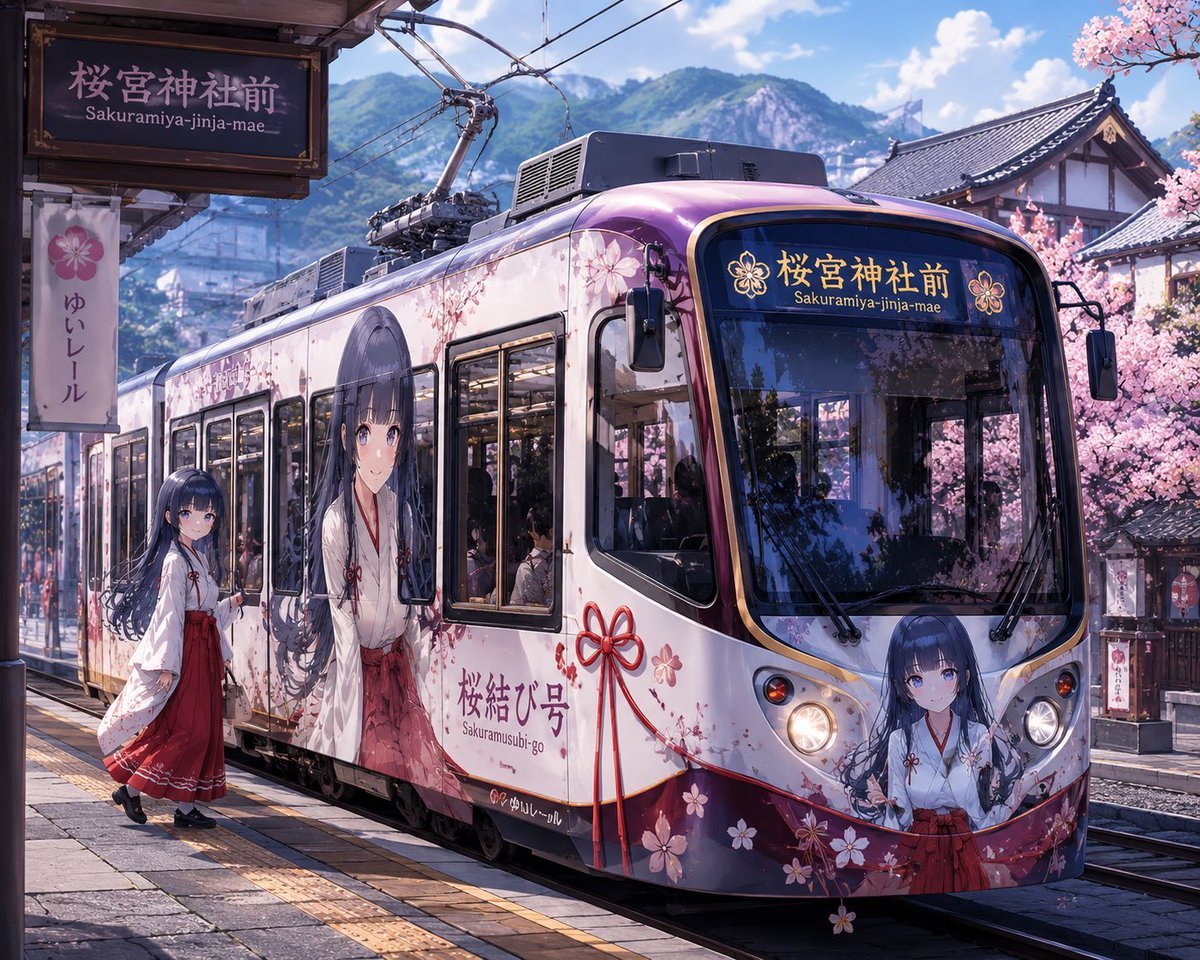
Custom Character-Wrapped Streetcar Illustration

Vintage Newspaper Food Scene Prompt (JSON)

Hyper-realistic Nighttime Rooftop Portrait with Digital Camera Flash Effect

Vintage D-Day Normandy Poster
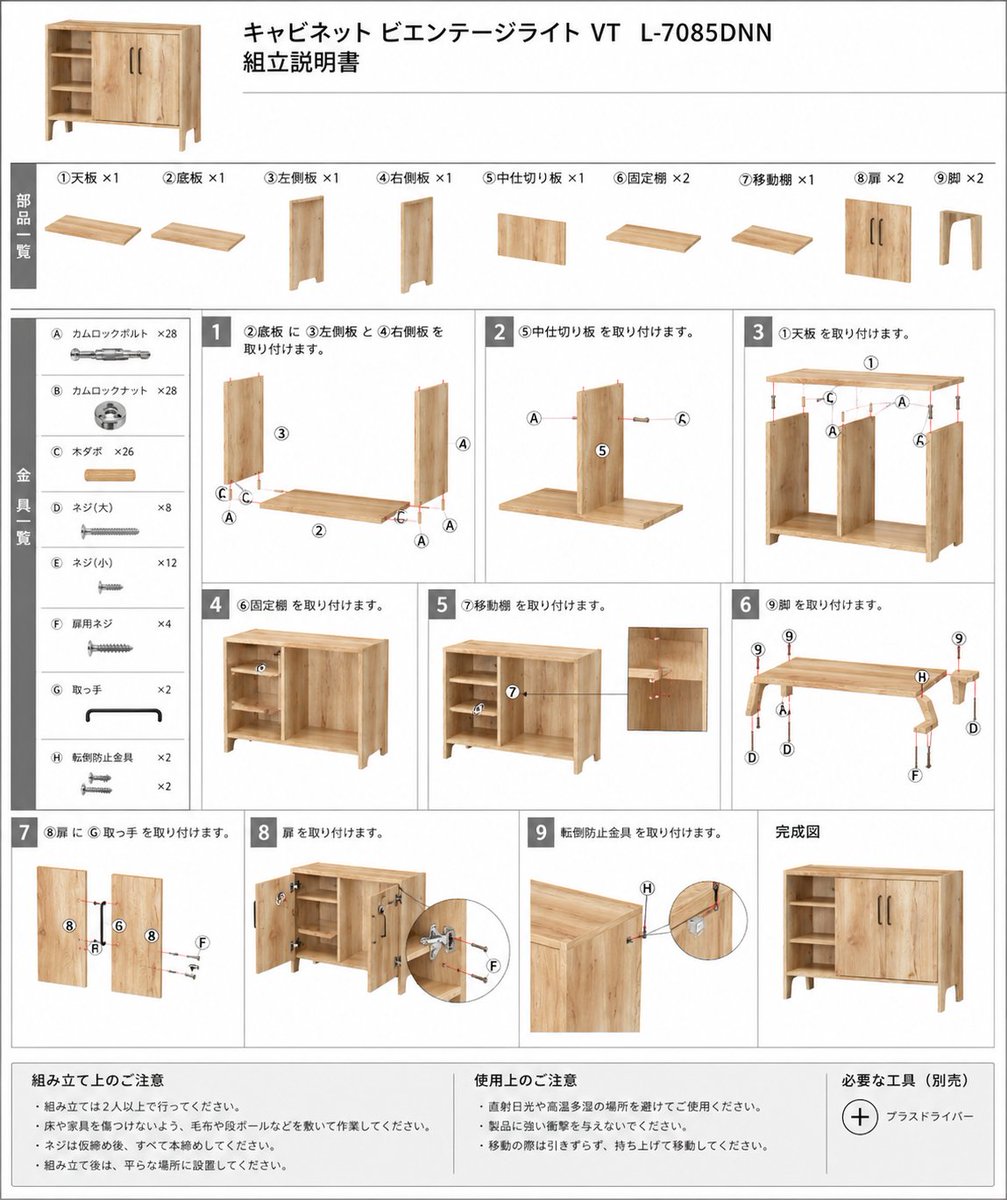
Furniture Assembly Manual Generator
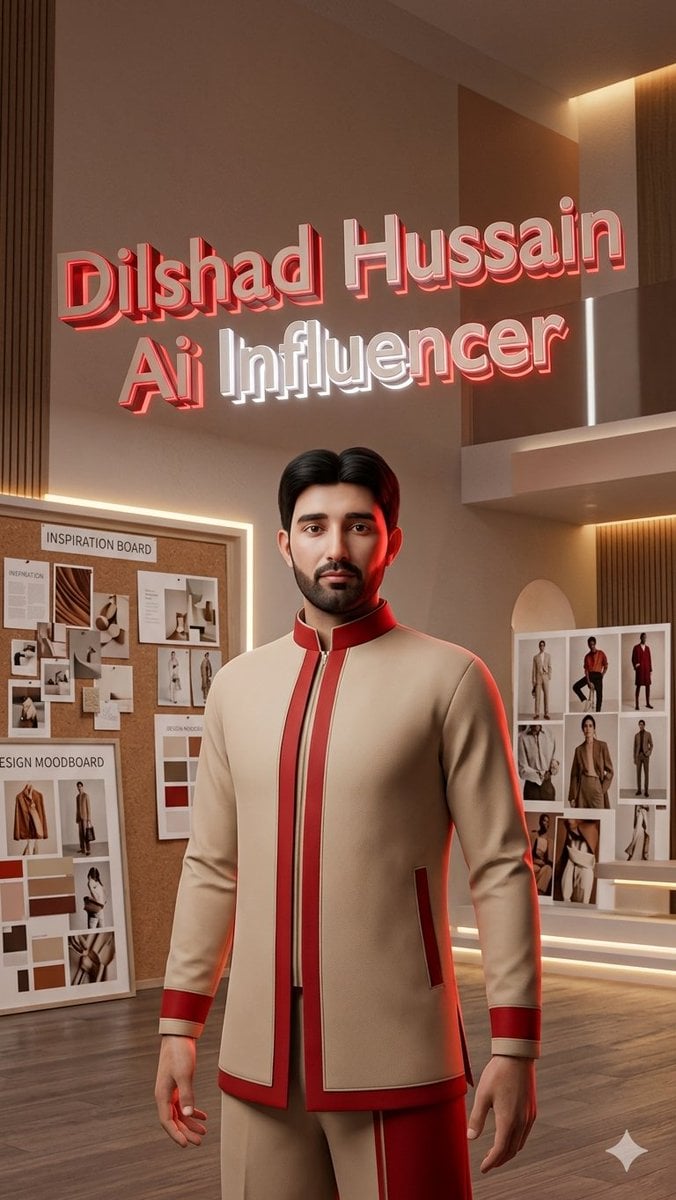
Luxury AI Influencer Workspace Render

Red Carpet Premiere Gala Prompt (Multilingual)
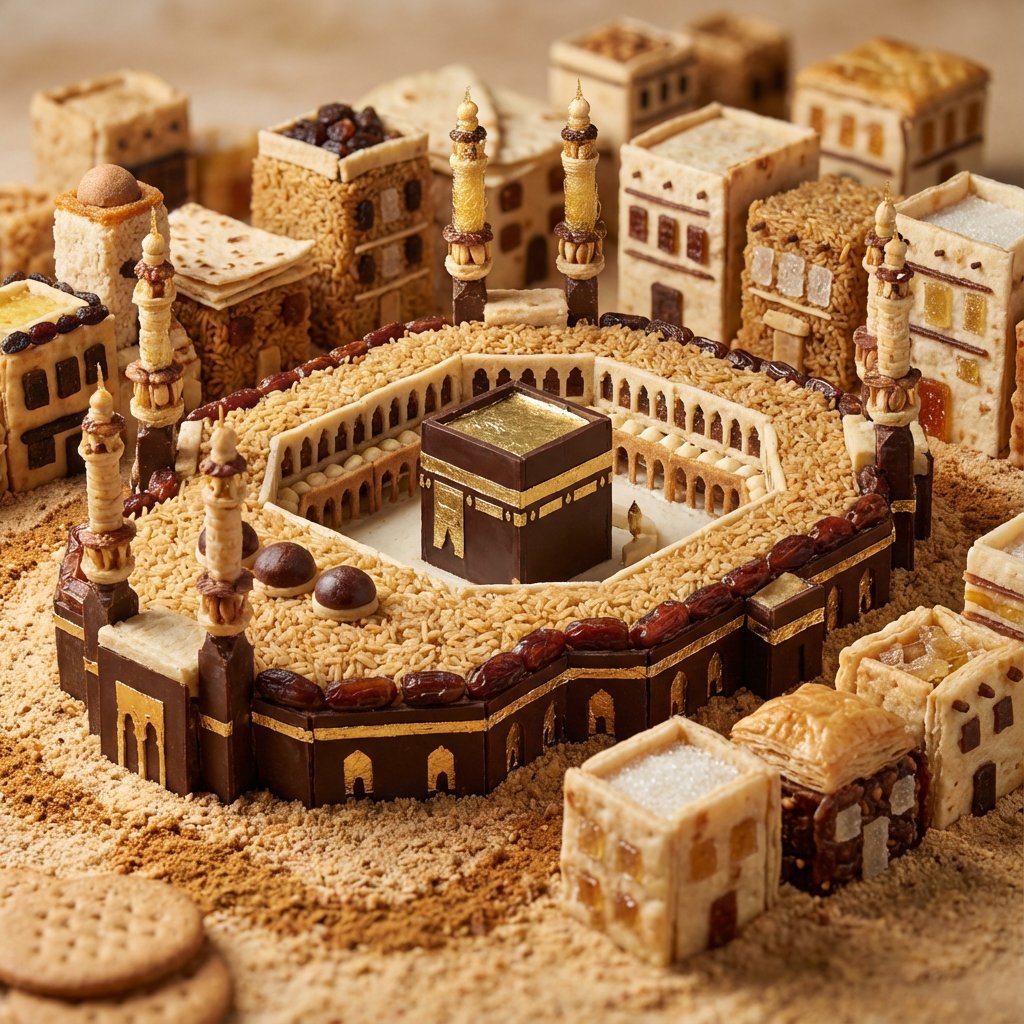
Edible Cityscape Diorama (Double Inference)
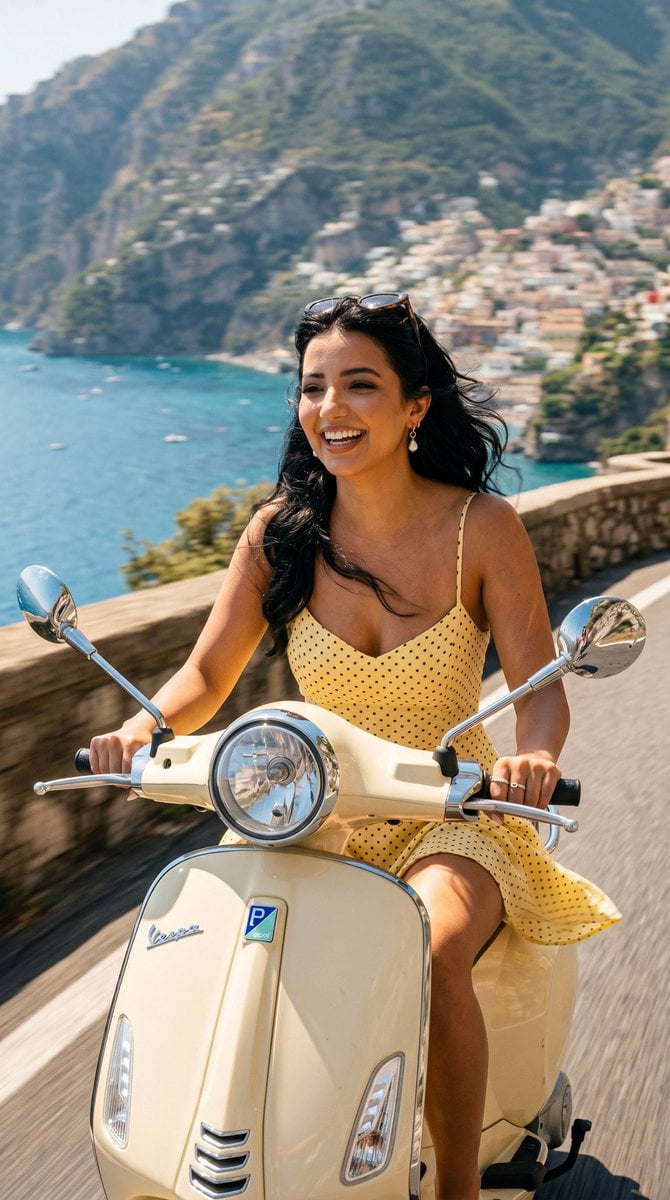
Amalfi Coast Vespa Cinematic Motion
Browse template categories
Vintage 1970s Japanese Soft Vinyl Toy questions
How do I use the Vintage 1970s Japanese Soft Vinyl Toy template?
Add your photo if the template asks for one, edit the prompt if you like — the template's model and format are already selected — and press Generate. Your version opens in PicX Studio.
Can I customize the Vintage 1970s Japanese Soft Vinyl Toy template?
Yes. You can change the subject, setting, lighting, mood, format, and available model controls before creating your image.
Is the Vintage 1970s Japanese Soft Vinyl Toy template free?
Opening and editing this template is free. Generating uses credits, shown on the Generate button when you are signed in.
Which AI model should I use?
Start with GPT Image 2, which is the model associated with this template. You can compare another compatible model for a different finish.
Looking for something else? Browse all templates.

Your photo, any look
Thousands of ready templates for every top image and video model, from one credit balance.