
Vintage D-Day Normandy Poster
Creates a gritty historical poster-style illustration of the D-Day Normandy landings with distressed typography and a dramatic foreground soldier.
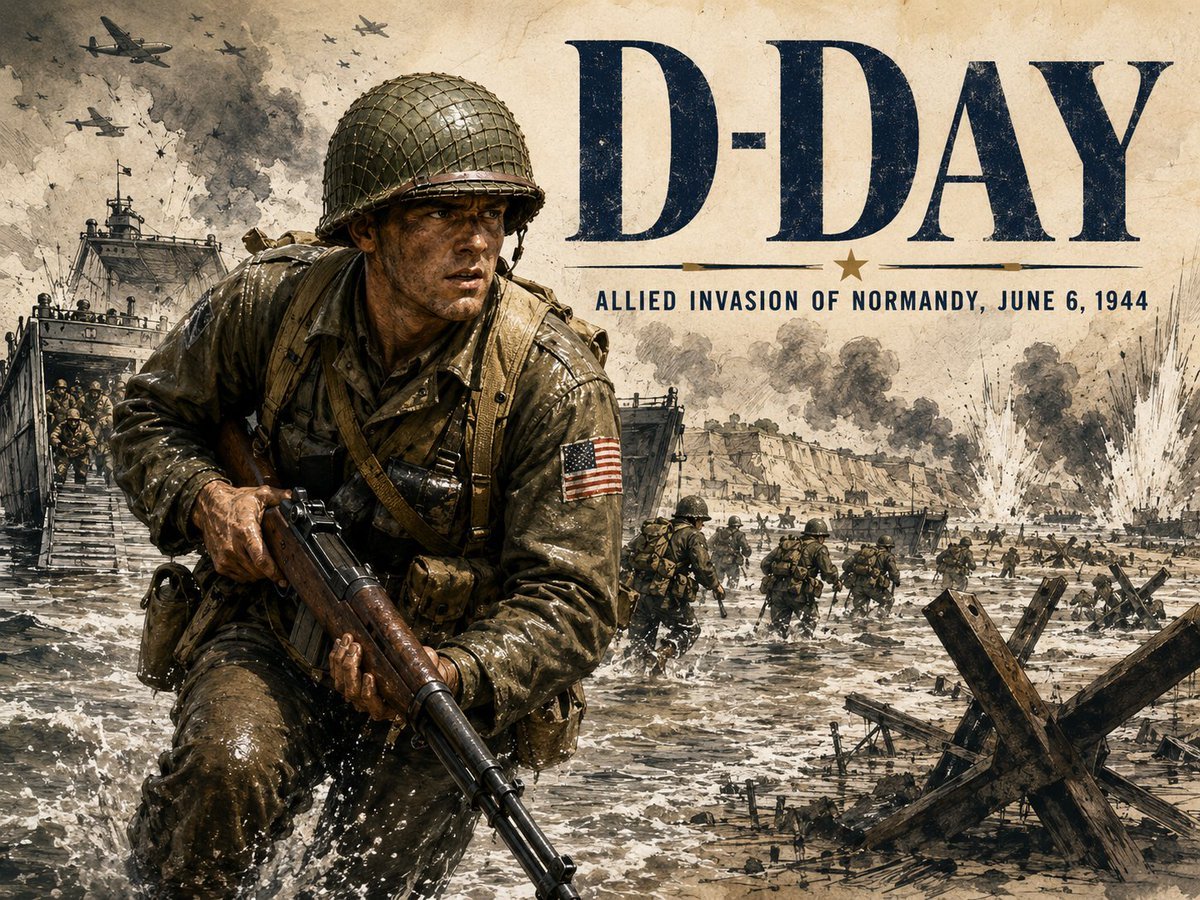
- Prompt included
- Model and format preset
- Free template
The prompt behind this image
Copy the exact prompt behind Vintage D-Day Normandy Poster, or open it in the studio and make it yours.
Goal: Create a dramatic vintage World War II commemorative poster for {argument name="headline text" default="D-DAY"}, showing the Allied invasion of Normandy on {argument name="date line" default="June 6, 1944"}. Canvas: Landscape 4:3 poster, aged parchment background with sepia, charcoal, olive drab, navy ink, and weathered paper texture. Use a gritty illustrated realism style, like a historical war magazine cover mixed with a hand-painted military poster. Layout: Place one dominant U.S. infantry soldier in the left foreground, waist-up to knees, charging through shallow surf toward the viewer. His face is deliberately hidden by one flat opaque dark-brown square censor block centered over the face. Put the large headline “D-DAY” across the upper right in huge dark navy serif capital letters. Beneath it, add a thin horizontal rule with a small centered star, then the subtitle “ALLIED INVASION OF NORMANDY, JUNE 6, 1944” in condensed uppercase lettering. Subject details: The foreground soldier wears a wet olive drab uniform, netted M1 helmet, webbing straps, ammunition pouches, backpack straps, and a U.S. flag patch on his upper right sleeve. He grips a long rifle diagonally downward across his body. Make his clothing soaked, muddy, and reflective with splashes of seawater around his legs. The background shows a Normandy beach landing: exactly 2 landing craft with open ramps on the left and middle distance, exactly 14 visible infantry figures moving through the water and across the beach, exactly 7 aircraft silhouettes in the smoky sky, exactly 3 large explosion plumes near the shoreline, and exactly 2 Czech hedgehog anti-tank obstacles in the right foreground. Environment: Rough gray surf, beach obstacles, distant cliffs and fortifications, smoke columns, artillery bursts, and chaotic battlefield haze. The scene should feel heroic, somber, and historically documentary rather than glamorous. Text content: Use {argument name="headline text" default="D-DAY"} as the main title and “ALLIED INVASION OF NORMANDY, {argument name="date line" default="JUNE 6, 1944"}” as the subtitle. Keep the typography distressed, ink-worn, and integrated into the aged poster texture. Constraints: No modern objects, no clean digital gloss, no extra text, no watermark, no logos, no gore, and keep the soldier’s face fully obscured by the brown square.
How to use Vintage D-Day Normandy Poster in 3 steps
- 1Upload ImagePNG, JPG or paste
Add your photo
Upload the photo the template builds on. The prompt, model and format are already set.
- 2…a portrait of your subject in softgolden-hour light, 85mm…
Personalize
Edit the subject and creative details for your destination.
- 3Generate
Generate
Press Generate — your image is created in PicX Studio, so you can compare it with the original and refine one variable at a time.
More like this
Templates with the same subject, style or setup. Open one to see its prompt.

Japan Travel Brochure Poster

Sunday Afternoon, 1988
80s Birthday Party
Vintage California Road Trip Birthday Poster

Premium Vintage Travel Poster Landscape

Two Tickets, One Night

If We Met in 1985

Found Photograph: Us, 1970

One Dance Before Midnight

Before We said Goodbye

Our Song was on a Cassette

Meet Me When It Rains
Make it yours
Vintage D-Day Normandy Poster works as-is. These are the safest ways to change it without losing the look.
Change one field
Copy a single group, rewrite it, and generate again so you can see what that field is doing.
Keep the frame, change the subject
Hold the composition and light of Vintage D-Day Normandy Poster, then swap wardrobe, props or the person for a new take.
| If the result… | Why | Fix |
|---|---|---|
| The result drifts from the preview | Too many fields changed at once. | Reuse Vintage D-Day Normandy Poster as-is first, then change one group — subject, light, or setting. |
| The model over-stylizes the scene | The prose prompt leaves finish and camera underspecified. | Add one camera or lighting sentence and stay on GPT Image 2. |
More GPT Image 2 templates
Other prompts made for GPT Image 2.

Six VTuber Japanese Logo Sheet

Realistic Portrait of Woman and Deer

The Vista Modular Condo Poster

AI Model Routing Comparison Infographic

2.5D Anime Art Board

Isometric Productivity Desk Scene

New York Double Exposure Poster

Four-Panel AI Landscape Comparison

Japanese Tatami Lifestyle Magazine Cover

NESCAFÉ Coffee Map Poster
More image prompts
Fresh picks from across the catalog.
Macro Shot of Strawberries Falling into Milk
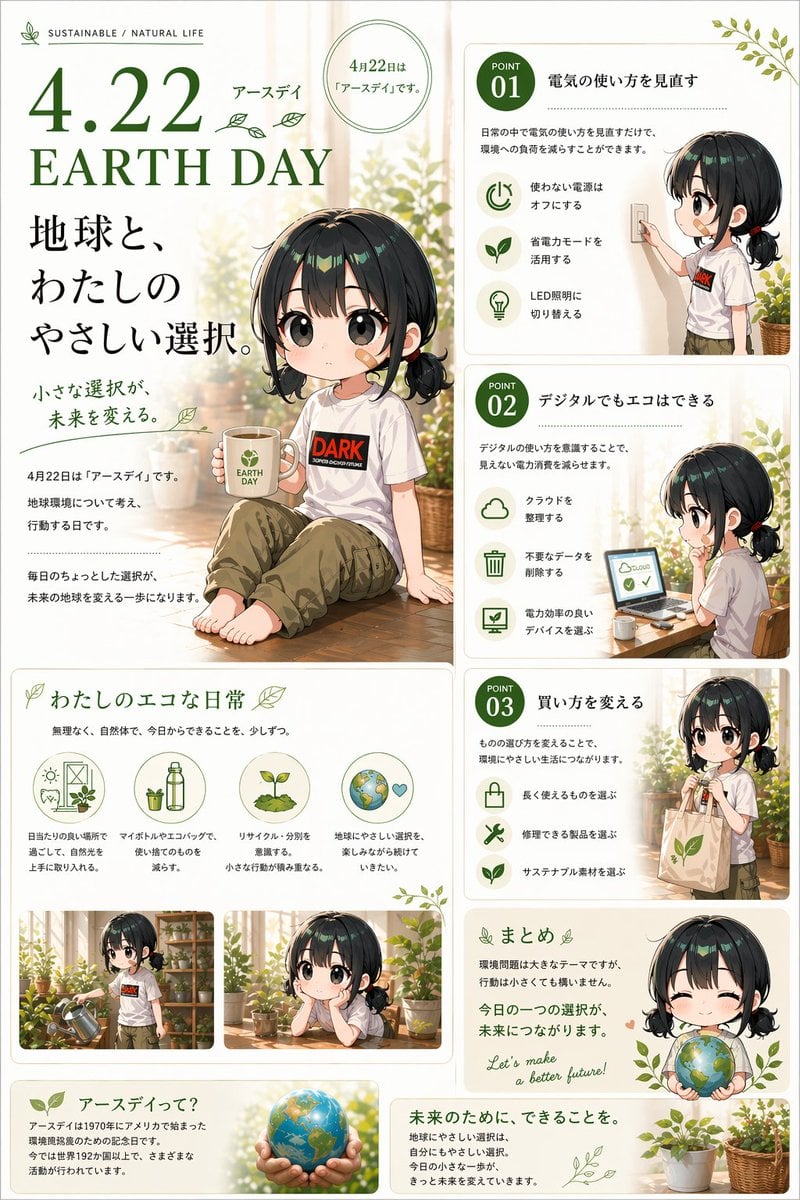
Japanese Earth Day Anime Poster
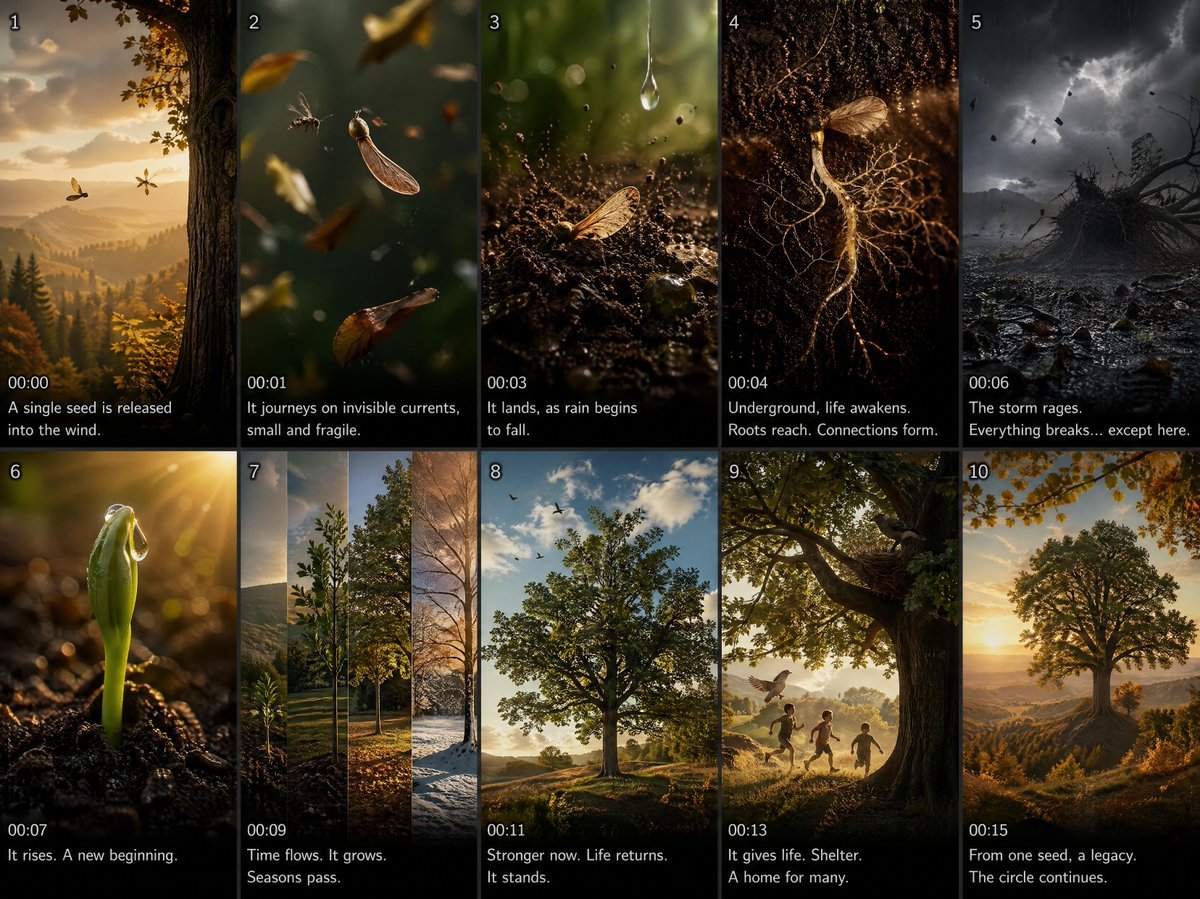
Cinematic Seed Life Storyboard
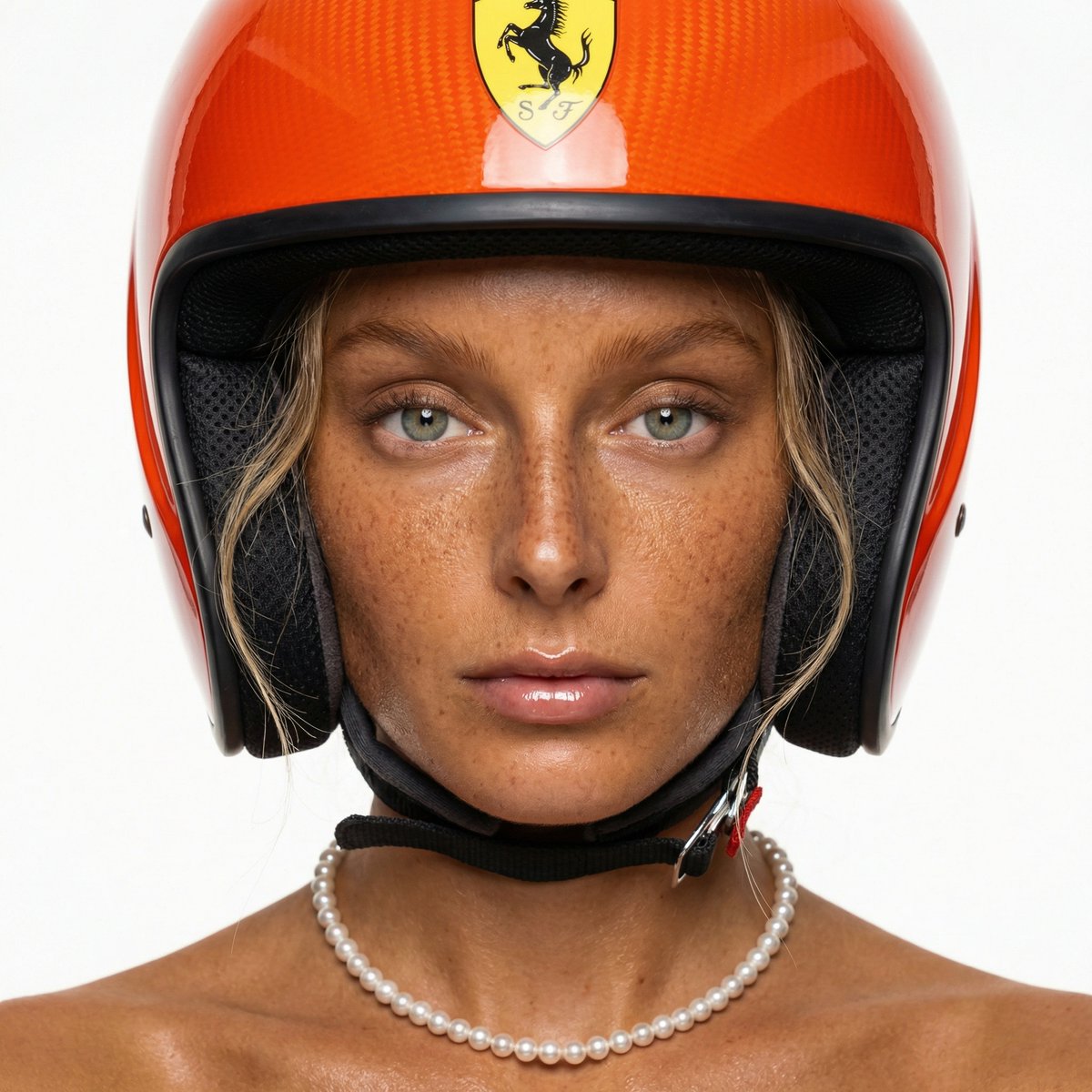
F1 Heiress Editorial Portrait with Racing Helmet and Pearls
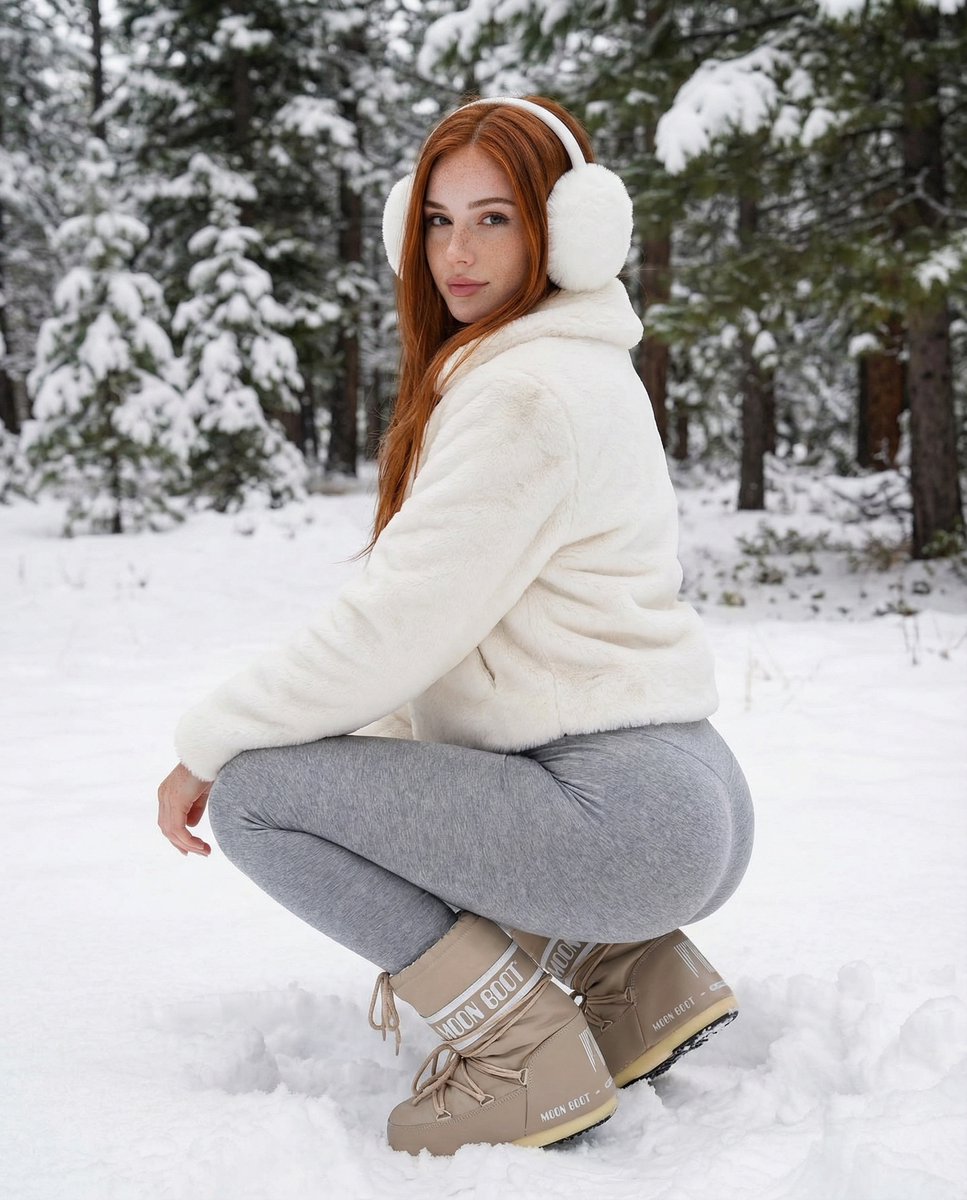
Photorealistic Winter Squat Pose in Faux Fur
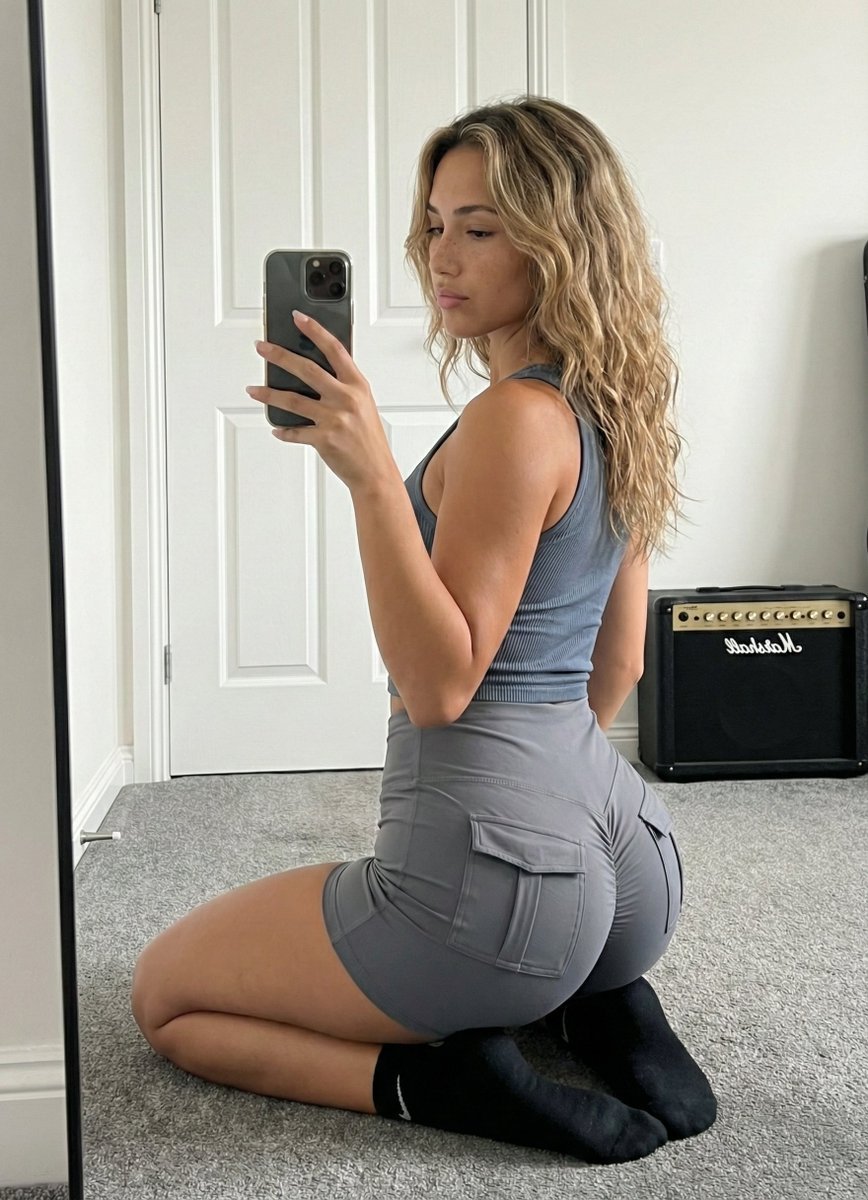
Mirror Selfie Athleisure Look with Detailed Anatomy
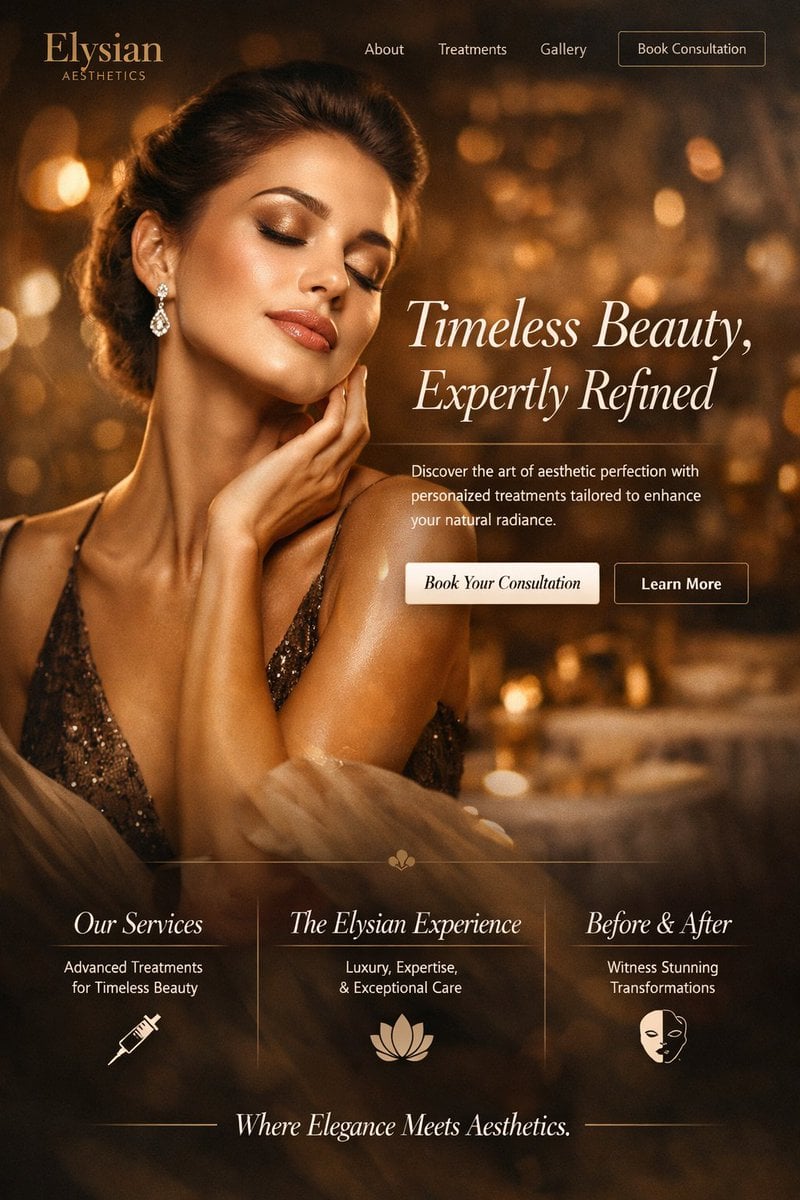
Luxury Aesthetics Website Mockup

Studio Commercial Shot of Woman Hugging Giant Lotion Bottle
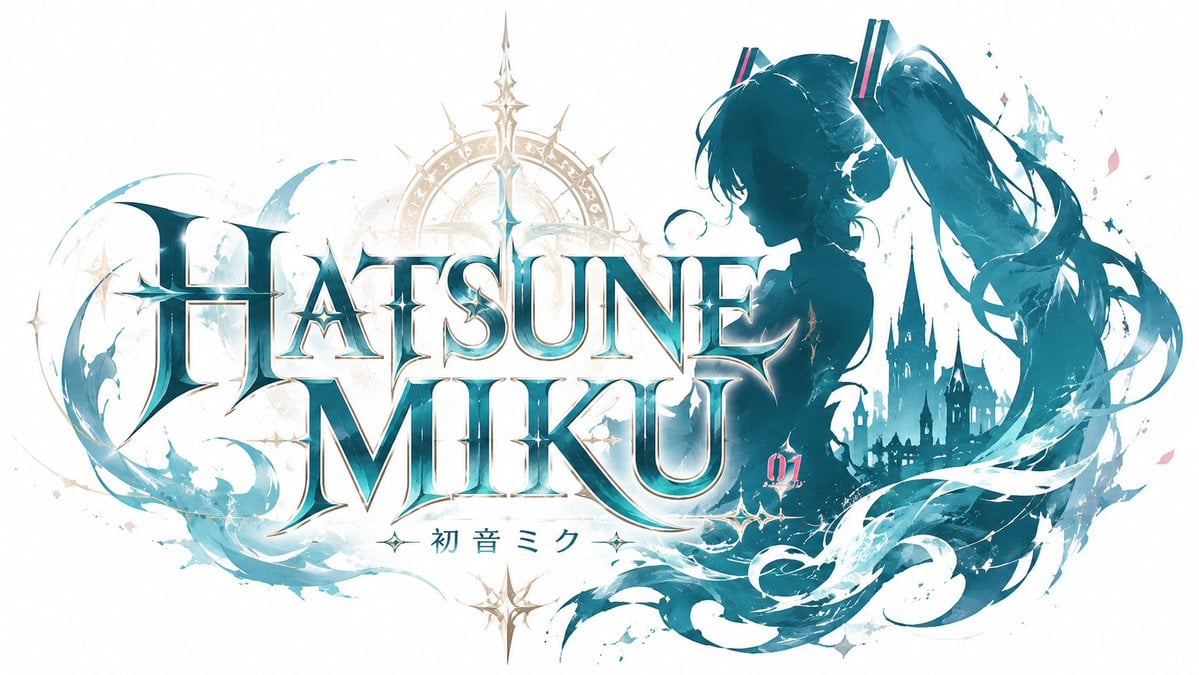
JRPG Hatsune Miku Fantasy Logo
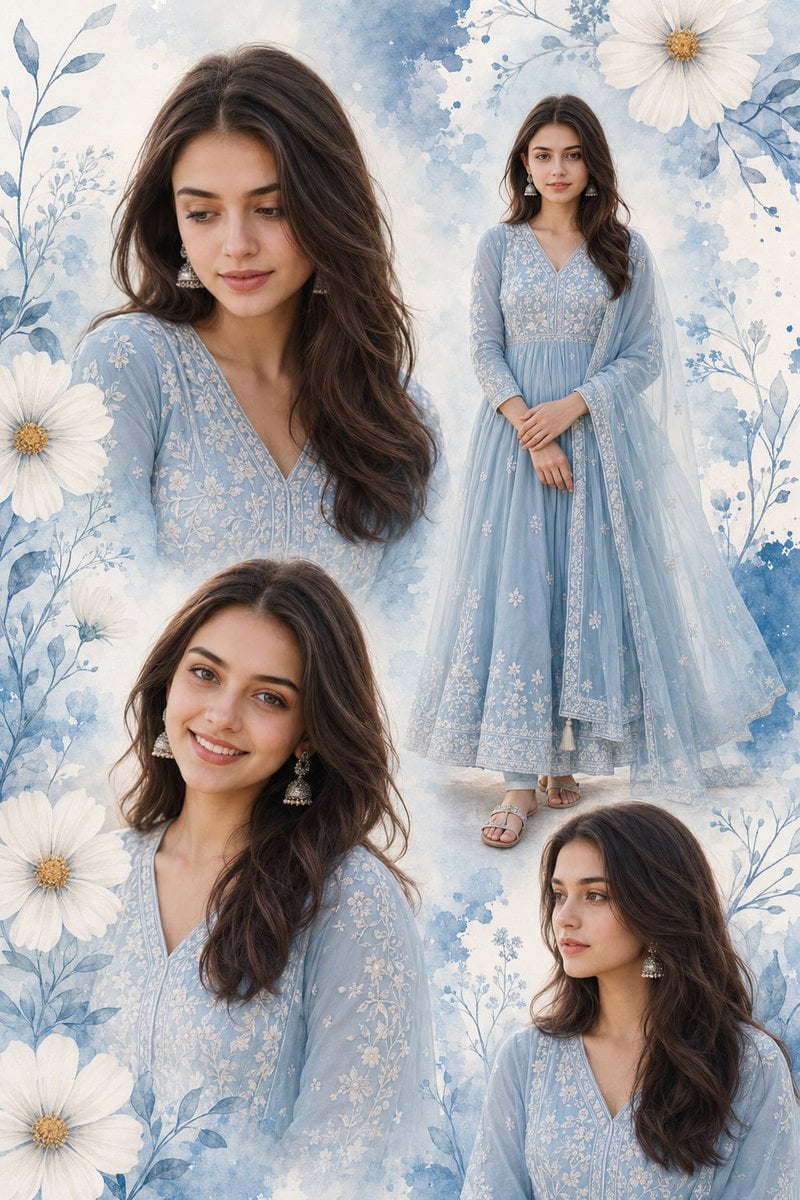
Indian Woman Anarkali Suit Collage
Browse template categories
Vintage D-Day Normandy Poster questions
How do I use the Vintage D-Day Normandy Poster template?
Add your photo if the template asks for one, edit the prompt if you like — the template's model and format are already selected — and press Generate. Your version opens in PicX Studio.
Can I customize the Vintage D-Day Normandy Poster template?
Yes. You can change the subject, setting, lighting, mood, format, and available model controls before creating your image.
Is the Vintage D-Day Normandy Poster template free?
Opening and editing this template is free. Generating uses credits, shown on the Generate button when you are signed in.
Which AI model should I use?
Start with GPT Image 2, which is the model associated with this template. You can compare another compatible model for a different finish.
Looking for something else? Browse all templates.

Your photo, any look
Thousands of ready templates for every top image and video model, from one credit balance.