
Mirror Selfie Athleisure Look with Detailed Anatomy
A highly specific JSON prompt for generating a mirror selfie image of a young woman in athleisure wear.
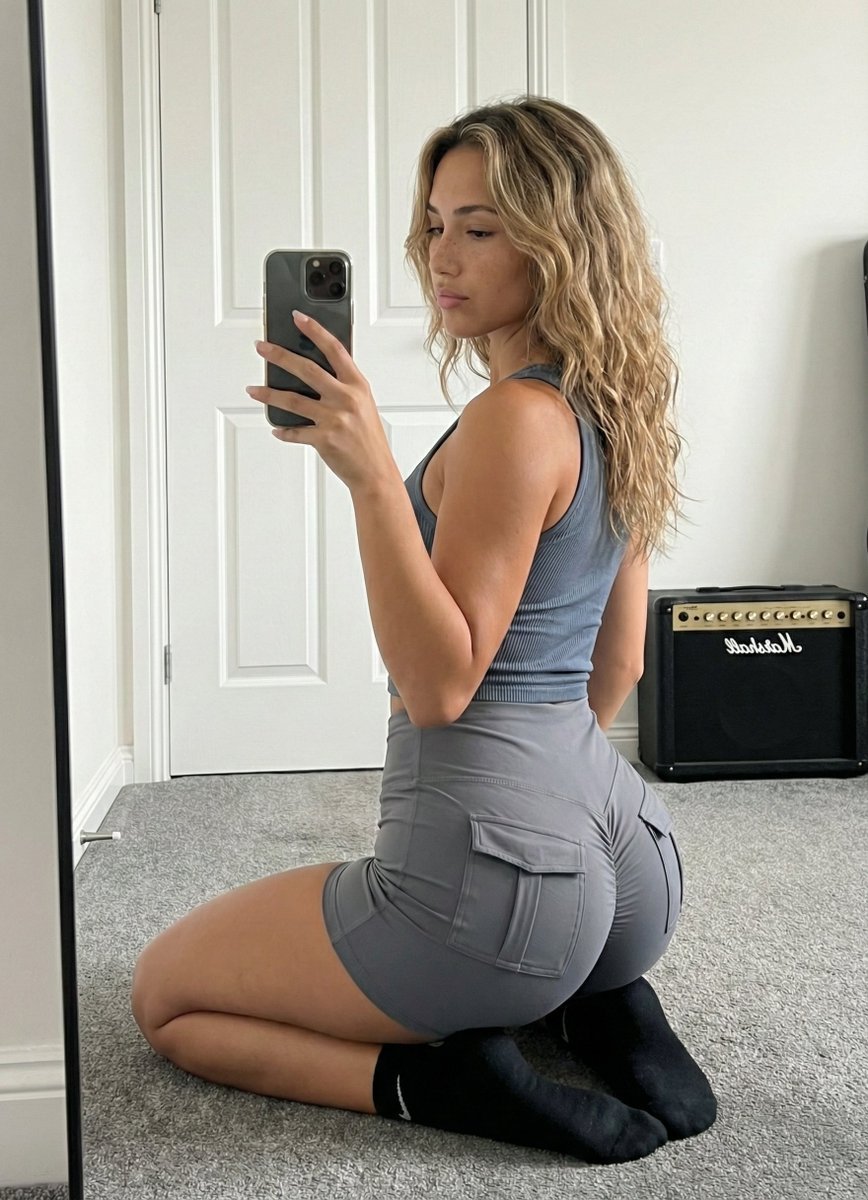
- Prompt included
- Model and format preset
- Premium template
The prompt behind this image
Copy the exact prompt behind Mirror Selfie Athleisure Look with Detailed Anatomy, or open it in the studio and make it yours.
{ "subject": { "description": "Young woman with long, wavy, dirty blonde hair featuring honey highlights, falling loosely over the shoulders. She has fair skin with visible natural freckles on her nose and cheeks. She is wearing a matching grey two-piece athleisure set consisting of a ribbed, sleeveless cropped tank top and tight-fitting grey shorts with distinct cargo-style pockets on the glutes. She is wearing black ankle socks with a white Nike swoosh visible on the side.", "anatomy_and_proportions": "Physique is fit and toned with a focus on lower body curvature. The glutes are prominent and shaped, emphasized by the tight shorts and the kneeling pose. The waist is tapered, leading to a wider hip ratio. The side profile of the chest is visible, showing natural volume and projection consistent with a fit body type, supported by the ribbed fabric. Shoulders are relaxed.", "clothing_details": "The grey tank top has a ribbed texture and a racerback-style cut. The shorts are high-waisted, compression-style fabric with flap pockets situated squarely on the back of each leg. The socks are standard black athletic quarter-length." }, "pose": { "stance": "Kneeling on the floor, body angled roughly 45 degrees away from the mirror plane (quarter-turn back view). The torso is twisted slightly towards the mirror.", "limbs": "Legs are folded underneath, shins flat against the carpet, sitting back towards the heels. The left arm hangs naturally by the side. The right arm is raised, elbow bent, holding a smartphone to capture the reflection.", "head_and_gaze": "Head is turned to face the mirror directly. Eyes are looking at the phone screen/reflection. Chin is slightly tucked." }, "environment": { "setting": "Indoor bedroom interior.", "background_elements": "A white paneled interior door with a silver handle is directly behind the subject. To the right, a black Marshall guitar amplifier sits on the floor against the wall. The floor is covered in plush grey wall-to-wall carpeting. White baseboards line the walls.", "foreground_elements": "The edge of a black-framed full-length mirror is visible on the left side of the frame." }, "camera": { "perspective": "Mirror selfie perspective. The image is a reflection seen in a large standing mirror.", "shot_type": "Medium-full shot, capturing the subject from the knees up to the top of the head.", "focal_length": "24mm to 28mm equivalent (smartphone main camera).", "depth_of_field": "Deep depth of field; both the subject and the immediate background (door, amp) are in focus." }, "lighting": { "type": "Natural diffuse daylight.", "source": "Light source coming from the right side of the room (off-screen window), illuminating the subject's face and side profile.", "quality": "Soft and even, creating gentle shadows on the left side of the body and behind the subject on the door.", "shadows": "Natural contact shadows where the leg
How to use Mirror Selfie Athleisure Look with Detailed Anatomy in 3 steps
- 1
Open
The prompt is already in the box next to the preview, with the template's model and format selected.
- 2…a portrait of your subject in softgolden-hour light, 85mm…
Personalize
Edit the subject and creative details for your destination.
- 3Generate
Generate
Press Generate — your image is created in PicX Studio, so you can compare it with the original and refine one variable at a time.
More like this
Templates with the same subject, style or setup. Open one to see its prompt.

Rooftop Fisheye — Cat-Ear Balaclava at Golden Hour

Felt & Knit 3D Character — Photo-Exact Face, Pixar-Quality Plush Figurine

Eid al-Adha Cute Chaos — Fisheye Selfie with Farm Selfie, Mosque & Animals

Cat Photobomb Selfie — 0.5x Wide Angle Café Chaos

Gen Z Triple Selfie Collage — Y2K Flash Photography

Surreal Cat Astronaut — Humanoid Face Freefall
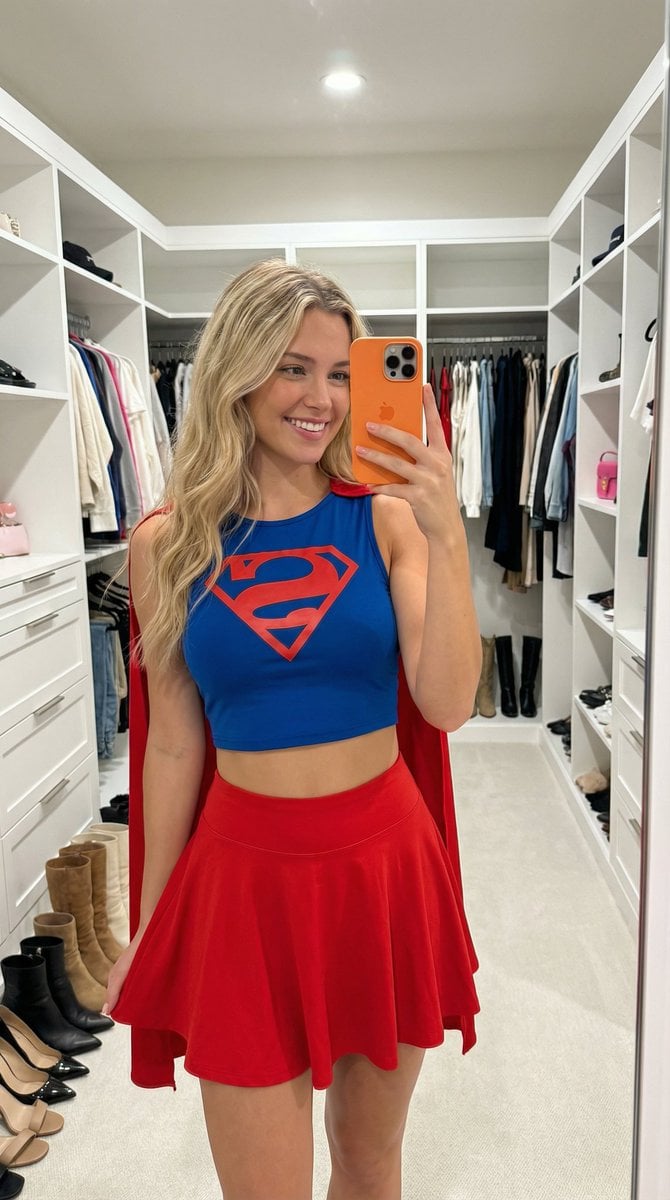
Superhero Athleisure Mirror Selfie Prompt
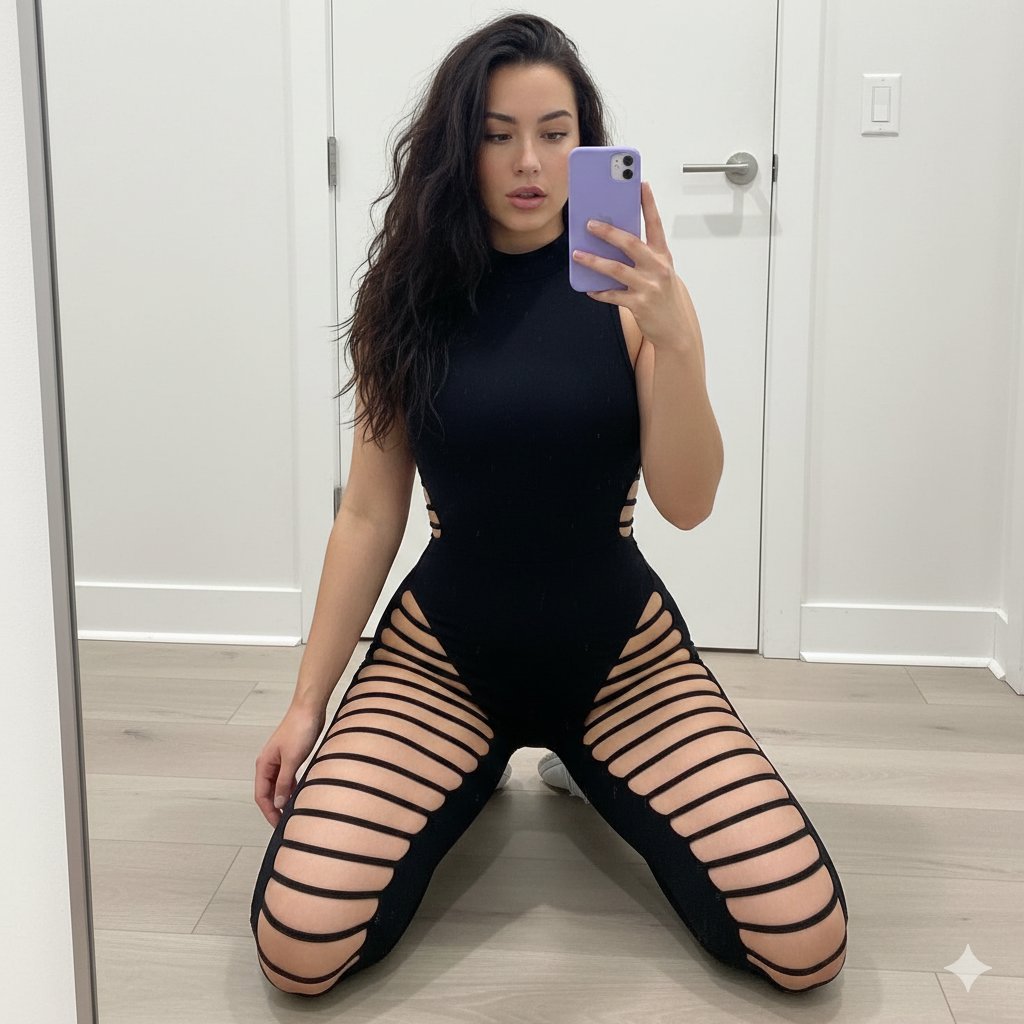
High-Contrast Athleisure Mirror Selfie
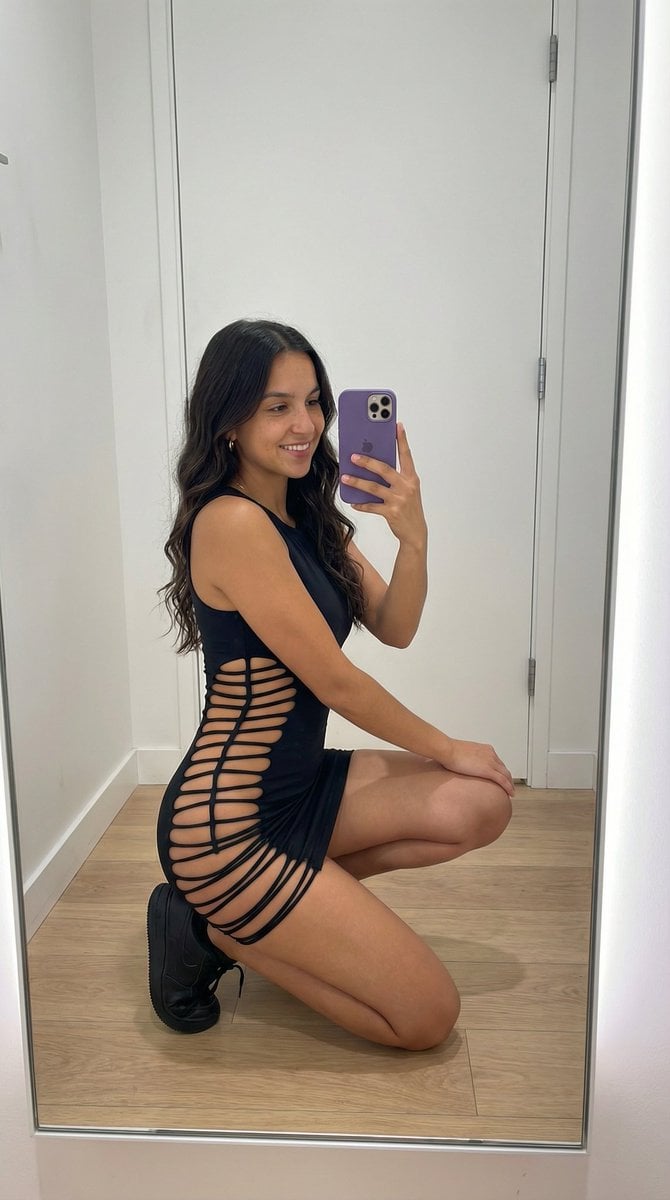
Avant-Garde Athleisure Mirror Selfie Prompt
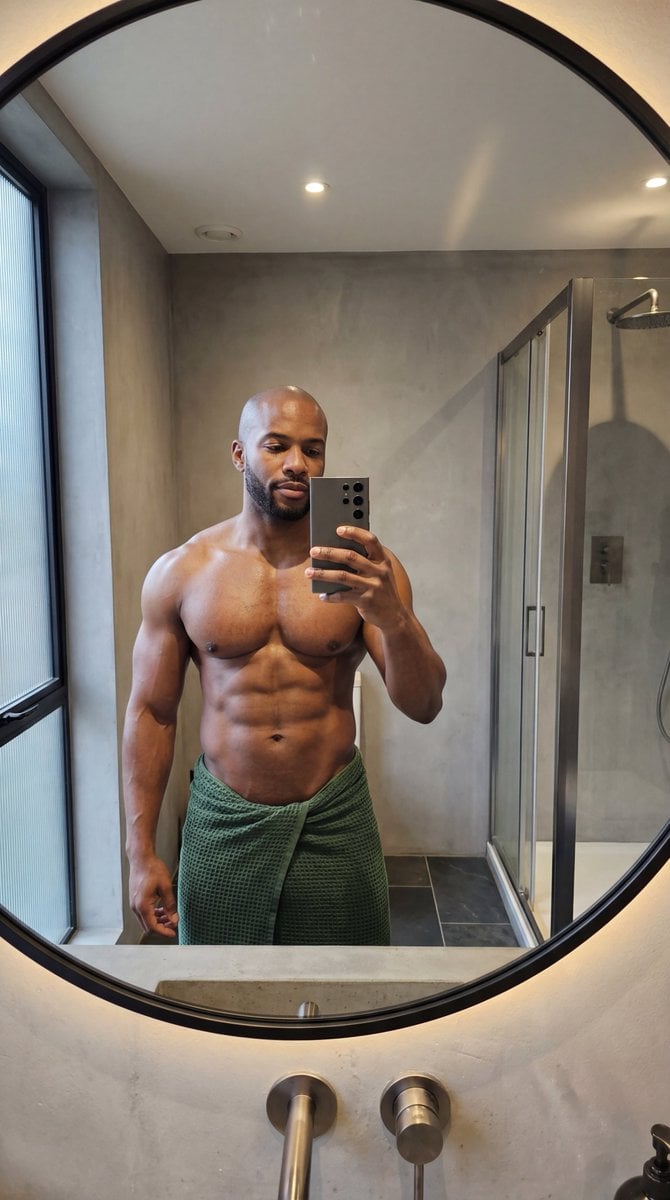
Photorealistic Anatomy-Locked Mirror Selfie Prompt

Nano Banana Grwm Mirror Selfie Pink
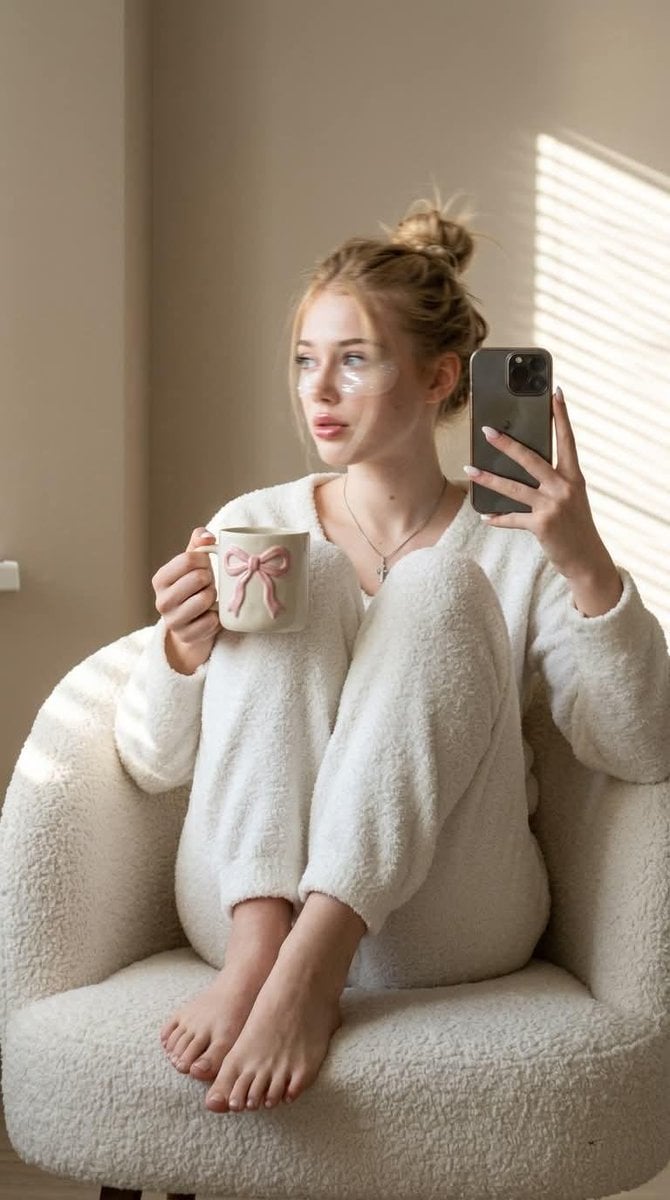
Morning Mirror Selfie Candid
Make it yours
Mirror Selfie Athleisure Look with Detailed Anatomy works as-is. These are the safest ways to change it without losing the look.
Change one field
Copy a single group, rewrite it, and generate again so you can see what that field is doing.
Keep the frame, change the subject
Hold the composition and light of Mirror Selfie Athleisure Look with Detailed Anatomy, then swap wardrobe, props or the person for a new take.
| If the result… | Why | Fix |
|---|---|---|
| The result drifts from the preview | Too many fields changed at once. | Reuse Mirror Selfie Athleisure Look with Detailed Anatomy as-is first, then change one group — subject, light, or setting. |
| The model over-stylizes the scene | The prose prompt leaves finish and camera underspecified. | Add one camera or lighting sentence and stay on Nano Banana 2. |
More Nano Banana 2 templates
Other prompts made for Nano Banana 2.

Photorealistic Leaf Shaped Like a Dragon

K-Pop Idol Portrait Grid for Rapid Selection

Poetic Rain Forest Portrait During Golden Hour

Urban Street Portrait with Cartoon Inner Self Duo

Candid Nighttime Photo with Cat Prompt

High-Concept 3D Diorama Generation Prompt

Cinematic Futuristic Studio Portrait Template

Skincare Editorial Photography Collage Prompt

Hyper-Realistic Commercial Product Photography (Splash Effect)

Hyper-Realistic Nightclub Portrait Prompt
More image prompts
Fresh picks from across the catalog.
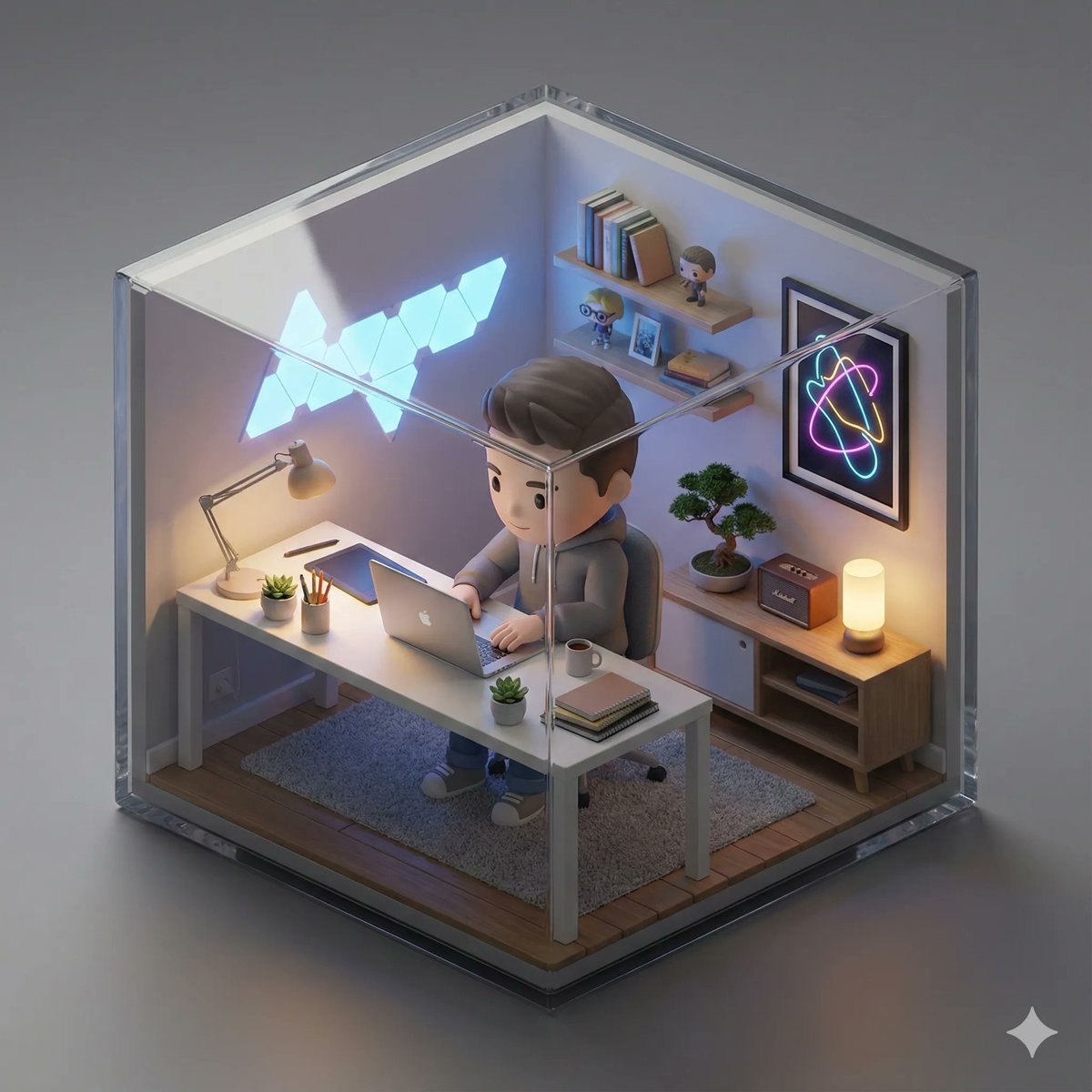
Isometric 3D Miniature Room with Chibi Character
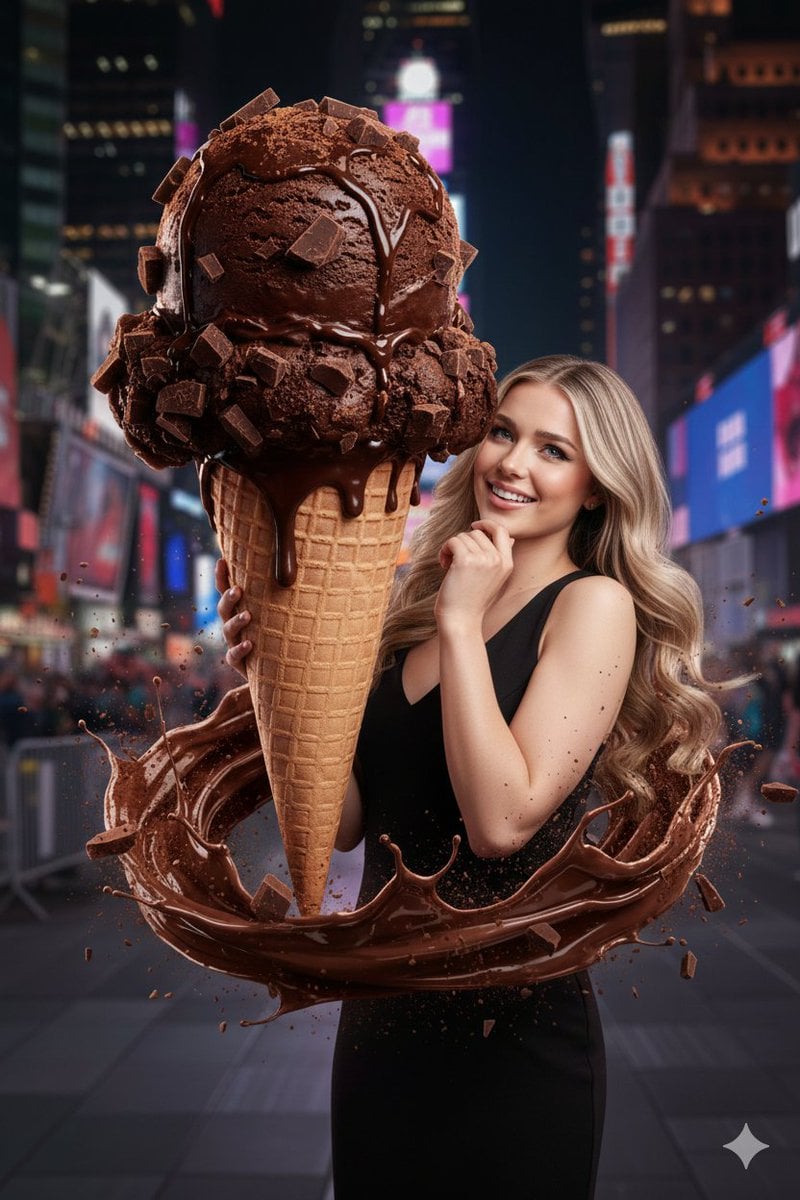
Hyperrealistic Chocolate Ice Cream Commercial Prompt
Comparison of Nano Banana Pro and Seedre

Nano Banana Pro Master Prompt Template (JSON)
Triptych Sports Ad Poster
Group Selfie of Four Women in Barcelona
Neon Sign Text on Concrete Surface

3D Watercolor Portrait with Identity Preservation
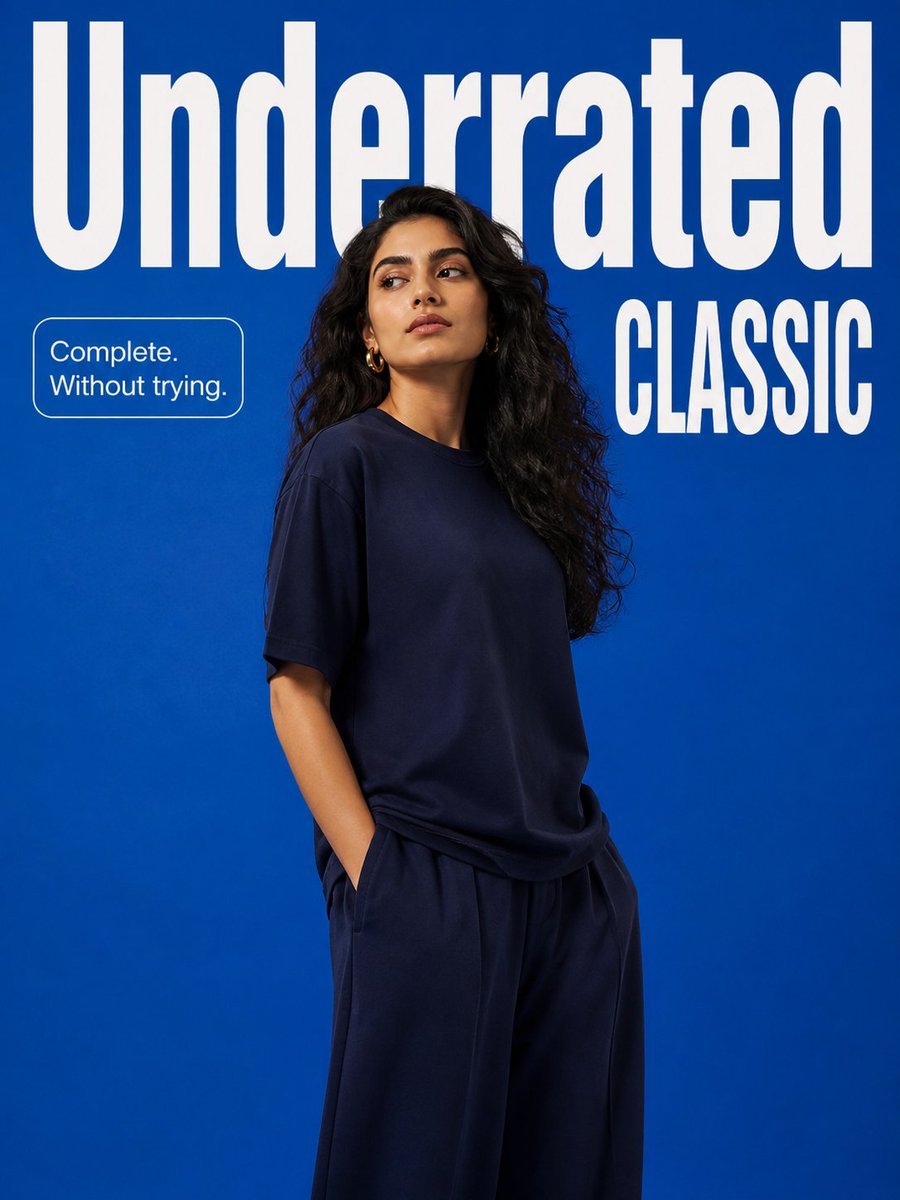
Minimalist Fashion Campaign Typography
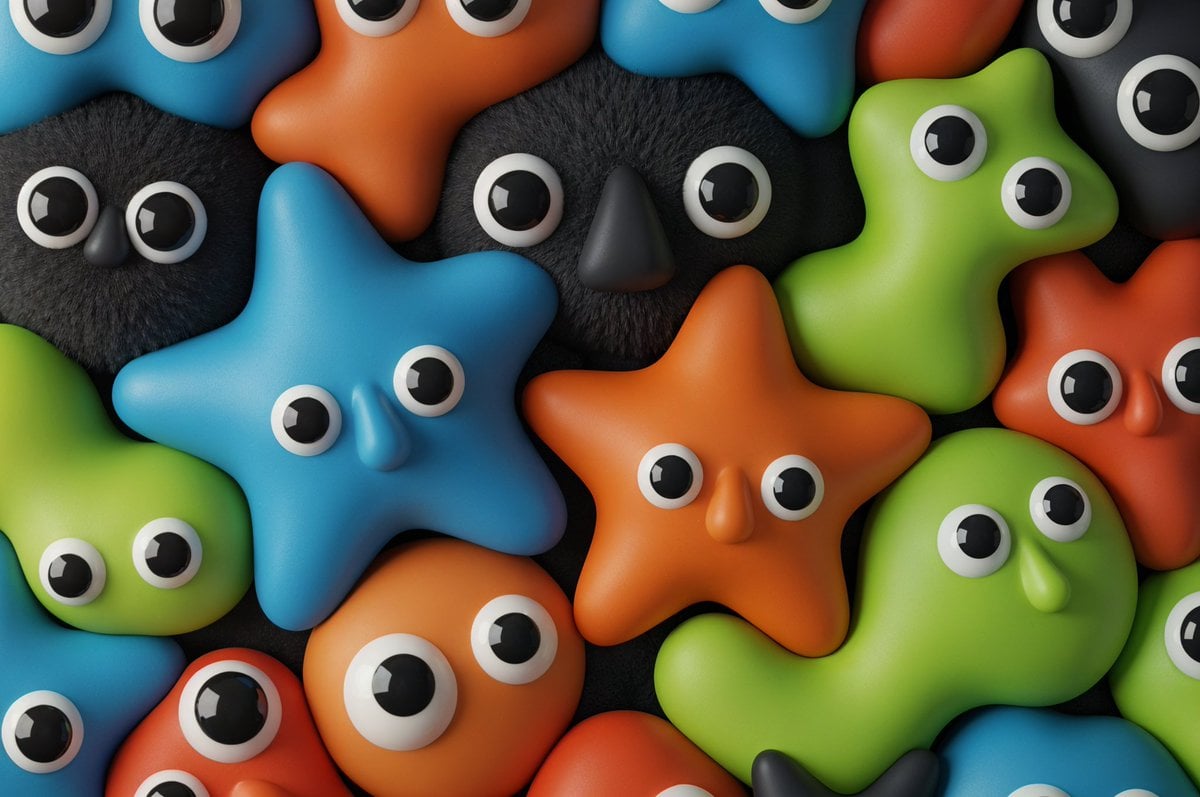
Neo-Skeuomorphism Crowd Scene Prompt
Browse template categories
Mirror Selfie Athleisure Look with Detailed Anatomy questions
How do I use the Mirror Selfie Athleisure Look with Detailed Anatomy template?
Add your photo if the template asks for one, edit the prompt if you like — the template's model and format are already selected — and press Generate. Your version opens in PicX Studio.
Can I customize the Mirror Selfie Athleisure Look with Detailed Anatomy template?
Yes. You can change the subject, setting, lighting, mood, format, and available model controls before creating your image.
Is the Mirror Selfie Athleisure Look with Detailed Anatomy template free?
Opening and editing this template is free. Generating uses credits, shown on the Generate button when you are signed in.
Which AI model should I use?
Start with Nano Banana 2, which is the model associated with this template. You can compare another compatible model for a different finish.
Looking for something else? Browse all templates.

Your photo, any look
Thousands of ready templates for every top image and video model, from one credit balance.