How do I use the Morning Mirror Selfie Candid template?
Choose the primary action to open PicX Studio with the available template settings. Review the model and format, personalize the creative direction, and generate when ready.
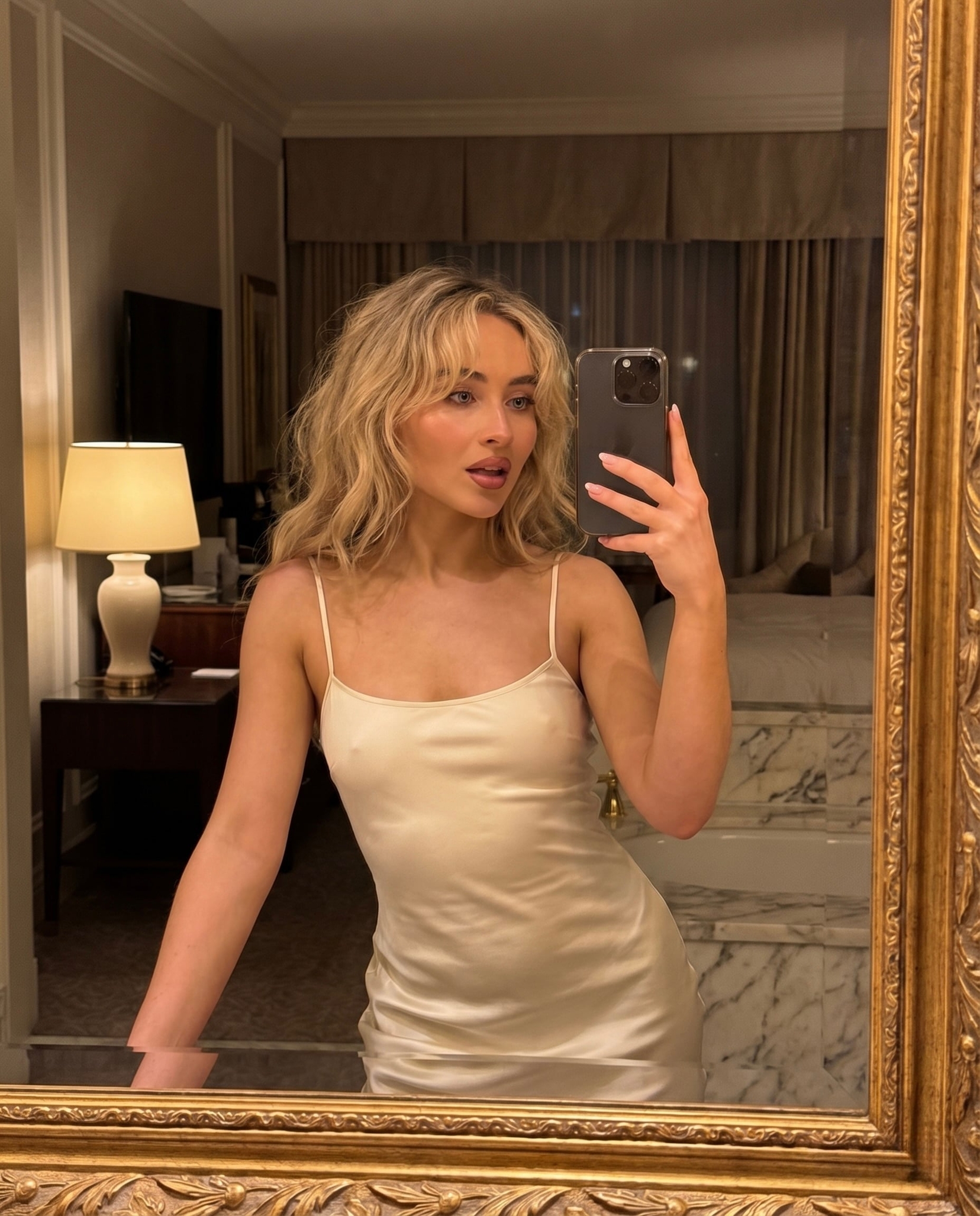
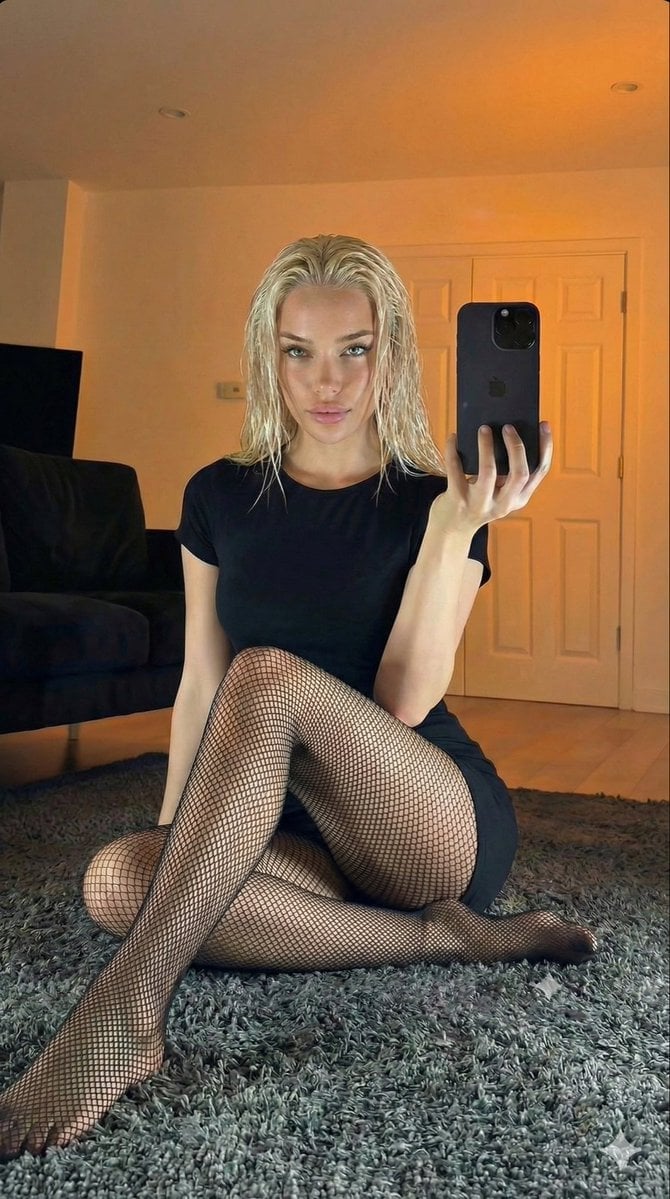
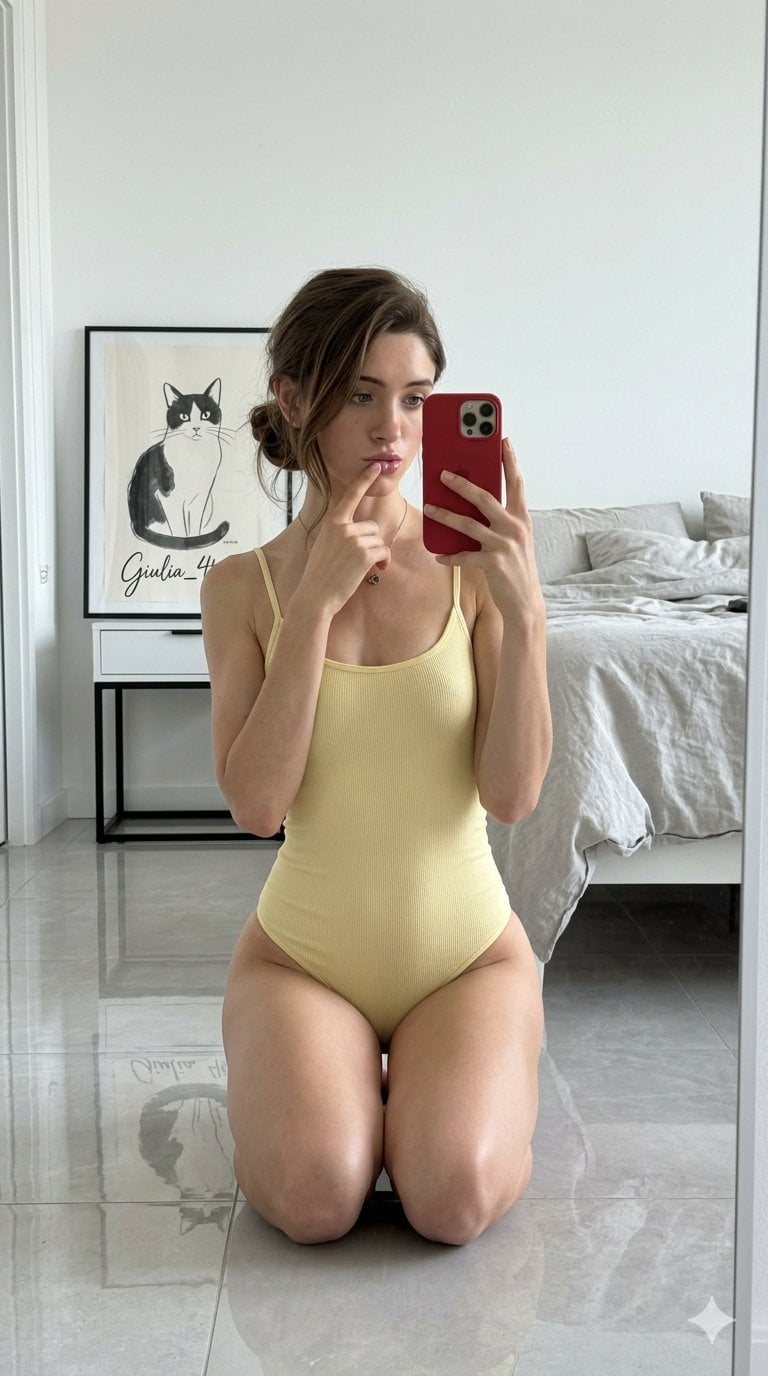
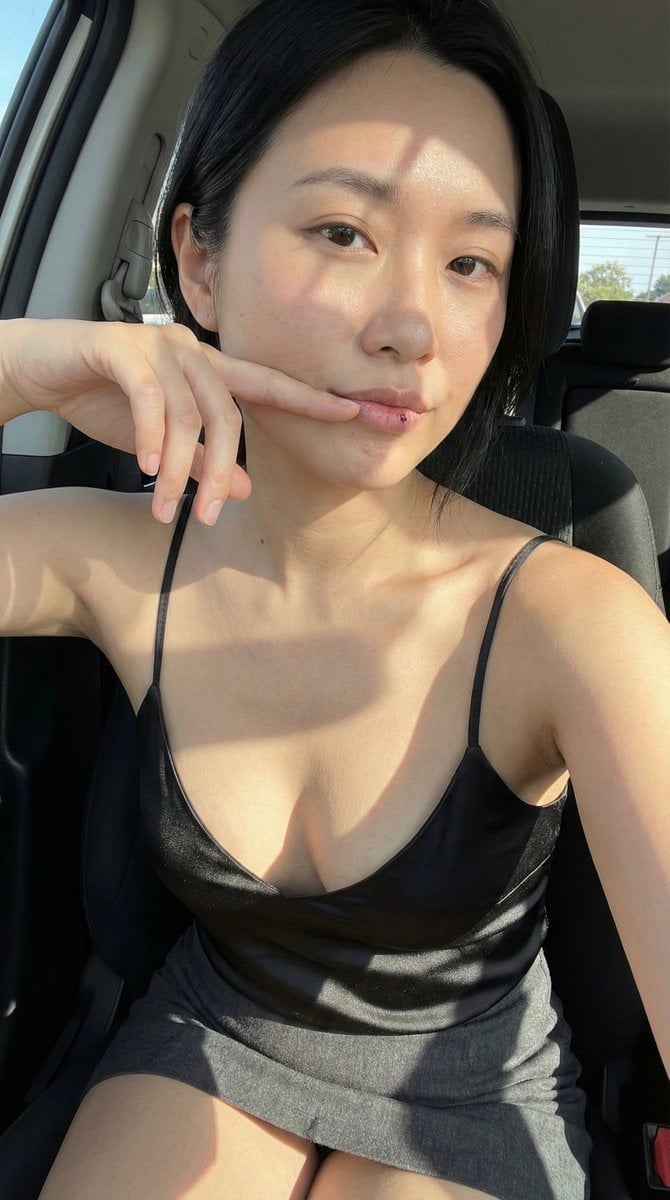
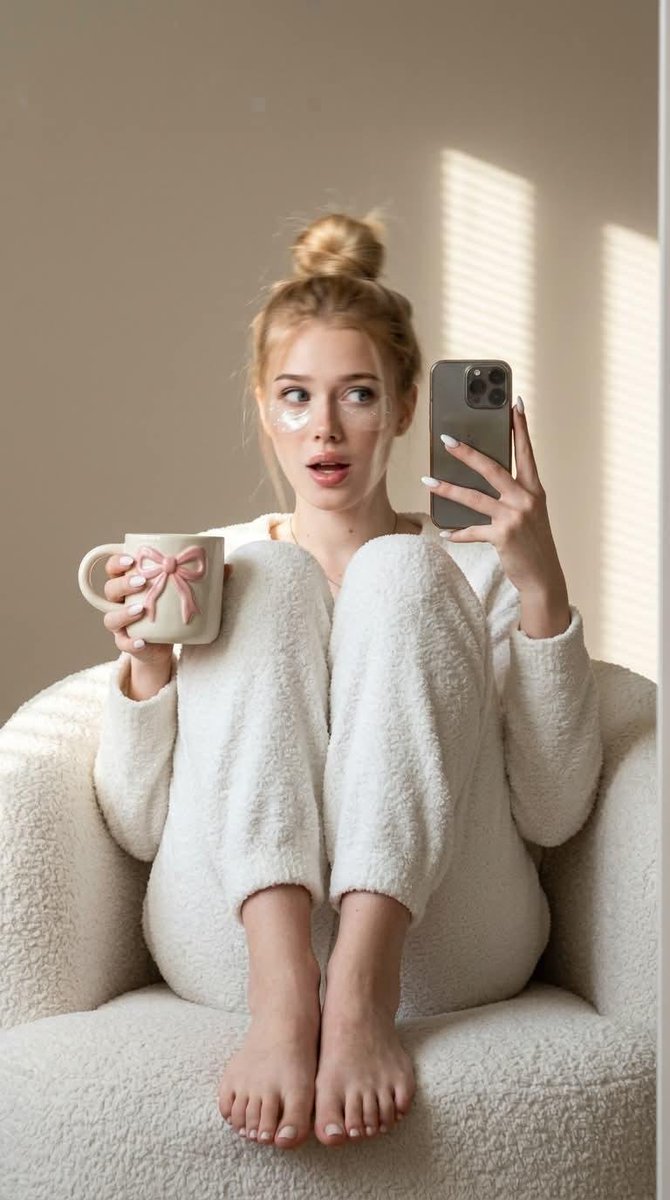
An editorial-style prompt capturing a spontaneous, motion-blurred morning mirror selfie of a woman sitting in a comfortable armchair.

Strictly preserve the appearance 1:1 — face, proportions, skin texture, hair colour, and hair length exactly as in the reference. Cinematic look with subtle film grain. A spontaneous candid shot captured in motion. Morning mirror selfie. The woman is sitting in a {argument name="furniture" default="deep white boucle armchair"}, both legs bent and pulled tightly to her chest, feet resting on the edge of the chair. She holds a smartphone in her right hand and a light ceramic mug with an embossed pink bow in her left hand. Barefoot. Her head has turned sharply to the side, her gaze directed off-camera, creating a lively expression caught mid-motion. Motion blur is visible on her face and hair from the quick head turn, giving the impression of a genuine, unplanned moment. Her face remains clearly recognisable despite the motion blur. She is wearing a {argument name="clothing" default="fluffy white loungewear set"}. Her hair is styled in a messy high bun, blurred by the movement. Semi-transparent white under-eye patches with glitter are beneath her eyes, and she is wearing glossy lips. A minimalist {argument name="background" default="beige wall"} forms the background. Soft morning sunlight filters through window blinds, casting striped patterns of light and shadow. Shot with a 50mm lens, f/2.2, ISO 100, RAW. Visible pores, no plastic skin, no AI smoothing. Natural skin texture with subtle film grain. Vertical 9:16 format. Milky almond-shaped manicure, neat, even, and well-groomed.
Morning Mirror Selfie Candid needs input media to work. Open it in the studio and these load alongside the prompt — pick whichever ones your chosen model can take.
Choose the primary action to open PicX Studio with the available template settings. Review the model and format, personalize the creative direction, and generate when ready.
Yes. You can change the subject, setting, lighting, mood, format, and available model controls before creating your image.
This template is free to open and customize. Generation usage is shown in PicX Studio before you create.
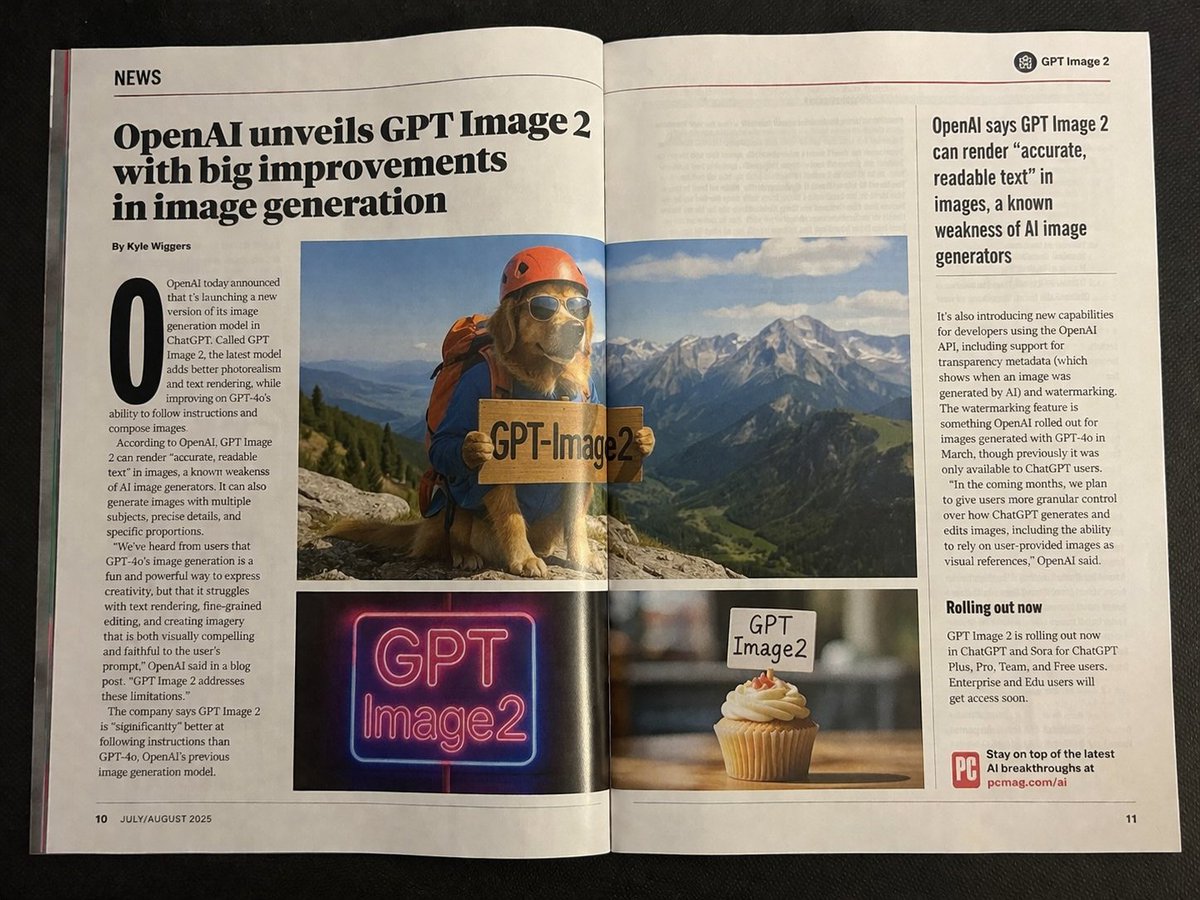
Start with GPT Image 2, which is the model associated with this template. You can compare another compatible model for a different finish.
Follow a topic to a crawlable collection of related PicX Studio templates.