
Pet Wedding Invitation Design
A detailed prompt for creating a sophisticated pet-themed wedding invitation featuring realistic dogs and elegant typography.
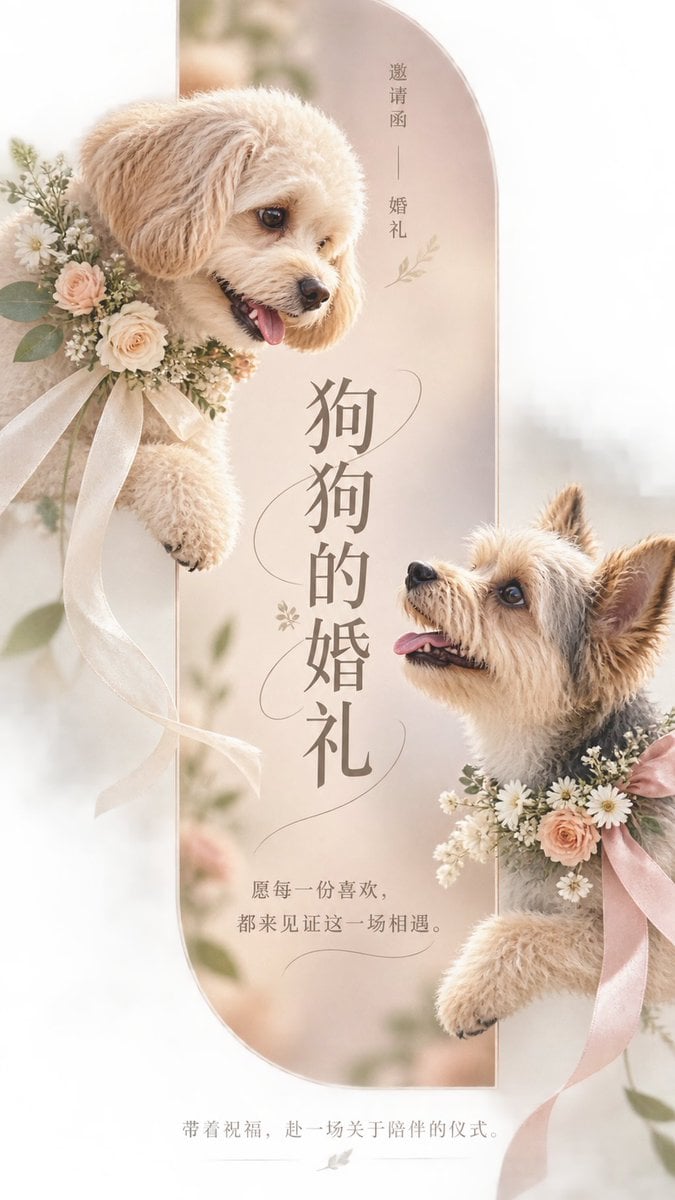
- Prompt included
- Model and format preset
- Free template
The prompt behind this image
Copy the exact prompt behind Pet Wedding Invitation Design, or open it in the studio and make it yours.
设计一张 9:16 竖版、用于手机社交分享的{argument name="主题" default="宠物主题婚礼邀请函"}。它服务于收到邀请的亲友,采用 text-light 信息密度,阅读顺序是:先识别主题,再确认邀请语境,最后接收温柔邀约。核心内容概念是:把“狗狗的婚礼”命名为一场值得认真到场的陪伴仪式。 核心视觉语言必须是“真实物象穿越几何情绪窗口”:在大面积暖白与浅灰米色留白中设置一条窄长、低饱和、具有垂直感的几何色块,位于画面中部,作为视觉锚点与空间容器。窗口采用雾玫瑰、浅杏、暖灰的柔和渐变,边界清晰但不封闭主体。两只真实的小型伴侣犬(一只奶油/浅杏色,另一只保留自然毛色)分别从窗口的不同高度相向探出,彼此视线在标题附近汇聚;头部、前爪以及小型低饱和婚礼花环或丝带局部越过窗口边界,伸入留白,形成一个明确的单一瞬间:真实生命穿越仪式门框、即将相遇并被见证。不要表现奔跑、跳跃或复杂婚礼场景。 狗狗必须是高端 editorial 宠物摄影质感:真实蓬松毛发、自然姿态、湿润鼻头、清晰眼睛反光、花环纤维可见;略低于犬只视线的近距离三分之四视角,中近景,柔和晨间窗光或薄云漫射光,低对比、极薄软阴影,哑光高级印刷表面与细腻自然摄影纹理。保留大面积连续安静留白;只加入近乎透明的花环弧线、毛发轮廓线或柔和仪式轨迹,不加入无关纹样、图标或伪图表。 文字必须准确、完整、可读,逐字使用以下内容,不增不减,不出现任何其他可见文字: 1. “狗狗的婚礼”——用户提供,唯一主标题,最强识别;位于两只狗狗视线汇聚的中部空隙,可采用窄长竖向编排,但不能遮挡脸部或关键动作。 2. “邀请函”——用户提供,顶部或标题邻近的小型 kicker,退后于主标题。 3. “婚礼”——用户提供,与“邀请函”组成克制的微型语境标签。 4. “愿每一份喜欢,都来见证这一场相遇。”——原创非事实情绪邀约短句,放在主体破框后的留白区,成为一至两行短 deck。 5. “带着祝福,赴一场关于陪伴的仪式。”——原创非事实收束文案,放在下部安静留白区,低调结束阅读。
How to use Pet Wedding Invitation Design in 3 steps
- 1
Open
The prompt is already in the box next to the preview, with the template's model and format selected.
- 2…a portrait of your subject in softgolden-hour light, 85mm…
Personalize
Edit the subject and creative details for your destination.
- 3Generate
Generate
Press Generate — your image is created in PicX Studio, so you can compare it with the original and refine one variable at a time.
More like this
Templates with the same subject, style or setup. Open one to see its prompt.
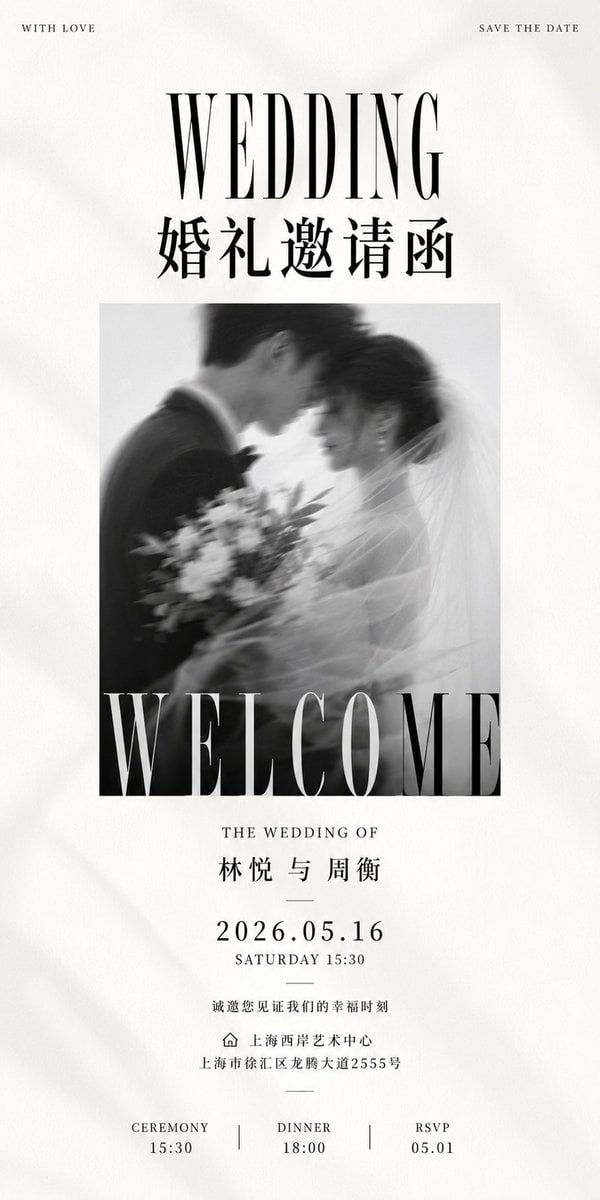
Luxury Monochrome Wedding Invitation
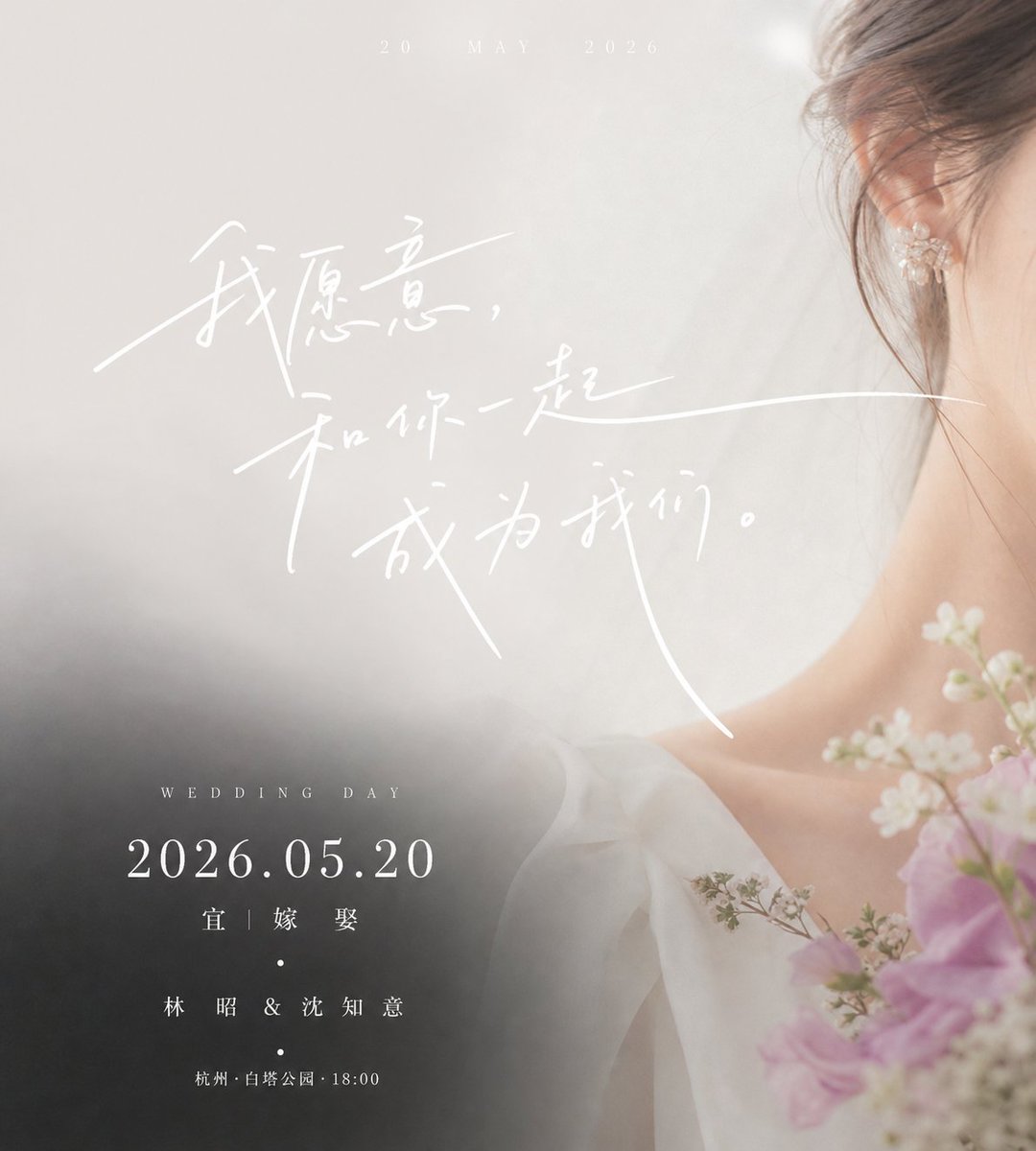
Luxury Chinese Wedding Invitation
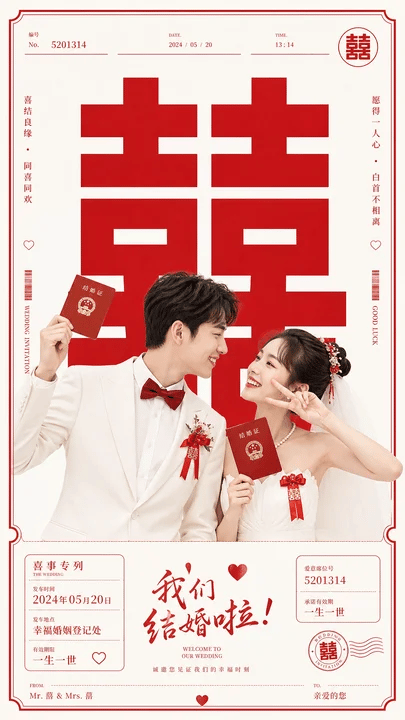
Chinese Wedding Invitation Poster
Black and White Studio Portrait with Pet
Clean Minimalist Invitation Aesthetic
Autonomously add 1-2 characters or a pet that fits the brand s lifestyle
Moody Engagement Party Invitation
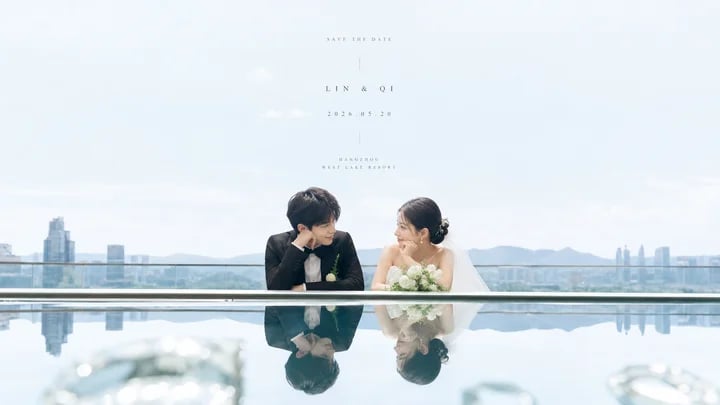
Airy Reflective Wedding Save the Date
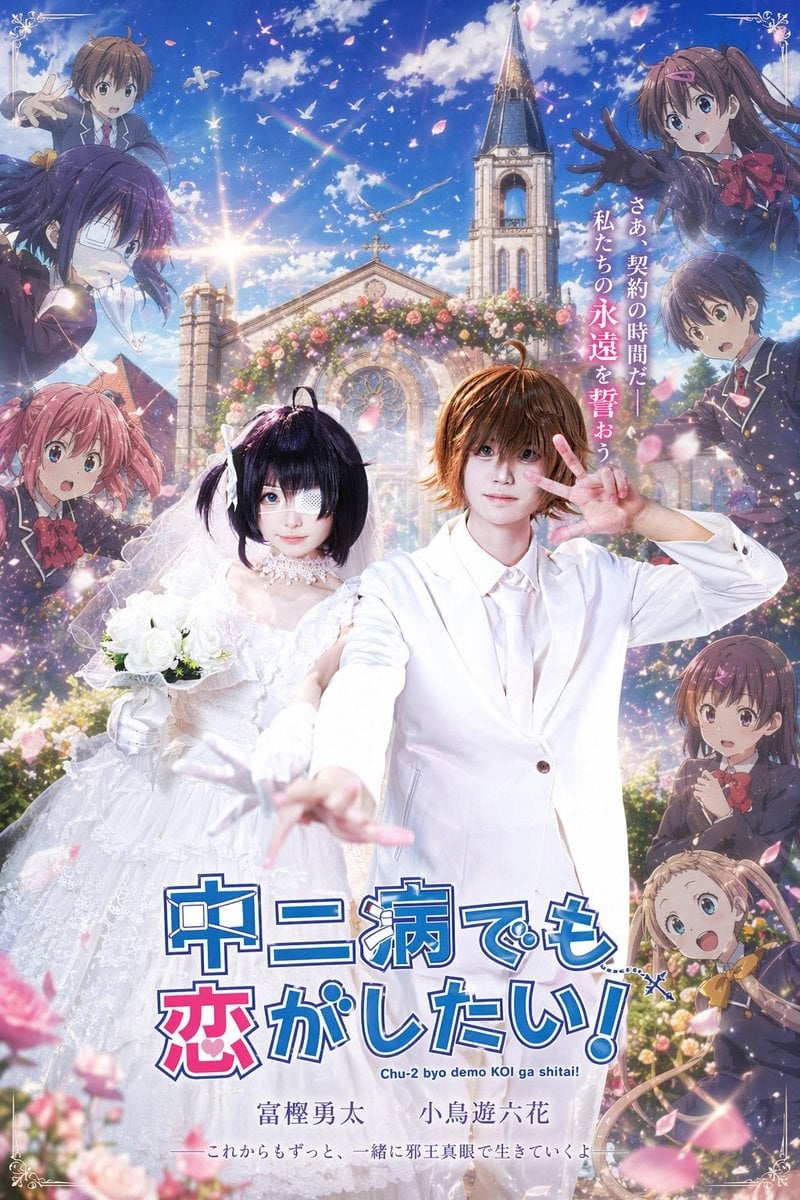
Anime Wedding Poster at a Church
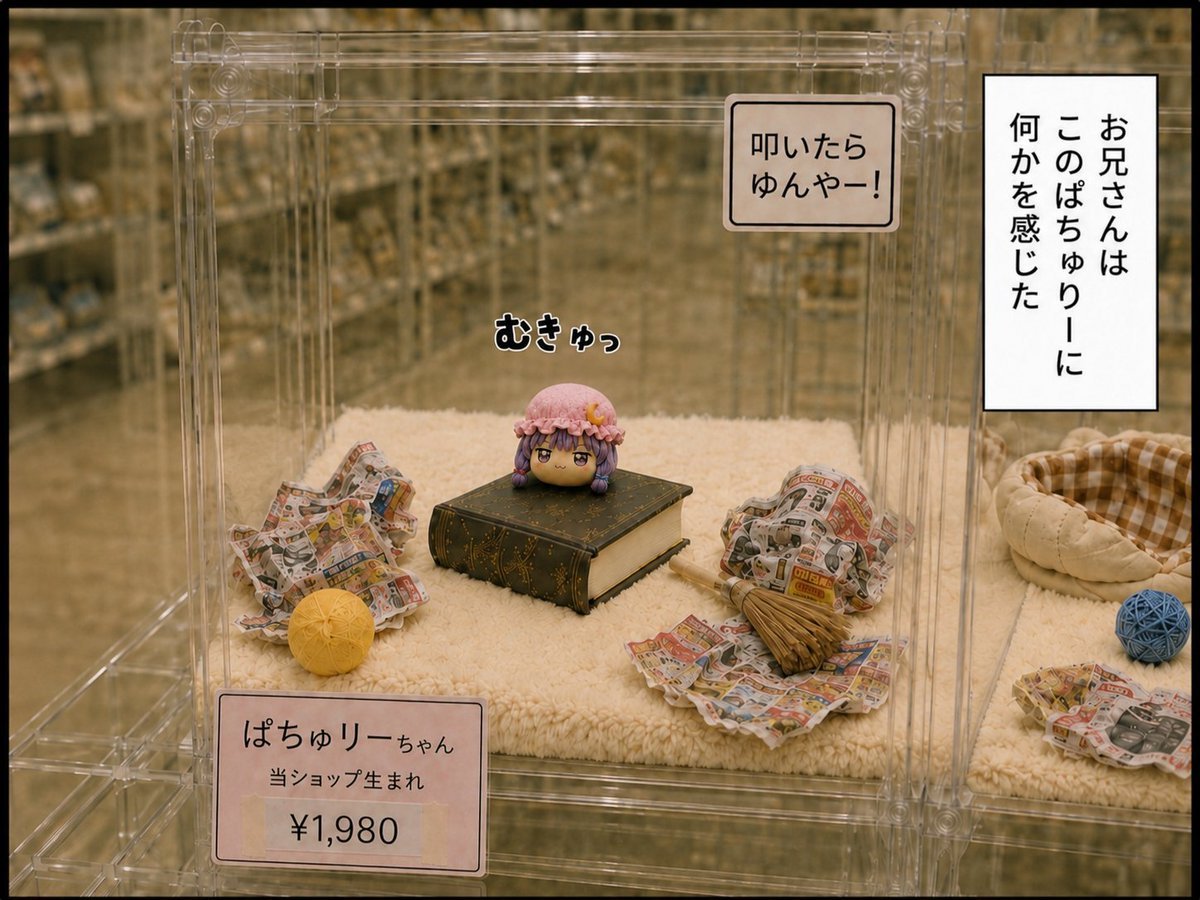
Patchouli Yukkuri Pet Shop Display
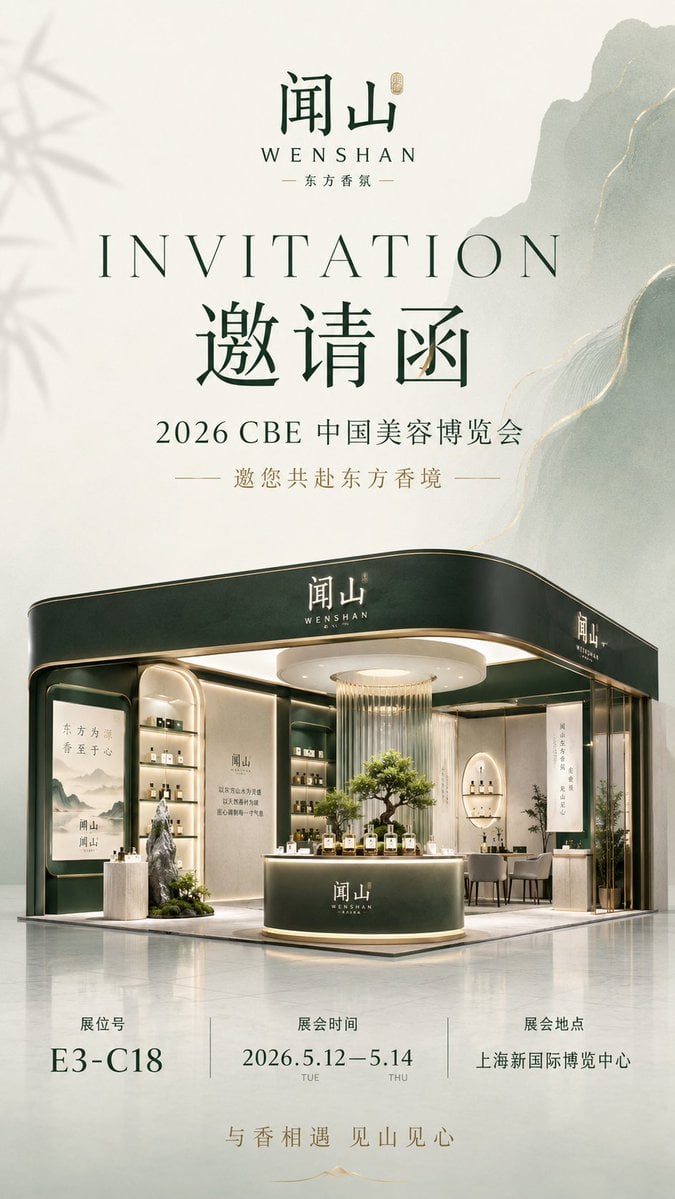
Luxury Fragrance Expo Invitation Poster
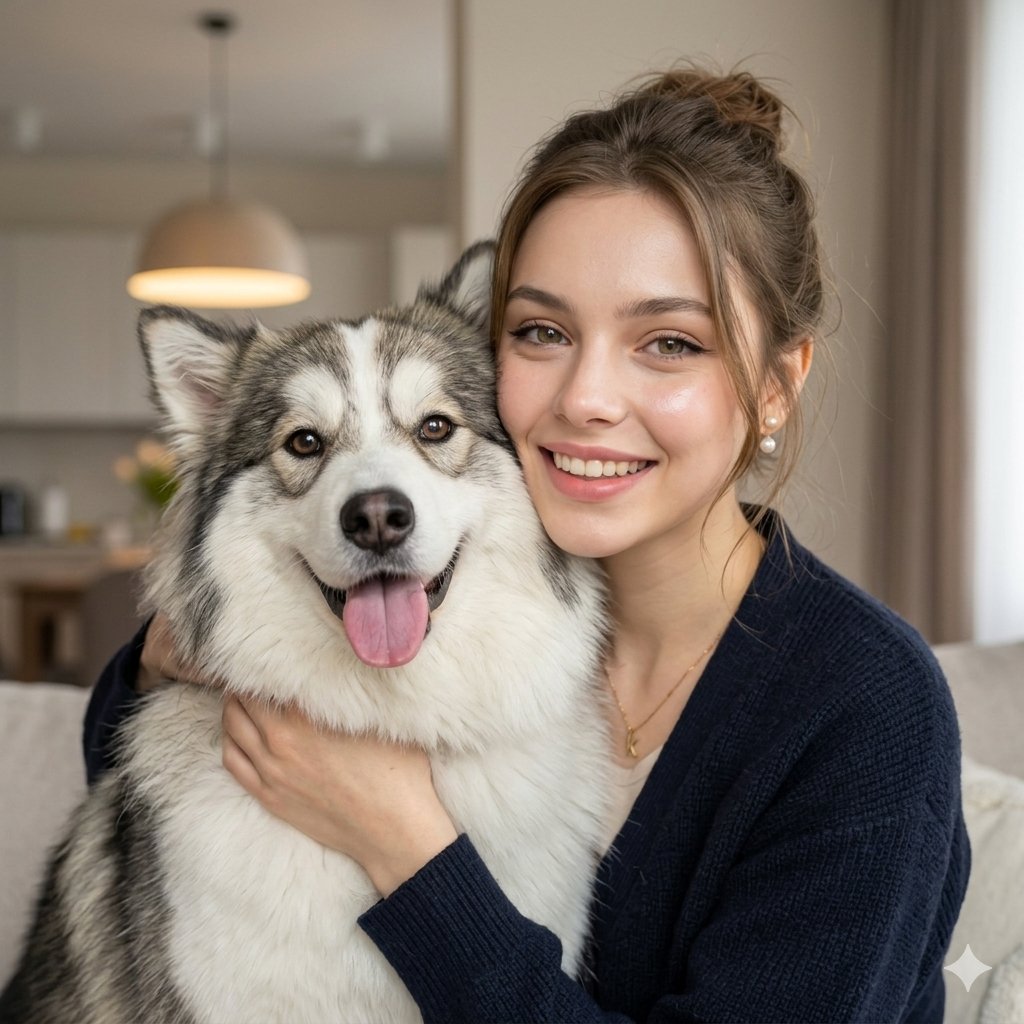
Candid Indoor Portrait with Pet
Make it yours
Pet Wedding Invitation Design works as-is. These are the safest ways to change it without losing the look.
Change one field
Copy a single group, rewrite it, and generate again so you can see what that field is doing.
Keep the frame, change the subject
Hold the composition and light of Pet Wedding Invitation Design, then swap wardrobe, props or the person for a new take.
| If the result… | Why | Fix |
|---|---|---|
| The result drifts from the preview | Too many fields changed at once. | Reuse Pet Wedding Invitation Design as-is first, then change one group — subject, light, or setting. |
| The model over-stylizes the scene | The prose prompt leaves finish and camera underspecified. | Add one camera or lighting sentence and stay on GPT Image 2. |
More GPT Image 2 templates
Other prompts made for GPT Image 2.

Six VTuber Japanese Logo Sheet

Realistic Portrait of Woman and Deer

The Vista Modular Condo Poster

AI Model Routing Comparison Infographic

2.5D Anime Art Board

Isometric Productivity Desk Scene

New York Double Exposure Poster

Four-Panel AI Landscape Comparison

Japanese Tatami Lifestyle Magazine Cover

NESCAFÉ Coffee Map Poster
More image prompts
Fresh picks from across the catalog.
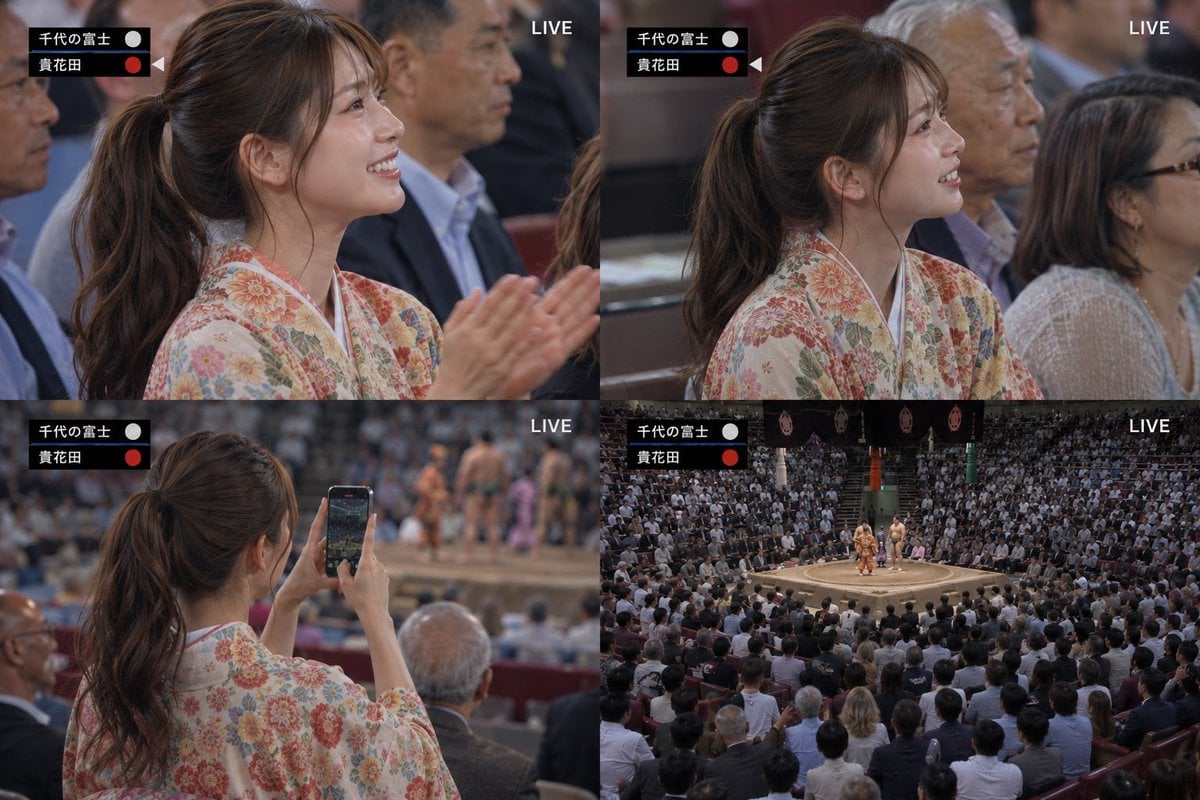
Live Sumo Broadcast Collage
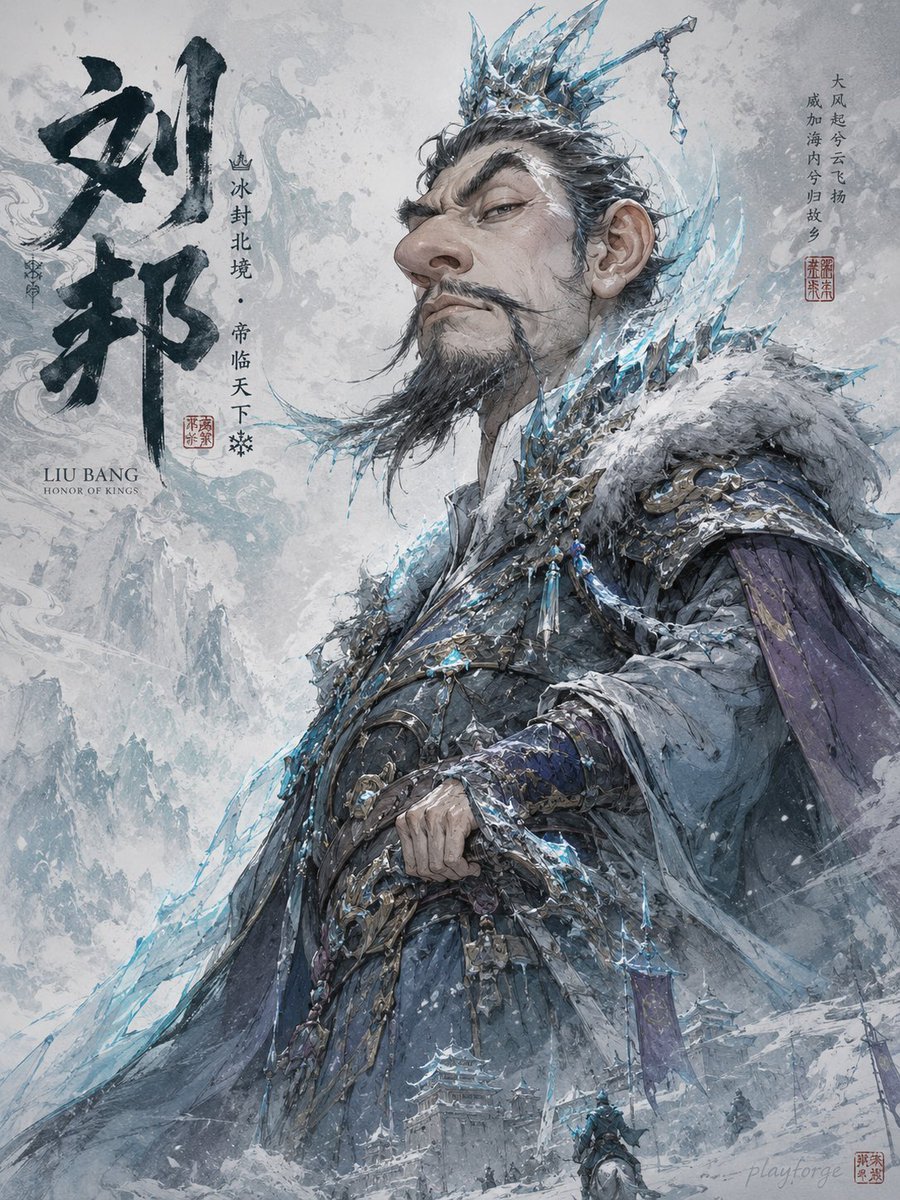
Humorous Game Character Caricature
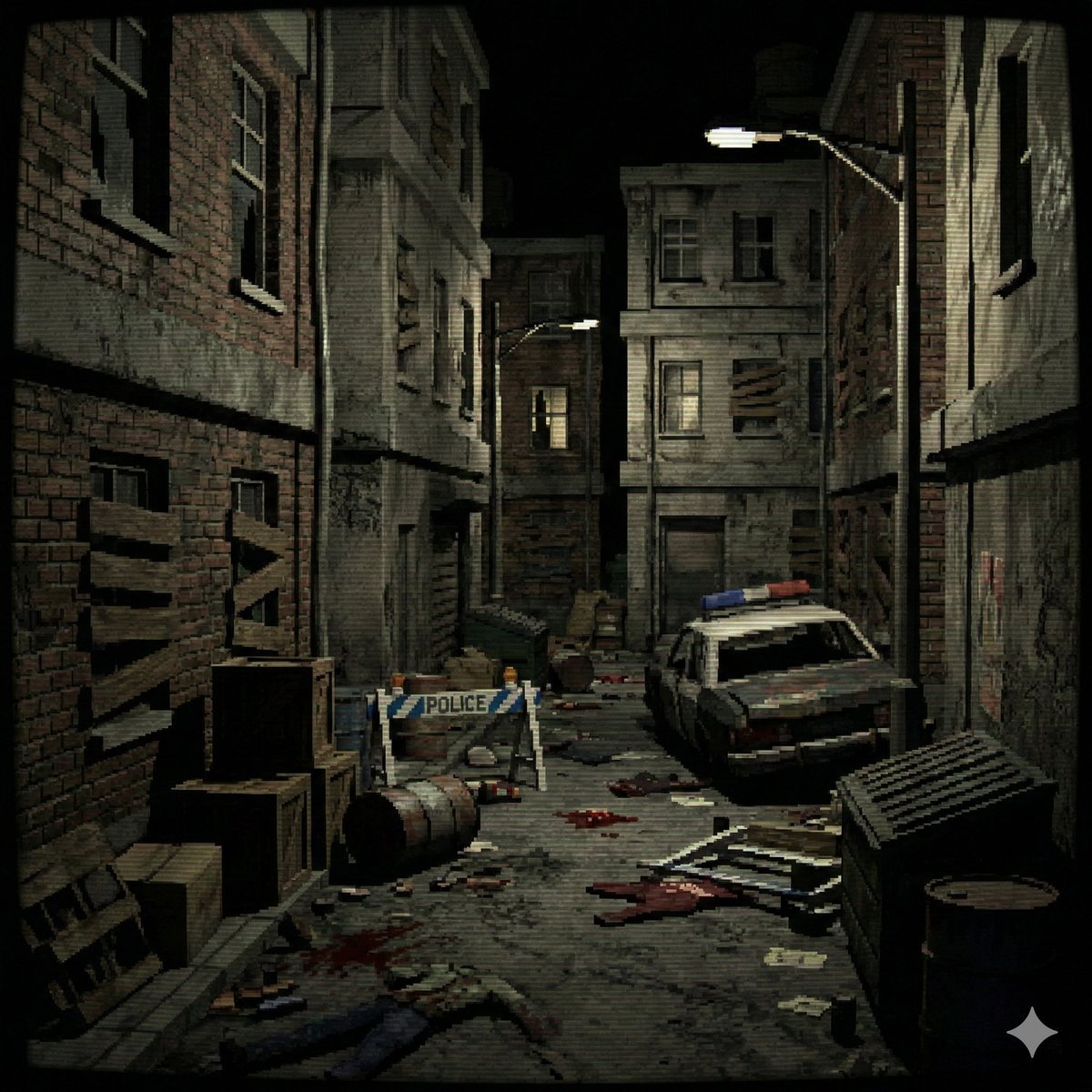
PS1 Low-Poly Video Game Background
Blonde Woman in Red Bodysuit in Snow
Cosmic Coral Whale
High-Fashion Editorial Portrait Prompt
Holographic 2026 Viewfinder Fashion Portrait Prompt (JSON format)
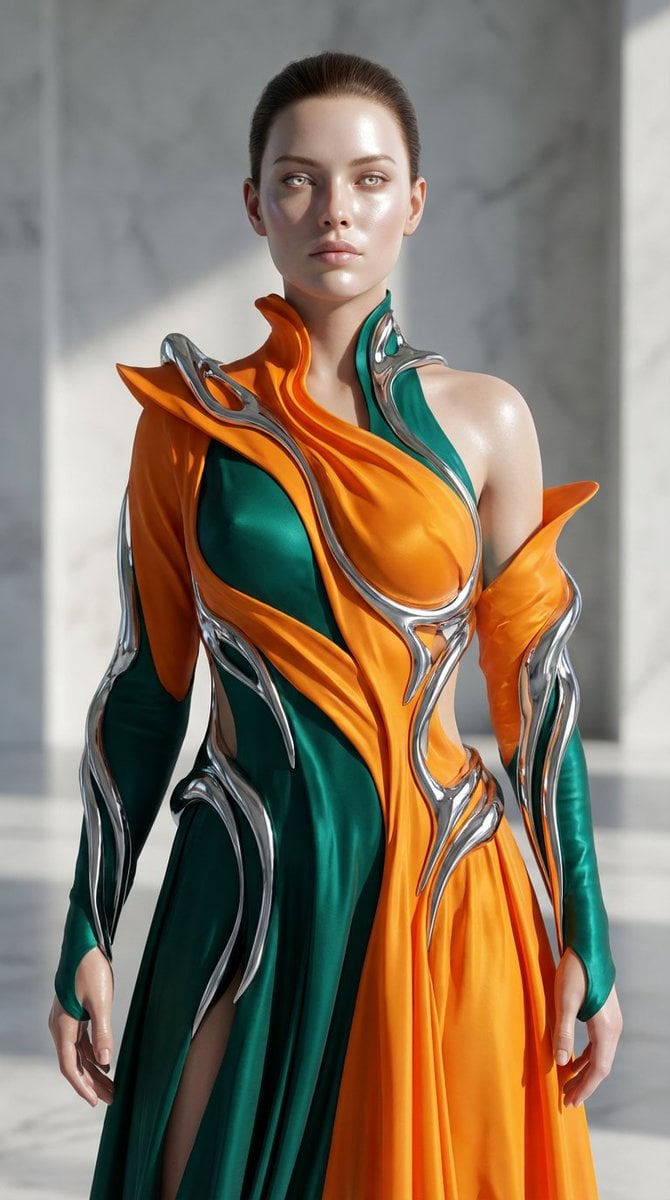
Biomorphic Art and Realism AI Woman Prompt
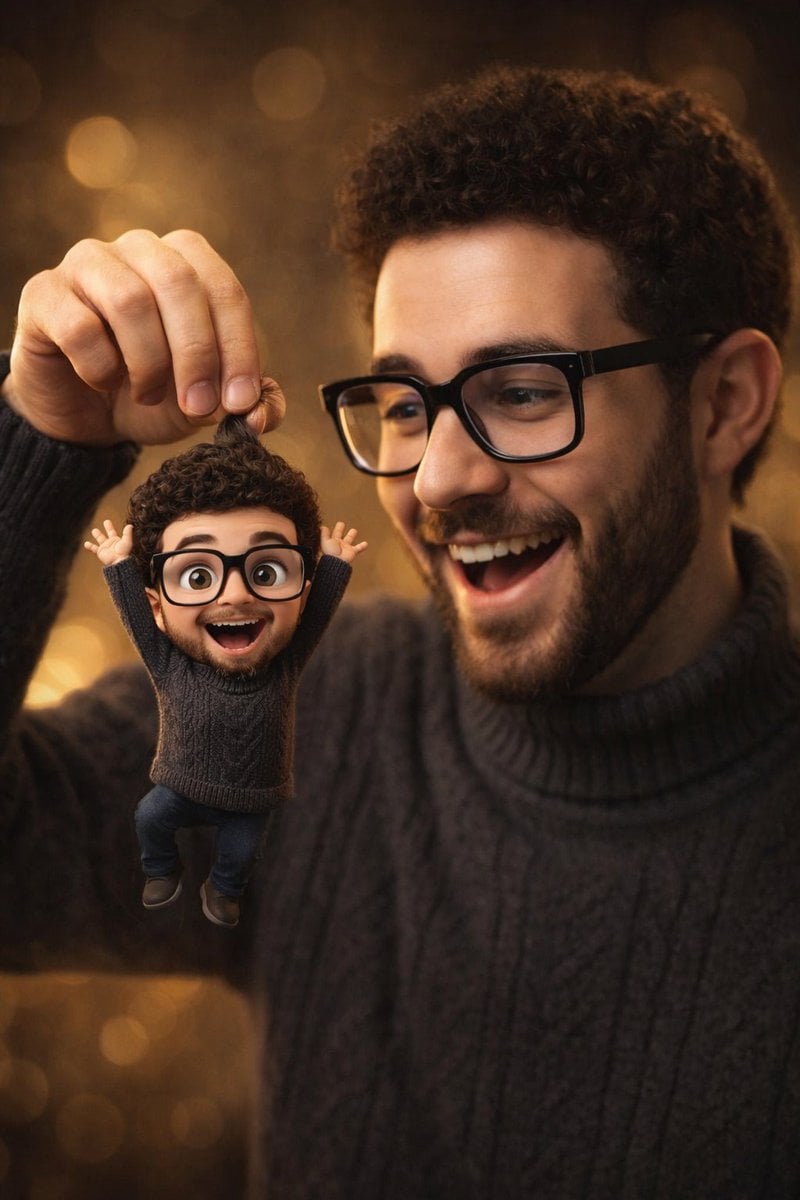
Photorealistic Subject Holding Miniature Cartoon Self
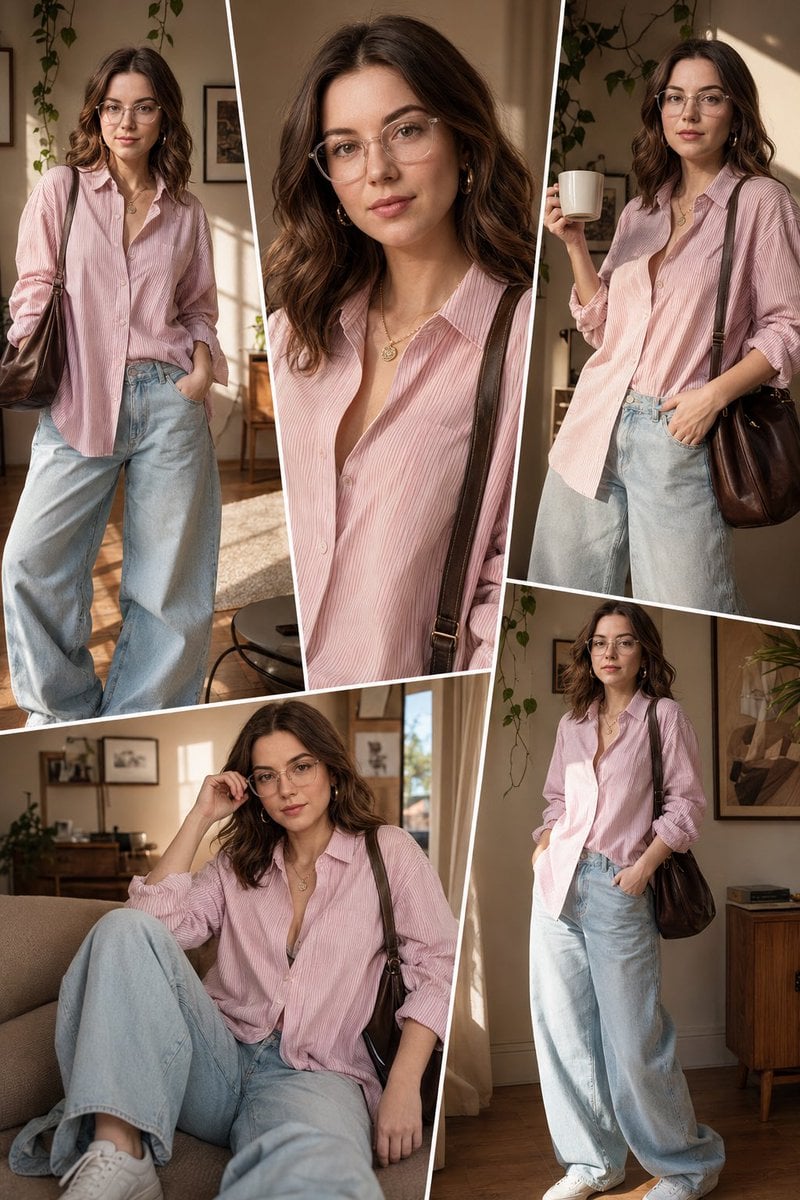
Sunlit Interior Fashion Collage
Browse template categories
Pet Wedding Invitation Design questions
How do I use the Pet Wedding Invitation Design template?
Add your photo if the template asks for one, edit the prompt if you like — the template's model and format are already selected — and press Generate. Your version opens in PicX Studio.
Can I customize the Pet Wedding Invitation Design template?
Yes. You can change the subject, setting, lighting, mood, format, and available model controls before creating your image.
Is the Pet Wedding Invitation Design template free?
Opening and editing this template is free. Generating uses credits, shown on the Generate button when you are signed in.
Which AI model should I use?
Start with GPT Image 2, which is the model associated with this template. You can compare another compatible model for a different finish.
Looking for something else? Browse all templates.

Your photo, any look
Thousands of ready templates for every top image and video model, from one credit balance.