
Clean Minimalist Invitation Aesthetic
A prompt for creating sophisticated, clean ceremony invitations with high negative space and handwritten typography.
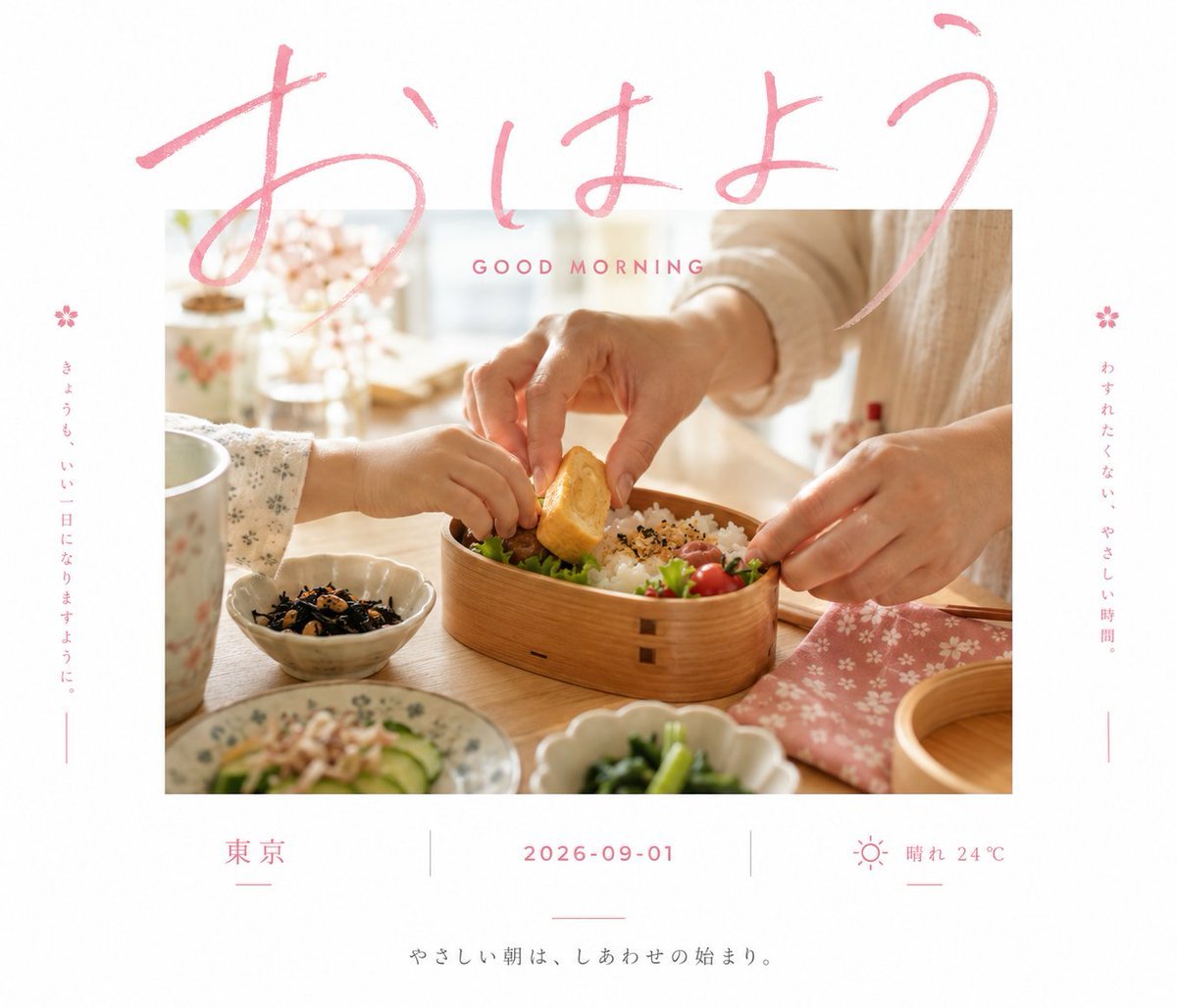
- Prompt included
- Model and format preset
- Free template
The prompt behind this image
Copy the exact prompt behind Clean Minimalist Invitation Aesthetic, or open it in the studio and make it yours.
围绕{argument name="主题对象" default="任意主题对象"}生成一张清爽克制的仪式邀约视觉:画面以大面积明亮干净的留白作为主场,中央放置一块边缘利落的近景影像区,主题对象只呈现最有情绪的局部与动作关系,让观者先读到亲密、承诺或纪念性的瞬间,再读到信息。主标题使用{argument name="主标题" default="松弛而有速度感的手写笔触"},字形明显放大,横跨影像区上缘并与画面轻微重叠,形成文字压到图像上的第一视觉记忆;标题不必整齐排版,要有真实书写的起伏、连笔、粗细变化和透明叠压感。两侧可放极少量细小信息字,垂直贴近空白边界,作为秩序感和呼吸感的平衡;底部信息用更稳的细字或小号手写体排列,中央以一条极细短线制造停顿。色彩从{argument name="色彩" default="主题自身的材质、情绪和仪式语境"}中提取,保留高明度洁净底色、清晰深浅结构、少量冷静强调色与大面积空白的关系,使整体明亮轻快、清透安静;强调色只承担标题与关键信息的情绪角色,主体影像承担真实质感和明暗对比,避免浑浊、陈旧或过度装饰。整体完成度应像一张设计过的私密邀请,重点是图像局部与大字手写标题的叠压张力、稀疏信息节奏、干净空气感和留白中的仪式感。
How to use Clean Minimalist Invitation Aesthetic in 3 steps
- 1
Open
The prompt is already in the box next to the preview, with the template's model and format selected.
- 2…a portrait of your subject in softgolden-hour light, 85mm…
Personalize
Edit the subject and creative details for your destination.
- 3Generate
Generate
Press Generate — your image is created in PicX Studio, so you can compare it with the original and refine one variable at a time.
More like this
Templates with the same subject, style or setup. Open one to see its prompt.
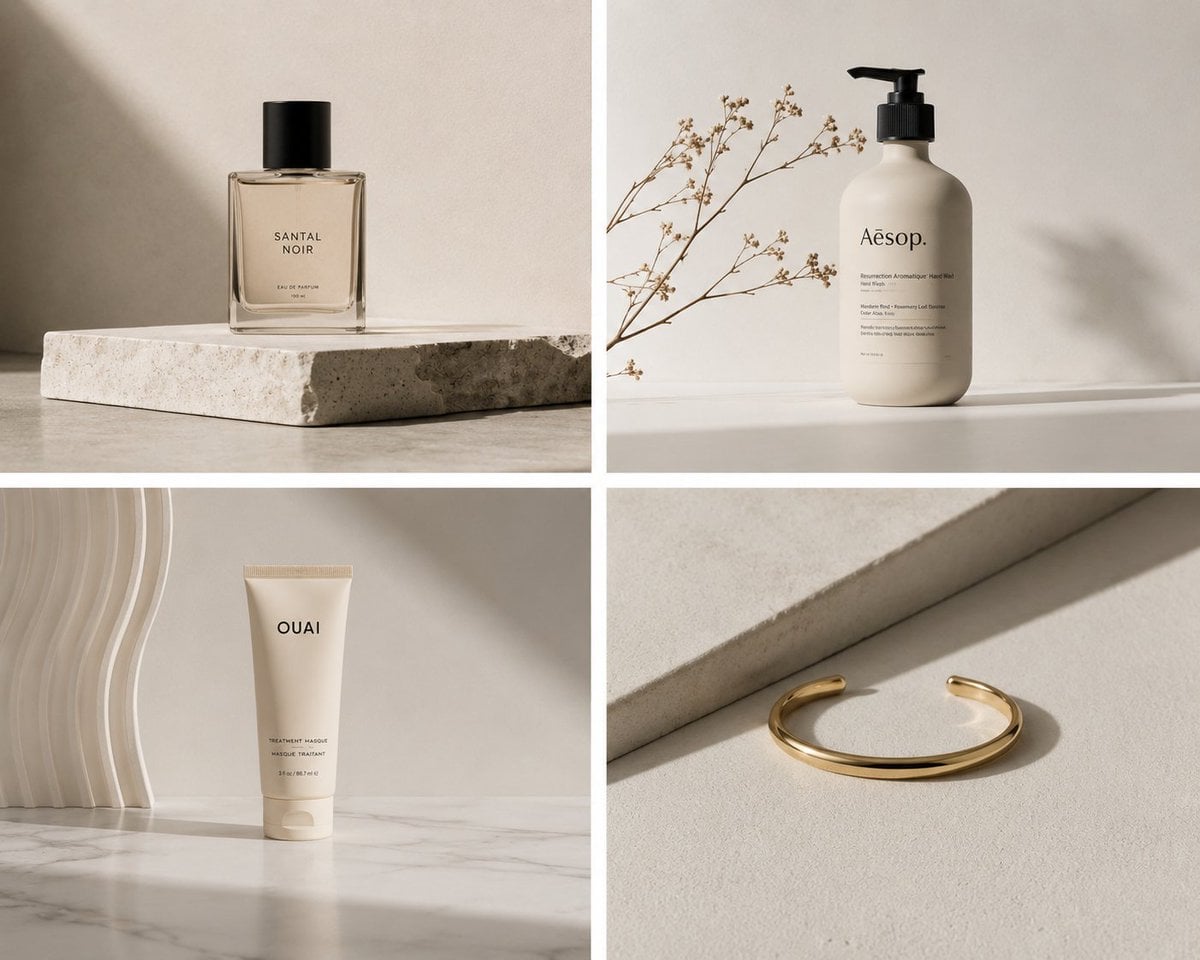
Elegant Minimalist Product Photography

Soft Shadow Studio Minimalist Product Shot

Japanese Minimalist Concrete Studio Fashion Editorial

Korean Streetwear Minimalist Campaign Portrait

Minimalist Fashion Editorial Split Layout
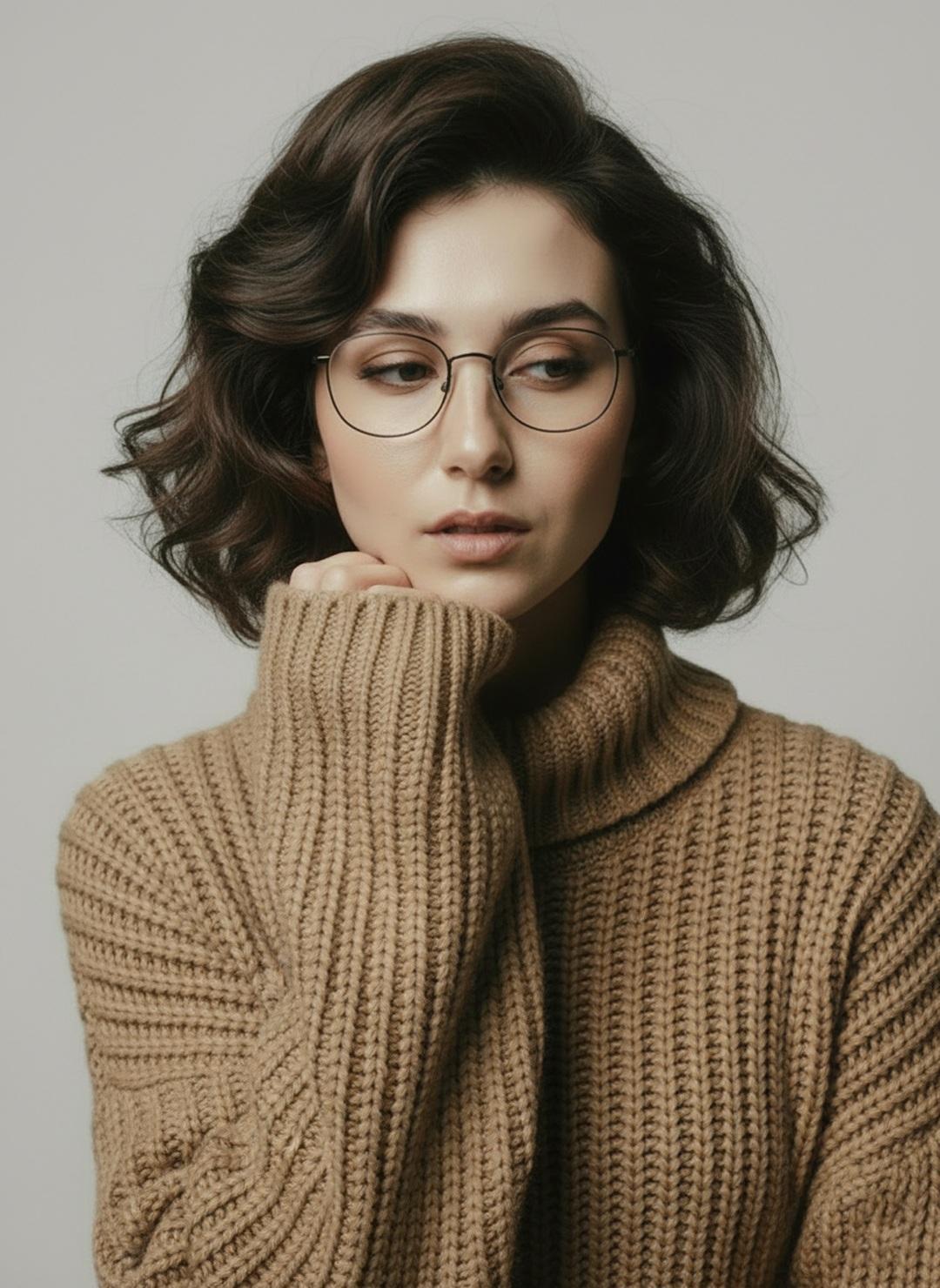
Minimalist Scandinavian Editorial Fashion Portrait Series

Blueprint Split Reality Archetype Prompt

Quiet Minimalist Anime Style Guide

Premium Vintage Travel Poster Landscape
Soft Shadow Studio Minimalist Product Shot

Futuristic Studio Neon Ring Minimalist Portrait

Minimalist Skincare Product Water Stone Still
Make it yours
Clean Minimalist Invitation Aesthetic works as-is. These are the safest ways to change it without losing the look.
Change one field
Copy a single group, rewrite it, and generate again so you can see what that field is doing.
Keep the frame, change the subject
Hold the composition and light of Clean Minimalist Invitation Aesthetic, then swap wardrobe, props or the person for a new take.
| If the result… | Why | Fix |
|---|---|---|
| The result drifts from the preview | Too many fields changed at once. | Reuse Clean Minimalist Invitation Aesthetic as-is first, then change one group — subject, light, or setting. |
| The model over-stylizes the scene | The prose prompt leaves finish and camera underspecified. | Add one camera or lighting sentence and stay on GPT Image 2. |
More GPT Image 2 templates
Other prompts made for GPT Image 2.

Six VTuber Japanese Logo Sheet

Realistic Portrait of Woman and Deer

The Vista Modular Condo Poster

AI Model Routing Comparison Infographic

2.5D Anime Art Board

Isometric Productivity Desk Scene

New York Double Exposure Poster

Four-Panel AI Landscape Comparison

Japanese Tatami Lifestyle Magazine Cover

NESCAFÉ Coffee Map Poster
More image prompts
Fresh picks from across the catalog.
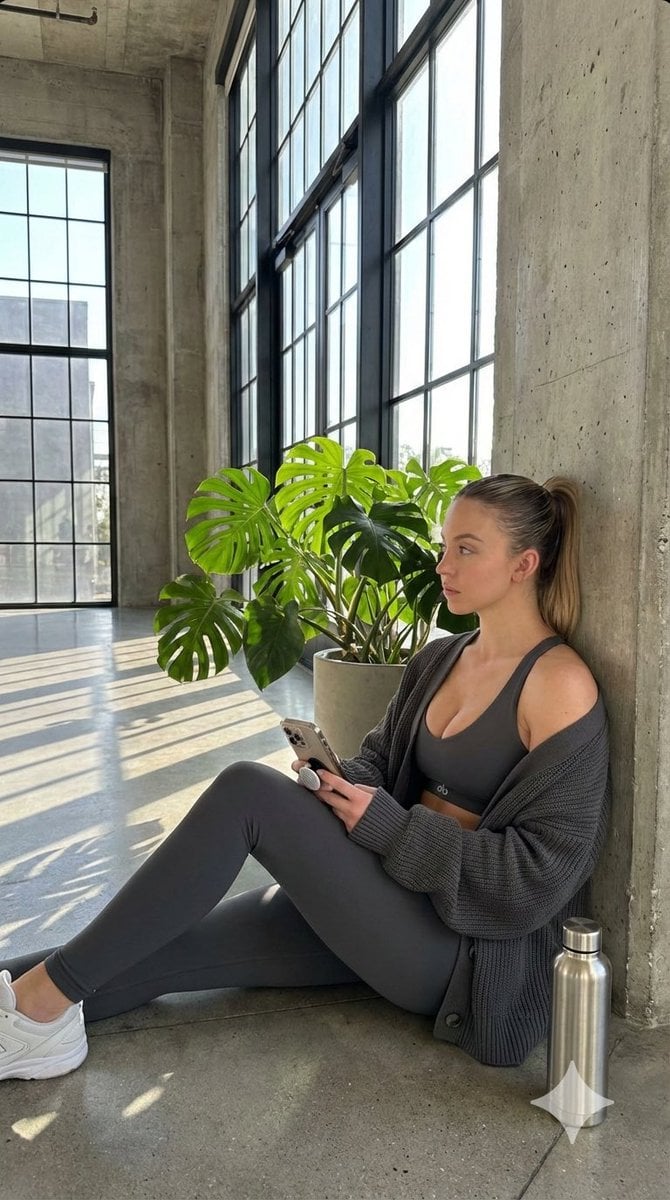
Candid Post-Workout Shot in Brutalist Architecture
Minimal Game Engine Skybox Scene
Cinematic Storytelling Scene Generation Prompt
Romantic Rose Editorial 3x3 Grid Prompt
Art-Couture Portrait with Calligraphy Fabric
Matrix Digital Void Product Shot
Unraveling Figure Effect Comparison
Two-Step Power Release Transformation Prompt (Japanese)
Hyper-realistic portrait of a young man with platinum buzz cut
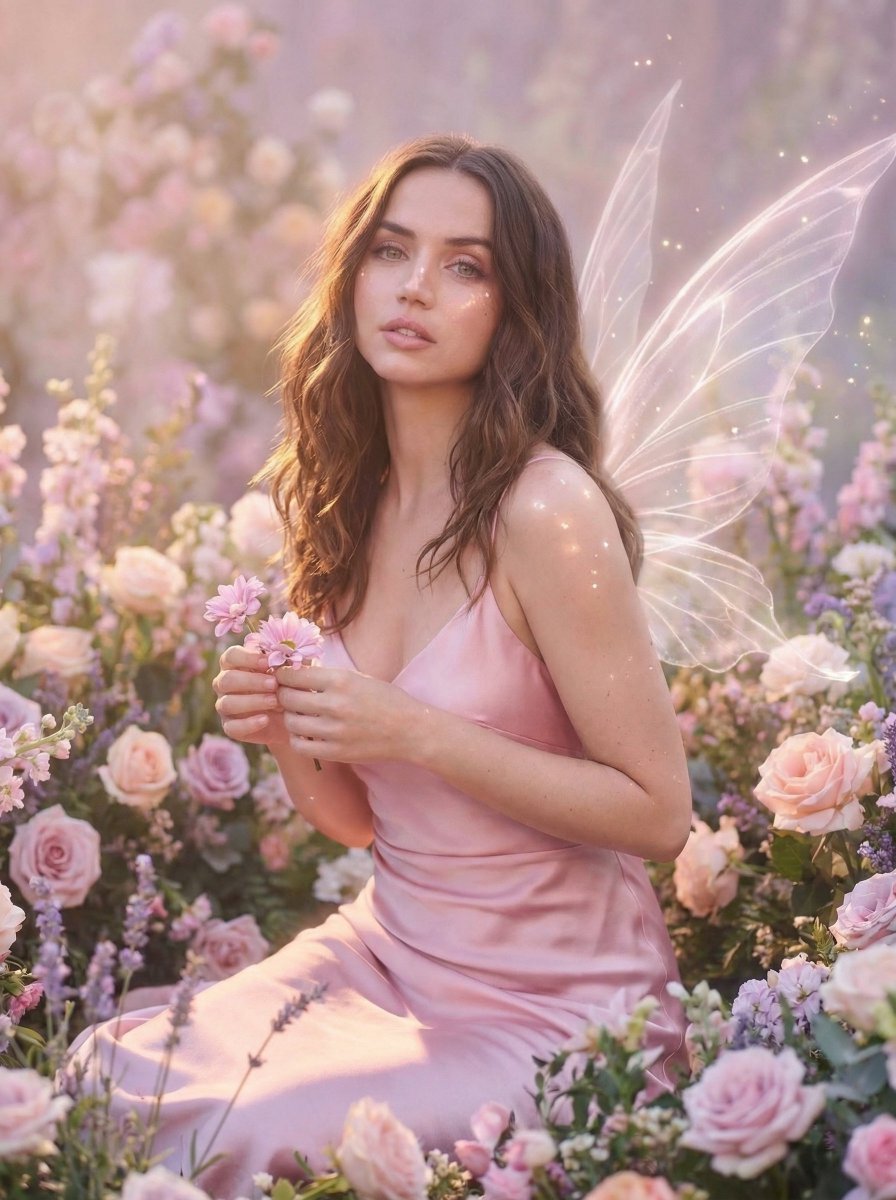
Dreamy Fairy Editorial Portrait in a Secret Garden
Browse template categories
Clean Minimalist Invitation Aesthetic questions
How do I use the Clean Minimalist Invitation Aesthetic template?
Add your photo if the template asks for one, edit the prompt if you like — the template's model and format are already selected — and press Generate. Your version opens in PicX Studio.
Can I customize the Clean Minimalist Invitation Aesthetic template?
Yes. You can change the subject, setting, lighting, mood, format, and available model controls before creating your image.
Is the Clean Minimalist Invitation Aesthetic template free?
Opening and editing this template is free. Generating uses credits, shown on the Generate button when you are signed in.
Which AI model should I use?
Start with GPT Image 2, which is the model associated with this template. You can compare another compatible model for a different finish.
Looking for something else? Browse all templates.

Your photo, any look
Thousands of ready templates for every top image and video model, from one credit balance.