
Minimal Game Engine Skybox Scene
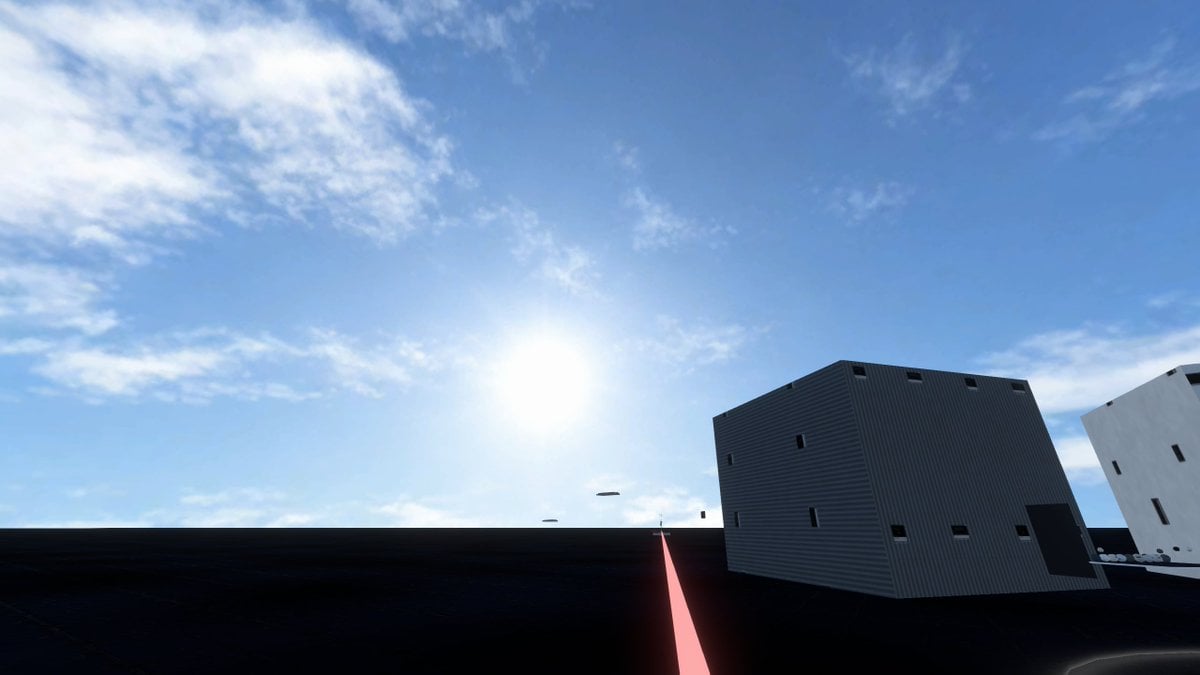
Generates a cinematic real-time-rendered skybox test environment with a vast blue sky, dark platform, industrial buildings, and a glowing perspective line.
- Prompt included
- Model and format preset
- Free template
The prompt behind this image
Copy the exact prompt behind Minimal Game Engine Skybox Scene, or open it in the studio and make it yours.
Create a wide 16:9 photorealistic game-engine skybox test scene viewed from a low first-person camera on a vast flat, nearly black asphalt or matte platform under a huge open blue sky. The composition is dominated by the sky: bright midday sun glowing slightly left of center near the horizon line, strong lens bloom, pale blue atmospheric gradient, and scattered thin wispy white cirrus clouds across the upper left and upper right. The ground is a dark featureless plane with subtle reflections and faint grid-like seams, stretching to a straight distant horizon. On the right side, place two simple modern industrial cuboid buildings: one large dark gray corrugated metal box building tilted in perspective with small narrow black rectangular windows, a dark doorway, and a few roof vents; farther right, a white rectangular building partially cropped by the frame with sparse vertical black windows. Add a thin glowing pink-red line or laser strip running from the bottom center foreground toward the horizon beside the buildings, creating a strong perspective guide. Include a few tiny floating dark oval objects near the horizon beneath the sun. Use Unreal Engine / Unity-style real-time rendering, crisp shadows, high dynamic range lighting, realistic skybox atmosphere, minimal urban test environment, no people, no text, no vehicles, clean cinematic screenshot aesthetic. The customizable scene should use {argument name="sky condition" default="bright midday blue sky with wispy cirrus clouds"}, {argument name="ground material" default="nearly black asphalt platform"}, {argument name="building style" default="minimal corrugated industrial cuboid buildings"}, {argument name="accent line color" default="glowing pink-red"}, and {argument name="camera perspective" default="low first-person wide-angle view"}.
How to use Minimal Game Engine Skybox Scene in 3 steps
- 1Upload ImagePNG, JPG or paste
Add your photo
Upload the photo the template builds on. The prompt, model and format are already set.
- 2…a portrait of your subject in softgolden-hour light, 85mm…
Personalize
Edit the subject and creative details for your destination.
- 3Generate
Generate
Press Generate — your image is created in PicX Studio, so you can compare it with the original and refine one variable at a time.
More like this
Templates with the same subject, style or setup. Open one to see its prompt.

Japanese Architectural Concrete Studio Fashion Campaign

Quiet Luxury Black and White Fashion Editorial Portrait

Premium Editorial Branding Poster Charcoal Green

Premium Vintage Travel Poster Landscape

Japanese Café Sketch Duo Illustration

Delicate Japanese Café Lifestyle Illustration

Soft Shadow Studio Minimalist Product Shot

Minimalist Skincare Product Water Stone Still

Botanical Skincare Minimal Product Advertising

Luxury Sliced Wordmark Player Poster

Legendary Player Fragmented Editorial Poster

Clean Minimalist Player Editorial Poster
Make it yours
Minimal Game Engine Skybox Scene works as-is. These are the safest ways to change it without losing the look.
Change one field
Copy a single group, rewrite it, and generate again so you can see what that field is doing.
Keep the frame, change the subject
Hold the composition and light of Minimal Game Engine Skybox Scene, then swap wardrobe, props or the person for a new take.
| If the result… | Why | Fix |
|---|---|---|
| The result drifts from the preview | Too many fields changed at once. | Reuse Minimal Game Engine Skybox Scene as-is first, then change one group — subject, light, or setting. |
| The model over-stylizes the scene | The prose prompt leaves finish and camera underspecified. | Add one camera or lighting sentence and stay on GPT Image 2. |
More GPT Image 2 templates
Other prompts made for GPT Image 2.

Six VTuber Japanese Logo Sheet

Realistic Portrait of Woman and Deer

The Vista Modular Condo Poster

AI Model Routing Comparison Infographic

2.5D Anime Art Board

Isometric Productivity Desk Scene

New York Double Exposure Poster

Four-Panel AI Landscape Comparison

Japanese Tatami Lifestyle Magazine Cover

NESCAFÉ Coffee Map Poster
More image prompts
Fresh picks from across the catalog.
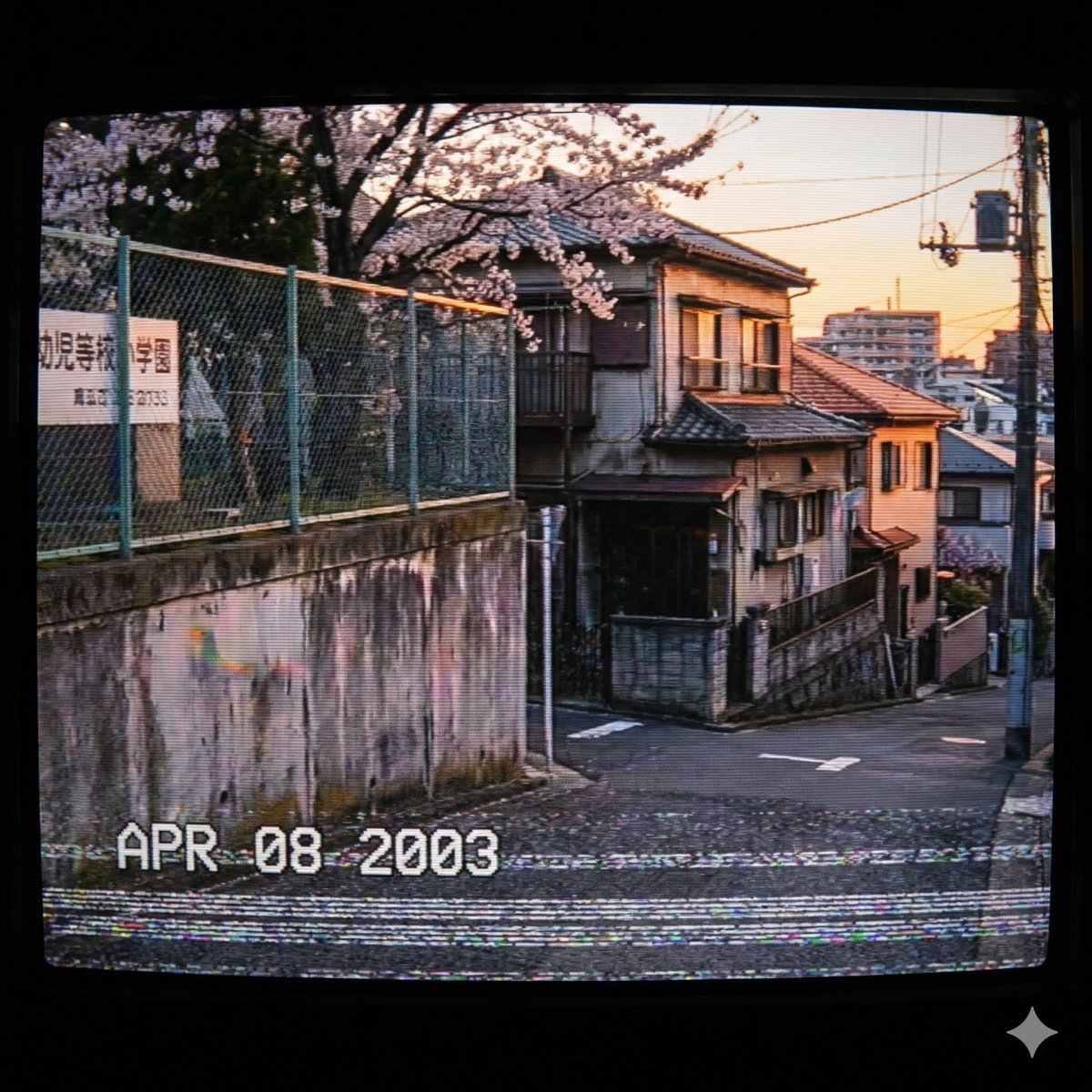
Nostalgic 2000s Japanese Suburb
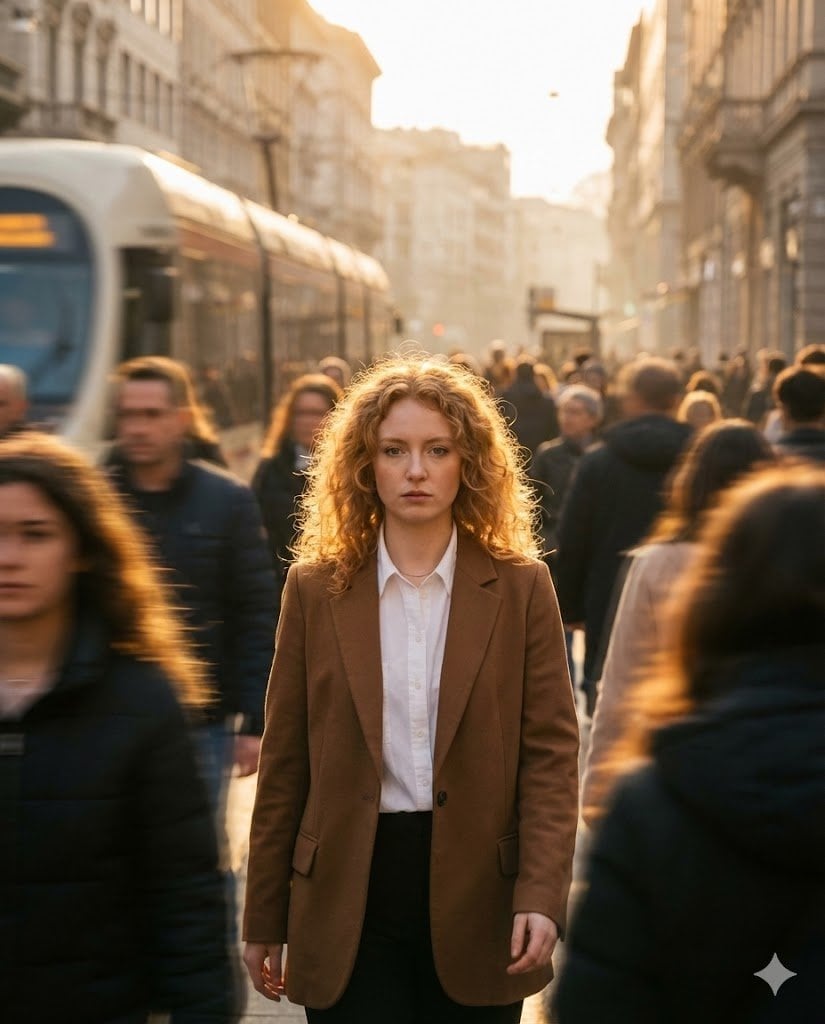
Moody Cinematic Street Photography Prompt
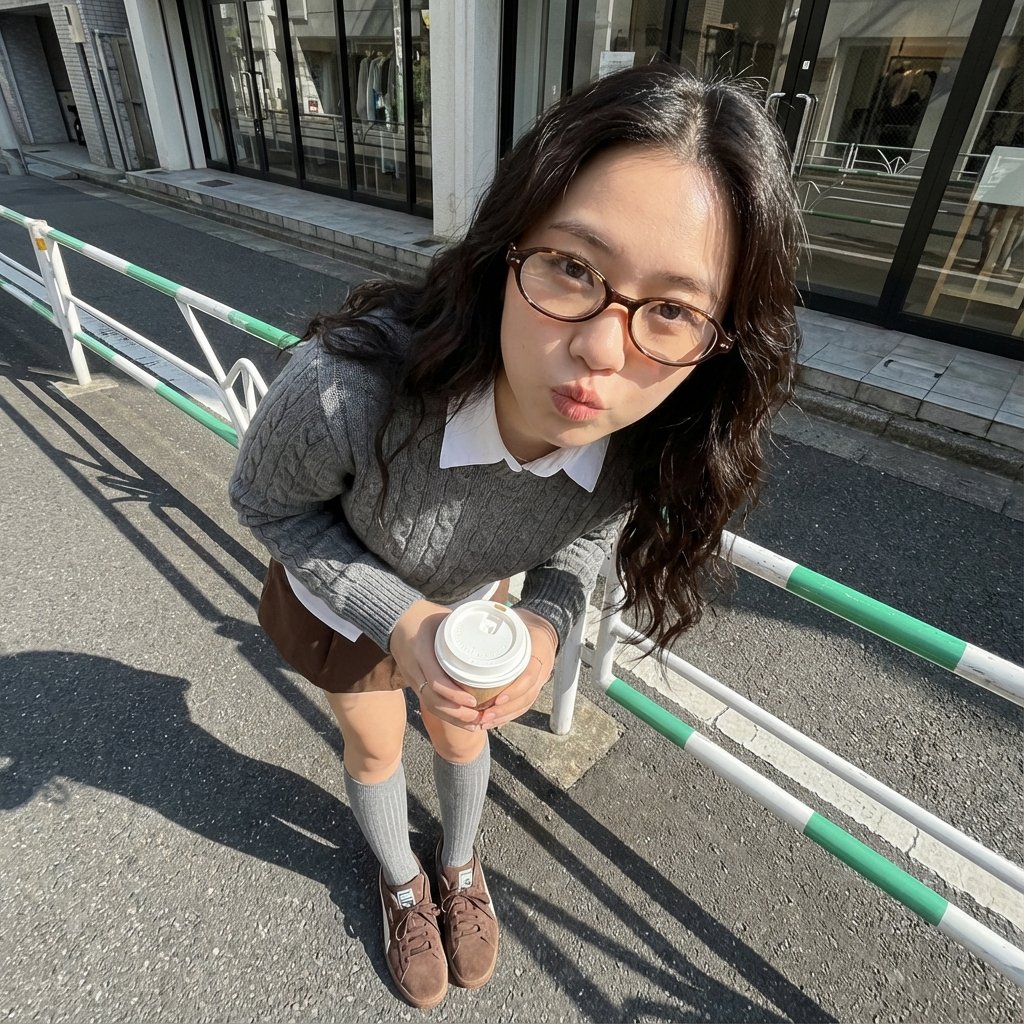
Photorealistic Cute Academic Street Photography Portrait
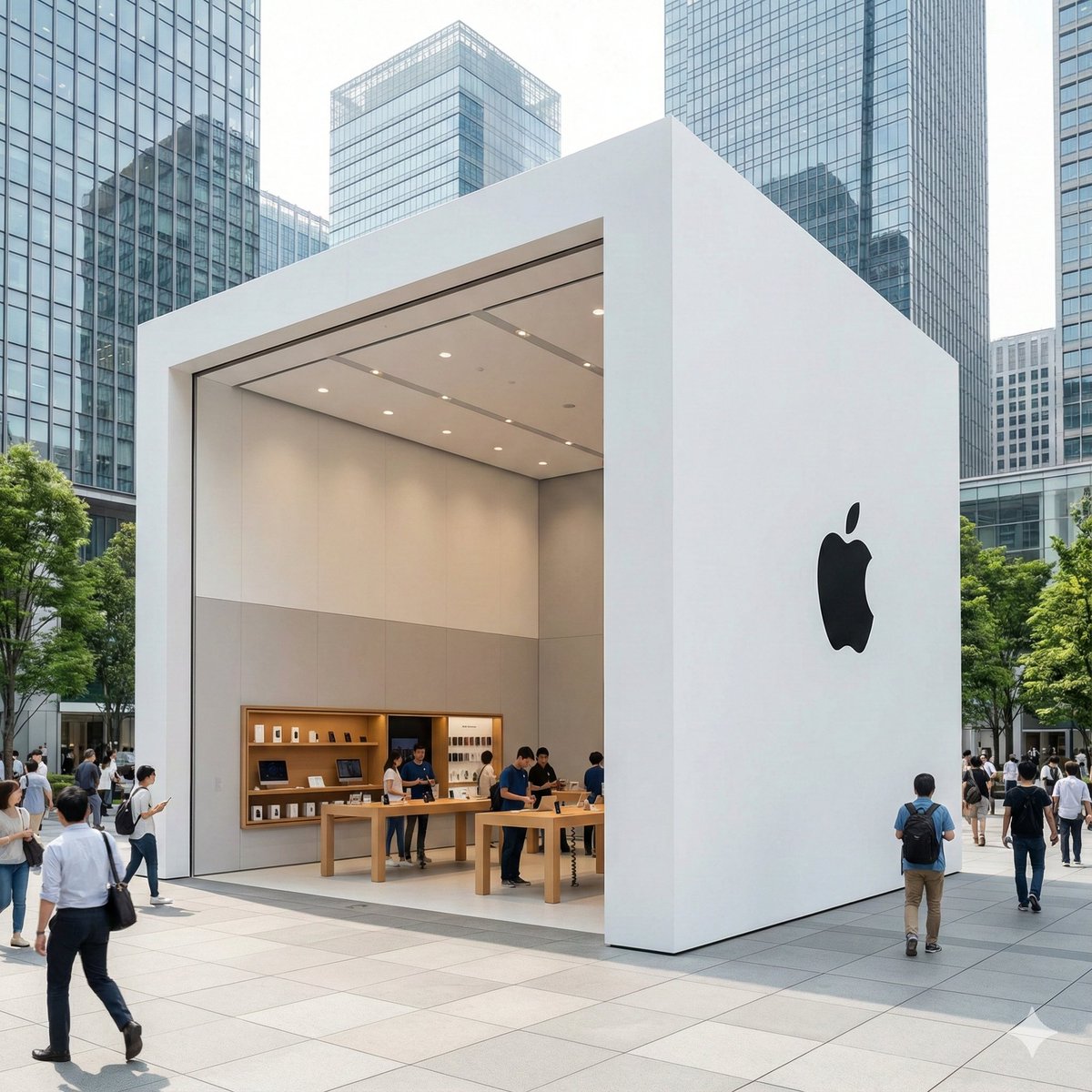
Ultra-Photorealistic Luxury Pop-Up Store Prompt
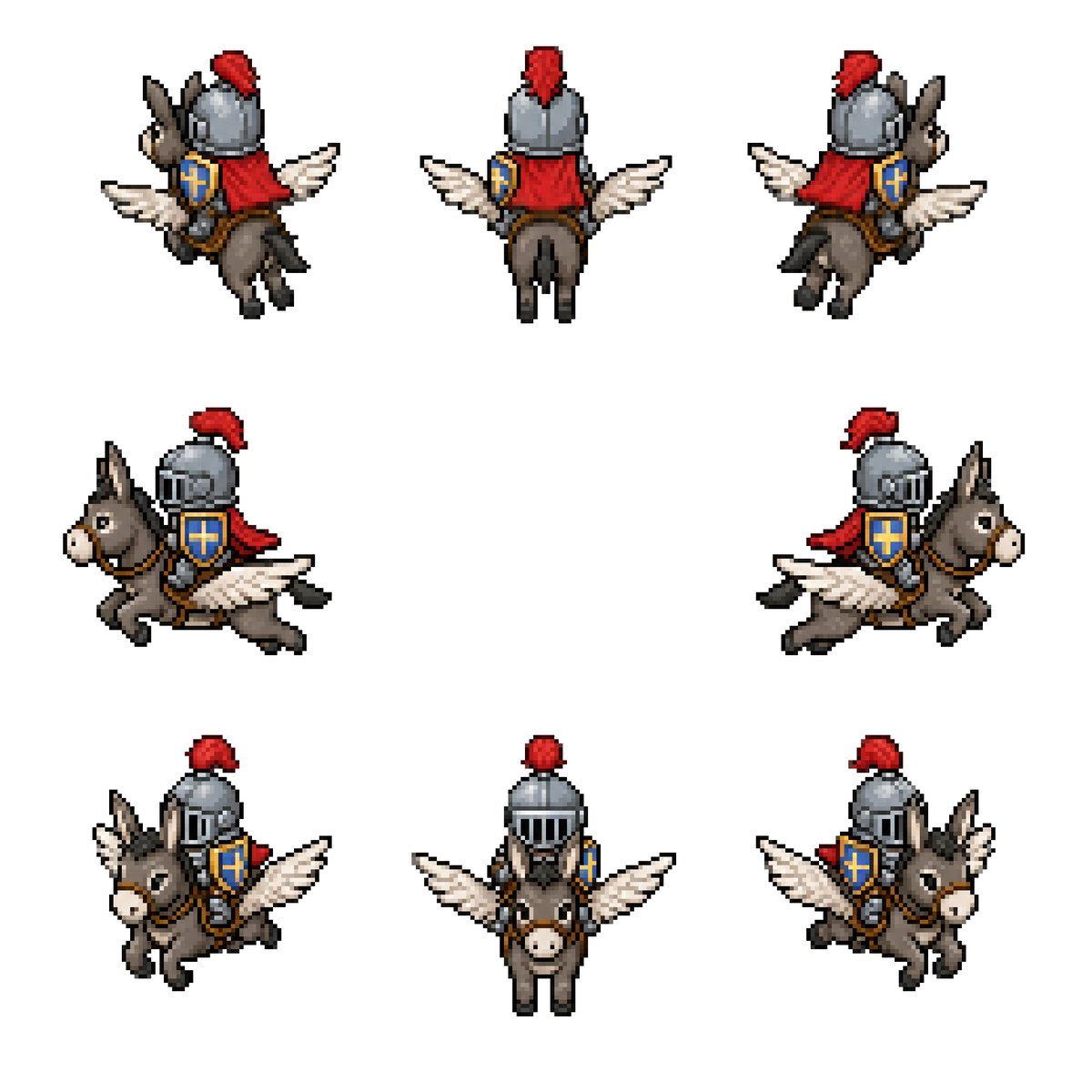
Winged Donkey Knight Sprite Sheet

Juventus Cinematic Player Poster
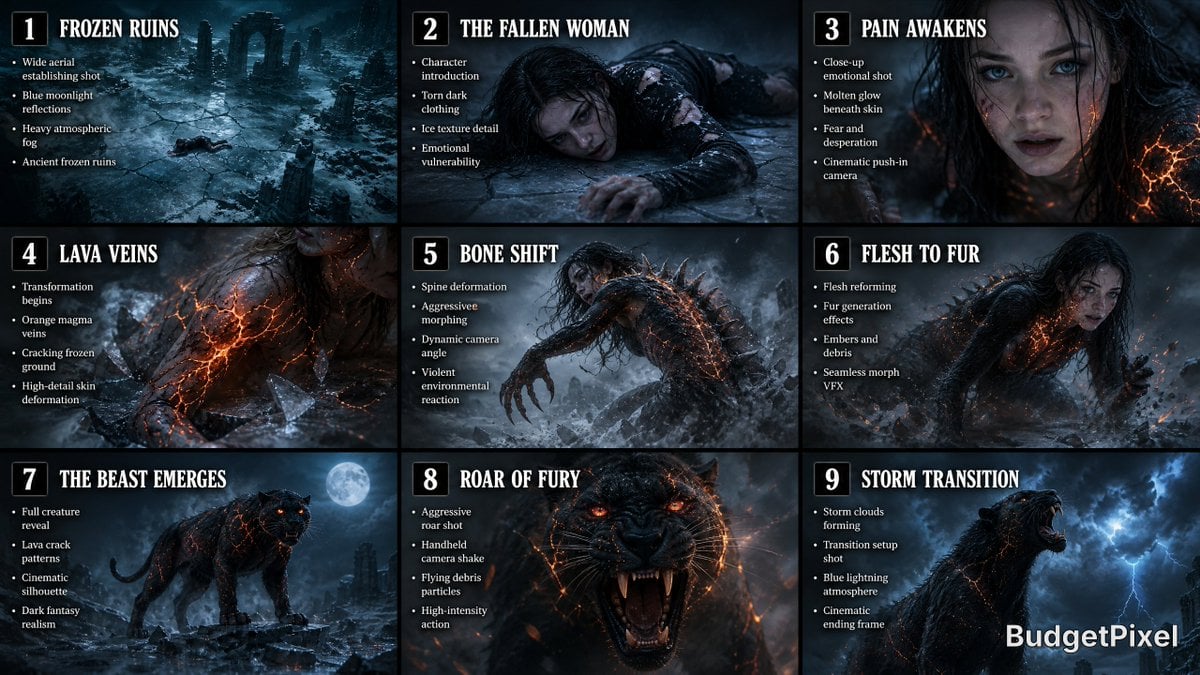
Dark Fantasy Storyboard Infographic
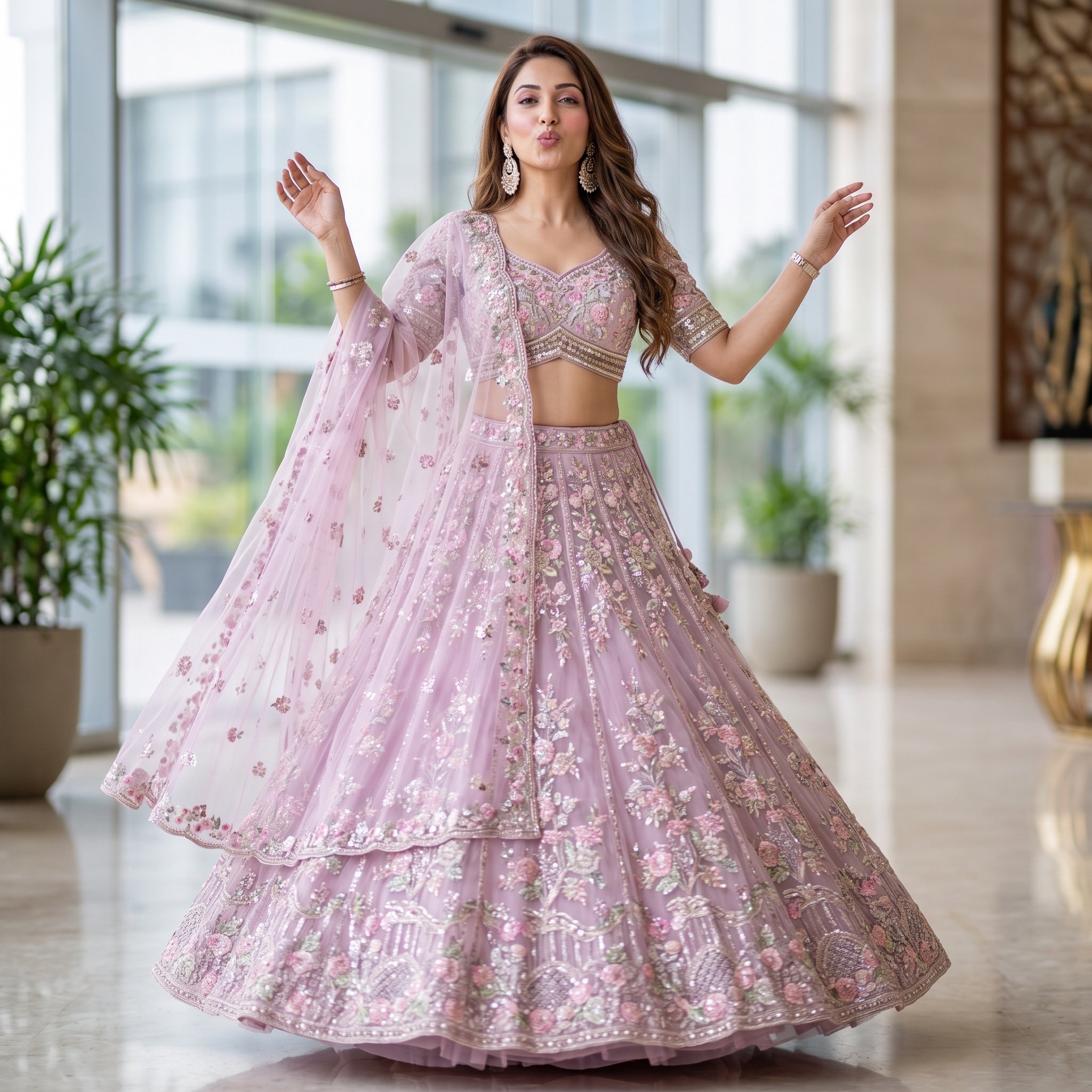
Elegant Indian Lehenga Fashion Photography Prompt

Slow-Motion Cosmetic Ad Animation Prompt

High-Speed Cinematic Luxury Cold Drink Photography Prompt (Cola Splash)
Browse template categories
Minimal Game Engine Skybox Scene questions
How do I use the Minimal Game Engine Skybox Scene template?
Add your photo if the template asks for one, edit the prompt if you like — the template's model and format are already selected — and press Generate. Your version opens in PicX Studio.
Can I customize the Minimal Game Engine Skybox Scene template?
Yes. You can change the subject, setting, lighting, mood, format, and available model controls before creating your image.
Is the Minimal Game Engine Skybox Scene template free?
Opening and editing this template is free. Generating uses credits, shown on the Generate button when you are signed in.
Which AI model should I use?
Start with GPT Image 2, which is the model associated with this template. You can compare another compatible model for a different finish.
Looking for something else? Browse all templates.

Your photo, any look
Thousands of ready templates for every top image and video model, from one credit balance.