
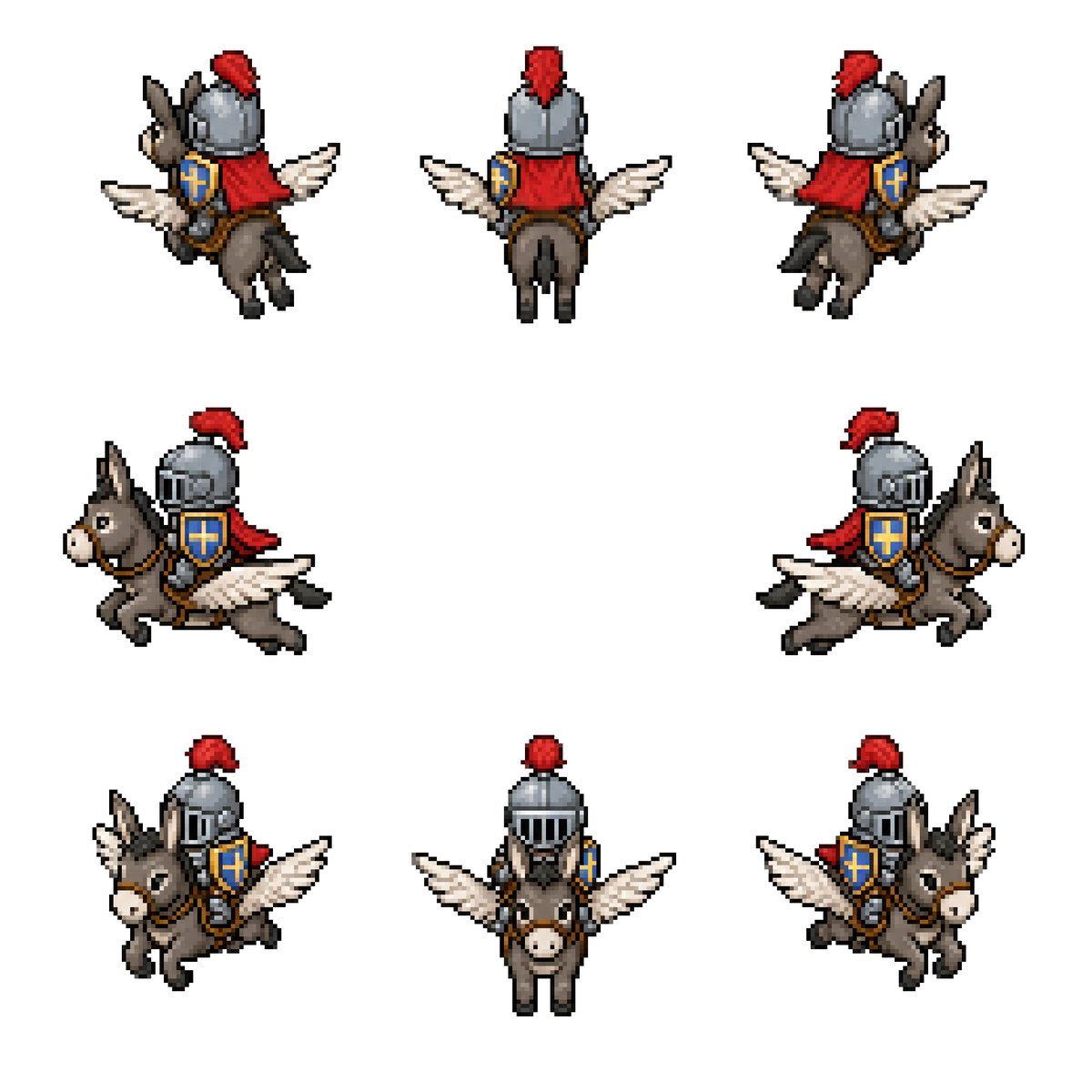
Winged Donkey Knight Sprite Sheet
Generates an 8-direction retro pixel-art sprite sheet of a medieval knight riding a winged donkey for fantasy game assets.
- Prompt included
- Model and format preset
- Free template
The prompt behind this image
Copy the exact prompt behind Winged Donkey Knight Sprite Sheet, or open it in the studio and make it yours.
Goal: Create a clean pixel-art sprite sheet for a fantasy game asset: {argument name="character concept" default="a medieval knight riding a winged donkey"}. Canvas: Square 768×768 image on a plain white background, no borders, no UI, no text. Use a crisp retro RPG pixel-art style with visible chunky pixels, dark outlines, limited palette, and subtle dithering/shading. Layout: Show exactly 8 separate sprites of the same mount-and-rider character, evenly spaced with large white gaps, arranged as 3 sprites on the top row, 2 sprites on the middle row, and 3 sprites on the bottom row. Each sprite should be roughly the same scale and read like an animation/rotation sheet. Sprite count and views: 1) top-left: rear three-quarter view facing upper-left, 2) top-center: straight rear view, 3) top-right: rear three-quarter view facing upper-right, 4) middle-left: side view traveling left, 5) middle-right: side view traveling right, 6) bottom-left: front three-quarter view facing lower-left, 7) bottom-center: straight front view, 8) bottom-right: front three-quarter view facing lower-right. Subject details: The mount is a small gray-brown donkey with long upright ears, pale muzzle, black hooves, simple bridle and saddle, and a pair of white feathered wings extended from its sides like a small pegasus. The rider is a compact armored knight wearing a rounded steel helmet with vertical visor slits, a bright red plume, a red cape or cloth drape, brown leather tack, and a blue shield with a gold cross emblem strapped at the side. Use {argument name="armor color" default="steel gray"}, {argument name="cape color" default="red"}, {argument name="shield color" default="blue and gold"}, and {argument name="mount color" default="gray-brown"}. Maintain the same proportions and costume details across all 8 sprites. Visual style: Classic 16-bit fantasy RPG sprite sheet, isometric/top-down compatible proportions, high readability at small size, black and dark-brown pixel outlines, soft shadowless presentation, minimal anti-aliasing, no blur, no gradients beyond pixel shading. Constraints: Keep exactly 8 sprites, do not add extra frames, labels, weapons, scenery, background texture, watermark, or character variations. All sprites must depict the same mounted knight and winged donkey from different directions.
How to use Winged Donkey Knight Sprite Sheet in 3 steps
- 1Upload ImagePNG, JPG or paste
Add your photo
Upload the photo the template builds on. The prompt, model and format are already set.
- 2…a portrait of your subject in softgolden-hour light, 85mm…
Personalize
Edit the subject and creative details for your destination.
- 3Generate
Generate
Press Generate — your image is created in PicX Studio, so you can compare it with the original and refine one variable at a time.
More like this
Templates with the same subject, style or setup. Open one to see its prompt.
Chibi Mascot Fighting Sprite Sheet

Character Battle Motion Sprite Sheet
Cartoon Character GIF Sprite Sheet
Fantasy Knight Character Turnaround Sheet
Cyberpunk Winged Lion Knight

Minimalist Corporate Portrait Sprite Sheet
Chibi Miner Game Sprite Sheet
Dark Fantasy Knight Character Sheet
Rabbit Character Sprite Sheet
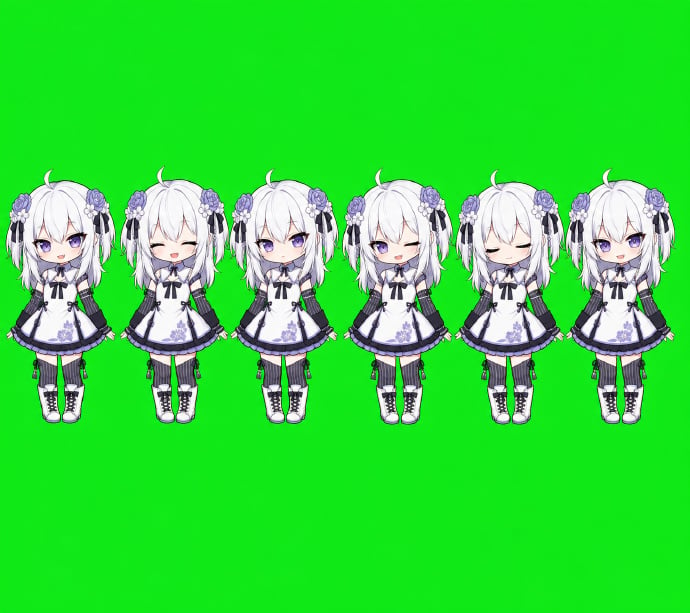
Chibi Desktop Pet Sprite Sheet
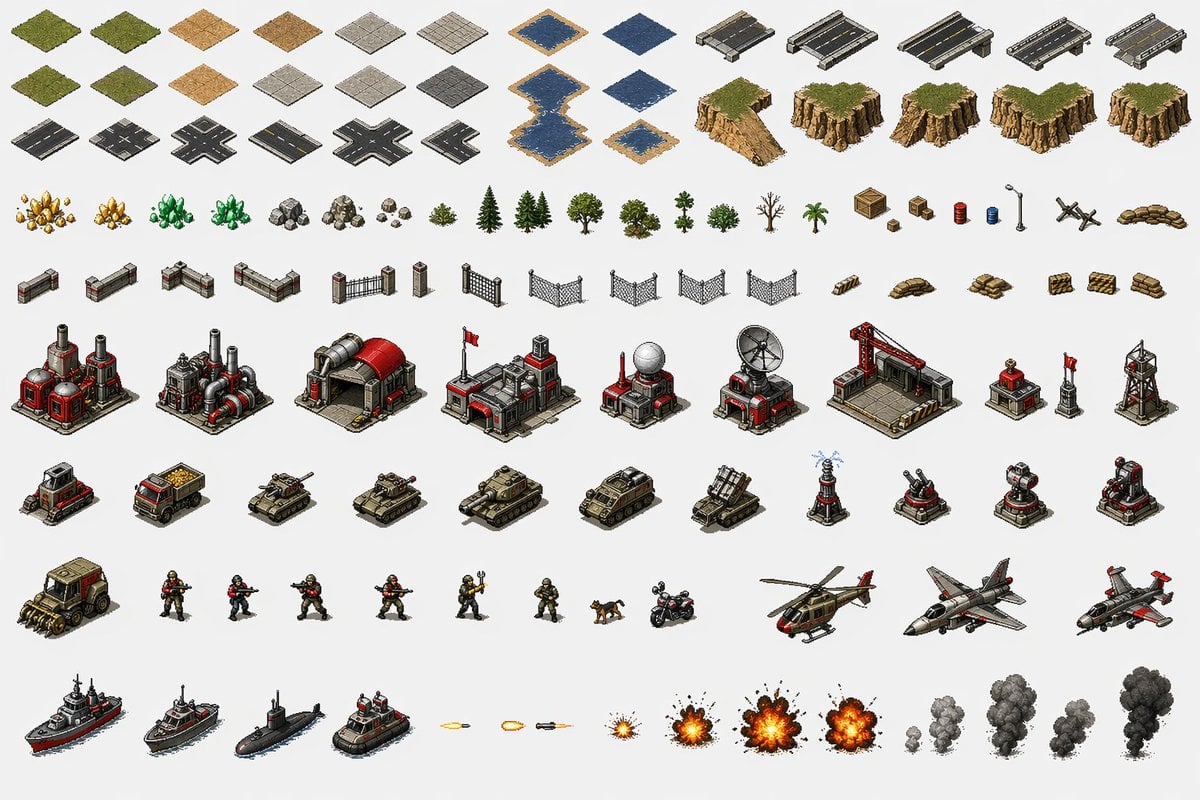
Red Alert Style Pixel Sprite Sheet
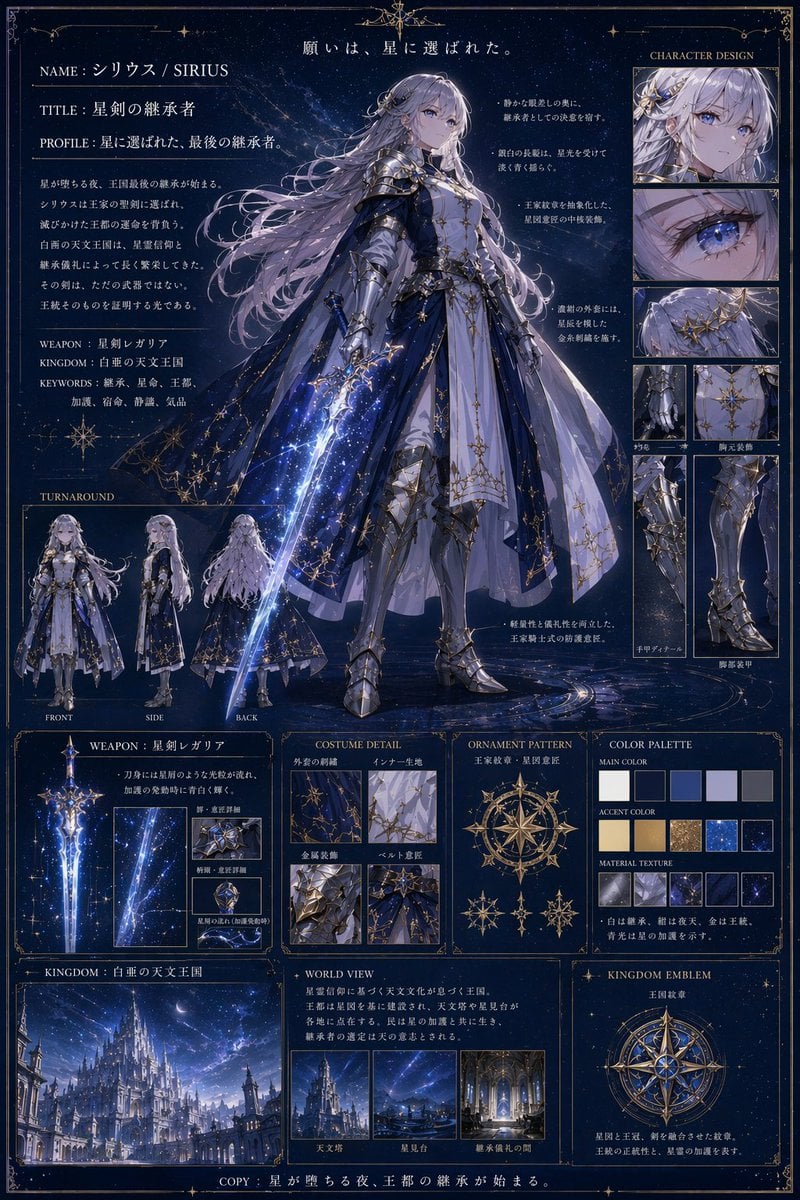
Fantasy Knight Concept Art Sheet
Make it yours
Winged Donkey Knight Sprite Sheet works as-is. These are the safest ways to change it without losing the look.
Change one field
Copy a single group, rewrite it, and generate again so you can see what that field is doing.
Keep the frame, change the subject
Hold the composition and light of Winged Donkey Knight Sprite Sheet, then swap wardrobe, props or the person for a new take.
| If the result… | Why | Fix |
|---|---|---|
| The result drifts from the preview | Too many fields changed at once. | Reuse Winged Donkey Knight Sprite Sheet as-is first, then change one group — subject, light, or setting. |
| The model over-stylizes the scene | The prose prompt leaves finish and camera underspecified. | Add one camera or lighting sentence and stay on GPT Image 2. |
More GPT Image 2 templates
Other prompts made for GPT Image 2.

Six VTuber Japanese Logo Sheet

Realistic Portrait of Woman and Deer

The Vista Modular Condo Poster

AI Model Routing Comparison Infographic

2.5D Anime Art Board

Isometric Productivity Desk Scene

New York Double Exposure Poster

Four-Panel AI Landscape Comparison

Japanese Tatami Lifestyle Magazine Cover

NESCAFÉ Coffee Map Poster
More image prompts
Fresh picks from across the catalog.
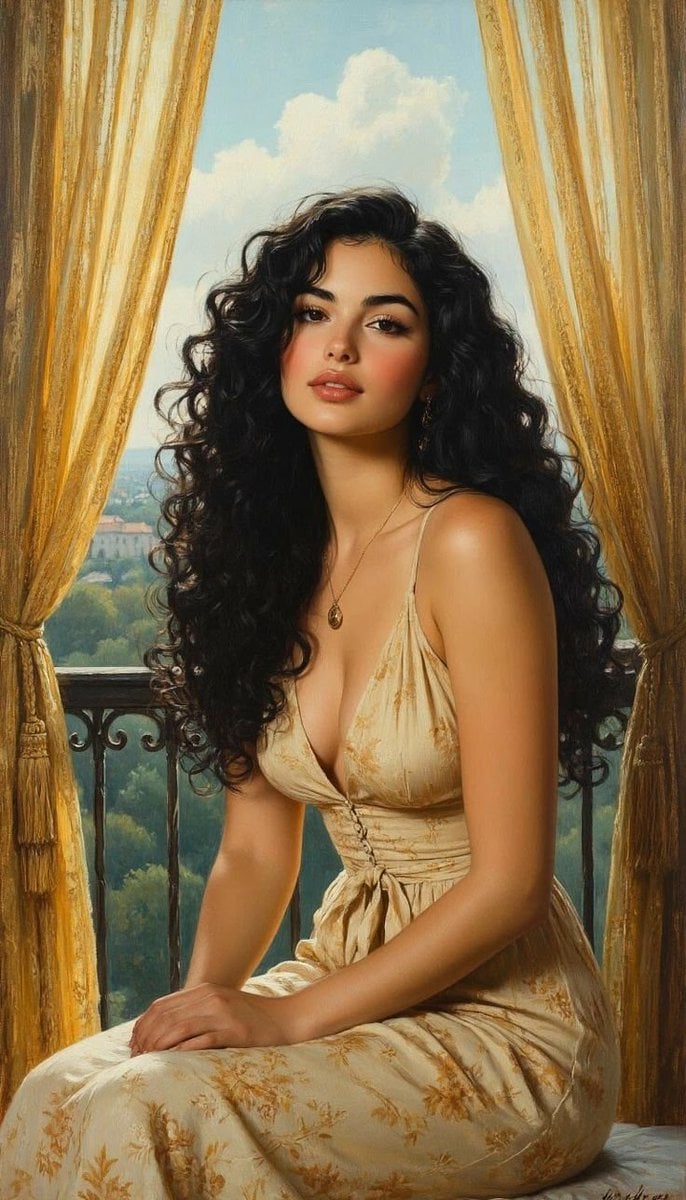
Romantic Painterly Portrait on European Balcony
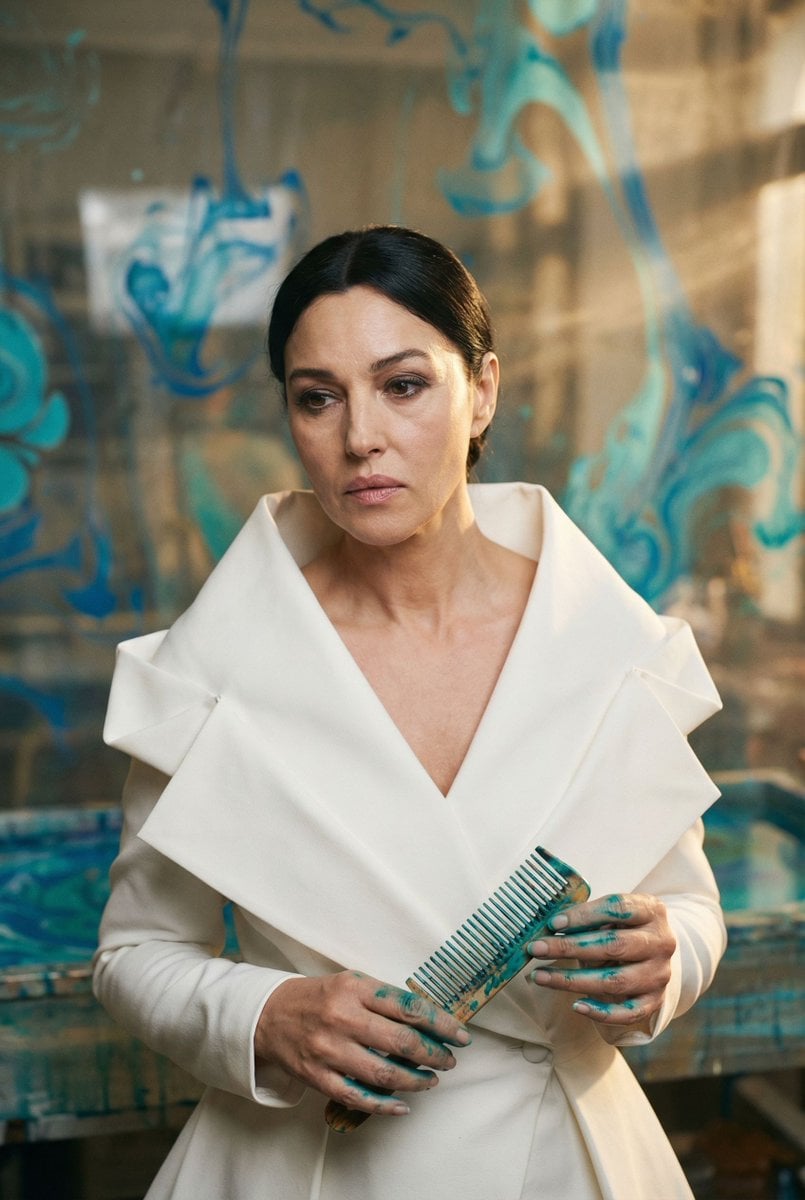
Cinematic Portrait of 'The Melancholic Prodigy'
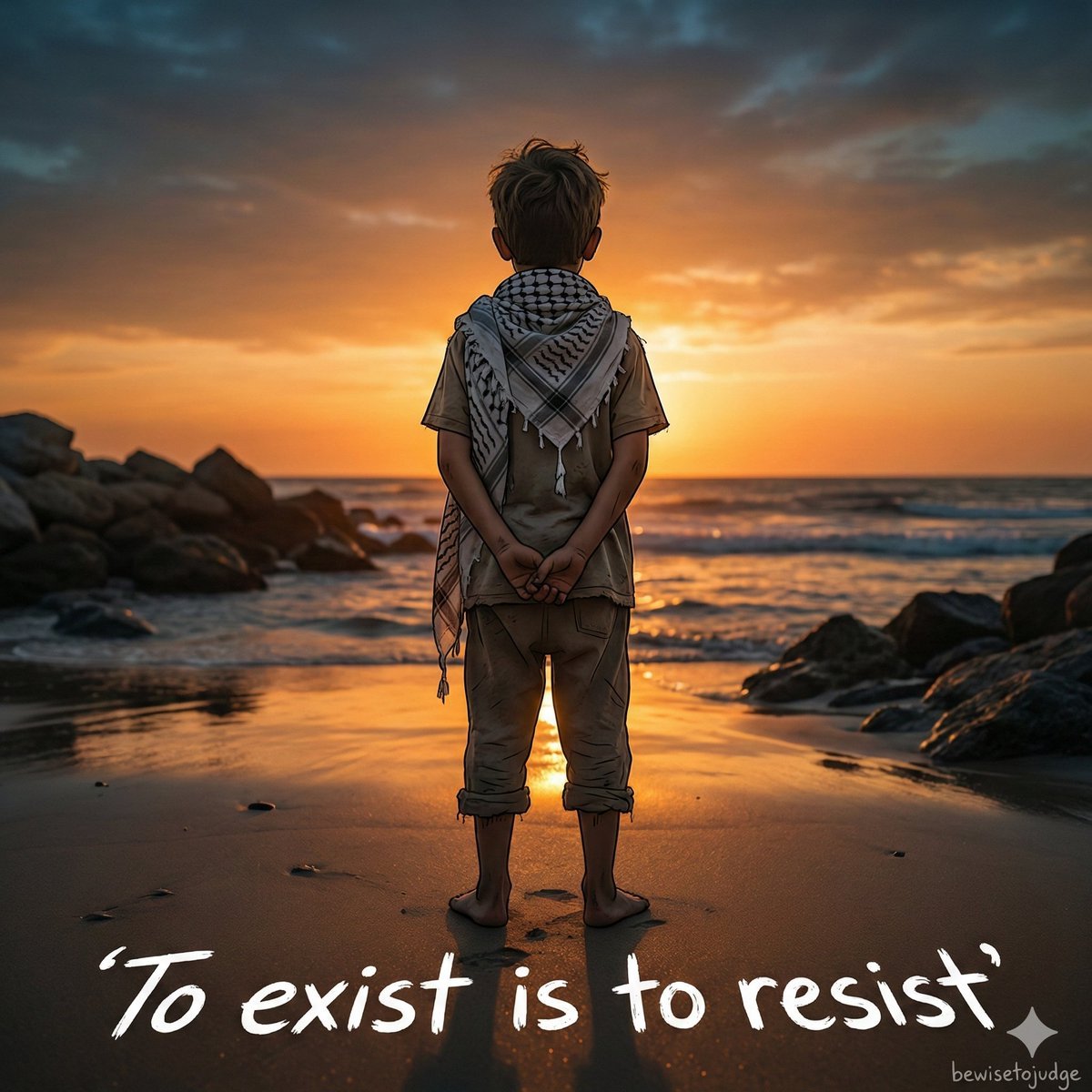
Emotional Handala-Inspired Palestinian Boy Portrait

Image Editing Prompt for Accessory Background Replacement
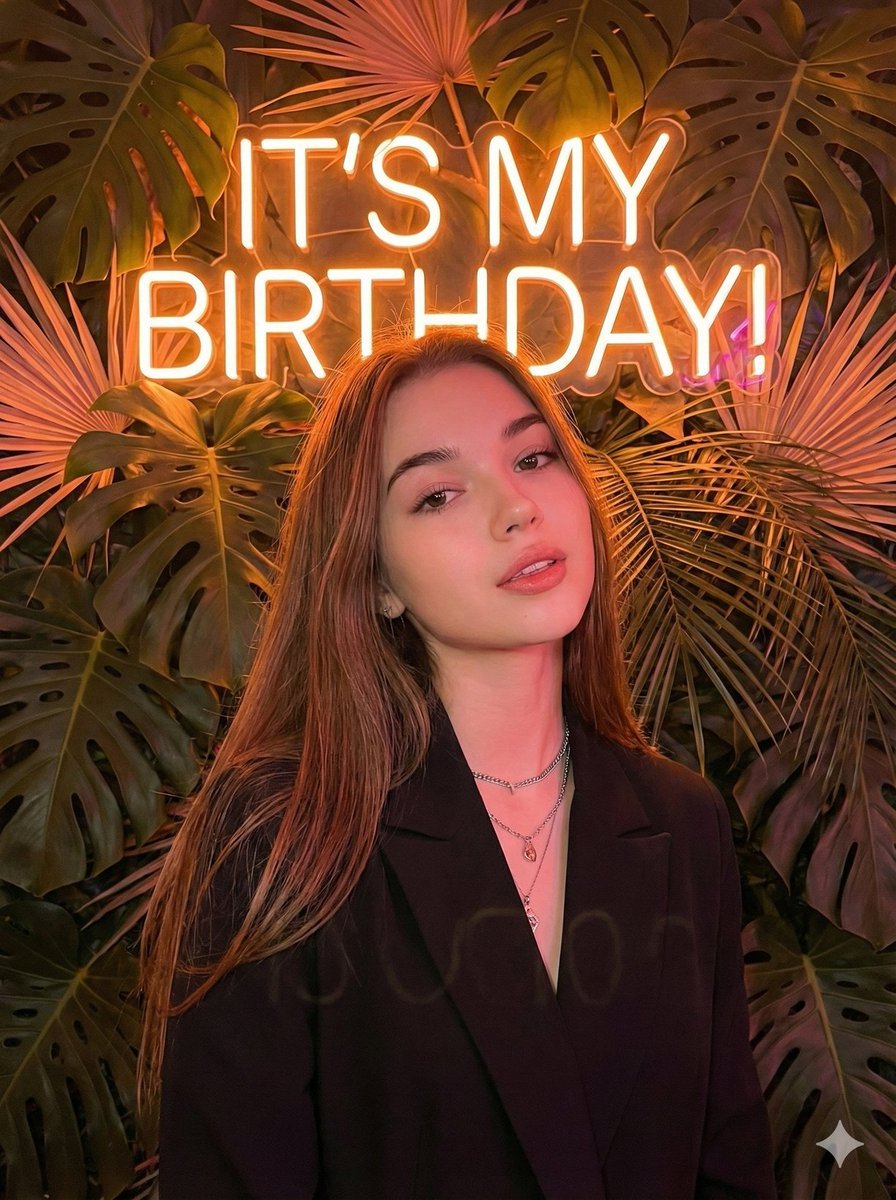
Birthday Celebration Neon Poster Collage Prompt
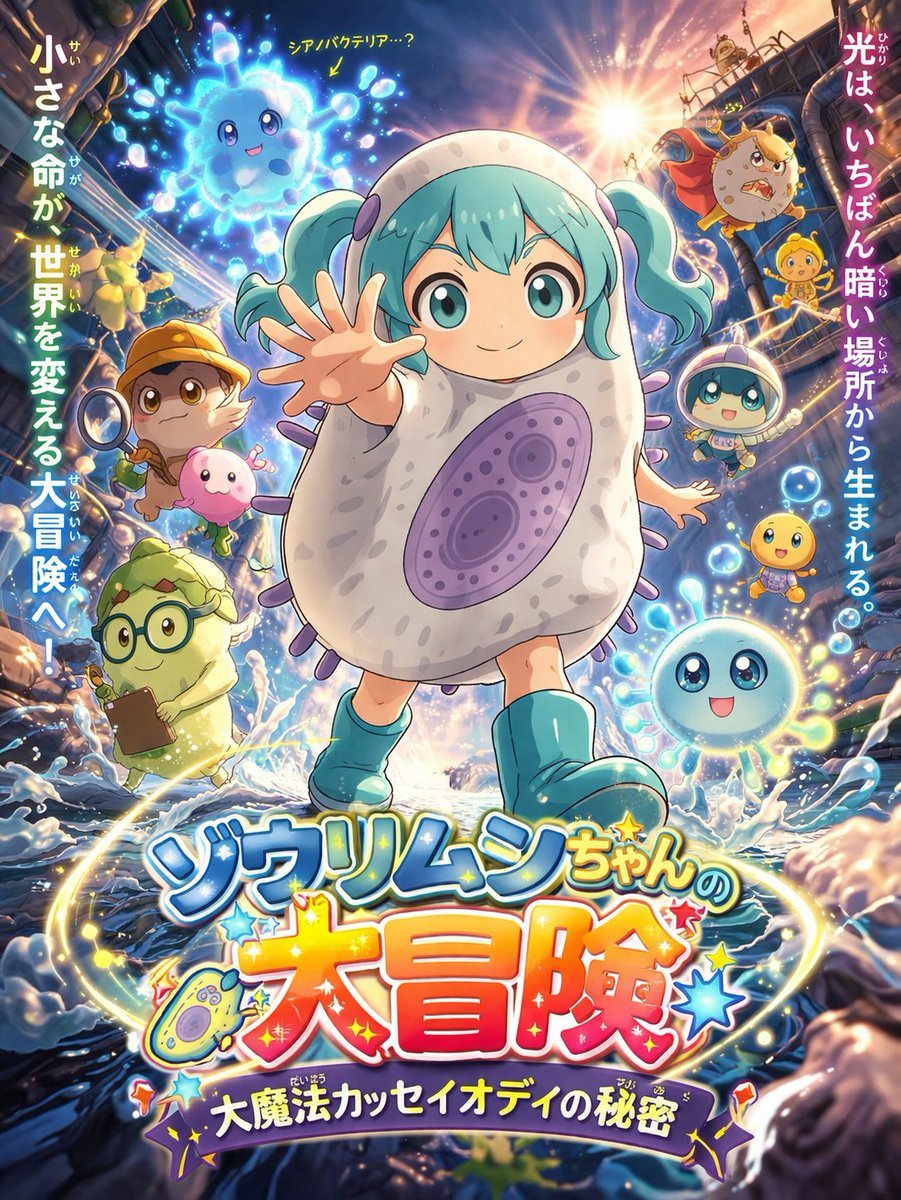
Anime Movie Poster for a Paramecium Character
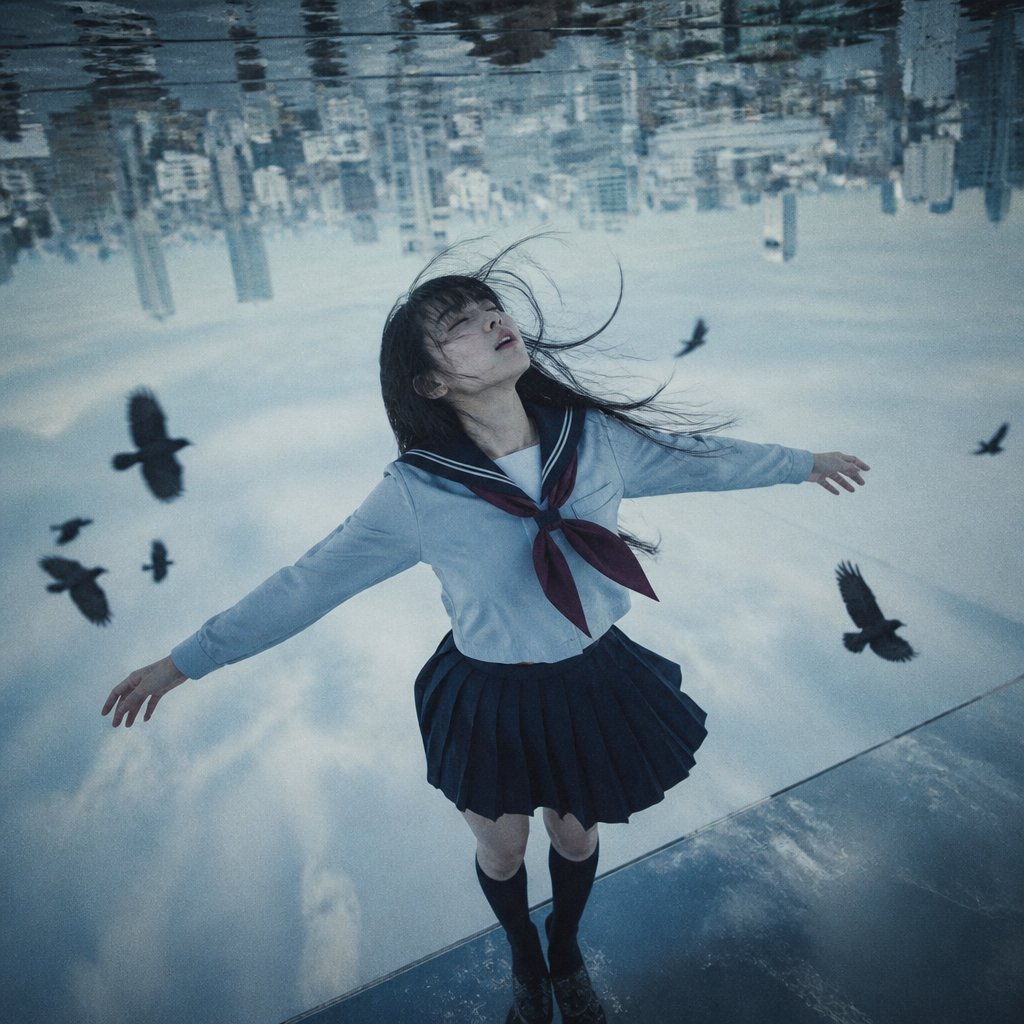
Upside-Down Sky Schoolgirl
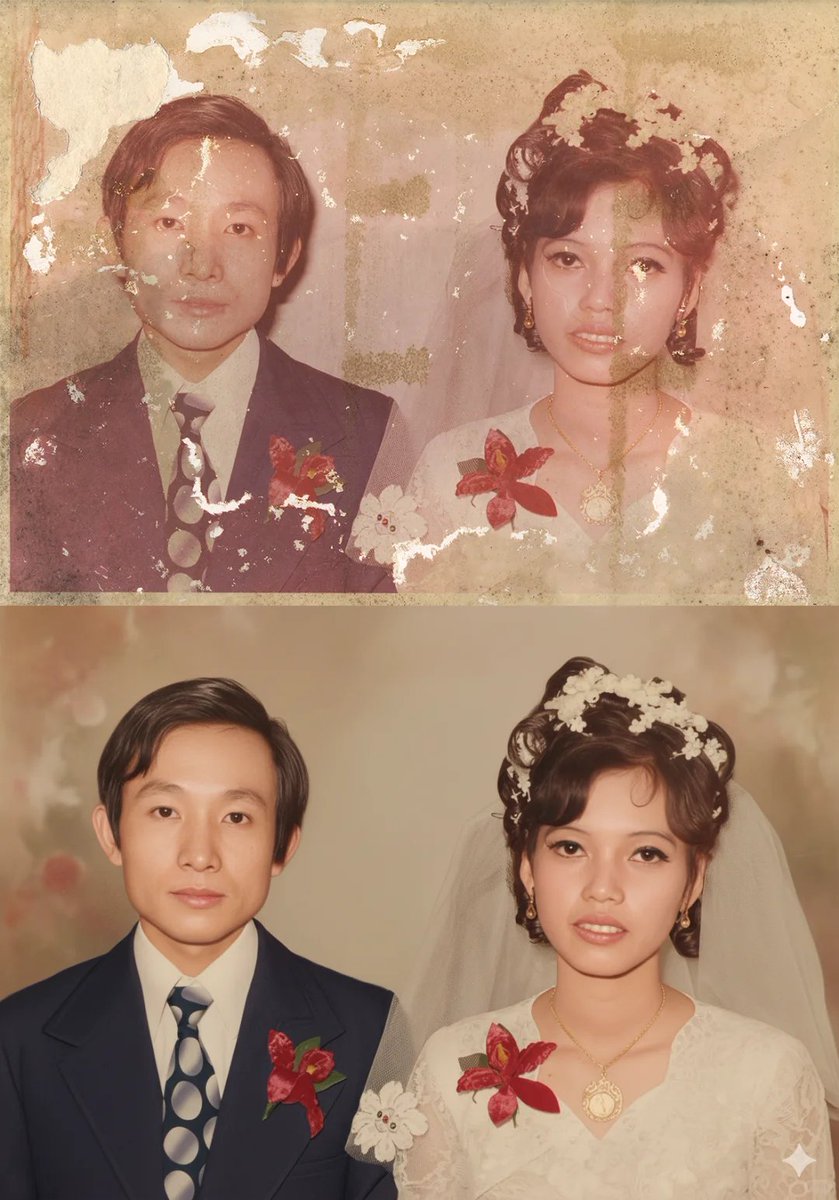
Old Photo Restoration Prompt for Nano Banana Pro
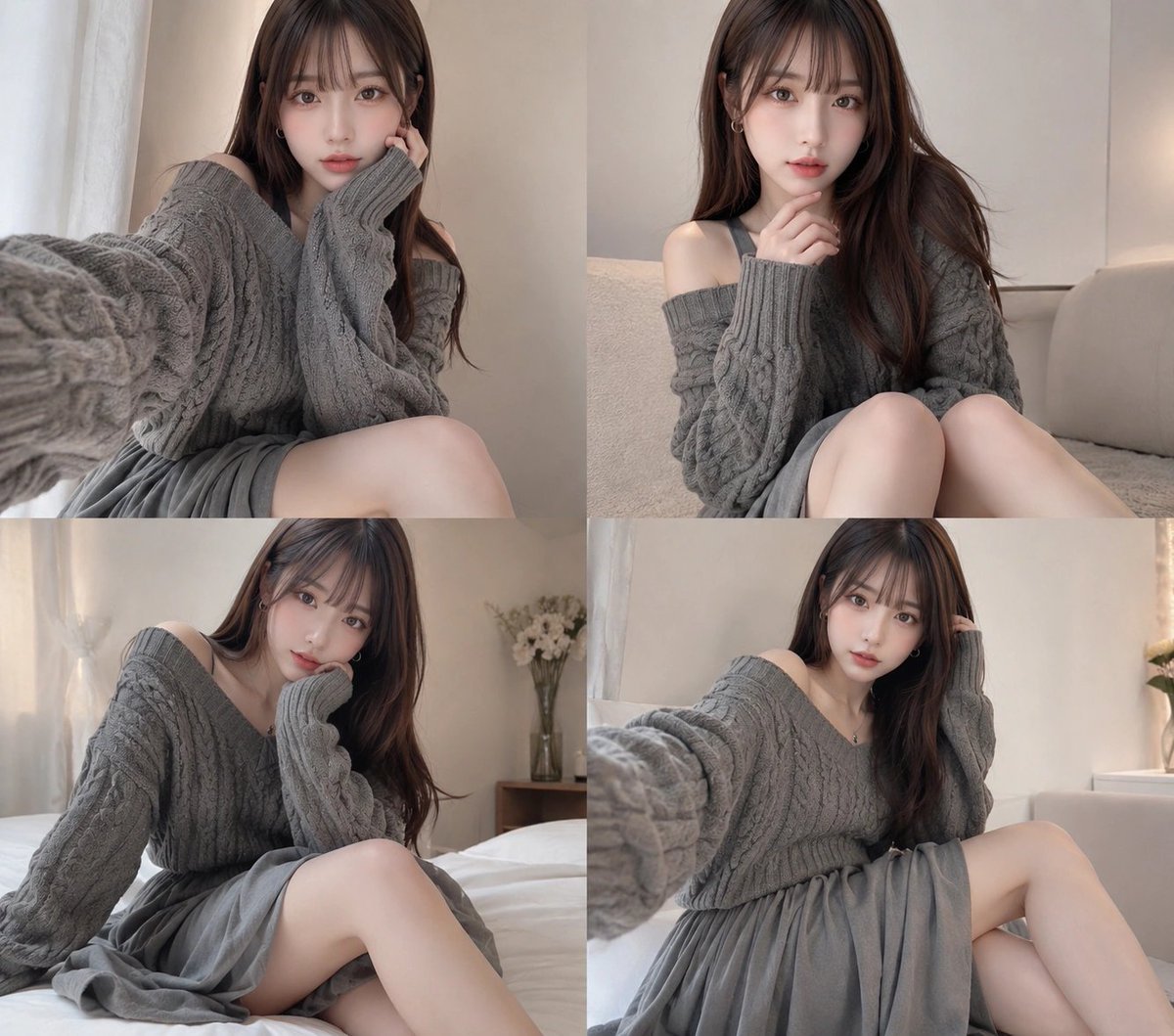
Four-Panel Cozy Gray Sweater Selfie Collage
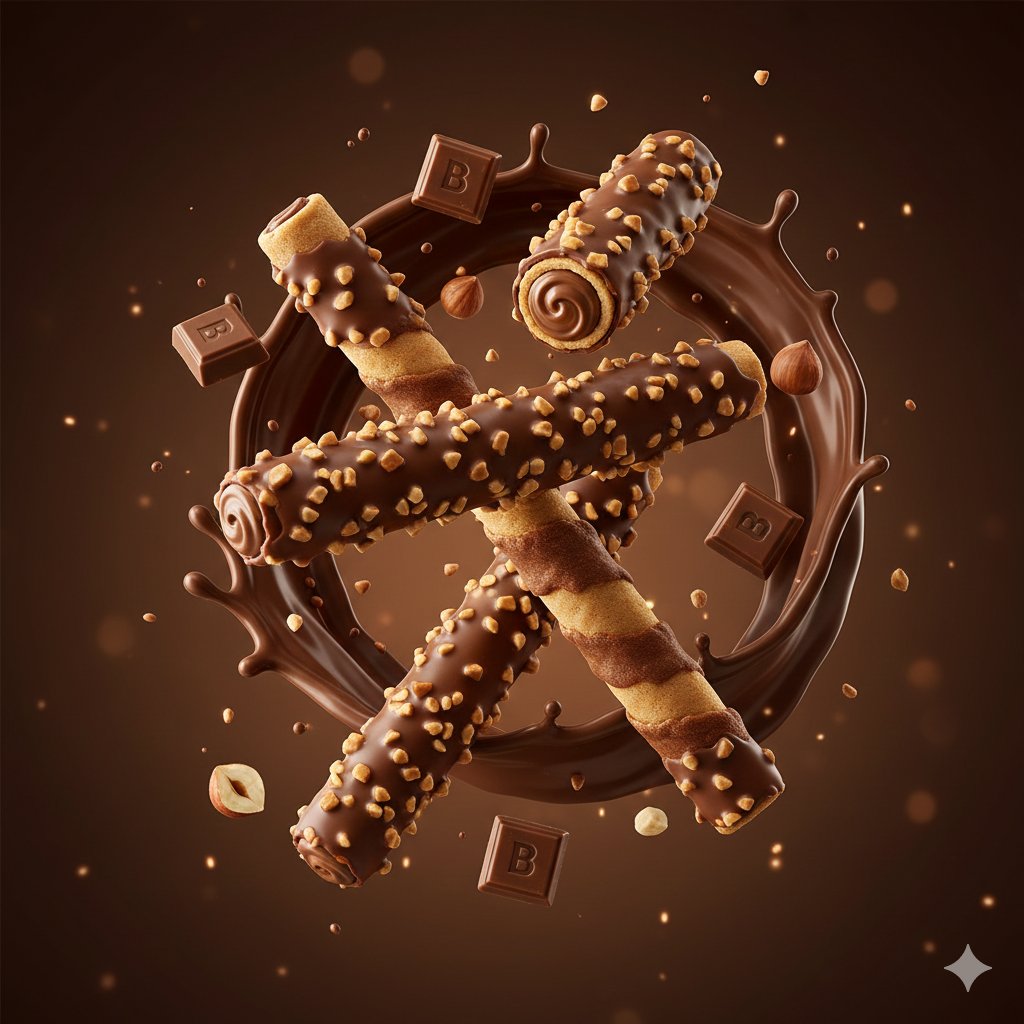
Product Render Config: Chocolate Wafer Hazelnut Edition
Browse template categories
Winged Donkey Knight Sprite Sheet questions
How do I use the Winged Donkey Knight Sprite Sheet template?
Add your photo if the template asks for one, edit the prompt if you like — the template's model and format are already selected — and press Generate. Your version opens in PicX Studio.
Can I customize the Winged Donkey Knight Sprite Sheet template?
Yes. You can change the subject, setting, lighting, mood, format, and available model controls before creating your image.
Is the Winged Donkey Knight Sprite Sheet template free?
Opening and editing this template is free. Generating uses credits, shown on the Generate button when you are signed in.
Which AI model should I use?
Start with GPT Image 2, which is the model associated with this template. You can compare another compatible model for a different finish.
Looking for something else? Browse all templates.

Your photo, any look
Thousands of ready templates for every top image and video model, from one credit balance.