
Dark Fantasy Storyboard Infographic
A comprehensive prompt for a 9-panel cinematic storyboard depicting a dark fantasy character transformation.
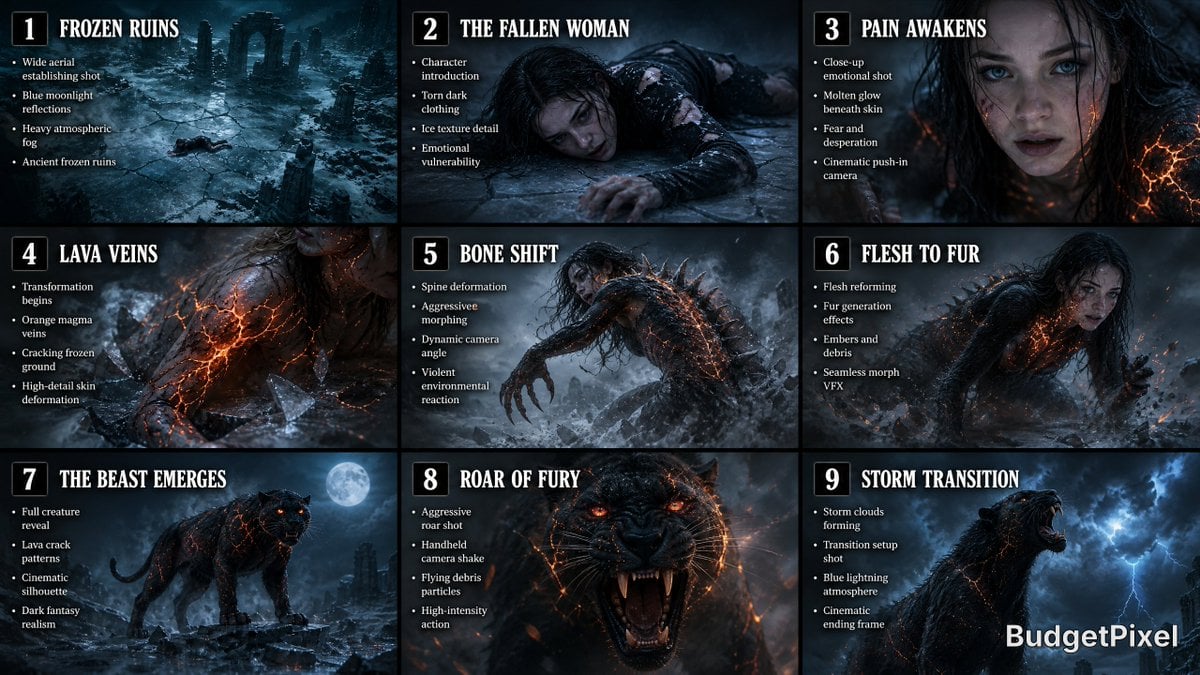
- Prompt included
- Model and format preset
- Free template
The prompt behind this image
Copy the exact prompt behind Dark Fantasy Storyboard Infographic, or open it in the studio and make it yours.
Create a wide cinematic 9-panel storyboard infographic for a dark fantasy transformation sequence. Style: ultra-realistic photography, cinematic concept art, film-production storyboard aesthetic, hyper-detailed textures, realistic lighting, movie pre-visualization quality. Layout: clean 3x3 grid with evenly spaced frames, each panel clearly numbered with bold cinematic titles and short bullet-point production notes beneath each image. Color grading: cold teal-blue moonlight mixed with warm orange lava glow, dramatic contrast, volumetric fog, realistic shadows, cinematic atmosphere. Aspect ratio: ultra-wide storyboard sheet, professional Hollywood pre-production design. PANEL 1 — “Frozen Ruins” Wide aerial establishing shot of a devastated frozen ruin at night. Shattered icy ground, drifting fog, ancient broken pillars covered in frost, snow blowing through the ruins. Tiny exhausted dark-haired woman visible lying on the ice. Bullet points inside panel: • Wide aerial establishing shot • Blue moonlight reflections • Heavy atmospheric fog • Ancient frozen ruins PANEL 2 — “The Fallen Woman” Medium-wide shot of the exhausted woman lying on cracked ice. Torn black-gray clothing, pale skin, trembling fingers, visible breath in cold air. Emotion: pain, desperation, exhaustion. Bullet points: • Character introduction • Torn dark clothing • Ice texture detail • Emotional vulnerability PANEL 3 — “Pain Awakens” Close-up on her face as she struggles to rise. Frost on skin, strands of dark hair across face, eyes filled with fear. Small glowing orange cracks begin appearing beneath her skin. Bullet points: • Close-up emotional shot • Molten glow beneath skin • Fear and desperation • Cinematic push-in camera PANEL 4 — “Lava Veins” Extreme close-up of glowing lava-like cracks spreading across her arm and neck. Skin illuminated from within by molten orange energy. Ice beneath her starts cracking violently. Bullet points: • Transformation begins • Orange magma veins • Cracking frozen ground • High-detail skin deformation PANEL 5 — “Bone Shift” Dynamic side-angle shot of her spine bending unnaturally while fingers elongate. Bones visibly shifting under skin with realistic body horror deformation. Fog and snow swirl around violently. Bullet points: • Spine deformation • Aggressive morphing • Dynamic camera angle • Violent environmental reaction PANEL 6 — “Flesh to Fur” Mid-transformation sequence. Human body partially dissolving into black fur and panther anatomy. Limbs reshaping fluidly. Embers erupt into the cold air. Bullet points: • Flesh reforming • Fur generation effects • Embers and debris • Seamless morph VFX PANEL 7 — “The Beast Emerges” Full reveal of the massive black panther standing on shattered ice. Glowing lava cracks across body, fiery orange eyes, steam rising from fur. Dramatic moonlight silhouette. Bullet points: • Full creature reveal • Lava crack patterns • Cinematic silhouette • Dark fantasy realism PANEL 8 — “Roar of Fury” Intense close-up action shot of the panther roaring directly toward camera. Motion blur, handheld shake energy, flying debris, glowing embers, ultra-detailed fur simulation. Bullet points: • Aggressive roar shot • Handheld camera shake • Flying debris particles • High-intensity action PANEL 9 — “Storm Transition” Final cinematic frame. The roaring panther sharply turns its head toward the sky as dark storm clouds begin forming overhead. Blue lightning faintly visible in distance. Dramatic ending composition. Bullet points: • Storm clouds forming • Transition setup shot • Blue lightning atmosphere • Cinematic ending frame Overall design requirements: • Professional film storyboard infographic • Clean 3x3 grid composition • Bold numbered panels • Large cinematic titles • Minimal modern typography • Consistent visual continuity between frames • Hyper-realistic dark fantasy style • Realistic photography textures • Volumetric lighting and fog • Warm orange vs cool teal cinematic palette • Production-quality concept art • 8K ultra-detail • Smooth visual storytelling progression • Looks like a Hollywood movie pre-visualization board
How to use Dark Fantasy Storyboard Infographic in 3 steps
- 1
Open
The prompt is already in the box next to the preview, with the template's model and format selected.
- 2…a portrait of your subject in softgolden-hour light, 85mm…
Personalize
Edit the subject and creative details for your destination.
- 3Generate
Generate
Press Generate — your image is created in PicX Studio, so you can compare it with the original and refine one variable at a time.
More like this
Templates with the same subject, style or setup. Open one to see its prompt.

Dark Fantasy Sorceress Storyboard

Japan Travel Brochure Poster

Dark Fantasy Smoke Monster Transformation

Anime Fantasy Celestial Movie Poster
Anime Fantasy Celestial Movie Poster

Selective Color Monochrome Football Poster

Minecraft Fantasy Kingdom Voxel Landscape

Headphones Lifestyle Nine Panel Grid

Isometric Process Educational Diorama

Unfinished Sketch Comes Alive Portrait

Open Travel Journal Overhead Still Life

Tiny Woman Miniature Fantasy Macro Scene
Make it yours
Dark Fantasy Storyboard Infographic works as-is. These are the safest ways to change it without losing the look.
Change one field
Copy a single group, rewrite it, and generate again so you can see what that field is doing.
Keep the frame, change the subject
Hold the composition and light of Dark Fantasy Storyboard Infographic, then swap wardrobe, props or the person for a new take.
| If the result… | Why | Fix |
|---|---|---|
| The result drifts from the preview | Too many fields changed at once. | Reuse Dark Fantasy Storyboard Infographic as-is first, then change one group — subject, light, or setting. |
| The model over-stylizes the scene | The prose prompt leaves finish and camera underspecified. | Add one camera or lighting sentence and stay on GPT Image 2. |
More GPT Image 2 templates
Other prompts made for GPT Image 2.

Six VTuber Japanese Logo Sheet

Realistic Portrait of Woman and Deer

The Vista Modular Condo Poster

AI Model Routing Comparison Infographic

2.5D Anime Art Board

Isometric Productivity Desk Scene

New York Double Exposure Poster

Four-Panel AI Landscape Comparison

Japanese Tatami Lifestyle Magazine Cover

NESCAFÉ Coffee Map Poster
More image prompts
Fresh picks from across the catalog.
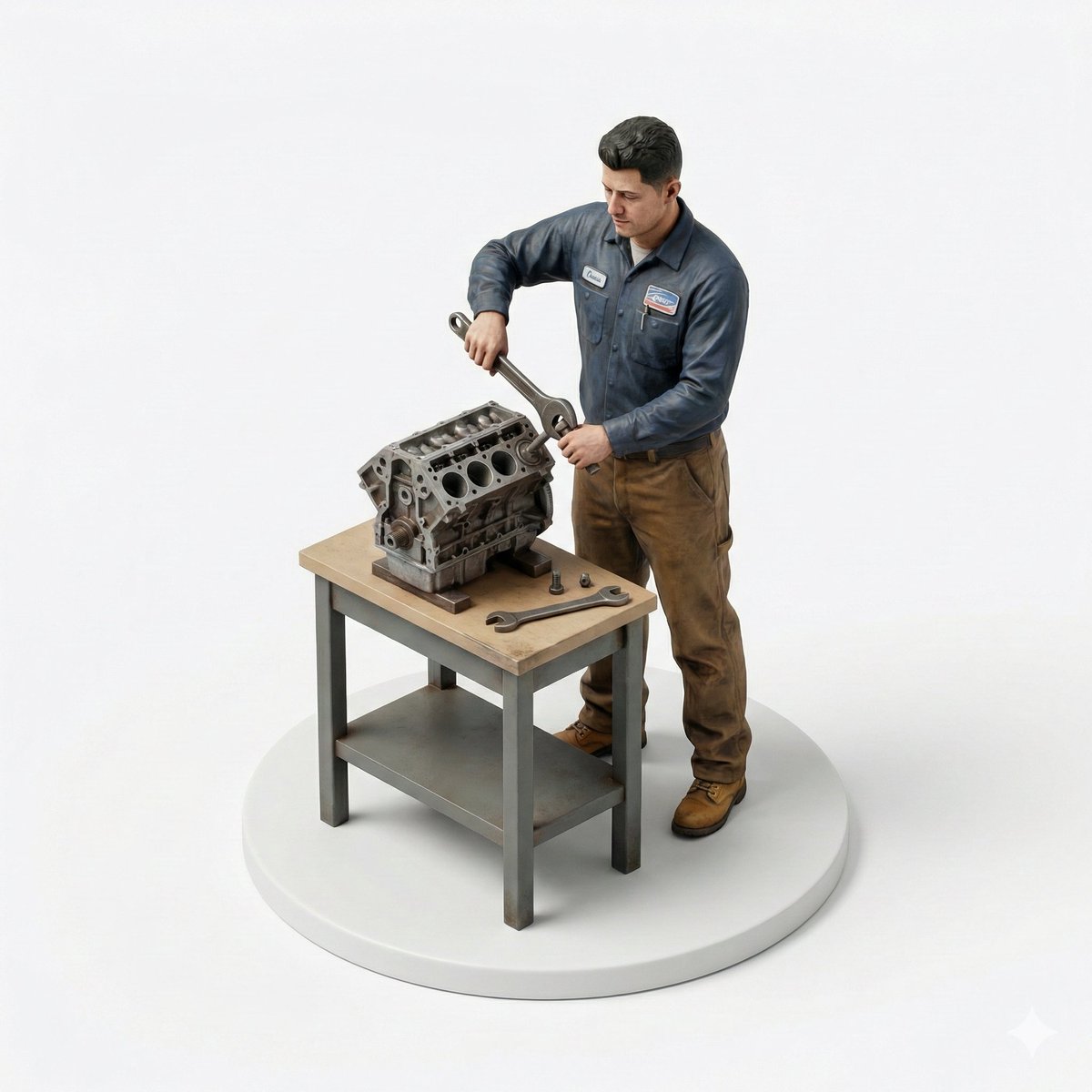
Selfie to Isometric Figurine Prompt Template
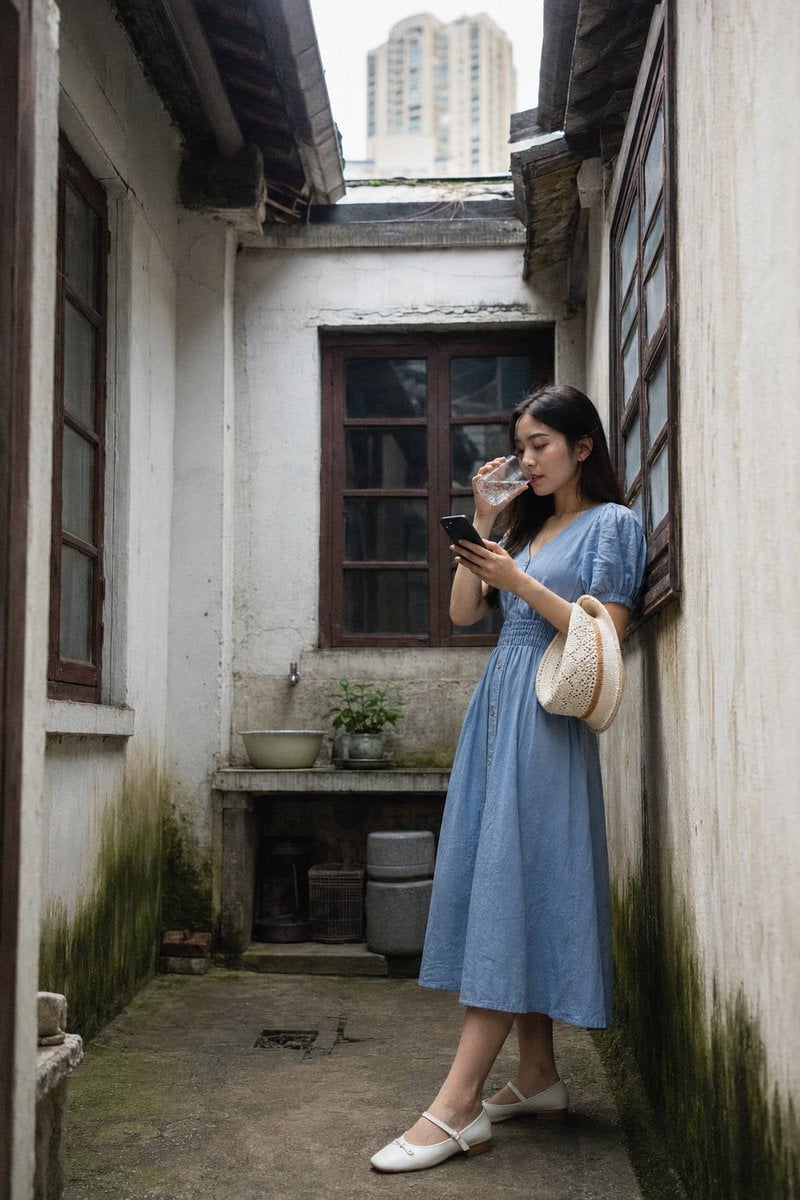
Shanghai Courtyard Candid Portrait
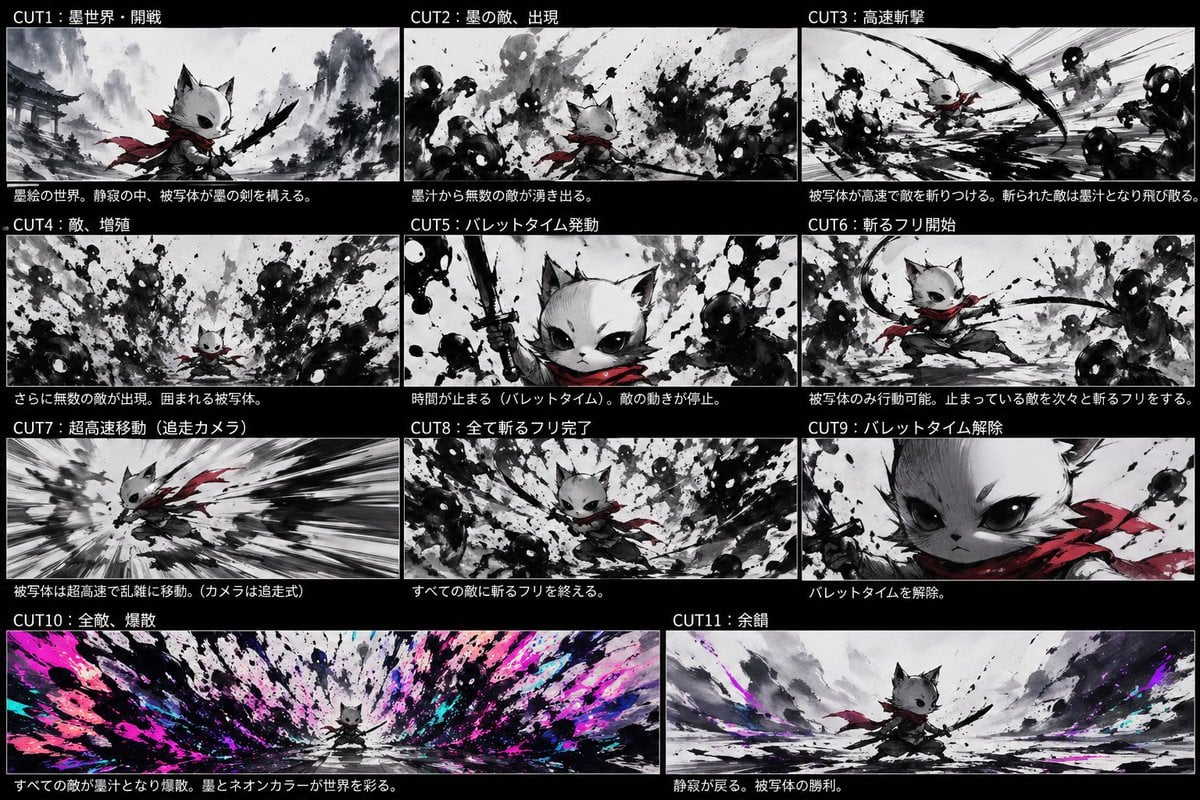
Ink Neon Cat Samurai Storyboard
Korean Girl Forest Picnic Portrait

8K Cinematic Winter Portrait in Jammu & Kashmir

Antique Chinese Noblewoman Poster

Cinematic Concept Art for Ancient Abandoned Jungle City
Celestial Yuri Wedding in Moonlit Cathedral
Structured nightlife fashion photography prompt
Image Restoration and Upscale Prompt
Browse template categories
Dark Fantasy Storyboard Infographic questions
How do I use the Dark Fantasy Storyboard Infographic template?
Add your photo if the template asks for one, edit the prompt if you like — the template's model and format are already selected — and press Generate. Your version opens in PicX Studio.
Can I customize the Dark Fantasy Storyboard Infographic template?
Yes. You can change the subject, setting, lighting, mood, format, and available model controls before creating your image.
Is the Dark Fantasy Storyboard Infographic template free?
Opening and editing this template is free. Generating uses credits, shown on the Generate button when you are signed in.
Which AI model should I use?
Start with GPT Image 2, which is the model associated with this template. You can compare another compatible model for a different finish.
Looking for something else? Browse all templates.

Your photo, any look
Thousands of ready templates for every top image and video model, from one credit balance.