
Luxury Monochrome Wedding Invitation
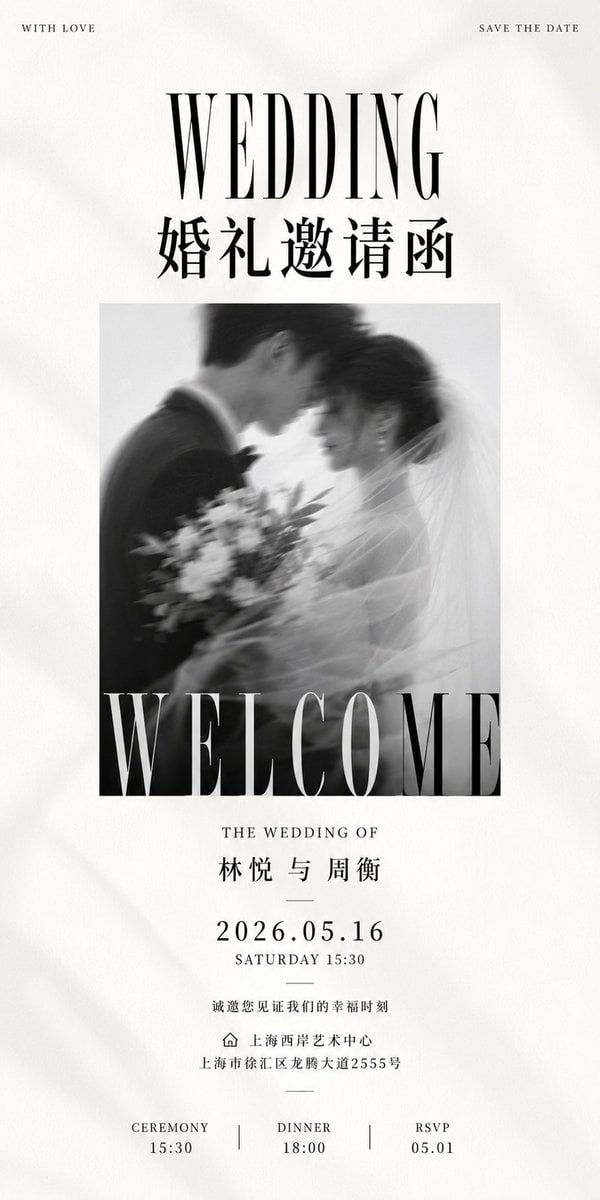
Creates a tall editorial black-and-white wedding invitation poster with Chinese and English typography for elegant wedding stationery.
- Prompt included
- Model and format preset
- Premium template
The prompt behind this image
Copy the exact prompt behind Luxury Monochrome Wedding Invitation, or open it in the studio and make it yours.
Goal: Create a tall luxury black-and-white wedding invitation poster with refined editorial typography, soft paper texture, and a romantic blurred wedding photograph. Canvas: Ultra-tall vertical invitation, 1:2 aspect ratio, off-white warm paper background with subtle grain, faint fabric-like shadows, and generous margins. Layout: Minimal centered composition. At the very top place two tiny uppercase corner captions: left “WITH LOVE”, right “SAVE THE DATE”. Below, a large high-contrast condensed serif headline “WEDDING”, then a bold Chinese title “婚礼邀请函”. In the middle, place one square black-and-white motion-blurred photo of a bride and groom leaning forehead-to-forehead; the groom is in a dark suit on the left, the bride is on the right with veil and bouquet, soft dreamy blur. Overlay the bottom edge of the photo with an enormous cropped serif word “WELCOME” in white, spanning the full photo width. Text content: Use exactly 12 visible text blocks: 1) “WITH LOVE”, 2) “SAVE THE DATE”, 3) “WEDDING”, 4) “婚礼邀请函”, 5) “WELCOME”, 6) “THE WEDDING OF”, 7) “{argument name="couple names" default="林悦 与 周衡"}”, 8) “{argument name="wedding date" default="2026.05.16"}”, 9) “SATURDAY 15:30”, 10) “诚邀您见证我们的幸福时刻”, 11) venue line with a small outline home icon then “{argument name="venue name" default="上海西岸艺术中心"}” and address “{argument name="venue address" default="上海市徐汇区龙腾大道2555号"}”, 12) bottom schedule row with three columns: “CEREMONY 15:30”, “DINNER 18:00”, “RSVP 05.01”, separated by two thin vertical divider lines. Typography: Use elegant fashion-magazine serif typography with extreme contrast strokes for English headlines, narrow letter spacing for small uppercase text, crisp black ink, and traditional Chinese serif/Songti styling for Chinese text. Keep all text centered except the two top corner captions. Visual style: Monochrome, premium wedding stationery, quiet luxury, high-end art direction, tactile paper, soft shadows, romantic blur, balanced negative space, no color accents. Constraints: Include exactly one central photograph, exactly three bottom schedule columns, exactly two vertical dividers, and one small home/location icon. Do not add extra decorative flowers, borders, watermarks, QR codes, or additional text.
How to use Luxury Monochrome Wedding Invitation in 3 steps
- 1Upload ImagePNG, JPG or paste
Add your photo
Upload the photo the template builds on. The prompt, model and format are already set.
- 2…a portrait of your subject in softgolden-hour light, 85mm…
Personalize
Edit the subject and creative details for your destination.
- 3Generate
Generate
Press Generate — your image is created in PicX Studio, so you can compare it with the original and refine one variable at a time.
More like this
Templates with the same subject, style or setup. Open one to see its prompt.

Fine Art Monochrome Fashion Portrait
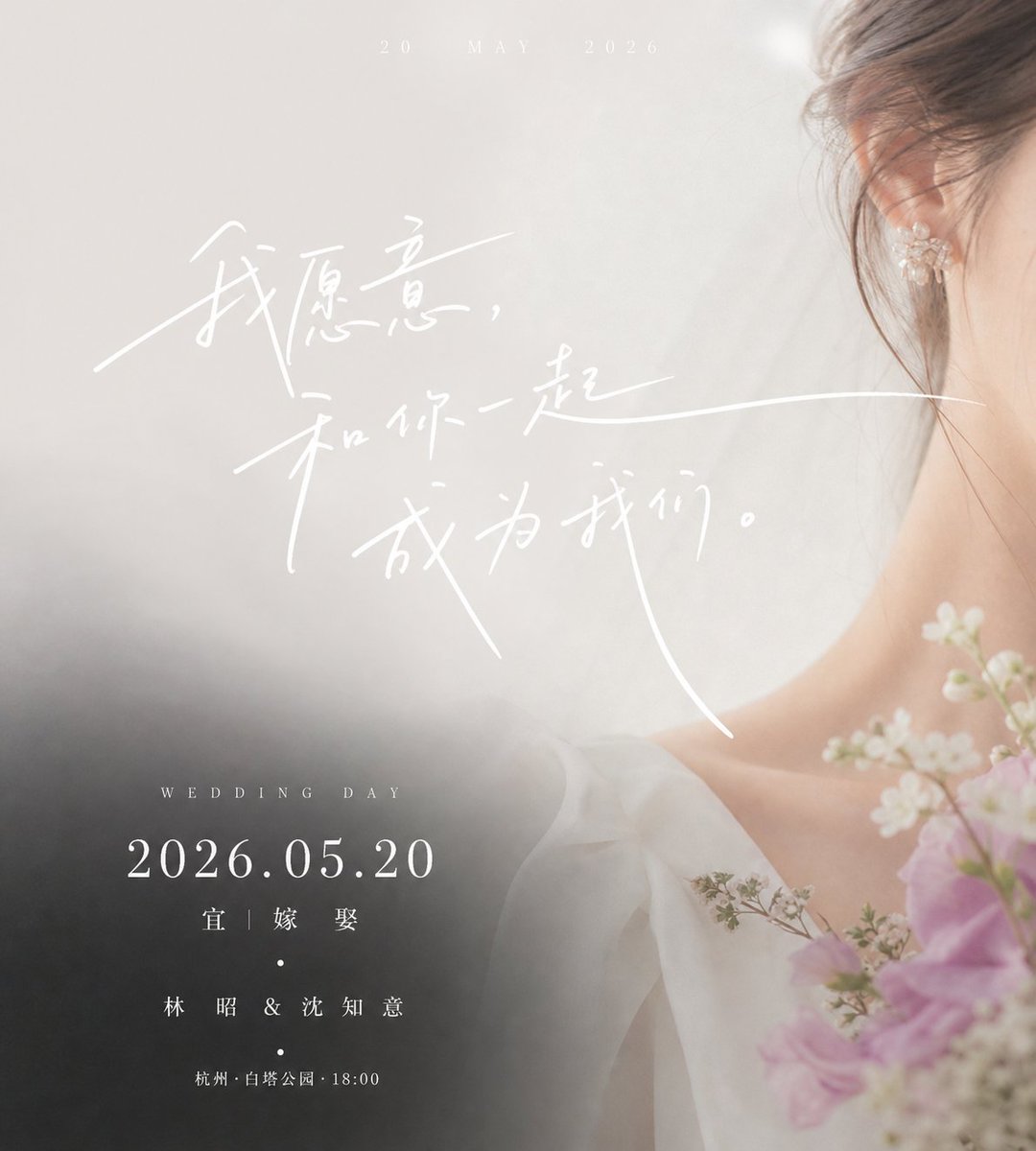
Luxury Chinese Wedding Invitation

Monochrome Jazz Club

Luxury Black-and-White Fashion Contact Sheet
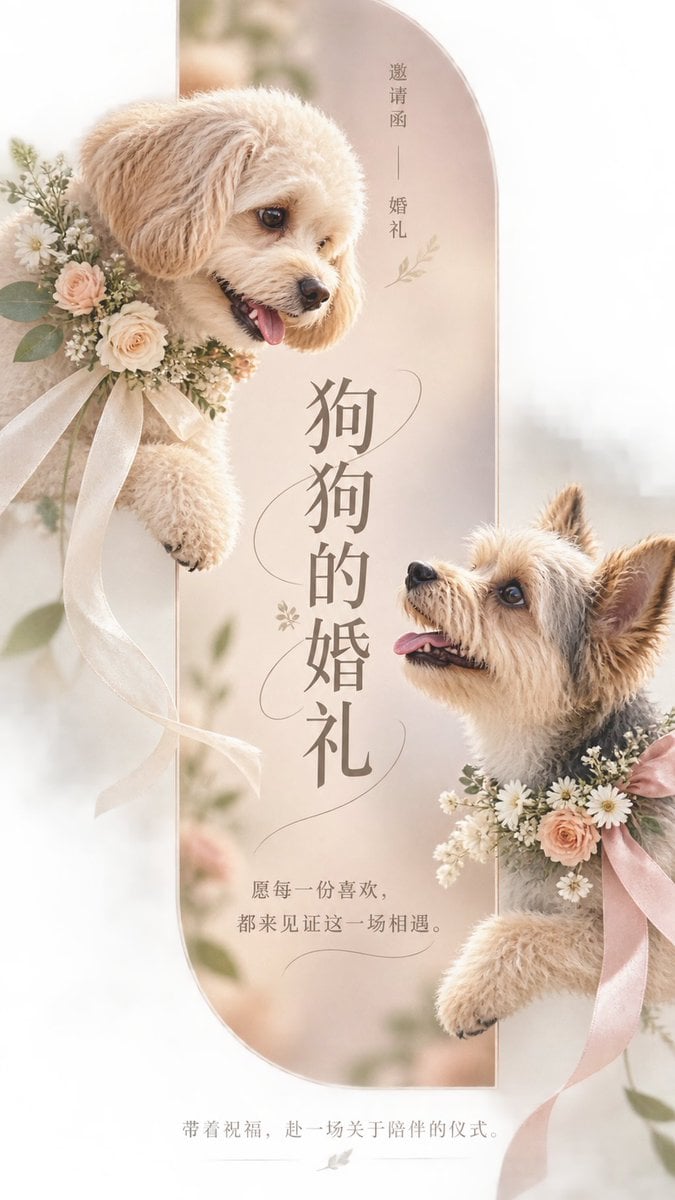
Pet Wedding Invitation Design
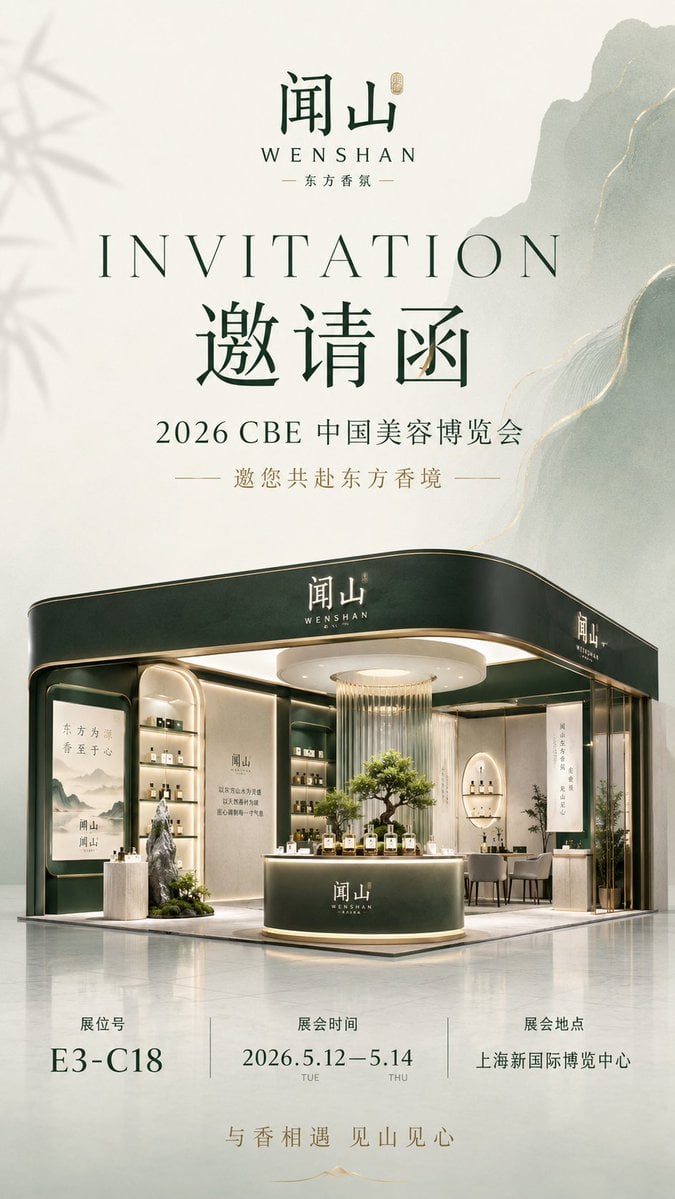
Luxury Fragrance Expo Invitation Poster
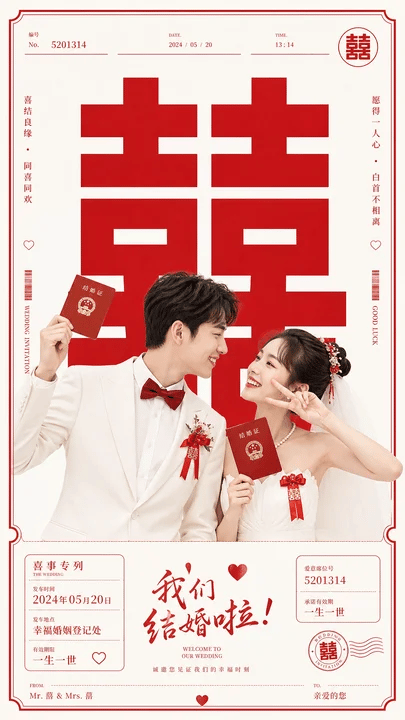
Chinese Wedding Invitation Poster
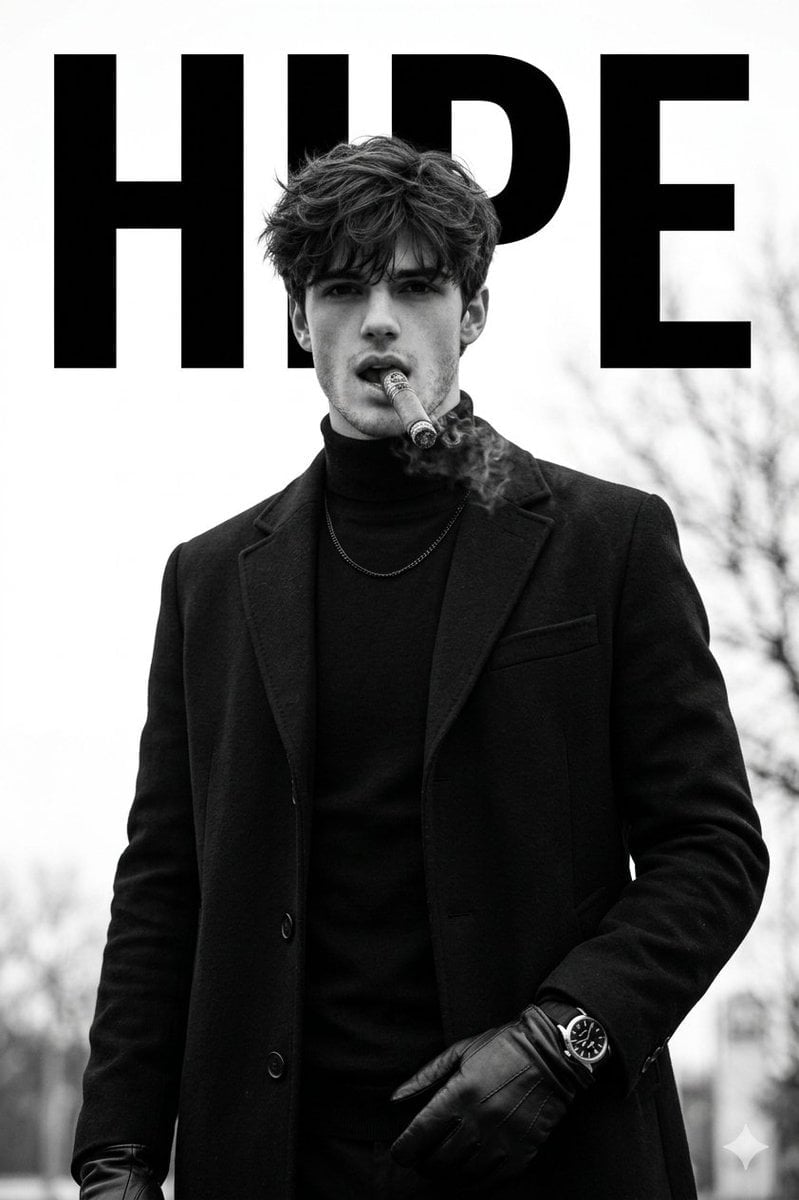
Luxury Monochrome Male Fashion Portrait

Sealing Wax Letter Desk

Ballroom Floor Reflections

Vintage Camera Leather Case

Hedge Maze Aerial Dawn
Make it yours
Luxury Monochrome Wedding Invitation works as-is. These are the safest ways to change it without losing the look.
Change one field
Copy a single group, rewrite it, and generate again so you can see what that field is doing.
Keep the frame, change the subject
Hold the composition and light of Luxury Monochrome Wedding Invitation, then swap wardrobe, props or the person for a new take.
| If the result… | Why | Fix |
|---|---|---|
| The result drifts from the preview | Too many fields changed at once. | Reuse Luxury Monochrome Wedding Invitation as-is first, then change one group — subject, light, or setting. |
| The model over-stylizes the scene | The prose prompt leaves finish and camera underspecified. | Add one camera or lighting sentence and stay on GPT Image 2. |
More GPT Image 2 templates
Other prompts made for GPT Image 2.

Six VTuber Japanese Logo Sheet

Realistic Portrait of Woman and Deer

The Vista Modular Condo Poster

AI Model Routing Comparison Infographic

2.5D Anime Art Board

Isometric Productivity Desk Scene

New York Double Exposure Poster

Four-Panel AI Landscape Comparison

Japanese Tatami Lifestyle Magazine Cover

NESCAFÉ Coffee Map Poster
More image prompts
Fresh picks from across the catalog.

Conceptual Trapped Reflection Art
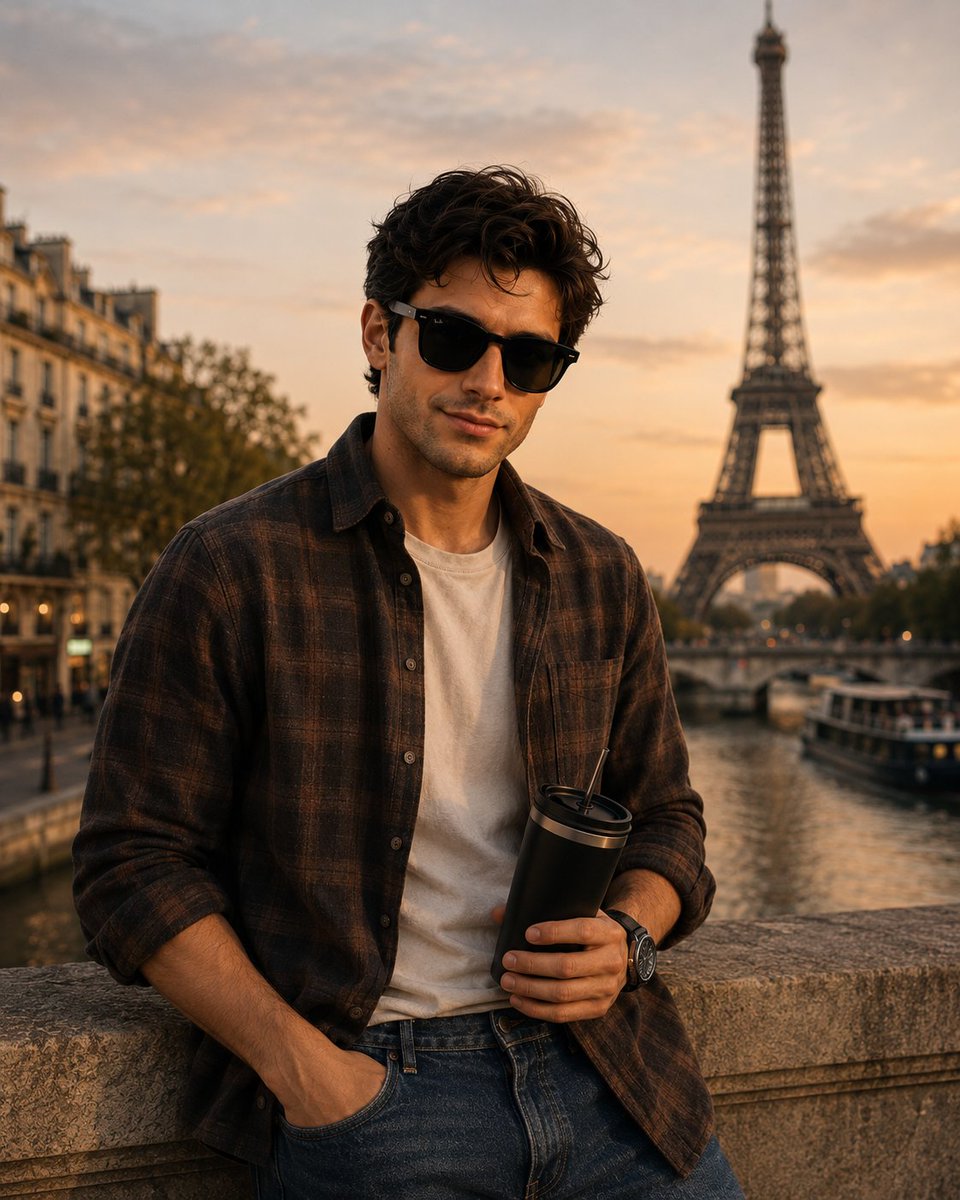
Parisian Golden Hour Portrait
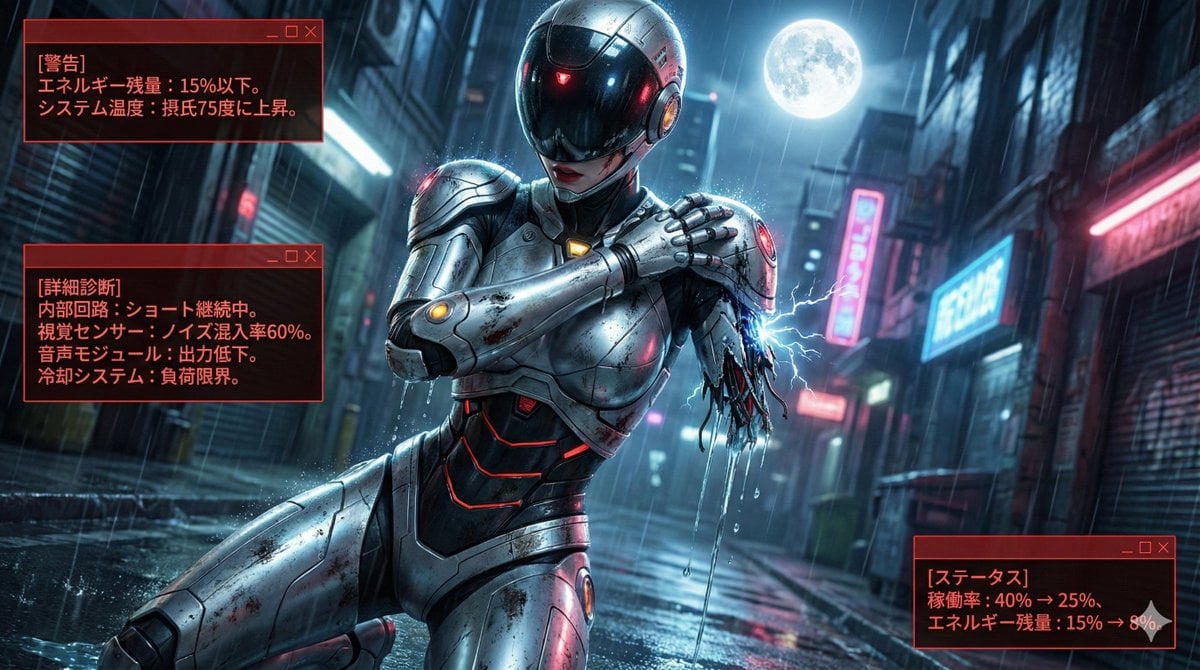
Nano Banana LLM Prompt for System Message Modification
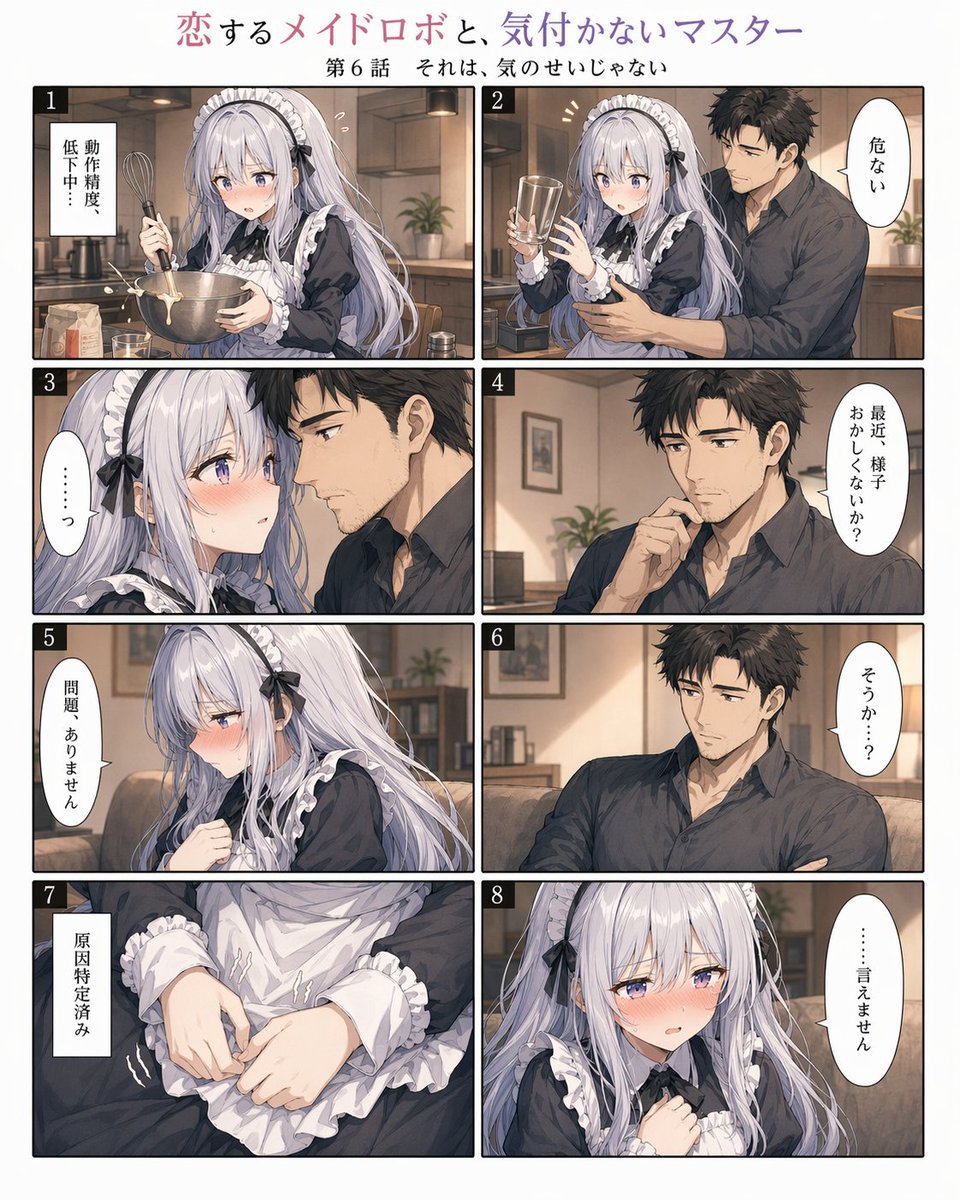
Romantic Maid Robot Manga Page
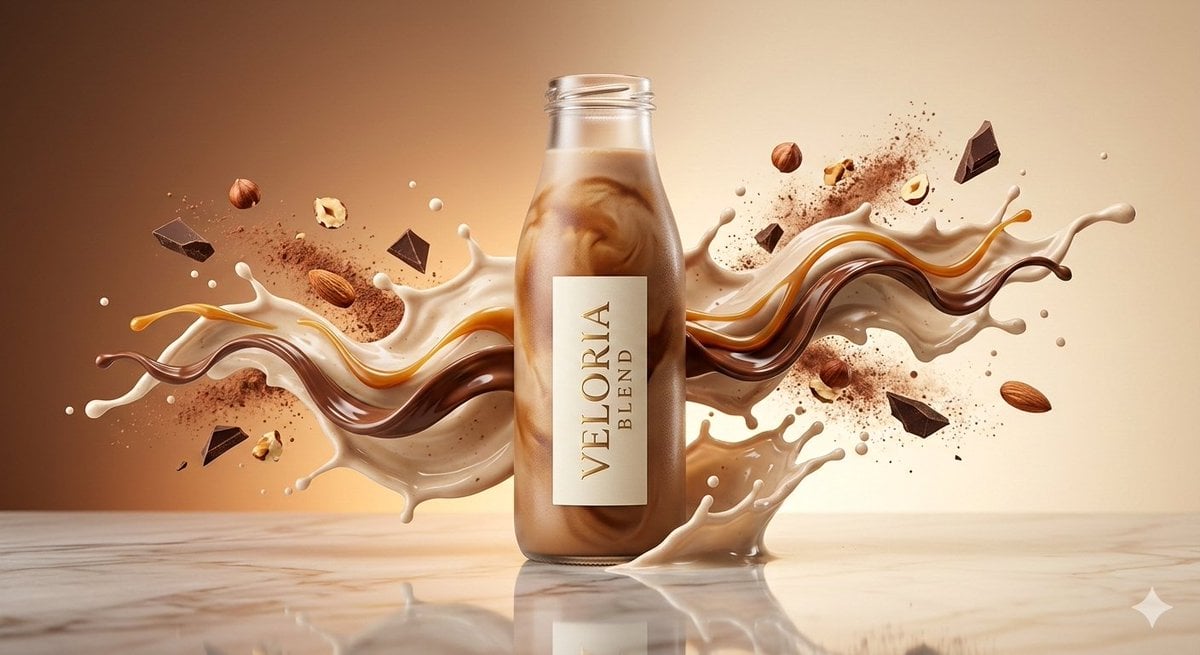
Luxury High-Speed Commercial Shake Photography Prompt

VFX Comparison Image Prompt (Before/After) for Nano Banana Pro
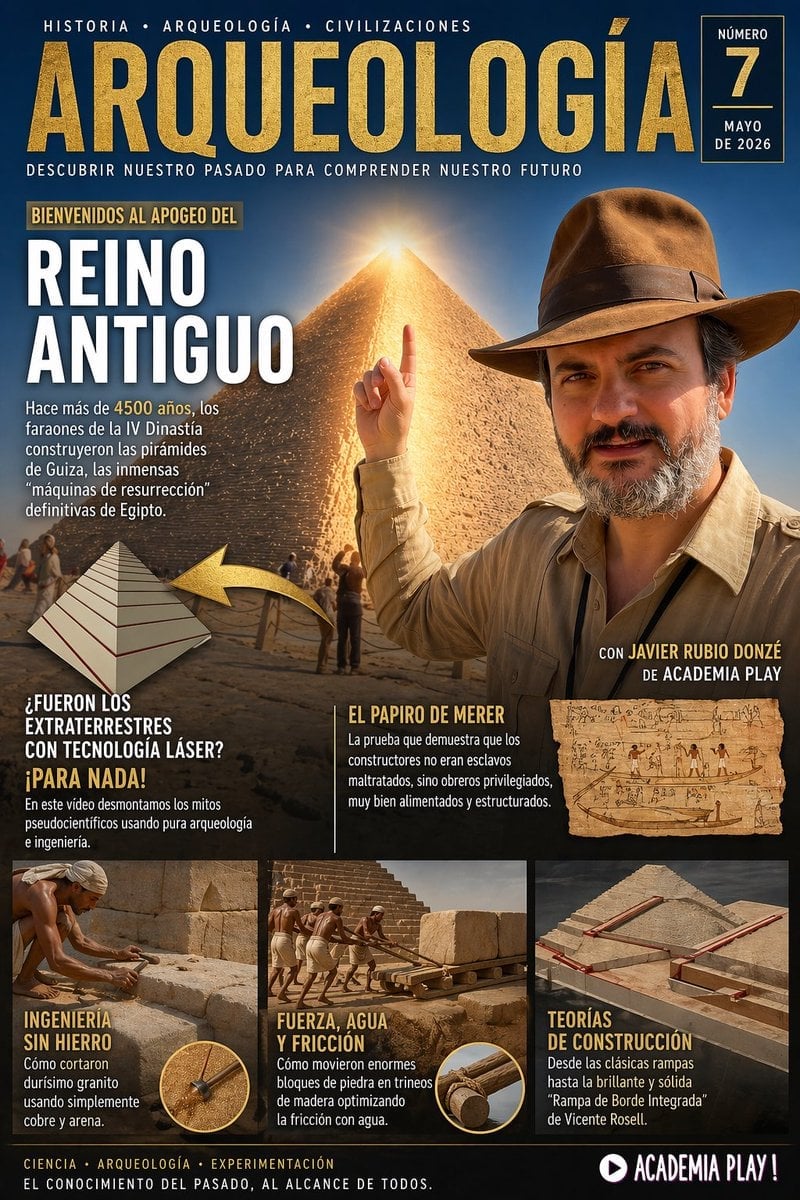
Spanish Archaeology Magazine Cover
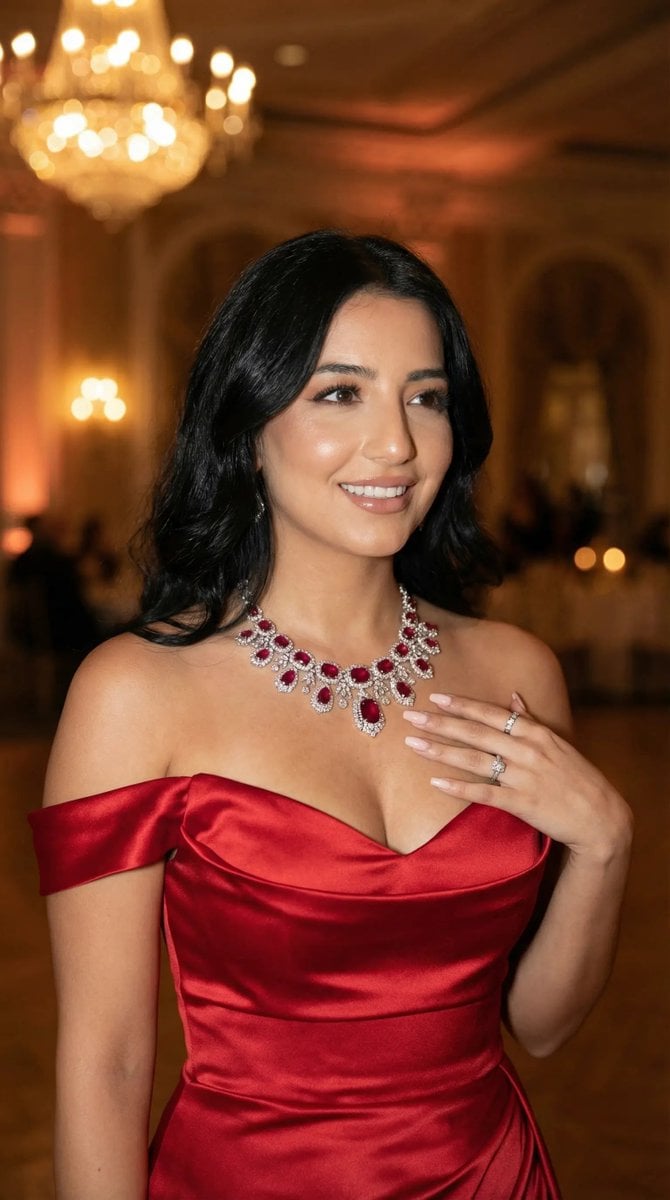
Luxury Gala Fashion Editorial Prompt (JSON)
Lifestyle Portrait in Car During Golden Hour
European Urban Menswear Style Portrait
Browse template categories
Luxury Monochrome Wedding Invitation questions
How do I use the Luxury Monochrome Wedding Invitation template?
Add your photo if the template asks for one, edit the prompt if you like — the template's model and format are already selected — and press Generate. Your version opens in PicX Studio.
Can I customize the Luxury Monochrome Wedding Invitation template?
Yes. You can change the subject, setting, lighting, mood, format, and available model controls before creating your image.
Is the Luxury Monochrome Wedding Invitation template free?
Opening and editing this template is free. Generating uses credits, shown on the Generate button when you are signed in.
Which AI model should I use?
Start with GPT Image 2, which is the model associated with this template. You can compare another compatible model for a different finish.
Looking for something else? Browse all templates.

Your photo, any look
Thousands of ready templates for every top image and video model, from one credit balance.