
Encyclopedia of Flavor Diorama Generator
A highly complex, multi-step instructional prompt for generating a wide-angle 3D diorama of an 'Encyclopedia of Flavor' based on a cuisine input.
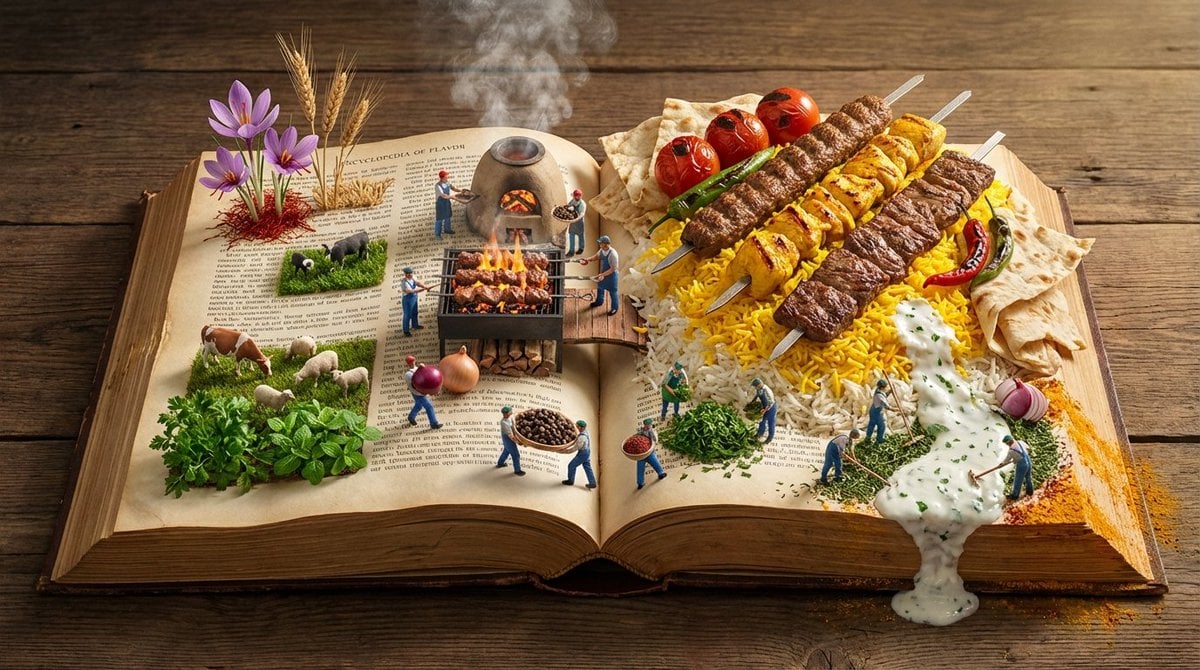
- Prompt included
- Model and format preset
- Premium template
The prompt behind this image
Copy the exact prompt behind Encyclopedia of Flavor Diorama Generator, or open it in the studio and make it yours.
Input Variable: [{argument name="cuisine or dish" default="INSERT CUISINE OR DISH"}] (e.g., Persian Kebabs, Japanese Sushi, Italian Pasta, Mexican Tacos) System Instruction: Generate a hyper-realistic, wide-angle (16:9) 3D diorama of an "Encyclopedia of Flavor." Use the following logic to procedurally generate the scene: 1. Flavor Profiling: Analyze the Input: Determine the Region , Staple Ingredients , and Cooking Method . (e.g., Kebab = Fire/Coal, Rice, Meat. Sushi = Water, Fish, Rice). The Terrain: The pages of the book must physically transform into the landscape of the cuisine. Grain: Rice or Couscous forms dunes. Liquid: Sauces or Broths form rivers. Solid: Bread or Meat forms mountains/cliffs. 2. Container (The Wide Atlas): The Object: A massive, horizontal Landscape-Format Atlas lying open on an aged wooden banquet table. The Spine: Runs horizontally through the center, acting as the "Equator" or "Main Road" of the scene. The Paper: Parchment texture. The edges of the pages are tattered and stained with spices (Saffron, Paprika, Turmeric). 3. Panoramic Composition (Left to Right Flow): CRITICAL: Do not place distinct plates. Create a continuous flow across the open spread. Left Side (The Origin - Agriculture): The raw ingredients grow out of the paper. (e.g., Wheat stalks rising from the text; Cattle grazing on parsley fields; Fishermen casting nets into ink-blue water). Center (The Process - The Kitchen): The spine is the cooking zone. (e.g., A miniature Tandoor oven or Grill built into the book binding; Steam rising volumetrically). Right Side (The Result - The Feast): The finished dish explodes in scale. (e.g., A mountain of Saffron Rice topped with the Kebab; A Ziggurat of Sushi). 4. The Micro-Population The Figures: 1:87 Scale (HO Scale) figures populate the landscape. The Action: They are working the food. Harvesting: Picking herbs from the margins. Transporting: Carrying giant peppercorns like boulders. Cooking: Using flamethrowers to char the meat or rakes to fluff the rice. 5. Lighting & Atmosphere: Aspect Ratio: 16:9 Horizontal. Lighting: "Golden Hour" side-lighting. It should skim across the texture of the food and the paper grain, emphasizing the "Landscape" feel. Steam: Volumetric steam connects the three zones (Left, Center, Right). Output: ONE image, 16:9 Aspect Ratio, Macro Diorama Photography, Octane Render, High Texture Fidelity.
How to use Encyclopedia of Flavor Diorama Generator in 3 steps
- 1
Open
The prompt is already in the box next to the preview, with the template's model and format selected.
- 2…a portrait of your subject in softgolden-hour light, 85mm…
Personalize
Edit the subject and creative details for your destination.
- 3Generate
Generate
Press Generate — your image is created in PicX Studio, so you can compare it with the original and refine one variable at a time.
More like this
Templates with the same subject, style or setup. Open one to see its prompt.

Layered Paper Cut Forest Diorama

Soft Handcrafted Paper-Cut Layered Illustration

Isometric Process Educational Diorama

Isometric Brand Store Diorama

FIFA World Cup — Brazil National Pass Diorama

敦煌纸雕飞天 — 3D Layered Paper Cutout
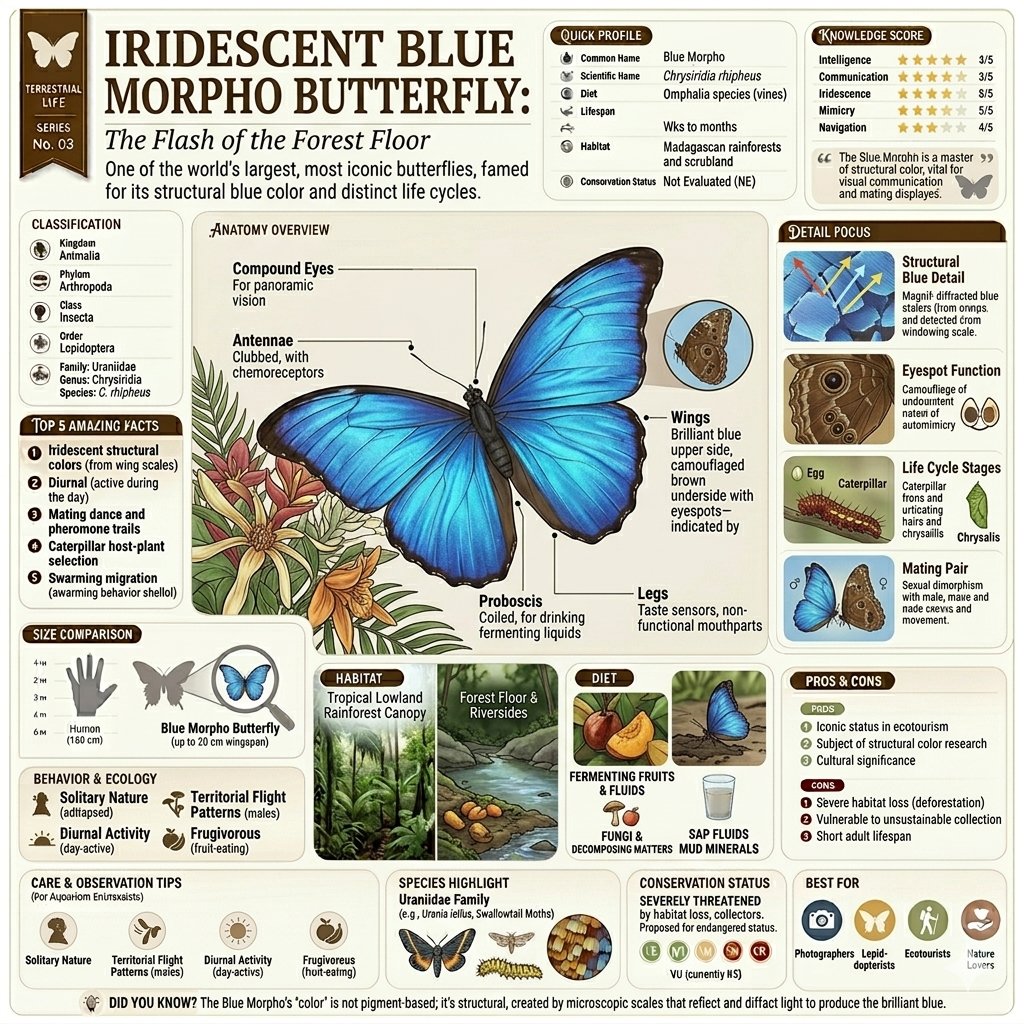
Vintage Encyclopedia Infographic
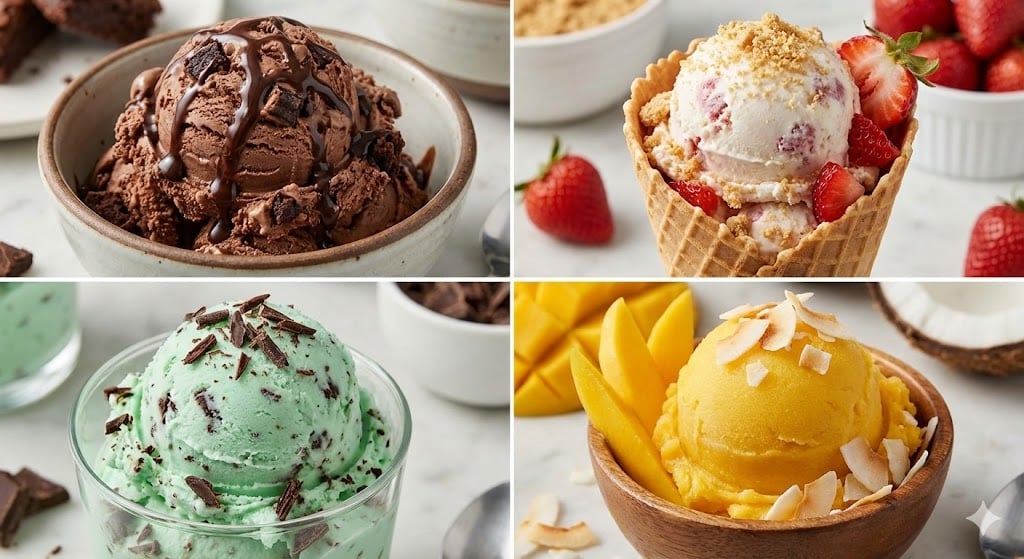
Assorted Ice Cream Flavors Grid

Modular Knowledge Encyclopedia Infographic
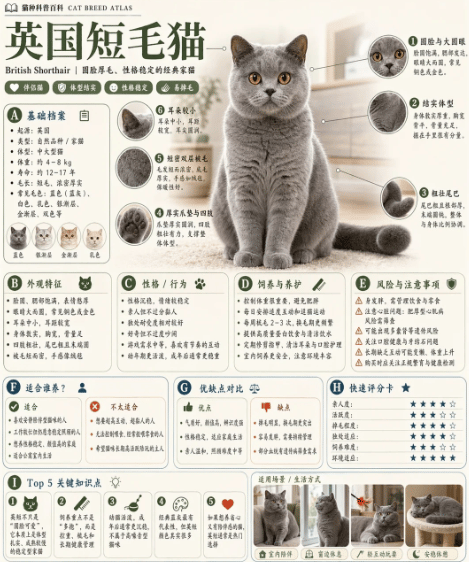
British Shorthair Encyclopedia Card
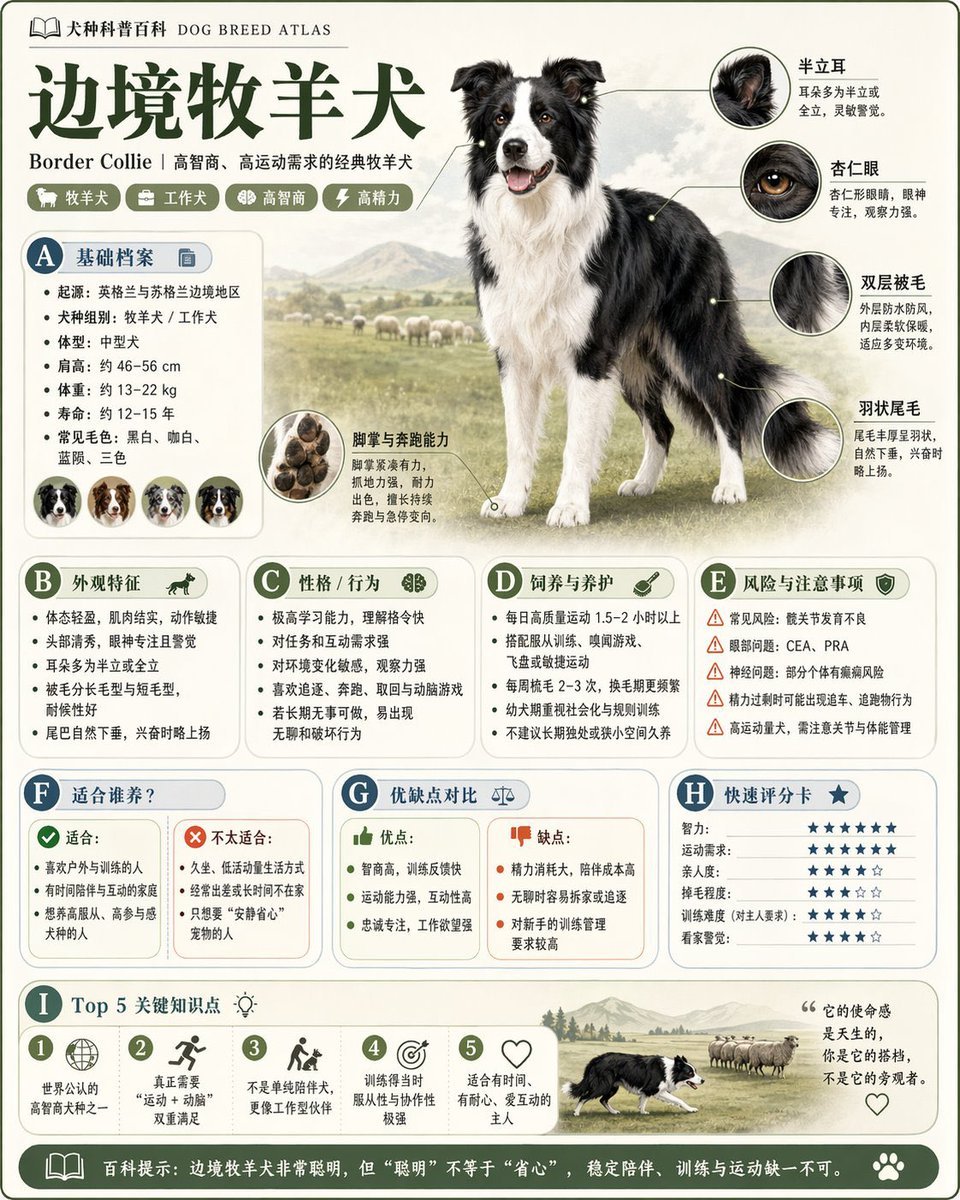
Encyclopedia Style Infographic Generator
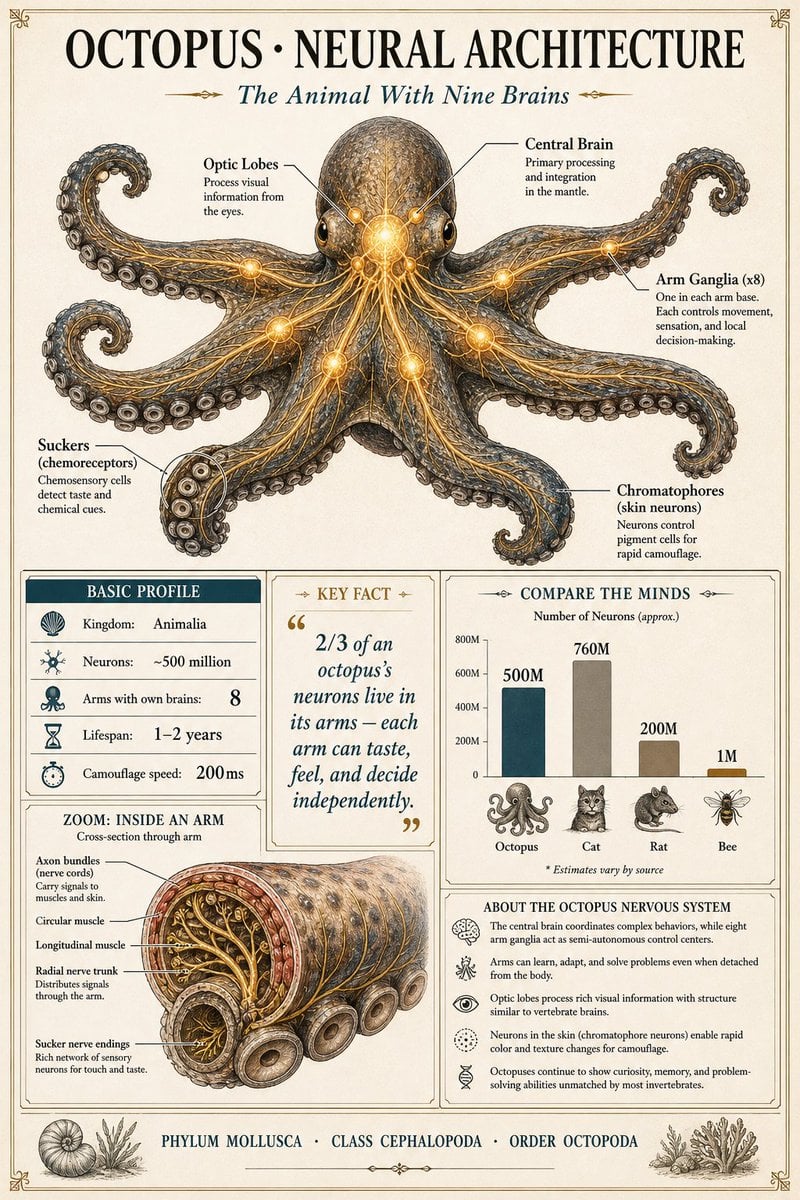
Scientific Encyclopedia Infographic Prompt
Make it yours
Encyclopedia of Flavor Diorama Generator works as-is. These are the safest ways to change it without losing the look.
Change one field
Copy a single group, rewrite it, and generate again so you can see what that field is doing.
Keep the frame, change the subject
Hold the composition and light of Encyclopedia of Flavor Diorama Generator, then swap wardrobe, props or the person for a new take.
| If the result… | Why | Fix |
|---|---|---|
| The result drifts from the preview | Too many fields changed at once. | Reuse Encyclopedia of Flavor Diorama Generator as-is first, then change one group — subject, light, or setting. |
| The model over-stylizes the scene | The prose prompt leaves finish and camera underspecified. | Add one camera or lighting sentence and stay on Nano Banana 2. |
More Nano Banana 2 templates
Other prompts made for Nano Banana 2.

Photorealistic Leaf Shaped Like a Dragon

K-Pop Idol Portrait Grid for Rapid Selection

Poetic Rain Forest Portrait During Golden Hour

Urban Street Portrait with Cartoon Inner Self Duo

Candid Nighttime Photo with Cat Prompt

High-Concept 3D Diorama Generation Prompt

Cinematic Futuristic Studio Portrait Template

Skincare Editorial Photography Collage Prompt

Hyper-Realistic Commercial Product Photography (Splash Effect)

Hyper-Realistic Nightclub Portrait Prompt
More image prompts
Fresh picks from across the catalog.

Anime Strawberry Promo Banner Set
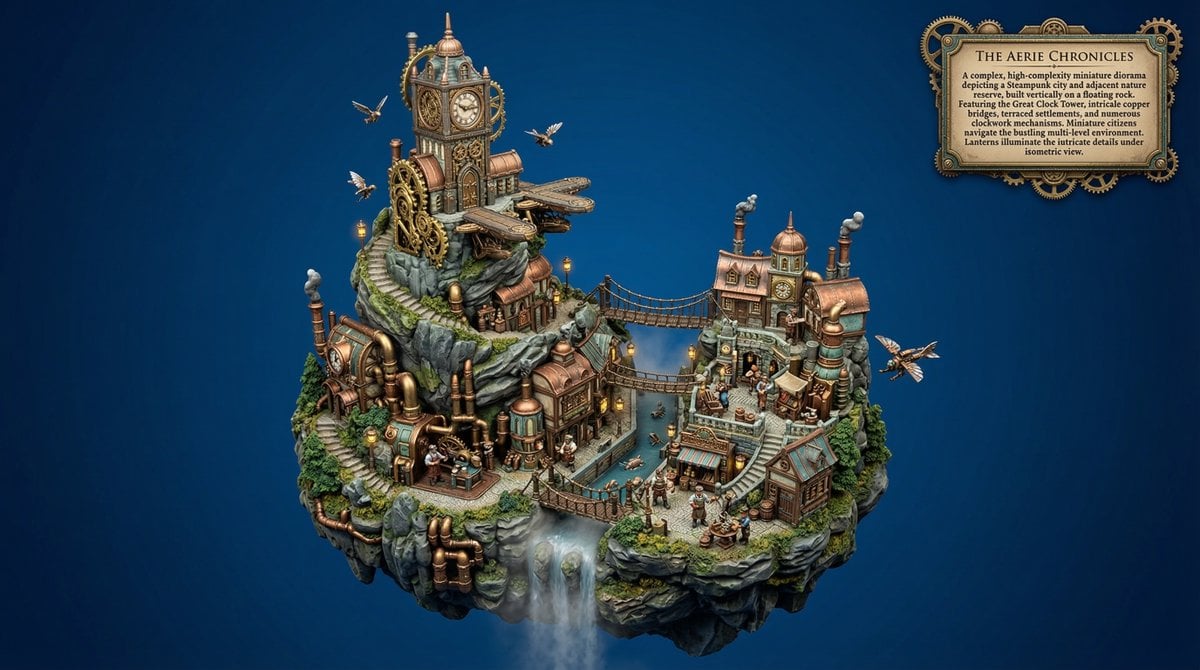
Procedural Whimsical Mono-Punk Floating Diorama Generator
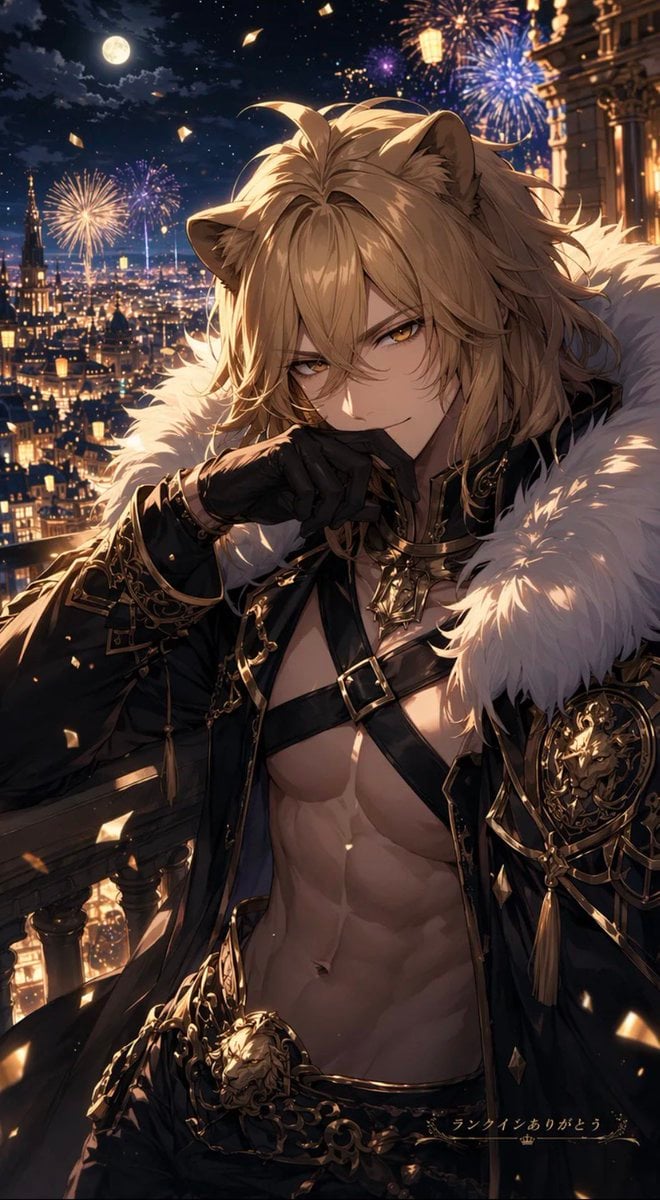
Lion Prince Fireworks Balcony
Blue Hour Tokyo Skyline with Mount Fuji
Luxury Jewelry Advertisement
Ultra-Photorealistic Group Portrait: New Year's Eve Party
Map of places to visit
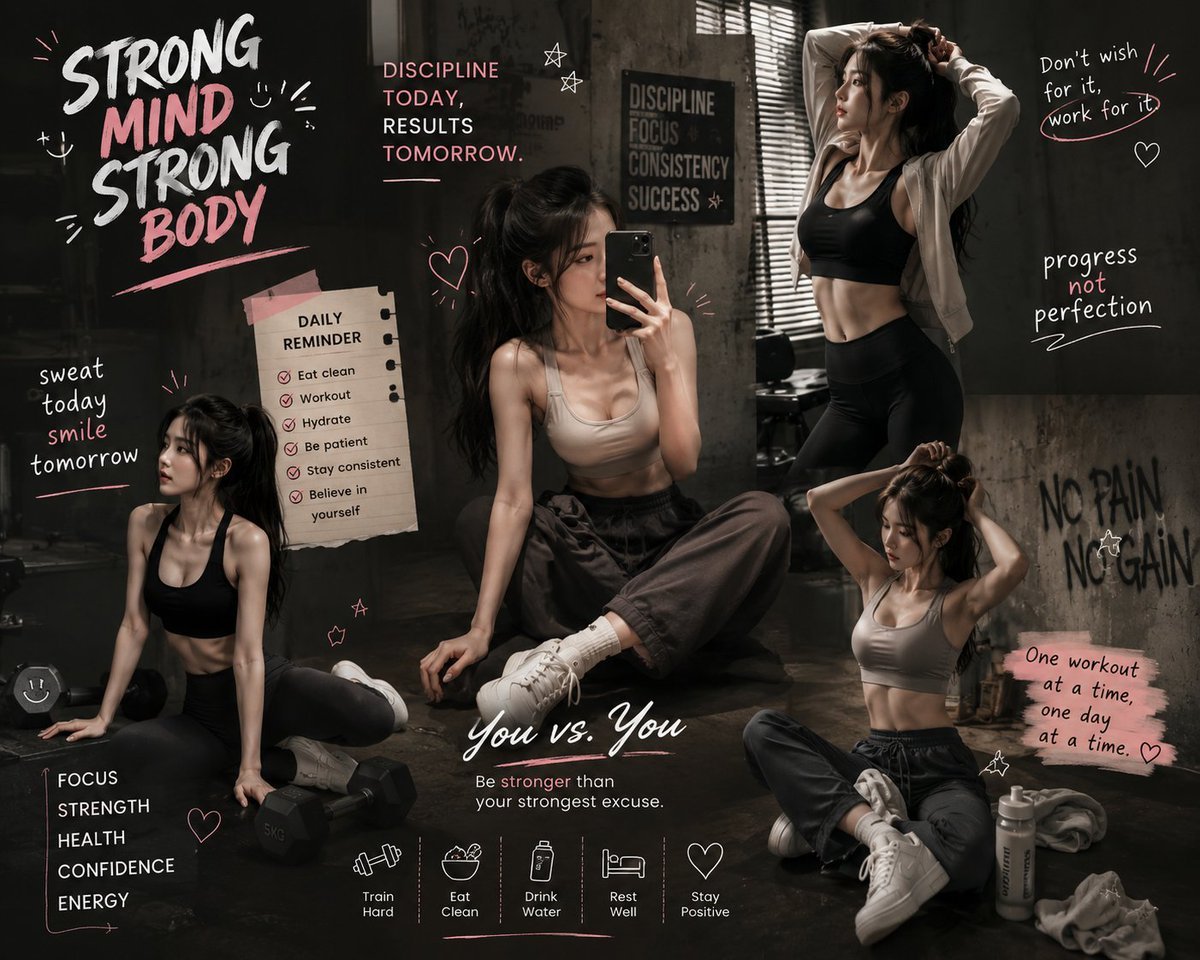
Luxury Fitness Brand Poster
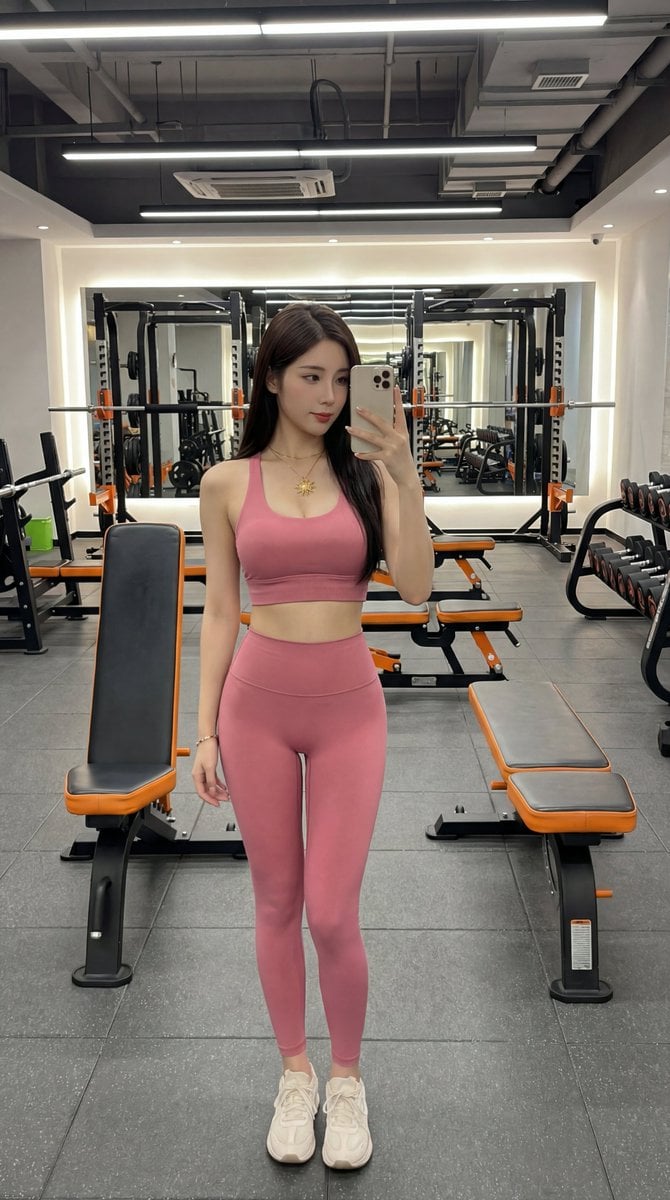
Photorealistic Gym Selfie Portrait with Specific Composition and Color Palette
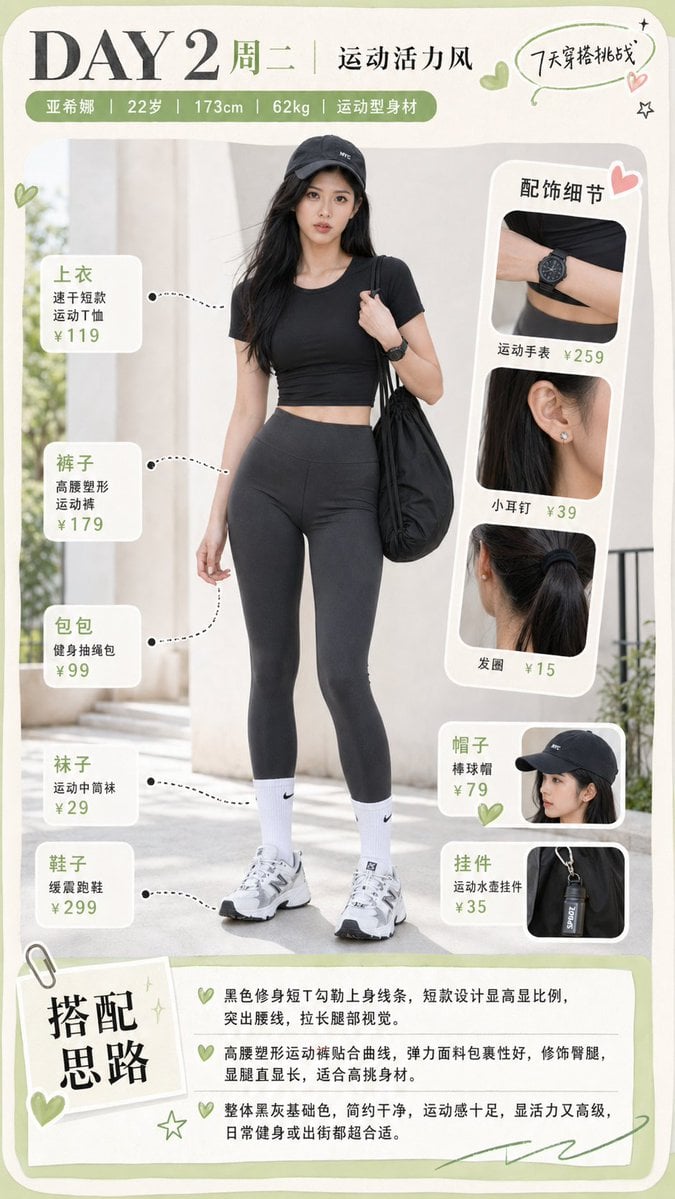
Sporty Outfit Breakdown Poster
Browse template categories
Encyclopedia of Flavor Diorama Generator questions
How do I use the Encyclopedia of Flavor Diorama Generator template?
Add your photo if the template asks for one, edit the prompt if you like — the template's model and format are already selected — and press Generate. Your version opens in PicX Studio.
Can I customize the Encyclopedia of Flavor Diorama Generator template?
Yes. You can change the subject, setting, lighting, mood, format, and available model controls before creating your image.
Is the Encyclopedia of Flavor Diorama Generator template free?
Opening and editing this template is free. Generating uses credits, shown on the Generate button when you are signed in.
Which AI model should I use?
Start with Nano Banana 2, which is the model associated with this template. You can compare another compatible model for a different finish.
Looking for something else? Browse all templates.

Your photo, any look
Thousands of ready templates for every top image and video model, from one credit balance.