
Encyclopedia Style Infographic Generator
A versatile template for generating modular, high-quality educational infographics similar to museum charts or lifestyle knowledge cards.
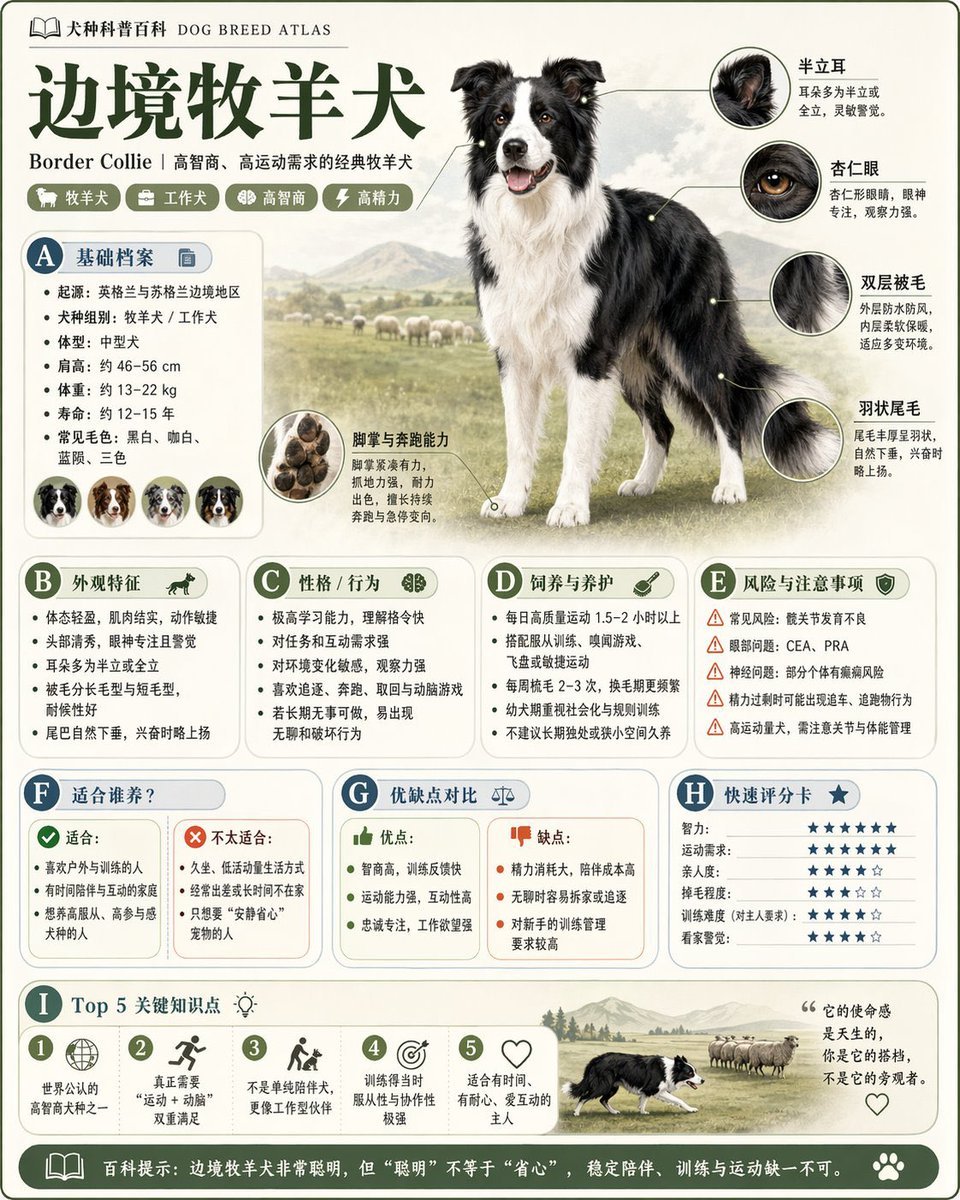
- Prompt included
- Model and format preset
- Free template
The prompt behind this image
Copy the exact prompt behind Encyclopedia Style Infographic Generator, or open it in the studio and make it yours.
Please generate a high-quality, vertical "popular-science encyclopedia chart" based on {argument name="topic" default="animals"}. This image is not an ordinary poster, nor a simple illustration, but a modular popular-science infographic that combines a "field-guide feel, encyclopedic feel, informational structure, and collectible quality." The overall style should reference a combination of high-end museum field guides, modern encyclopedia pages, lifestyle knowledge cards, and highly shareable social-media infographics. Please make sure the image includes: - One clear, beautiful main visual for the topic - Several enlarged close-up details of local features - Multiple rounded-corner, modular information sections - Clear title hierarchy and highlighted labels - Concise yet rich encyclopedic content - A visualized rating, key-point summary, or Top 5 module The content sections should automatically adapt to the topic; preferentially choose and combine from these categories: Basic profile, classification info, appearance features, behavior/ecology, formation mechanism/structural composition, growth or usage conditions, care or maintenance advice, risks and precautions, suitable audience or use cases, pros-and-cons comparison, quick rating card. Visual requirements: Light, clean background, soft color palette, light shadows, refined small icons, rounded-corner info boxes, tidy layout, high information density without feeling cluttered, and a good reading experience. Overall, it must look like a popular-science encyclopedia card that could genuinely be published, read, collected, and produced as part of a series — not an advertisement. Please do not make it into an ordinary commercial promotional poster. Emphasize the qualities of "knowledge organization + modular information + field-guide-style presentation."
How to use Encyclopedia Style Infographic Generator in 3 steps
- 1Upload ImagePNG, JPG or paste
Add your photo
Upload the photo the template builds on. The prompt, model and format are already set.
- 2…a portrait of your subject in softgolden-hour light, 85mm…
Personalize
Edit the subject and creative details for your destination.
- 3Generate
Generate
Press Generate — your image is created in PicX Studio, so you can compare it with the original and refine one variable at a time.
More like this
Templates with the same subject, style or setup. Open one to see its prompt.

Japan Travel Brochure Poster

Isometric Process Educational Diorama

Isometric Vehicle Teardown Infographic Template

Gpt2 E Commerce Main Image Earbuds E Commerce Infographic

Gpt2 Infographic Edu Visual Alishan One Day Travel Poster

Gpt2 Infographic Edu Visual Ethnographic Plate for Tibetan Ceremonial Hat

Gpt2 Infographic Edu Visual Earth Signs Zodiac Character Poster

Gpt2 Infographic Edu Visual Water Signs Zodiac Character Poster

Gpt2 Infographic Edu Visual Ink Wash Tribute Poster for Chen Uen

Gpt2 Infographic Edu Visual Vintage Claude Shannon Infographic Poster

Gpt2 Infographic Edu Visual Taoist Three Souls Seven Po Poster

Gpt2 Infographic Edu Visual Biomimetic Skyray Aircraft Poster
Make it yours
Encyclopedia Style Infographic Generator works as-is. These are the safest ways to change it without losing the look.
Change one field
Copy a single group, rewrite it, and generate again so you can see what that field is doing.
Keep the frame, change the subject
Hold the composition and light of Encyclopedia Style Infographic Generator, then swap wardrobe, props or the person for a new take.
| If the result… | Why | Fix |
|---|---|---|
| The result drifts from the preview | Too many fields changed at once. | Reuse Encyclopedia Style Infographic Generator as-is first, then change one group — subject, light, or setting. |
| The model over-stylizes the scene | The prose prompt leaves finish and camera underspecified. | Add one camera or lighting sentence and stay on GPT Image 2. |
More GPT Image 2 templates
Other prompts made for GPT Image 2.

Six VTuber Japanese Logo Sheet

Realistic Portrait of Woman and Deer

The Vista Modular Condo Poster

AI Model Routing Comparison Infographic

2.5D Anime Art Board

Isometric Productivity Desk Scene

New York Double Exposure Poster

Four-Panel AI Landscape Comparison

Japanese Tatami Lifestyle Magazine Cover

NESCAFÉ Coffee Map Poster
More image prompts
Fresh picks from across the catalog.
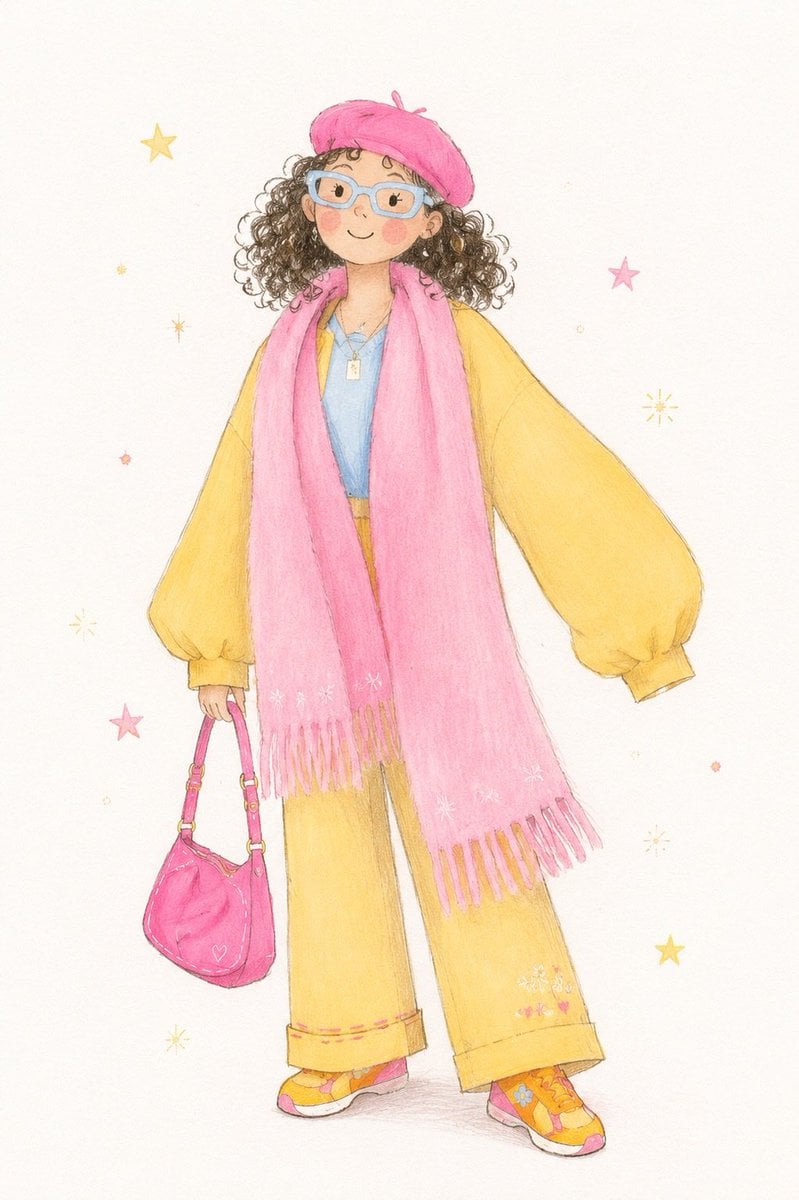
Minimalist Children's Illustration Style

9/11 Twin Towers Street Photo

Glowing Text Fireworks

Sunlit Streetwear Jacket Portrait

Editorial Beauty Collage for Hair Style Variations

Futuristic Sportswear Fashion Poster

Gemini Nano Banana 2

Steampunk Frankenstein Cyborg Concept Art
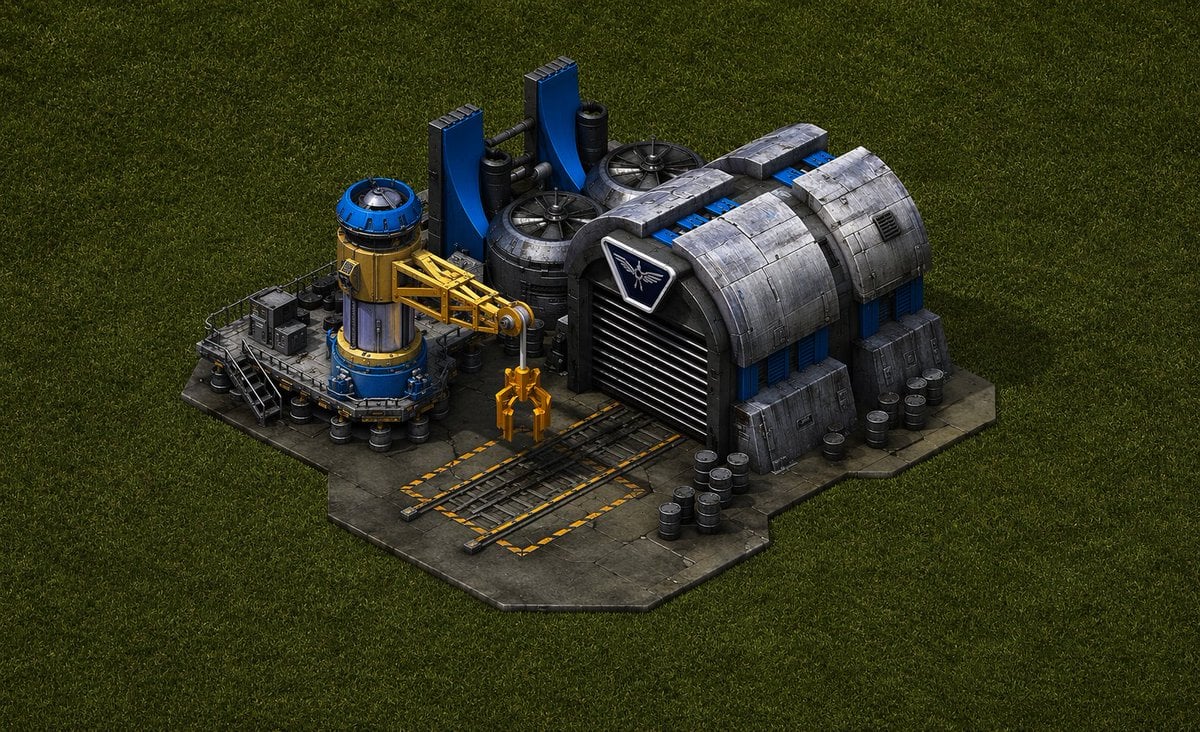
Game-Inspired Architectural Prompt

Ultra-Cinematic Product Photography of 'VOLT RUSH' Energy Drink
Browse template categories
Encyclopedia Style Infographic Generator questions
How do I use the Encyclopedia Style Infographic Generator template?
Add your photo if the template asks for one, edit the prompt if you like — the template's model and format are already selected — and press Generate. Your version opens in PicX Studio.
Can I customize the Encyclopedia Style Infographic Generator template?
Yes. You can change the subject, setting, lighting, mood, format, and available model controls before creating your image.
Is the Encyclopedia Style Infographic Generator template free?
Opening and editing this template is free. Generating uses credits, shown on the Generate button when you are signed in.
Which AI model should I use?
Start with GPT Image 2, which is the model associated with this template. You can compare another compatible model for a different finish.
Looking for something else? Browse all templates.

Your photo, any look
Thousands of ready templates for every top image and video model, from one credit balance.