
Editorial Beauty Collage for Hair Style Variations
A structured prompt designed for generating a 4x3 grid collage of a single subject, maintaining perfect facial consistency and expression across all panels while showcasing ten different hairstyles, ideal for beauty…
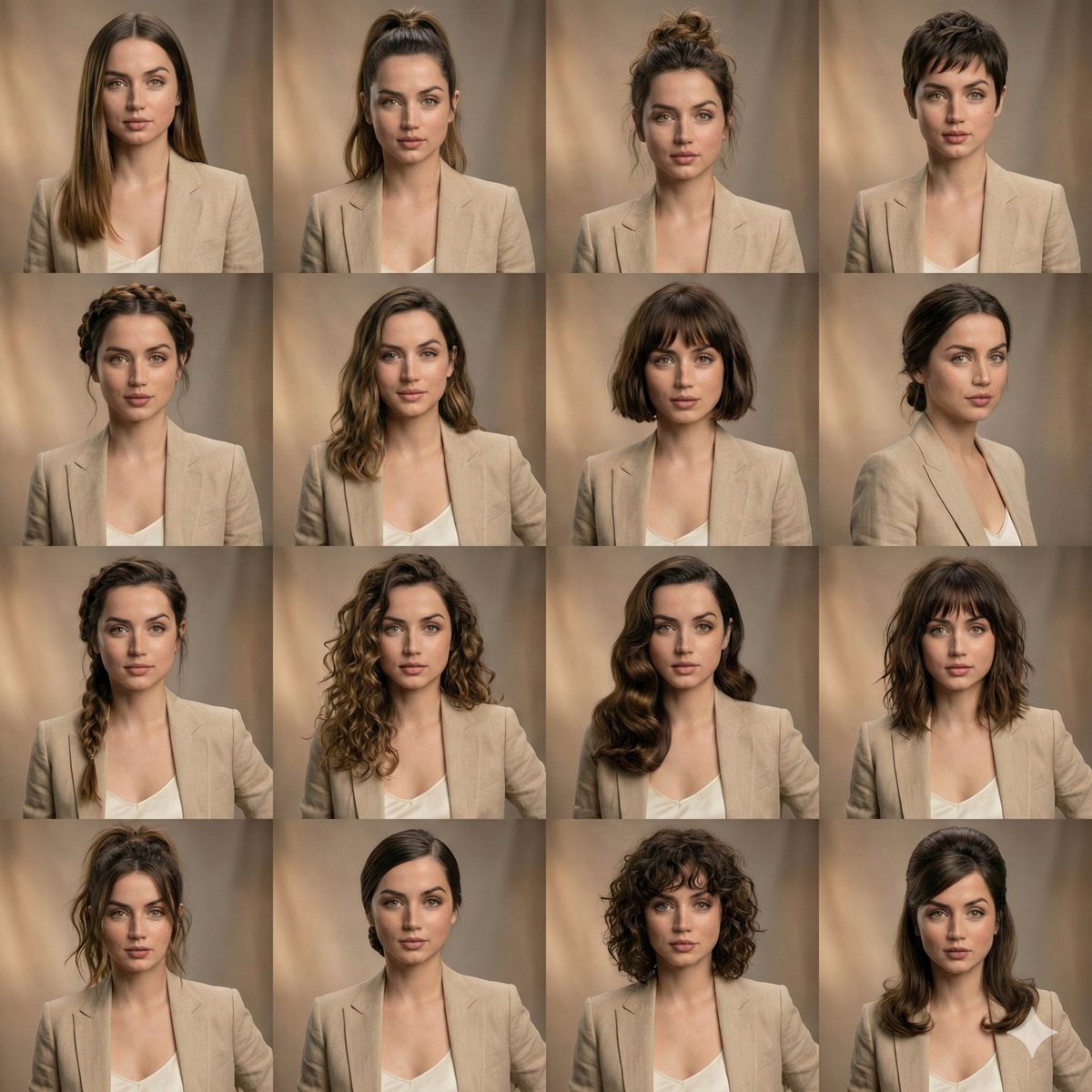
- Prompt included
- Model and format preset
- Free template
The prompt behind this image
Copy the exact prompt behind Editorial Beauty Collage for Hair Style Variations, or open it in the studio and make it yours.
{ '场景类型': '{argument name="场景类型" default="编辑美妆拼贴"}', '主体': { '身份锁定': true, '面部一致性': '在所有画面中完美匹配', '表情': '不变、中性且放松', '肌肤': '逼真纹理、自然毛孔、高保真' }, '布局': { '网格': '4x3', '构图': '等大小肖像面板', '一致性': '每帧面部对齐对称' }, '发型变化': [ '{argument name="发型1" default="光滑长直发"}', '高马尾', '纹理蓬乱发髻', '超短发', '辫子皇冠', '柔软飘逸波浪', '齐肩短发', '低束发髻', '侧边辫', '蓬松卷' ], '造型': { '服装': '所有面板中相同中性服装', '妆容': '每张照片相同干净美妆' }, '光线': { '类型': '柔和棚拍光', '色调': '温暖', '阴影': '温柔自然' }, '背景': { '风格': '微妙模糊棚拍背景', '颜色': '温暖中性色调' }, '质量': { '细节': '超详细', '摄影': '专业肖像', '效果': '高端编辑风格' } }
How to use Editorial Beauty Collage for Hair Style Variations in 3 steps
- 1
Open
The prompt is already in the box next to the preview, with the template's model and format selected.
- 2…a portrait of your subject in softgolden-hour light, 85mm…
Personalize
Edit the subject and creative details for your destination.
- 3Generate
Generate
Press Generate — your image is created in PicX Studio, so you can compare it with the original and refine one variable at a time.
More like this
Templates with the same subject, style or setup. Open one to see its prompt.
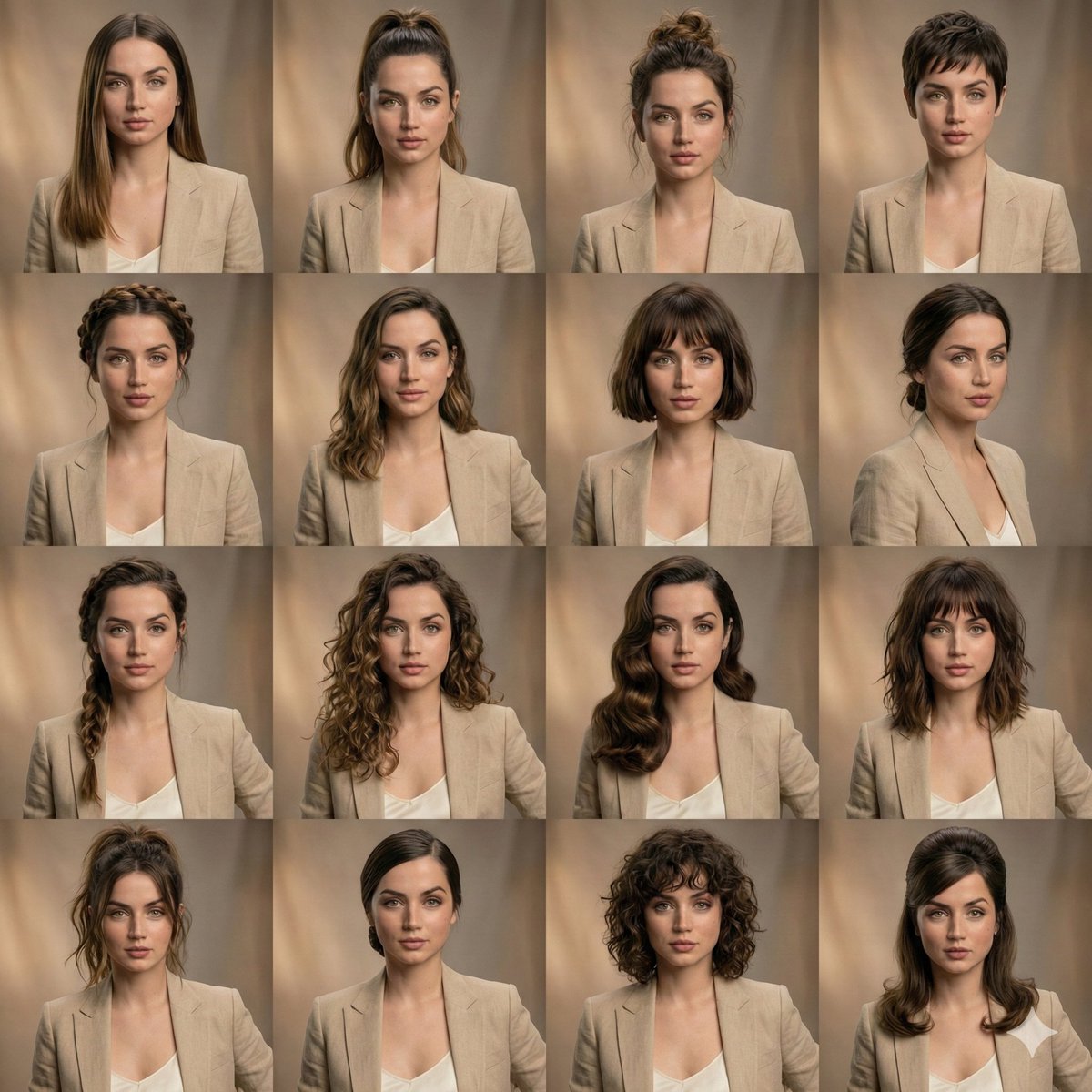
Editorial Beauty Collage for Hairstyle Variations
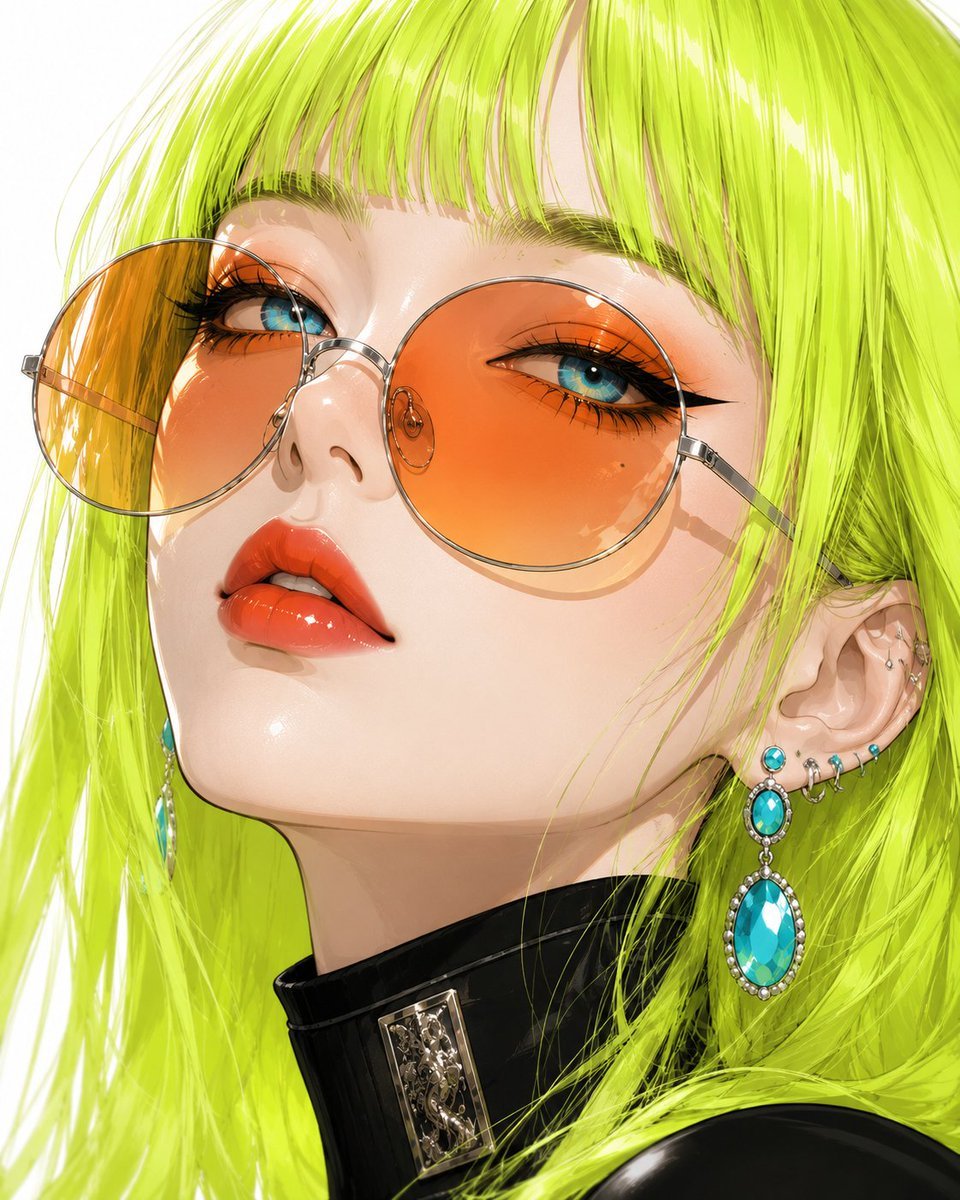
Anime Beauty Editorial Portrait
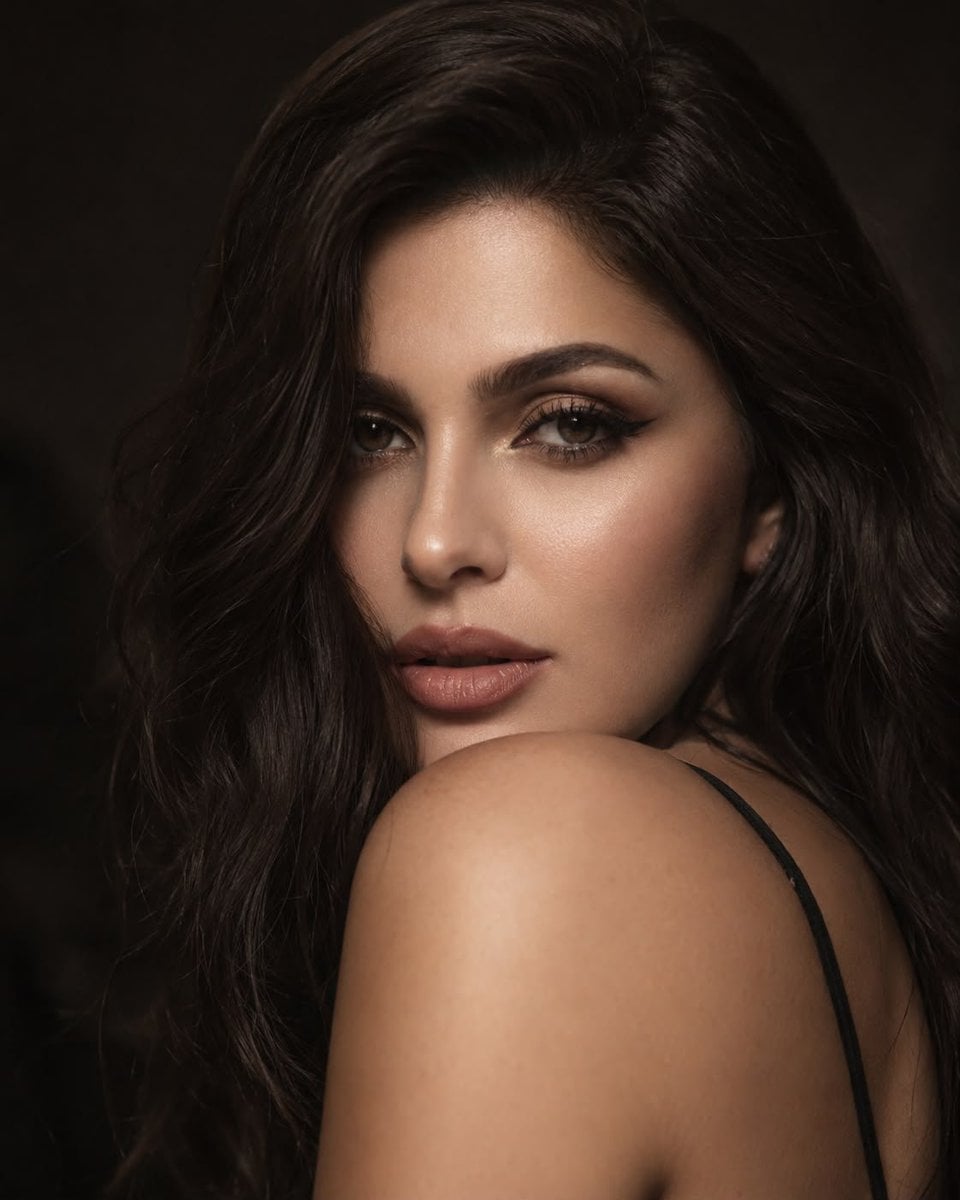
Editorial Beauty Portrait for Consistency
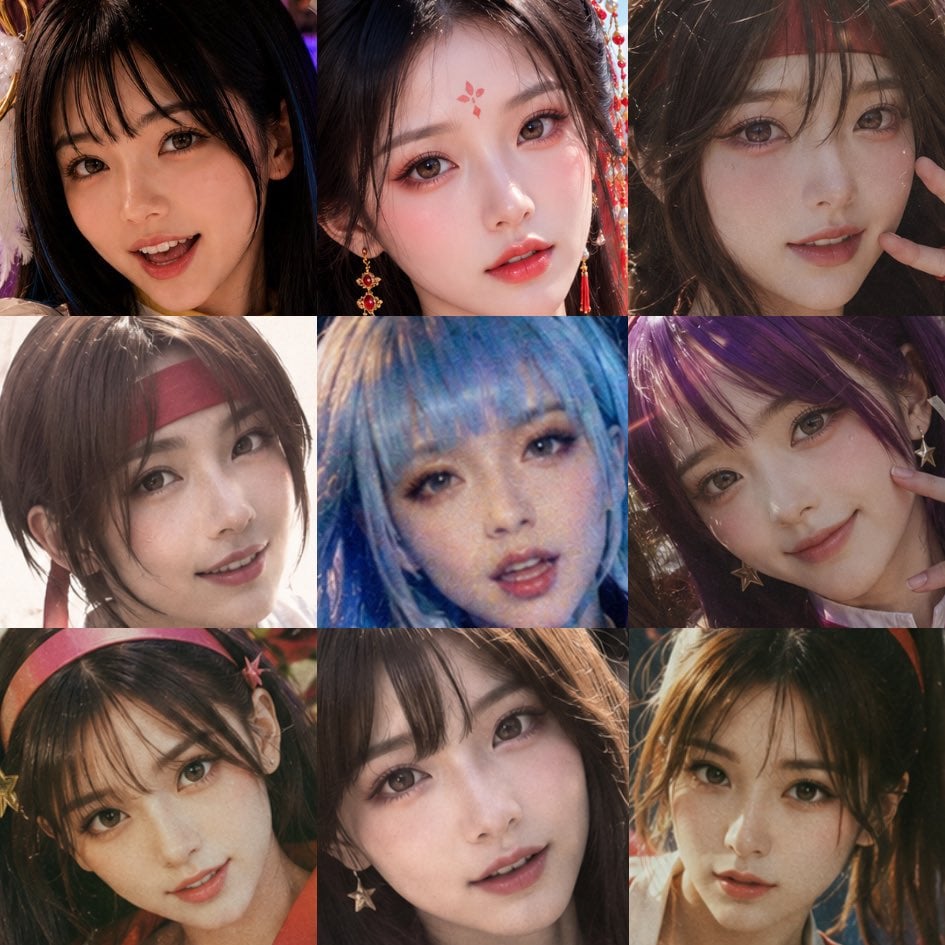
Nine-Panel AI Beauty Face Collage
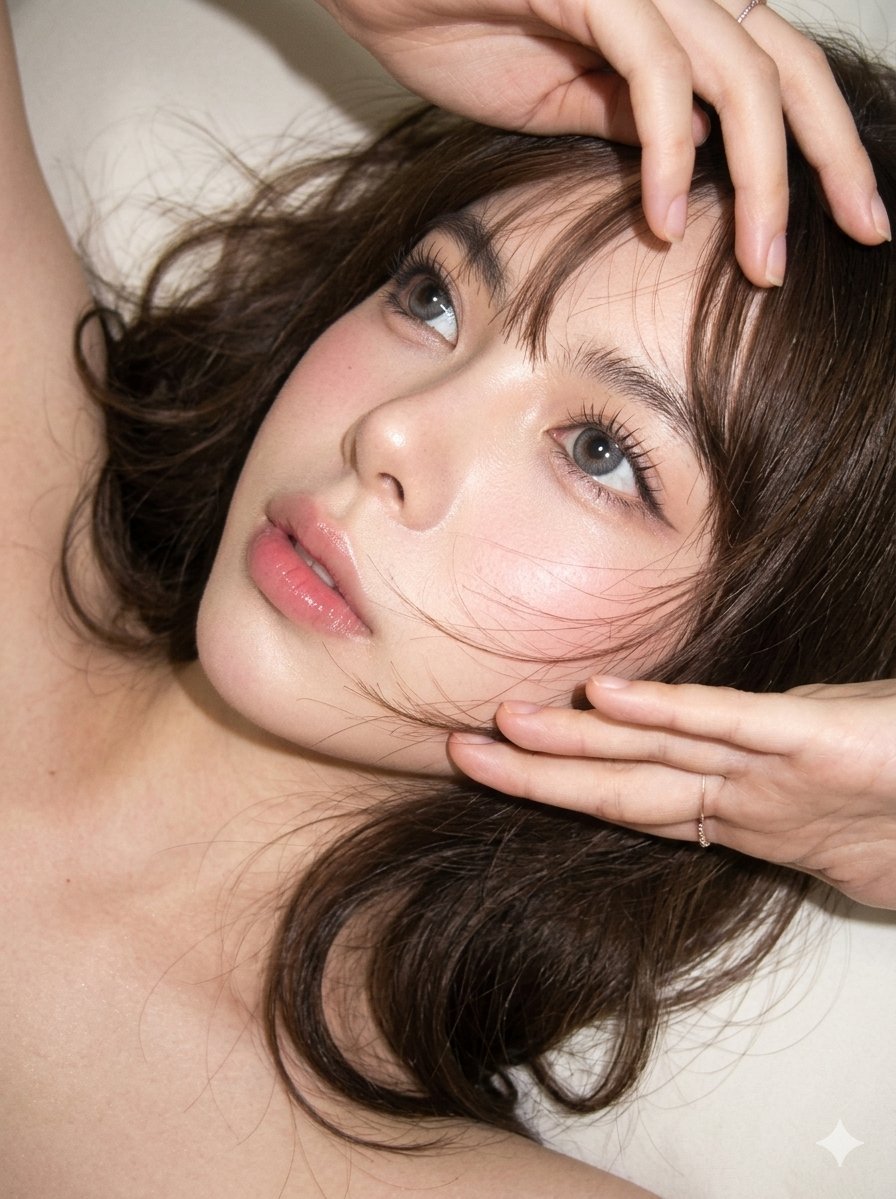
Editorial CCD Close-up Beauty Portrait
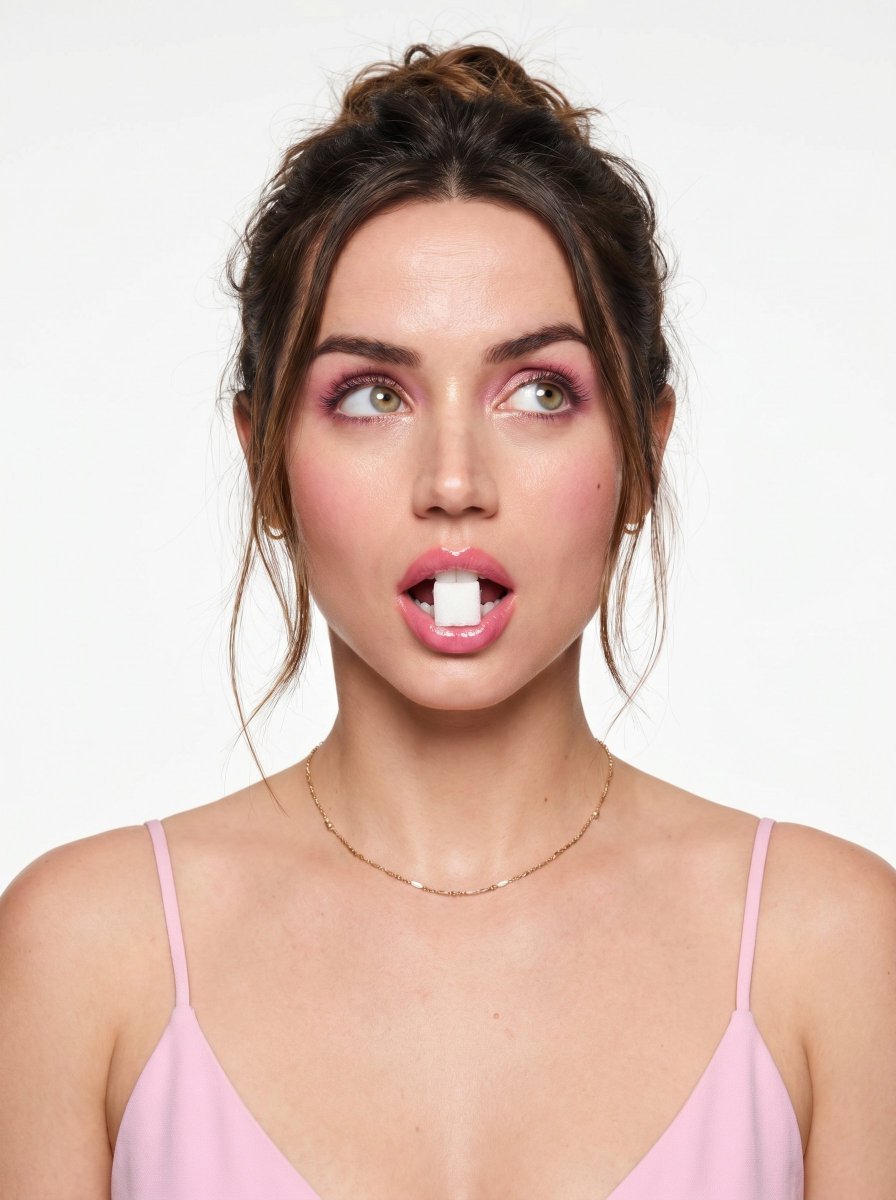
Playful Beauty Editorial Close-up
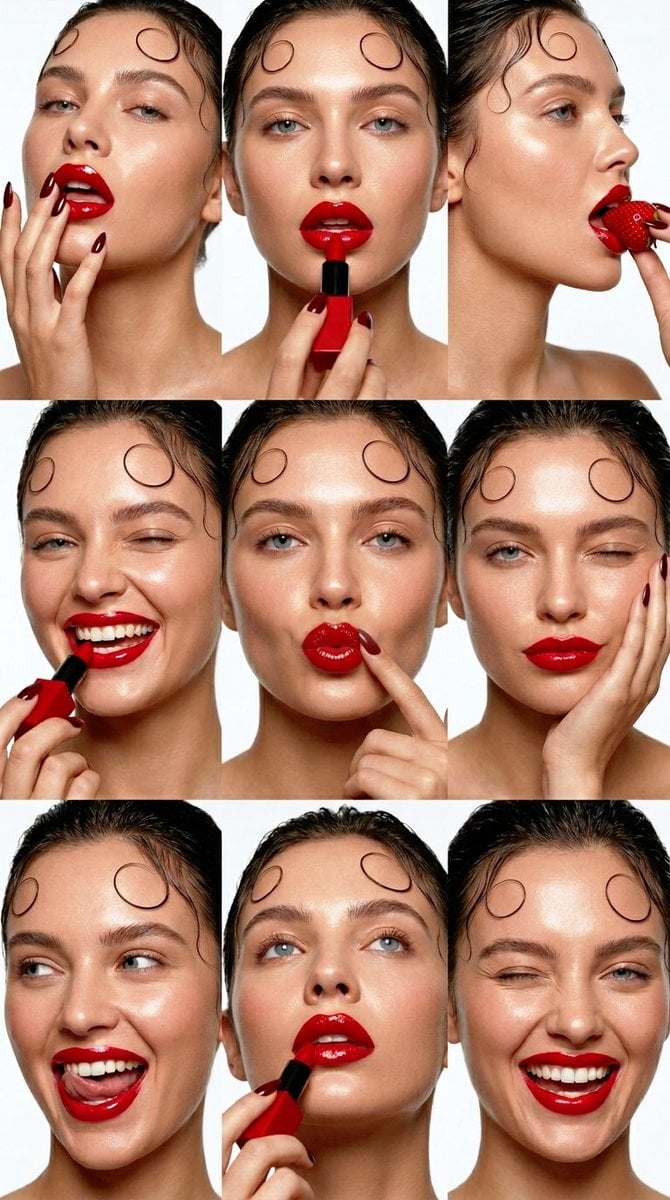
Beauty Collage Lipstick Grid
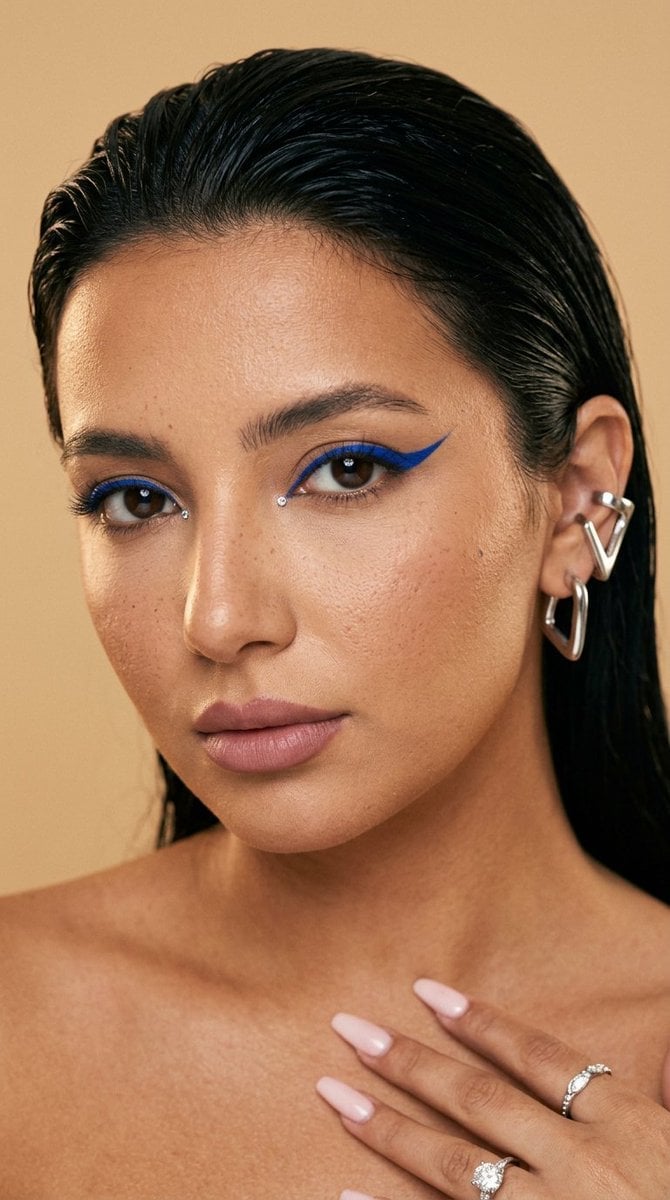
Editorial Beauty Cobalt Eyeliner Shot

Paper Cut Finale Fireworks

Paper Cut Garden Maze

Paper Cut Rooftop Concert

Paper Cut Bicycle Coast
Make it yours
Editorial Beauty Collage for Hair Style Variations works as-is. These are the safest ways to change it without losing the look.
Change one field
Copy a single group, rewrite it, and generate again so you can see what that field is doing.
Keep the frame, change the subject
Hold the composition and light of Editorial Beauty Collage for Hair Style Variations, then swap wardrobe, props or the person for a new take.
| If the result… | Why | Fix |
|---|---|---|
| The result drifts from the preview | Too many fields changed at once. | Reuse Editorial Beauty Collage for Hair Style Variations as-is first, then change one group — subject, light, or setting. |
| The model over-stylizes the scene | The prose prompt leaves finish and camera underspecified. | Add one camera or lighting sentence and stay on Nano Banana 2. |
More Nano Banana 2 templates
Other prompts made for Nano Banana 2.

Photorealistic Leaf Shaped Like a Dragon

K-Pop Idol Portrait Grid for Rapid Selection

Poetic Rain Forest Portrait During Golden Hour

Urban Street Portrait with Cartoon Inner Self Duo

Candid Nighttime Photo with Cat Prompt

High-Concept 3D Diorama Generation Prompt

Cinematic Futuristic Studio Portrait Template

Skincare Editorial Photography Collage Prompt

Hyper-Realistic Commercial Product Photography (Splash Effect)

Hyper-Realistic Nightclub Portrait Prompt
More image prompts
Fresh picks from across the catalog.
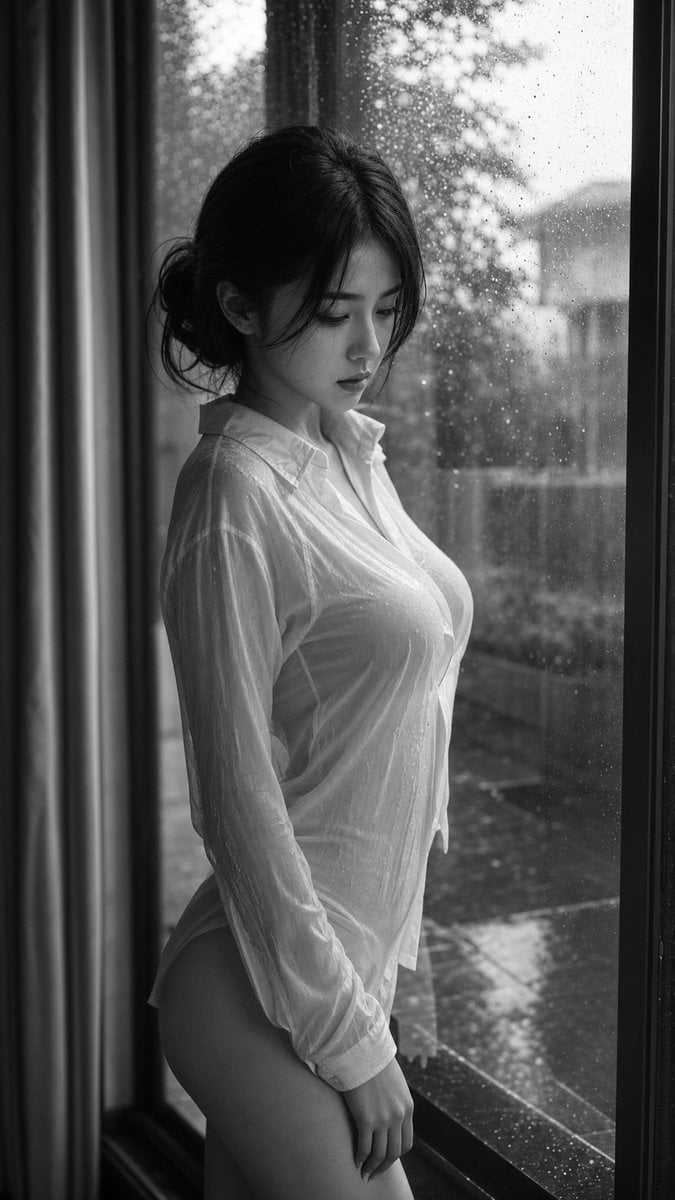
Cinematic Black and White Portrait
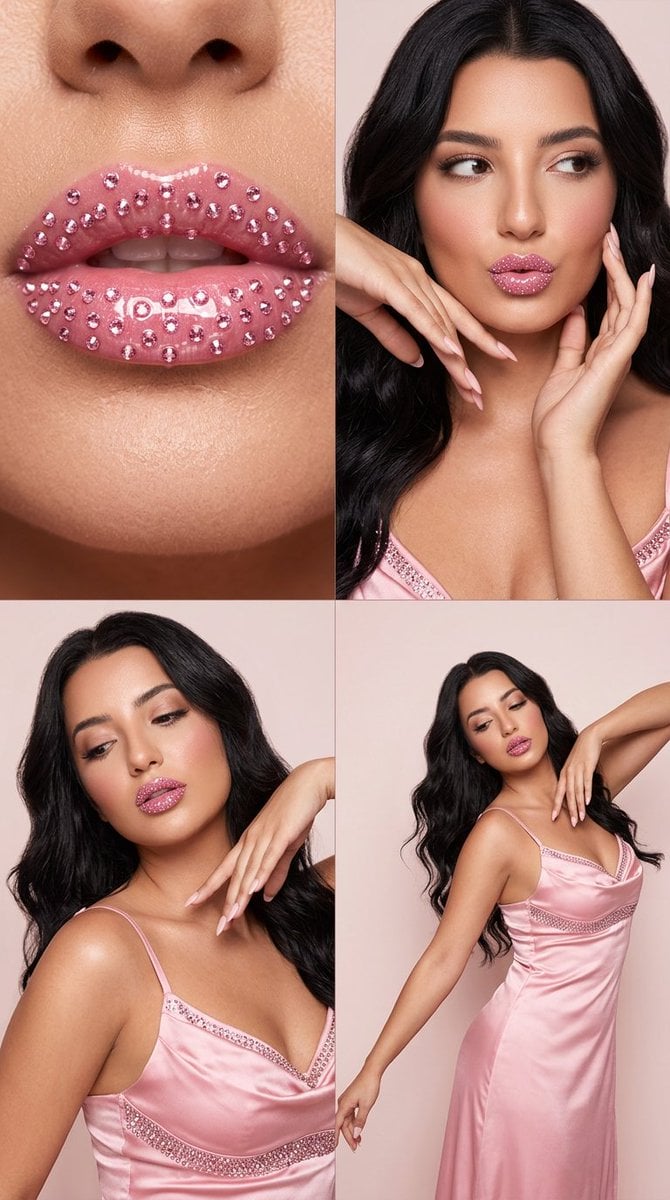
2x2 Editorial Grid: Pink Rhinestone Lips and Dance Fashion
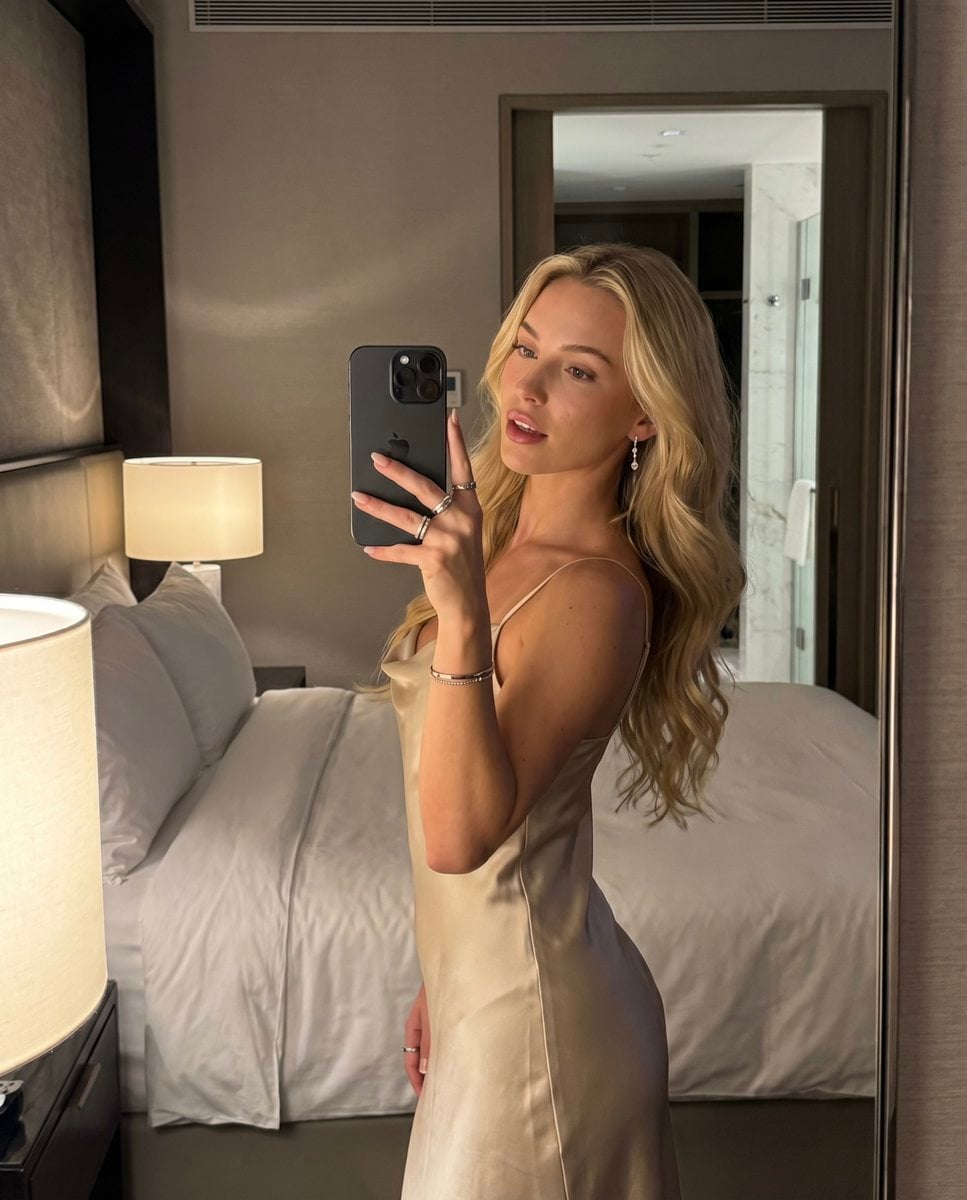
Luxury Hotel Mirror Selfie

21 Glass Floor Skyscraper — California Series
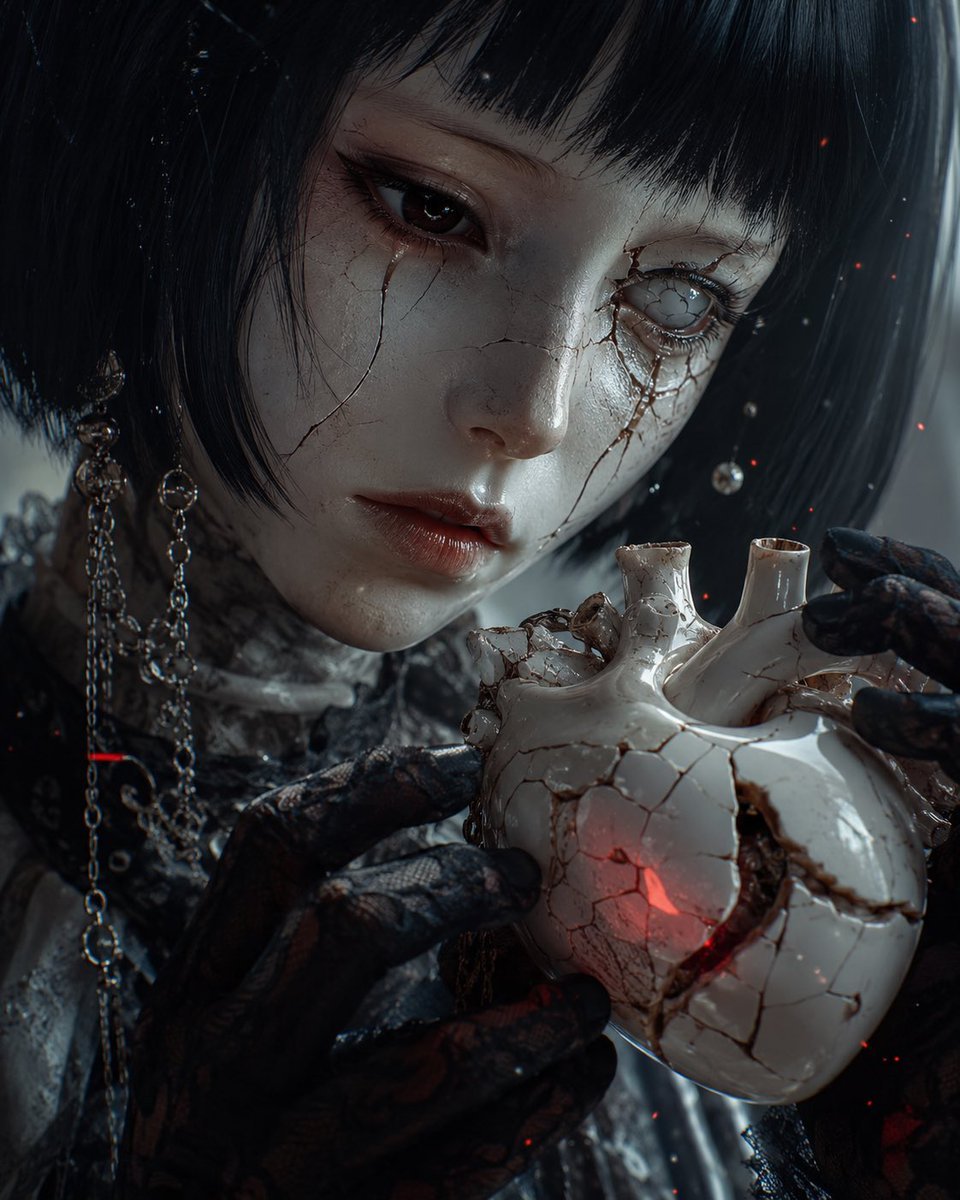
Cracked Porcelain Girl Holding Heart
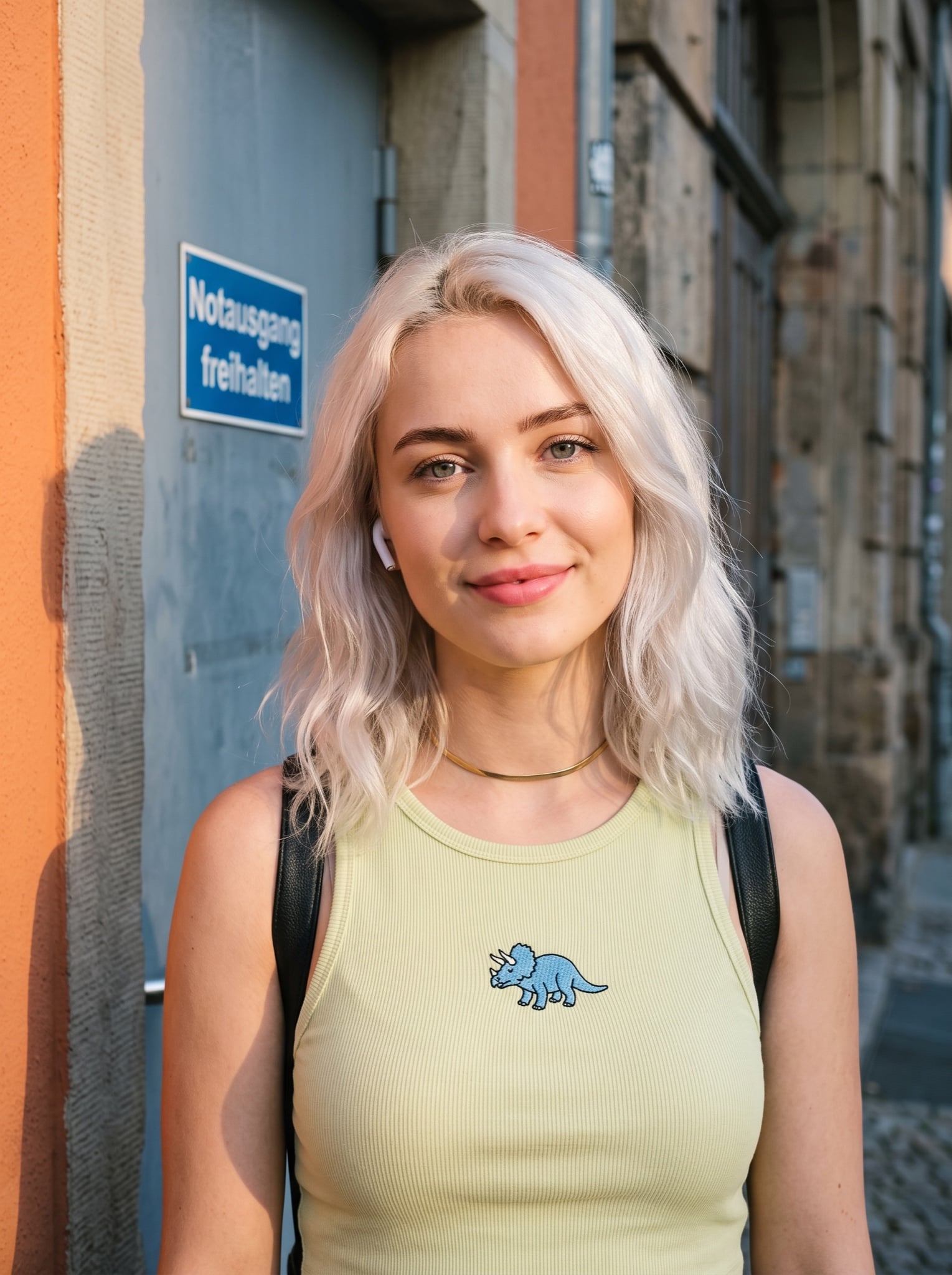
Casual Street Style Portrait Prompt for Nano Banana Pro
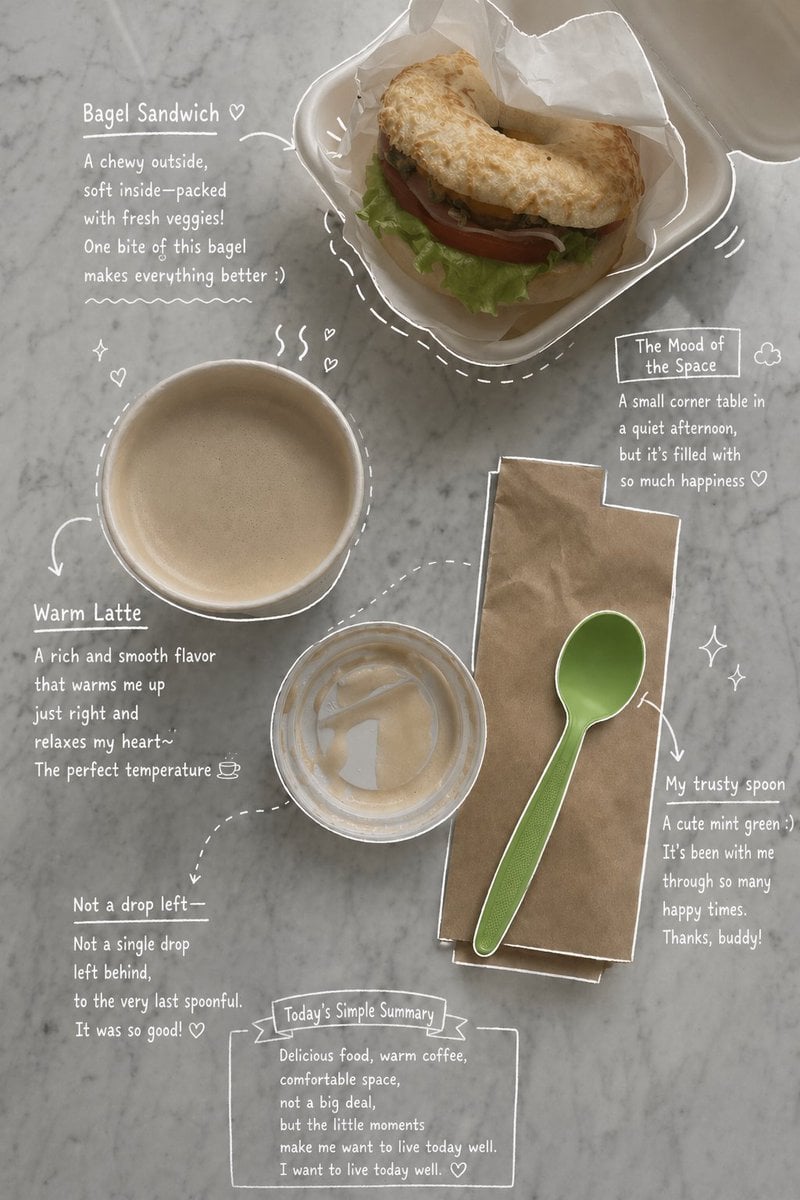
Emotional Hand-Drawn Annotations
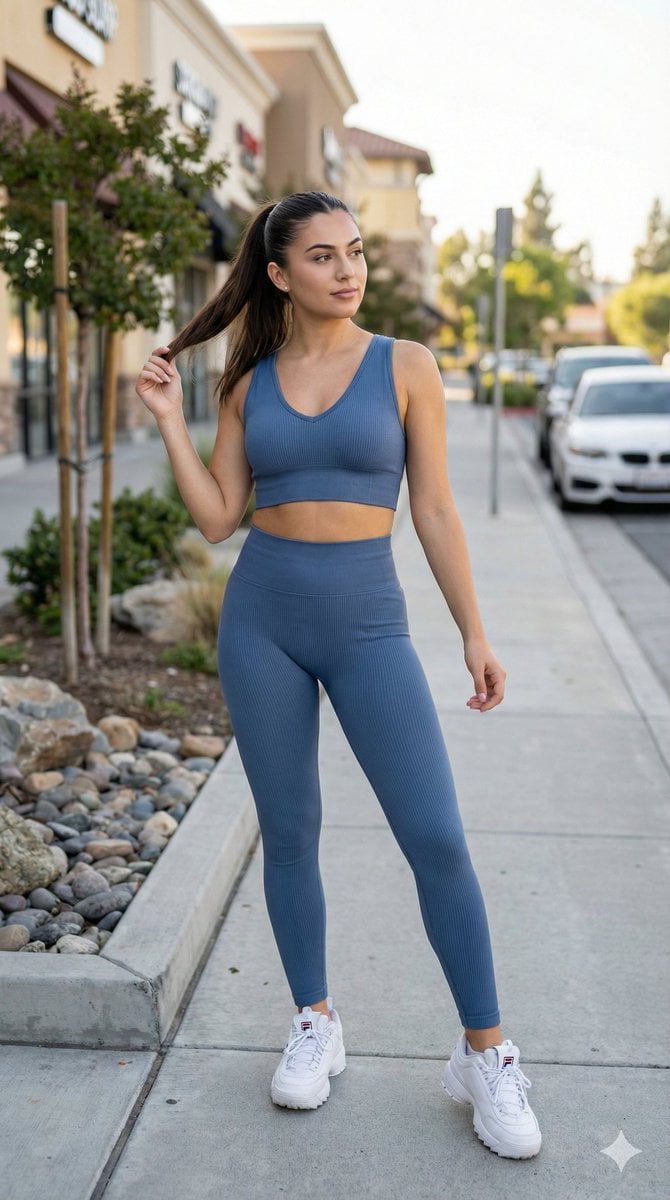
8K Cinematic Fitness Portrait on Suburban Sidewalk
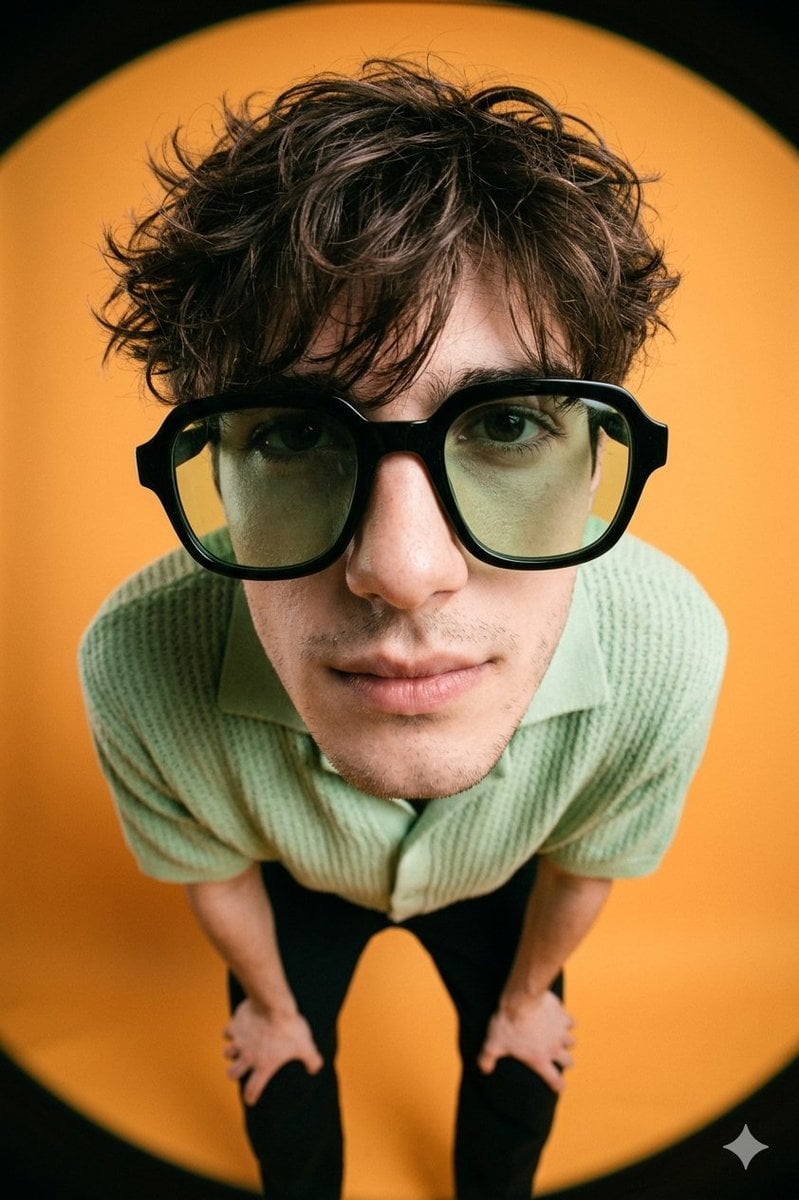
High-Fashion Editorial Image with Exaggerated Fisheye Distortion
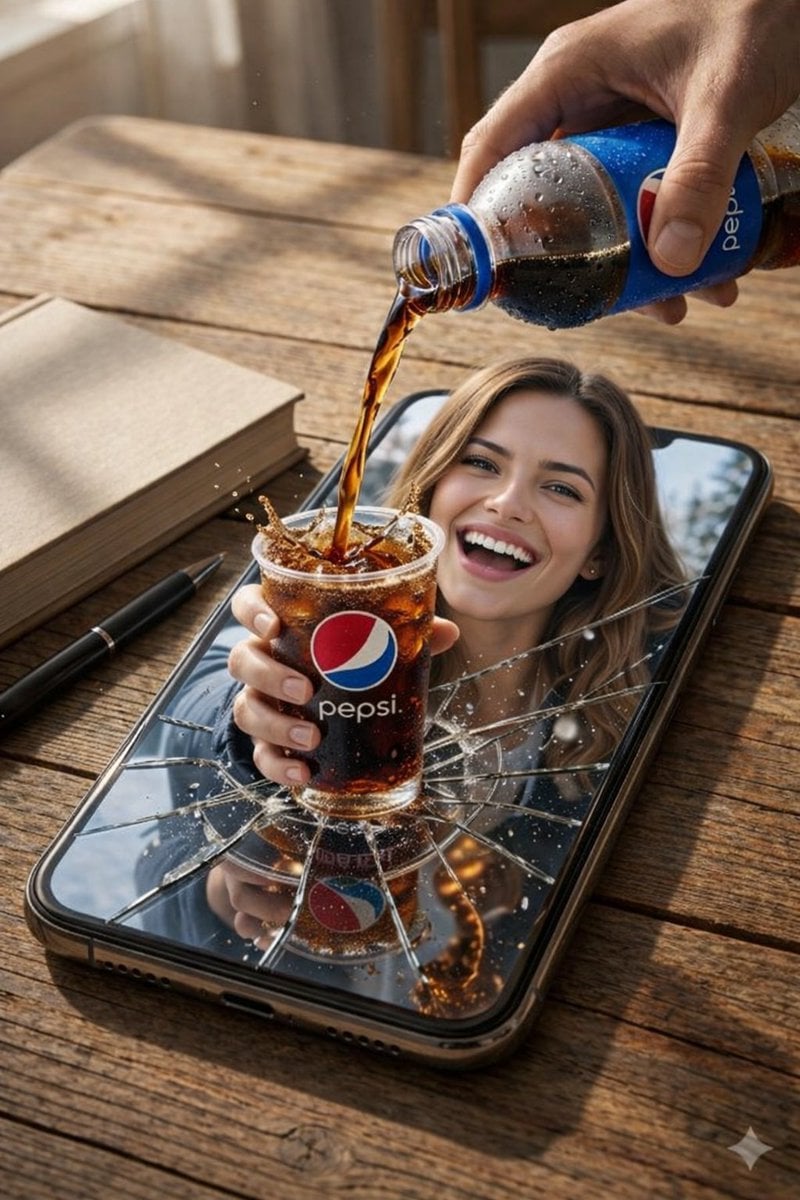
Surreal Pepsi Pour Phone Composite
Browse template categories
Editorial Beauty Collage for Hair Style Variations questions
How do I use the Editorial Beauty Collage for Hair Style Variations template?
Add your photo if the template asks for one, edit the prompt if you like — the template's model and format are already selected — and press Generate. Your version opens in PicX Studio.
Can I customize the Editorial Beauty Collage for Hair Style Variations template?
Yes. You can change the subject, setting, lighting, mood, format, and available model controls before creating your image.
Is the Editorial Beauty Collage for Hair Style Variations template free?
Opening and editing this template is free. Generating uses credits, shown on the Generate button when you are signed in.
Which AI model should I use?
Start with Nano Banana 2, which is the model associated with this template. You can compare another compatible model for a different finish.
Looking for something else? Browse all templates.

Your photo, any look
Thousands of ready templates for every top image and video model, from one credit balance.