How do I use the Nine-Panel AI Beauty Face Collage template?
Edit the prompt in the box under the preview — the template's model and format are already selected — and press Generate. Your version appears right on this page.
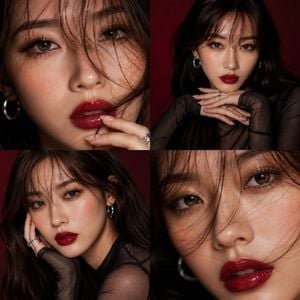
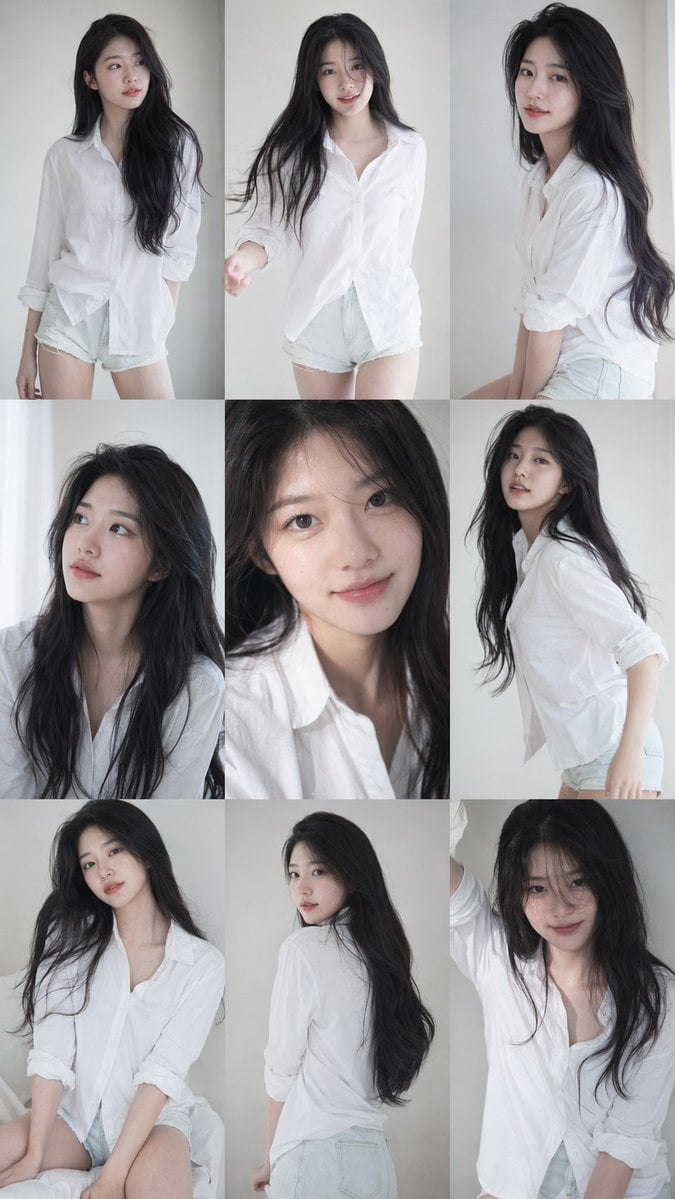
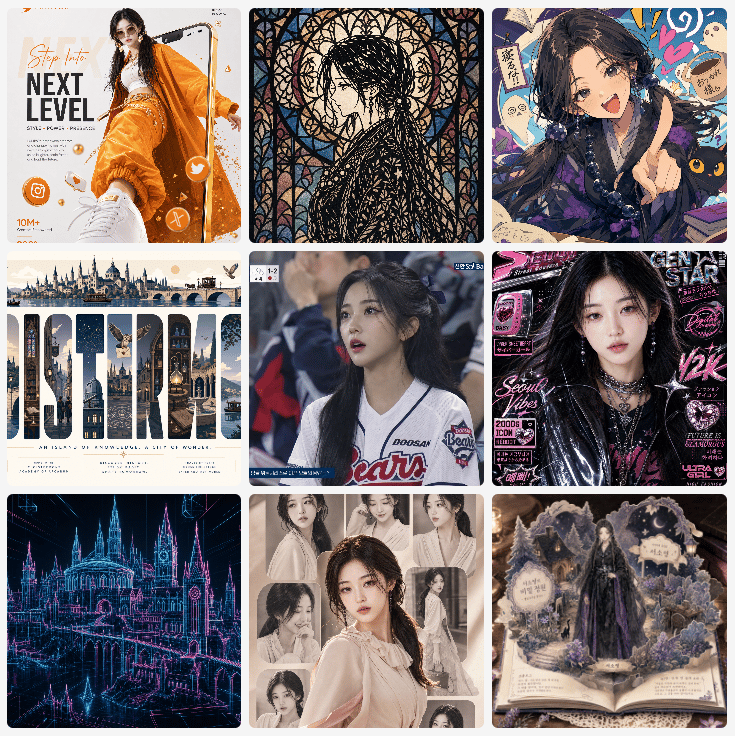
Generates a 3×3 collage of similar polished East Asian fantasy selfie portraits for studying or parodying repeated AI base-face aesthetics.

This template uses your photo — add one with the + button.
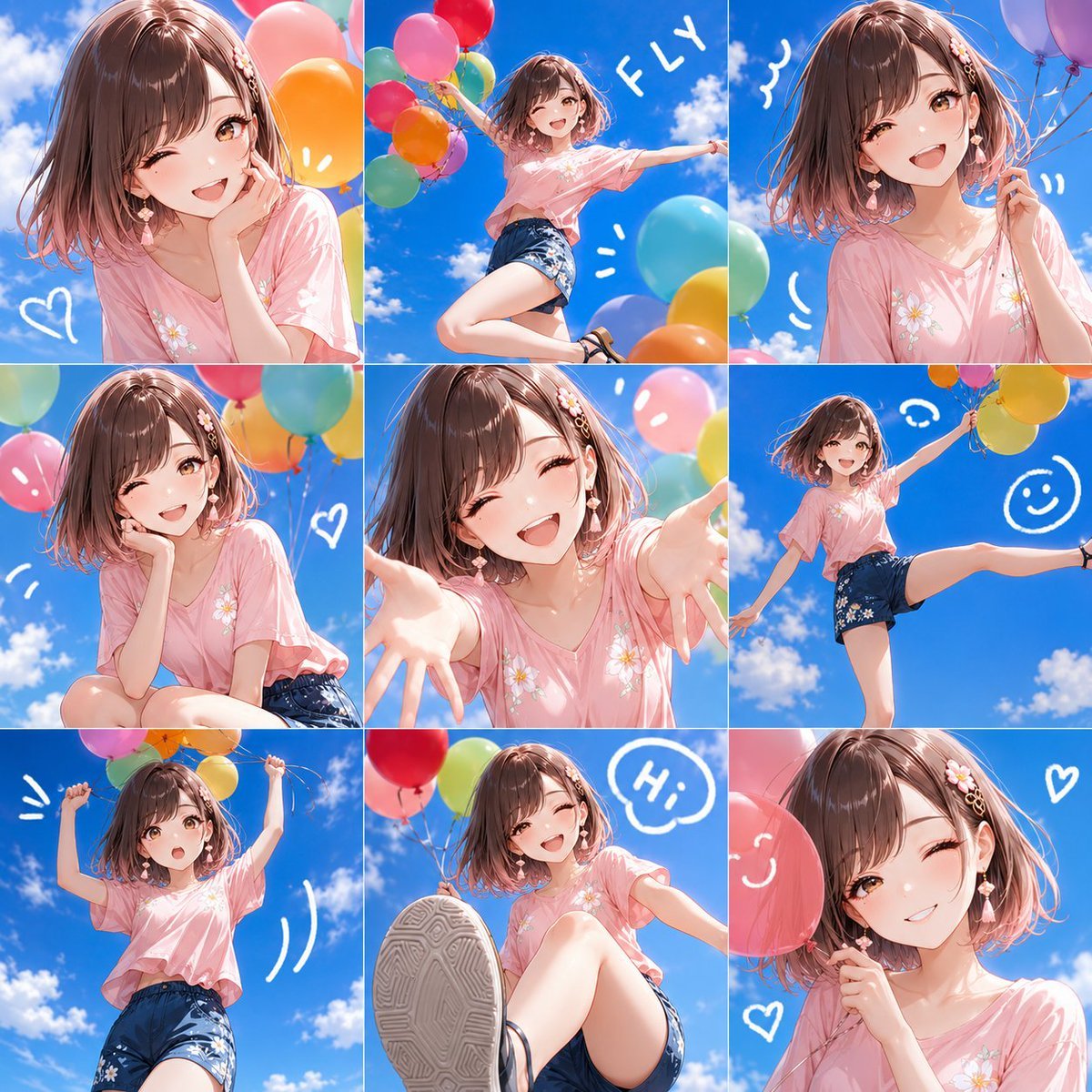
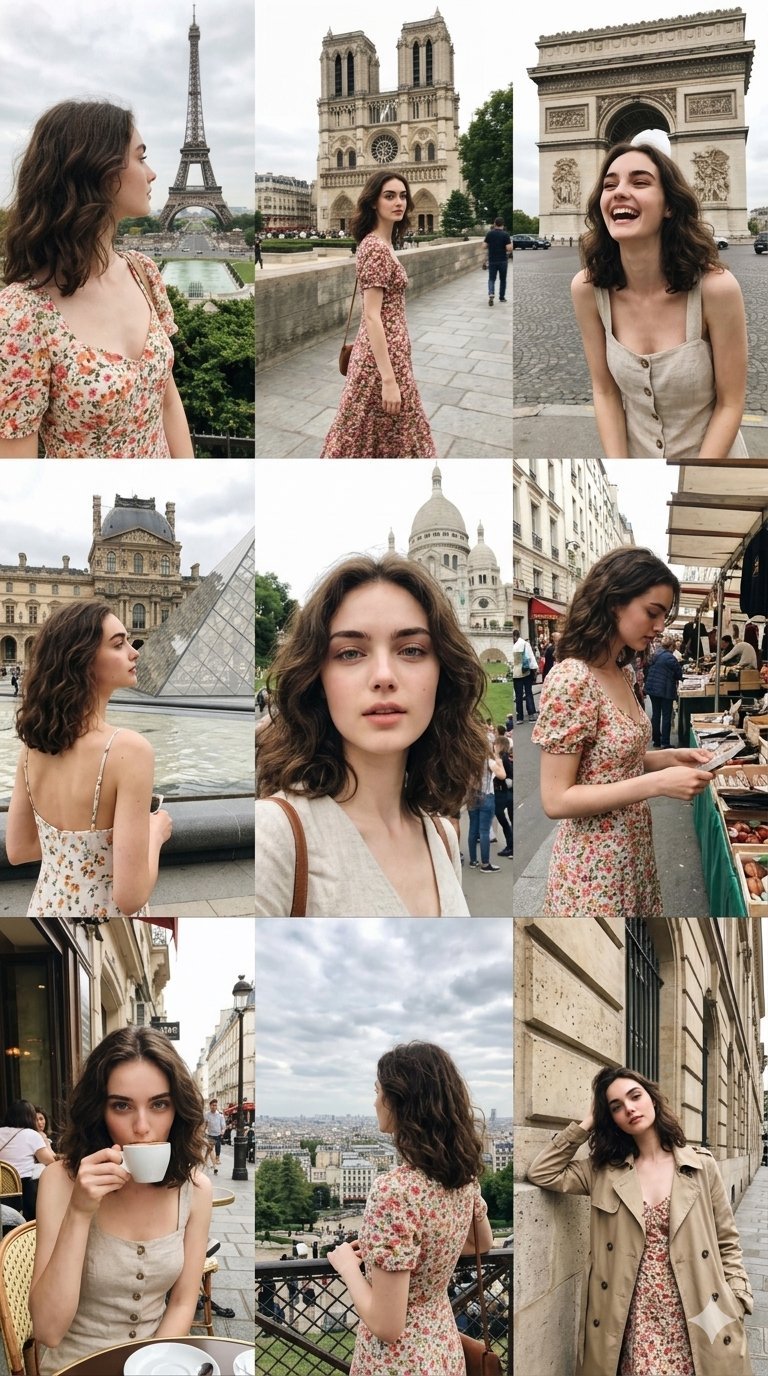
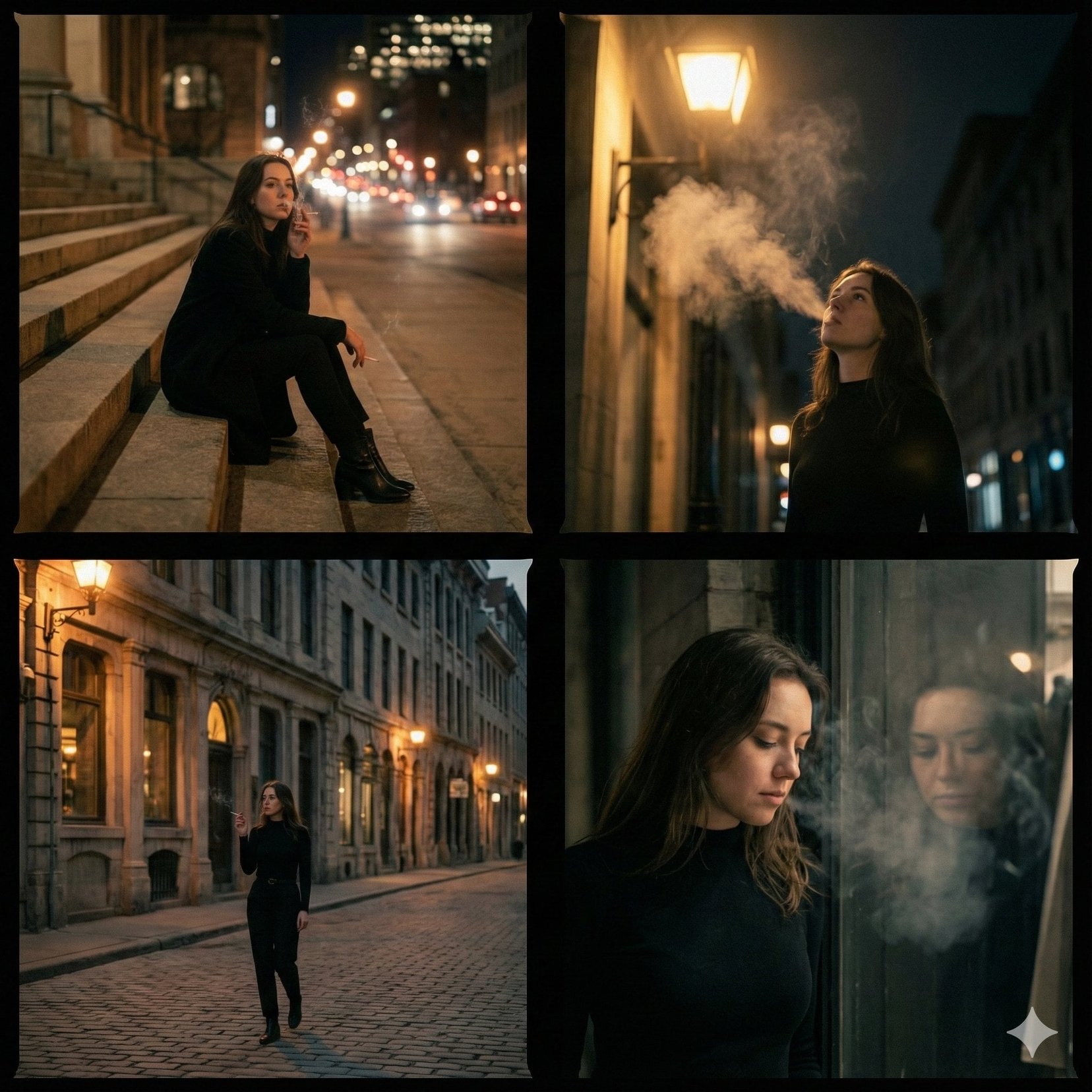
Create a square 3×3 collage of exactly 9 close-up AI-generated female portrait selfies, all with the same highly polished GPT-image aesthetic: youthful East Asian fantasy/cosplay beauty, large glossy eyes, porcelain skin, soft blush, small nose, slightly parted lips, and an uncanny near-identical face structure across all panels. Canvas is a 1:1 square, divided into 9 equal tiles with no gutters or labels. Each tile is a tight head-and-shoulders crop, mostly frontal or slight three-quarter angle, cinematic shallow depth of field, warm sunlight and soft bokeh backgrounds, ultra-detailed skin and hair, realistic yet subtly doll-like. Include exactly 9 distinct variations: 1) black-haired girl with straight bangs, open-mouth smile, warm indoor festival lighting; 2) elegant traditional fantasy girl with dark updo, red floral forehead mark, red dangling earrings, pink makeup; 3) brown-haired girl wearing a red headband, fingers near cheek, backlit outdoors; 4) short dark-haired girl with red headband, soft smile, pale sunlit background; 5) blue-haired anime-cosplay girl with bangs, glittery skin texture, parted lips; 6) purple-haired girl with bangs, star earrings, hand touching cheek, gentle smile; 7) black-haired girl with pink/red headband and star hair accessory, warm cosplay look; 8) dark brown-haired girl with wispy bangs and star earrings, soft neutral expression; 9) brown-haired girl with loose strands and red headband, serious delicate gaze. Emphasize repeated base-model facial similarity, glossy retouched realism, social-media portrait collage composition, high detail, vibrant but natural colors. No text, no watermark, no borders beyond the tile divisions.
Create a square 3×3 collage of exactly 9 close-up AI-generated female portrait selfies, all with the same highly polished GPT-image aesthetic: youthful East Asian fantasy/cosplay beauty, large glossy eyes, porcelain skin, soft blush, small nose, slightly parted lips, and an uncanny near-identical face structure across all panels. Canvas is a 1:1 square, divided into 9 equal tiles with no gutters or labels. Each tile is a tight head-and-shoulders crop, mostly frontal or slight three-quarter angle, cinematic shallow depth of field, warm sunlight and soft bokeh backgrounds, ultra-detailed skin and hair, realistic yet subtly doll-like. Include exactly 9 distinct variations: 1) black-haired girl with straight bangs, open-mouth smile, warm indoor festival lighting; 2) elegant traditional fantasy girl with dark updo, red floral forehead mark, red dangling earrings, pink makeup; 3) brown-haired girl wearing a red headband, fingers near cheek, backlit outdoors; 4) short dark-haired girl with red headband, soft smile, pale sunlit background; 5) blue-haired anime-cosplay girl with bangs, glittery skin texture, parted lips; 6) purple-haired girl with bangs, star earrings, hand touching cheek, gentle smile; 7) black-haired girl with pink/red headband and star hair accessory, warm cosplay look; 8) dark brown-haired girl with wispy bangs and star earrings, soft neutral expression; 9) brown-haired girl with loose strands and red headband, serious delicate gaze. Emphasize repeated base-model facial similarity, glossy retouched realism, social-media portrait collage composition, high detail, vibrant but natural colors. No text, no watermark, no borders beyond the tile divisions.
Edit the prompt in the box under the preview — the template's model and format are already selected — and press Generate. Your version appears right on this page.
Yes. You can change the subject, setting, lighting, mood, format, and available model controls before creating your image.
Opening and editing this template is free. Generating uses credits, shown on the Generate button when you are signed in.
Start with GPT Image 2, which is the model associated with this template. You can compare another compatible model for a different finish.
Follow a topic to a crawlable collection of related PicX Studio templates.