
Nine-Panel AI Profile Gallery Collage
Generates a square 3x3 showcase collage of varied AI profile image styles with rounded tiles and privacy-blurred faces for social media sharing.
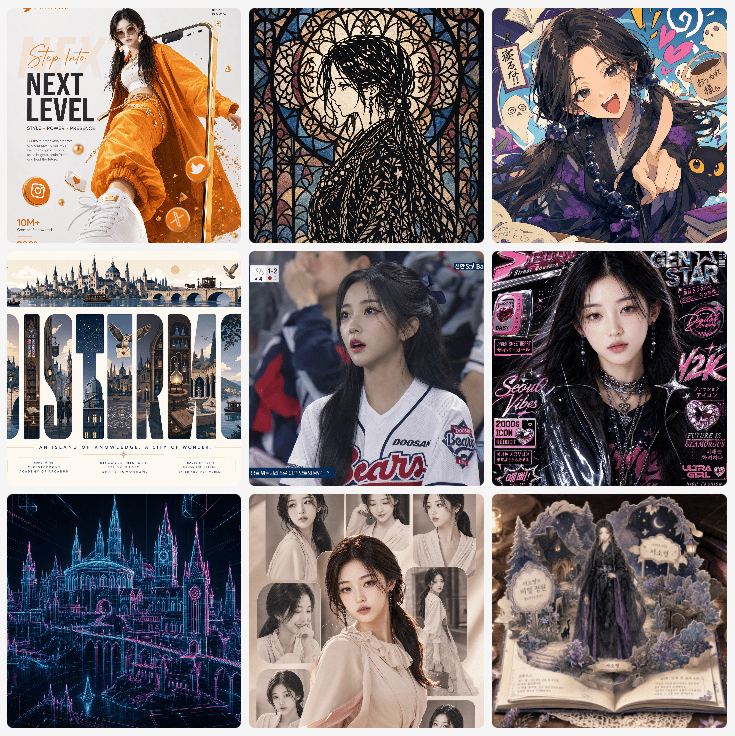
- Prompt included
- Model and format preset
- Free template
The prompt behind this image
Copy the exact prompt behind Nine-Panel AI Profile Gallery Collage, or open it in the studio and make it yours.
- Type
- square social media collage of AI-generated profile image examples
- Overall Style
- clean 3 by 3 gallery grid on a white background, nine equally sized rounded-square image tiles with narrow gutters, polished prompt-showcase aesthetic, each tile a different visual style, some human faces intentionally obscured by soft rectangular blur masks for privacy
- Canvas
- 1:1 square composition, approximately 768 by 768 pixels, crisp digital export
- Layout › Grid
- 3 columns by 3 rows
- Layout › Count
- 9
- Layout › Tiles › 0 › Position
- top left
- Layout › Tiles › 0 › Short Description
- fashion magazine poster with a young woman in bright orange streetwear stepping toward the camera, white sneaker in extreme foreground, studio white background, orange graphic UI accents and social icons
- Layout › Tiles › 0 › Visible Text
- Step into, NEXT LEVEL, 10M+
- Layout › Tiles › 1 › Position
- top center
- Layout › Tiles › 1 › Short Description
- intricate stained-glass style portrait of a dark-haired figure in profile, black leading lines, warm cream and muted blue glass pieces, ornate gothic window pattern
- Layout › Tiles › 2 › Position
- top right
- Layout › Tiles › 2 › Short Description
- anime occult scholar portrait with long dark hair, purple-black outfit, raised hand gesture, floating talismans, handwritten notes, ghosts, colorful doodles, black cat at lower right, face blurred
- Layout › Tiles › 3 › Position
- middle left
- Layout › Tiles › 3 › Short Description
- travel poster architectural typography, large word formed from cathedral and old city landmarks, panoramic skyline strip across the top, cream background with small birds and decorative marks
- Layout › Tiles › 3 › Visible Text
- DURIN
- Layout › Tiles › 4 › Position
- middle center
- Layout › Tiles › 4 › Short Description
- sports broadcast screenshot style portrait of a baseball fan or player in a white Doosan Bears jersey, stadium crowd background, Korean TV graphics, face blurred
- Layout › Tiles › 4 › Visible Text
- DOOSAN, Bears
- Layout › Tiles › 5 › Position
- middle right
- Layout › Tiles › 5 › Short Description
- Y2K cyber pop idol magazine cover, black leather jacket, pink and purple neon typography, sticker-like labels, glossy editorial lighting, face blurred
- Layout › Tiles › 5 › Visible Text
- GEN STAR, Seoul Vibes, Y2K, ULTRA GIRLS
- Layout › Tiles › 6 › Position
- bottom left
- Layout › Tiles › 6 › Short Description
- neon wireframe cyberpunk cathedral or gothic city, glowing cyan and magenta lines on a dark background, architectural blueprint hologram look
- Layout › Tiles › 7 › Position
- bottom center
Raw JSON
{"type":"square social media collage of AI-generated profile image examples","overall_style":"clean 3 by 3 gallery grid on a white background, nine equally sized rounded-square image tiles with narrow gutters, polished prompt-showcase aesthetic, each tile a different visual style, some human faces intentionally obscured by soft rectangular blur masks for privacy","canvas":"1:1 square composition, approximately 768 by 768 pixels, crisp digital export","layout":{"grid":"3 columns by 3 rows","count":9,"tiles":[{"position":"top left","short_description":"fashion magazine poster with a young woman in bright orange streetwear stepping toward the camera, white sneaker in extreme foreground, studio white background, orange graphic UI accents and social icons","visible_text":["Step into","NEXT LEVEL","10M+"]},{"position":"top center","short_description":"intricate stained-glass style portrait of a dark-haired figure in profile, black leading lines, warm cream and muted blue glass pieces, ornate gothic window pattern"},{"position":"top right","short_description":"anime occult scholar portrait with long dark hair, purple-black outfit, raised hand gesture, floating talismans, handwritten notes, ghosts, colorful doodles, black cat at lower right, face blurred"},{"position":"middle left","short_description":"travel poster architectural typography, large word formed from cathedral and old city landmarks, panoramic skyline strip across the top, cream background with small birds and decorative marks","visible_text":["DURIN"]},{"position":"middle center","short_description":"sports broadcast screenshot style portrait of a baseball fan or player in a white Doosan Bears jersey, stadium crowd background, Korean TV graphics, face blurred","visible_text":["DOOSAN","Bears"]},{"position":"middle right","short_description":"Y2K cyber pop idol magazine cover, black leather jacket, pink and purple neon typography, sticker-like labels, glossy editorial lighting, face blurred","visible_text":["GEN STAR","Seoul Vibes","Y2K","ULTRA GIRLS"]},{"position":"bottom left","short_description":"neon wireframe cyberpunk cathedral or gothic city, glowing cyan and magenta lines on a dark background, architectural blueprint hologram look"},{"position":"bottom center","short_description":"sepia vintage romantic portrait collage sheet featuring one central young woman in a cream blouse plus six smaller portrait cutouts around her, lace and soft paper texture, all faces blurred","count_details":"7 visible portrait cutouts total: 1 large central portrait and 6 smaller surrounding portraits"},{"position":"bottom right","short_description":"storybook pop-up book diorama with a dark fantasy princess in a purple-black gown standing among mountains, castles, moon and clouds, Korean label plaques, antique lace tabletop setting"}]},"privacy_effect":"Apply soft beige-gray blur rectangles over every realistic or anime face that appears identifiable, matching the underlying skin tone and preserving the rest of each artwork.","rendering":"high-resolution digital collage, sharp edges, rounded corners, slight natural variation between tiles, no extra captions outside the nine images","customization":{"gallery theme":"{argument name=\"gallery theme\" default=\"AI-generated agent profile image prompt showcase\"}","grid size":"{argument name=\"grid size\" default=\"3 by 3\"}","background color":"{argument name=\"background color\" default=\"white\"}","privacy blur":"{argument name=\"privacy blur\" default=\"soft face-obscuring blur masks\"}","visual variety":"{argument name=\"visual variety\" default=\"fashion poster, stained glass, anime occult, travel typography, sports broadcast, Y2K magazine, cyber cathedral, vintage portrait collage, fantasy pop-up book\"}"}}How to use Nine-Panel AI Profile Gallery Collage in 3 steps
- 1Upload ImagePNG, JPG or paste
Add your photo
Upload the photo the template builds on. The prompt, model and format are already set.
- 2…a portrait of your subject in softgolden-hour light, 85mm…
Personalize
Edit the subject and creative details for your destination.
- 3Generate
Generate
Press Generate — your image is created in PicX Studio, so you can compare it with the original and refine one variable at a time.
More like this
Templates with the same subject, style or setup. Open one to see its prompt.
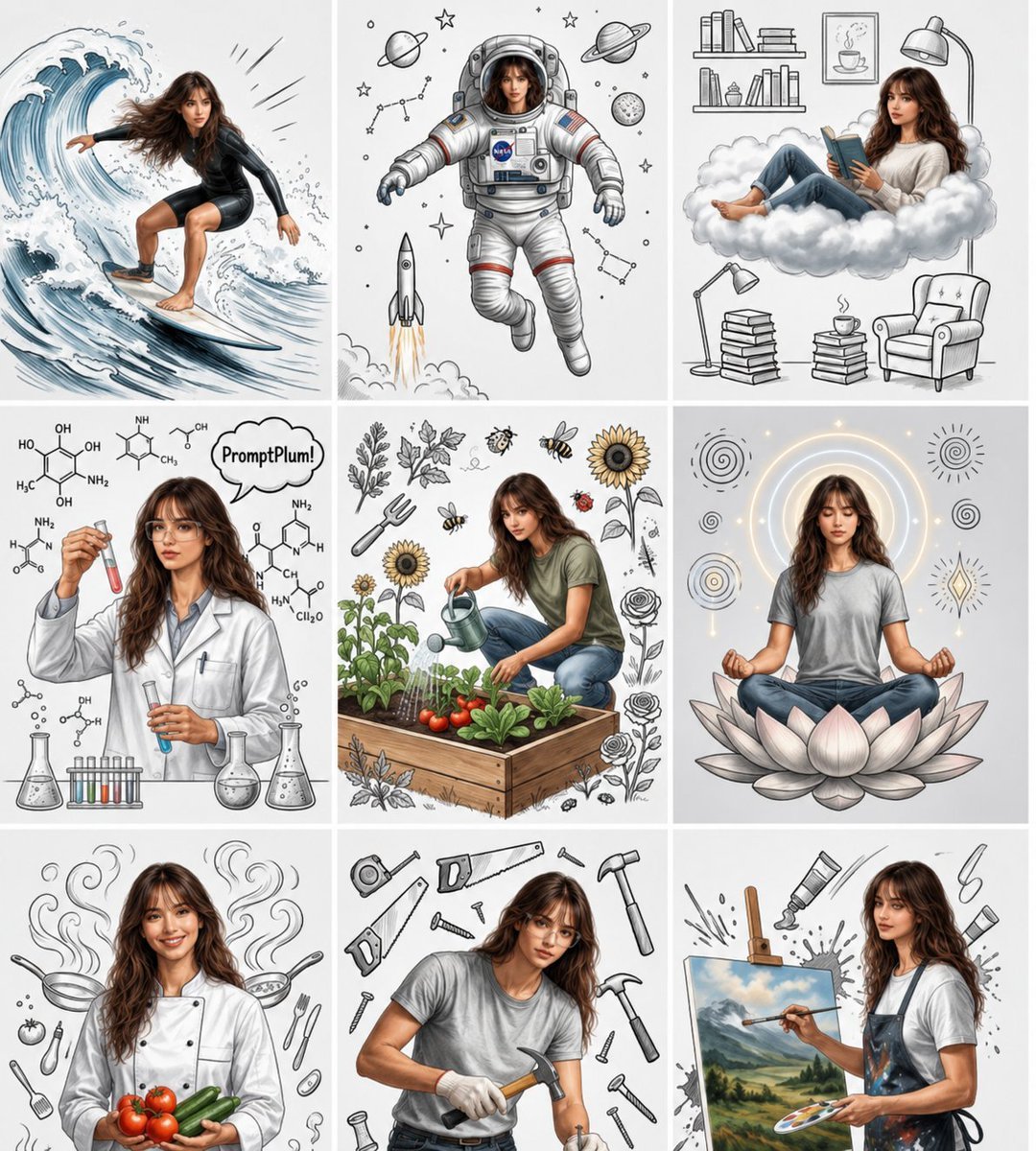
Consistent Character Nine-Panel Illustration Collage
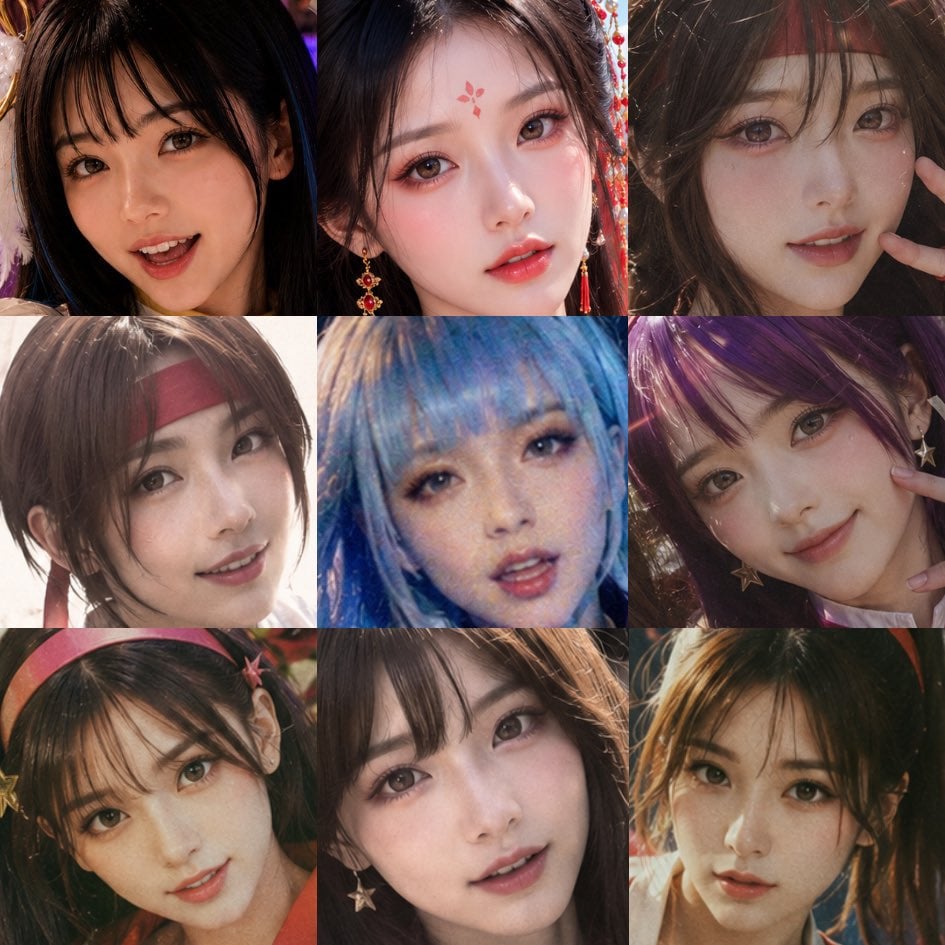
Nine-Panel AI Beauty Face Collage
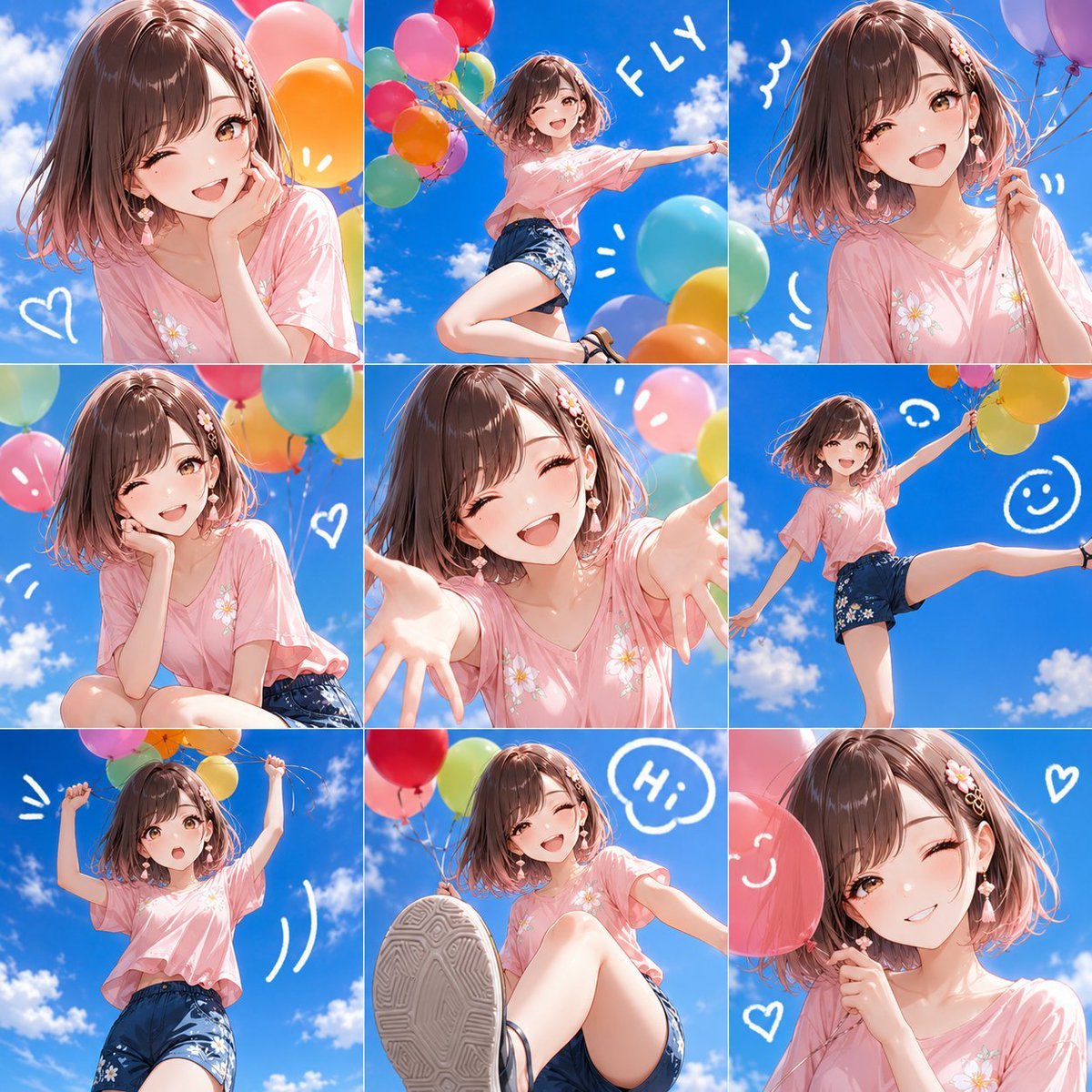
Nine-Panel Summer Balloon Anime Collage
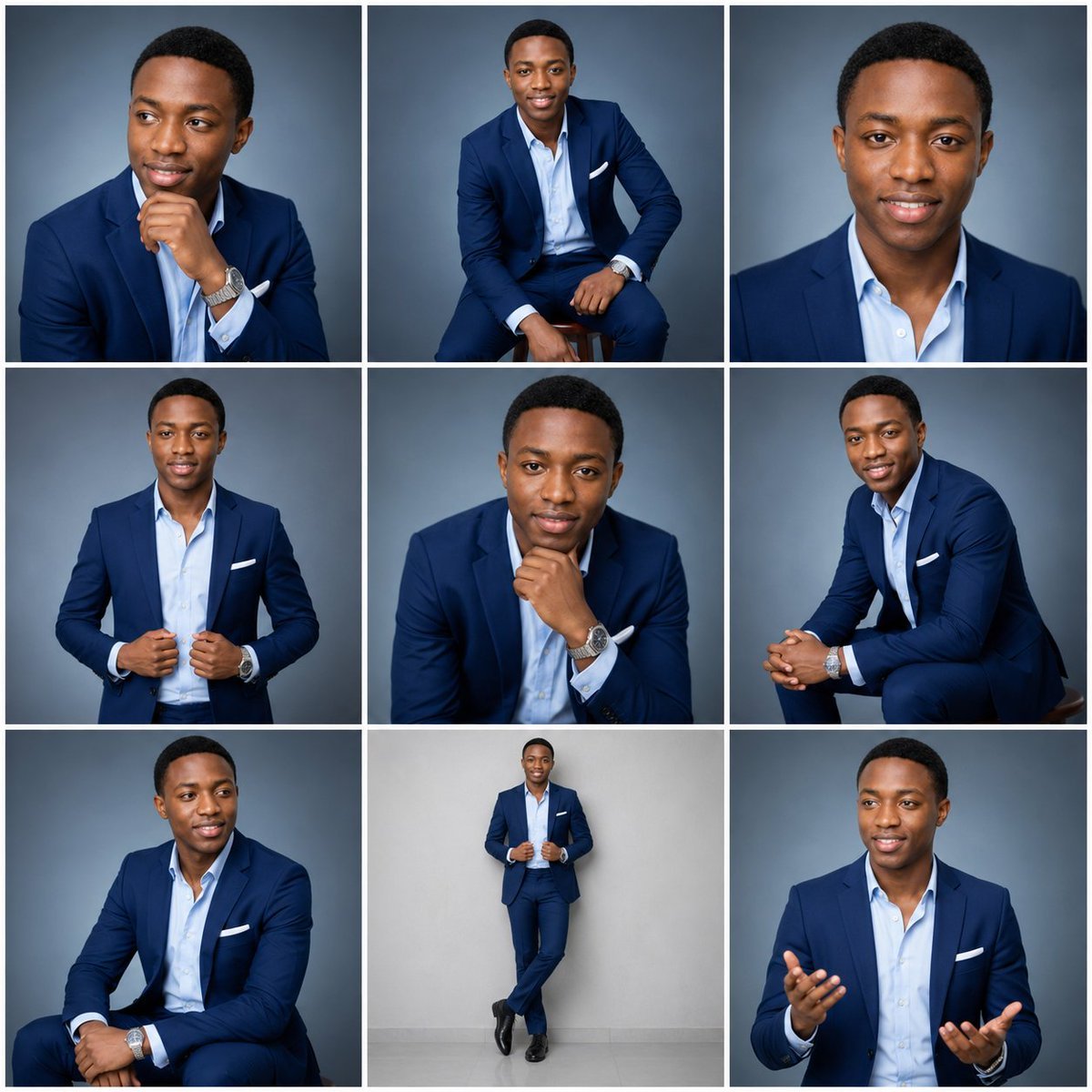
Nine-Frame Corporate Portrait Collage
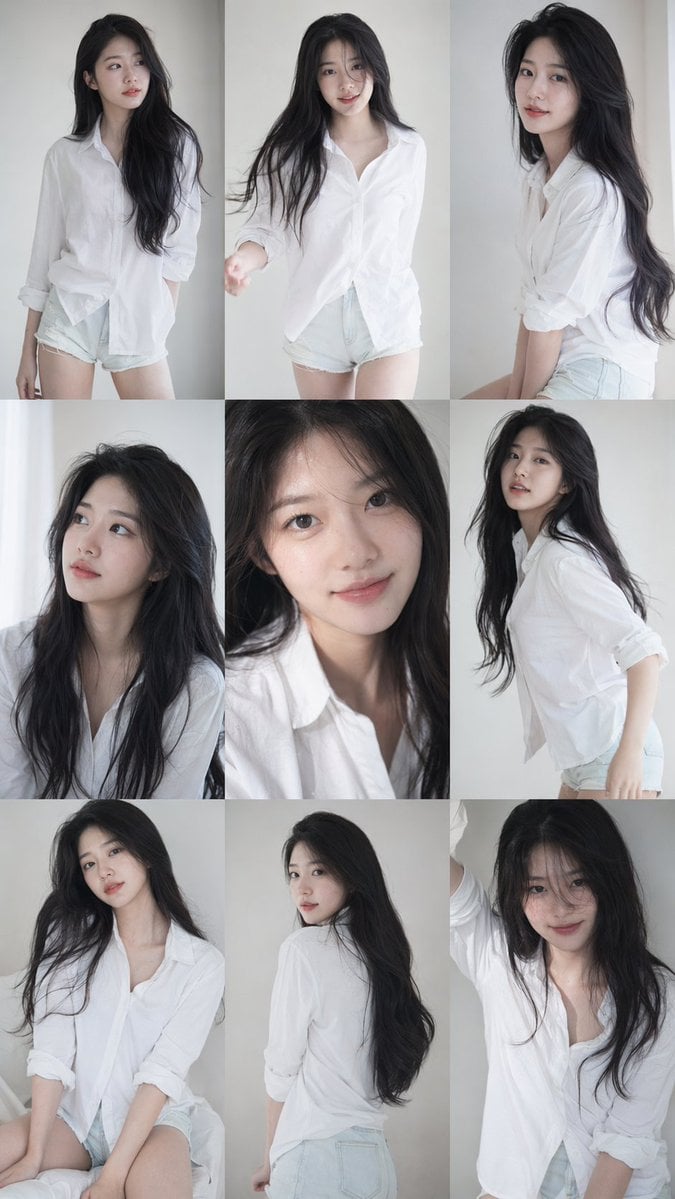
9 16 vertical a 3x3 grid collage nine images forming a Korean idol
A clean 3 3 storyboard grid with nine equal-sized panels and an overall
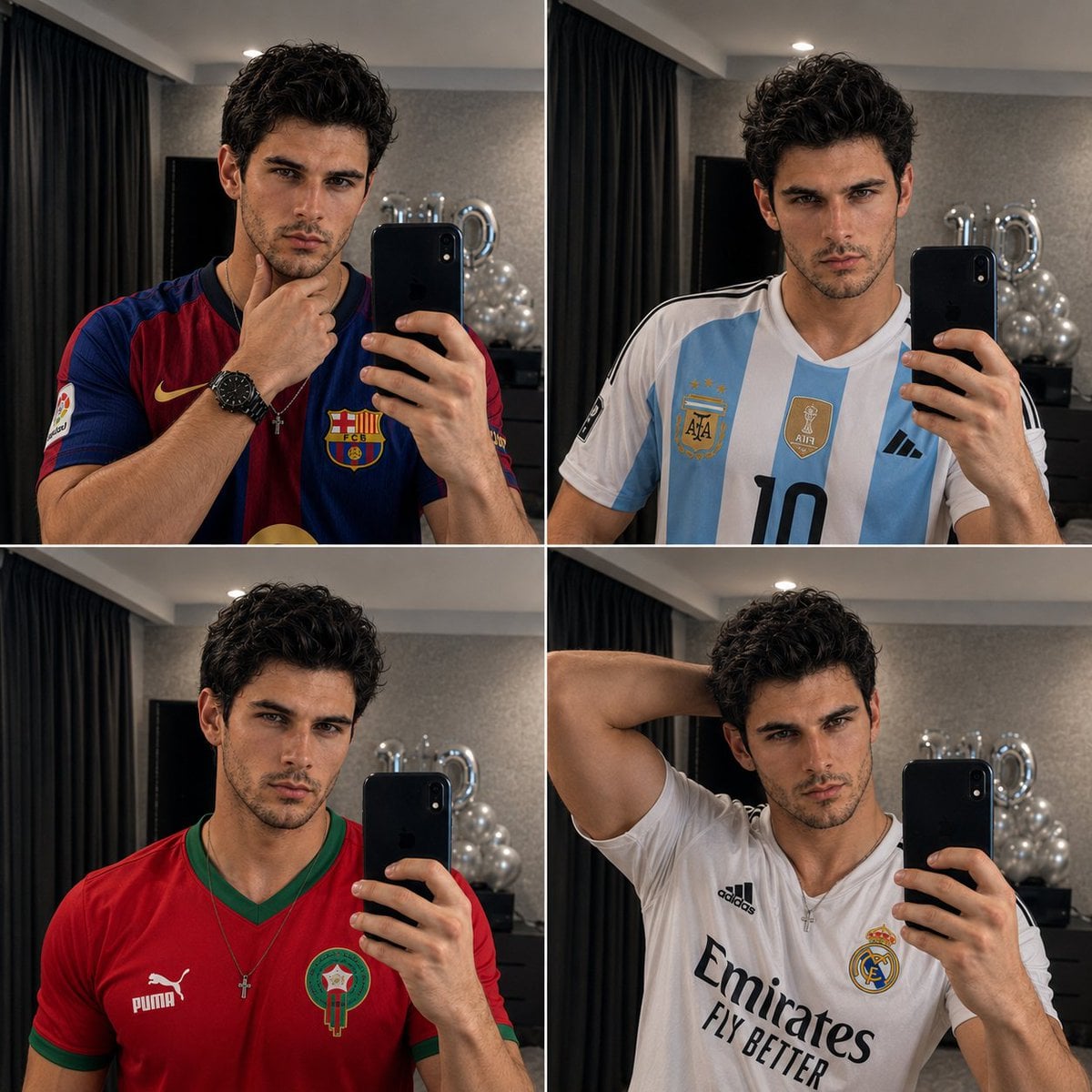
Panel Mirror Selfie Collage

Cozy Six-Panel Bedtime Stages Collage
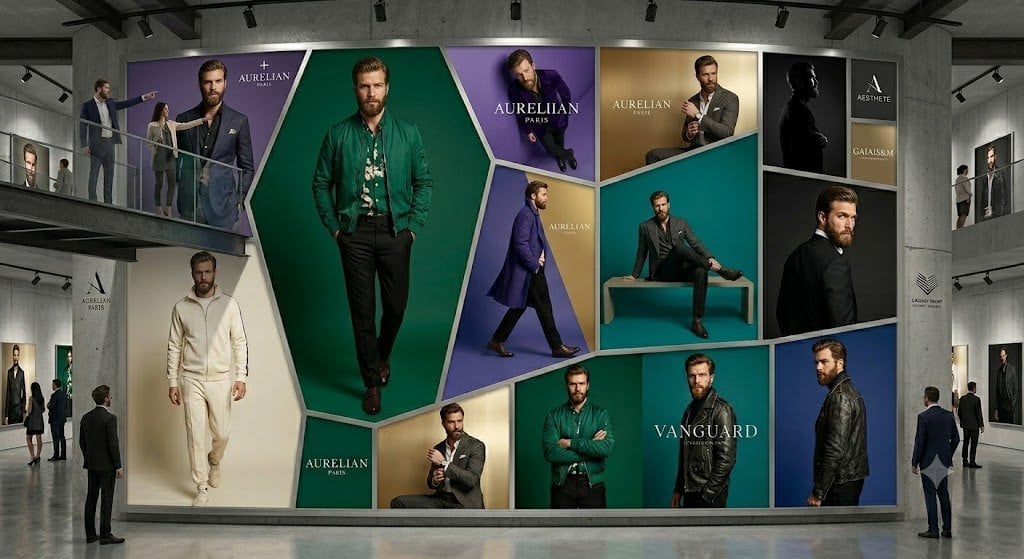
Luxury Menswear Gallery Collage
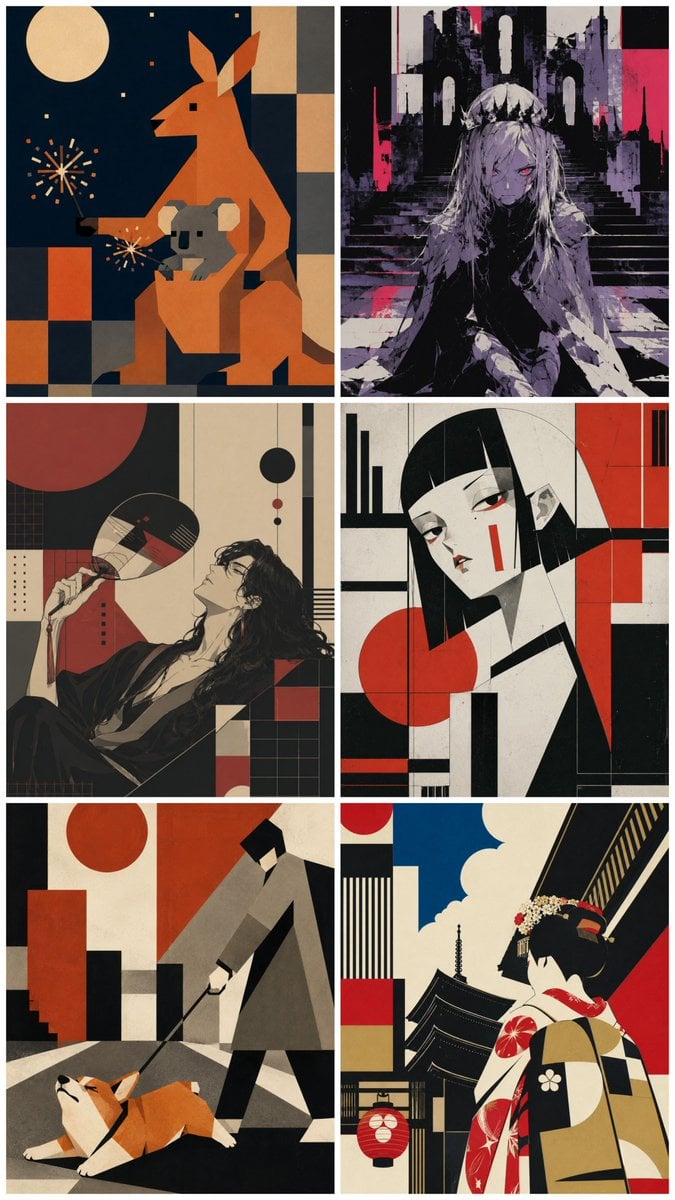
Six-Panel Retro Japanese Poster Collage
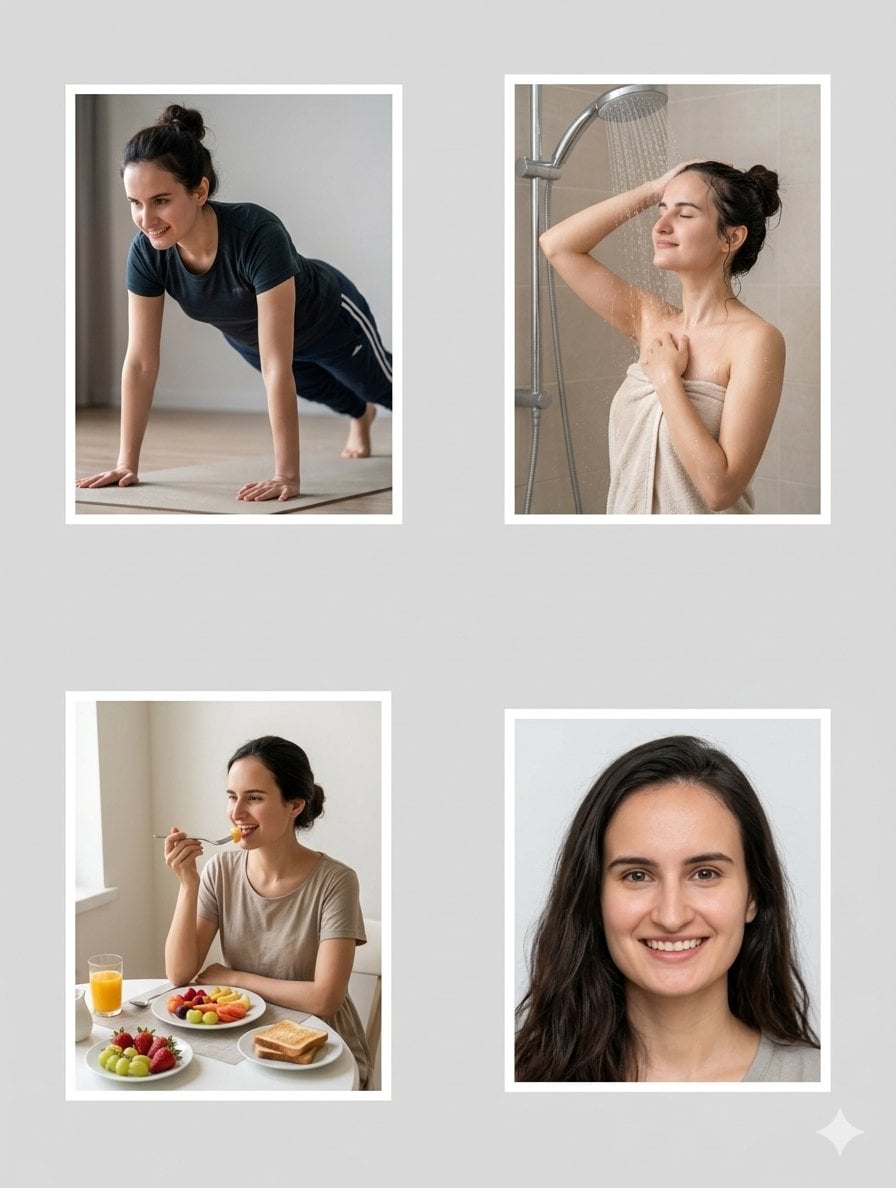
Character Consistency Profile Collage

Paper Cut Finale Fireworks
Make it yours
Nine-Panel AI Profile Gallery Collage works as-is. These are the safest ways to change it without losing the look.
Swap the setting
Keep the rest of the prompt and replace the location block. The current setting is “{argument name="background color" default="white"}”.
Change one field
Copy a single group, rewrite it, and generate again so you can see what that field is doing.
Keep the frame, change the subject
Hold the composition and light of Nine-Panel AI Profile Gallery Collage, then swap wardrobe, props or the person for a new take.
| If the result… | Why | Fix |
|---|---|---|
| The result drifts from the preview | Too many fields changed at once. | Reuse Nine-Panel AI Profile Gallery Collage as-is first, then change one group — subject, light, or setting. |
| GPT Image 2 ignores part of the JSON | Some models flatten or skip nested keys. | Keep the same values and paste them as a short paragraph instead. |
More GPT Image 2 templates
Other prompts made for GPT Image 2.

Six VTuber Japanese Logo Sheet

Realistic Portrait of Woman and Deer

The Vista Modular Condo Poster

AI Model Routing Comparison Infographic

2.5D Anime Art Board

Isometric Productivity Desk Scene

New York Double Exposure Poster

Four-Panel AI Landscape Comparison

Japanese Tatami Lifestyle Magazine Cover

NESCAFÉ Coffee Map Poster
More image prompts
Fresh picks from across the catalog.
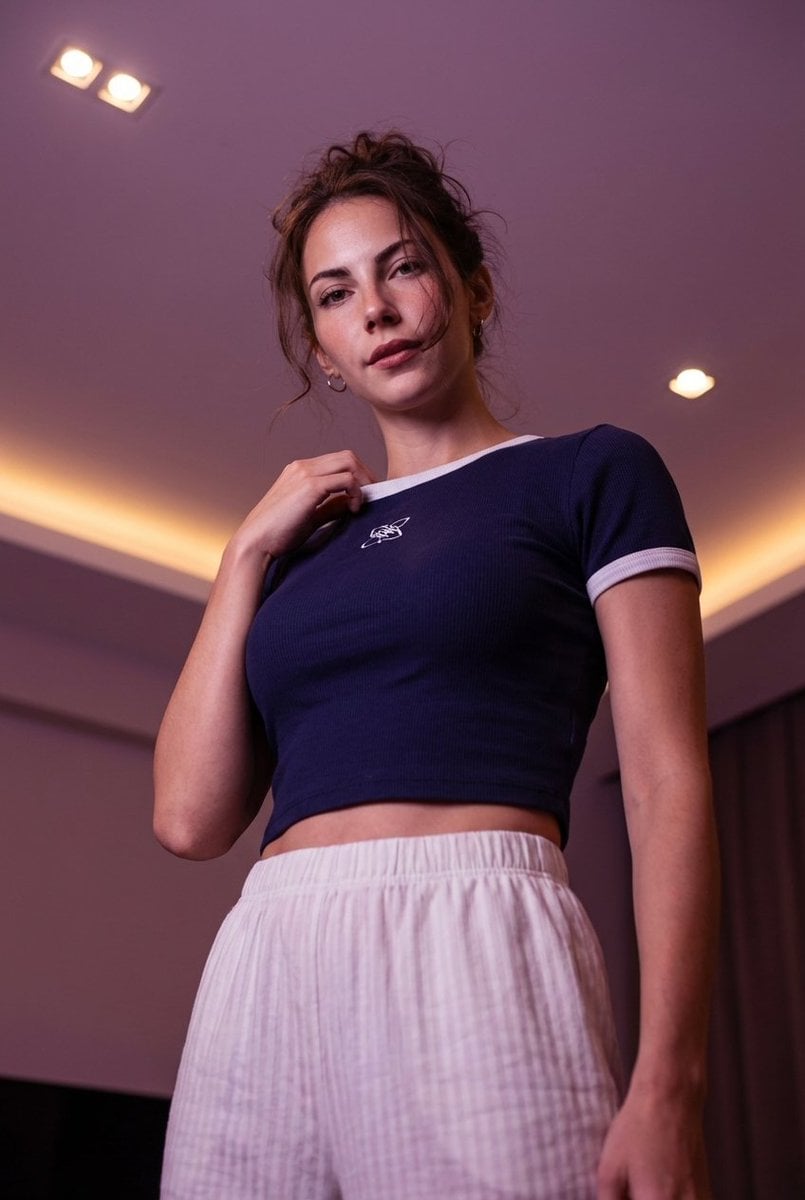
Low-angle stylized portrait of a young woman in a dim room
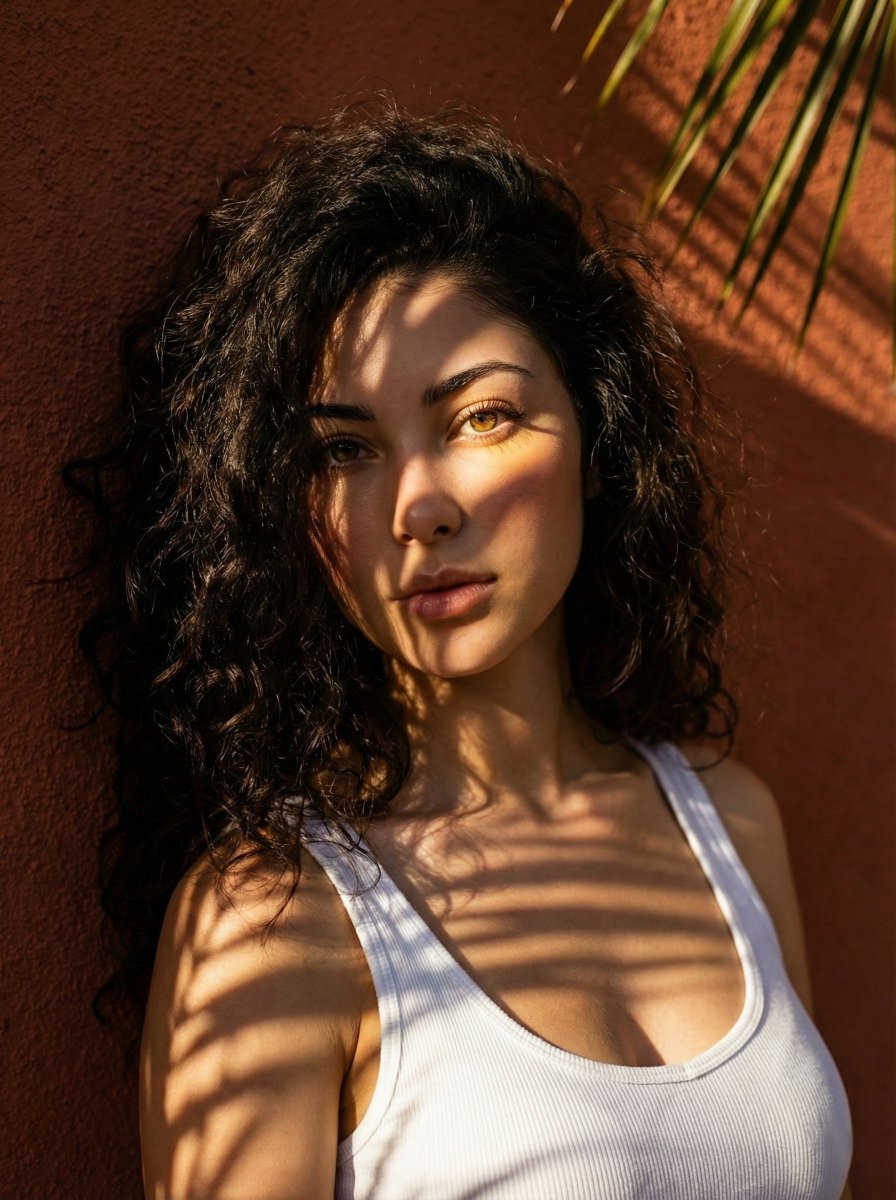
High-Contrast Portrait with Palm Tree Shadows
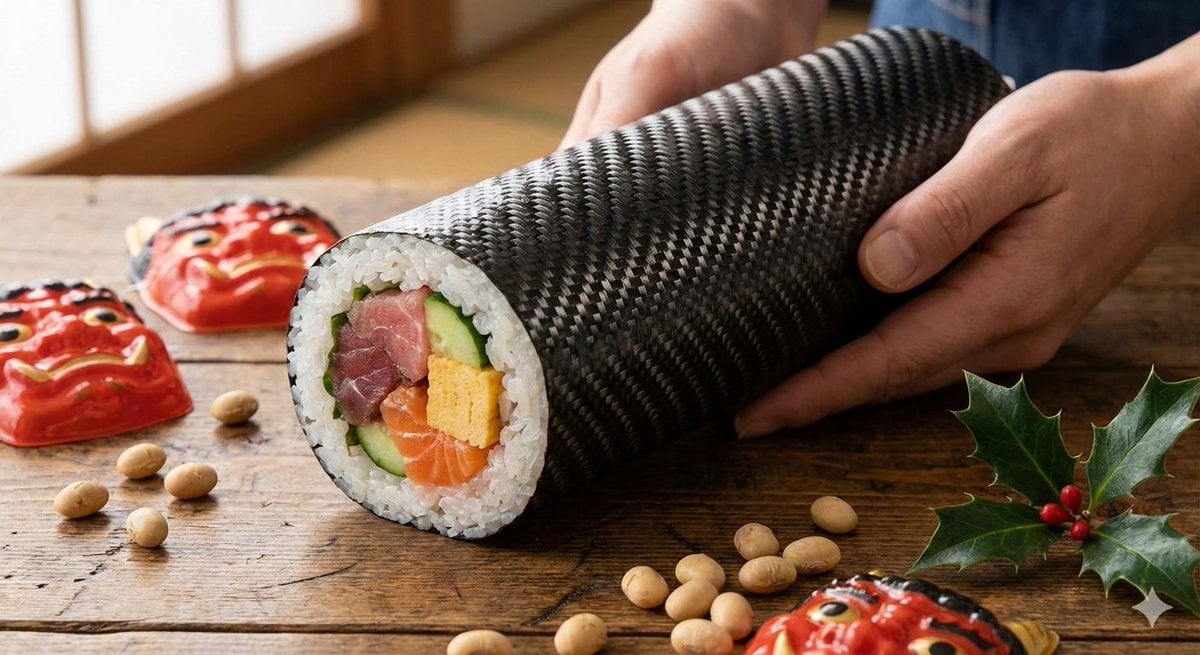
Carbon Pattern Printed Ehomaki Sushi Roll
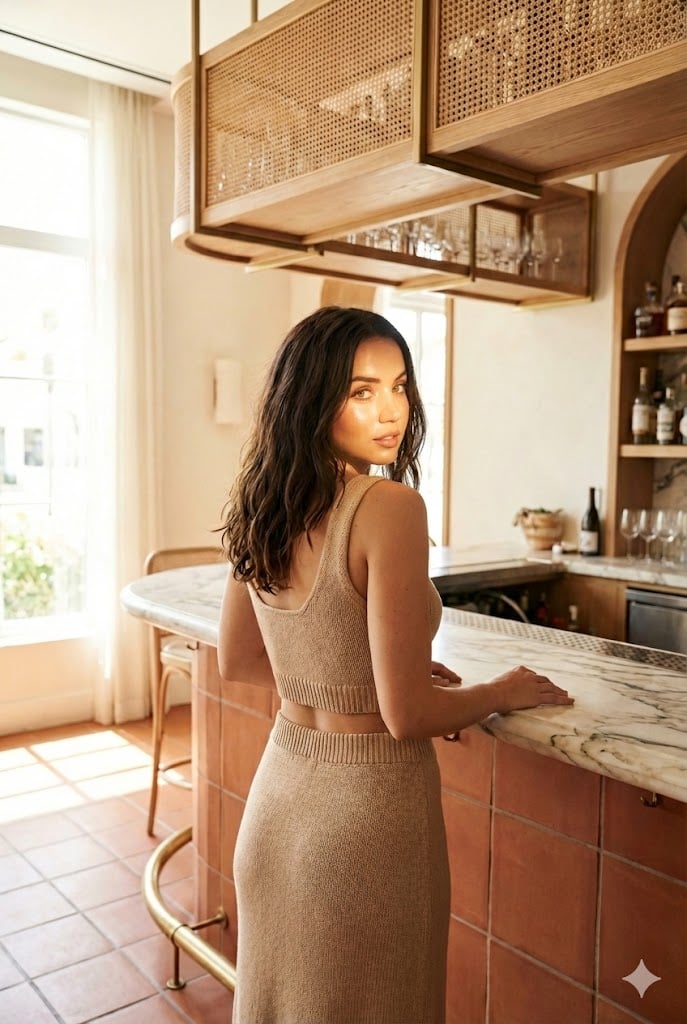
Structured Lifestyle Photo of Woman at a Bar
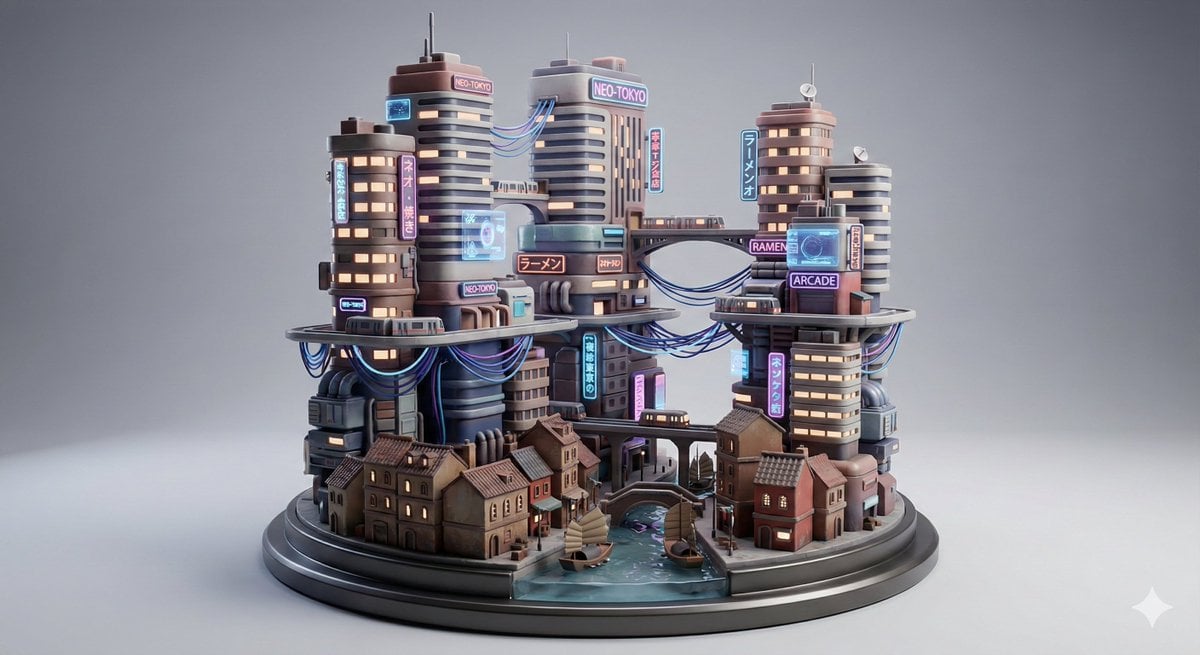
Cyberpunk City Block Collectible Diorama
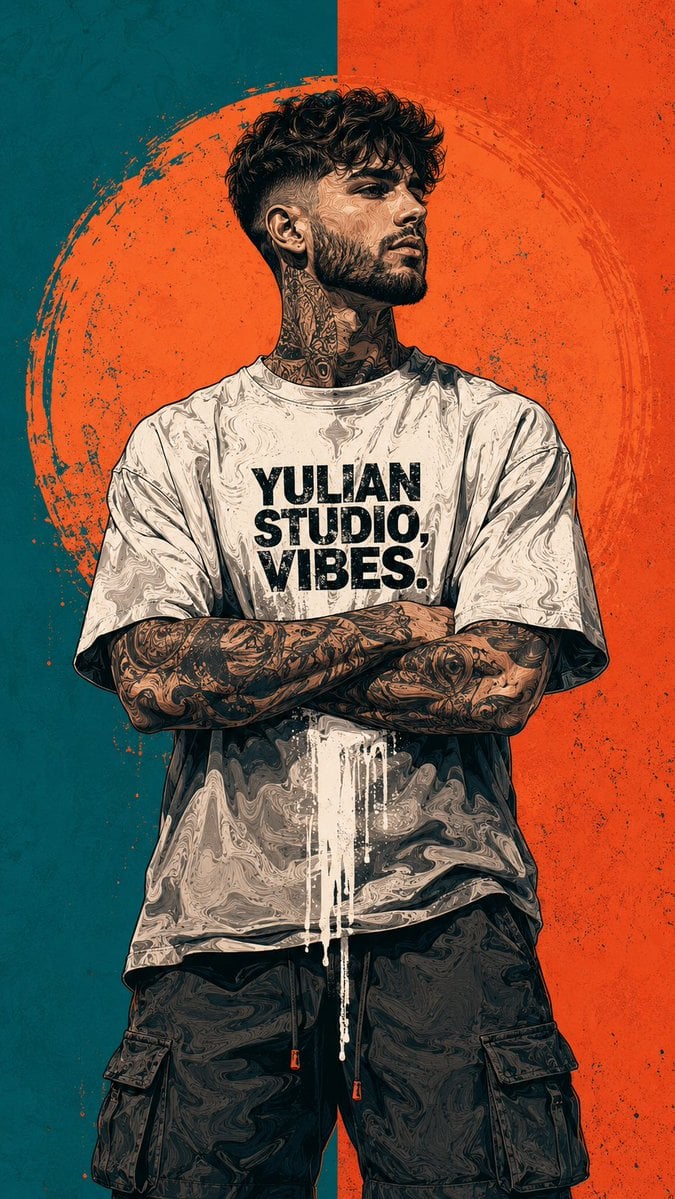
Urban Street Art Vector Illustration
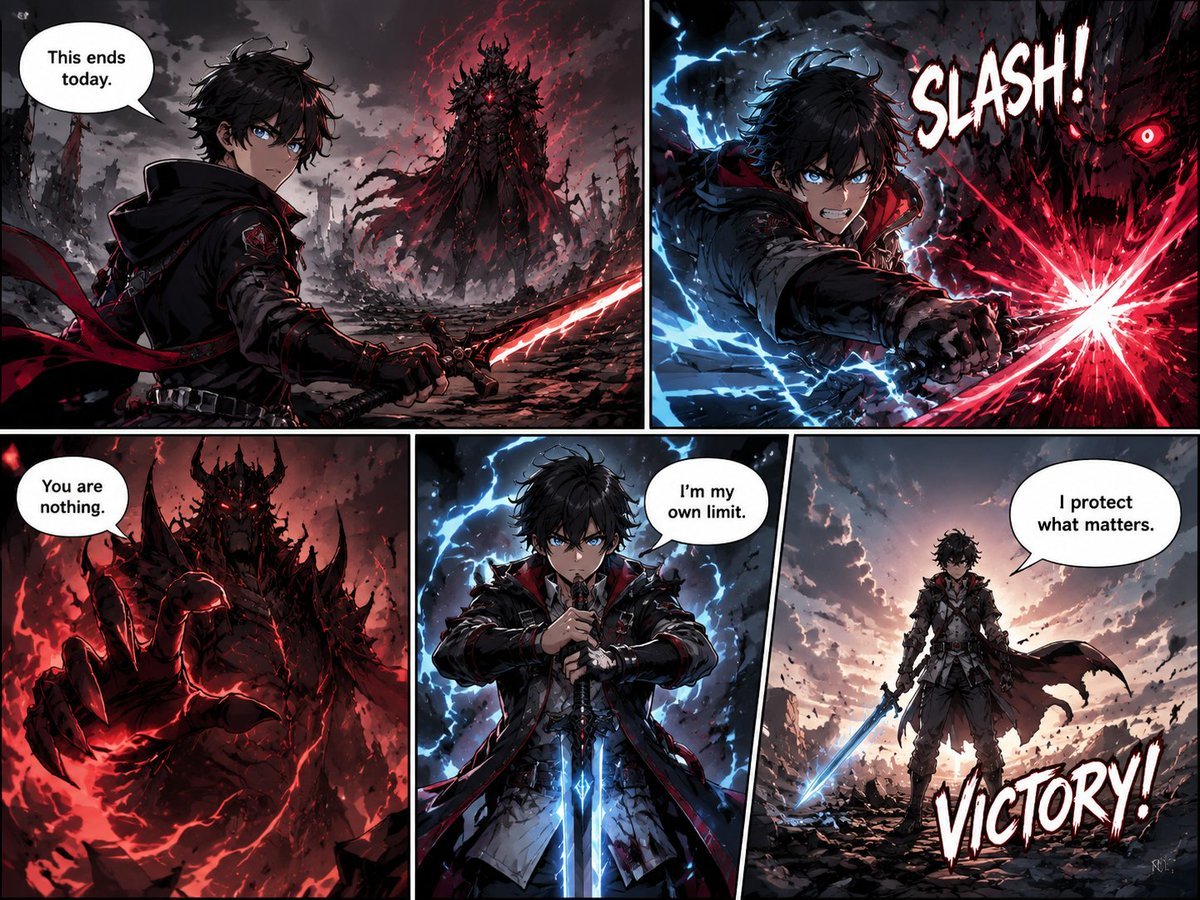
Dark Fantasy Manga Battle Page
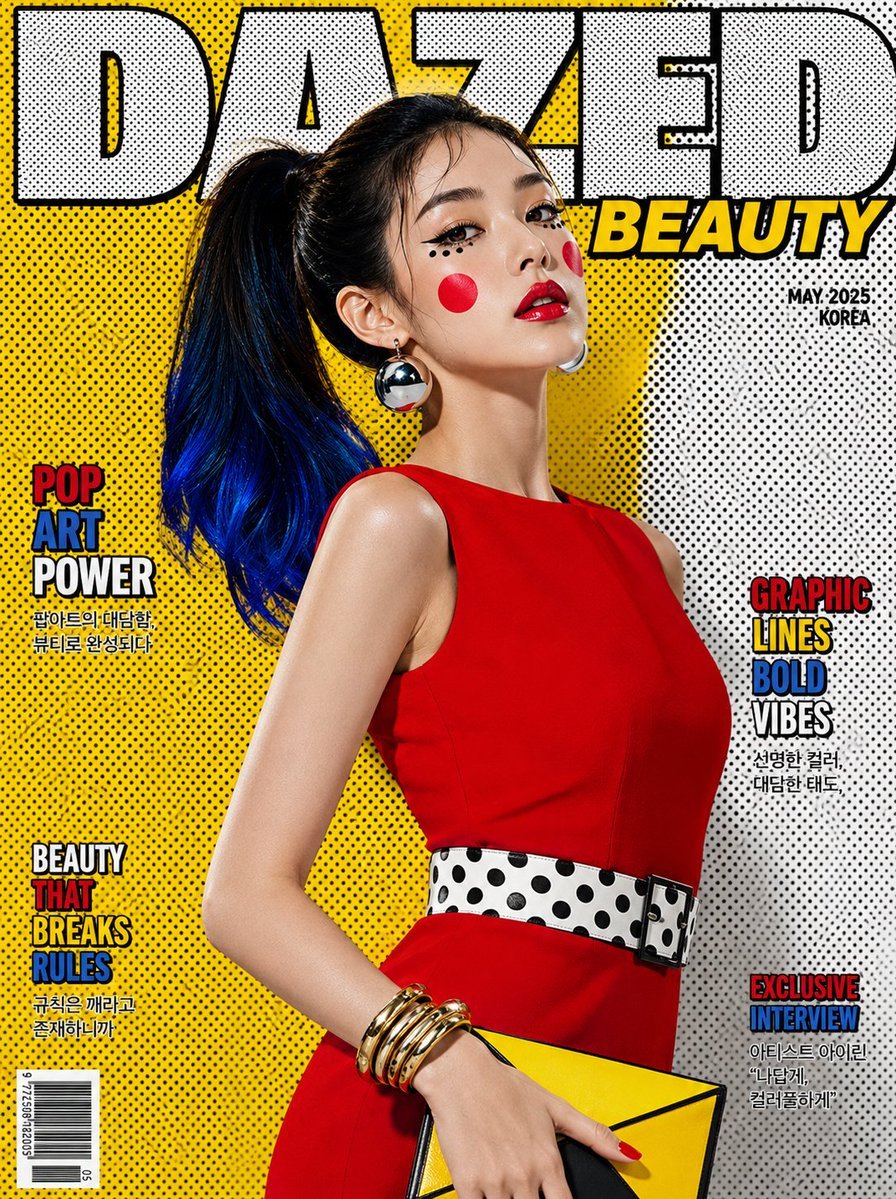
Luxury Pop-Art Beauty Magazine Cover
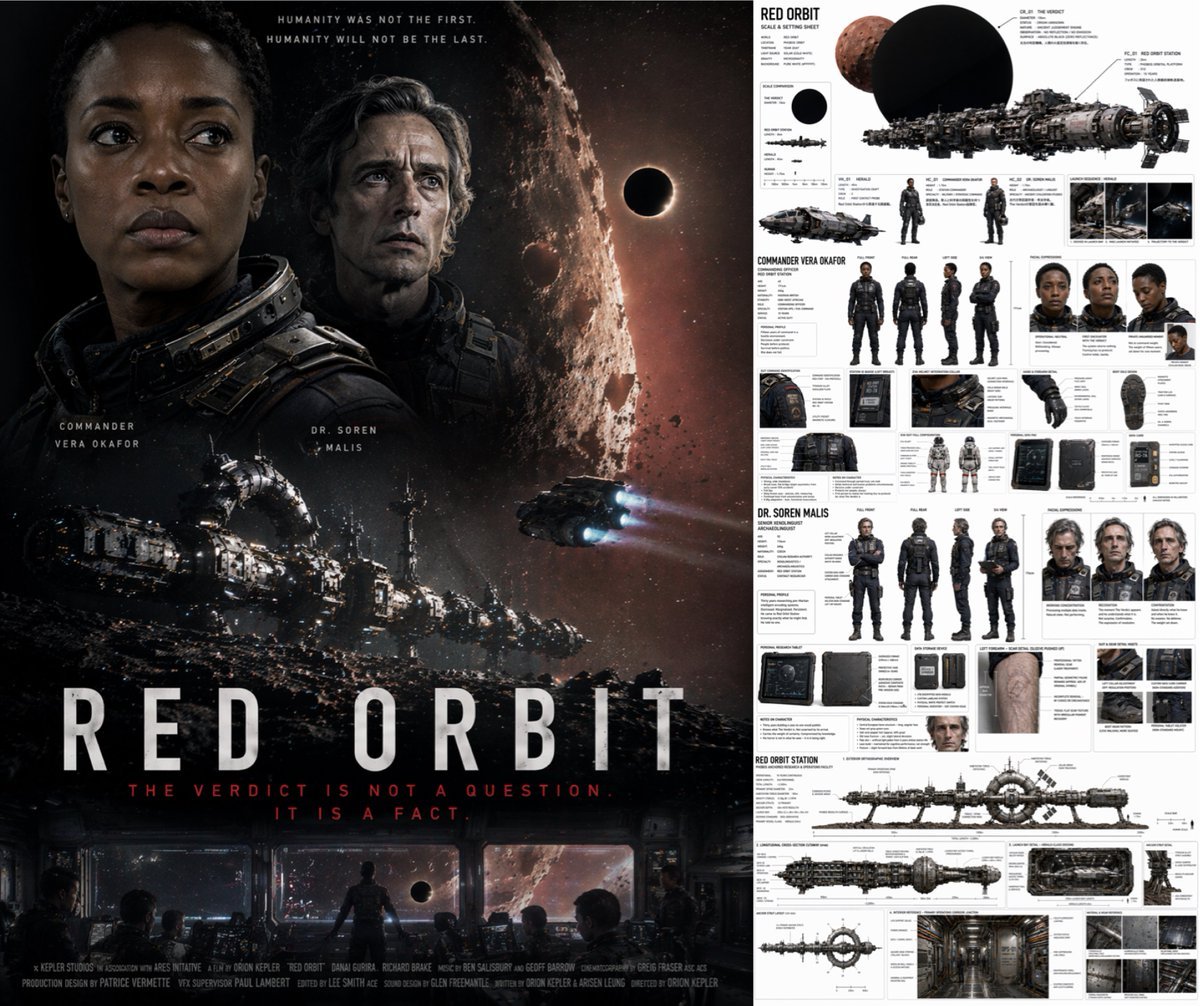
Sci-Fi Movie Poster and Production Design Sheet

Funny Cat POV Selfie
Browse template categories
Nine-Panel AI Profile Gallery Collage questions
How do I use the Nine-Panel AI Profile Gallery Collage template?
Add your photo if the template asks for one, edit the prompt if you like — the template's model and format are already selected — and press Generate. Your version opens in PicX Studio.
Can I customize the Nine-Panel AI Profile Gallery Collage template?
Yes. You can change the subject, setting, lighting, mood, format, and available model controls before creating your image.
Is the Nine-Panel AI Profile Gallery Collage template free?
Opening and editing this template is free. Generating uses credits, shown on the Generate button when you are signed in.
Which AI model should I use?
Start with GPT Image 2, which is the model associated with this template. You can compare another compatible model for a different finish.
Looking for something else? Browse all templates.

Your photo, any look
Thousands of ready templates for every top image and video model, from one credit balance.