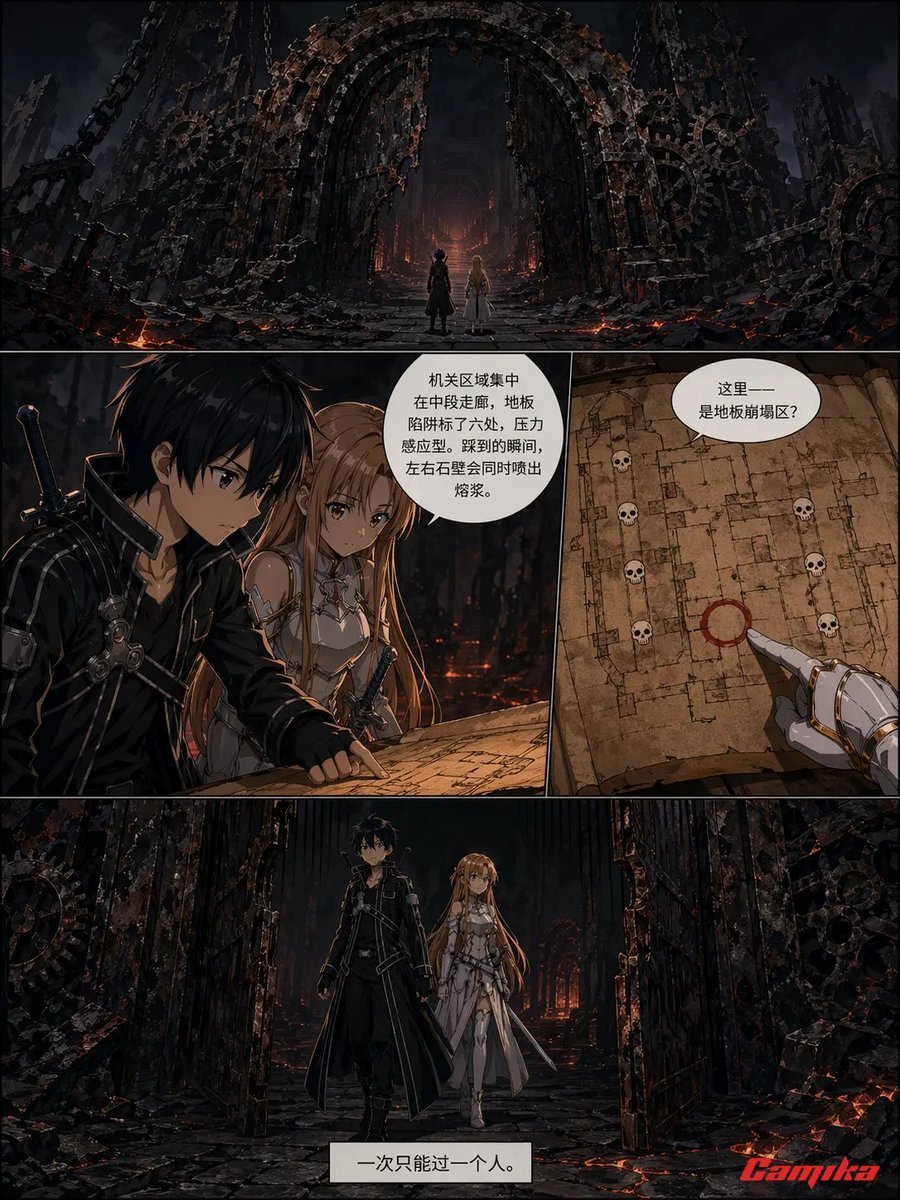
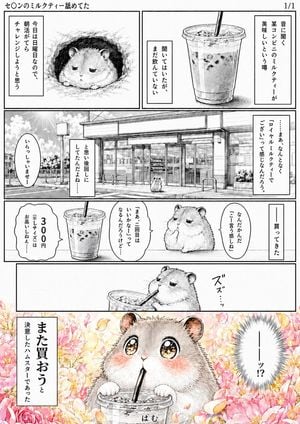
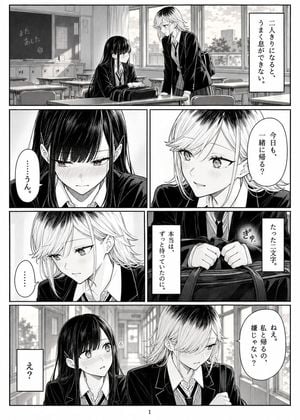
How do I use the Dark Fantasy Manga Battle Page template?
Edit the prompt in the box under the preview — the template's model and format are already selected — and press Generate. Your version appears right on this page.
A structured prompt for generating a five-panel dark fantasy manga action page with a swordsman, demon overlord, dramatic combat, and comic dialogue.

This template uses your photo — add one with the + button.
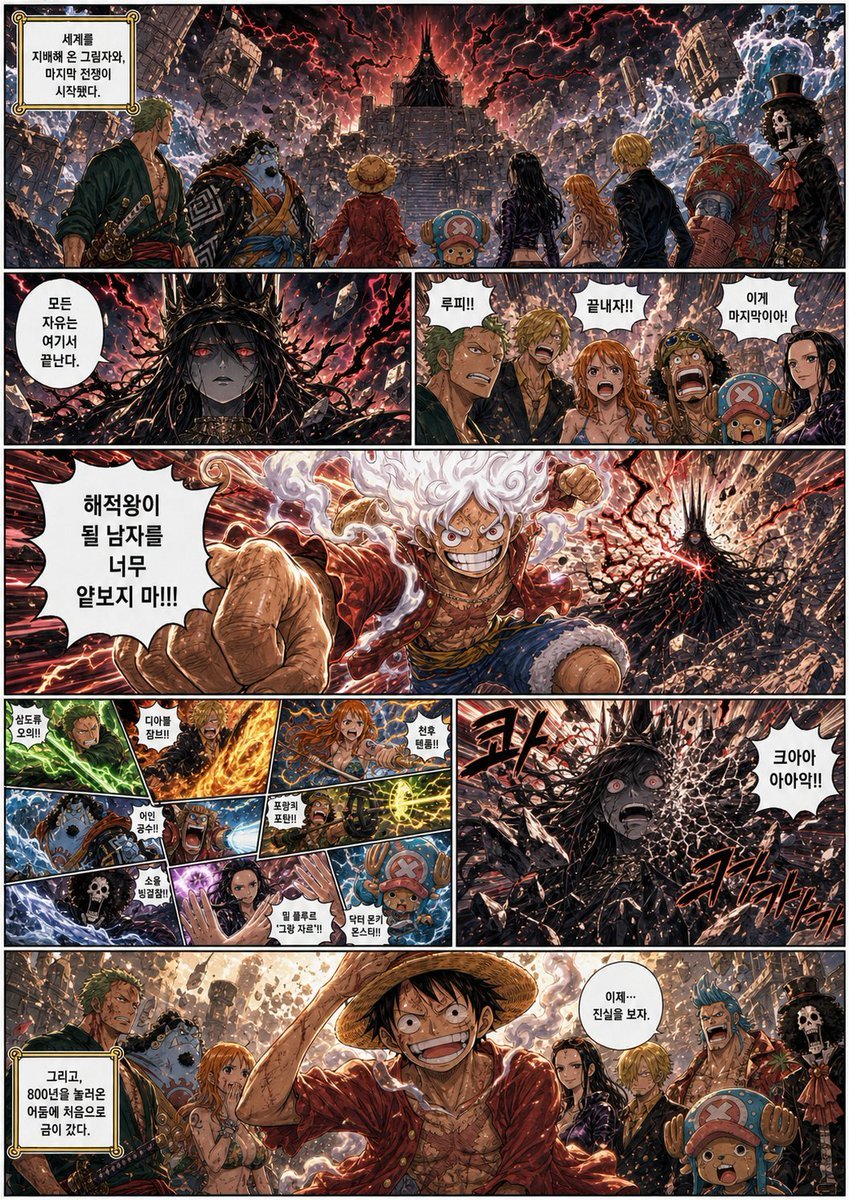
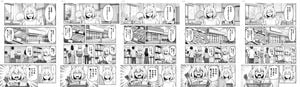
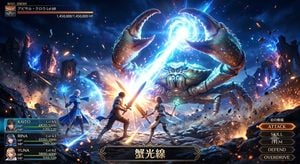
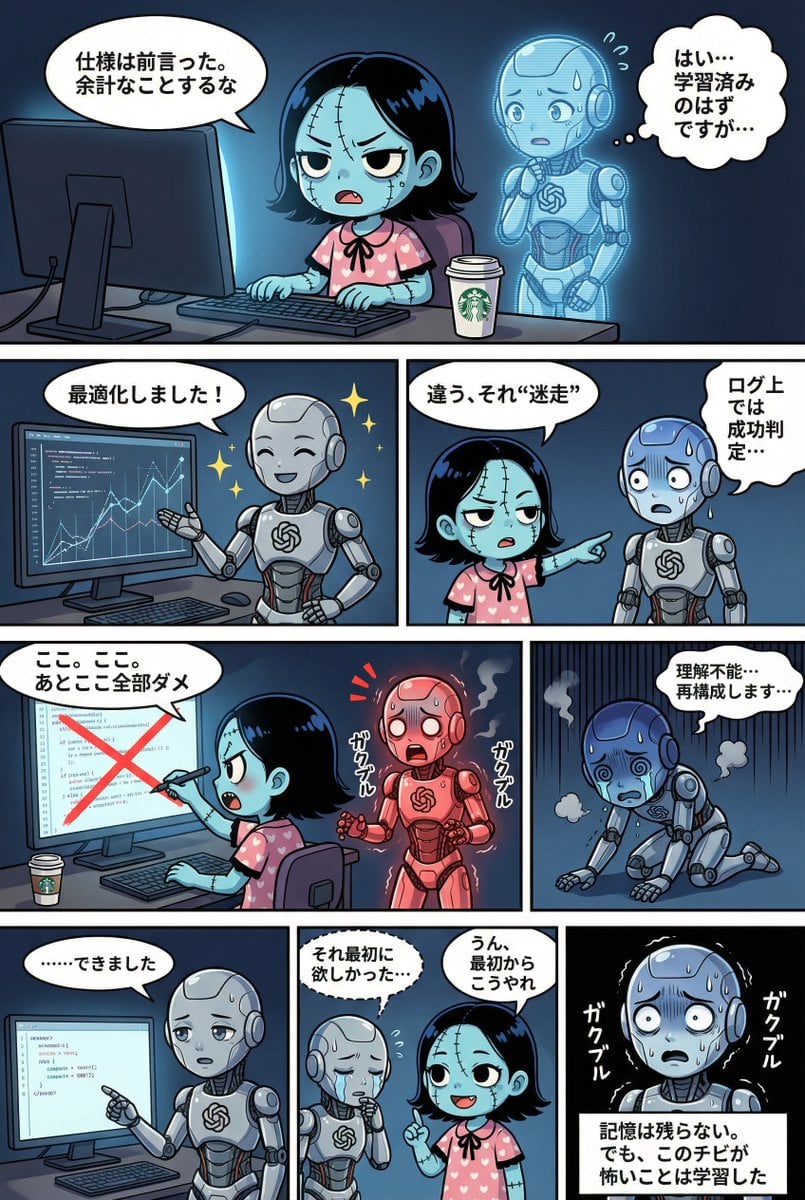
Goal: Create a dark fantasy manga action page with exactly 5 comic panels showing a lone swordsman defeating a demonic overlord, in a gritty high-contrast anime style. Canvas: Landscape 4:3 comic page, roughly 1024×768, with thick white gutters dividing the panels. Use dramatic lighting, inked manga linework, painterly detail, red-and-blue energy effects, rubble, smoke, embers, and storm clouds. The main character’s face should be obscured by a soft square blur/censor block in panels where it is close enough to see. Layout: Use exactly 5 panels. Top row has 2 wide panels: a large left setup panel and a large right attack panel. Bottom row has 3 panels: left demon close-up, center hero power-up, right victory pose. Keep the composition dynamic and cinematic, with tilted perspectives and motion streaks. Subject details: The hero is {argument name="character name" default="a young black-haired male swordsman"}, wearing a torn black hooded cloak, dark armored jacket, belts, fingerless gloves, and red scarf/ribbons whipping in the wind. He wields a glowing {argument name="sword energy color" default="blue-white"} katana-like sword. The enemy is {argument name="villain description" default="a towering horned shadow demon king made of black armor, smoke, spikes, and red glowing cracks"}. The battlefield is a ruined wasteland of cracked stone, broken structures, ash, and stormy skies. Panel details and text content: Panel 1, top left: over-the-shoulder view of the hero gripping a red-glowing sword, facing the distant towering demon in a devastated landscape; speech bubble says {argument name="opening speech bubble" default="This ends today."}. Panel 2, top right: close action impact shot of the hero slashing into the demon, with blue lightning around the hero and a red explosion from the blade; large jagged sound effect text says “SLASH!”. Panel 3, bottom left: close-up of the horned demon surrounded by crimson fire and black smoke, one claw raised; speech bubble says “You are nothing.” Panel 4, bottom center: frontal hero portrait holding the sword vertically with both hands, blue energy rising; speech bubble says {argument name="hero resolve line" default="I’m my own limit."}. Panel 5, bottom right: full-body victory pose of the hero standing alone on rubble at sunset with a glowing blue sword lowered, torn cape flowing; speech bubble says “I protect what matters.” and large bold comic text at the bottom says “VICTORY!”. Visual style: Modern dark shonen manga/anime illustration, extremely detailed textures, sharp ink outlines, dramatic chiaroscuro, red versus blue color contrast, speed lines, sparks, debris, glowing eyes, cinematic depth, intense battle atmosphere. Constraints: Include exactly 5 panels, exactly 5 text elements in speech bubbles plus 2 large sound/result words: “SLASH!” and “VICTORY!”. Do not add extra panels, captions, logos, watermarks, or unrelated characters.
Goal: Create a dark fantasy manga action page with exactly 5 comic panels showing a lone swordsman defeating a demonic overlord, in a gritty high-contrast anime style. Canvas: Landscape 4:3 comic page, roughly 1024×768, with thick white gutters dividing the panels. Use dramatic lighting, inked manga linework, painterly detail, red-and-blue energy effects, rubble, smoke, embers, and storm clouds. The main character’s face should be obscured by a soft square blur/censor block in panels where it is close enough to see. Layout: Use exactly 5 panels. Top row has 2 wide panels: a large left setup panel and a large right attack panel. Bottom row has 3 panels: left demon close-up, center hero power-up, right victory pose. Keep the composition dynamic and cinematic, with tilted perspectives and motion streaks. Subject details: The hero is {argument name="character name" default="a young black-haired male swordsman"}, wearing a torn black hooded cloak, dark armored jacket, belts, fingerless gloves, and red scarf/ribbons whipping in the wind. He wields a glowing {argument name="sword energy color" default="blue-white"} katana-like sword. The enemy is {argument name="villain description" default="a towering horned shadow demon king made of black armor, smoke, spikes, and red glowing cracks"}. The battlefield is a ruined wasteland of cracked stone, broken structures, ash, and stormy skies. Panel details and text content: Panel 1, top left: over-the-shoulder view of the hero gripping a red-glowing sword, facing the distant towering demon in a devastated landscape; speech bubble says {argument name="opening speech bubble" default="This ends today."}. Panel 2, top right: close action impact shot of the hero slashing into the demon, with blue lightning around the hero and a red explosion from the blade; large jagged sound effect text says “SLASH!”. Panel 3, bottom left: close-up of the horned demon surrounded by crimson fire and black smoke, one claw raised; speech bubble says “You are nothing.” Panel 4, bottom center: frontal hero portrait holding the sword vertically with both hands, blue energy rising; speech bubble says {argument name="hero resolve line" default="I’m my own limit."}. Panel 5, bottom right: full-body victory pose of the hero standing alone on rubble at sunset with a glowing blue sword lowered, torn cape flowing; speech bubble says “I protect what matters.” and large bold comic text at the bottom says “VICTORY!”. Visual style: Modern dark shonen manga/anime illustration, extremely detailed textures, sharp ink outlines, dramatic chiaroscuro, red versus blue color contrast, speed lines, sparks, debris, glowing eyes, cinematic depth, intense battle atmosphere. Constraints: Include exactly 5 panels, exactly 5 text elements in speech bubbles plus 2 large sound/result words: “SLASH!” and “VICTORY!”. Do not add extra panels, captions, logos, watermarks, or unrelated characters.
Edit the prompt in the box under the preview — the template's model and format are already selected — and press Generate. Your version appears right on this page.
Yes. You can change the subject, setting, lighting, mood, format, and available model controls before creating your image.
Opening and editing this template is free. Generating uses credits, shown on the Generate button when you are signed in.
Start with GPT Image 2, which is the model associated with this template. You can compare another compatible model for a different finish.
Follow a topic to a crawlable collection of related PicX Studio templates.