
Japanese Yuri Manga Page
Generates a monochrome six-panel yuri manga page set after school, ideal for romantic comic storytelling.
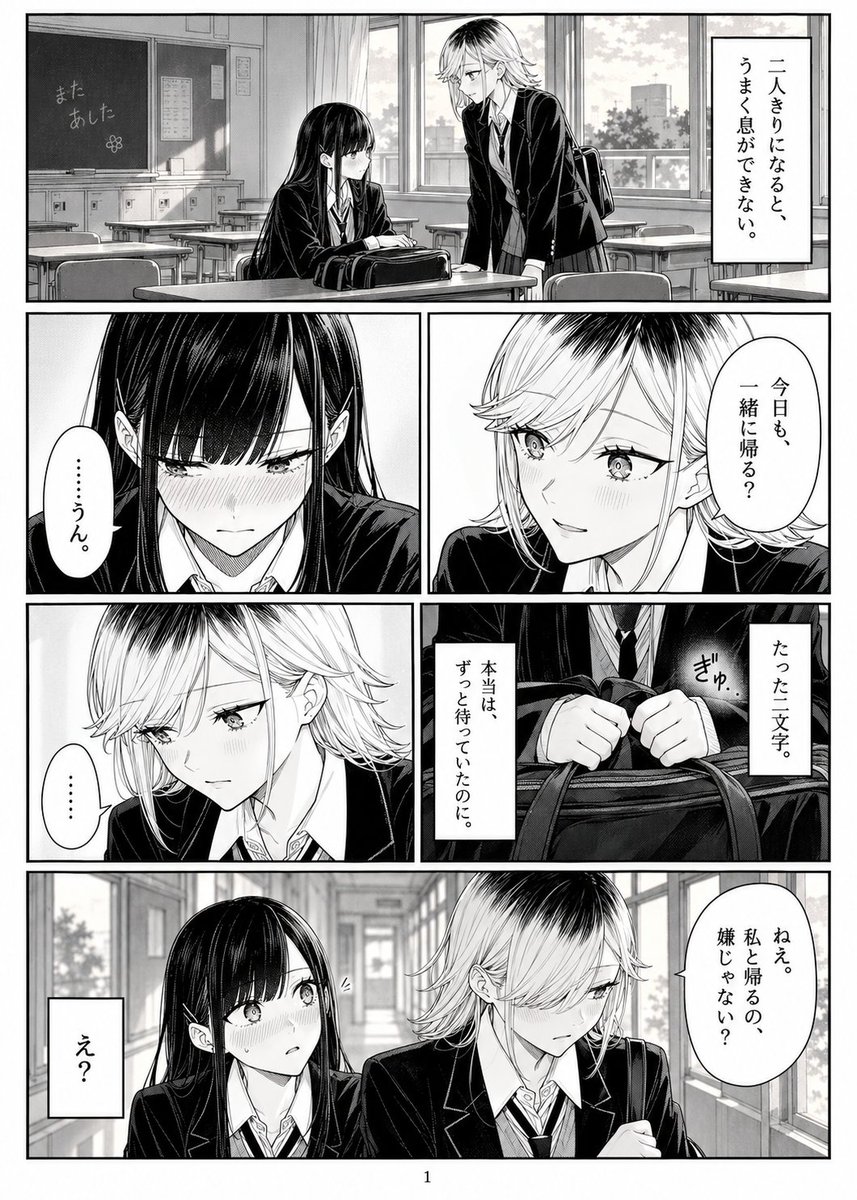
- Prompt included
- Model and format preset
- Free template
The prompt behind this image
Copy the exact prompt behind Japanese Yuri Manga Page, or open it in the studio and make it yours.
Goal: Create a single black-and-white Japanese yuri manga page about two high school girls awkwardly wanting to walk home together. Canvas: Vertical manga page, approximately 2:3 aspect ratio, clean white page margin, heavy black panel borders, screentone shading, high-detail ink line art, page number “1” centered at the bottom. Visual style: Professional shoujo/seinen manga hybrid, monochrome, delicate facial expressions, glossy hair rendering, soft blush screentones, realistic classroom and hallway perspective, cinematic closeups, dramatic pauses, no color. Use Japanese vertical speech bubbles and narration boxes. Characters: Two teenage schoolgirls in dark blazers, white shirts, neckties, and pleated skirts. Girl A has {argument name="black haired girl name" default="the quiet black-haired girl"}, very long straight black hair with blunt bangs, shy downcast eyes, subtle blush, reserved posture. Girl B has {argument name="blonde girl name" default="the short-haired blonde girl"}, short layered light hair with dark roots, sharper eyes, slightly princely/tomboyish aura, a school bag, embarrassed but trying to act casual. Layout: Use exactly 6 manga panels arranged from top to bottom: 1. Wide establishing panel across the top: an empty classroom after school with desks, chalkboard reading 「また あした」 with a small flower doodle, large windows and curtains. Girl A sits at a desk with her bag while Girl B stands beside her leaning forward. Add a tall vertical narration box on the right reading 「二人きりになると、うまく息ができない。」 2. Middle-left closeup panel: Girl A’s face looking down, intensely blushing, long black hair framing her cheeks. Speech bubble reads 「……うん。」 3. Middle-right closeup panel: Girl B smiling nervously with flushed cheeks. Speech bubble reads 「今日も、一緒に帰る?」 4. Lower-middle-left panel: Girl B looking down sadly or uncertainly, eyes softened, with a silent speech bubble reading 「……」 5. Lower-middle-right detail panel: closeup of Girl A’s hands gripping the handles of a school bag tightly, with small sound effect 「ぎゅっ」 and two vertical narration boxes reading 「たった二文字。」 and 「本当は、ずっと待っていたのに。」 6. Wide bottom panel: school corridor with windows and perspective depth. The two girls stand side by side; Girl B looks away shyly while holding her bag strap, Girl A looks surprised and blushing. Girl B’s speech bubble reads 「ねえ。私と帰るの、嫌じゃない?」 and Girl A’s small rectangular reaction box reads 「え?」 Text constraints: Keep all Japanese text exactly as written, vertical where appropriate. Do not add extra dialogue, sound effects, logos, watermarks, or modern digital UI elements. The scene should feel tender, quiet, romantic, and emotionally restrained.
How to use Japanese Yuri Manga Page in 3 steps
- 1Upload ImagePNG, JPG or paste
Add your photo
Upload the photo the template builds on. The prompt, model and format are already set.
- 2…a portrait of your subject in softgolden-hour light, 85mm…
Personalize
Edit the subject and creative details for your destination.
- 3Generate
Generate
Press Generate — your image is created in PicX Studio, so you can compare it with the original and refine one variable at a time.
More like this
Templates with the same subject, style or setup. Open one to see its prompt.

Quiet Hamster Manga Page

Minecraft Japanese Research Lab Exploration

Late-Night Hamster Manga Page

Surreal Noir Hamster Manga Page
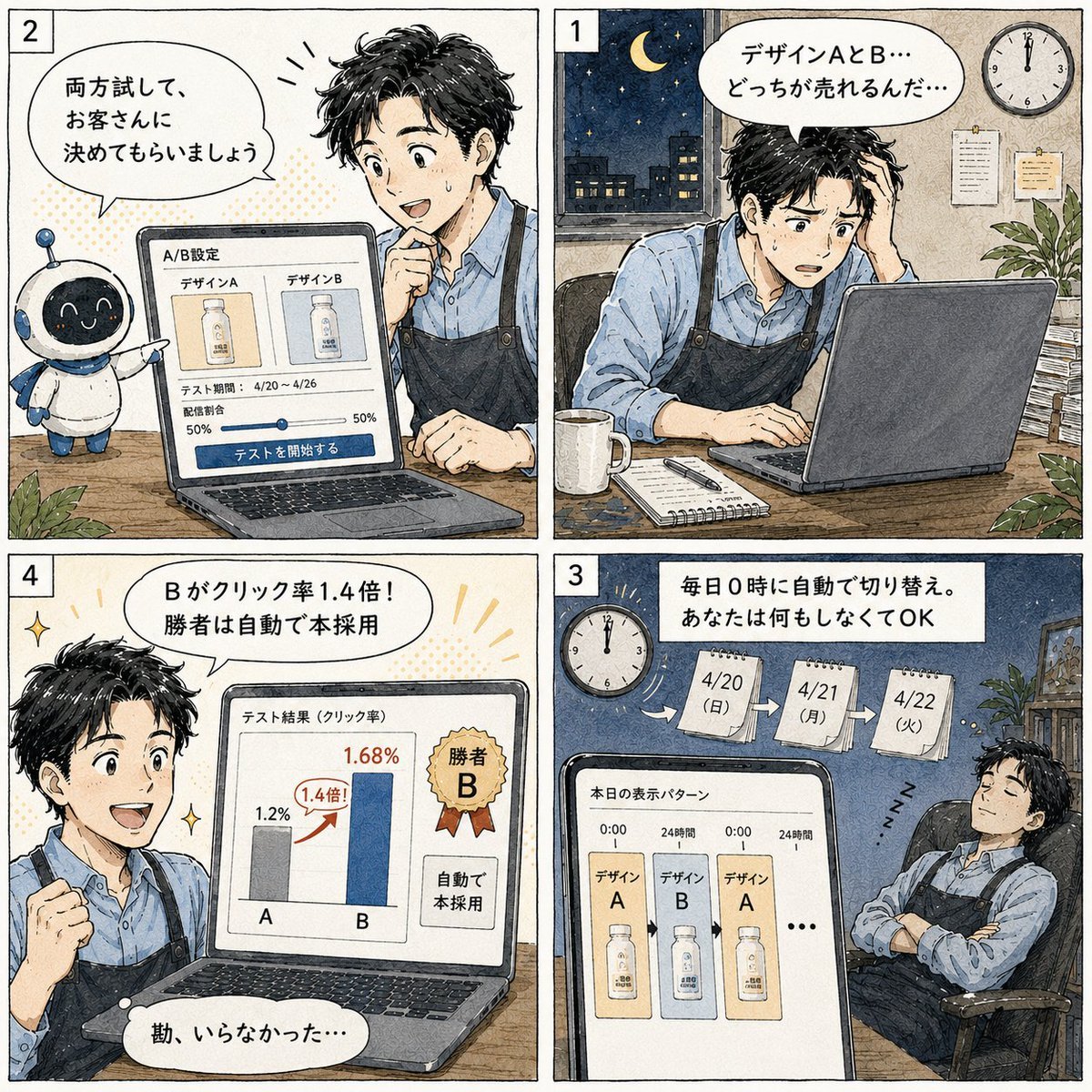
Japanese Manga A/B Testing Comic

Shojo Horror Manga Corridor Page

Cute AI Manga Lesson Comic Page

Hamster Summons Sol Manga Page

Lazy Day Chibi Manga Page

Overwhelmed Coding Manga Page
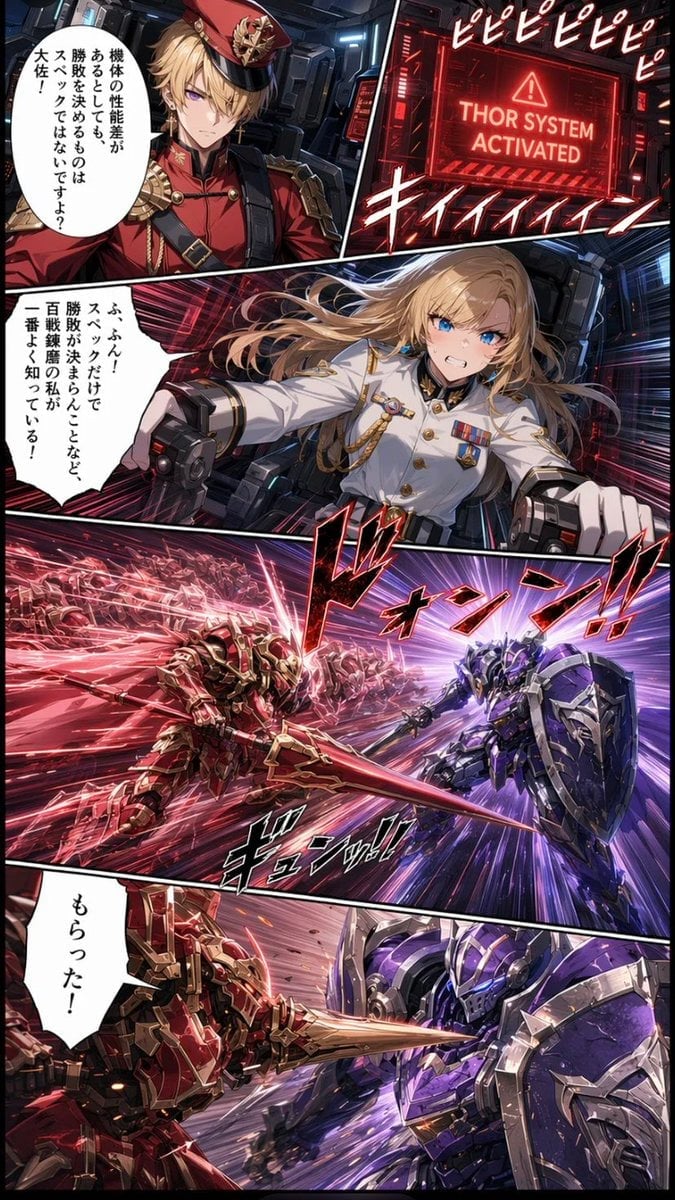
Japanese Webtoon Mecha Battle Page

Fantasy Wagashi Manga Cooking Page
Make it yours
Japanese Yuri Manga Page works as-is. These are the safest ways to change it without losing the look.
Change one field
Copy a single group, rewrite it, and generate again so you can see what that field is doing.
Keep the frame, change the subject
Hold the composition and light of Japanese Yuri Manga Page, then swap wardrobe, props or the person for a new take.
| If the result… | Why | Fix |
|---|---|---|
| The result drifts from the preview | Too many fields changed at once. | Reuse Japanese Yuri Manga Page as-is first, then change one group — subject, light, or setting. |
| The model over-stylizes the scene | The prose prompt leaves finish and camera underspecified. | Add one camera or lighting sentence and stay on GPT Image 2. |
More GPT Image 2 templates
Other prompts made for GPT Image 2.

Six VTuber Japanese Logo Sheet

Realistic Portrait of Woman and Deer

The Vista Modular Condo Poster

AI Model Routing Comparison Infographic

2.5D Anime Art Board

Isometric Productivity Desk Scene

New York Double Exposure Poster

Four-Panel AI Landscape Comparison

Japanese Tatami Lifestyle Magazine Cover

NESCAFÉ Coffee Map Poster
More image prompts
Fresh picks from across the catalog.
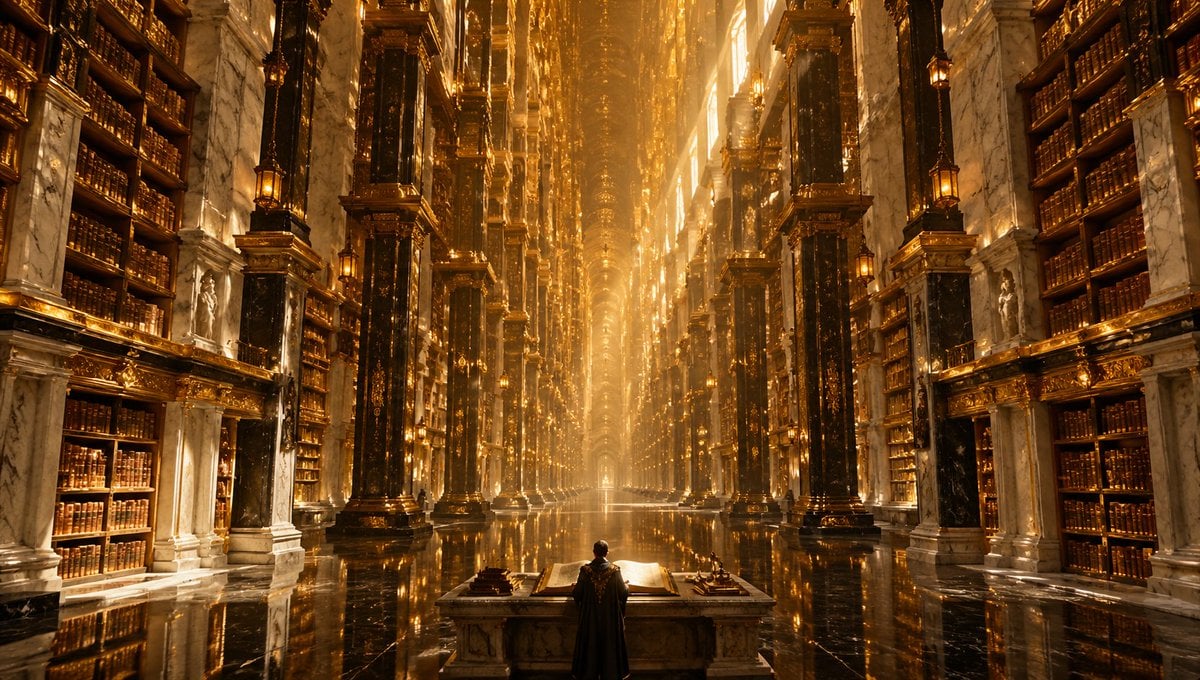
Calligraphic Design with Vibrant Illustration Style
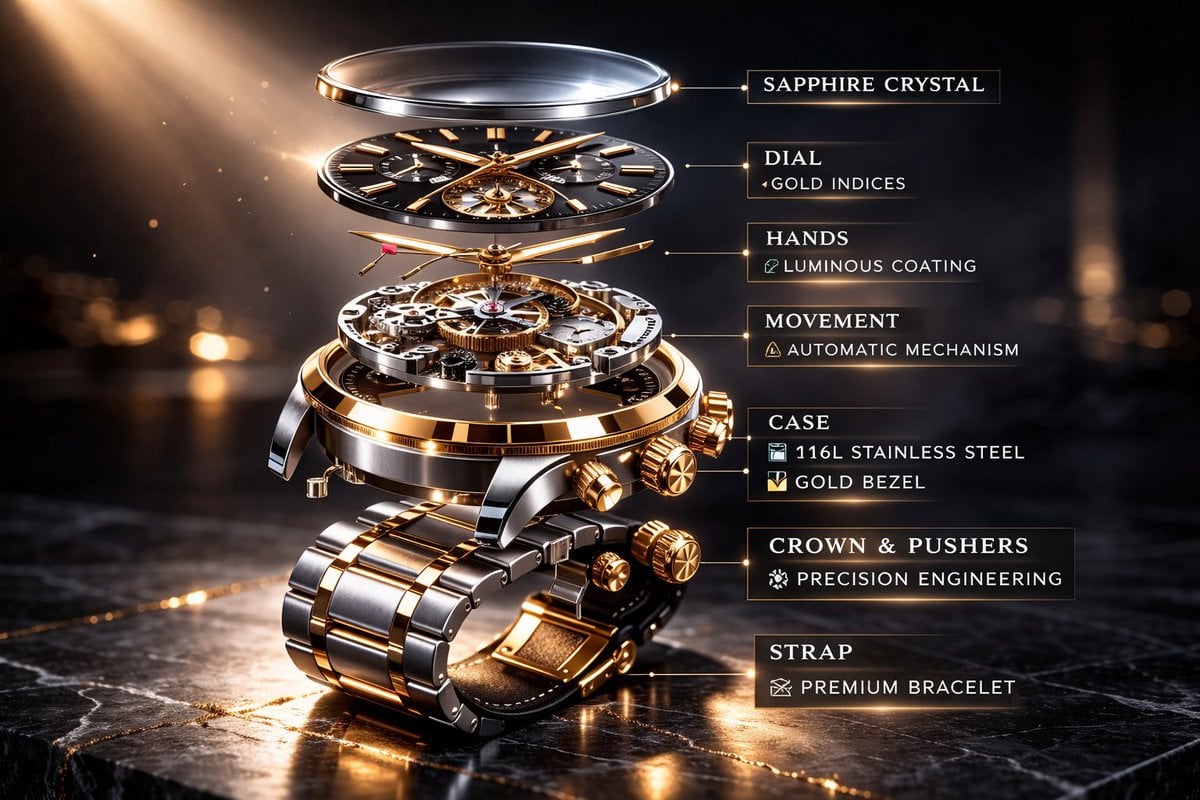
Luxury Mechanical Watch Commercial Photography Prompt
High-Fashion Studio Pose Prompt (Absolute Identity Lock)

Moutai Brand 3x3 Visual Storyboard
High-Fidelity Mirror Selfie with Identity Lock
Luxury sports advertisement prompt
Censored Smoky Film Still

Miniature Sci-Fi Companion Robot
Elegant Digital Illustration with Vintage Realism
Ultimate Weapon Mastery Cinematic Pose Prompt
Browse template categories
Japanese Yuri Manga Page questions
How do I use the Japanese Yuri Manga Page template?
Add your photo if the template asks for one, edit the prompt if you like — the template's model and format are already selected — and press Generate. Your version opens in PicX Studio.
Can I customize the Japanese Yuri Manga Page template?
Yes. You can change the subject, setting, lighting, mood, format, and available model controls before creating your image.
Is the Japanese Yuri Manga Page template free?
Opening and editing this template is free. Generating uses credits, shown on the Generate button when you are signed in.
Which AI model should I use?
Start with GPT Image 2, which is the model associated with this template. You can compare another compatible model for a different finish.
Looking for something else? Browse all templates.

Your photo, any look
Thousands of ready templates for every top image and video model, from one credit balance.