
High-Fashion Studio Pose Prompt (Absolute Identity Lock)
A highly detailed, structured prompt for Nano Banana Pro to generate a high-fashion editorial image of a young woman in a specific pose (on hands and knees) in a studio setting, demanding absolute identity lock…
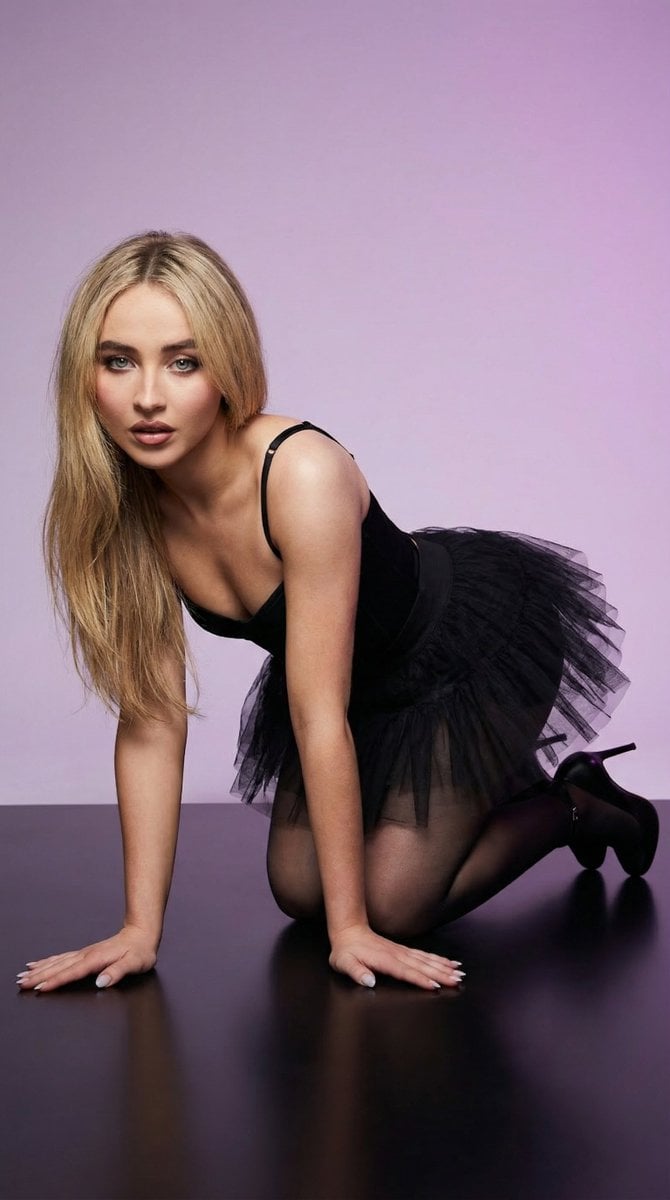
- Prompt included
- Model and format preset
- Free template
The prompt behind this image
Copy the exact prompt behind High-Fashion Studio Pose Prompt (Absolute Identity Lock), or open it in the studio and make it yours.
- Image Generation Prompt › Subject › Description
- Young woman in a high-fashion studio pose, Use uploaded reference image, keep identity exact
- Image Generation Prompt › Subject › Identity Lock
- ABSOLUTE — Use uploaded reference image, keep identity exact. Same face, same eyes, same proportions, same bone structure. Do NOT modify identity.
- Image Generation Prompt › Subject › Pose › Body Position
- on hands and knees on studio floor
- Image Generation Prompt › Subject › Pose › Torso
- leaning forward at a low angle, spine slightly arched naturally
- Image Generation Prompt › Subject › Pose › Hips
- raised slightly above shoulder level, natural alignment (no exaggeration)
- Image Generation Prompt › Subject › Pose › Legs
- knees bent and resting on floor, lower legs angled backward
- Image Generation Prompt › Subject › Pose › Arms › Front Arm
- extended forward on floor with relaxed hand and naturally spread fingers
- Image Generation Prompt › Subject › Pose › Arms › Rear Arm
- bent at elbow with hand raised near face
- Image Generation Prompt › Subject › Pose › Head
- tilted slightly downward and forward toward camera
- Image Generation Prompt › Subject › Pose › Gaze
- directly at camera, intense editorial look
- Image Generation Prompt › Subject › Pose › Expression
- soft parted lips, calm controlled expression
- Image Generation Prompt › Hair › Rule
- Use uploaded reference image, keep identity exact
- Image Generation Prompt › Hair › Style
- long straight hair falling forward over shoulders and partially onto floor
- Image Generation Prompt › Hair › Details
- natural strands visible, slight separation of hair sections, realistic shine, no stylization
- Image Generation Prompt › Face › Rule
- Use uploaded reference image, keep identity exact
- Image Generation Prompt › Face › Eyes
- same eye color from reference image, sharp focus, natural reflections
- Image Generation Prompt › Face › Skin
- realistic skin texture with pores, no smoothing, no beautify
- Image Generation Prompt › Face › Lips
- natural texture, slightly parted, no artificial enhancement
- Image Generation Prompt › Attire › Outfit › Top
- black fitted top with thin straps, matte fabric
- Image Generation Prompt › Attire › Outfit › Bottom
- black short skirt or layered fabric with soft texture (non-transparent, non-explicit)
- Image Generation Prompt › Attire › Outfit › Legs
- sheer black tights with realistic stretch and slight sheen
- Image Generation Prompt › Attire › Outfit › Footwear
- black high heels with glossy finish
- Image Generation Prompt › Attire › Accessories › Neck
- thin black choker
- Image Generation Prompt › Attire › Accessories › Wrists
- soft black textured cuffs or fabric accents
Raw JSON
{
  "image_generation_prompt": {
    "subject": {
      "description": "Young woman in a high-fashion studio pose, Use uploaded reference image, keep identity exact",
      "identity_lock": "ABSOLUTE — Use uploaded reference image, keep identity exact. Same face, same eyes, same proportions, same bone structure. Do NOT modify identity.",
      "pose": {
        "body_position": "on hands and knees on studio floor",
        "torso": "leaning forward at a low angle, spine slightly arched naturally",
        "hips": "raised slightly above shoulder level, natural alignment (no exaggeration)",
        "legs": "knees bent and resting on floor, lower legs angled backward",
        "arms": {
          "front_arm": "extended forward on floor with relaxed hand and naturally spread fingers",
          "rear_arm": "bent at elbow with hand raised near face"
        },
        "head": "tilted slightly downward and forward toward camera",
        "gaze": "directly at camera, intense editorial look",
        "expression": "soft parted lips, calm controlled expression"
      }
    },
    "hair": {
      "rule": "Use uploaded reference image, keep identity exact",
      "style": "long straight hair falling forward over shoulders and partially onto floor",
      "details": "natural strands visible, slight separation of hair sections, realistic shine, no stylization"
    },
    "face": {
      "rule": "Use uploaded reference image, keep identity exact",
      "eyes": "same eye color from reference image, sharp focus, natural reflections",
      "skin": "realistic skin texture with pores, no smoothing, no beautify",
      "lips": "natural texture, slightly parted, no artificial enhancement"
    },
    "attire": {
      "outfit": {
        "top": "black fitted top with thin straps, matte fabric",
        "bottom": "black short skirt or layered fabric with soft texture (non-transparent, non-explicit)",
        "legs": "sheer black tights with realistic stretch and slight sheen",
        "footwear": "black high heels with glossy finish"
      },
      "accessories": {
        "neck": "thin black choker",
        "wrists": "soft black textured cuffs or fabric accents",
        "headpiece": "subtle black decorative headband (minimal, non-costume exaggerated)"
      },
      "fabric_details": "realistic folds, compression, stretch, and contact shadows"
    },
    "environment": {
      "setting": "professional studio",
      "background": "smooth seamless gradient backdrop (soft purple fading to neutral)",
      "floor": "clean matte studio floor with subtle soft shadow and slight reflection"
    },
    "lighting": {
      "setup": "studio 3-point lighting",
      "key_light": "soft diffused light from front slightly above eye level",
      "fill_light": "low intensity fill to preserve shadows",
      "rim_light": "subtle rim light from behind to sep"
    }
  }
}How to use High-Fashion Studio Pose Prompt (Absolute Identity Lock) in 3 steps
- 1Upload ImagePNG, JPG or paste
Add your photo
Upload the photo the template builds on. The prompt, model and format are already set.
- 2…a portrait of your subject in softgolden-hour light, 85mm…
Personalize
Edit the subject and creative details for your destination.
- 3Generate
Generate
Press Generate — your image is created in PicX Studio, so you can compare it with the original and refine one variable at a time.
More like this
Templates with the same subject, style or setup. Open one to see its prompt.

Luxury Black-and-White Fashion Contact Sheet

Futuristic Studio Neon Ring Minimalist Portrait

Face-Locked Identity Reference Portrait

Gpt Image 2 Fashion Portrait

Face-Locked Cream Half-Zip Street Walk
Photorealistic Portrait with Absolute Facial Identity Lock
Photorealistic Surreal Fashion Concept Portrait with Identity Lock

80s Couple Studio Portrait

80s College Gate

1988 Mall Style

80s Polka Dot Saree

1985 Studio Portrait
Make it yours
High-Fashion Studio Pose Prompt (Absolute Identity Lock) works as-is. These are the safest ways to change it without losing the look.
Swap the setting
Keep the rest of the prompt and replace the location block. The current setting is “professional studio”.
Swap the light
One lighting change is enough to compare takes. Current light: “studio 3-point lighting”.
Change one field
Copy a single group, rewrite it, and generate again so you can see what that field is doing.
| If the result… | Why | Fix |
|---|---|---|
| The result drifts from the preview | Too many fields changed at once. | Reuse High-Fashion Studio Pose Prompt (Absolute Identity Lock) as-is first, then change one group — subject, light, or setting. |
| Nano Banana 2 ignores part of the JSON | Some models flatten or skip nested keys. | Keep the same values and paste them as a short paragraph instead. |
More Nano Banana 2 templates
Other prompts made for Nano Banana 2.

Photorealistic Leaf Shaped Like a Dragon

K-Pop Idol Portrait Grid for Rapid Selection

Poetic Rain Forest Portrait During Golden Hour

Urban Street Portrait with Cartoon Inner Self Duo

Candid Nighttime Photo with Cat Prompt

High-Concept 3D Diorama Generation Prompt

Cinematic Futuristic Studio Portrait Template

Skincare Editorial Photography Collage Prompt

Hyper-Realistic Commercial Product Photography (Splash Effect)

Hyper-Realistic Nightclub Portrait Prompt
More image prompts
Fresh picks from across the catalog.
Surreal Forced Perspective Composite Prompt for Nano Banana Pro
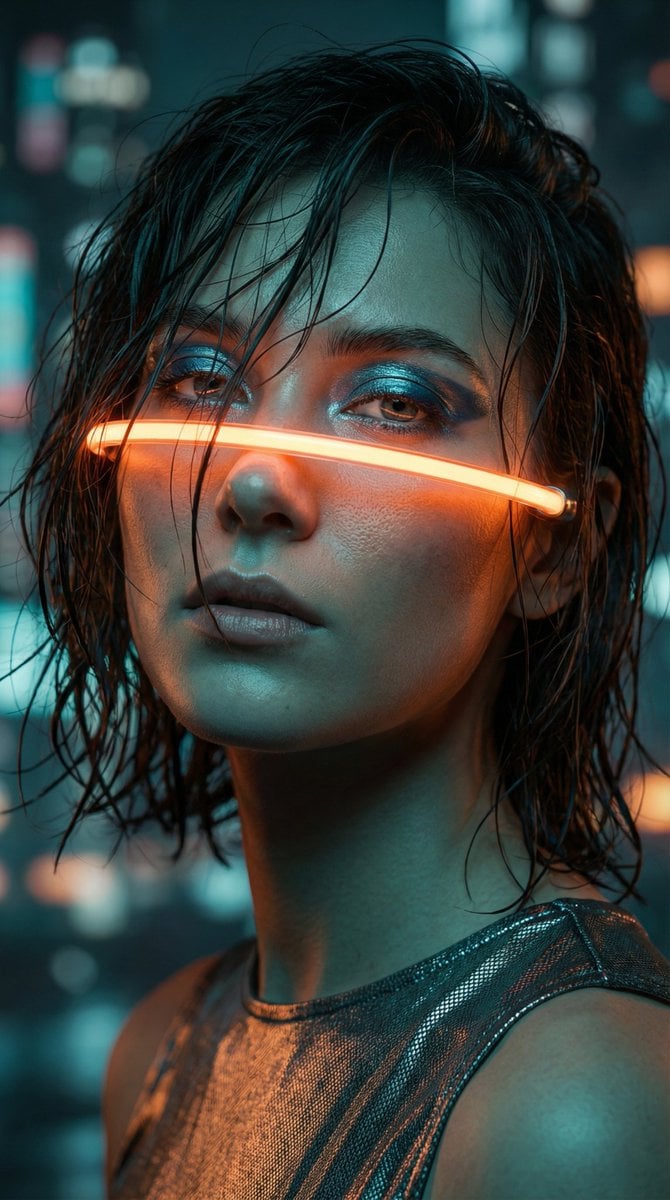
Cyberpunk High-Fashion Portrait Prompt
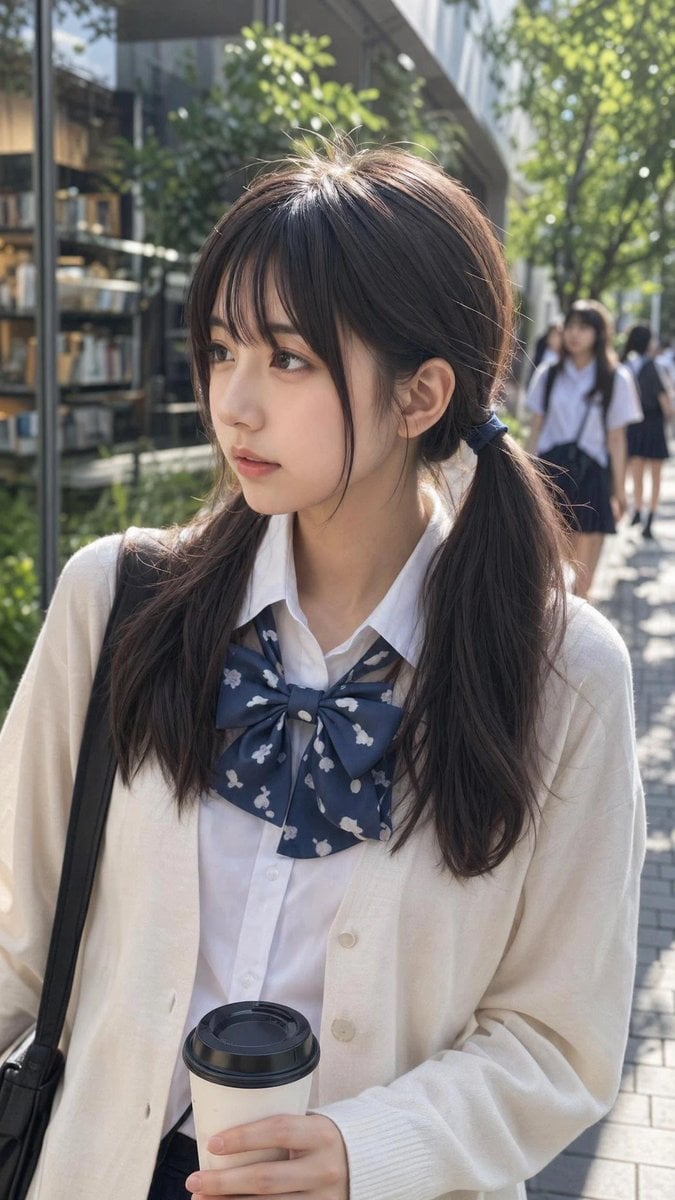
Ordinary Schoolgirl Street Snapshot
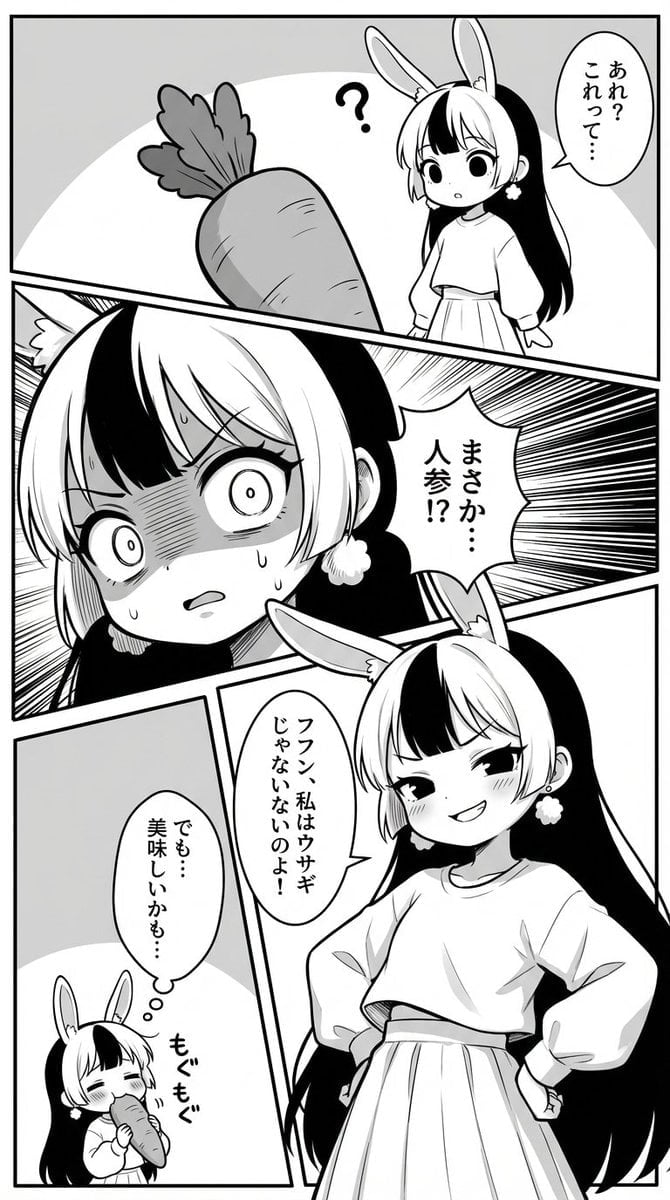
Manga creation prompt for Nano Banana Pro
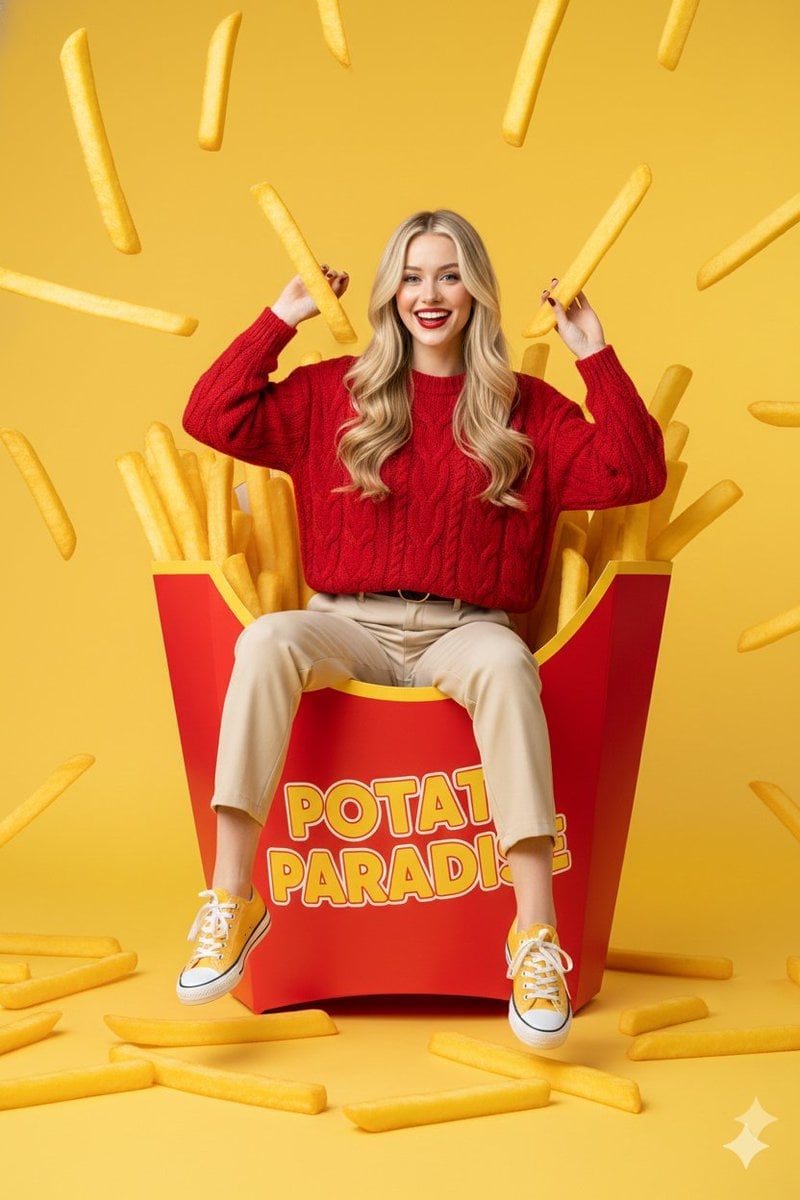
Surreal Commercial Photography: Woman in Giant French Fry Carton
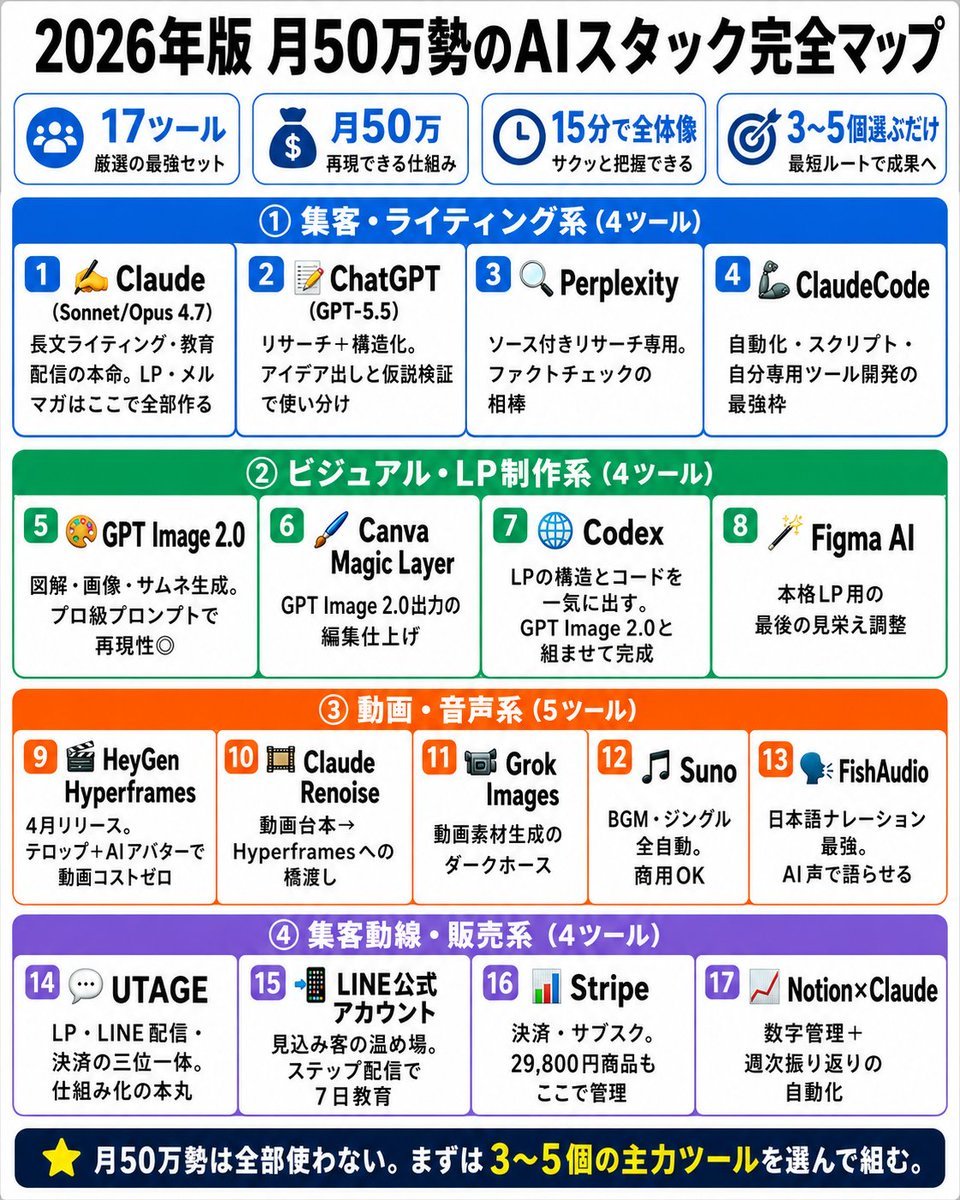
Japanese AI Stack Infographic Map
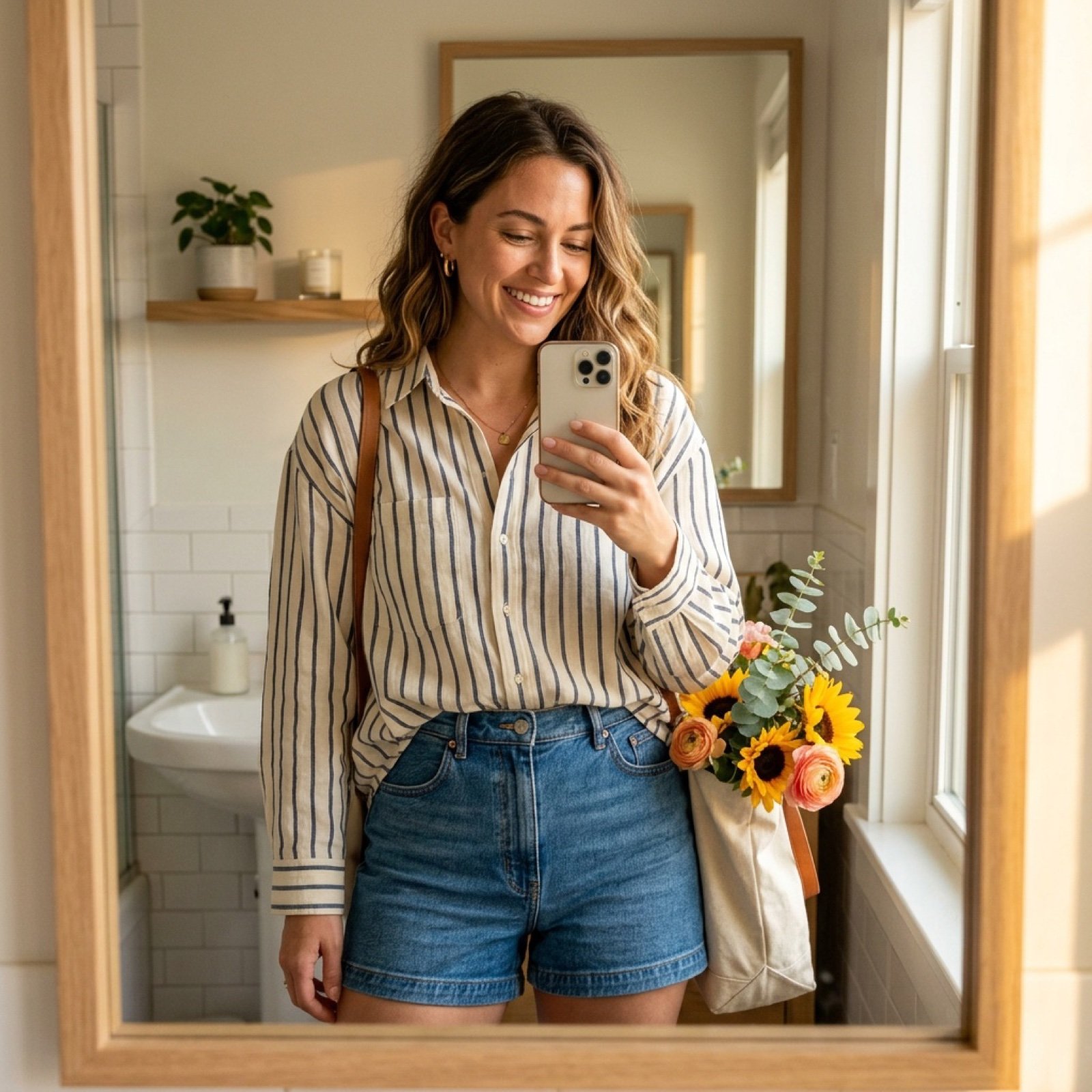
Weekend Farmers Market Mirror Selfie (Reference Image Required)
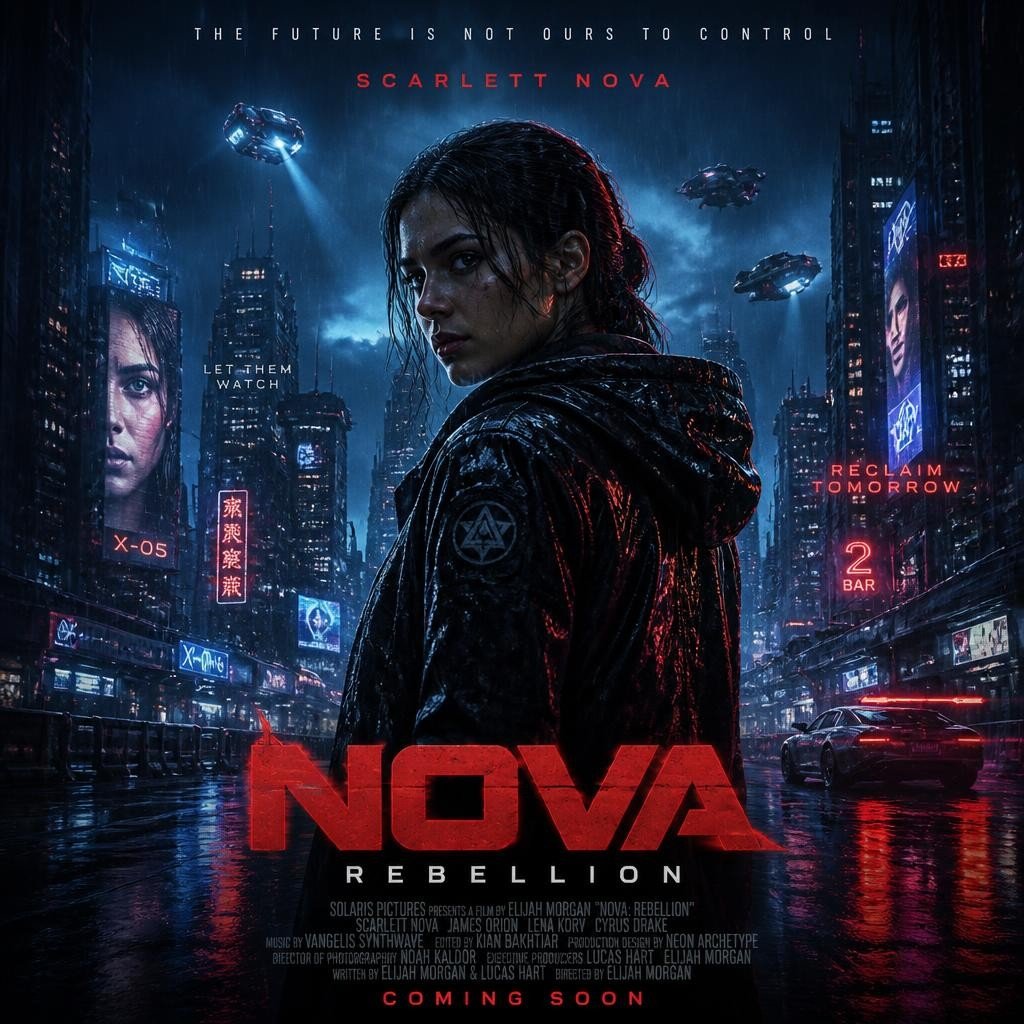
Cyberpunk Nova Rebellion Poster
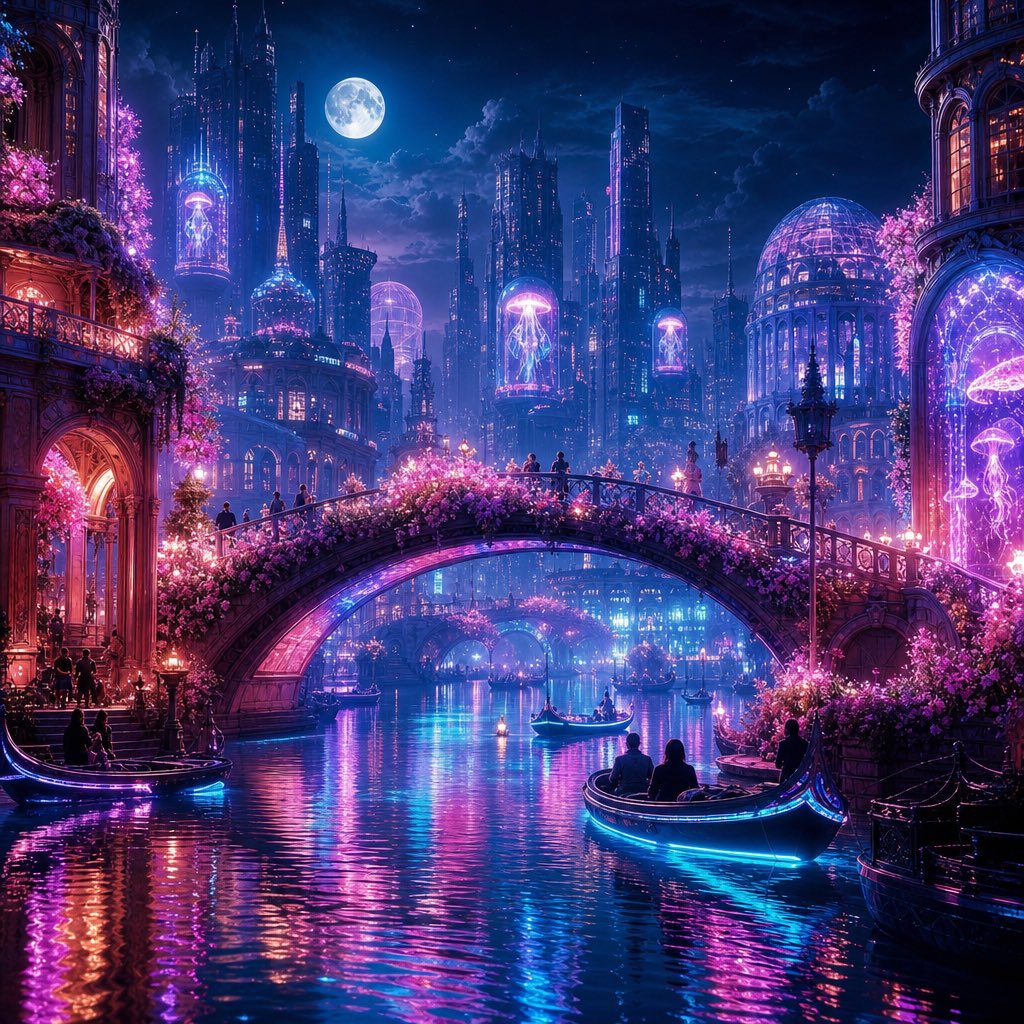
Neon Dream City
Moonlit Sierra-Style Castle Pixel Art
Browse template categories
High-Fashion Studio Pose Prompt (Absolute Identity Lock) questions
How do I use the High-Fashion Studio Pose Prompt (Absolute Identity Lock) template?
Add your photo if the template asks for one, edit the prompt if you like — the template's model and format are already selected — and press Generate. Your version opens in PicX Studio.
Can I customize the High-Fashion Studio Pose Prompt (Absolute Identity Lock) template?
Yes. You can change the subject, setting, lighting, mood, format, and available model controls before creating your image.
Is the High-Fashion Studio Pose Prompt (Absolute Identity Lock) template free?
Opening and editing this template is free. Generating uses credits, shown on the Generate button when you are signed in.
Which AI model should I use?
Start with Nano Banana 2, which is the model associated with this template. You can compare another compatible model for a different finish.
Looking for something else? Browse all templates.

Your photo, any look
Thousands of ready templates for every top image and video model, from one credit balance.