
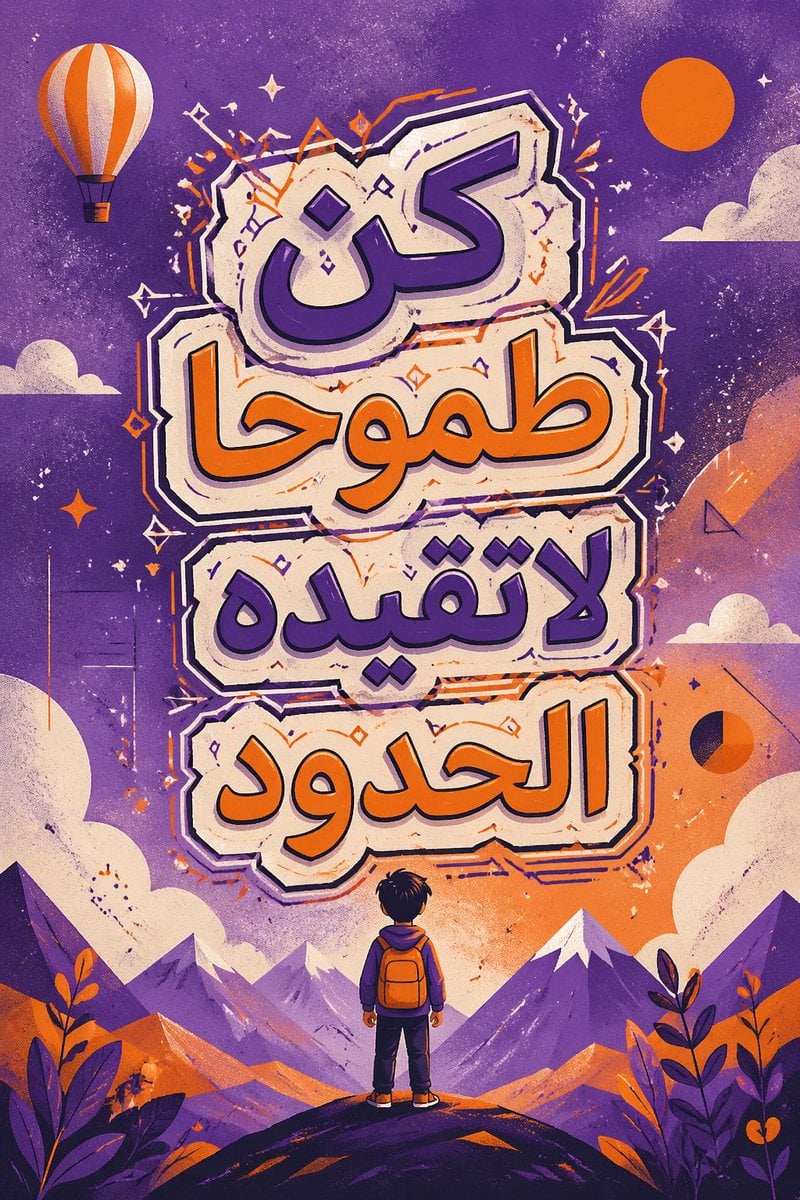
Calligraphic Design with Vibrant Illustration Style
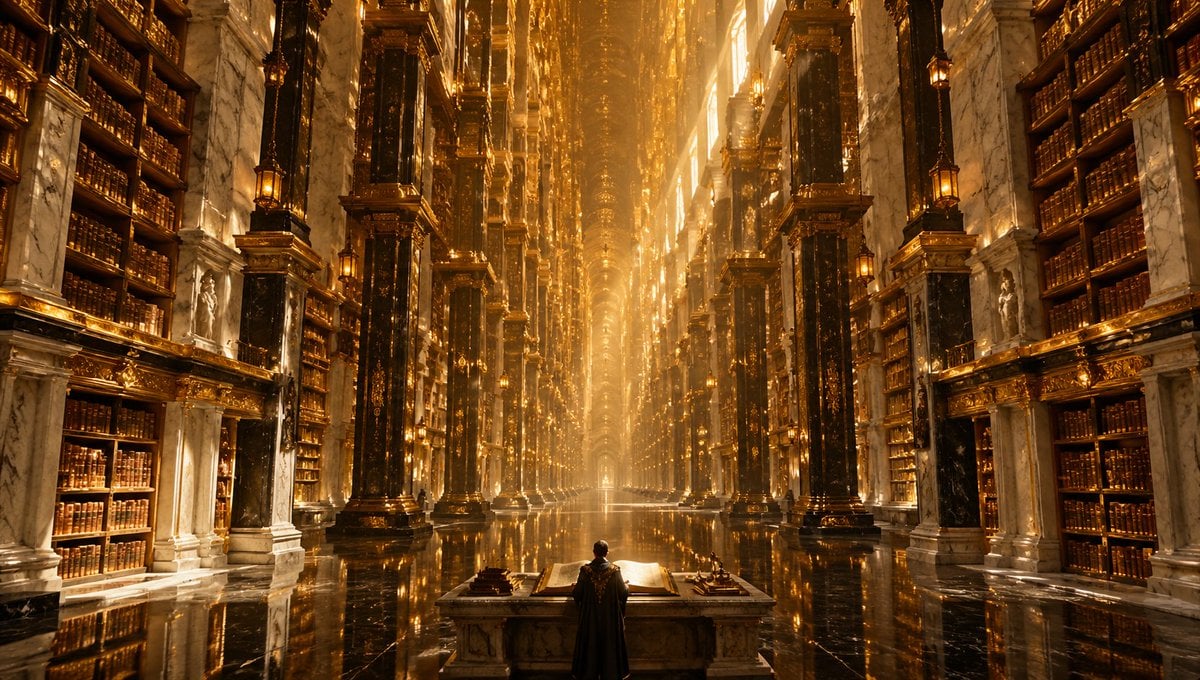
A cinematic fantasy architecture prompt for generating a vast impossible golden library interior with extreme symmetry, monumental scale, and a lone scholar figure.
- Prompt included
- Model and format preset
- Free template
The prompt behind this image
Copy the exact prompt behind Calligraphic Design with Vibrant Illustration Style, or open it in the studio and make it yours.
An impossible grand interior of a colossal palace-library called {argument name="location name" default="Library of Infinite Echoes"}, photographed as a cinematic ultra-wide {argument name="lens" default="8mm rectilinear"} architectural shot from a perfectly centered, symmetrical viewpoint. The scene shows a single vast central nave stretching to an unreachable vanishing point, with impossibly tall rows of black marble and gilded columns rising floor to ceiling on both sides, dense multi-story bookshelves packed with old leather-bound volumes, white veined marble walls, carved classical statues set into niches, ornate gold detailing, and hanging lanterns glowing warmly. In the exact foreground center stands 1 lone human figure in a long dark cloak, seen from behind at a monumental reading desk with 1 giant open book and small scholarly instruments on the tabletop, emphasizing scale and awe. The polished black stone floor is mirror-reflective, doubling the columns and golden light. Massive shafts of radiant amber sunlight pour from high unseen openings above and along the upper walls, filling the hall with luminous haze, dust motes, and divine volumetric glow. The architecture should feel hyper-detailed, baroque, sacred, and physically impossible, with endless vertical repetition, intricate ornament, surreal depth, and a dreamlike sense of infinity. Color palette dominated by molten gold, bronze, black marble, ivory stone, and warm firelit highlights. Render as an epic photorealistic fantasy architectural visualization, extremely detailed, sharp, majestic, immersive, and awe-inspiring.
How to use Calligraphic Design with Vibrant Illustration Style in 3 steps
- 1Upload ImagePNG, JPG or paste
Add your photo
Upload the photo the template builds on. The prompt, model and format are already set.
- 2…a portrait of your subject in softgolden-hour light, 85mm…
Personalize
Edit the subject and creative details for your destination.
- 3Generate
Generate
Press Generate — your image is created in PicX Studio, so you can compare it with the original and refine one variable at a time.
More like this
Templates with the same subject, style or setup. Open one to see its prompt.
Calligraphic Design with Vibrant Illustration Style

Stylized Fashion Portrait Bold Color Contrast Editorial

Quiet Minimalist Anime Style Guide

Real Illustration Split Portrait Transition

Clay Miniature Landmark Travel Diorama
Quiet Minimalist Anime Style Guide

Watercolor Café Cheesecake Editorial Illustration
Real Illustration Split Portrait Transition

Bold Side Profile Superhero Poster

Hero Portrait Comic Multi-Panel Poster

Spider-Verse Painterly Portrait Poster

Captain Tsubasa Anime World Cup Poster
Make it yours
Calligraphic Design with Vibrant Illustration Style works as-is. These are the safest ways to change it without losing the look.
Change one field
Copy a single group, rewrite it, and generate again so you can see what that field is doing.
Keep the frame, change the subject
Hold the composition and light of Calligraphic Design with Vibrant Illustration Style, then swap wardrobe, props or the person for a new take.
| If the result… | Why | Fix |
|---|---|---|
| The result drifts from the preview | Too many fields changed at once. | Reuse Calligraphic Design with Vibrant Illustration Style as-is first, then change one group — subject, light, or setting. |
| The model over-stylizes the scene | The prose prompt leaves finish and camera underspecified. | Add one camera or lighting sentence and stay on GPT Image 2. |
More GPT Image 2 templates
Other prompts made for GPT Image 2.

Six VTuber Japanese Logo Sheet

Realistic Portrait of Woman and Deer

The Vista Modular Condo Poster

AI Model Routing Comparison Infographic

2.5D Anime Art Board

Isometric Productivity Desk Scene

New York Double Exposure Poster

Four-Panel AI Landscape Comparison

Japanese Tatami Lifestyle Magazine Cover

NESCAFÉ Coffee Map Poster
More image prompts
Fresh picks from across the catalog.

Image to Colored Pencil Sketch Prompt
Luxury Tee Campaign Poster
Lumière d’Azur Fashion Lookbook Collage
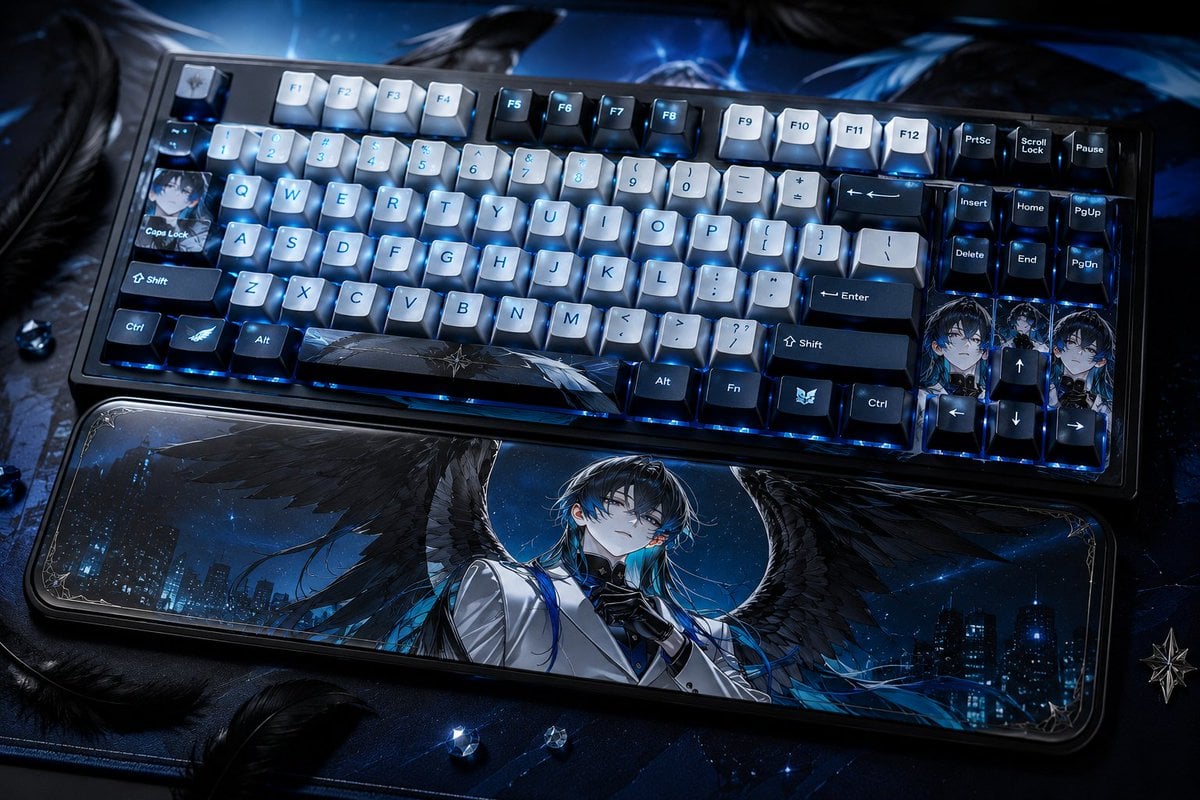
Character-Themed Custom Keyboard
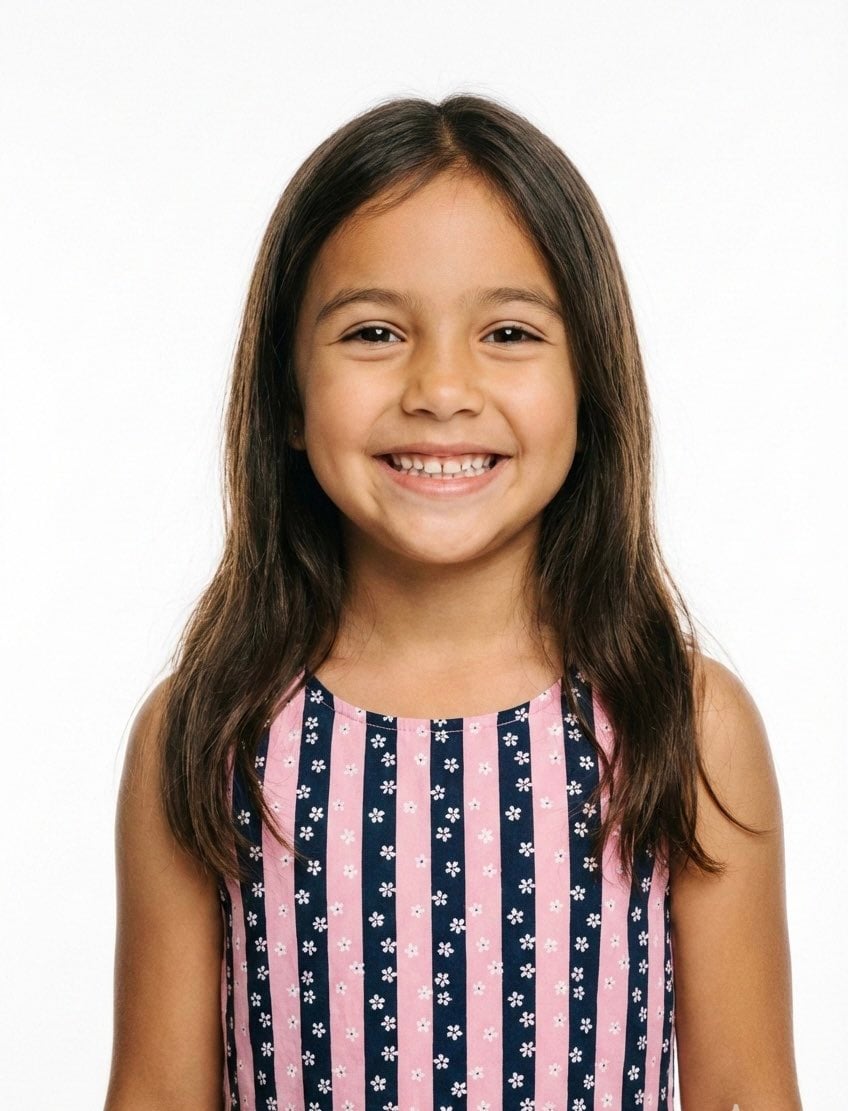
Classical Realism Oil Painting Portrait Prompt
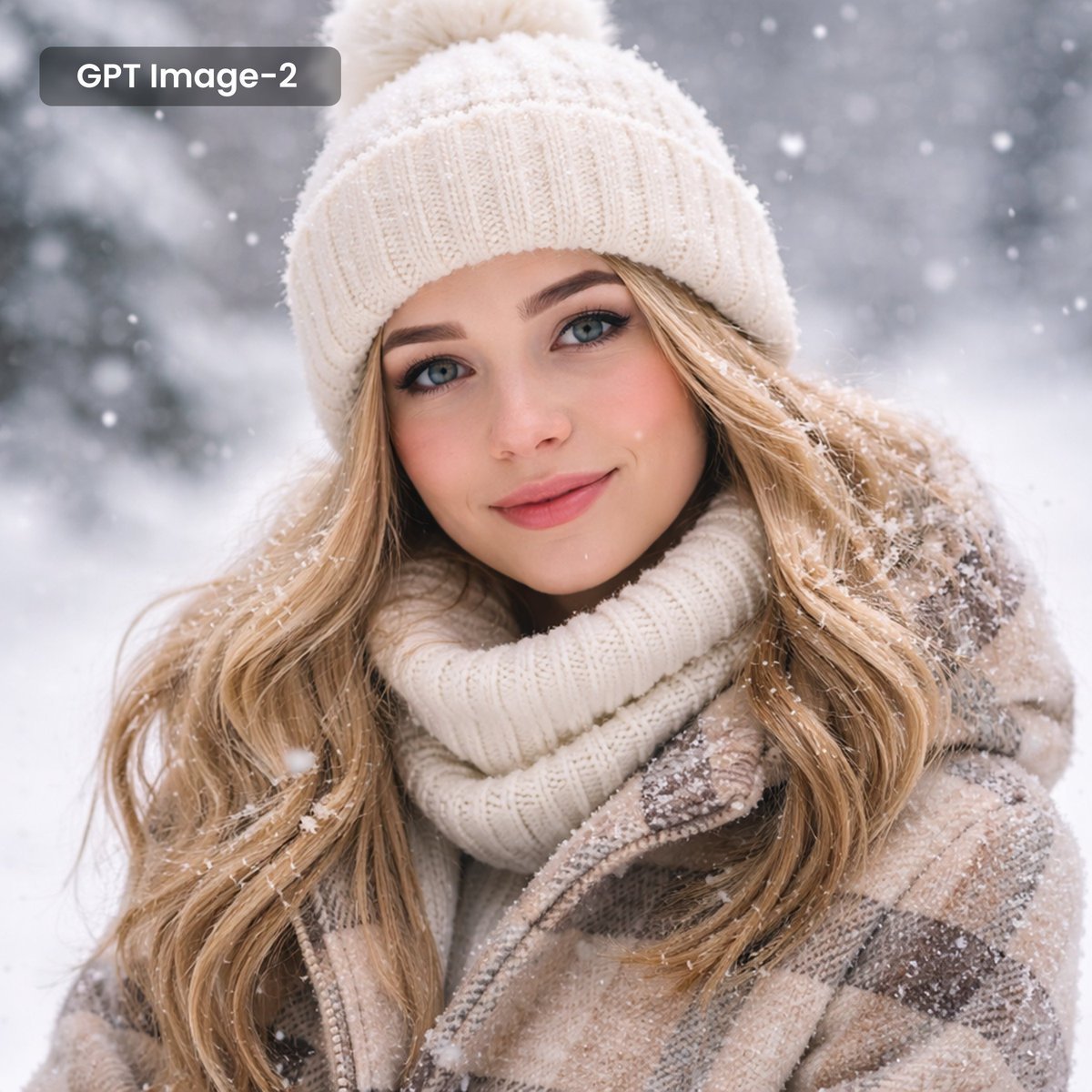
Photorealistic Winter Portrait with Snowflakes
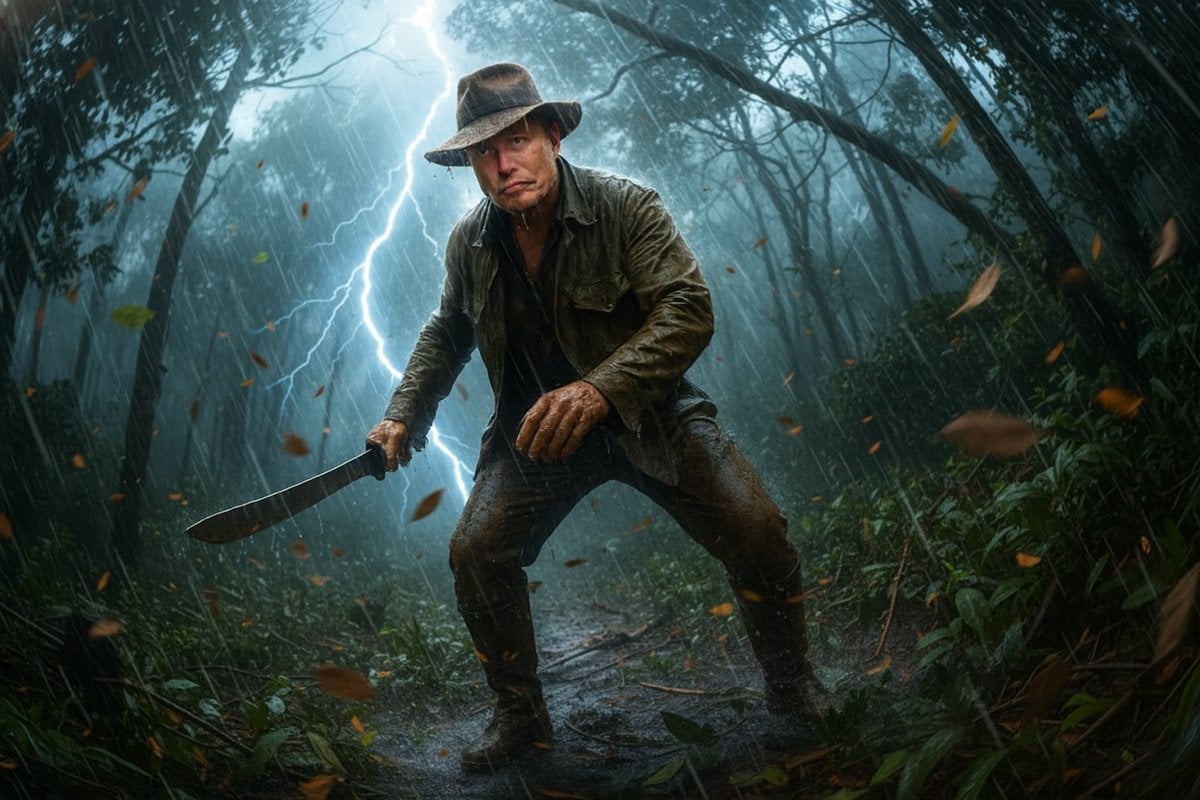
Jungle Explorer Scene Prompt
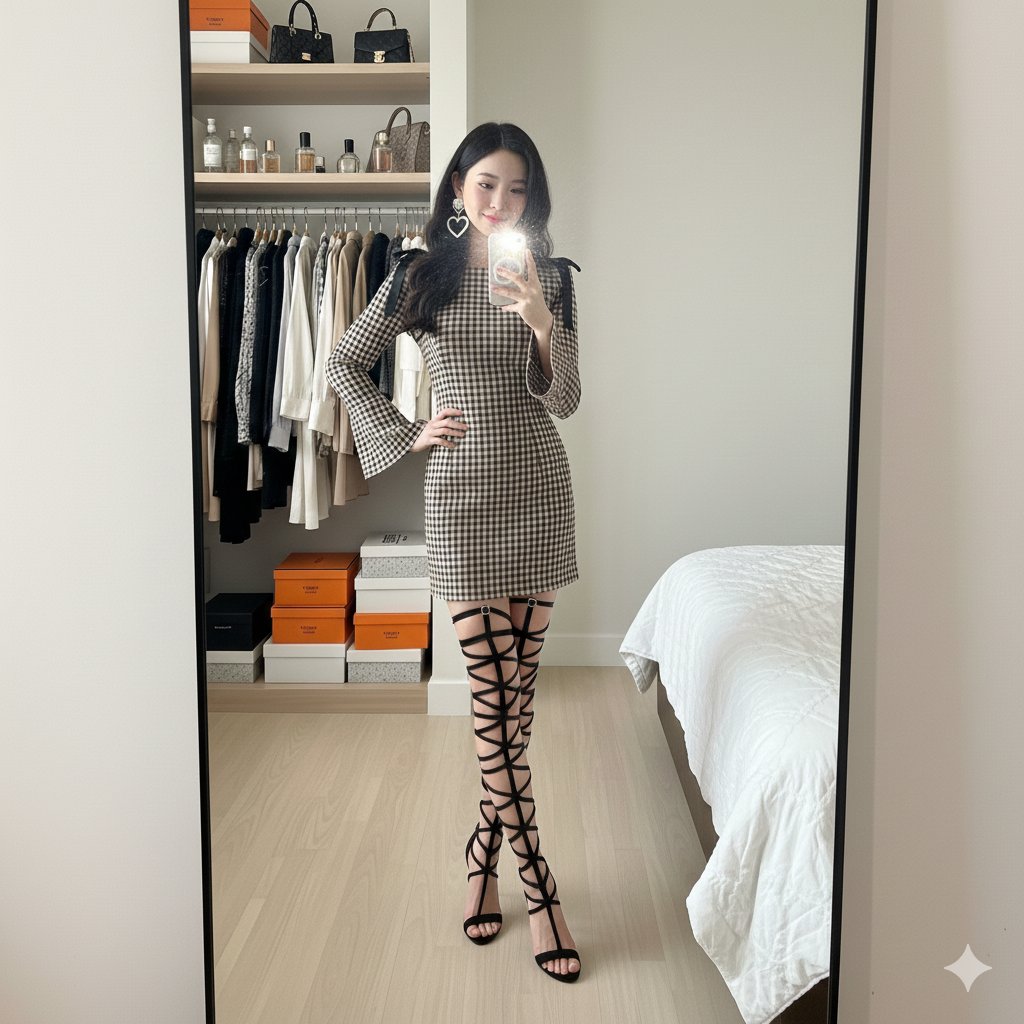
Mirror Selfie in Walk-In Closet Prompt

Romantic Winter Couple Portrait with Identity Lock

Cinematic Street Photography with Motion Blur
Browse template categories
Calligraphic Design with Vibrant Illustration Style questions
How do I use the Calligraphic Design with Vibrant Illustration Style template?
Add your photo if the template asks for one, edit the prompt if you like — the template's model and format are already selected — and press Generate. Your version opens in PicX Studio.
Can I customize the Calligraphic Design with Vibrant Illustration Style template?
Yes. You can change the subject, setting, lighting, mood, format, and available model controls before creating your image.
Is the Calligraphic Design with Vibrant Illustration Style template free?
Opening and editing this template is free. Generating uses credits, shown on the Generate button when you are signed in.
Which AI model should I use?
Start with GPT Image 2, which is the model associated with this template. You can compare another compatible model for a different finish.
Looking for something else? Browse all templates.

Your photo, any look
Thousands of ready templates for every top image and video model, from one credit balance.