
Cinematic Immortal Fantasy Battle
Generates a dramatic wide fantasy battle key visual with four airborne warriors, lightning, fire, and extreme motion.
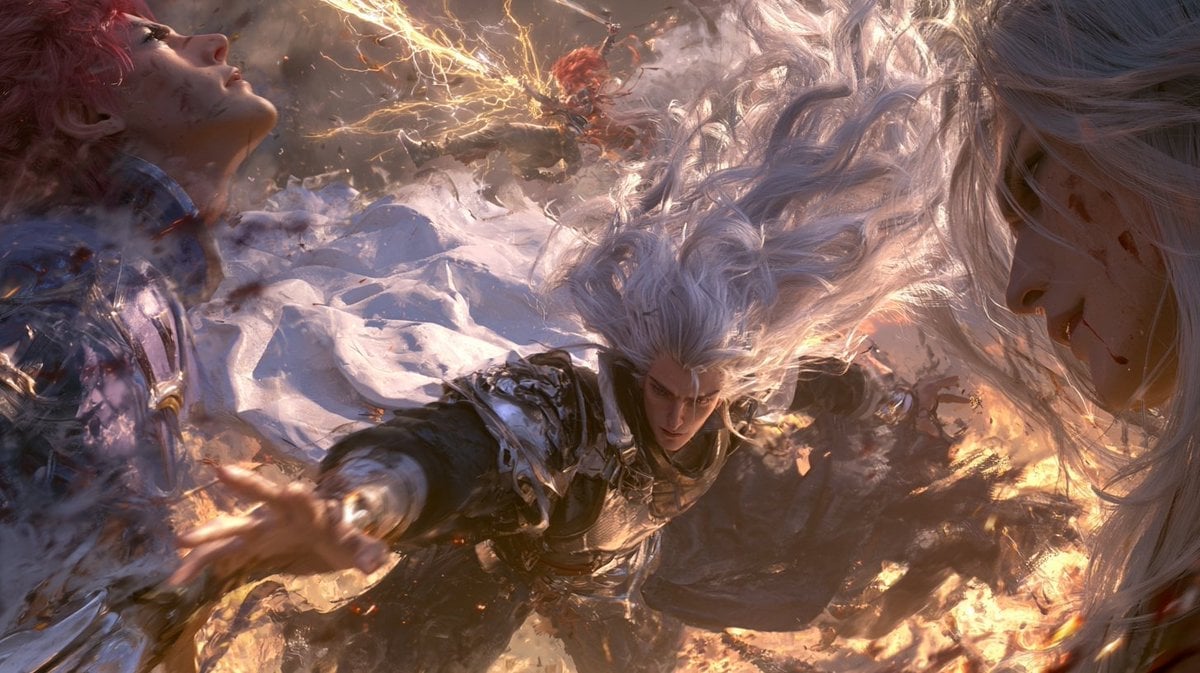
- Prompt included
- Model and format preset
- Free template
The prompt behind this image
Copy the exact prompt behind Cinematic Immortal Fantasy Battle, or open it in the studio and make it yours.
Create an ultra-cinematic dark fantasy action illustration in a wide 16:9 frame, like a high-budget game key visual. Show exactly 4 humanoid figures in a chaotic aerial battle: 1 central silver-haired male warrior lunging toward the viewer with one arm outstretched, wearing ornate black-and-silver armor with gold details, intense focused expression, long hair blown upward by force; 1 pale red-haired wounded figure on the left reclining or falling backward in flowing white fabric, face tilted upward, scratched and bloodied; 1 enormous pale white-haired face in extreme close-up on the right edge, partially cropped, eyes shadowed, with blood marks and strands of hair filling the frame; and 1 small distant fiery red-haired fighter near the upper center, surrounded by branching golden lightning. The scene should feel like {argument name="fantasy battle theme" default="a clash of immortal warriors in a storm of fire, lightning, and wind"}. Use {argument name="main character hair color" default="silver-white"} for the central warrior, {argument name="armor style" default="ornate black-and-silver fantasy armor with gold accents"}, and {argument name="energy color" default="golden lightning and orange fire"}. Compose with extreme dynamic perspective, motion blur, swirling hair and cloth, embers, smoke, sparks, shattered debris, glowing highlights, and warm firelight against cool gray shadows. Make the image painterly yet hyper-detailed, dramatic, emotional, and epic, with no text, no logos, no UI, and no watermark.
How to use Cinematic Immortal Fantasy Battle in 3 steps
- 1Upload ImagePNG, JPG or paste
Add your photo
Upload the photo the template builds on. The prompt, model and format are already set.
- 2…a portrait of your subject in softgolden-hour light, 85mm…
Personalize
Edit the subject and creative details for your destination.
- 3Generate
Generate
Press Generate — your image is created in PicX Studio, so you can compare it with the original and refine one variable at a time.
More like this
Templates with the same subject, style or setup. Open one to see its prompt.

Anime Fantasy Celestial Movie Poster
Anime Fantasy Celestial Movie Poster

Minecraft Fantasy Kingdom Voxel Landscape

Unfinished Sketch Comes Alive Portrait

Open Travel Journal Overhead Still Life

Tiny Woman Miniature Fantasy Macro Scene
Seedance - Dragon vs Python Battle
Seedance - Arrow Microscopic Battle
JSON Seedance - Fairy Macro Flight
Videogame Cinematic Trailer - Seedance 2.0
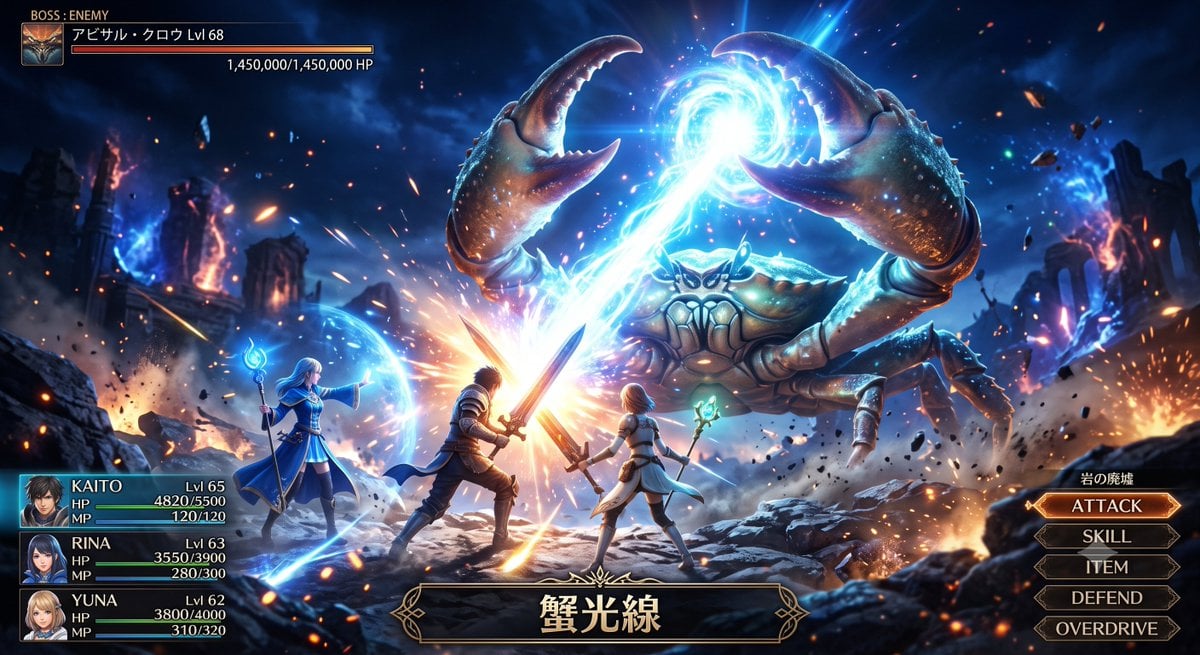
Fantasy Crab Boss Battle UI
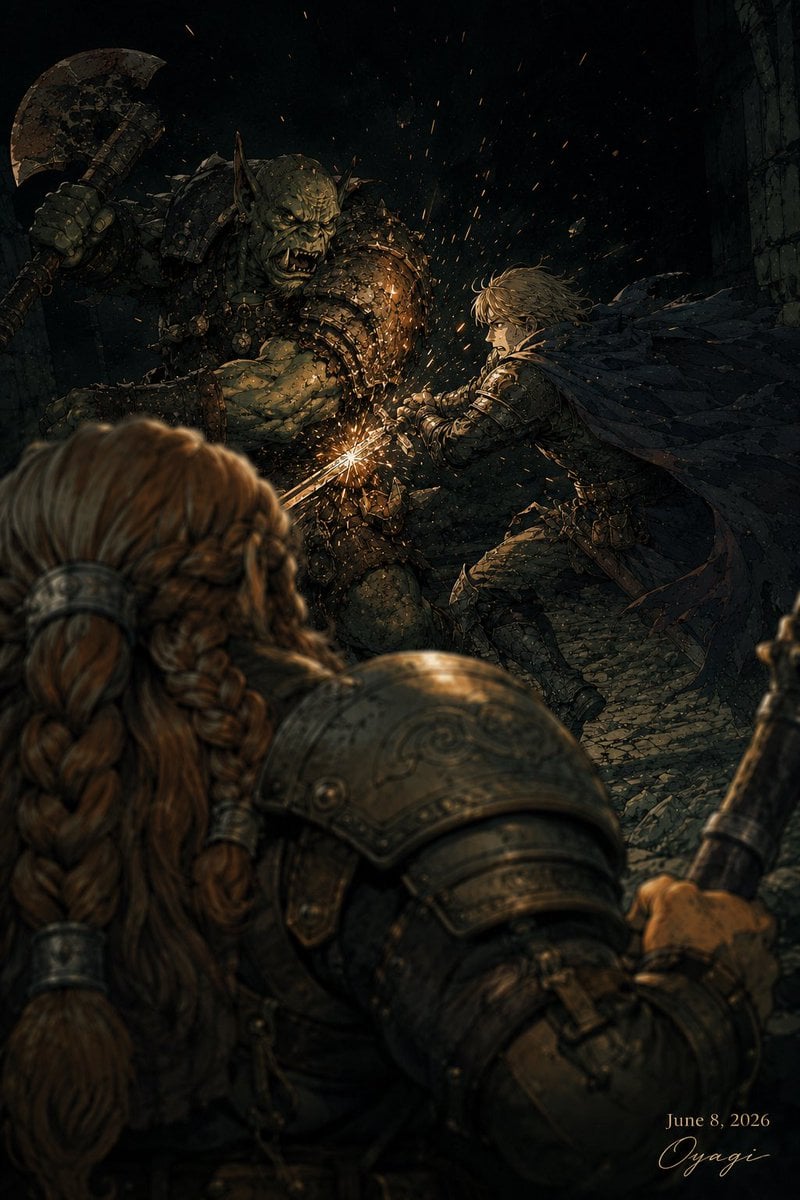
Dark Fantasy Orc Battle
Make it yours
Cinematic Immortal Fantasy Battle works as-is. These are the safest ways to change it without losing the look.
Change one field
Copy a single group, rewrite it, and generate again so you can see what that field is doing.
Keep the frame, change the subject
Hold the composition and light of Cinematic Immortal Fantasy Battle, then swap wardrobe, props or the person for a new take.
| If the result… | Why | Fix |
|---|---|---|
| The result drifts from the preview | Too many fields changed at once. | Reuse Cinematic Immortal Fantasy Battle as-is first, then change one group — subject, light, or setting. |
| The model over-stylizes the scene | The prose prompt leaves finish and camera underspecified. | Add one camera or lighting sentence and stay on GPT Image 2. |
More GPT Image 2 templates
Other prompts made for GPT Image 2.

Six VTuber Japanese Logo Sheet

Realistic Portrait of Woman and Deer

The Vista Modular Condo Poster

AI Model Routing Comparison Infographic

2.5D Anime Art Board

Isometric Productivity Desk Scene

New York Double Exposure Poster

Four-Panel AI Landscape Comparison

Japanese Tatami Lifestyle Magazine Cover

NESCAFÉ Coffee Map Poster
More image prompts
Fresh picks from across the catalog.
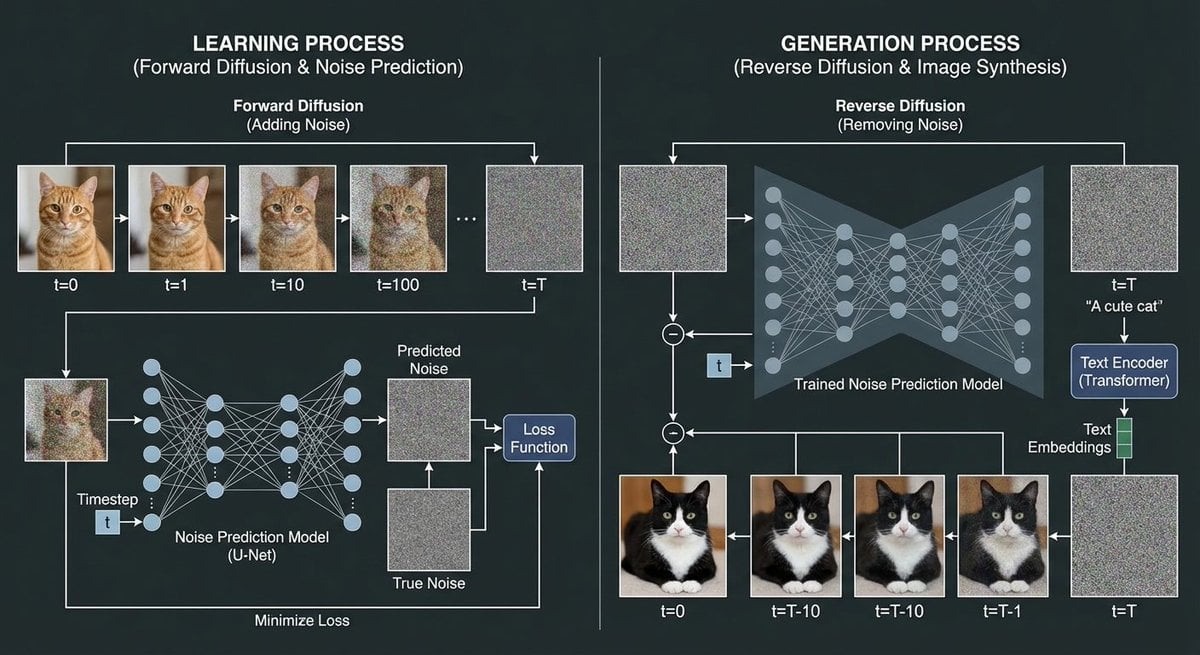
Diffusion model process diagram with cat and noise images
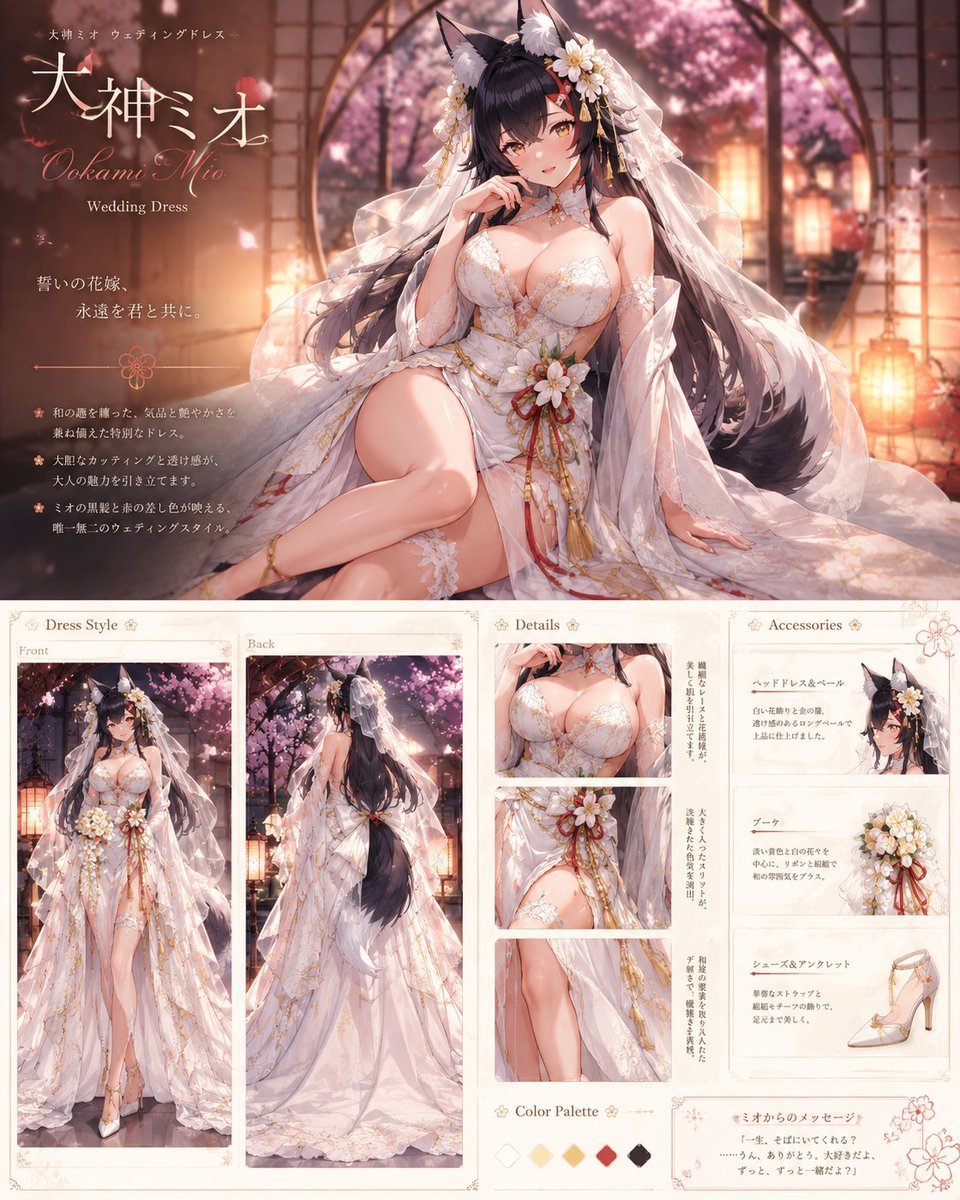
Ookami Mio Wedding Dress Sheet
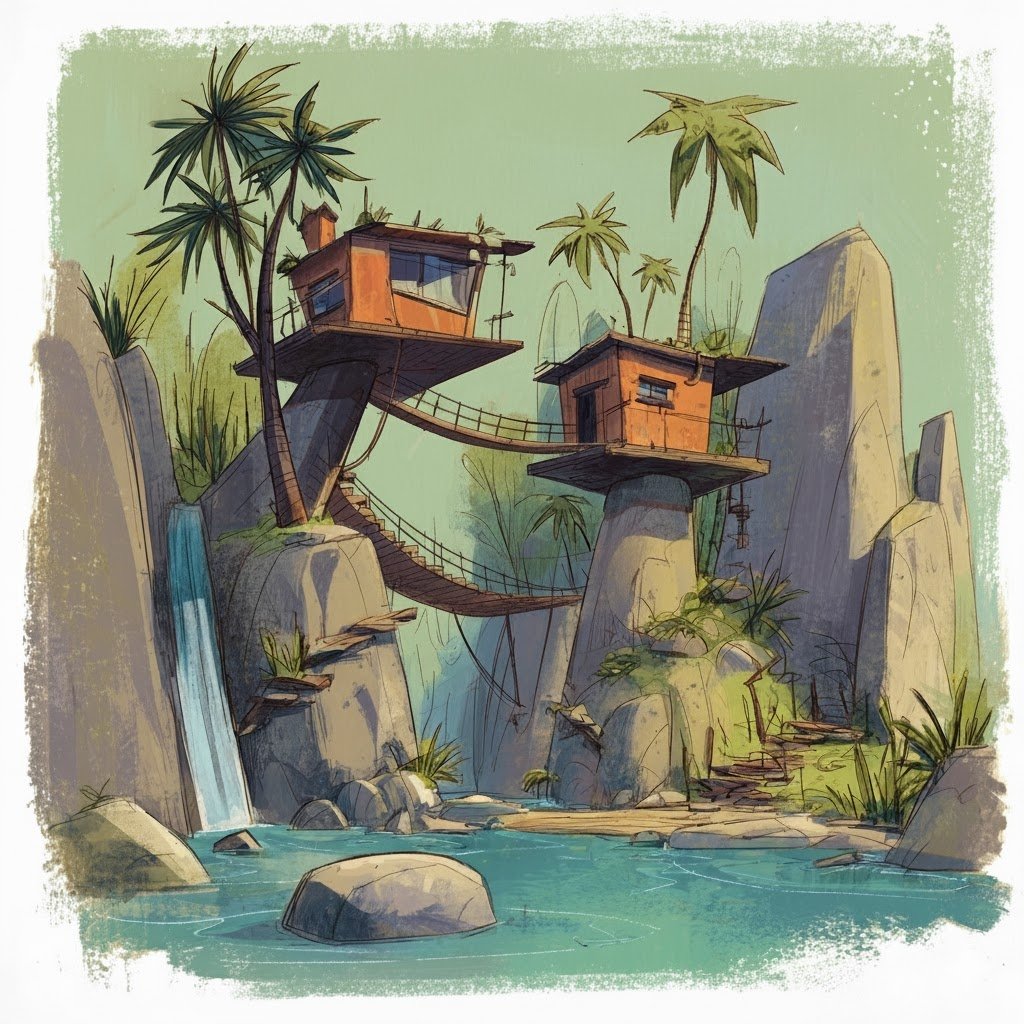
Convert videogame screenshot to hyperreal modern engine
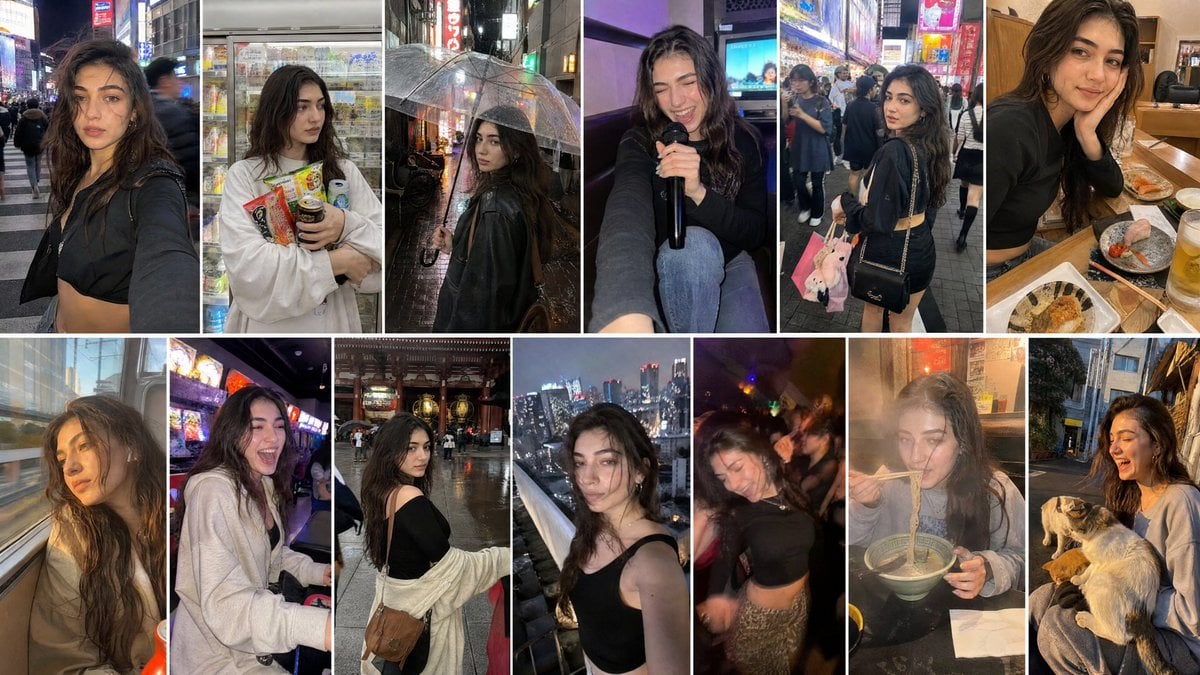
Created with GPT Image 2 + Seedance 2 on @yapper_s
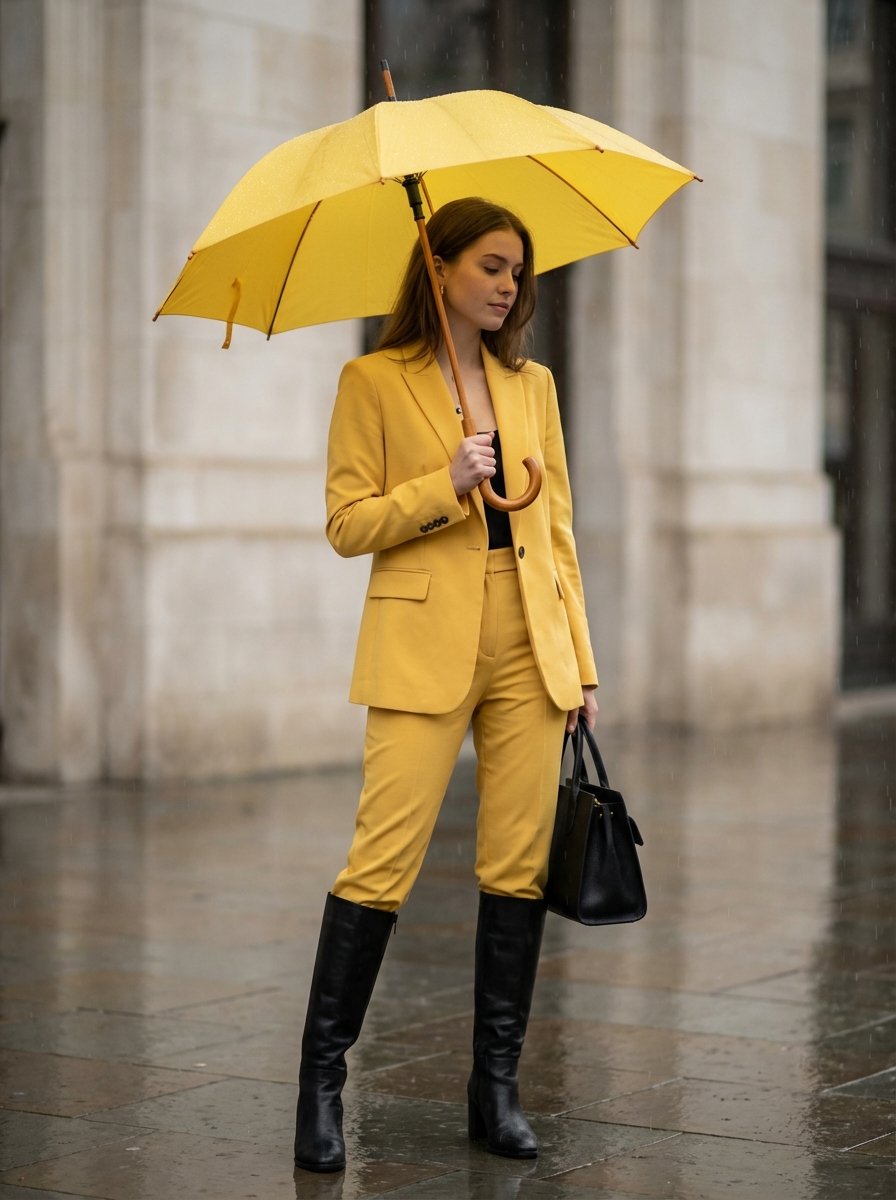
Rainy Day Yellow Power Suit Editorial Prompt
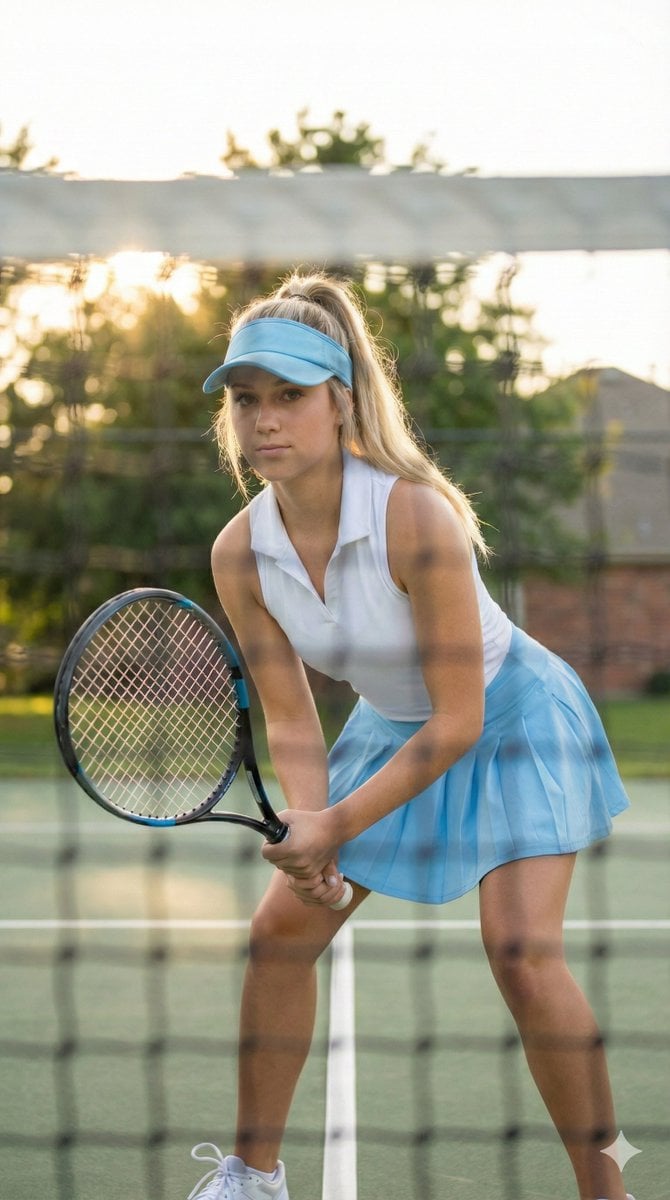
Tennis Player Golden Hour Portrait Prompt
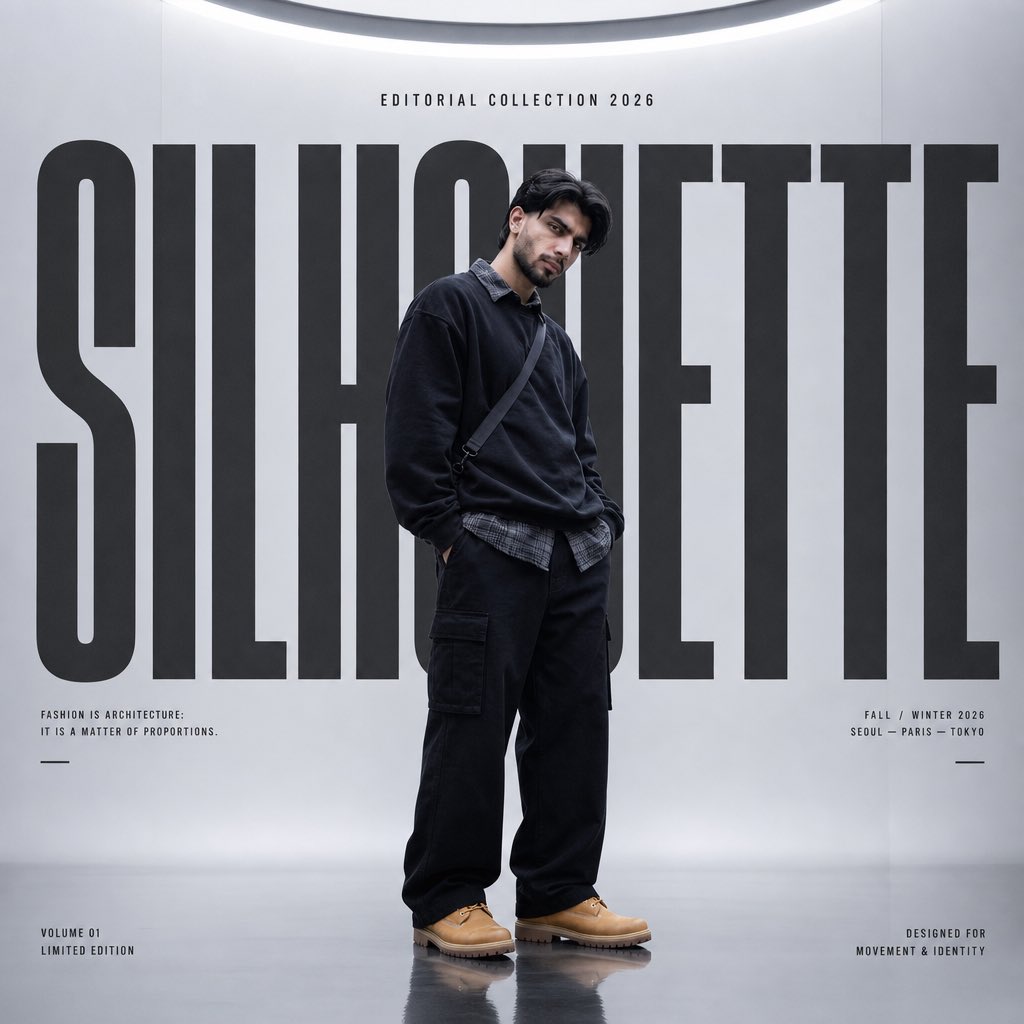
Silhouette High Fashion Editorial Poster
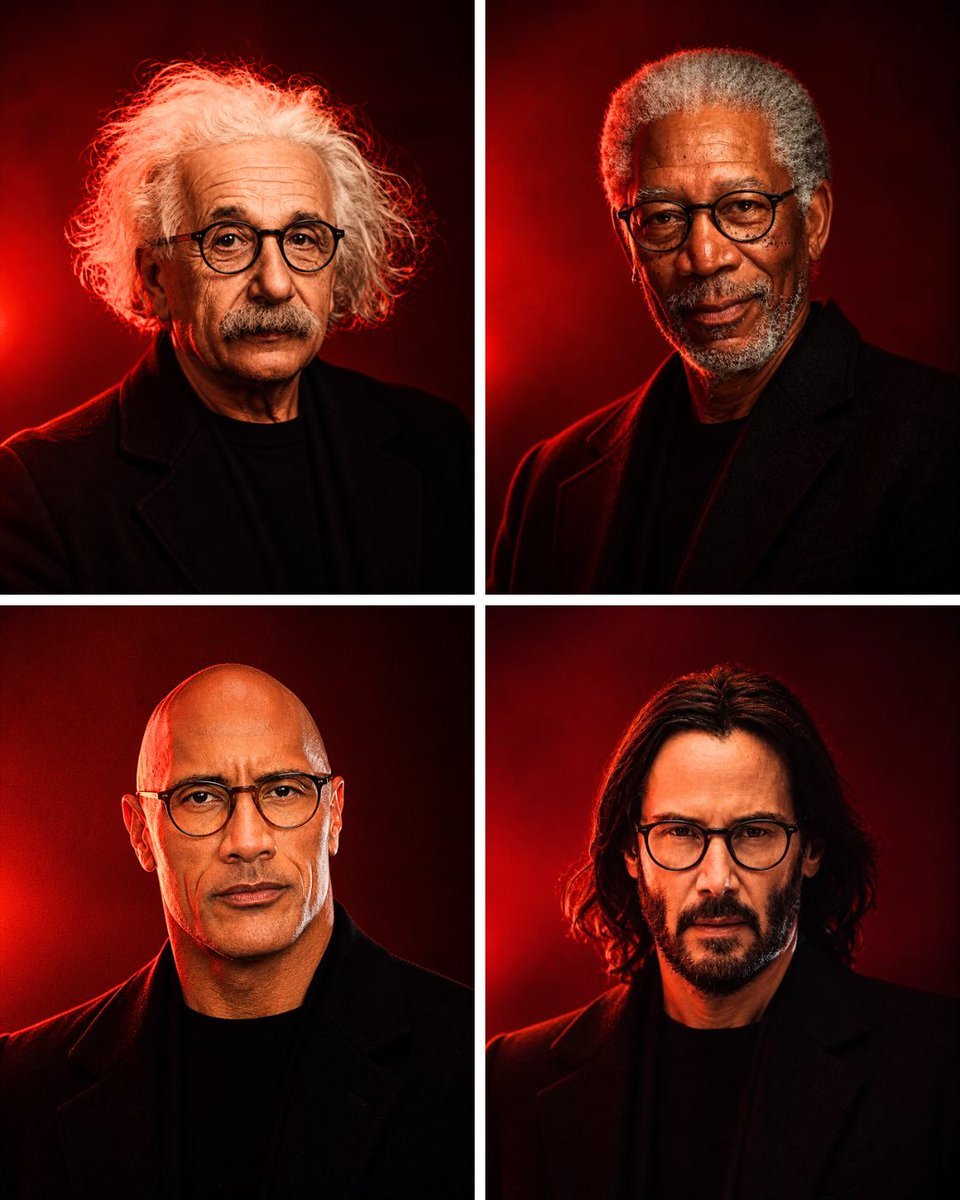
Anonymous Legends in Red Grid
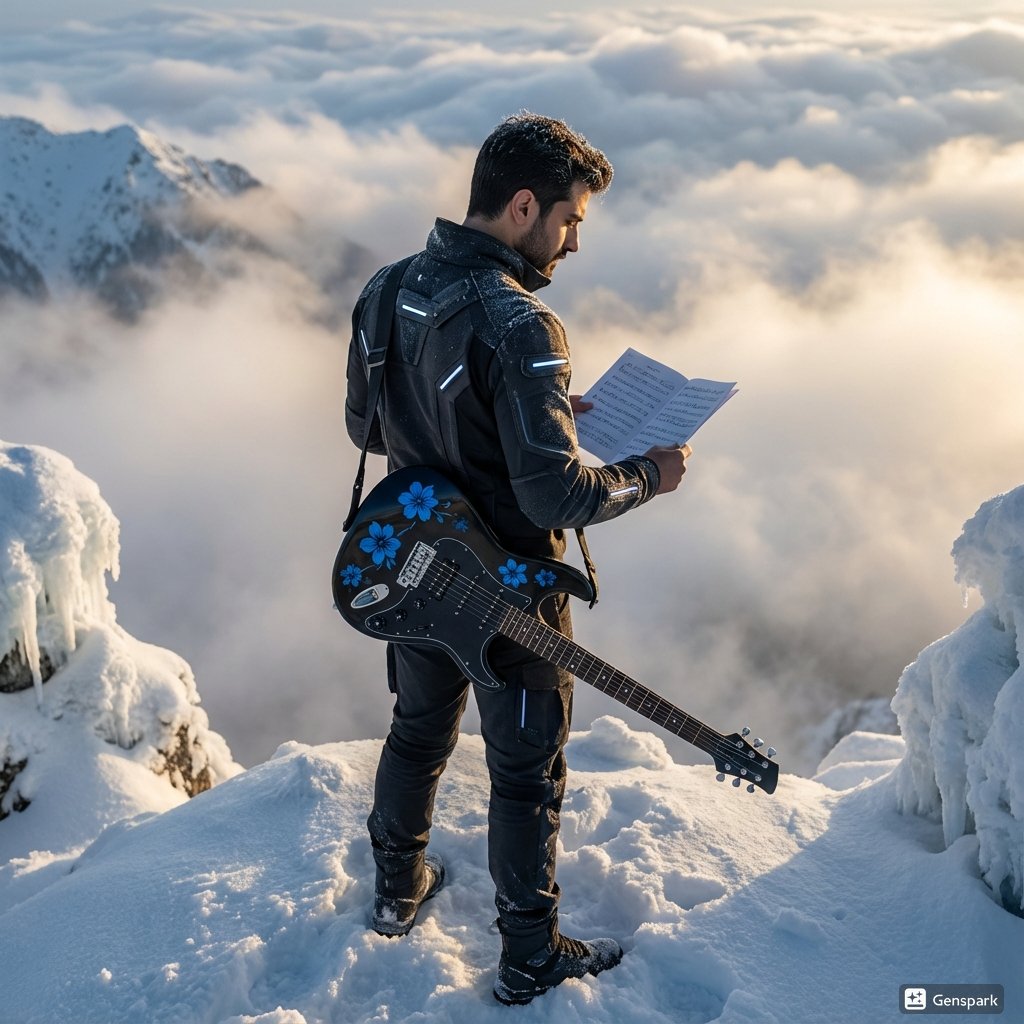
Future Fit Guitarist Above the Clouds
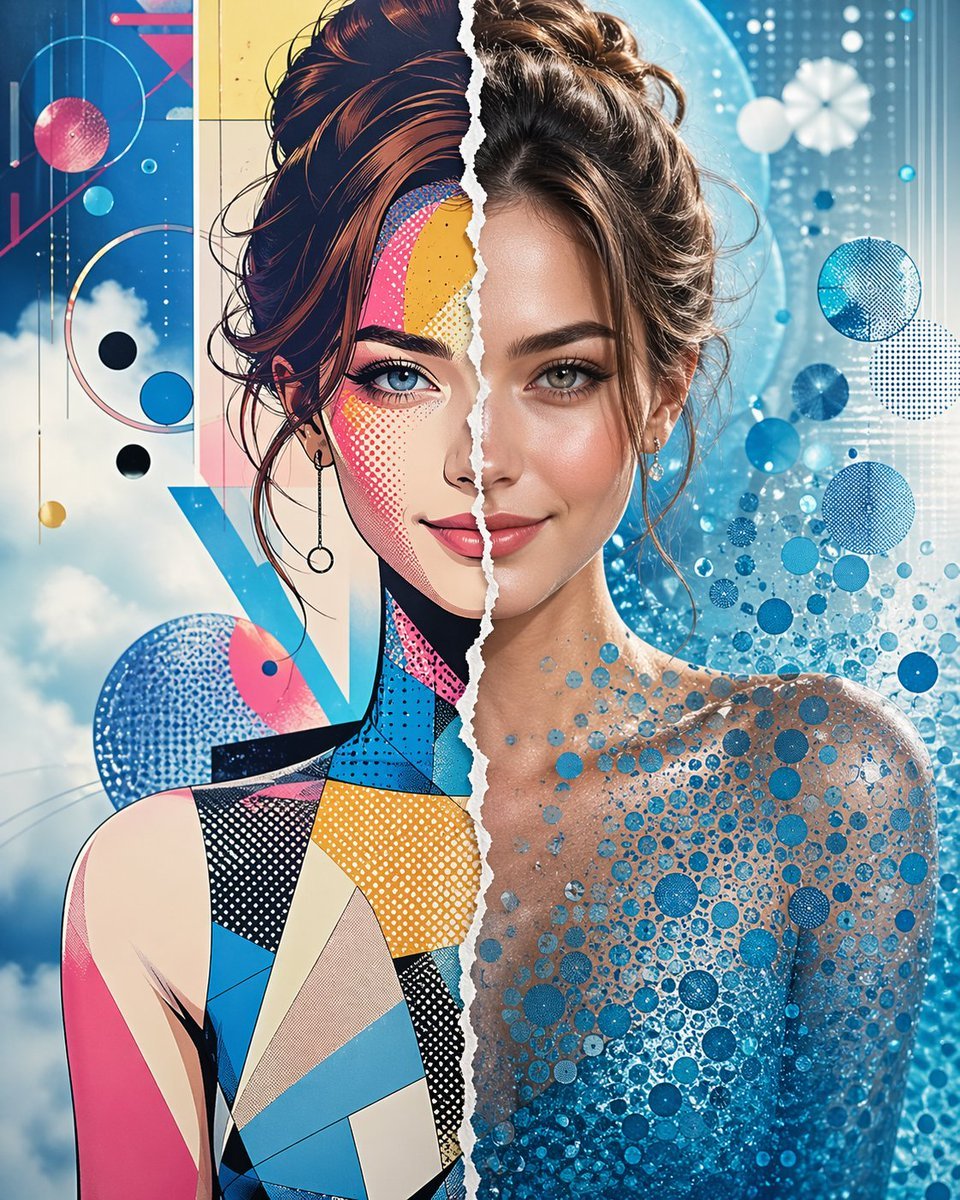
Split Style Artistic Portrait
Browse template categories
Cinematic Immortal Fantasy Battle questions
How do I use the Cinematic Immortal Fantasy Battle template?
Add your photo if the template asks for one, edit the prompt if you like — the template's model and format are already selected — and press Generate. Your version opens in PicX Studio.
Can I customize the Cinematic Immortal Fantasy Battle template?
Yes. You can change the subject, setting, lighting, mood, format, and available model controls before creating your image.
Is the Cinematic Immortal Fantasy Battle template free?
Opening and editing this template is free. Generating uses credits, shown on the Generate button when you are signed in.
Which AI model should I use?
Start with GPT Image 2, which is the model associated with this template. You can compare another compatible model for a different finish.
Looking for something else? Browse all templates.

Your photo, any look
Thousands of ready templates for every top image and video model, from one credit balance.