
Created with GPT Image 2 + Seedance 2 on @yapper_s
Created with GPT Image 2 + Seedance 2 on @yapper_s is a ready photo look for GPT Image 2.
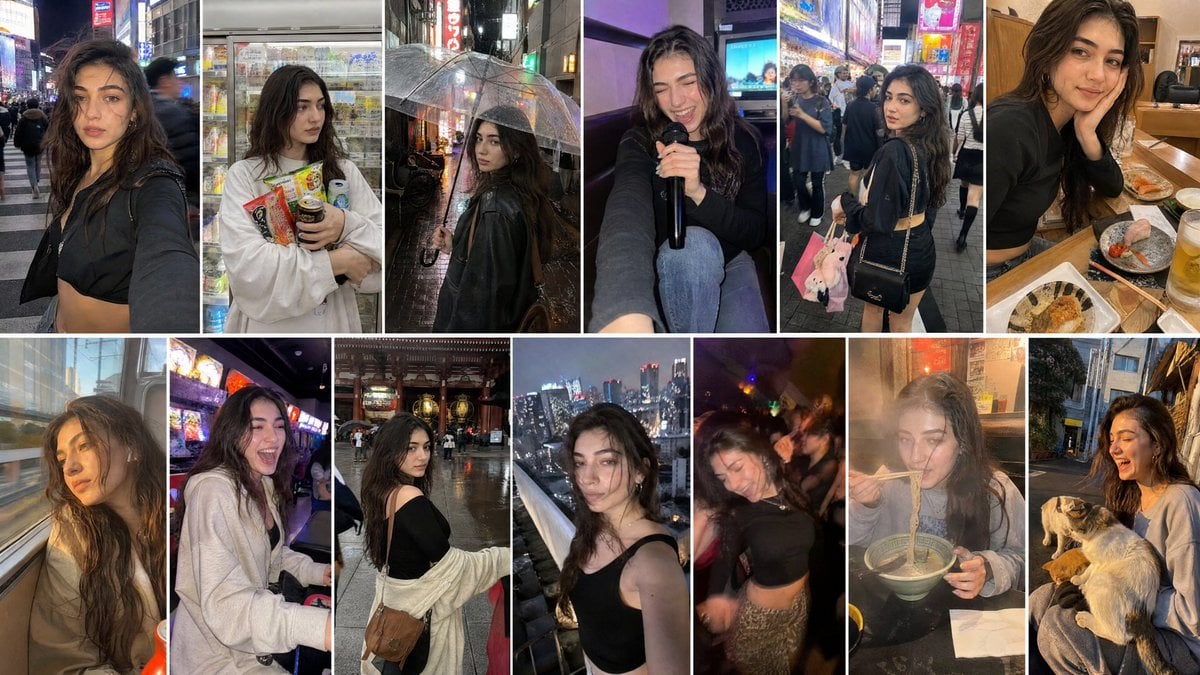
- Prompt included
- Model and format preset
- Premium template
The prompt behind this image
Copy the exact prompt behind Created with GPT Image 2 + Seedance 2 on @yapper_s, or open it in the studio and make it yours.
Generate image of her Japanese travel vlogger exploring Tokyo across exactly 13 candid moments, beautiful with long wavy sunlit brown hair, soft glam makeup, wearing stylish bold Tokyo streetwear outfits — cropped jackets, oversized shirts, mini skirts, fitted tops, loose cargo pants, trendy sneakers — carefree adventurous personality, authentic handheld iPhone collage aesthetic with natural imperfections. Frame breakdown includes: — neon Shibuya crossing selfie at night, slightly messy hair from wind, blurry passing crowds — convenience store candid holding colorful Japanese snacks and canned coffee — rainy Tokyo alley shelter moment under transparent umbrella, reflections everywhere — karaoke booth selfie laughing uncontrollably with microphone in hand — Harajuku fashion street candid with shopping bags and chaotic background energy — sushi bar close-up with messy table, half-eaten sushi and drinks — train window reflection shot on Tokyo metro during golden evening light — arcade gaming reaction mid-laugh surrounded by glowing machines in Akihabara — temple stairs candid in Asakusa with humid lens fog and tourists passing by — rooftop Tokyo skyline selfie with wind blur and glowing city lights — blurry dancing shot inside tiny underground Japanese club — late-night ramen shop candid with steam fogging the camera lens Final frame: feeding stray cats near quiet Tokyo alley at sunset while laughing after one climbs onto her lap unexpectedly, shaky candid capture, warm cinematic glow, messy authentic energy. Style: realistic Tokyo vlog collage, imperfect smartphone camera feel, Japanese neon atmosphere, motion blur, authentic travel storytelling, casual handheld framing, realistic skin texture, natural ambient lighting, subtle grain, humidity haze, candid Gen Z social media realism, no studio polish, chaotic beautiful travel memories, cinematic urban energy.
How to use Created with GPT Image 2 + Seedance 2 on @yapper_s in 3 steps
- 1
Open
The prompt is already in the box next to the preview, with the template's model and format selected.
- 2…a portrait of your subject in softgolden-hour light, 85mm…
Personalize
Edit the subject and creative details for your destination.
- 3Generate
Generate
Press Generate — your image is created in PicX Studio, so you can compare it with the original and refine one variable at a time.
More like this
Templates with the same subject, style or setup. Open one to see its prompt.

Cinematic Street Racing Sequence Seedanc
80 Year Old Rapper Mv Seedance 2 0 Stree

Water Vs Thunder Breathing Anime Battle

Hollywood Haute Couture Fantasy Seedance

Japanese Romance Short Film Seedance 2 0

Transformation the Bus Seedance 2 0 Robo

Transformation the Burger Seedance 2 0 a

untitled

untitled
untitled

untitled
untitled
Make it yours
Created with GPT Image 2 + Seedance 2 on @yapper_s works as-is. These are the safest ways to change it without losing the look.
Change one field
Copy a single group, rewrite it, and generate again so you can see what that field is doing.
Keep the frame, change the subject
Hold the composition and light of Created with GPT Image 2 + Seedance 2 on @yapper_s, then swap wardrobe, props or the person for a new take.
| If the result… | Why | Fix |
|---|---|---|
| The result drifts from the preview | Too many fields changed at once. | Reuse Created with GPT Image 2 + Seedance 2 on @yapper_s as-is first, then change one group — subject, light, or setting. |
| The model over-stylizes the scene | The prose prompt leaves finish and camera underspecified. | Add one camera or lighting sentence and stay on GPT Image 2. |
More GPT Image 2 templates
Other prompts made for GPT Image 2.

Six VTuber Japanese Logo Sheet

Realistic Portrait of Woman and Deer

The Vista Modular Condo Poster

AI Model Routing Comparison Infographic

2.5D Anime Art Board

Isometric Productivity Desk Scene

New York Double Exposure Poster

Four-Panel AI Landscape Comparison

Japanese Tatami Lifestyle Magazine Cover

NESCAFÉ Coffee Map Poster
More image prompts
Fresh picks from across the catalog.
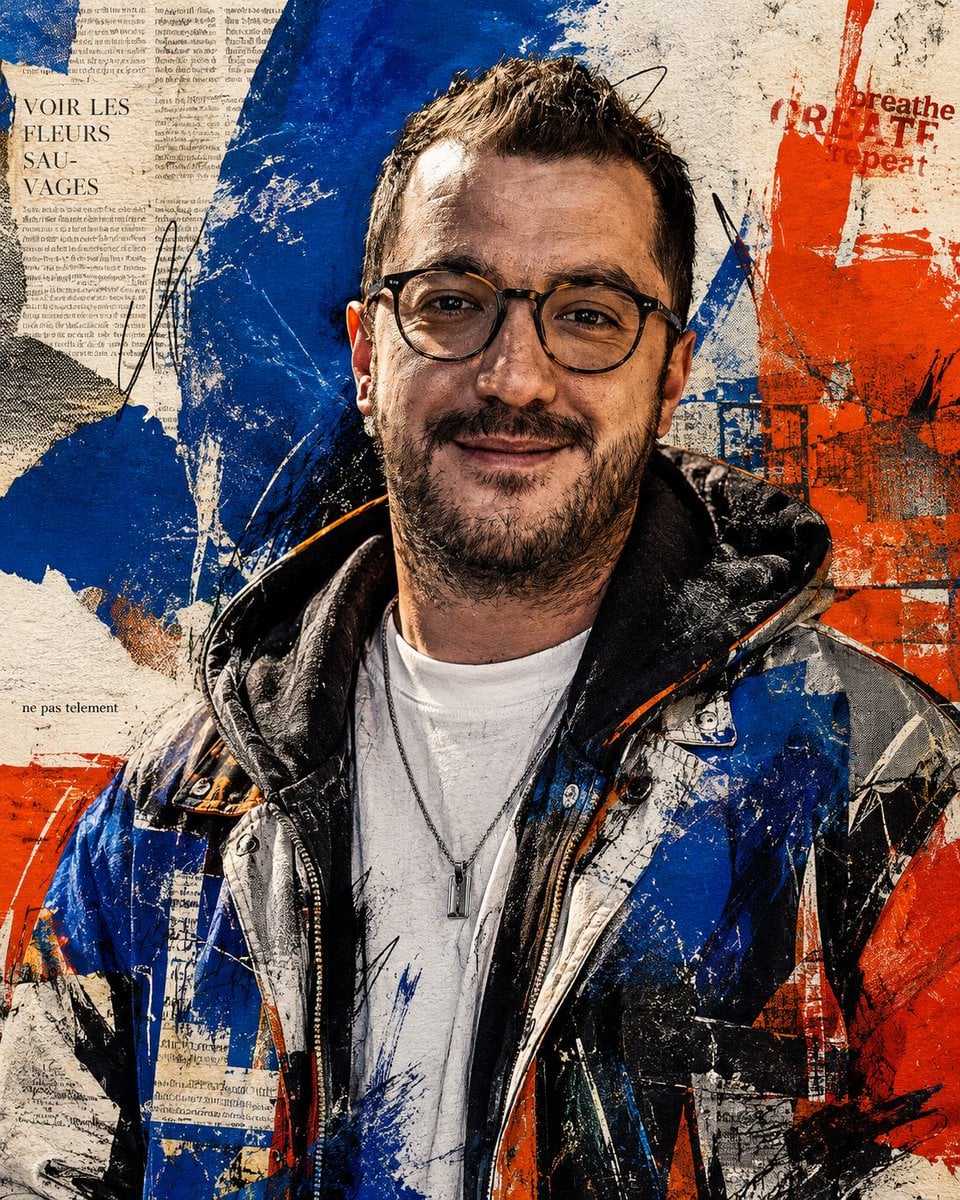
Censored Urban Collage Portrait
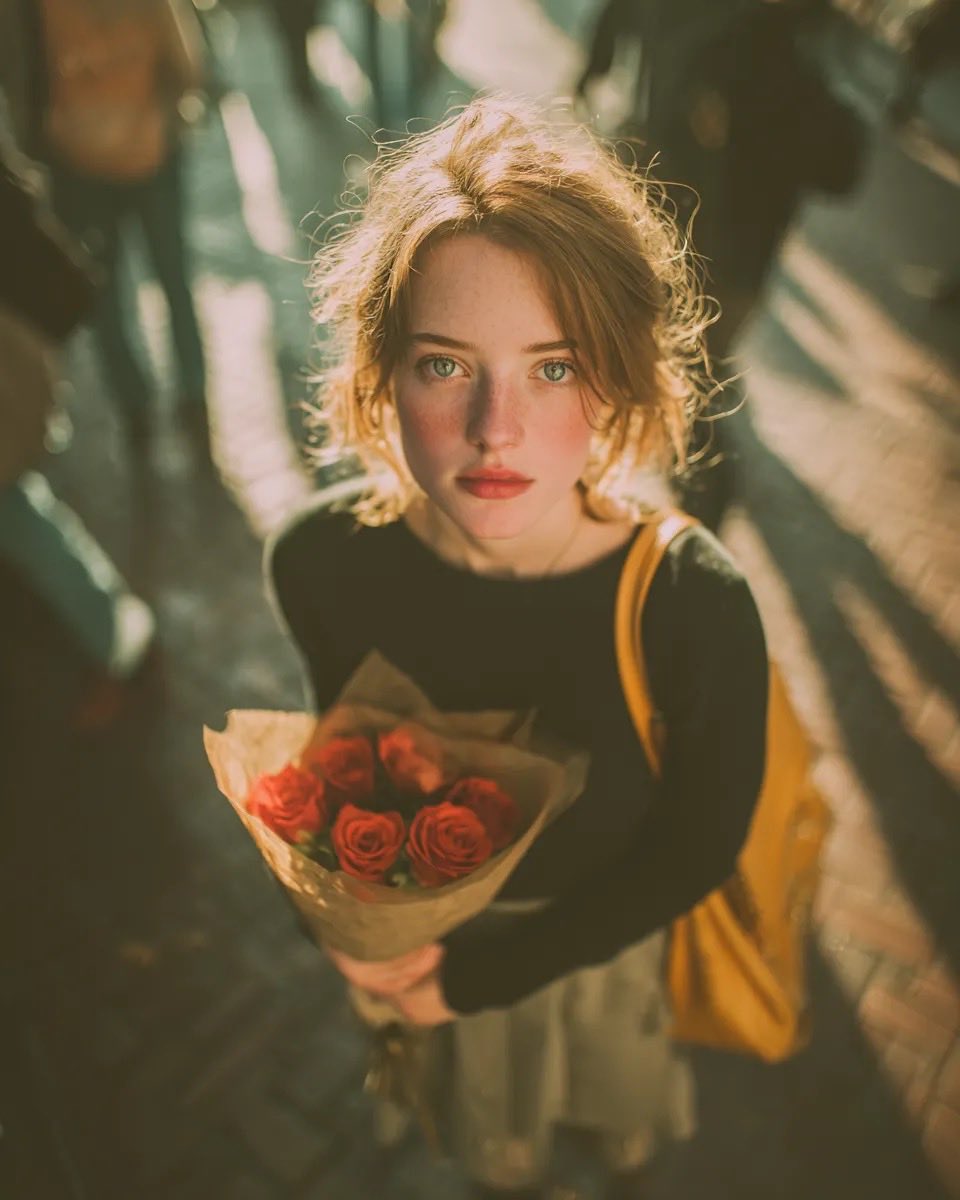
Vintage Film Grain Portrait
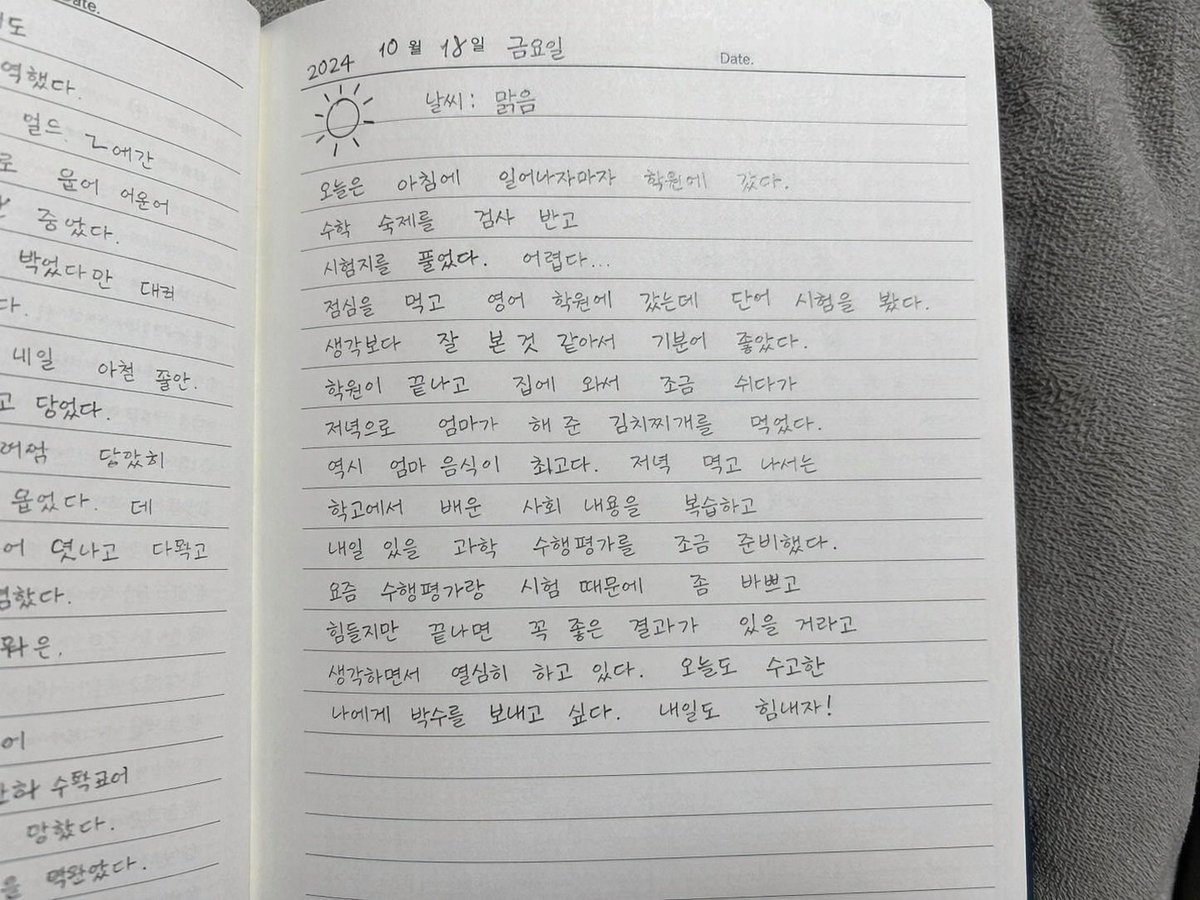
Handwritten Korean Diary Entry
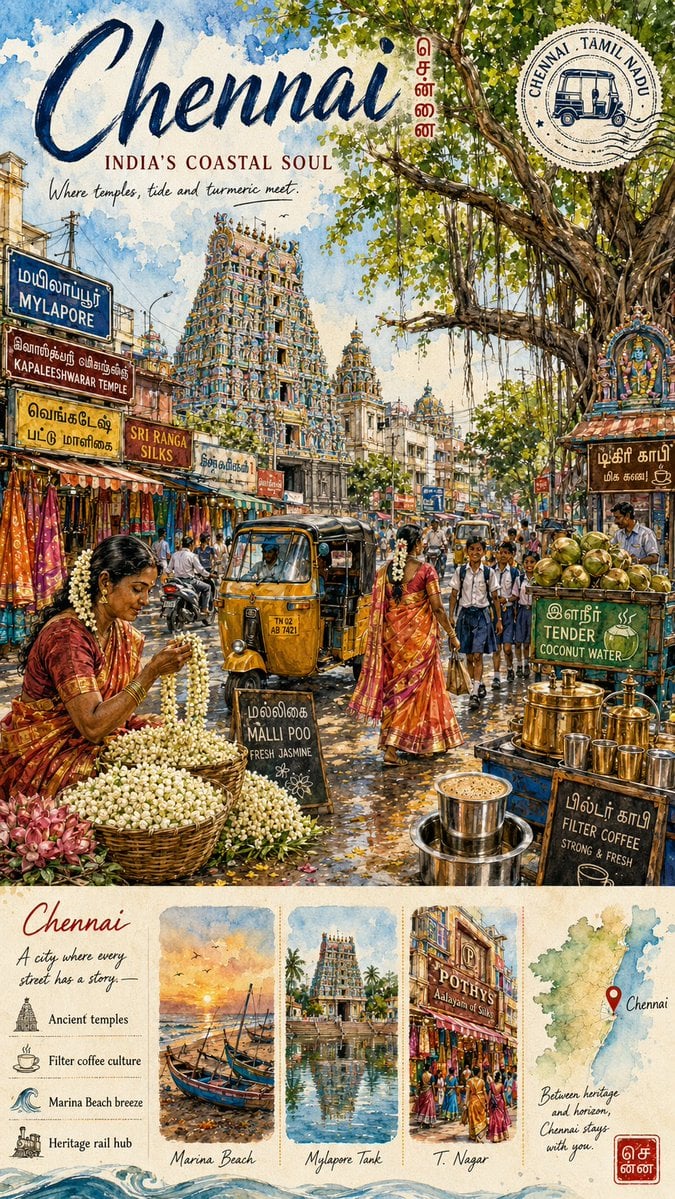
Chennai Watercolor Travel Poster
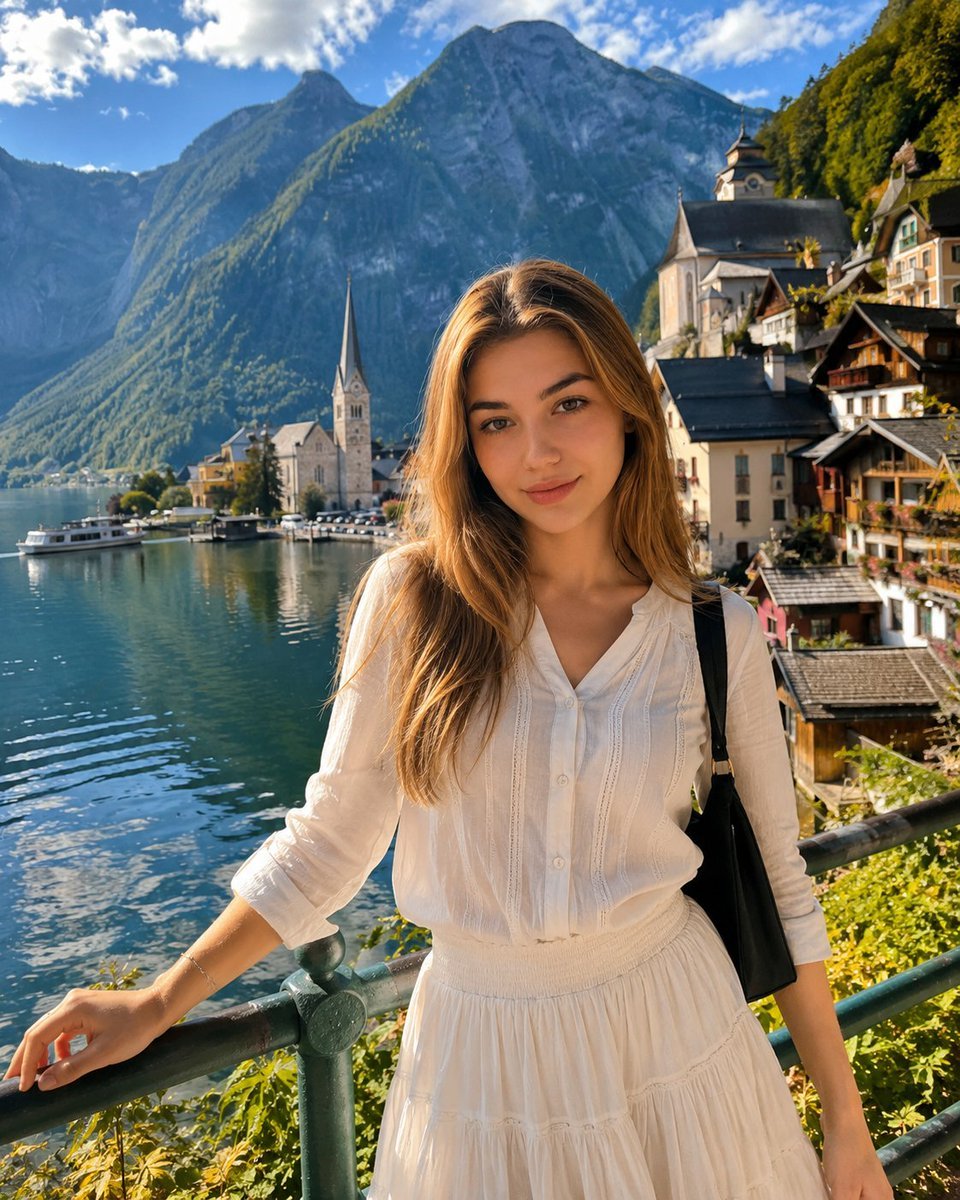
Hallstatt Austria Lakeside Travel Portrait
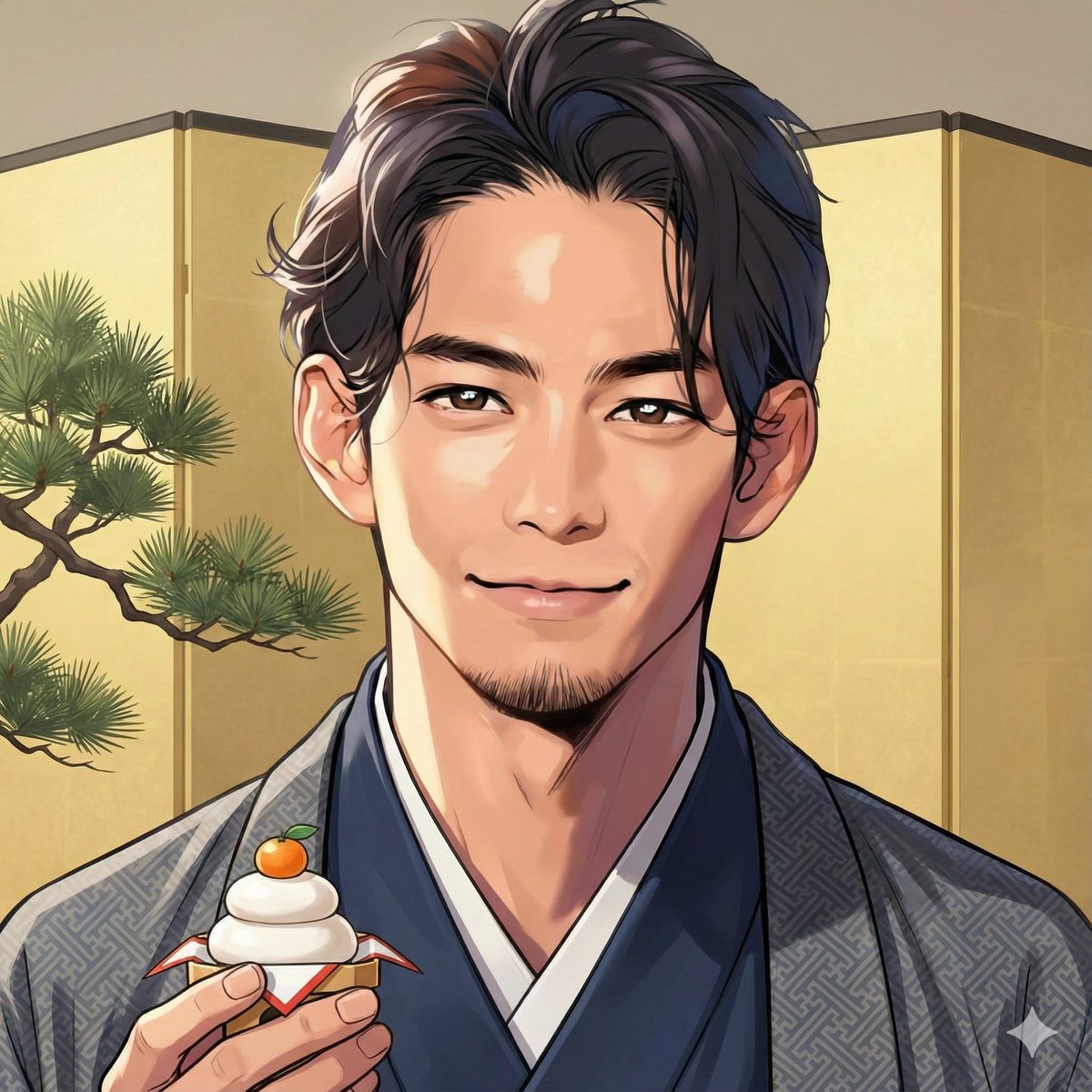
Nano Banana Pro New Year's Icon Maker Prompt
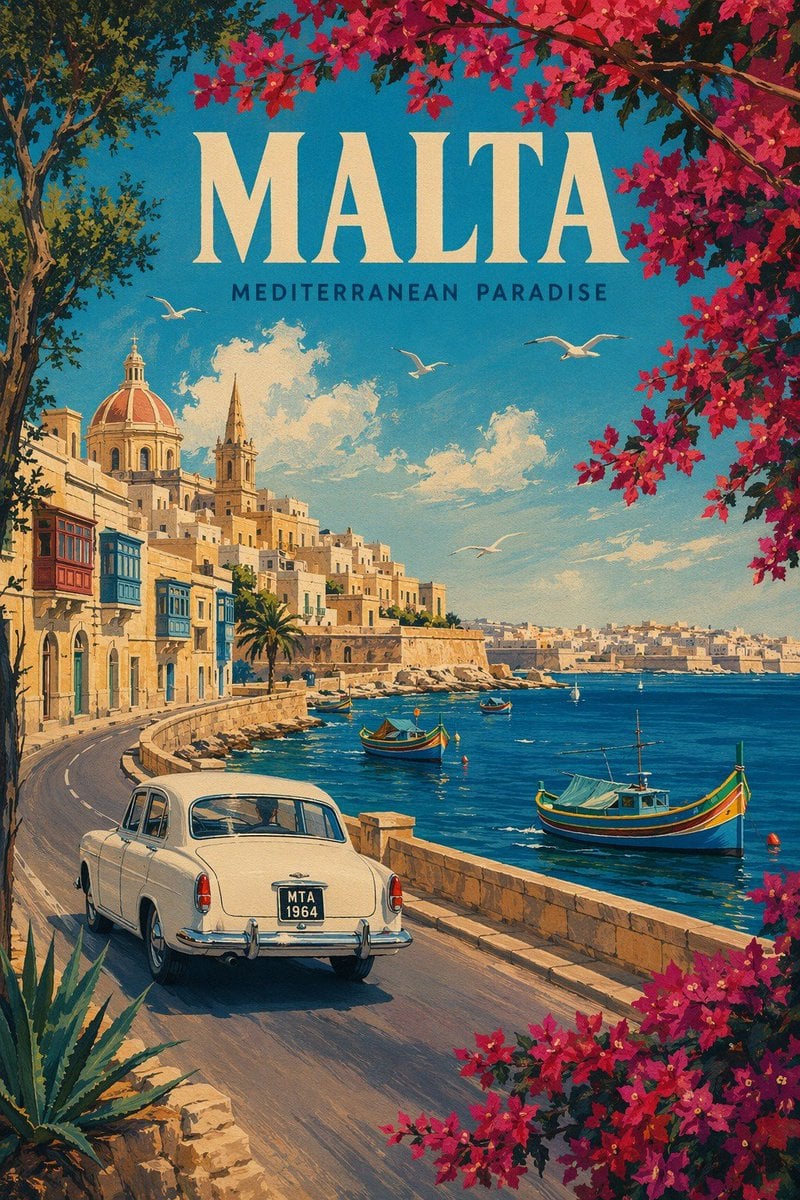
Vintage Malta Travel Poster
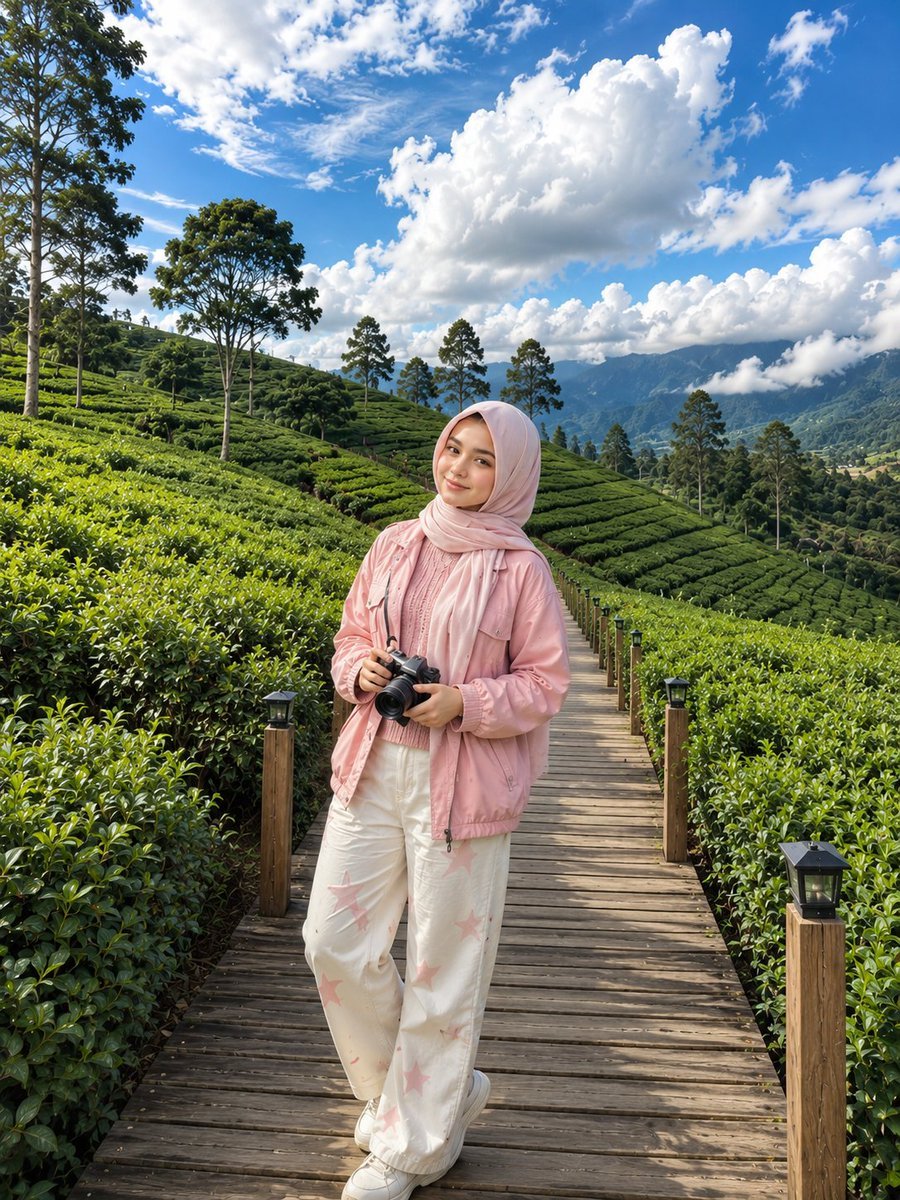
Korean Tea Plantation Portrait
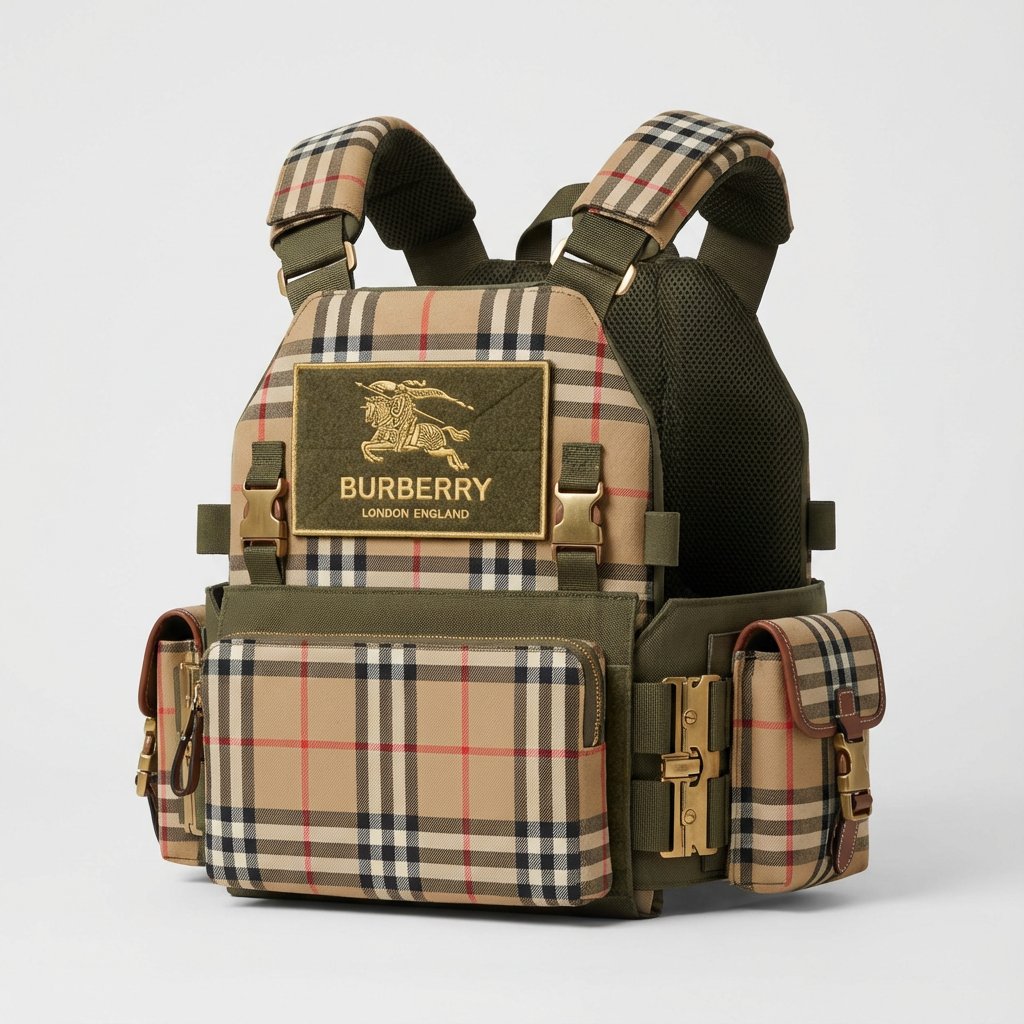
Burberry Battle Vest
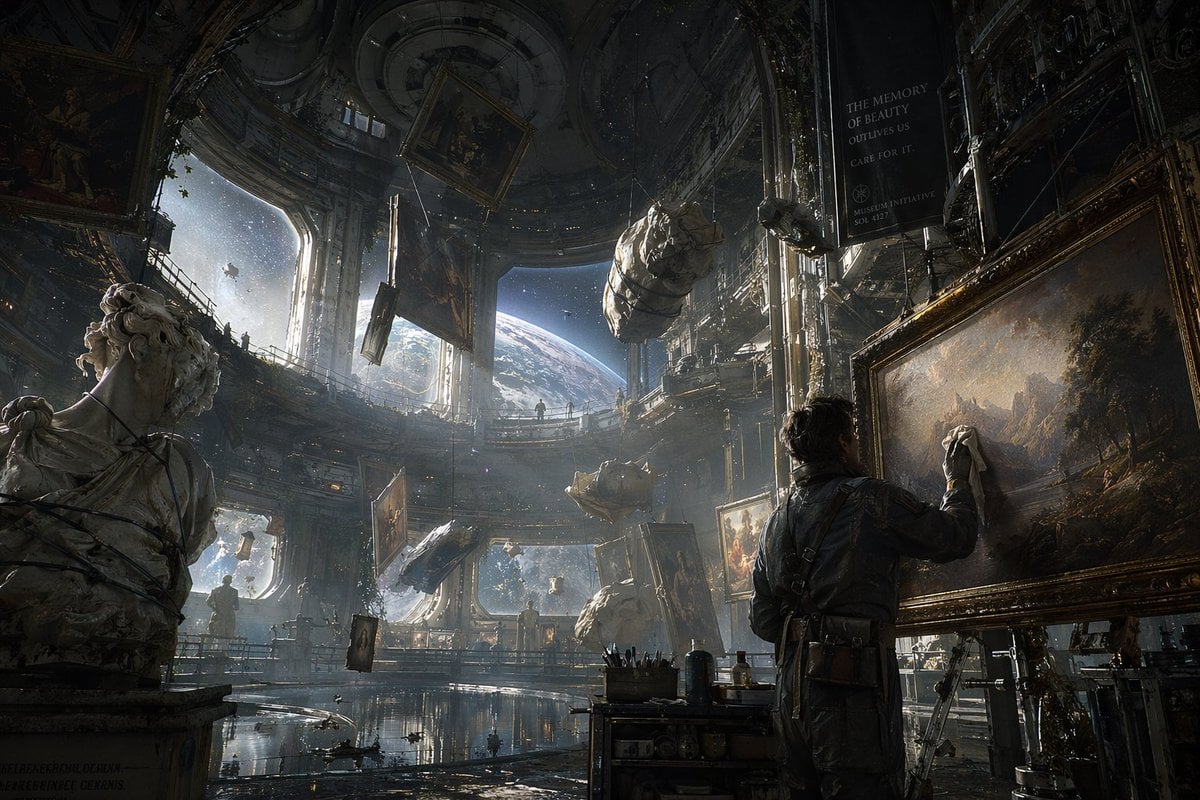
Sci-Fi Orbital Art Museum
Browse template categories
Created with GPT Image 2 + Seedance 2 on @yapper_s questions
How do I use the Created with GPT Image 2 + Seedance 2 on @yapper_s template?
Add your photo if the template asks for one, edit the prompt if you like — the template's model and format are already selected — and press Generate. Your version opens in PicX Studio.
Can I customize the Created with GPT Image 2 + Seedance 2 on @yapper_s template?
Yes. You can change the subject, setting, lighting, mood, format, and available model controls before creating your image.
Is the Created with GPT Image 2 + Seedance 2 on @yapper_s template free?
Opening and editing this template is free. Generating uses credits, shown on the Generate button when you are signed in.
Which AI model should I use?
Start with GPT Image 2, which is the model associated with this template. You can compare another compatible model for a different finish.
Looking for something else? Browse all templates.

Your photo, any look
Thousands of ready templates for every top image and video model, from one credit balance.