
Chennai Watercolor Travel Poster
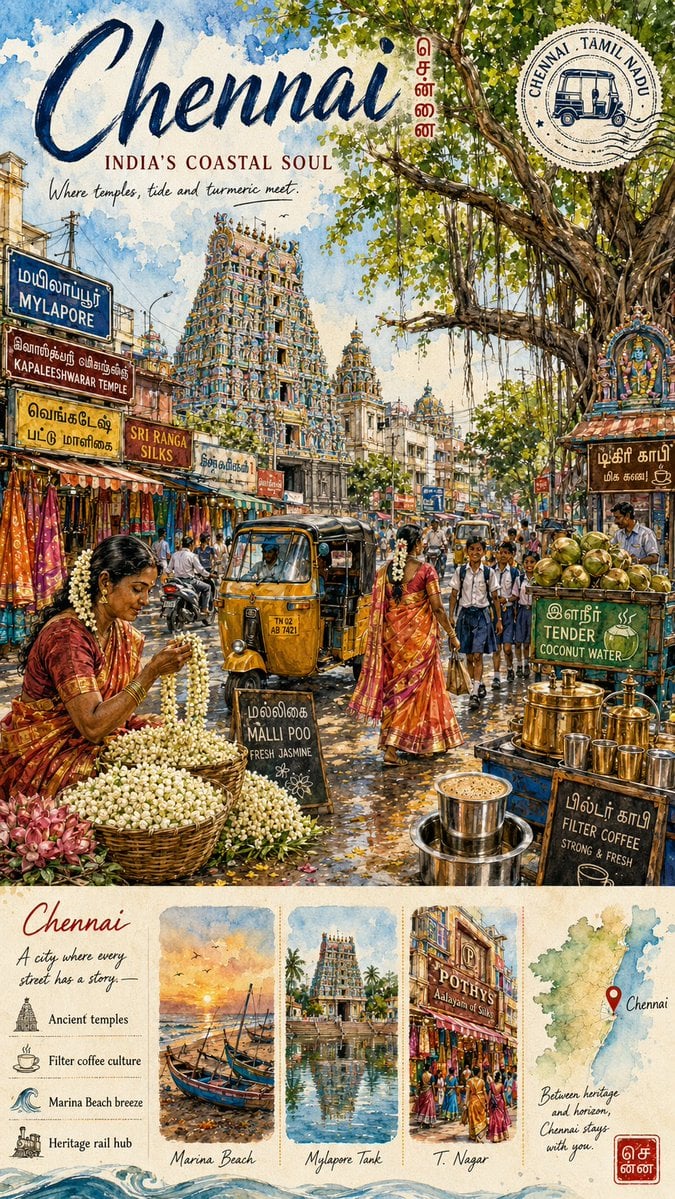
A detailed prompt for generating a vintage watercolor Chennai travel poster with a bustling Mylapore street scene and illustrated cultural guide strip.
- Prompt included
- Model and format preset
- Free template
The prompt behind this image
Copy the exact prompt behind Chennai Watercolor Travel Poster, or open it in the studio and make it yours.
Goal: Create a richly detailed vertical watercolor travel poster for {argument name="city name" default="Chennai"}, celebrating South Indian coastal culture with a busy heritage street scene and an illustrated guide strip at the bottom. Canvas: Tall vertical poster, approximately 2:3 aspect ratio, textured cream paper with watercolor washes, ink outlines, hand-lettered typography, warm sunlight, saturated temple colors, and a nostalgic travel-journal feel. Top title area: Large navy-blue brush-script headline reading {argument name="headline text" default="Chennai"}. Under it, add a small uppercase serif subtitle reading {argument name="subtitle text" default="INDIA'S COASTAL SOUL"}. Below that, a handwritten line reads {argument name="tagline" default="Where temples, tide and turmeric meet"}. Near the upper right, place a round vintage passport-stamp graphic reading "CHENNAI TAMIL NADU" around a small auto-rickshaw icon, plus a small vertical red Tamil-style city mark beside the title. Main illustration: Depict a bustling Chennai street in Mylapore with an ornate, multicolored Dravidian temple gopuram rising in the middle distance, surrounded by dense shopfronts, street signs, overhead wires, scooters, pedestrians, and soft blue sky. A huge banyan tree dominates the upper-right corner, with twisting branches, aerial roots, and bright green leaves casting dappled shade. In the foreground left, show a flower seller in a red-orange sari seated beside large baskets of white jasmine garlands and pink lotus flowers. In the center foreground, include one yellow-and-black auto-rickshaw facing the viewer on the road. In the midground, show one woman in a red silk sari walking, and a group of schoolchildren in uniforms crossing the street. In the foreground right, show a coconut water and filter coffee stall with green coconuts, brass vessels, and steaming coffee equipment. Visible signs and labels: Include exactly 9 prominent sign or text elements in the main street scene: 1) blue sign "MYLAPORE", 2) brown sign "KAPALEESHWARAR TEMPLE", 3) yellow Tamil-style street sign, 4) shop sign "SRI RANGA SILKS", 5) black chalkboard "MALLI POO FRESH JASMINE", 6) green board "TENDER COCONUT WATER", 7) black chalkboard "FILTER COFFEE STRONG & FRESH", 8) brown Tamil-style stall sign near the temple niche, 9) the circular "CHENNAI TAMIL NADU" stamp. Use Tamil-inspired lettering where appropriate, but keep the poster legible and decorative. Bottom guide strip: Add a cream scrapbook-style horizontal panel across the bottom, separated from the street scene. It contains exactly 5 vertical sections: 1) an intro column titled "Chennai" with the handwritten text "A city where every street has a story." and four icon captions: "Ancient temples", "Filter coffee culture", "Marina Beach breeze", "Heritage rail hub"; 2) a small watercolor vignette of fishing boats at sunset labeled "Marina Beach"; 3) a small watercolor vignette of a temple tank and gopuram reflection labeled "Mylapore Tank"; 4) a small watercolor vignette of a busy silk-shopping street with a visible "POTHYS" storefront labeled "T. Nagar"; 5) a pale watercolor map of Tamil Nadu with a red pin labeled "Chennai" and the handwritten note "Between heritage and horizon, Chennai stays with you." Add a small red Tamil-style stamp at the lower right of the strip. Style constraints: Make it look hand-painted rather than photorealistic, with fine ink details, splashes of blue watercolor in the sky, warm ochre street tones, lively market colors, and authentic Chennai atmosphere. Keep the composition dense but readable, avoid modern corporate design, avoid blank areas, and do not add extra panels or additional major signs beyond the specified counts.
How to use Chennai Watercolor Travel Poster in 3 steps
- 1Upload ImagePNG, JPG or paste
Add your photo
Upload the photo the template builds on. The prompt, model and format are already set.
- 2…a portrait of your subject in softgolden-hour light, 85mm…
Personalize
Edit the subject and creative details for your destination.
- 3Generate
Generate
Press Generate — your image is created in PicX Studio, so you can compare it with the original and refine one variable at a time.
More like this
Templates with the same subject, style or setup. Open one to see its prompt.

Japan Travel Brochure Poster
Alpine Watercolor Travel Poster
Watercolor Travel Poster Fusion
Vintage Watercolor Travel Posters
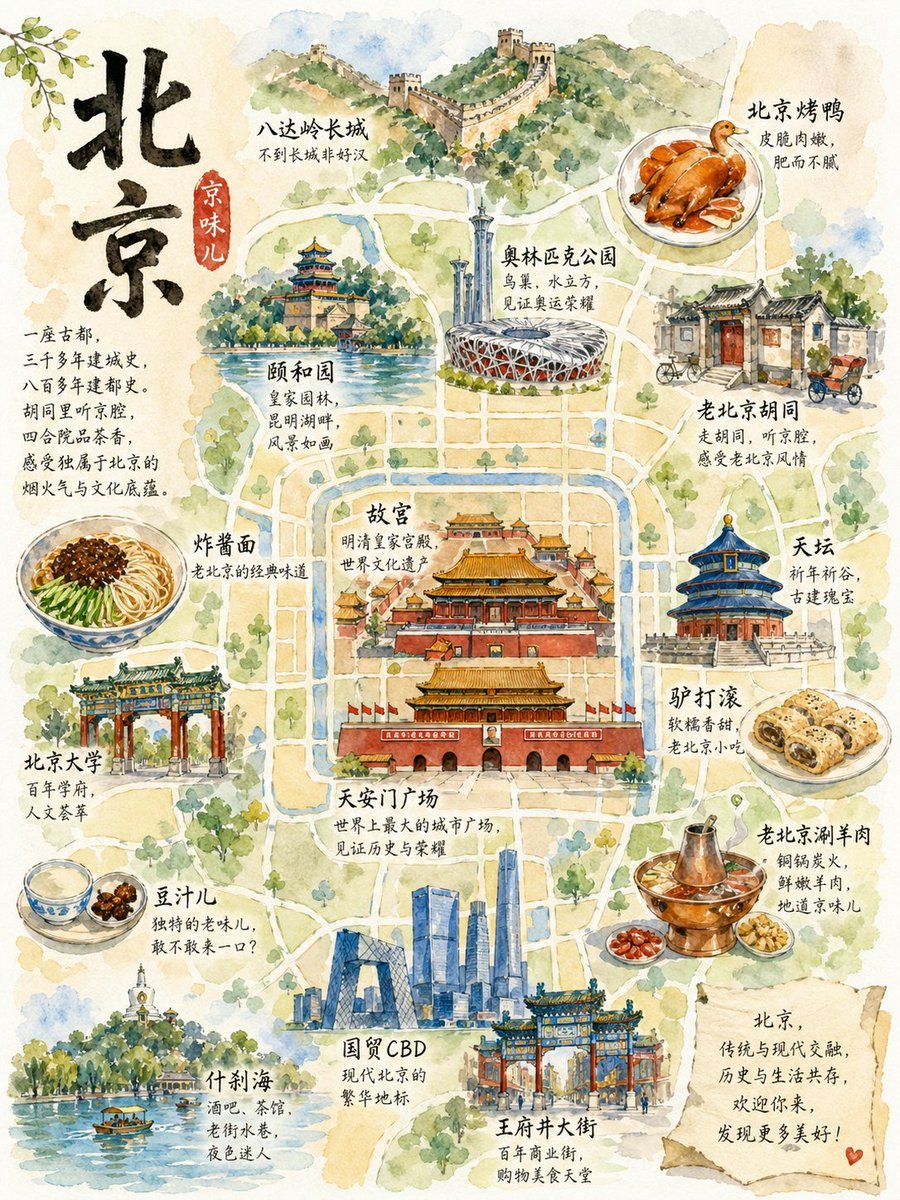
Watercolor Beijing Travel Map Poster
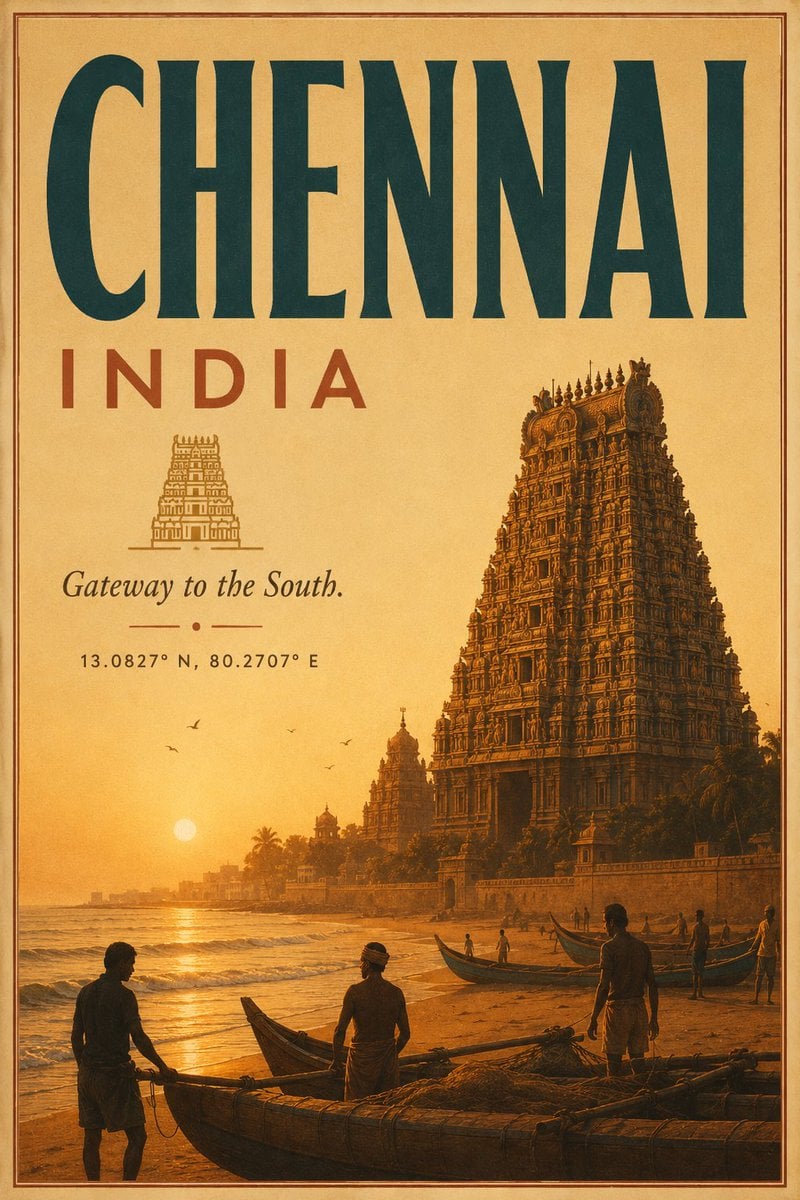
Vintage Chennai Travel Poster
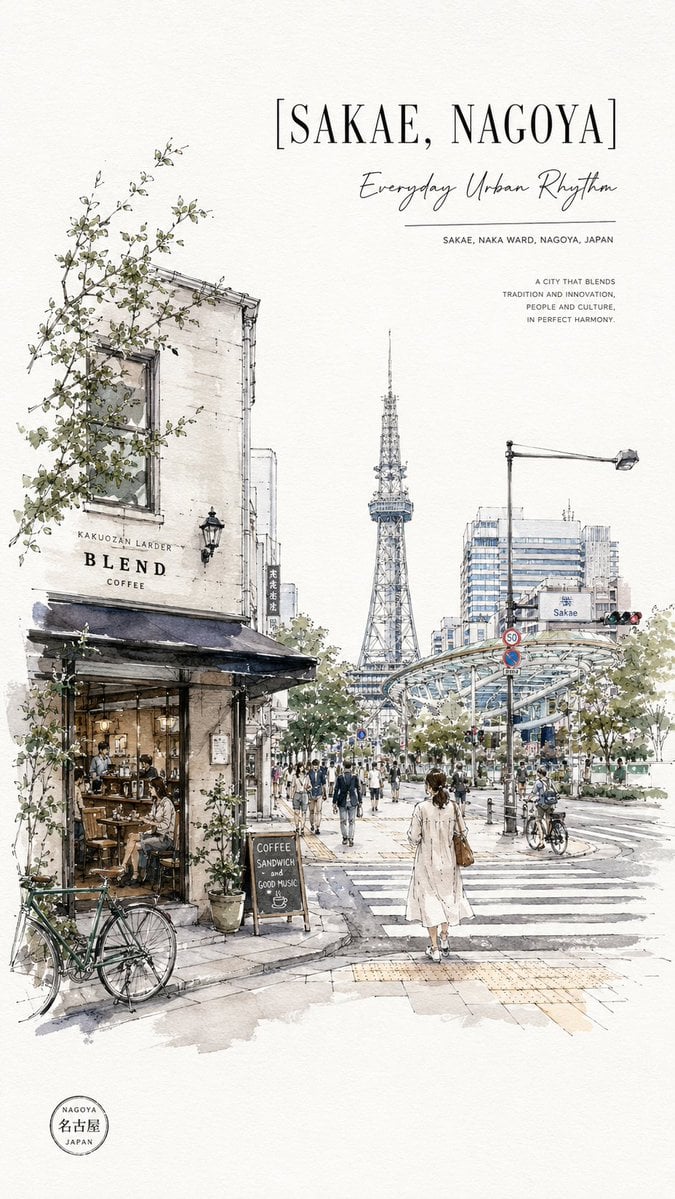
Sakae Nagoya Watercolor Travel Poster

City Posters by Nano Banana Pro
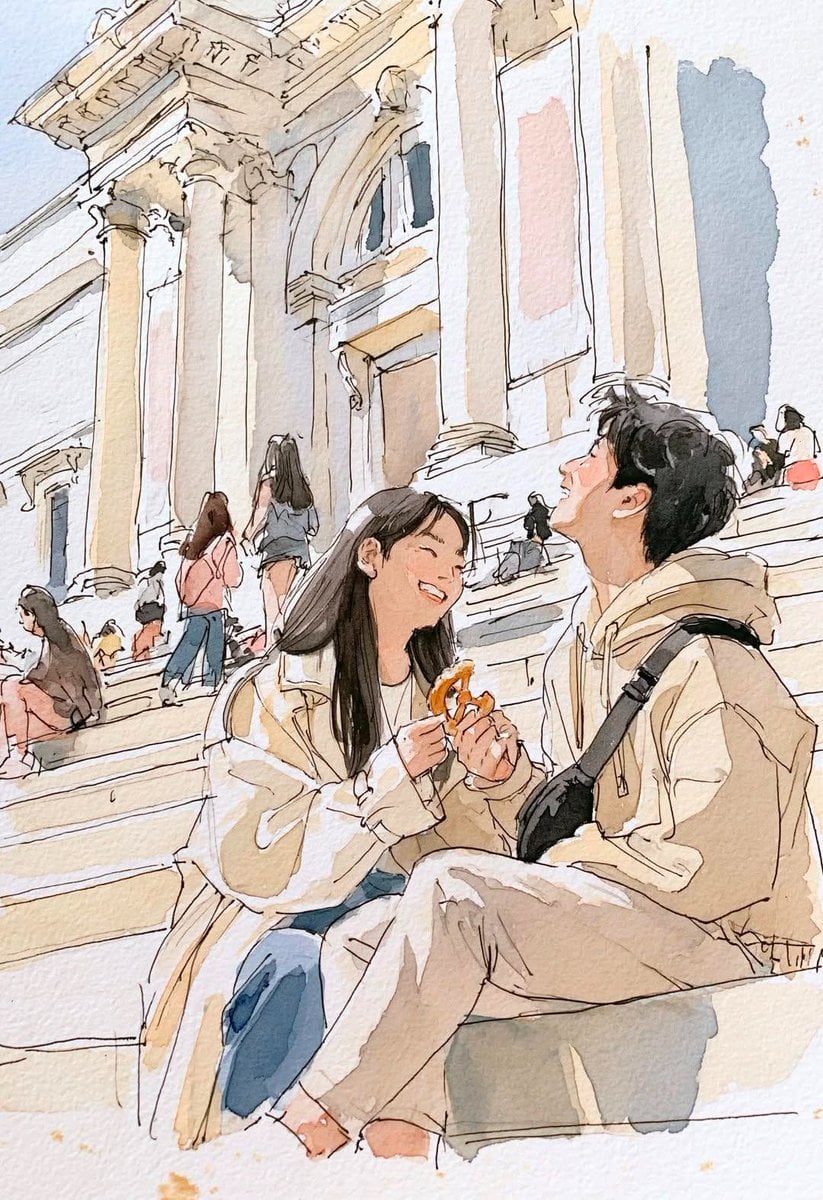
Watercolor Travel Sketchbook
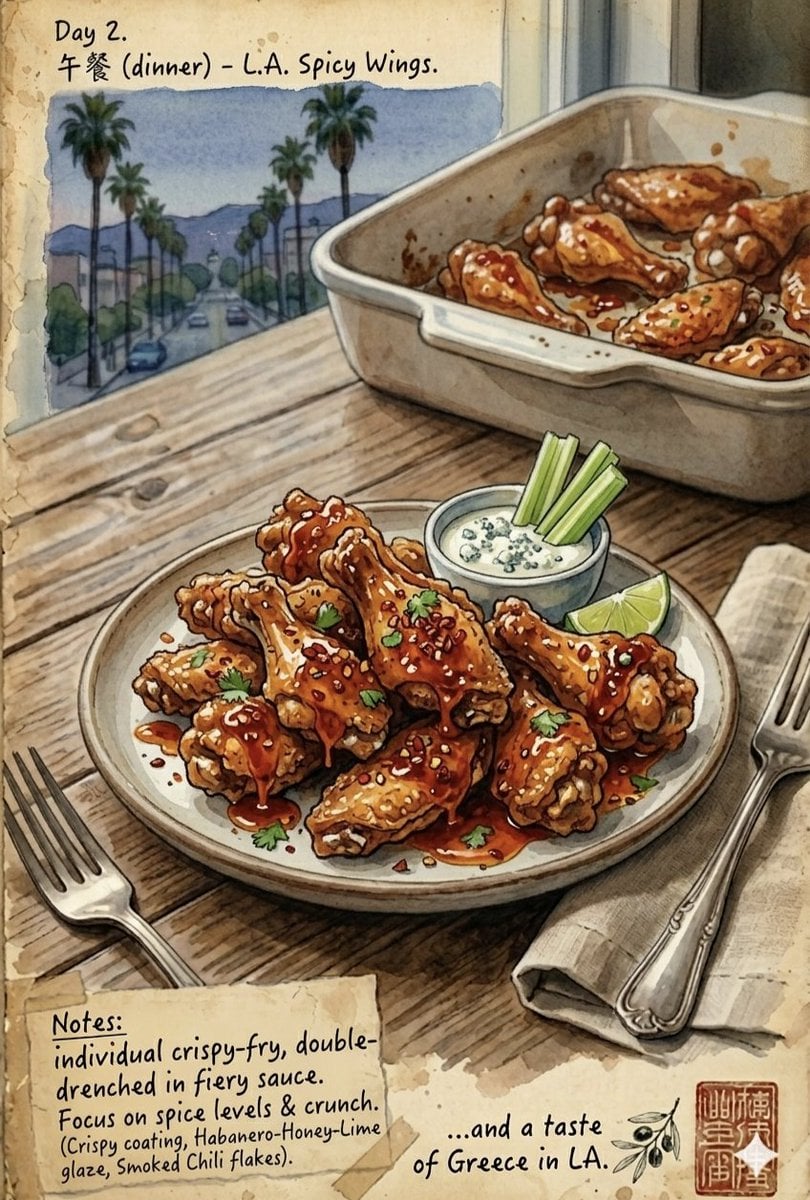
Watercolor Culinary Travel Diary Illustration

Watercolor Anim Finale Fireworks

Watercolor Anim Garden Maze
Make it yours
Chennai Watercolor Travel Poster works as-is. These are the safest ways to change it without losing the look.
Change one field
Copy a single group, rewrite it, and generate again so you can see what that field is doing.
Keep the frame, change the subject
Hold the composition and light of Chennai Watercolor Travel Poster, then swap wardrobe, props or the person for a new take.
| If the result… | Why | Fix |
|---|---|---|
| The result drifts from the preview | Too many fields changed at once. | Reuse Chennai Watercolor Travel Poster as-is first, then change one group — subject, light, or setting. |
| The model over-stylizes the scene | The prose prompt leaves finish and camera underspecified. | Add one camera or lighting sentence and stay on GPT Image 2. |
More GPT Image 2 templates
Other prompts made for GPT Image 2.

Six VTuber Japanese Logo Sheet

Realistic Portrait of Woman and Deer

The Vista Modular Condo Poster

AI Model Routing Comparison Infographic

2.5D Anime Art Board

Isometric Productivity Desk Scene

New York Double Exposure Poster

Four-Panel AI Landscape Comparison

Japanese Tatami Lifestyle Magazine Cover

NESCAFÉ Coffee Map Poster
More image prompts
Fresh picks from across the catalog.
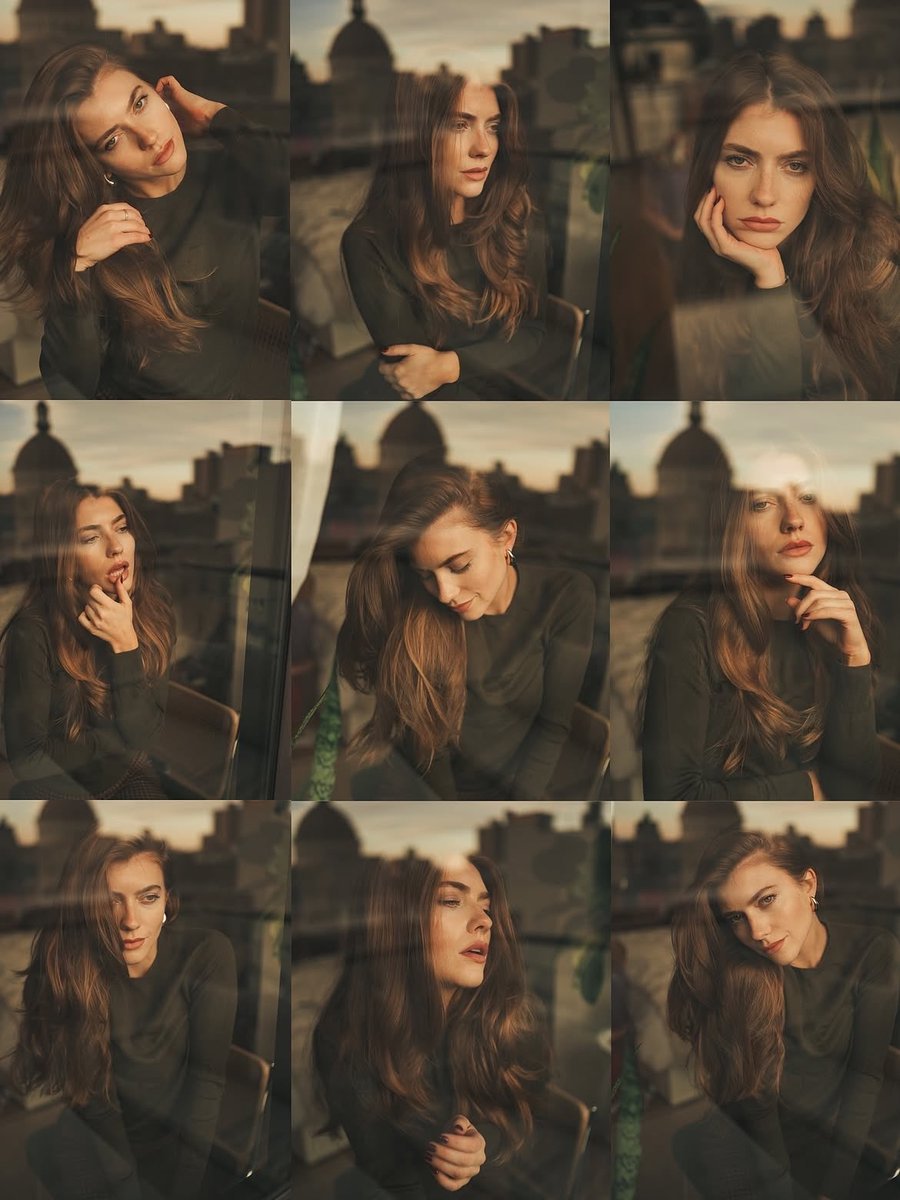
Cinematic Portrait Series by Window at Golden Hour

Quiet Luxury - Alexandra Daddario (Nano Banana)

Fantasy GPT Image 2 Skill Banner
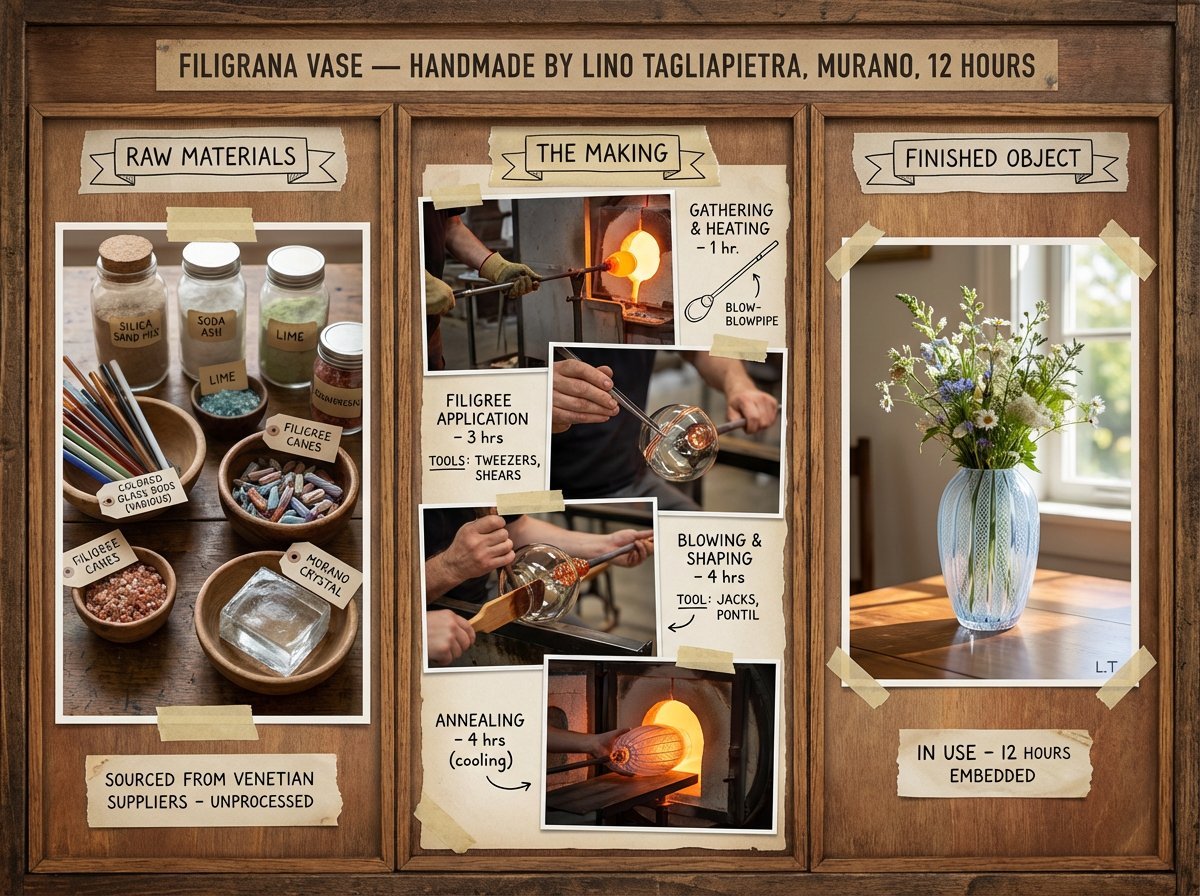
Artisan Craft Process Board for Handmade Objects
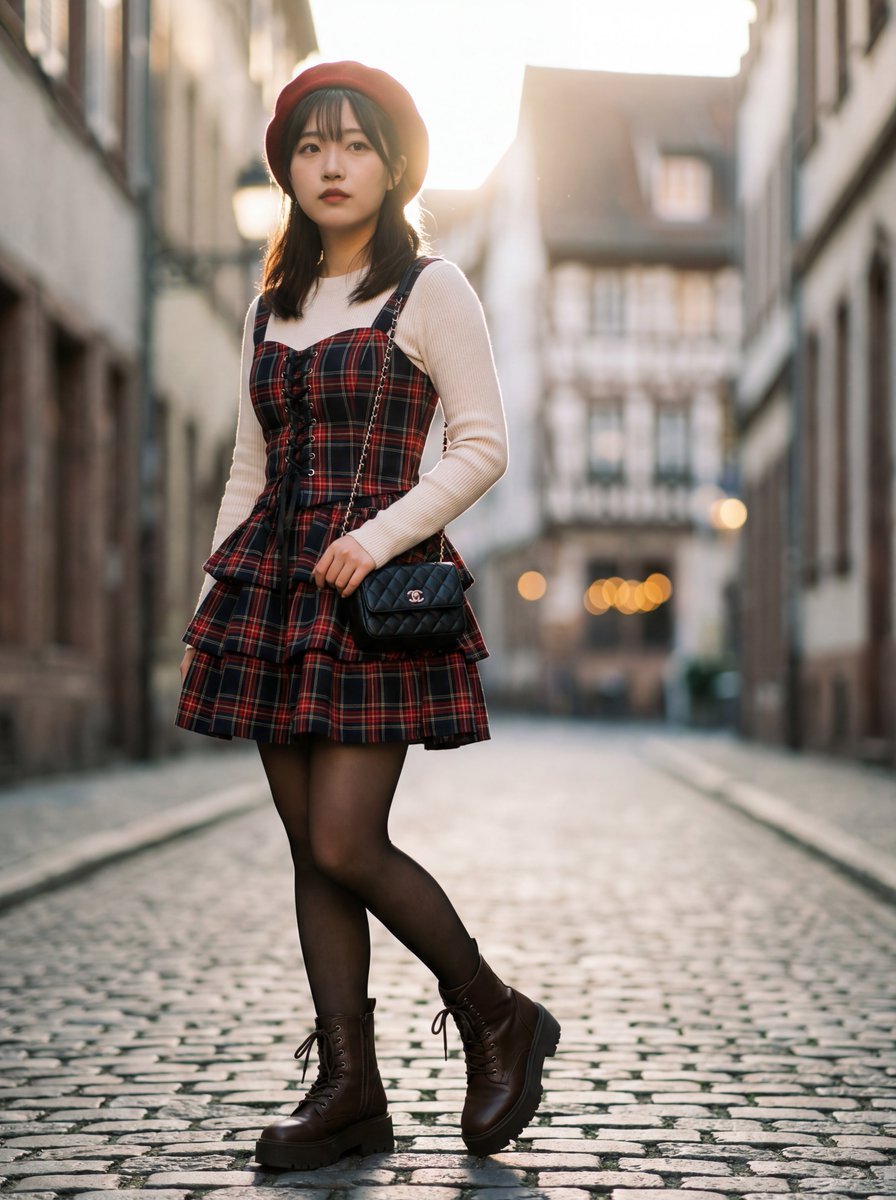
Ultra-Detailed Gothic Lolita Fashion Portrait
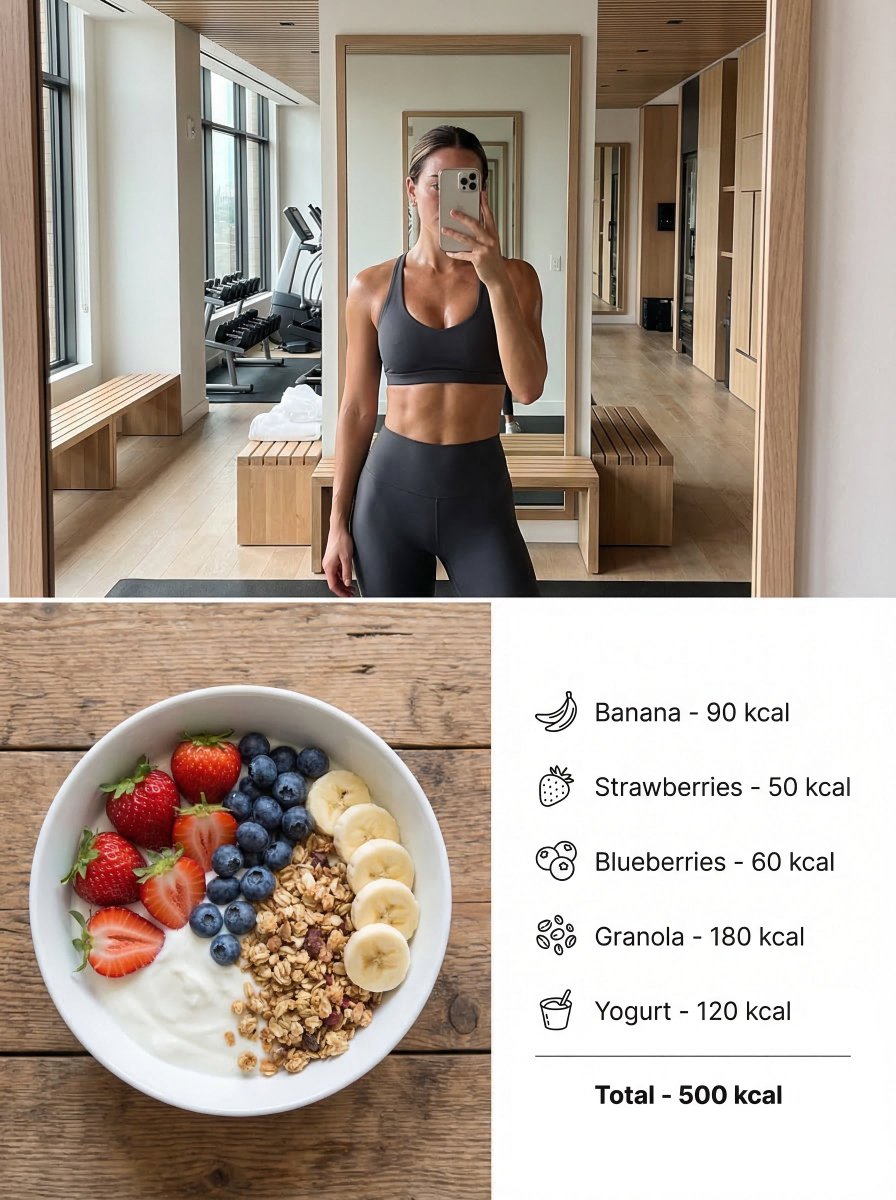
Modern Lifestyle Split Poster Prompt for Nano Banana Pro

Cinematic Quiz Show Audience
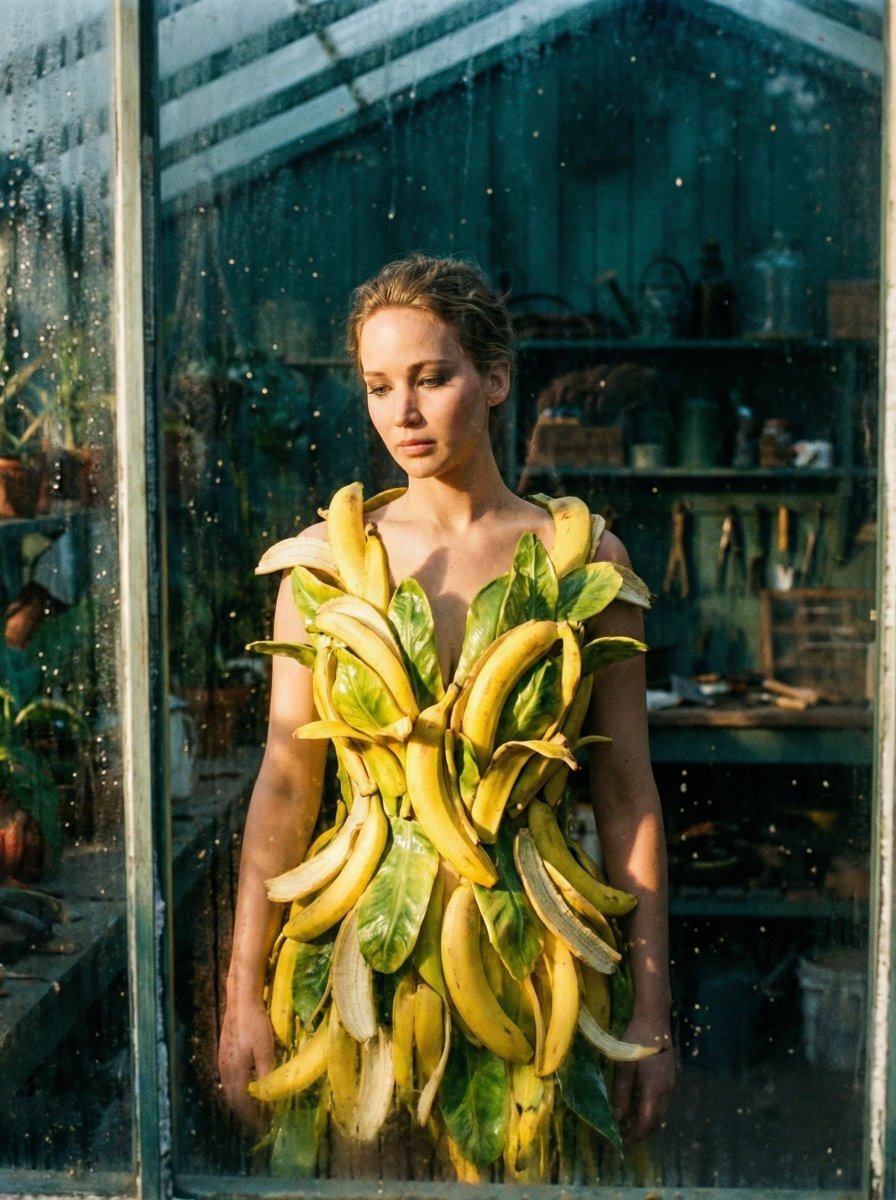
Tropical Melancholy Laboratory Surreal Portrait
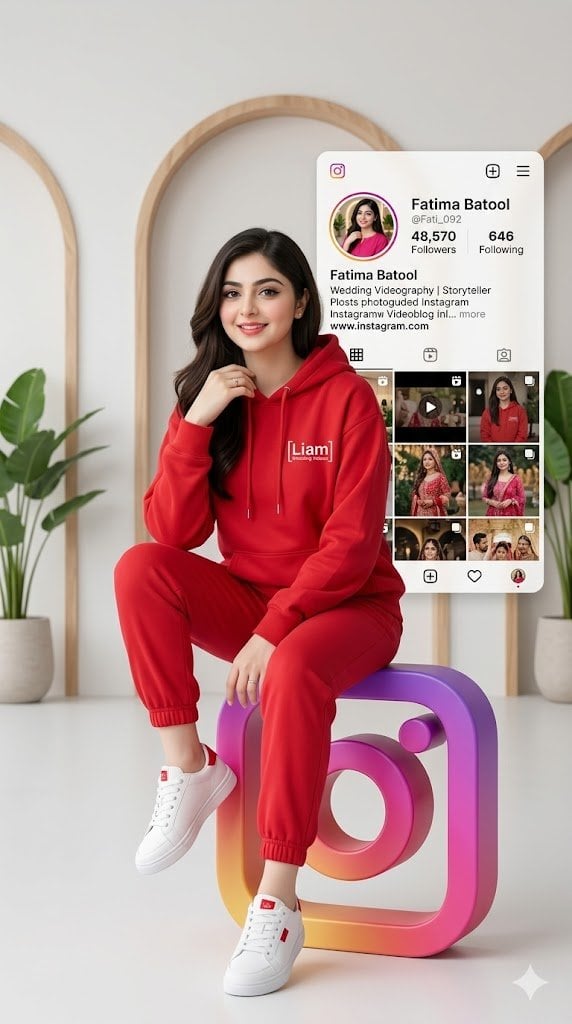
3D Social Media Profile Card

Cinematic Golden Hour Portrait of Stylish Man
Browse template categories
Chennai Watercolor Travel Poster questions
How do I use the Chennai Watercolor Travel Poster template?
Add your photo if the template asks for one, edit the prompt if you like — the template's model and format are already selected — and press Generate. Your version opens in PicX Studio.
Can I customize the Chennai Watercolor Travel Poster template?
Yes. You can change the subject, setting, lighting, mood, format, and available model controls before creating your image.
Is the Chennai Watercolor Travel Poster template free?
Opening and editing this template is free. Generating uses credits, shown on the Generate button when you are signed in.
Which AI model should I use?
Start with GPT Image 2, which is the model associated with this template. You can compare another compatible model for a different finish.
Looking for something else? Browse all templates.

Your photo, any look
Thousands of ready templates for every top image and video model, from one credit balance.