
Tropical Melancholy Laboratory Surreal Portrait
A highly detailed cinematic prompt for a hyper-realistic, surreal portrait of a protagonist wearing an avant-garde sculpture dress made entirely of banana peels and leaves.
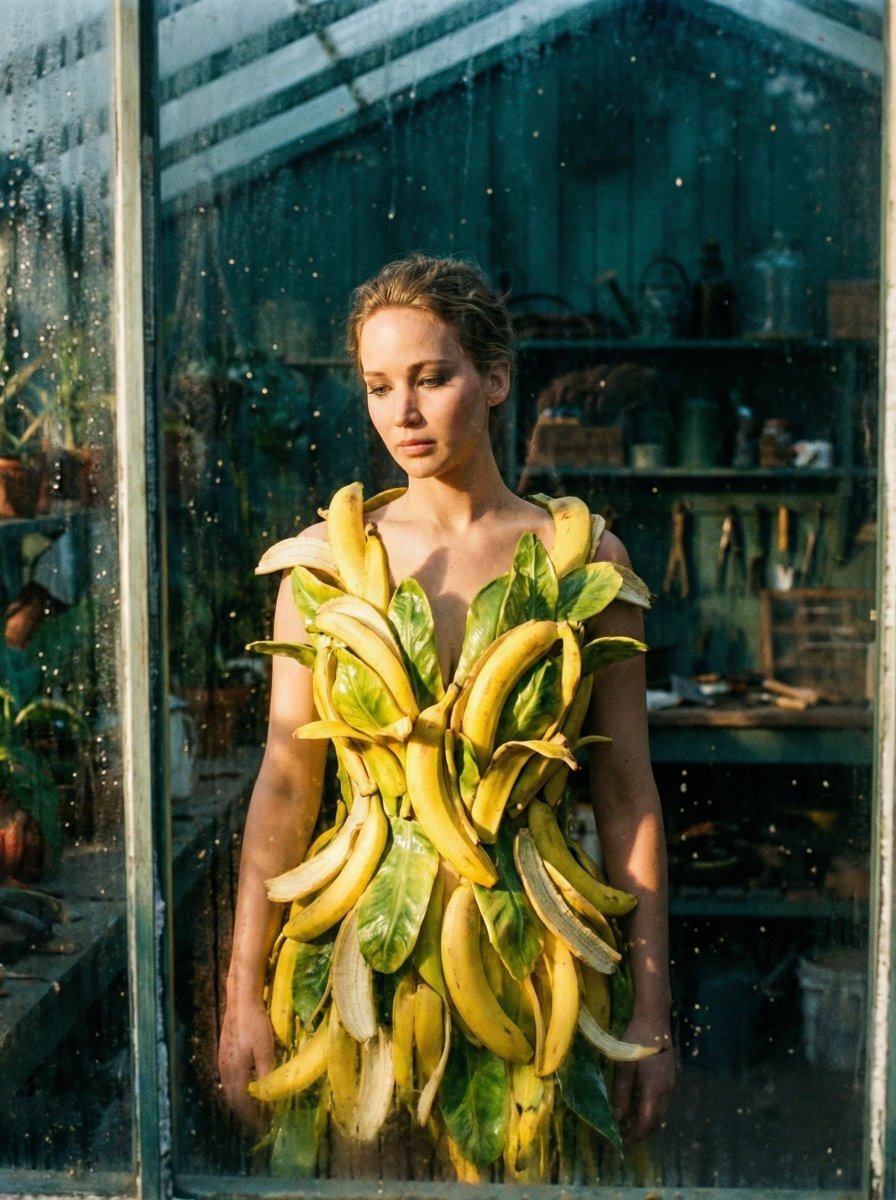
- Prompt included
- Model and format preset
- Free template
The prompt behind this image
Copy the exact prompt behind Tropical Melancholy Laboratory Surreal Portrait, or open it in the studio and make it yours.
{ "vibe_title_en": "Tropical Melancholy Laboratory", "master_prompt": "A hyper-realistic, cinematic medium shot of The Protagonist captured through the dirty, condensation-covered glass of an old greenhouse partition (creating natural framing and depth). The subject is wearing an immense, avant-garde surreal sculpture of a dress constructed entirely from hundreds of cascading, vibrant yellow banana peels and thick, waxy organic leaves, meticulously layered to look like high-fashion armor. The environment is a densely cluttered, chaotic botanist's workshop: stacks of dusty encyclopedias, overflowing shelves of amber glass jars, tangled rubber hoses, and scattered gardening tools fill every inch of the background. The lighting creates a stark contrast: a beam of warm, directional sunlight illuminates the texture of the yellow organic dress, while the shadows are crushed into a deep, cinematic teal. The subject looks downward with a soft, vulnerable expression, avoiding eye contact, lost in thought. Shot on a Hasselblad H6D-100c with an 80mm f/1.9 lens to capture the microscopic texture of the fruit skin and the atmospheric dust motes. Kodak Portra 400 film stock emulation, fine grain, no neon, purely practical effects aesthetic.", "meta": { "intent": "Editorial Surrealism", "priorities": "Texture, Clutter, Emotional Contrast", "device_profile": "High-End Desktop / Gallery Print" }, "frame": { "aspect": "16:9", "composition": "Rule of Thirds, Layered Foreground", "layout": "Depth-heavy, foreground obstruction", "camera_angle": "Eye Level, shooting through glass/objects", "tilt_roll_degrees": "0" }, "subject": { "gender": "Female", "identity": "The Protagonist", "demographics": "Adult, Ageless", "face": "Neutral, soft features, minimal makeup with visible pores", "hair": "Sleek, contained bob or pulled back (mimicking the mood board geometry)", "body": "Slim, enveloped in voluminous surreal garment", "expression": "Vulnerable, eyes cast downward, lips slightly parted, melancholic", "pose": "Static, standing but slightly slumped shoulders, hands hidden in the dress layers" }, "wardrobe_accessories": { "garments": [ { "item": "Surreal Organic Gown", "material": "Banana Peels and Waxy Leaves", "color": "Vibrant Yellow and Pale Green", "fit": "Voluminous, Architectural, Layered" } ], "accessories": [ { "item": "Sunglasses (Optional/Removed for vulnerability)", "color": "None", "material": "None", "brand_style": "None" } ] }, "environment": { "setting": "Cluttered Botanist's Workshop / Greenhouse Storage", "surfaces": "Dusty wood, dirty glass, organic matter, paper stacks", "depth": "High complexity, foreground glass blur, background clutter bokeh", "atmosphere": "Humid, dusty, heavy air, smell of ripen"
How to use Tropical Melancholy Laboratory Surreal Portrait in 3 steps
- 1
Open
The prompt is already in the box next to the preview, with the template's model and format selected.
- 2…a portrait of your subject in softgolden-hour light, 85mm…
Personalize
Edit the subject and creative details for your destination.
- 3Generate
Generate
Press Generate — your image is created in PicX Studio, so you can compare it with the original and refine one variable at a time.
More like this
Templates with the same subject, style or setup. Open one to see its prompt.
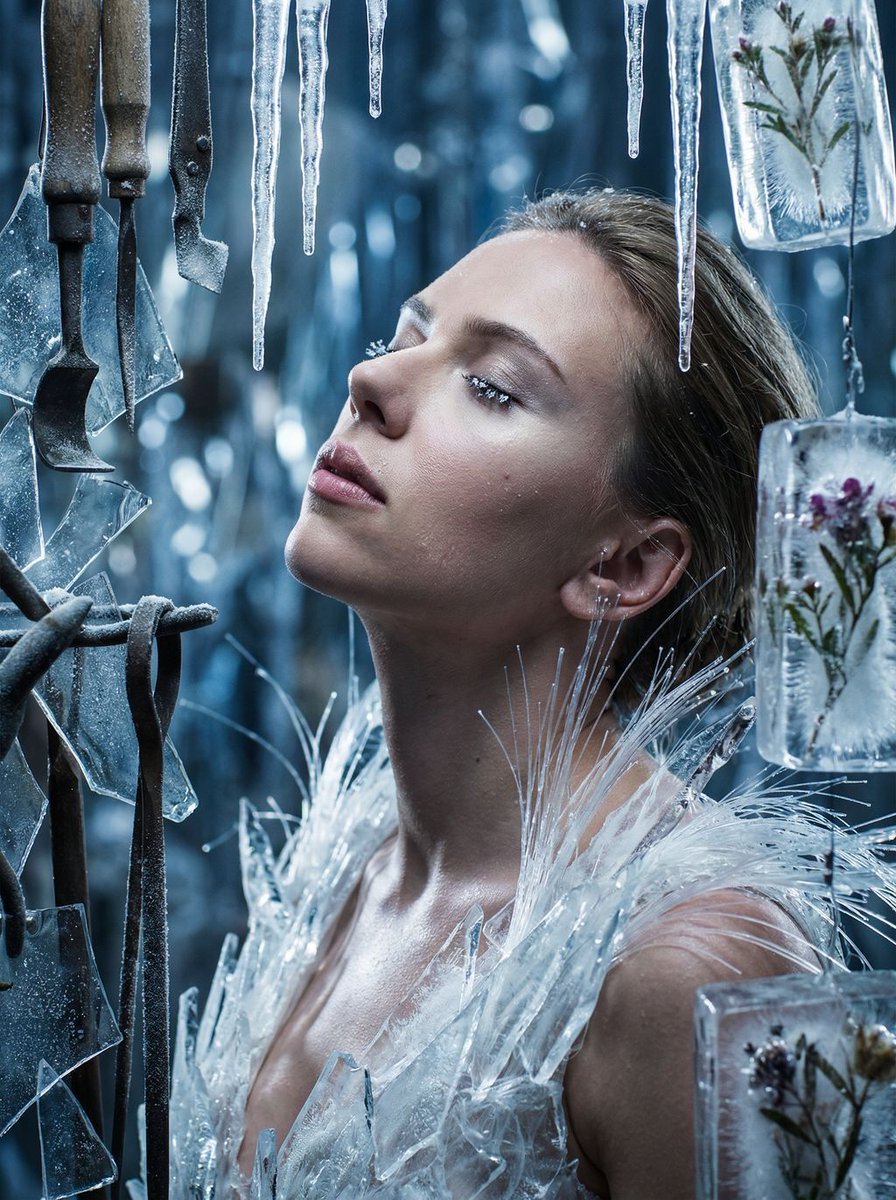
Cinematic Surreal Portrait: Crystallized Melancholy
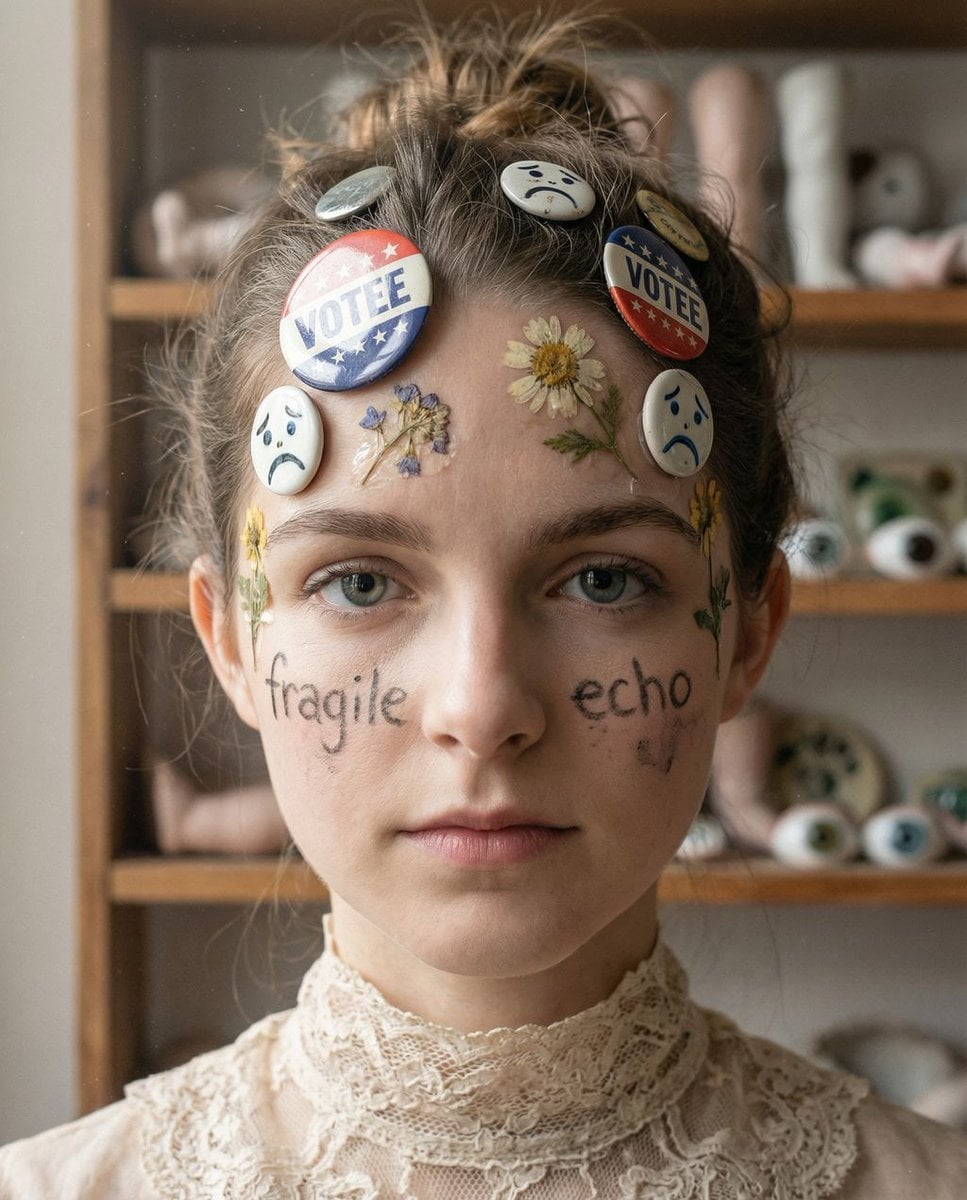
Tangible Melancholy: Surreal Editorial Portrait

Found Photograph: Us, 1970

80s Couple Studio Portrait

80s Bollywood Star

80s Golden Hour Cinema

Me in 1985

1985 Studio Portrait

Hyper-Realistic Minecraft POV Portrait

Rooftop Fisheye — Cat-Ear Balaclava at Golden Hour

Surreal Cat Astronaut — Humanoid Face Freefall

Rainy Café Window Moody Portrait
Make it yours
Tropical Melancholy Laboratory Surreal Portrait works as-is. These are the safest ways to change it without losing the look.
Change one field
Copy a single group, rewrite it, and generate again so you can see what that field is doing.
Keep the frame, change the subject
Hold the composition and light of Tropical Melancholy Laboratory Surreal Portrait, then swap wardrobe, props or the person for a new take.
| If the result… | Why | Fix |
|---|---|---|
| The result drifts from the preview | Too many fields changed at once. | Reuse Tropical Melancholy Laboratory Surreal Portrait as-is first, then change one group — subject, light, or setting. |
| The model over-stylizes the scene | The prose prompt leaves finish and camera underspecified. | Add one camera or lighting sentence and stay on Nano Banana 2. |
More Nano Banana 2 templates
Other prompts made for Nano Banana 2.

Photorealistic Leaf Shaped Like a Dragon

K-Pop Idol Portrait Grid for Rapid Selection

Poetic Rain Forest Portrait During Golden Hour

Urban Street Portrait with Cartoon Inner Self Duo

Candid Nighttime Photo with Cat Prompt

High-Concept 3D Diorama Generation Prompt

Cinematic Futuristic Studio Portrait Template

Skincare Editorial Photography Collage Prompt

Hyper-Realistic Commercial Product Photography (Splash Effect)

Hyper-Realistic Nightclub Portrait Prompt
More image prompts
Fresh picks from across the catalog.
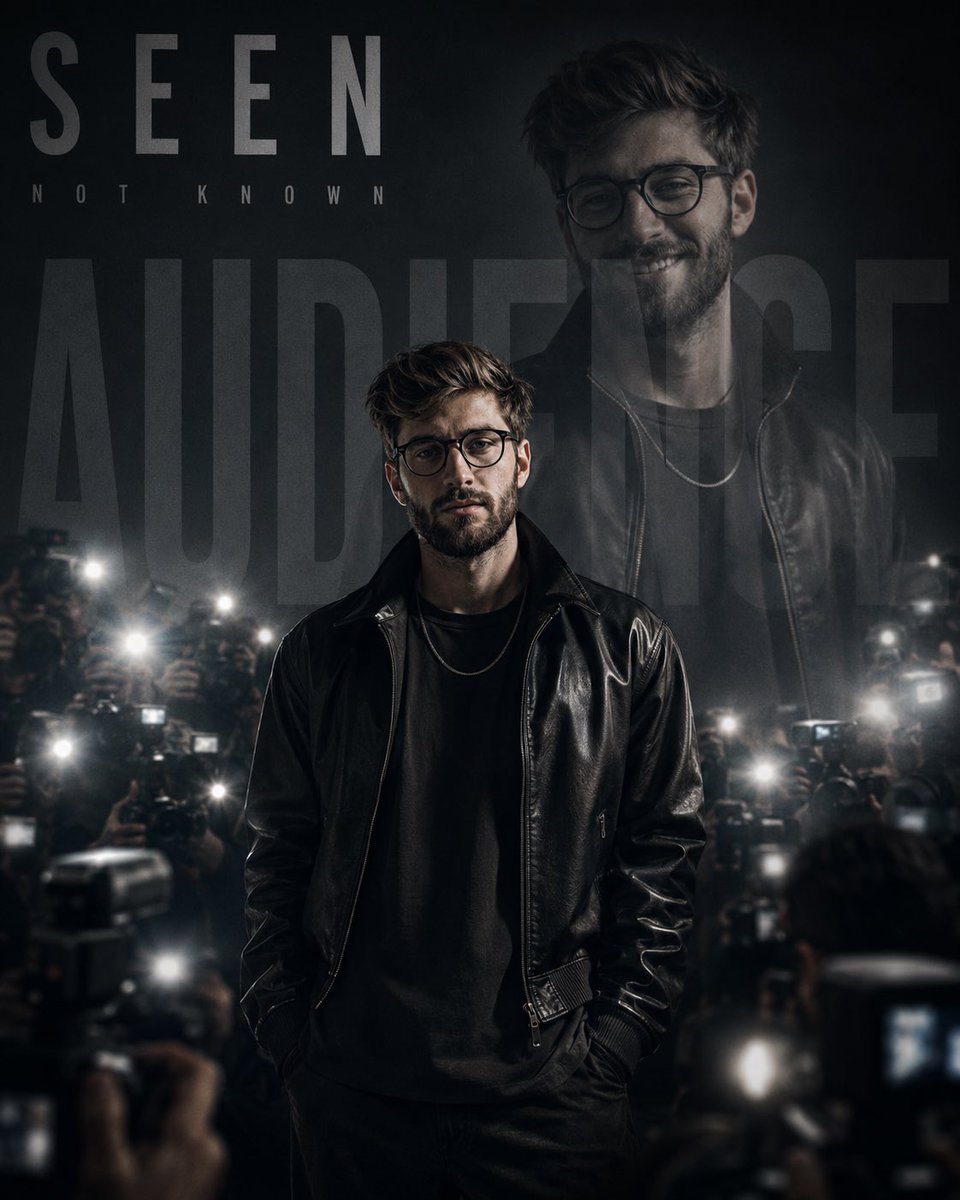
Monochrome Paparazzi Fashion Poster
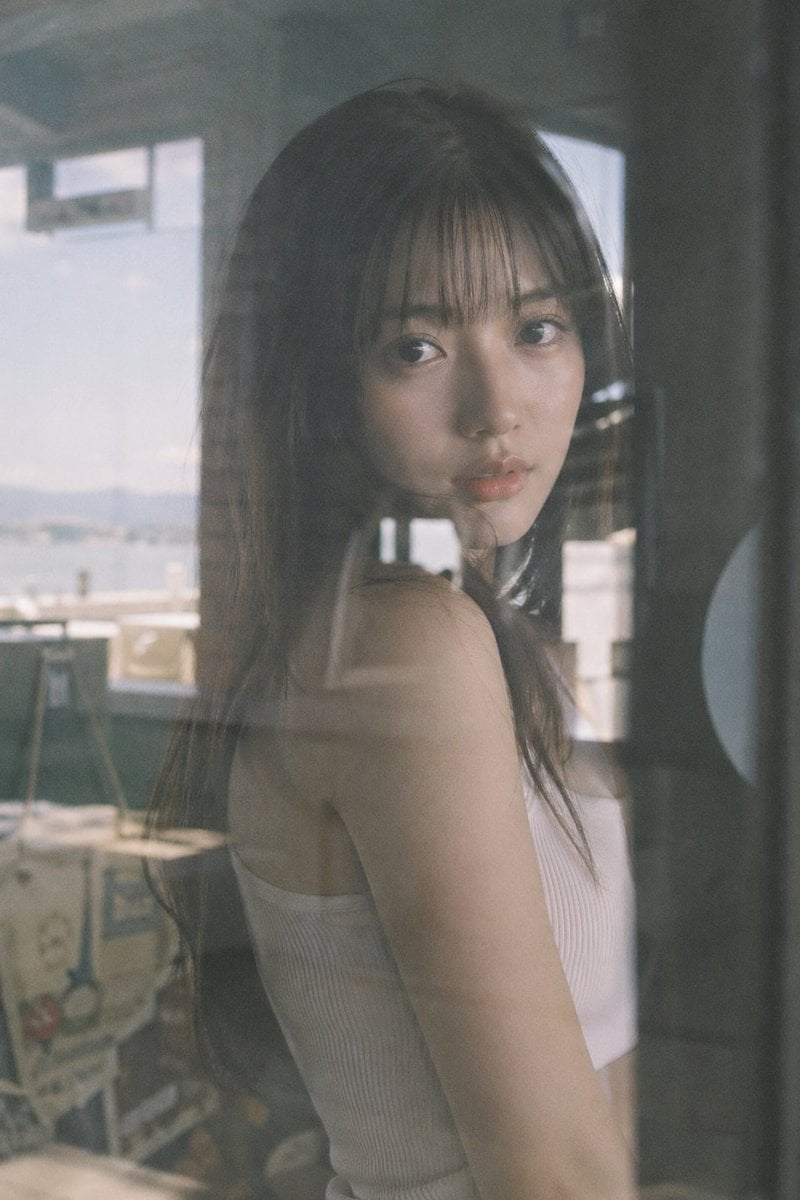
Japanese Idol Reflection Aesthetic

3D Construction Safety Icon Set
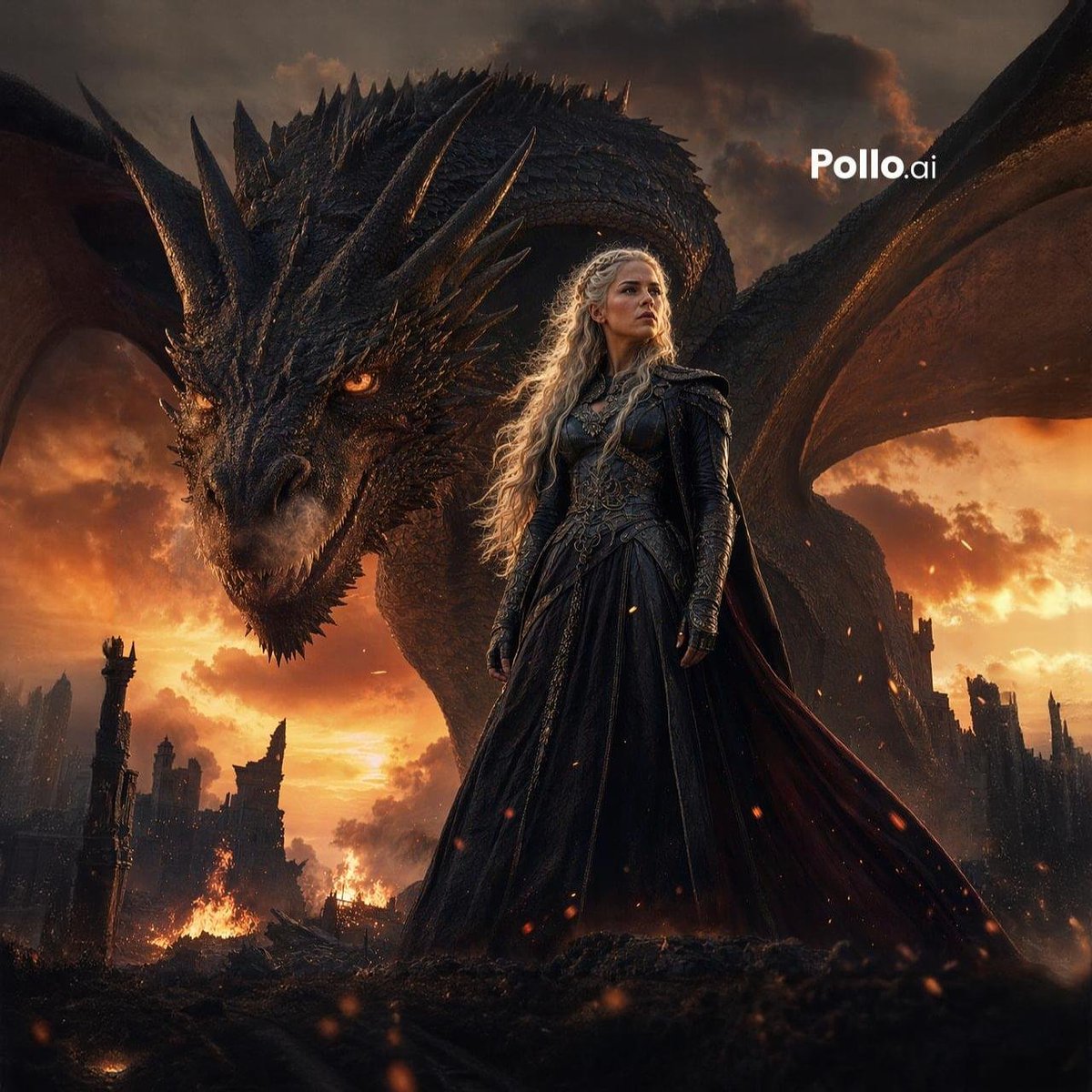
Dragon Queen at Burning Sunset
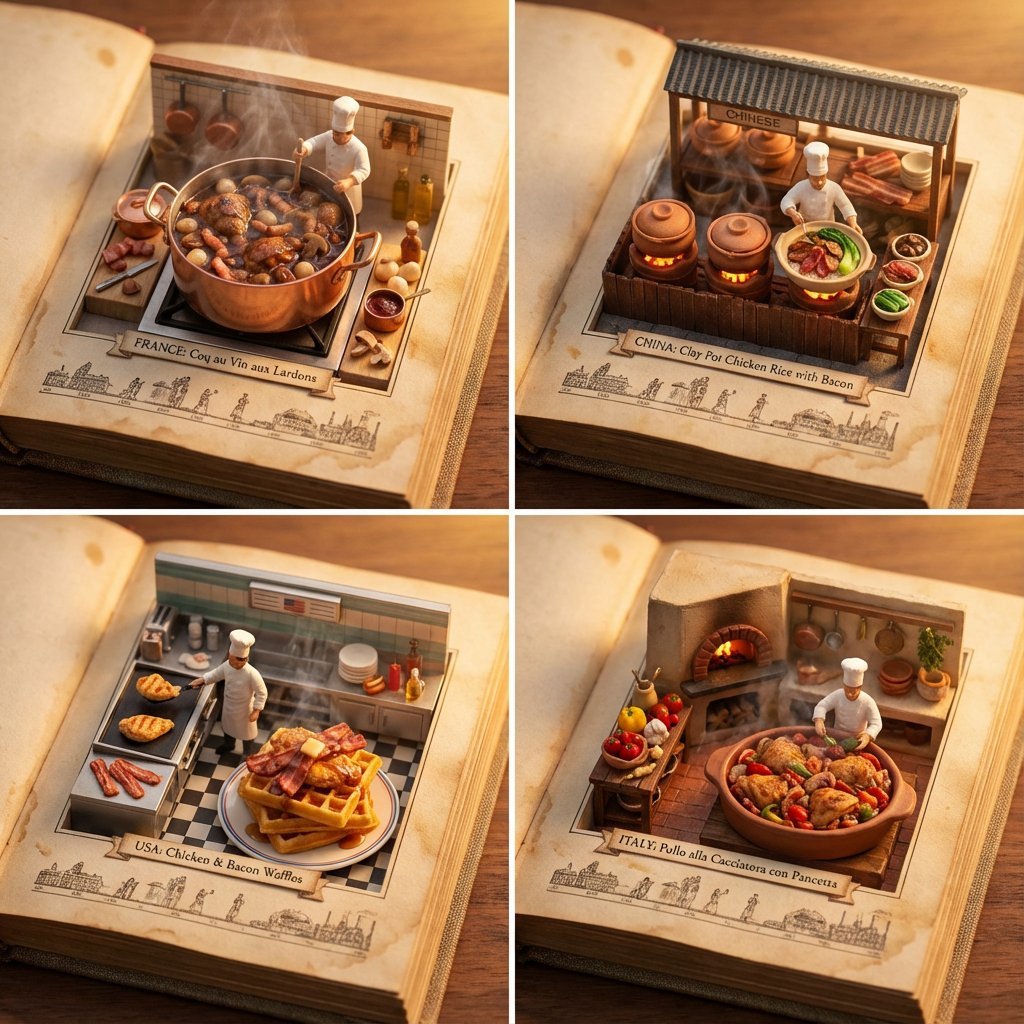
Food Recommendation System Prompt for Cookbook Generation

Retro AI Creative Brand Poster
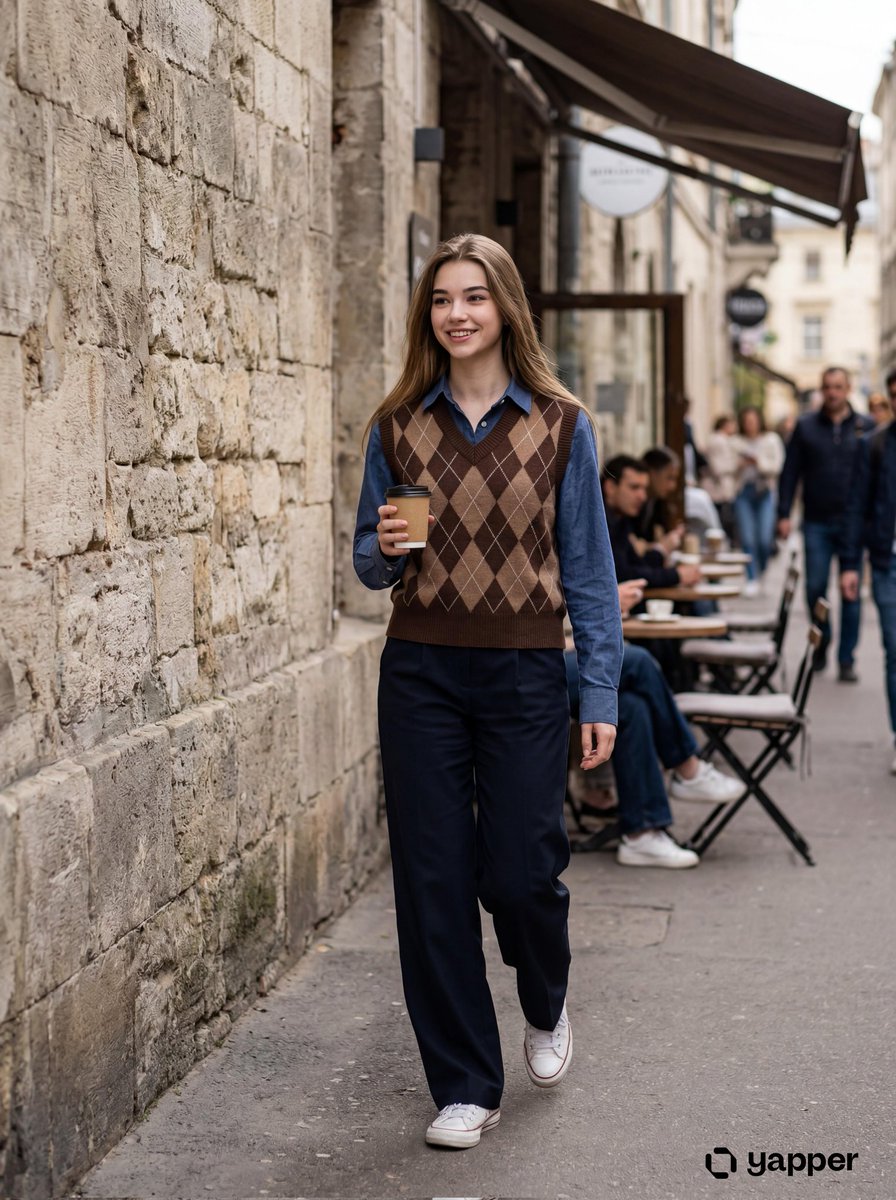
Photorealistic Lifestyle Photo of a Young Woman in an Urban Setting
untitled
Toy Ferrari Storyboard Contact Sheet
Funny Doodle Photo Transformation
Browse template categories
Tropical Melancholy Laboratory Surreal Portrait questions
How do I use the Tropical Melancholy Laboratory Surreal Portrait template?
Add your photo if the template asks for one, edit the prompt if you like — the template's model and format are already selected — and press Generate. Your version opens in PicX Studio.
Can I customize the Tropical Melancholy Laboratory Surreal Portrait template?
Yes. You can change the subject, setting, lighting, mood, format, and available model controls before creating your image.
Is the Tropical Melancholy Laboratory Surreal Portrait template free?
Opening and editing this template is free. Generating uses credits, shown on the Generate button when you are signed in.
Which AI model should I use?
Start with Nano Banana 2, which is the model associated with this template. You can compare another compatible model for a different finish.
Looking for something else? Browse all templates.

Your photo, any look
Thousands of ready templates for every top image and video model, from one credit balance.