
Ookami Mio Wedding Dress Sheet
A structured prompt for generating an elegant anime bridal character design sheet with hero art, dress views, detail close-ups, accessories, and palette notes.
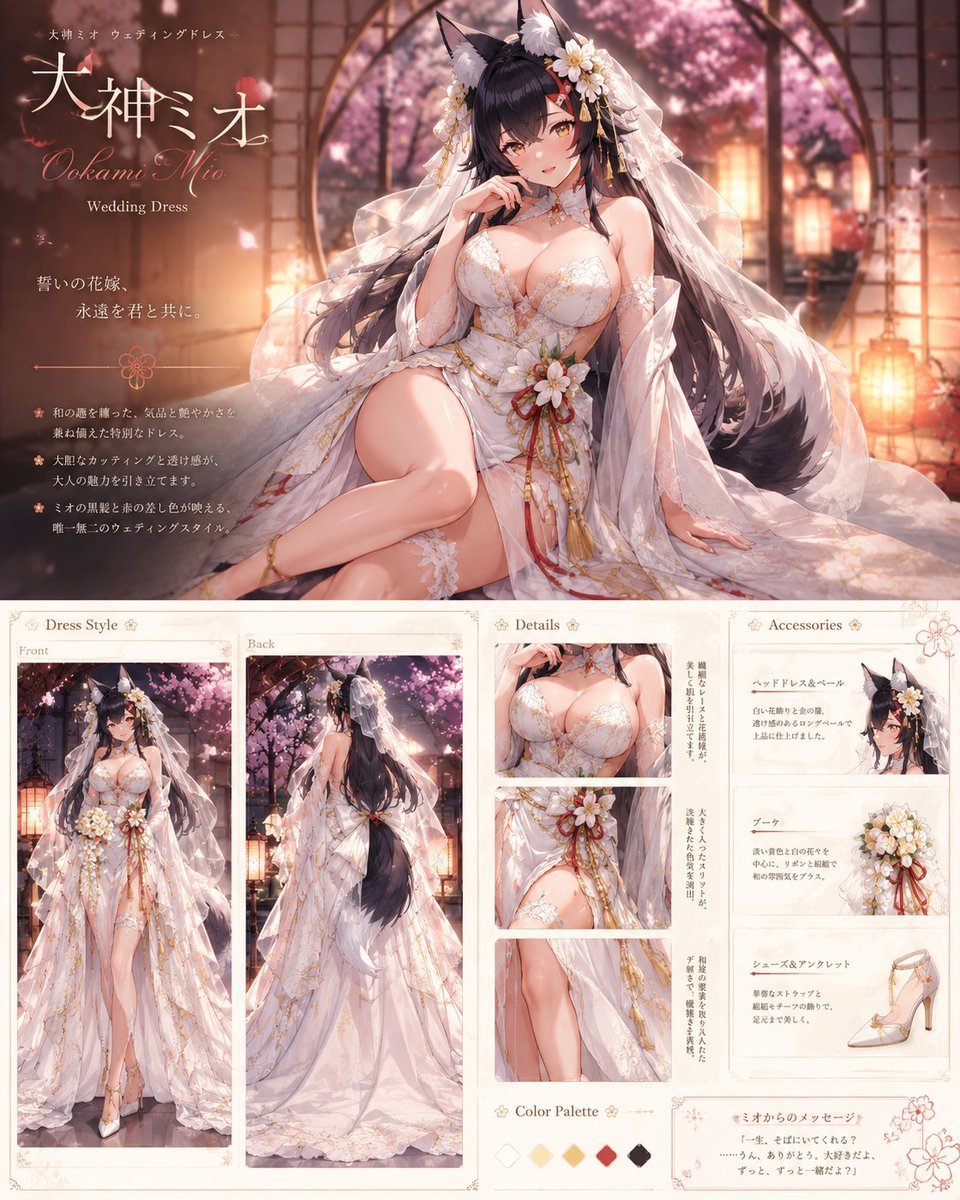
- Prompt included
- Model and format preset
- Free template
The prompt behind this image
Copy the exact prompt behind Ookami Mio Wedding Dress Sheet, or open it in the studio and make it yours.
Goal: Create an elegant anime-style wedding dress character design sheet for {argument name="character name" default="大神ミオ"}, themed as a Hololive wolf-girl bride, with a romantic shrine-garden atmosphere and premium fashion-catalog presentation. Canvas: Vertical poster layout, approximately 4:5 aspect ratio, warm ivory and blush color grading, high-resolution detailed illustration. The top half is a dramatic hero illustration; the bottom half is a structured fashion reference board with multiple panels. Main hero illustration: Show {argument name="character name in English" default="Ookami Mio"} as a mature anime wolf-girl bride seated gracefully in a glowing Japanese garden or shrine corridor at dusk. She has long dark hair, black wolf ears with soft white inner fur, a voluminous dark wolf tail, floral hair ornaments, and a translucent lace veil flowing around her. She wears a luxurious white wedding dress with gold embroidery, lace appliqué, off-shoulder sleeves, sheer fabric, a high slit, thigh garter lace, gold ribbon cords, red accent cords, and a bouquet-like flower ornament at the waist. Her pose is elegant and slightly alluring: one hand near her lips, one leg bent forward, the other arm resting at her side. Background includes shoji-style frames, warm lanterns, arched architecture, falling cherry blossom petals, and soft pink cherry trees. Top-left title area: Add refined Japanese typography and decorative serif script. Include exactly 4 visible text elements: small subtitle "大神ミオ ウェディングドレス", large Japanese name "大神ミオ", cursive English name "Ookami Mio", and English label "Wedding Dress". Below that, include a short vow-style Japanese copy block with the line "誓いの花嫁、永遠を君と共に。" and three small bullet-point descriptions in Japanese. Use delicate floral dividers and thin gold lines. Bottom layout: Create exactly 3 main reference sections across the lower half. Section 1, Dress Style: Place on the bottom left and make it the largest lower section. Include exactly 2 tall full-body panels labeled "Front" and "Back". The front panel shows the full bridal outfit from the front with bouquet waist ornament, slit skirt, lace veil, heels, wolf ears, and flowing hair. The back panel shows the back view with long veil, exposed upper back, train, gold lace patterning, and the large dark tail cascading down the center. Section 2, Details: Place in the bottom center. Include exactly 3 stacked close-up detail panels: 1 close-up of the bodice and lace neckline, 1 close-up of the waist bouquet and red-gold cords, and 1 close-up of the thigh slit, garter lace, and layered sheer skirt. Add narrow vertical Japanese annotation text beside the detail images. Section 3, Accessories: Place on the bottom right. Include exactly 3 accessory cards: 1 card for the head dress and veil with a small portrait crop showing wolf ears and white flowers, 1 card for the bouquet with white flowers and red-gold ribbons, and 1 card for shoes and anklet showing a white high heel with gold straps and a delicate ankle ribbon. Each card should have a Japanese heading and short Japanese description. Bottom extras: Add exactly 2 small footer areas: a "Color Palette" strip with exactly 5 diamond swatches in ivory white, pale cream, warm gold, deep red, and dark charcoal; and a framed handwritten-style message box titled "ミオからのメッセージ" with a short Japanese quote. Decorate the footer with small cherry blossom line art. Visual style: Highly polished anime illustration, soft painterly rendering, romantic lighting, delicate lace detail, warm lantern glow, sakura petals, premium bridal catalog design, ivory paper texture, thin gold borders, floral ornaments, elegant typography. Keep the character recognizable as a black-haired wolf-girl idol bride while preserving a refined wedding fashion sheet aesthetic. Constraints: Use exactly 2 tall dress-style panels, exactly 3 detail close-ups, exactly 3 accessory cards, exactly 5 color swatches, and exactly 2 footer extras. Do not add extra characters. Avoid modern UI elements, watermarks, logos, or clutter. The overall mood should be romantic, ceremonial, soft, and luxurious.
How to use Ookami Mio Wedding Dress Sheet in 3 steps
- 1Upload ImagePNG, JPG or paste
Add your photo
Upload the photo the template builds on. The prompt, model and format are already set.
- 2…a portrait of your subject in softgolden-hour light, 85mm…
Personalize
Edit the subject and creative details for your destination.
- 3Generate
Generate
Press Generate — your image is created in PicX Studio, so you can compare it with the original and refine one variable at a time.
More like this
Templates with the same subject, style or setup. Open one to see its prompt.

Dancer Character - Four View Reference Sheet

Movement Sheet - Dance Reference (Seedance 2.0)
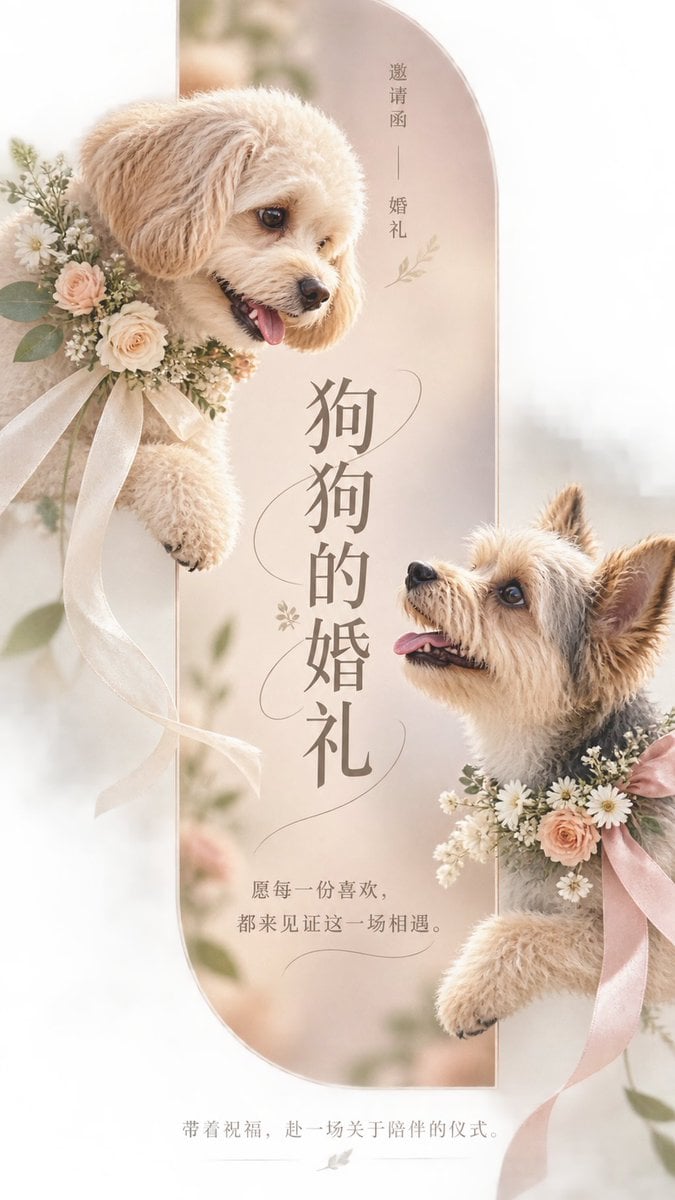
Pet Wedding Invitation Design

Six VTuber Japanese Logo Sheet
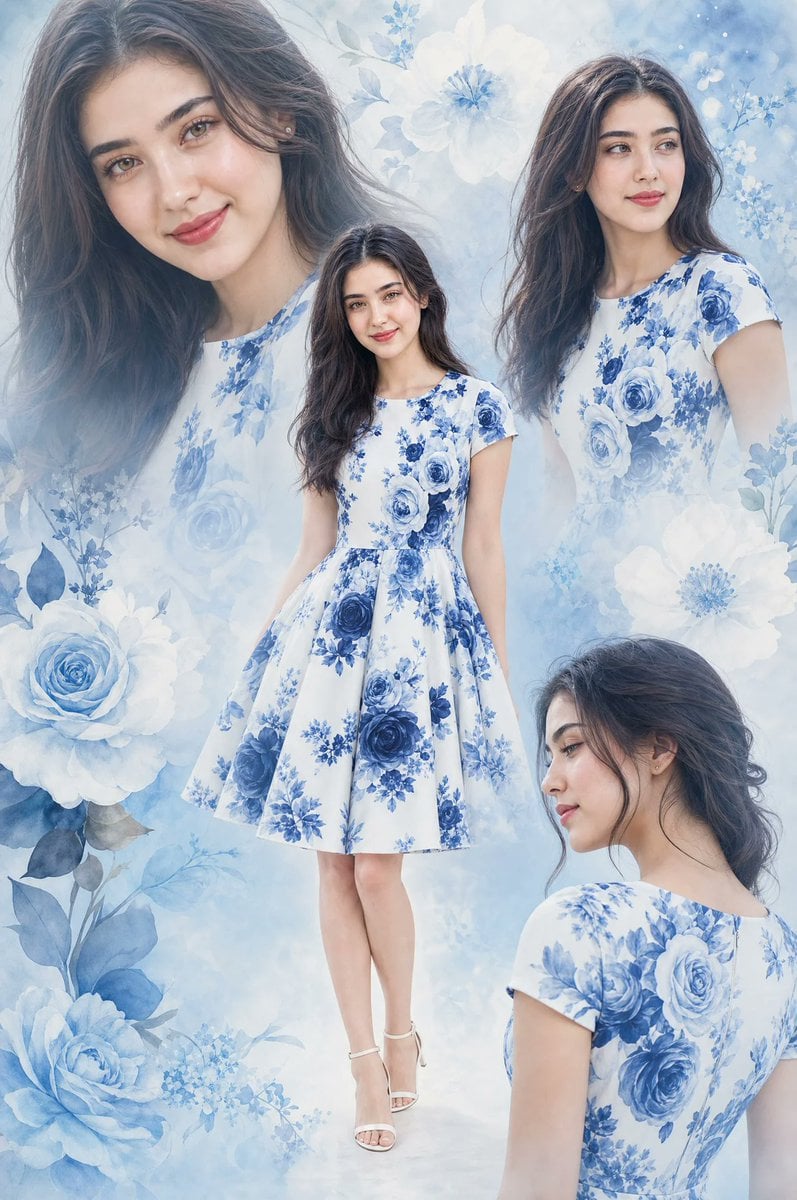
Floral Dress Fashion Collage
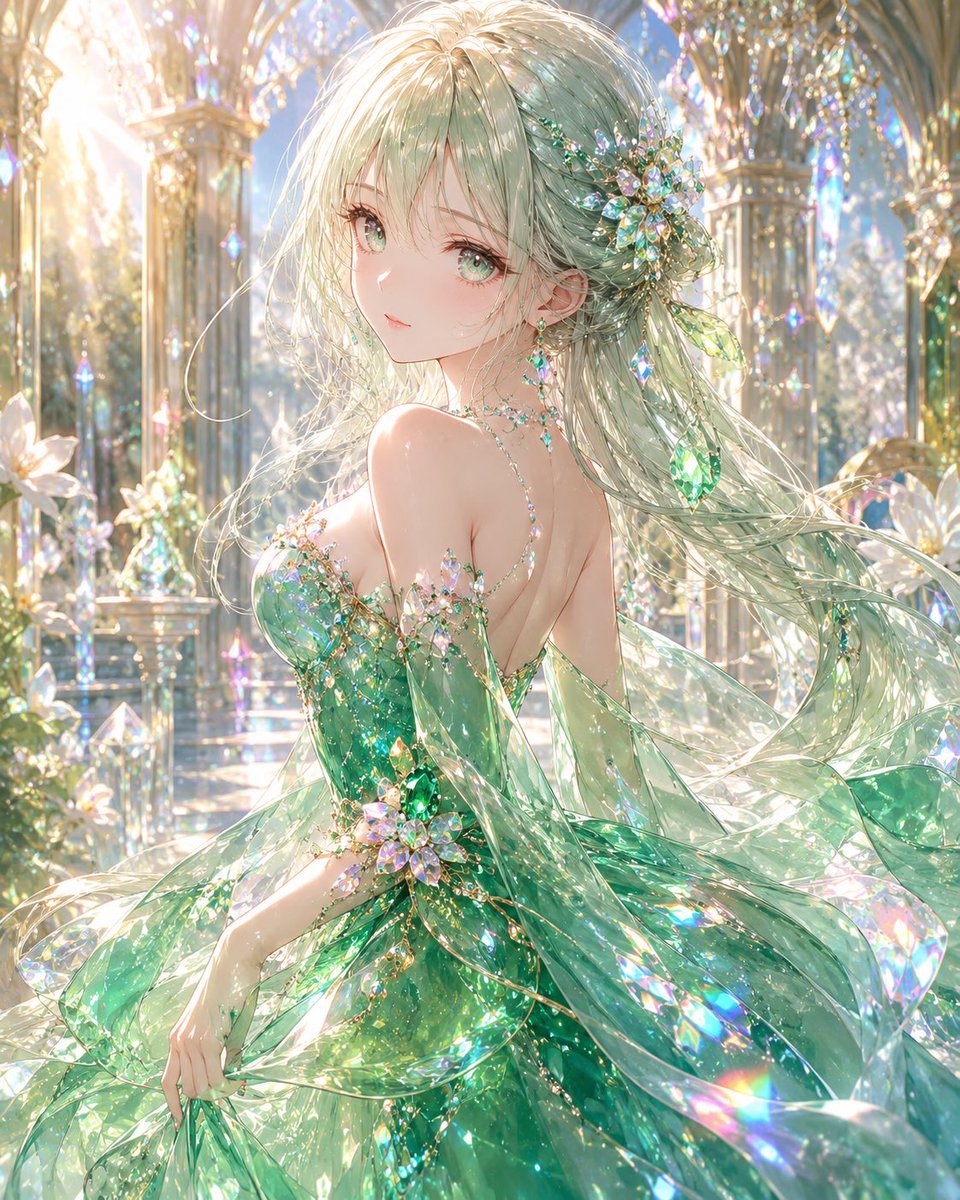
Emerald Crystal Fantasy Dress
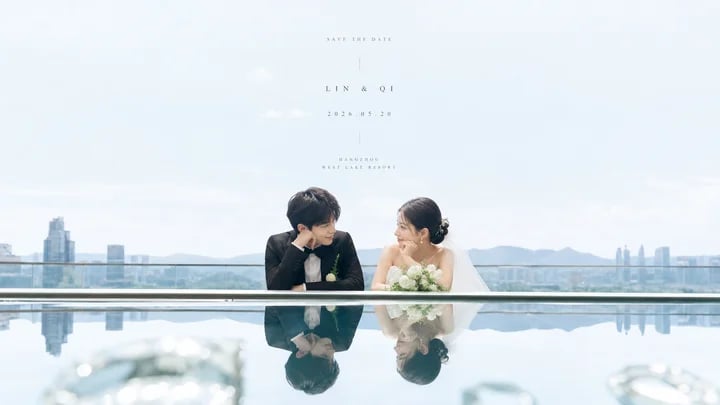
Airy Reflective Wedding Save the Date
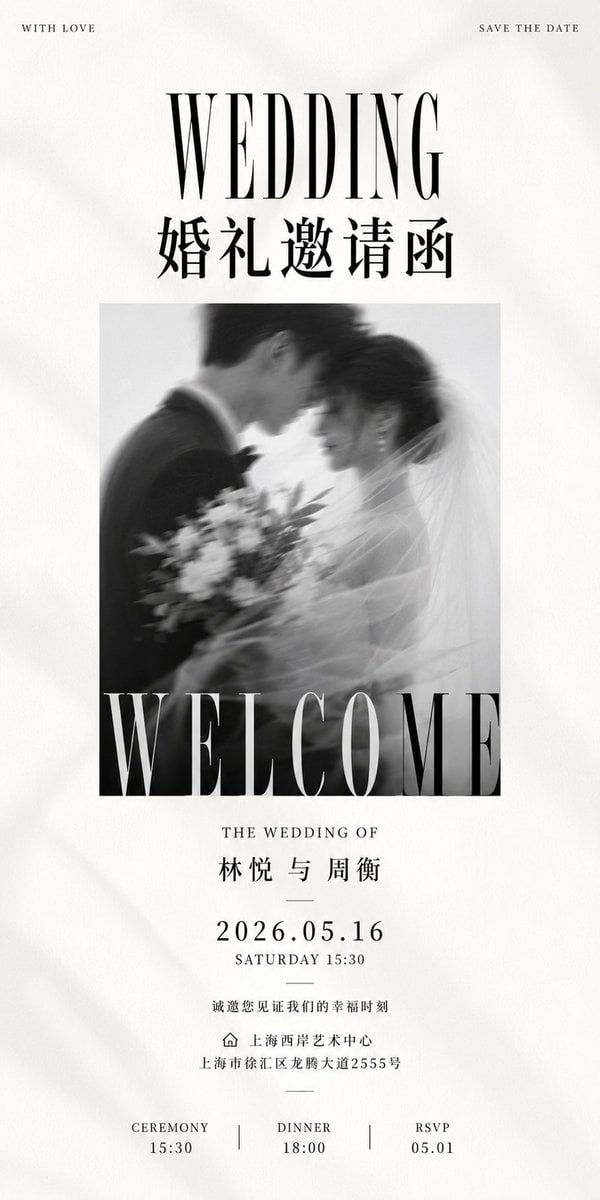
Luxury Monochrome Wedding Invitation
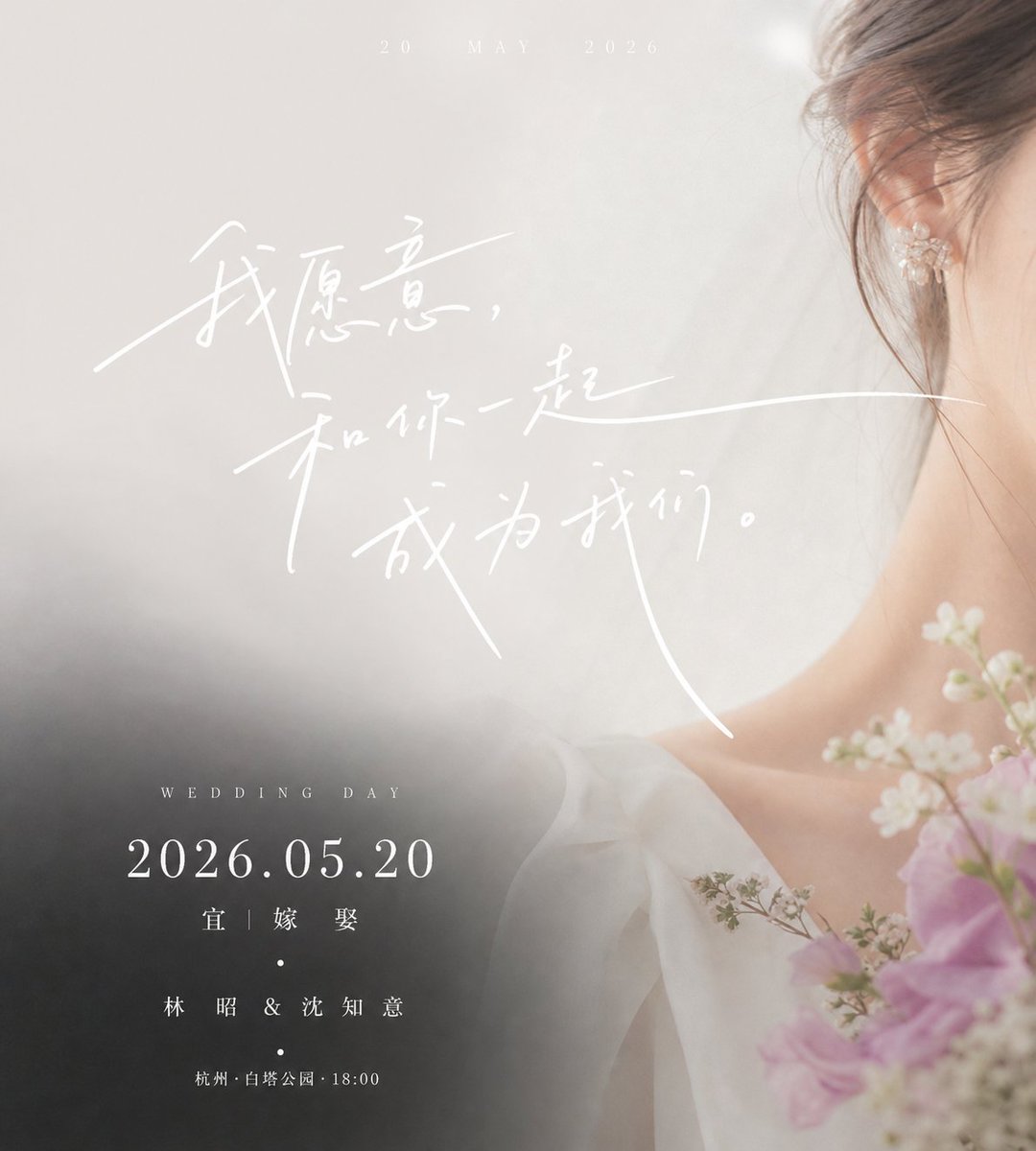
Luxury Chinese Wedding Invitation
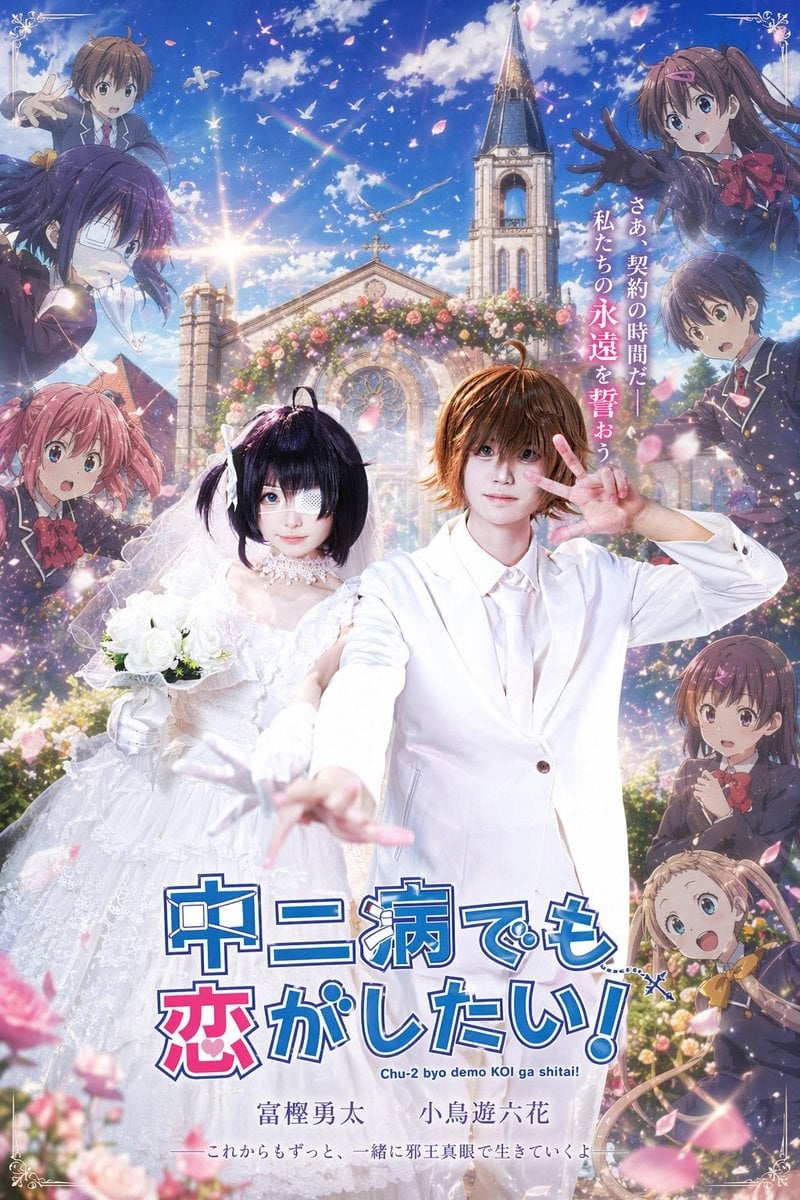
Anime Wedding Poster at a Church
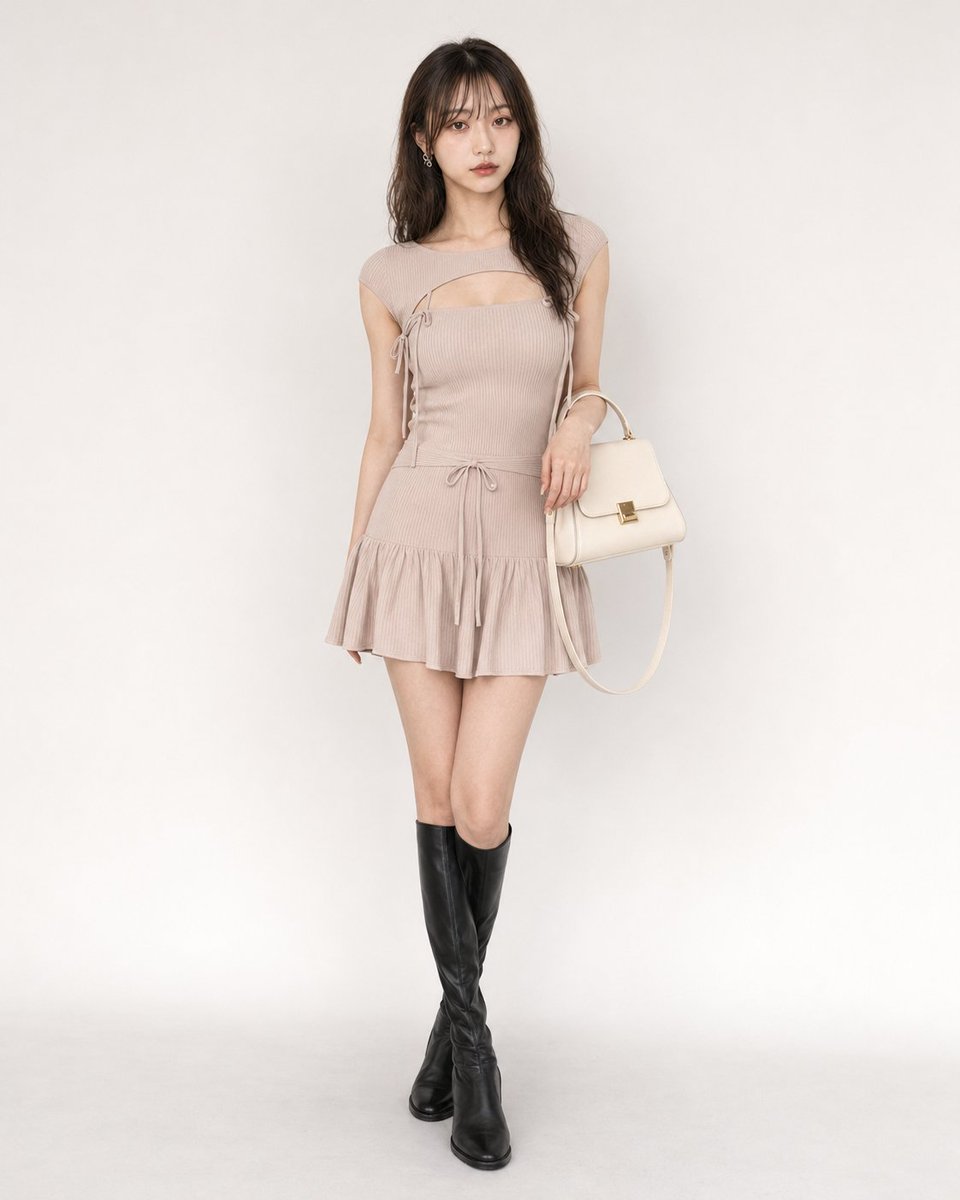
Feminine Y2K Ribbed Knit Dress

Retro Manga StackChan Concept Sheet
Make it yours
Ookami Mio Wedding Dress Sheet works as-is. These are the safest ways to change it without losing the look.
Change one field
Copy a single group, rewrite it, and generate again so you can see what that field is doing.
Keep the frame, change the subject
Hold the composition and light of Ookami Mio Wedding Dress Sheet, then swap wardrobe, props or the person for a new take.
| If the result… | Why | Fix |
|---|---|---|
| The result drifts from the preview | Too many fields changed at once. | Reuse Ookami Mio Wedding Dress Sheet as-is first, then change one group — subject, light, or setting. |
| The model over-stylizes the scene | The prose prompt leaves finish and camera underspecified. | Add one camera or lighting sentence and stay on GPT Image 2. |
More GPT Image 2 templates
Other prompts made for GPT Image 2.

Realistic Portrait of Woman and Deer

The Vista Modular Condo Poster

AI Model Routing Comparison Infographic

2.5D Anime Art Board

Isometric Productivity Desk Scene

New York Double Exposure Poster

Four-Panel AI Landscape Comparison

Japanese Tatami Lifestyle Magazine Cover

NESCAFÉ Coffee Map Poster

Brutalist Cogito Chinese Typography Poster
More image prompts
Fresh picks from across the catalog.
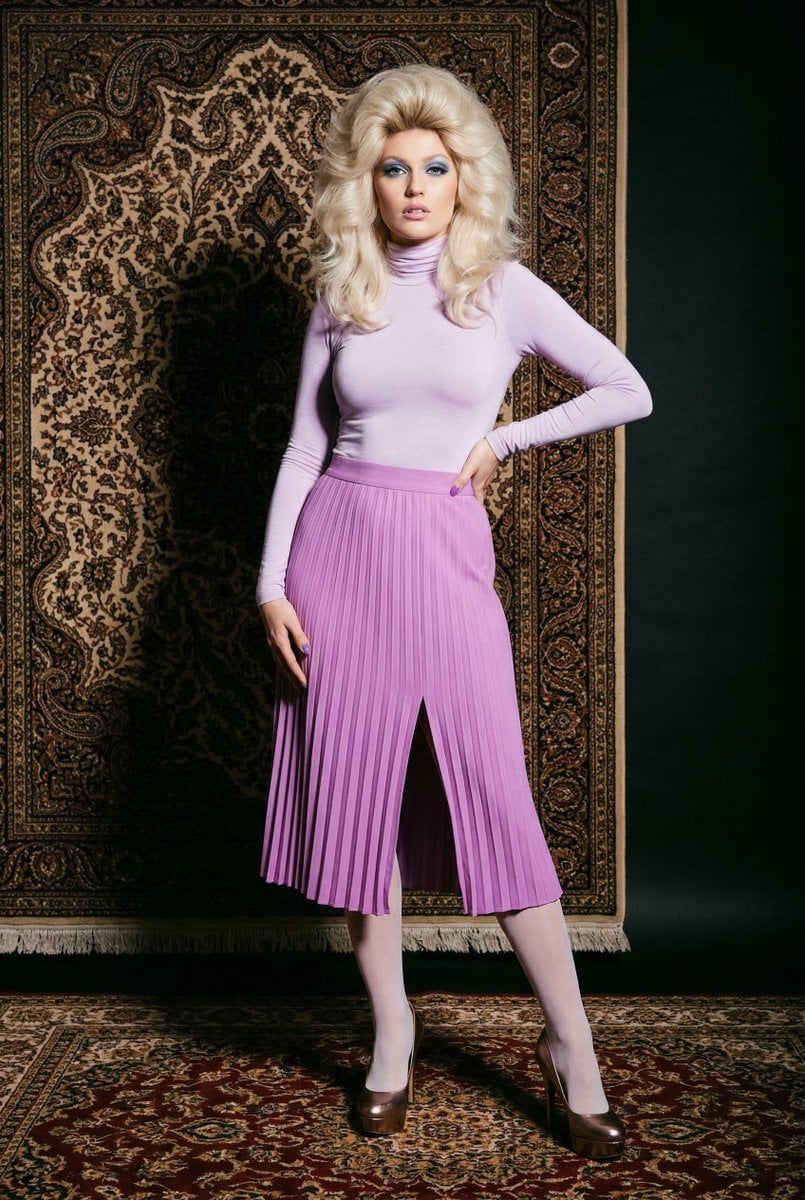
1970s High-Glamour Fashion Portrait
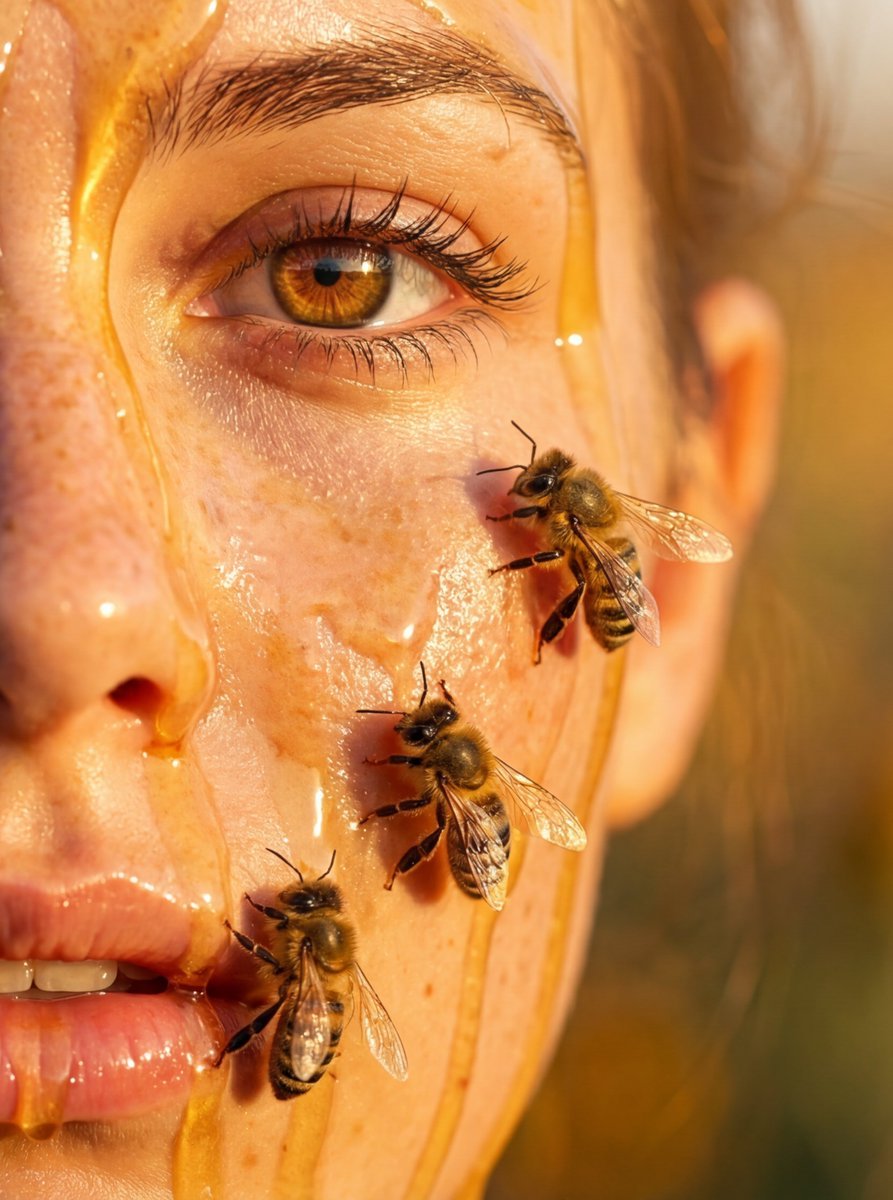
Hyper-real honey-covered woman with bees close-up
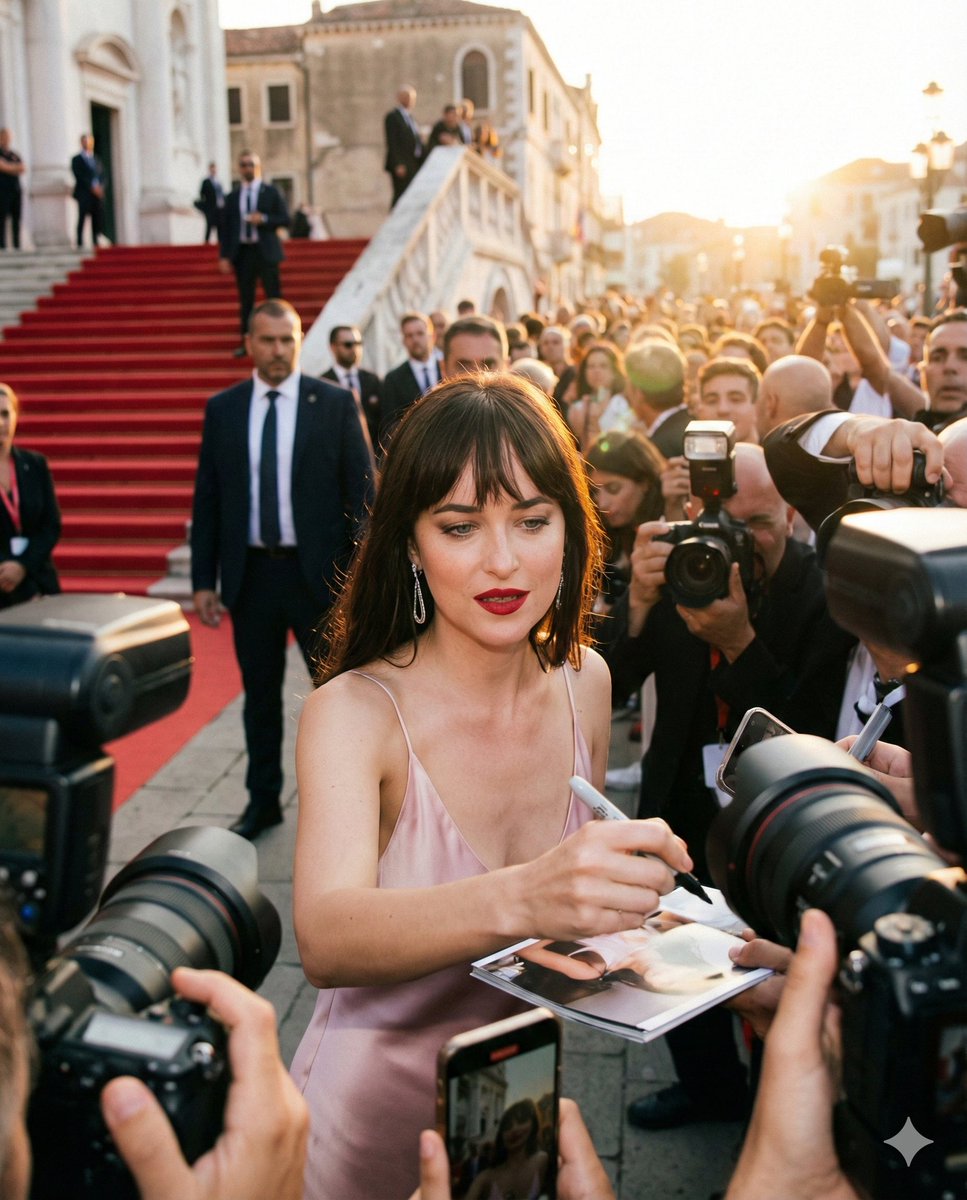
Red Carpet Paparazzi Realism Prompt
X Saniaspeaks Created with Gpt Image 2 on Chatgpt
Modernist Fruit Architecture Macro Shot
UR Fox Priestess Fantasy Card
85mm F1.4 Anime Portrait Comparison
Seedance - Epic Fight Scene
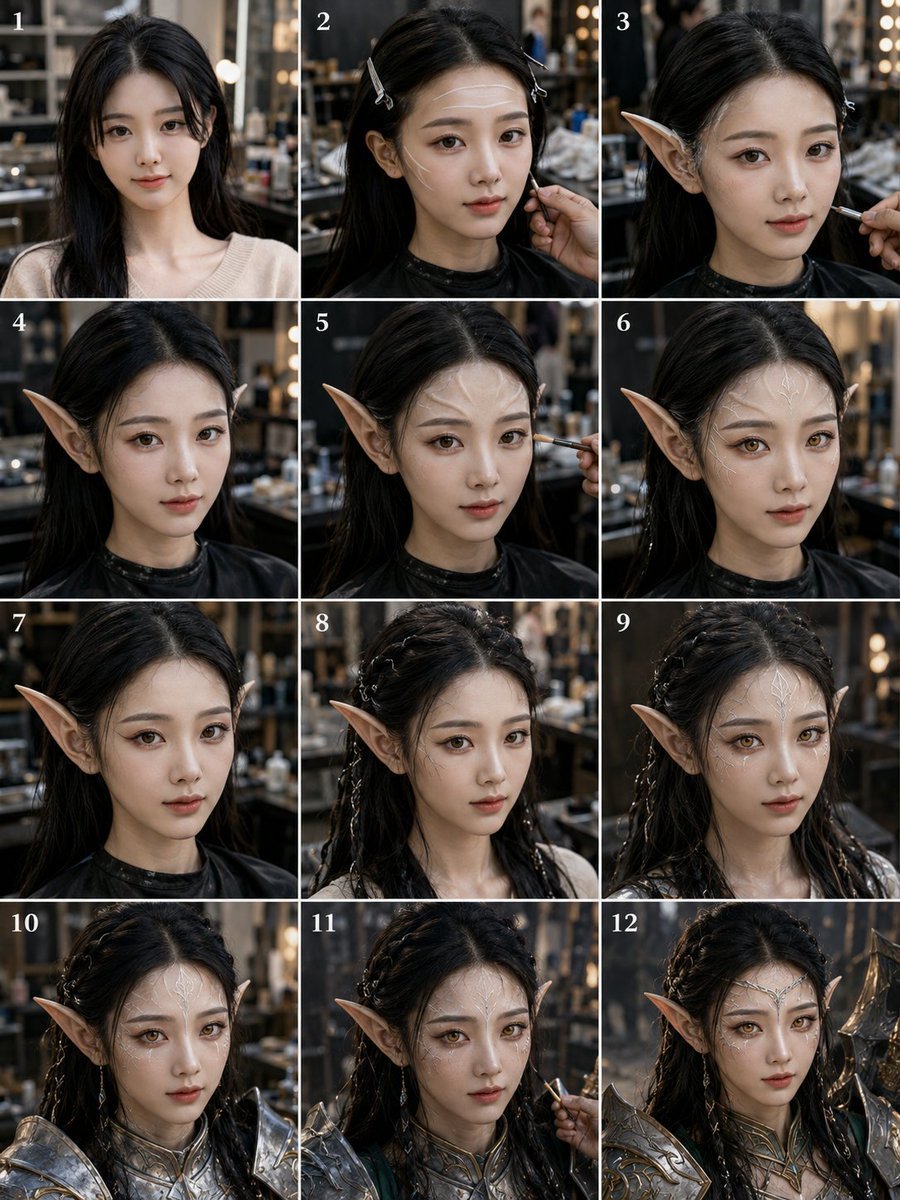
Elf Warrior Transformation Collage
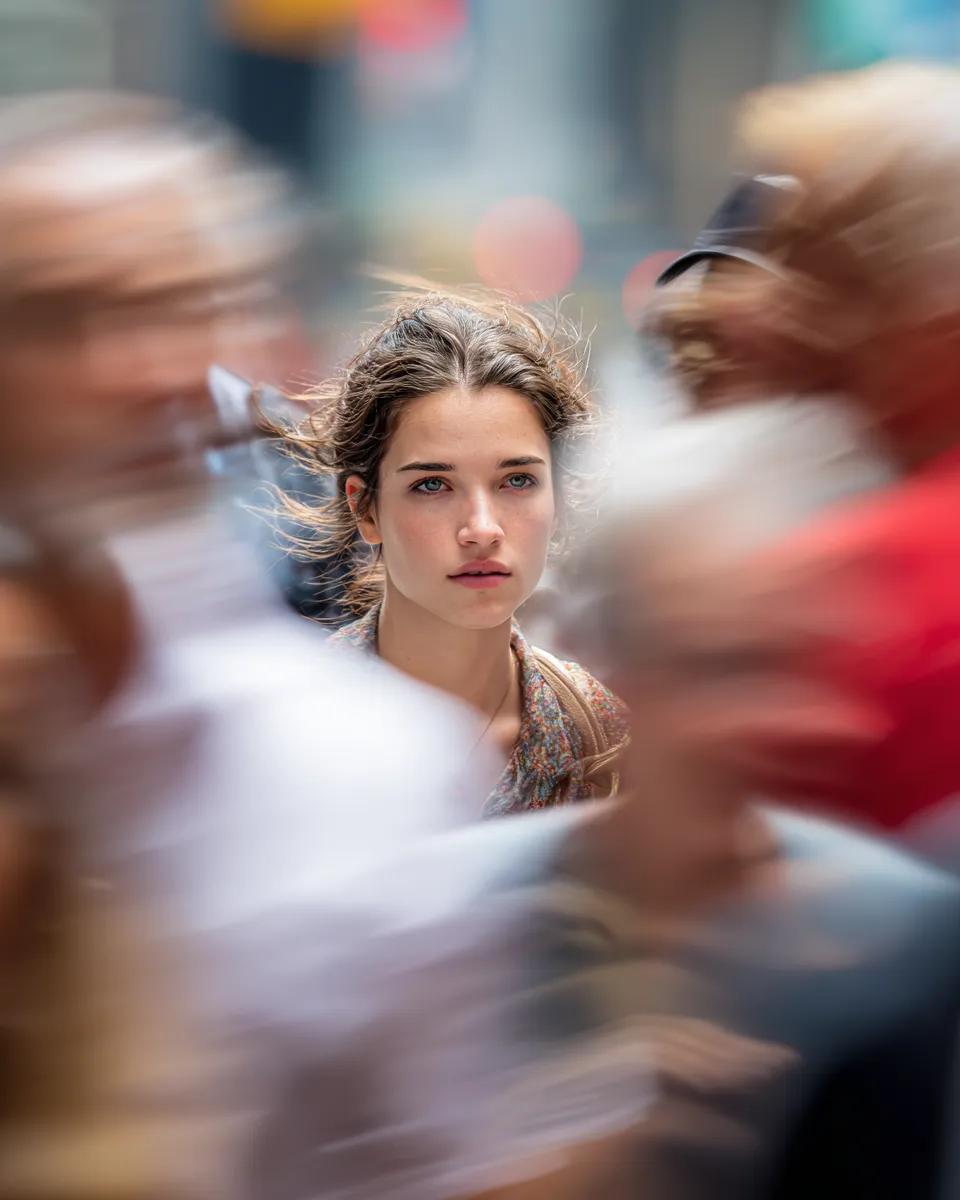
Close-Up Portrait on Busy New York Street
Browse template categories
Ookami Mio Wedding Dress Sheet questions
How do I use the Ookami Mio Wedding Dress Sheet template?
Add your photo if the template asks for one, edit the prompt if you like — the template's model and format are already selected — and press Generate. Your version opens in PicX Studio.
Can I customize the Ookami Mio Wedding Dress Sheet template?
Yes. You can change the subject, setting, lighting, mood, format, and available model controls before creating your image.
Is the Ookami Mio Wedding Dress Sheet template free?
Opening and editing this template is free. Generating uses credits, shown on the Generate button when you are signed in.
Which AI model should I use?
Start with GPT Image 2, which is the model associated with this template. You can compare another compatible model for a different finish.
Looking for something else? Browse all templates.

Your photo, any look
Thousands of ready templates for every top image and video model, from one credit balance.