
85mm F1.4 Anime Portrait Comparison
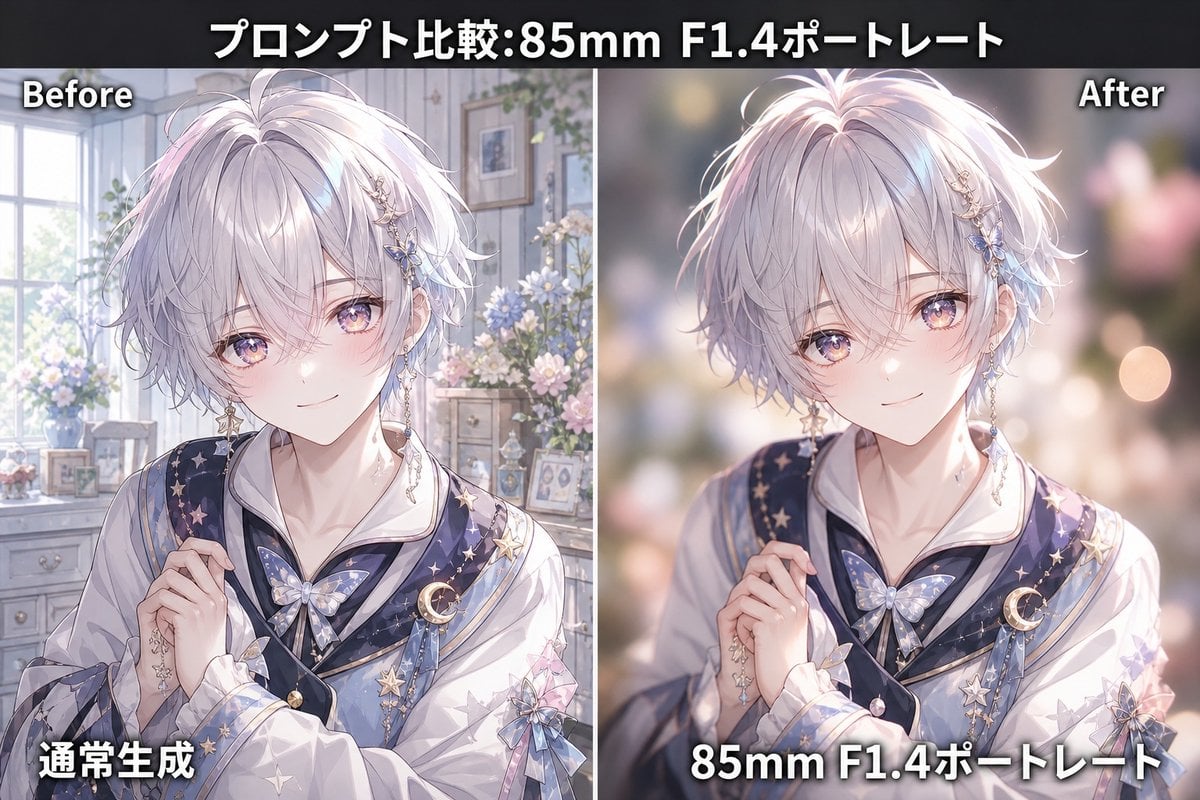
Creates a split-screen anime portrait comparison showing a normal generation versus an 85mm F1.4 shallow-depth-of-field portrait effect.
- Prompt included
- Model and format preset
- Free template
The prompt behind this image
Copy the exact prompt behind 85mm F1.4 Anime Portrait Comparison, or open it in the studio and make it yours.
Goal: Create a side-by-side comparison graphic demonstrating an anime portrait prompt improvement using an 85mm F1.4 portrait look. Canvas: Horizontal 16:9 social media image, approximately 1152×768 px. Use a clean split-screen layout with a black-to-dark-gray header band across the top and two equal vertical panels divided by a thin white vertical line. Layout: Top center headline in bold white Japanese text with black drop shadow: 「プロンプト比較:85mm F1.4ポートレート」. Left panel label at the upper left: “Before” in bold white text with dark shadow. Right panel label at the upper right: “After” in the same style. Bottom-left overlay text on the left panel: 「通常生成」. Bottom-center/right overlay text on the right panel: 「85mm F1.4ポートレート」. Use large, high-contrast typography. Subject details: Show the same centered anime-style young male character in both panels, cropped from head to upper torso. He has {argument name="hair color" default="soft silver-white hair with pale lavender and blue highlights"}, fluffy layered tousled hair, delicate androgynous features, a slim neck, and a refined dreamy idol-like presence. Cover the face in each panel with one opaque muted pale-gray square censor block, exactly 2 face-covering squares total, one per panel. The character wears an ornate white shirt and navy sailor-inspired vest with star and moon motifs, a crescent moon brooch, dangling star accessories, a butterfly bow at the chest, ribbons, small gold accents, and delicate jewelry. His hands are held near his chest in a gentle pose. Left panel, Before: Render the background sharply and normally, showing a bright pastel room with a large window, soft daylight, framed pictures, drawers, flower arrangements, plants, and decorative objects. The whole scene is detailed and busy, with the background almost as clear as the character. Right panel, After: Use the same character pose and outfit, but apply a realistic 85mm F1.4 portrait effect: shallow depth of field, creamy background bokeh, soft diffused highlights, blurred flowers and lights, warmer dreamy atmosphere, and stronger subject separation. The background should be heavily defocused while the character remains crisp except for the intentional face-covering square. Visual style: Polished Japanese anime illustration, pastel colors, luminous highlights, elegant fantasy-idol styling, soft airbrushed rendering, high detail on hair and clothing. Add subtle photographic portrait lighting on the After side. Constraints: Include exactly 2 comparison panels, exactly 4 visible text overlays including the headline, exactly 2 face-covering squares, and keep the same character design on both sides. No logos, no watermarks, no extra captions.
How to use 85mm F1.4 Anime Portrait Comparison in 3 steps
- 1Upload ImagePNG, JPG or paste
Add your photo
Upload the photo the template builds on. The prompt, model and format are already set.
- 2…a portrait of your subject in softgolden-hour light, 85mm…
Personalize
Edit the subject and creative details for your destination.
- 3Generate
Generate
Press Generate — your image is created in PicX Studio, so you can compare it with the original and refine one variable at a time.
More like this
Templates with the same subject, style or setup. Open one to see its prompt.

Found Photograph: Us, 1970

80s Couple Studio Portrait

80s Bollywood Star

80s Golden Hour Cinema

Me in 1985

1985 Studio Portrait

Hyper-Realistic Minecraft POV Portrait
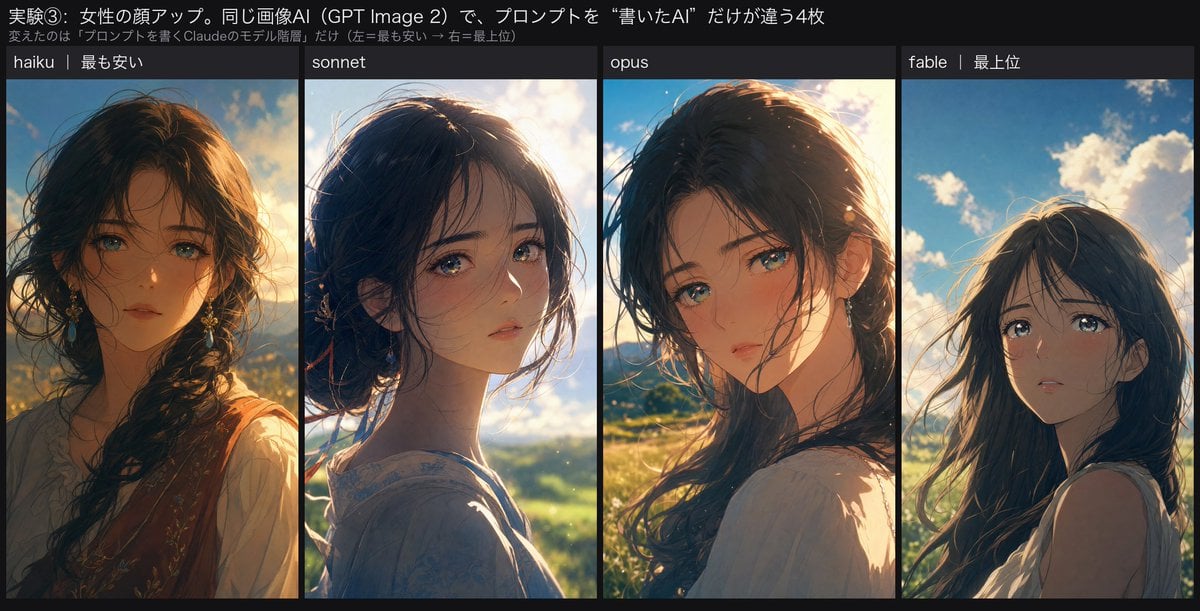
Four-Panel Anime Face Comparison
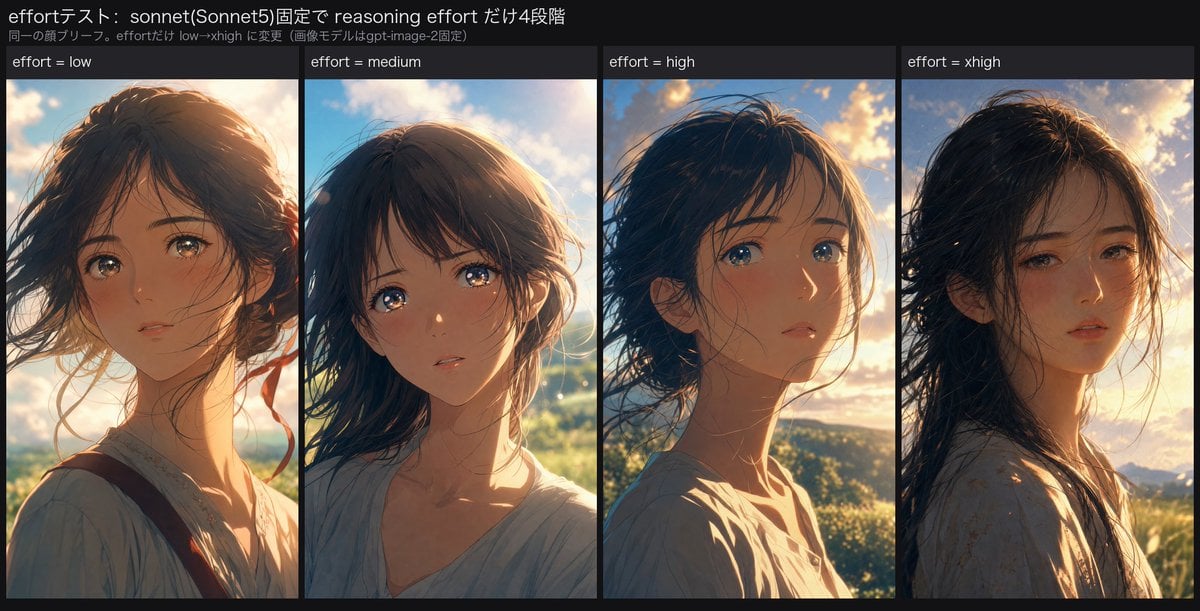
Reasoning Effort Anime Comparison
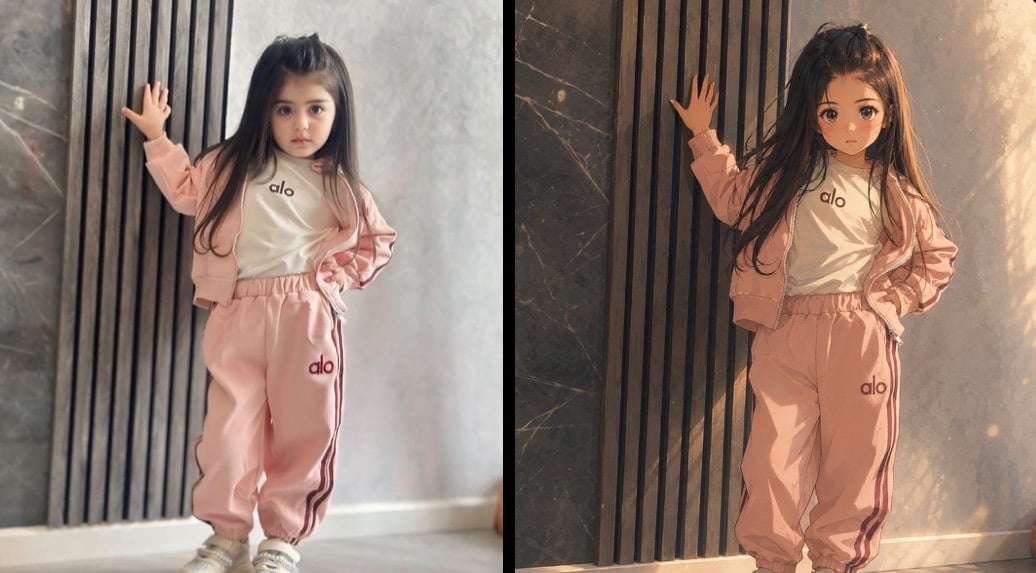
Cinematic Anime Photo Comparison

Rooftop Fisheye — Cat-Ear Balaclava at Golden Hour
Cel 2D Underwater Reef
Make it yours
85mm F1.4 Anime Portrait Comparison works as-is. These are the safest ways to change it without losing the look.
Change one field
Copy a single group, rewrite it, and generate again so you can see what that field is doing.
Keep the frame, change the subject
Hold the composition and light of 85mm F1.4 Anime Portrait Comparison, then swap wardrobe, props or the person for a new take.
| If the result… | Why | Fix |
|---|---|---|
| The result drifts from the preview | Too many fields changed at once. | Reuse 85mm F1.4 Anime Portrait Comparison as-is first, then change one group — subject, light, or setting. |
| The model over-stylizes the scene | The prose prompt leaves finish and camera underspecified. | Add one camera or lighting sentence and stay on GPT Image 2. |
More GPT Image 2 templates
Other prompts made for GPT Image 2.

Six VTuber Japanese Logo Sheet

Realistic Portrait of Woman and Deer

The Vista Modular Condo Poster

AI Model Routing Comparison Infographic

2.5D Anime Art Board

Isometric Productivity Desk Scene

New York Double Exposure Poster

Four-Panel AI Landscape Comparison

Japanese Tatami Lifestyle Magazine Cover

NESCAFÉ Coffee Map Poster
More image prompts
Fresh picks from across the catalog.
Japanese LINE Registration Poster
Salted fish trying to flip in a pan

Gpt2 Infographic Edu Visual Ethnographic Plate for Tibetan Ceremonial Hat
Image Style Transfer Prompt: Viking to Dragon Quest X 'Chamber of Vows'
Structured Fashion Portrait in Paris with Detailed Pose and Outfit

Caffeine-Free Herbal Tea Chart
New Chinese Wuxia Style Fashion Shoot Prompt for Nano Banana Pro
Owl-Shaped Nebula in Deep Space
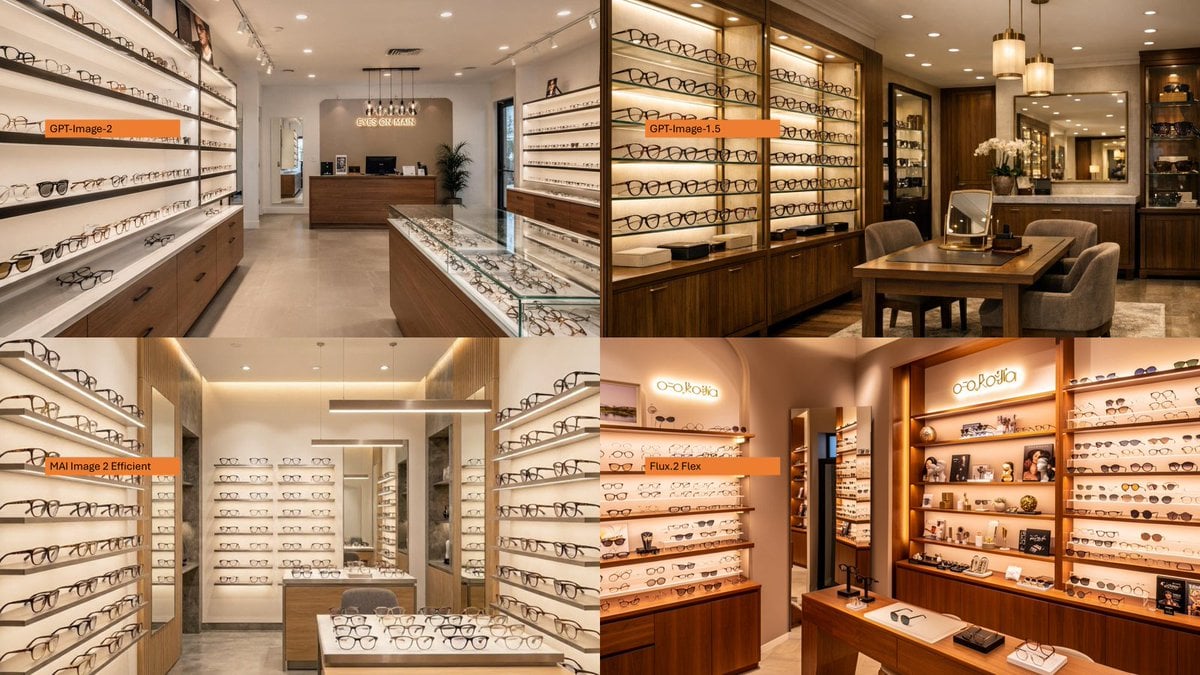
Four-Panel Eyewear Store Model Comparison
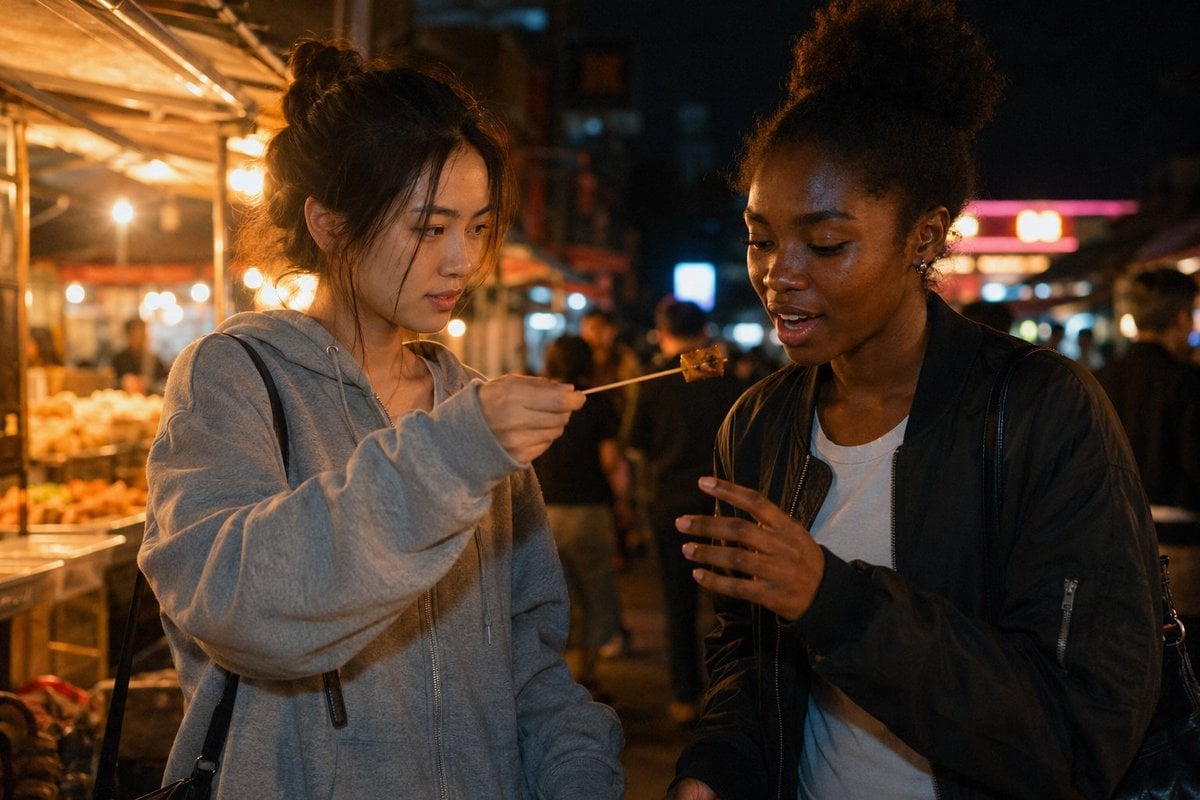
Candid Night Market Food Offering
Browse template categories
85mm F1.4 Anime Portrait Comparison questions
How do I use the 85mm F1.4 Anime Portrait Comparison template?
Add your photo if the template asks for one, edit the prompt if you like — the template's model and format are already selected — and press Generate. Your version opens in PicX Studio.
Can I customize the 85mm F1.4 Anime Portrait Comparison template?
Yes. You can change the subject, setting, lighting, mood, format, and available model controls before creating your image.
Is the 85mm F1.4 Anime Portrait Comparison template free?
Opening and editing this template is free. Generating uses credits, shown on the Generate button when you are signed in.
Which AI model should I use?
Start with GPT Image 2, which is the model associated with this template. You can compare another compatible model for a different finish.
Looking for something else? Browse all templates.

Your photo, any look
Thousands of ready templates for every top image and video model, from one credit balance.