How do I use the Emerald Crystal Fantasy Dress template?
Edit the prompt in the box under the preview — the template's model and format are already selected — and press Generate. Your version appears right on this page.
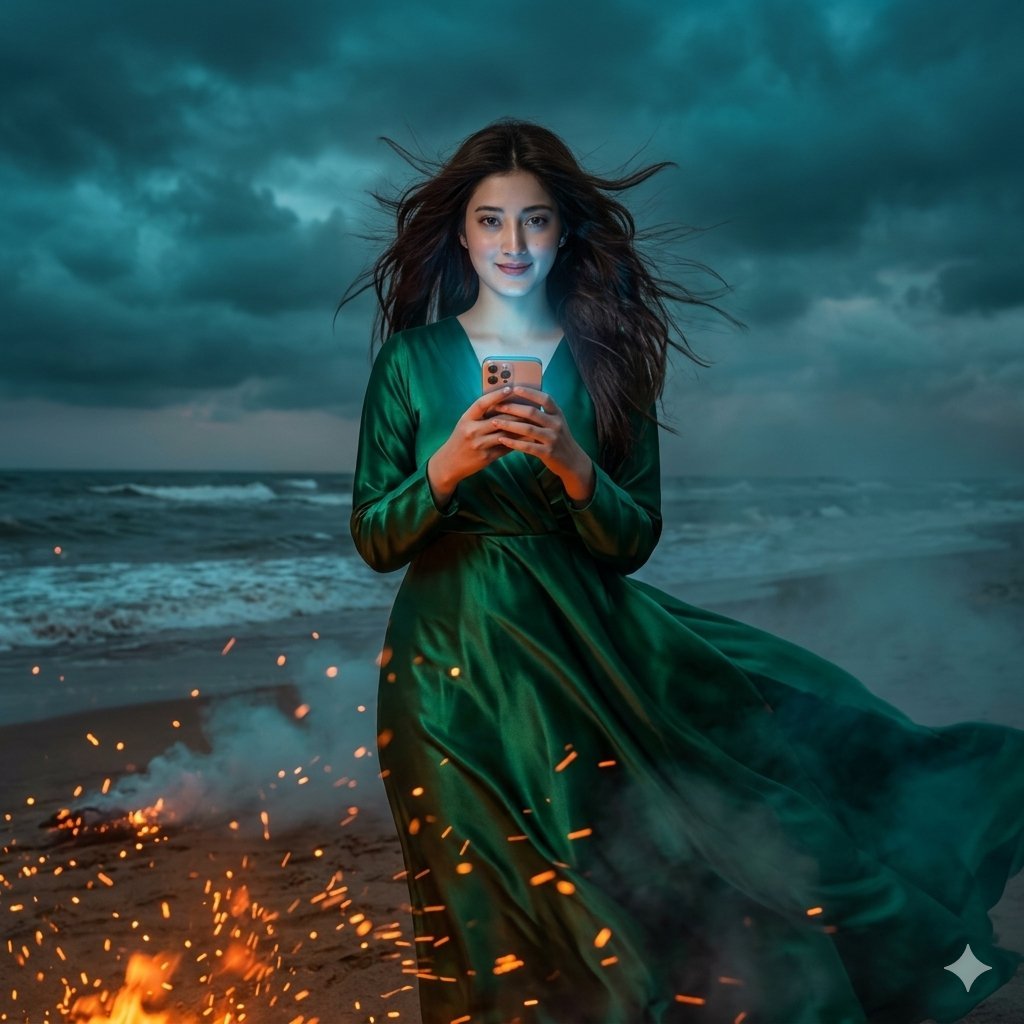
A luminous fantasy anime portrait of a woman in an emerald gemstone gown inside a sparkling crystal palace.

This template uses your photo — add one with the + button.
Create a highly detailed fantasy anime illustration of an elegant young woman in a radiant crystal palace, wearing an emerald green fantasy gown that looks like transparent gemstones and flowing aurora glass. She has {argument name="hair color" default="pale silvery mint-blonde"} long wind-swept hair, styled with an elaborate jeweled floral hair ornament made of emeralds, diamonds, and iridescent crystal petals. Her face is softly lit and partially turned in a graceful three-quarter pose, with a dreamy, ethereal atmosphere. The dress is an off-shoulder, fitted bodice gown in {argument name="dress color" default="emerald green"}, made from translucent layered organza, crystal-like fabric, sparkling beadwork, gold filigree, and large faceted emerald gems; include one prominent jeweled flower at the waist and delicate gem chains across the neckline and bodice. The skirt and sleeves should billow dramatically around her like liquid glass, with rainbow prism reflections, star-like glitter, and refracted light. Place her in a luminous cathedral-like crystal garden with tall arched columns, ornate glass architecture, hanging prisms, crystal chandeliers, white lilies, and sparkling foliage. Use strong warm sunlight streaming from the upper left, creating lens flare, glowing backlight, bokeh, and rainbow caustics across the scene. Style: ultra-detailed Japanese fantasy art, romantic shoujo elegance, luminous painterly rendering, delicate linework, high sparkle density, soft pastel highlights, transparent gem textures, magical luxury, vertical composition, 4:5 aspect ratio. Keep the image focused on one full upper-body figure, no text, no watermark, no extra characters.
Create a highly detailed fantasy anime illustration of an elegant young woman in a radiant crystal palace, wearing an emerald green fantasy gown that looks like transparent gemstones and flowing aurora glass. She has {argument name="hair color" default="pale silvery mint-blonde"} long wind-swept hair, styled with an elaborate jeweled floral hair ornament made of emeralds, diamonds, and iridescent crystal petals. Her face is softly lit and partially turned in a graceful three-quarter pose, with a dreamy, ethereal atmosphere. The dress is an off-shoulder, fitted bodice gown in {argument name="dress color" default="emerald green"}, made from translucent layered organza, crystal-like fabric, sparkling beadwork, gold filigree, and large faceted emerald gems; include one prominent jeweled flower at the waist and delicate gem chains across the neckline and bodice. The skirt and sleeves should billow dramatically around her like liquid glass, with rainbow prism reflections, star-like glitter, and refracted light. Place her in a luminous cathedral-like crystal garden with tall arched columns, ornate glass architecture, hanging prisms, crystal chandeliers, white lilies, and sparkling foliage. Use strong warm sunlight streaming from the upper left, creating lens flare, glowing backlight, bokeh, and rainbow caustics across the scene. Style: ultra-detailed Japanese fantasy art, romantic shoujo elegance, luminous painterly rendering, delicate linework, high sparkle density, soft pastel highlights, transparent gem textures, magical luxury, vertical composition, 4:5 aspect ratio. Keep the image focused on one full upper-body figure, no text, no watermark, no extra characters.
Edit the prompt in the box under the preview — the template's model and format are already selected — and press Generate. Your version appears right on this page.
Yes. You can change the subject, setting, lighting, mood, format, and available model controls before creating your image.
Opening and editing this template is free. Generating uses credits, shown on the Generate button when you are signed in.
Start with GPT Image 2, which is the model associated with this template. You can compare another compatible model for a different finish.
Follow a topic to a crawlable collection of related PicX Studio templates.