How do I use the MagicaVoxel Style LoRA (SDXL) template?
Edit the prompt in the box under the preview — the template's model and format are already selected — and press Generate. Your version appears right on this page.
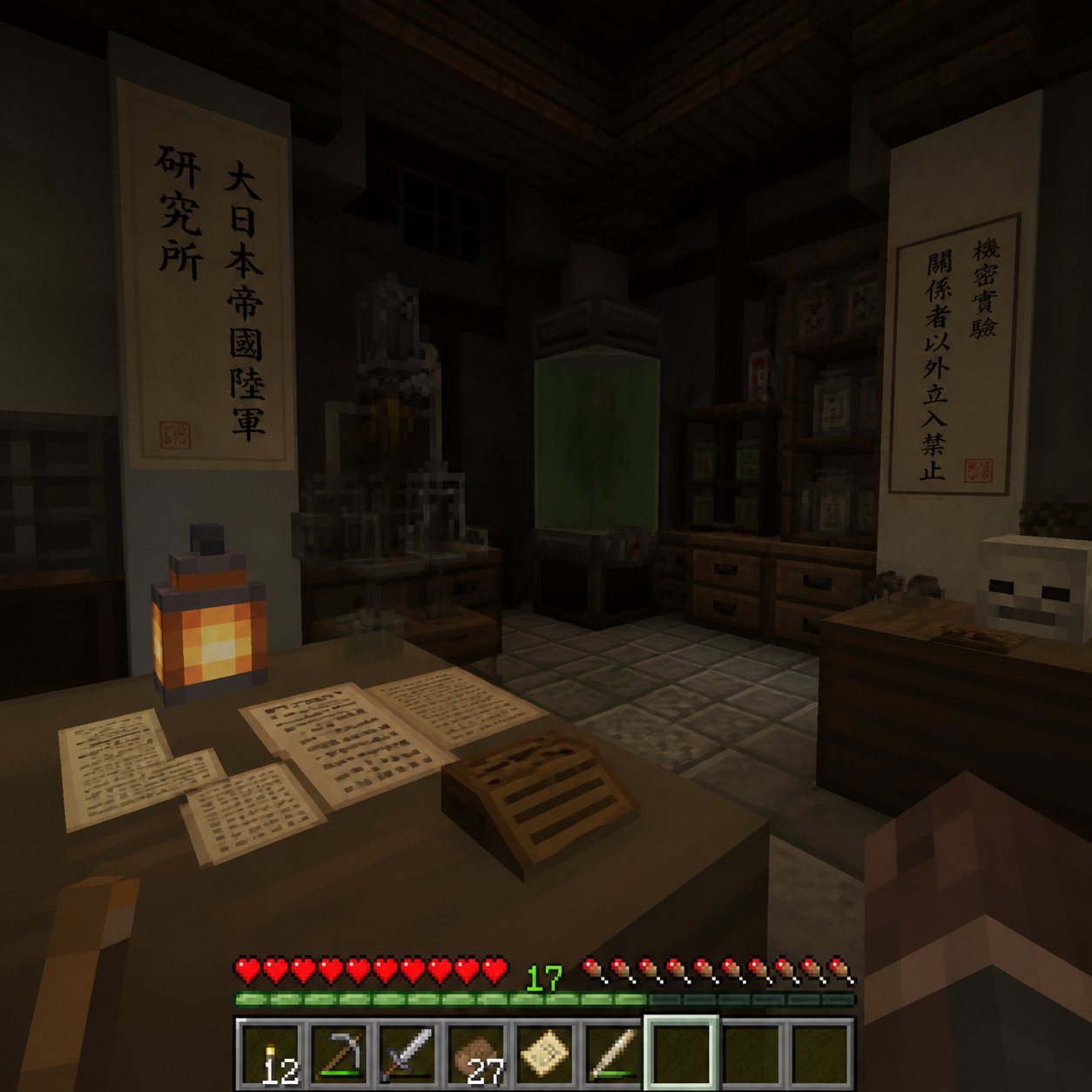
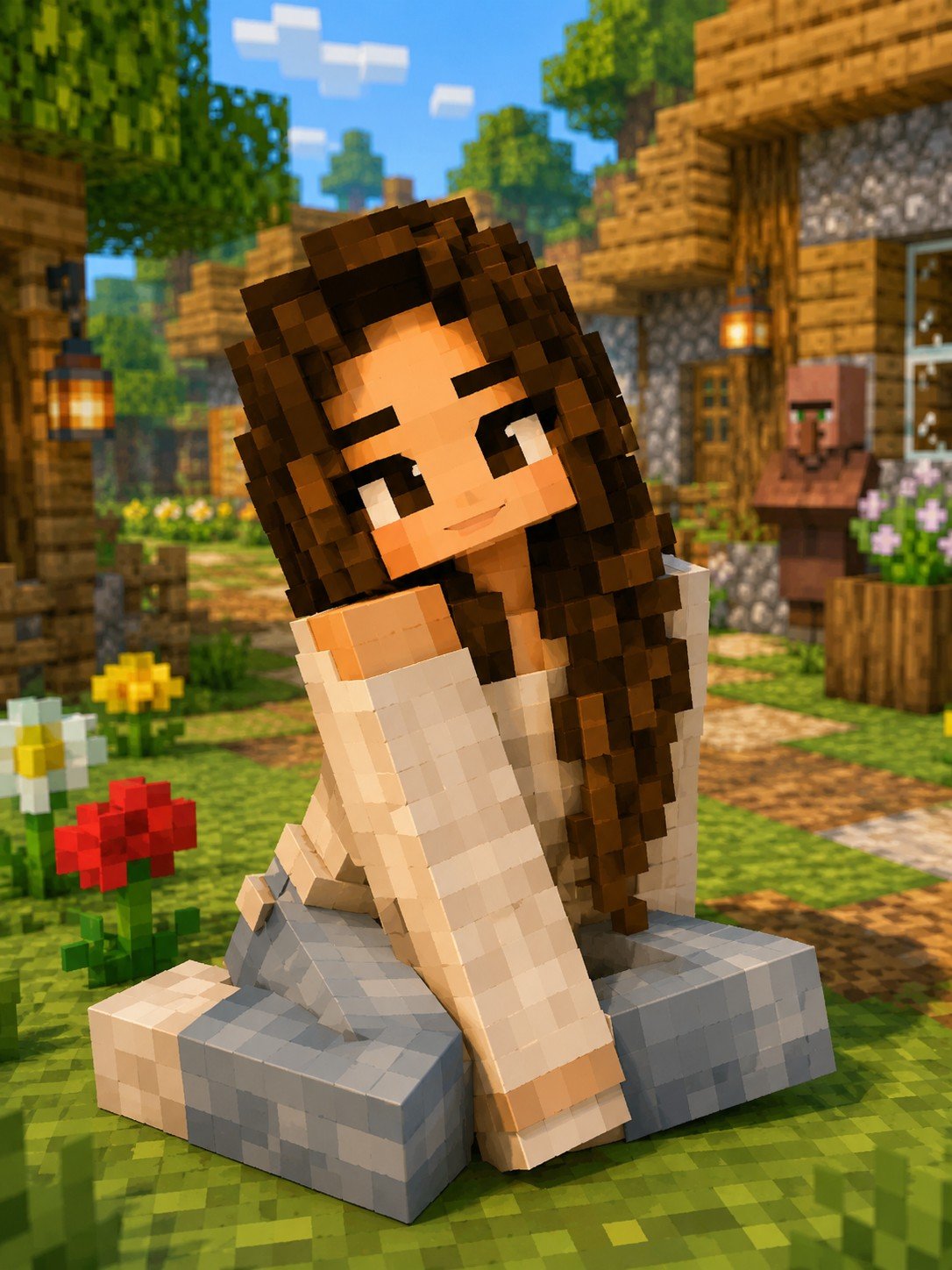
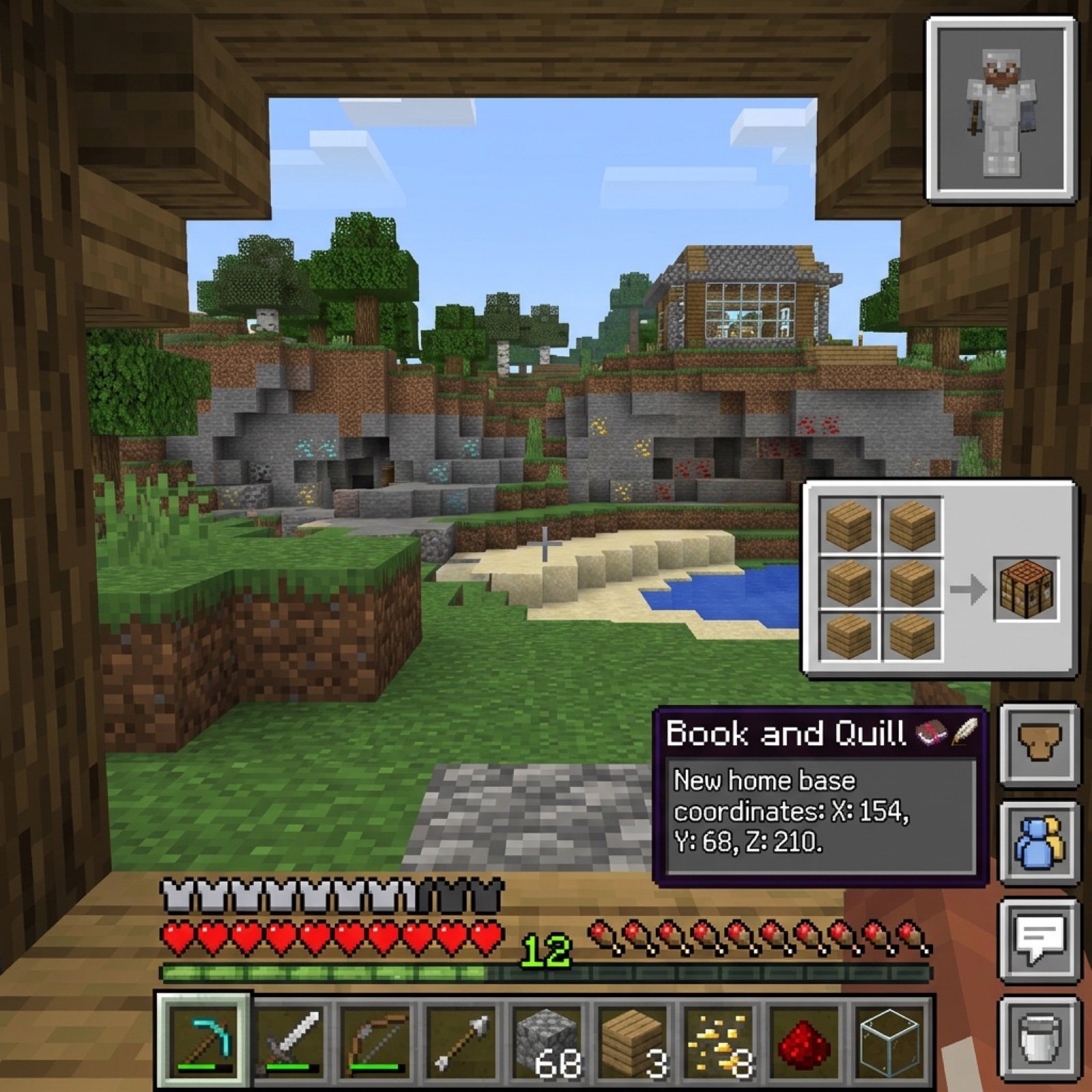
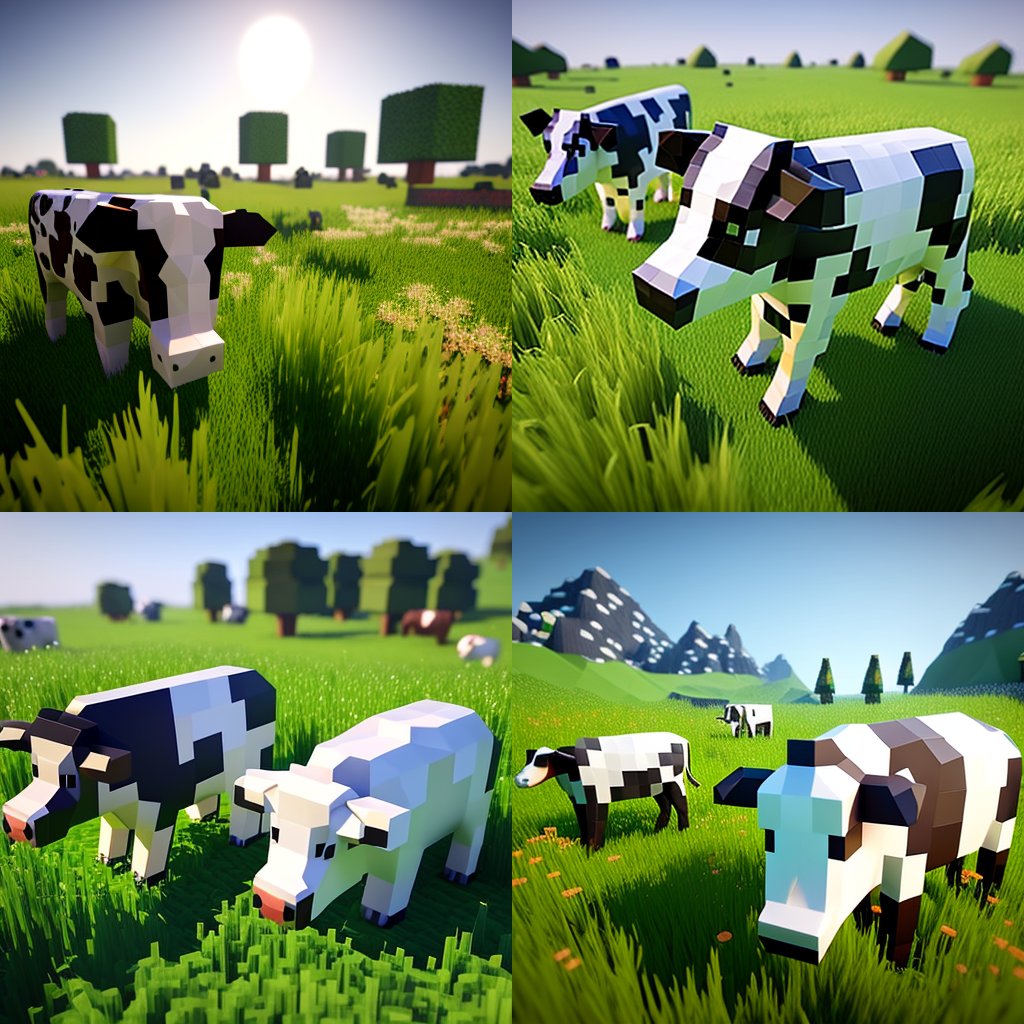
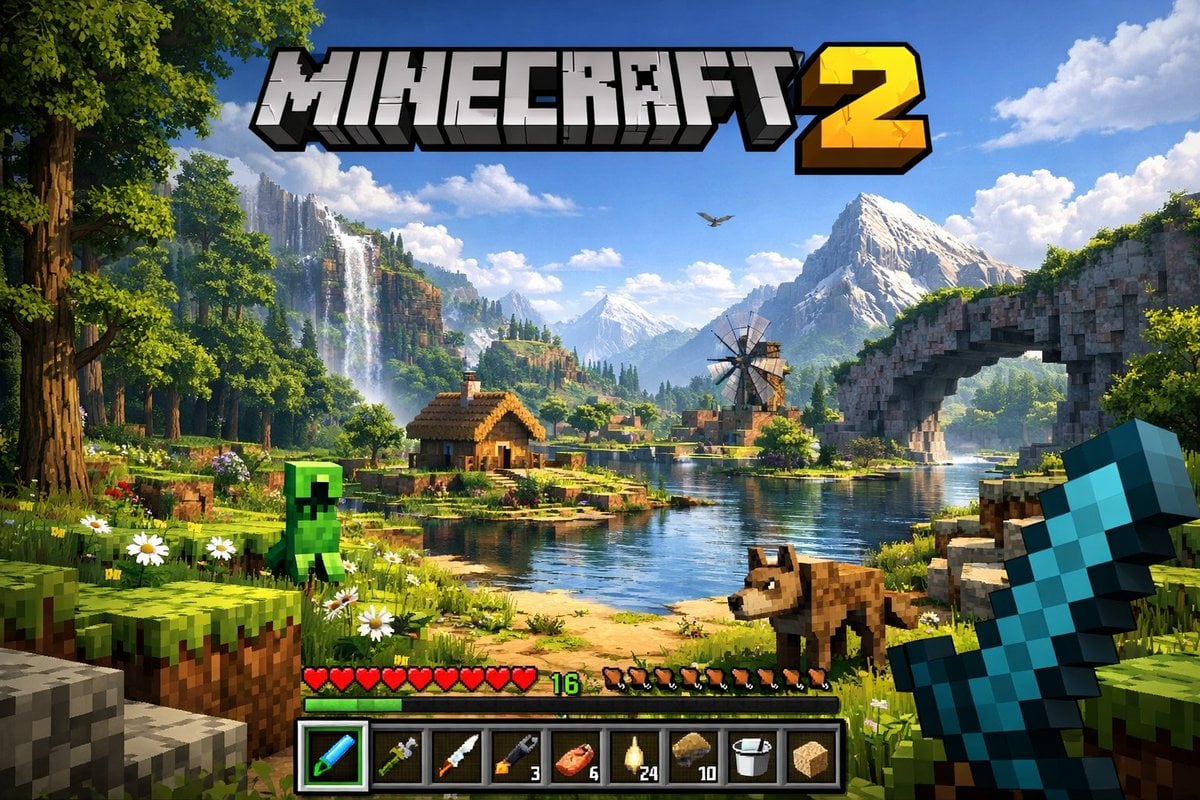
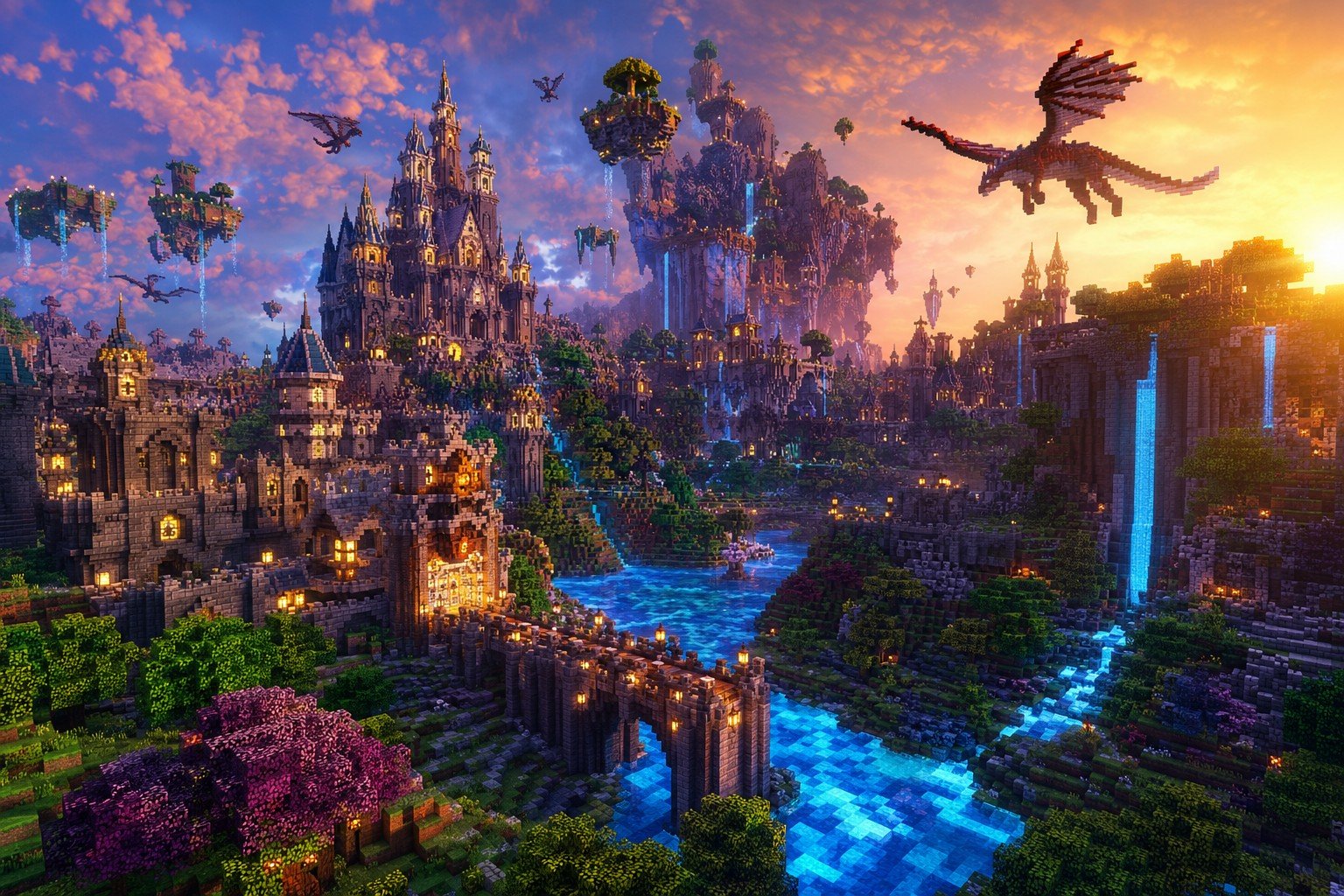
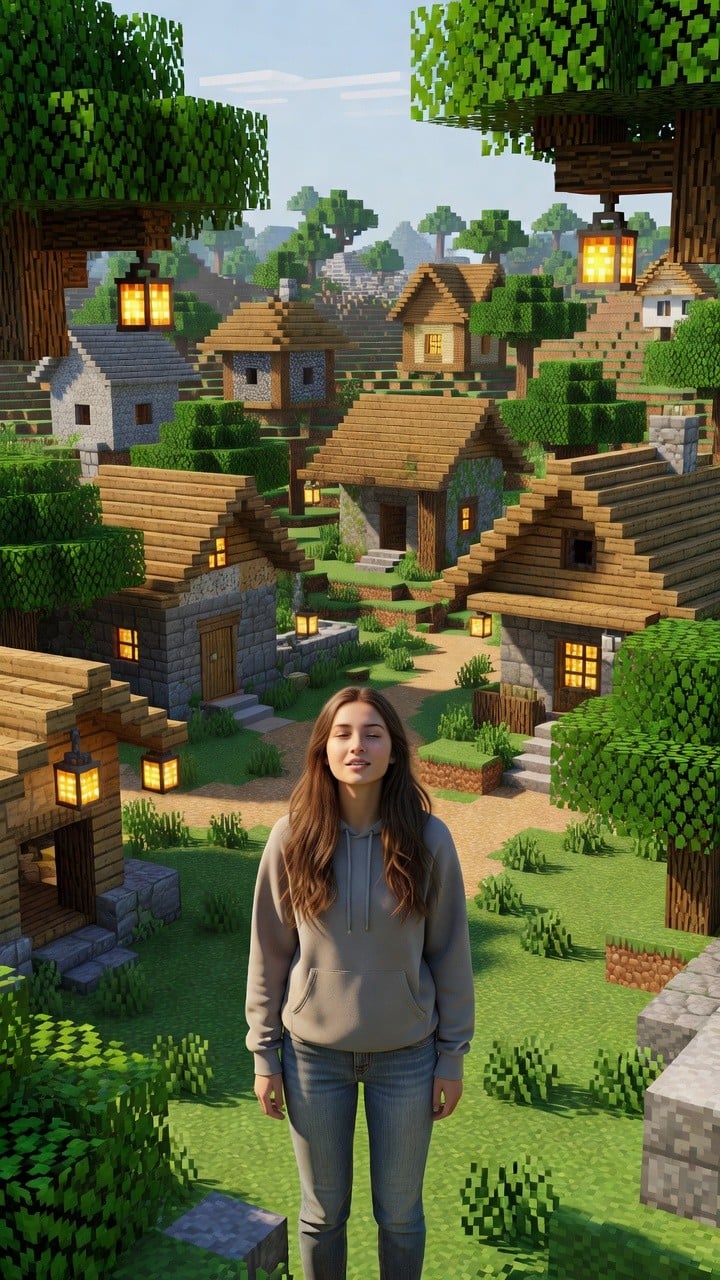
SDXL LoRA for MagicaVoxel style - ideal for creating fantasy biomes, forests, towers, and stylized Minecraft-like scenes with detailed voxel modeling.

magica voxel style, 3d pixelated blocky 3d model voxel, fantasy biome with cubic trees, voxel towers, stylized minecraft-like scene, cubic architecture, blocky terrain, vibrant voxel colors, 8k
magica voxel style, 3d pixelated blocky 3d model voxel, fantasy biome with cubic trees, voxel towers, stylized minecraft-like scene, cubic architecture, blocky terrain, vibrant voxel colors, 8k
Edit the prompt in the box under the preview — the template's model and format are already selected — and press Generate. Your version appears right on this page.
Yes. You can change the subject, setting, lighting, mood, format, and available model controls before creating your image.
Opening and editing this template is free. Generating uses credits, shown on the Generate button when you are signed in.
Choose a compatible model in PicX Studio based on the style, speed, and output controls your project needs.
Follow a topic to a crawlable collection of related PicX Studio templates.