
City Poster Digital Art Prompt
A highly detailed prompt for Nano Banana Pro to generate a digital art poster of a city.
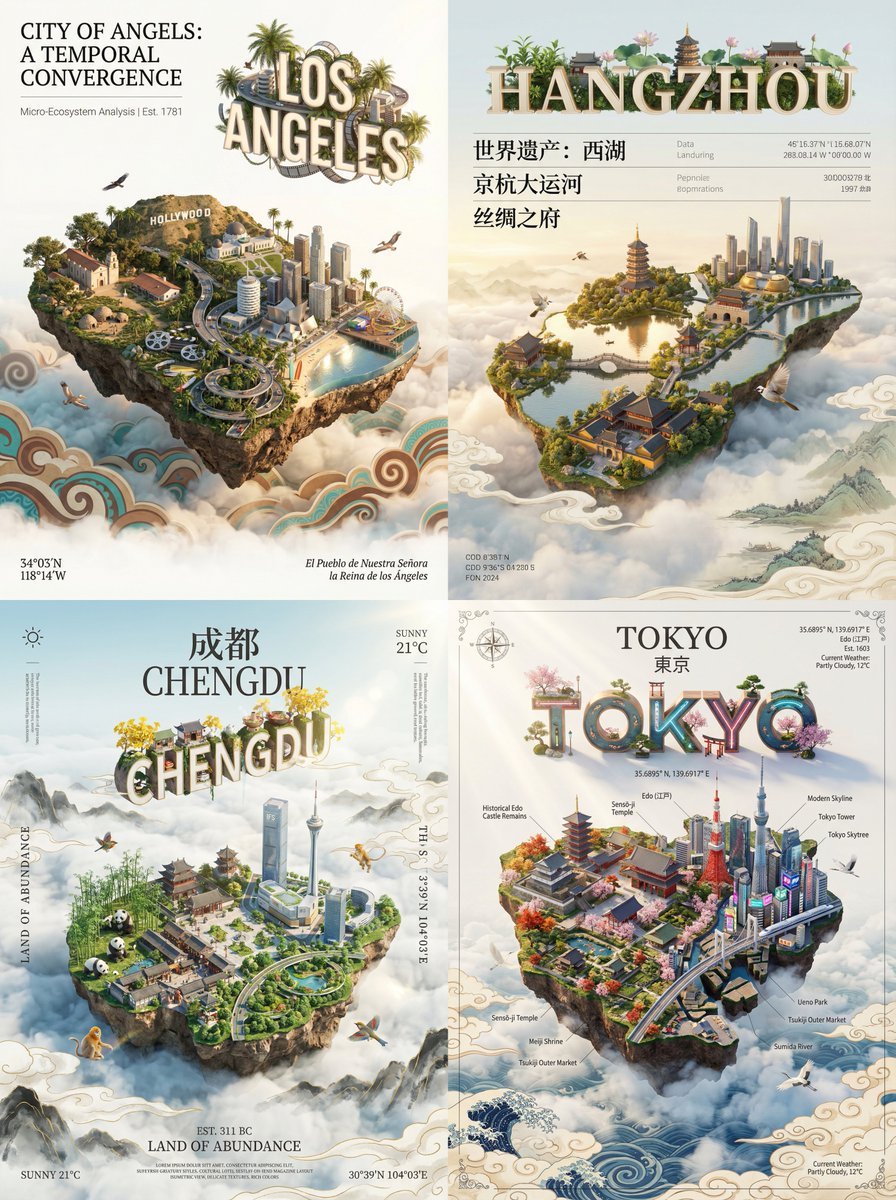
- Prompt included
- Model and format preset
- Free template
The prompt behind this image
Copy the exact prompt behind City Poster Digital Art Prompt, or open it in the studio and make it yours.
A city-rendering digital art poster for [{argument name="city name" default="city name"}]. The core visual subject of the image is a miniature island, floating above white clouds, shaped like the chosen city and occupying most of the frame. The island's shape resembles the city's shape on a map, seamlessly blending the city's distinctive landmark, natural scenery, and cultural elements. Incorporate birds unique to the city, cinematic lighting, vivid colors, an aerial viewpoint, and sunlight-reflection effects; the buildings should not be too numerous or dense. The island shows a seamless fusion of history and modernity. One part is the city's most representative ancient historical architecture; another part smoothly transitions into the city's landmark buildings and skyline. The island floats above a vast sea of clouds. The sea of clouds is rendered in the traditional artistic style of the cultural sphere the city belongs to. 3D text of the city's name, in pinyin or English, floats above the miniature island; this text feels like a miniature ecological installation where ecology and culture coexist. Around the frame and around the main subject, overlay a minimalist, elegant information-typography layer with the quality of a museum exhibition placard. Retrieve relevant city information mainly; the main information uses a classic serif font, while supporting data can use an extremely thin, minimalist sans-serif font. In the corners of the frame, lay it out in the manner of a classical atlas or the title page of a high-end magazine. Use a serif font to note the city's geographic coordinates, alternate name, or founding year, as well as the current weather, as decorative background information; keep the overall layout with abundant white space, restrained, clean, and balanced, as if admiring a precious work of art. Style requirements: Octane Render, C4D, Isometric City, Micro World, Living Ecosystem, 8k Resolution. DreamWorks style, 3D modeling, delicate, soft light projection.
How to use City Poster Digital Art Prompt in 3 steps
- 1
Open
The prompt is already in the box next to the preview, with the template's model and format selected.
- 2…a portrait of your subject in softgolden-hour light, 85mm…
Personalize
Edit the subject and creative details for your destination.
- 3Generate
Generate
Press Generate — your image is created in PicX Studio, so you can compare it with the original and refine one variable at a time.
More like this
Templates with the same subject, style or setup. Open one to see its prompt.

Japan Neon Speed City Racing Poster

Japan Travel Brochure Poster

Cartoon TV Show Poster Pack

Trendy Cafe Drink Promo Poster

Urban Fashion Editorial Collage Streetwear Poster

Premium Fashion Editorial Cover Layout System

Polo Ralph Lauren Luxury American Heritage Fashion Campaign

Monochrome Halftone Editorial Fashion Poster

Retro Mirror Luxury Fashion Campaign Poster

Luxury Fashion Campaign Typography Poster System

Premium Fashion Editorial Campaign Poster System

Ultra-Stylized High-Fashion Streetwear Poster
Make it yours
City Poster Digital Art Prompt works as-is. These are the safest ways to change it without losing the look.
Change one field
Copy a single group, rewrite it, and generate again so you can see what that field is doing.
Keep the frame, change the subject
Hold the composition and light of City Poster Digital Art Prompt, then swap wardrobe, props or the person for a new take.
| If the result… | Why | Fix |
|---|---|---|
| The result drifts from the preview | Too many fields changed at once. | Reuse City Poster Digital Art Prompt as-is first, then change one group — subject, light, or setting. |
| The model over-stylizes the scene | The prose prompt leaves finish and camera underspecified. | Add one camera or lighting sentence and stay on Nano Banana 2. |
More Nano Banana 2 templates
Other prompts made for Nano Banana 2.

Photorealistic Leaf Shaped Like a Dragon

K-Pop Idol Portrait Grid for Rapid Selection

Poetic Rain Forest Portrait During Golden Hour

Urban Street Portrait with Cartoon Inner Self Duo

Candid Nighttime Photo with Cat Prompt

High-Concept 3D Diorama Generation Prompt

Cinematic Futuristic Studio Portrait Template

Skincare Editorial Photography Collage Prompt

Hyper-Realistic Commercial Product Photography (Splash Effect)

Hyper-Realistic Nightclub Portrait Prompt
More image prompts
Fresh picks from across the catalog.
Minimalist Editorial Fashion Collage
Scarlet Mage Riverside Carriage Journey
Aerial Photo to Land-Cover Map
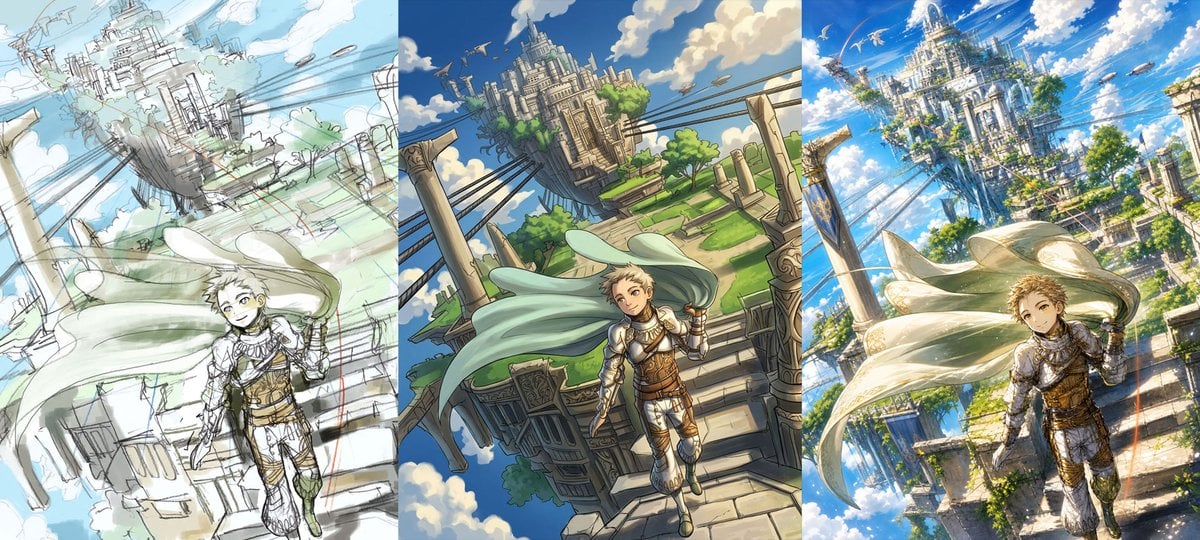
Fantasy Sky Castle Art Evolution Triptych
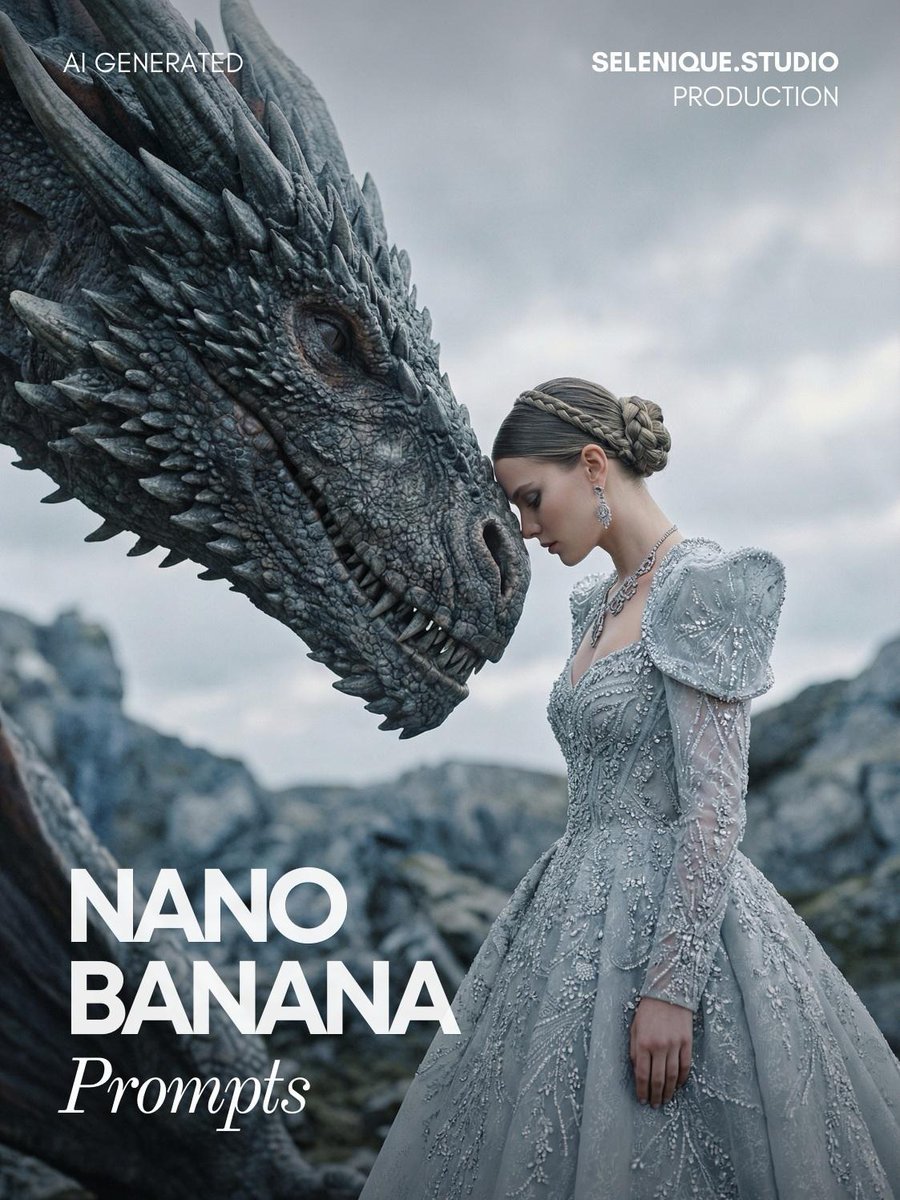
Fantasy Couture Dragon Editorial Portrait
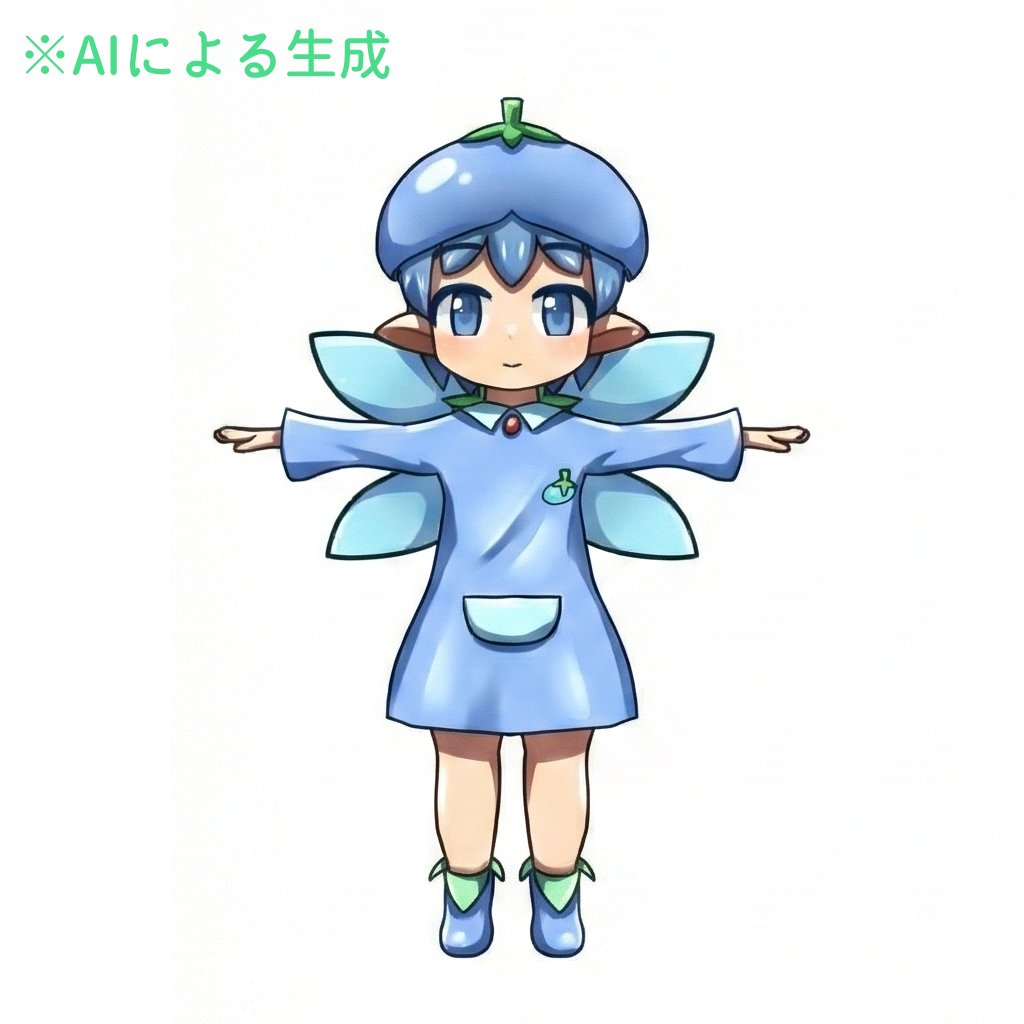
Enhancing Three-View Drawings and Generating Angles with Nano Banana
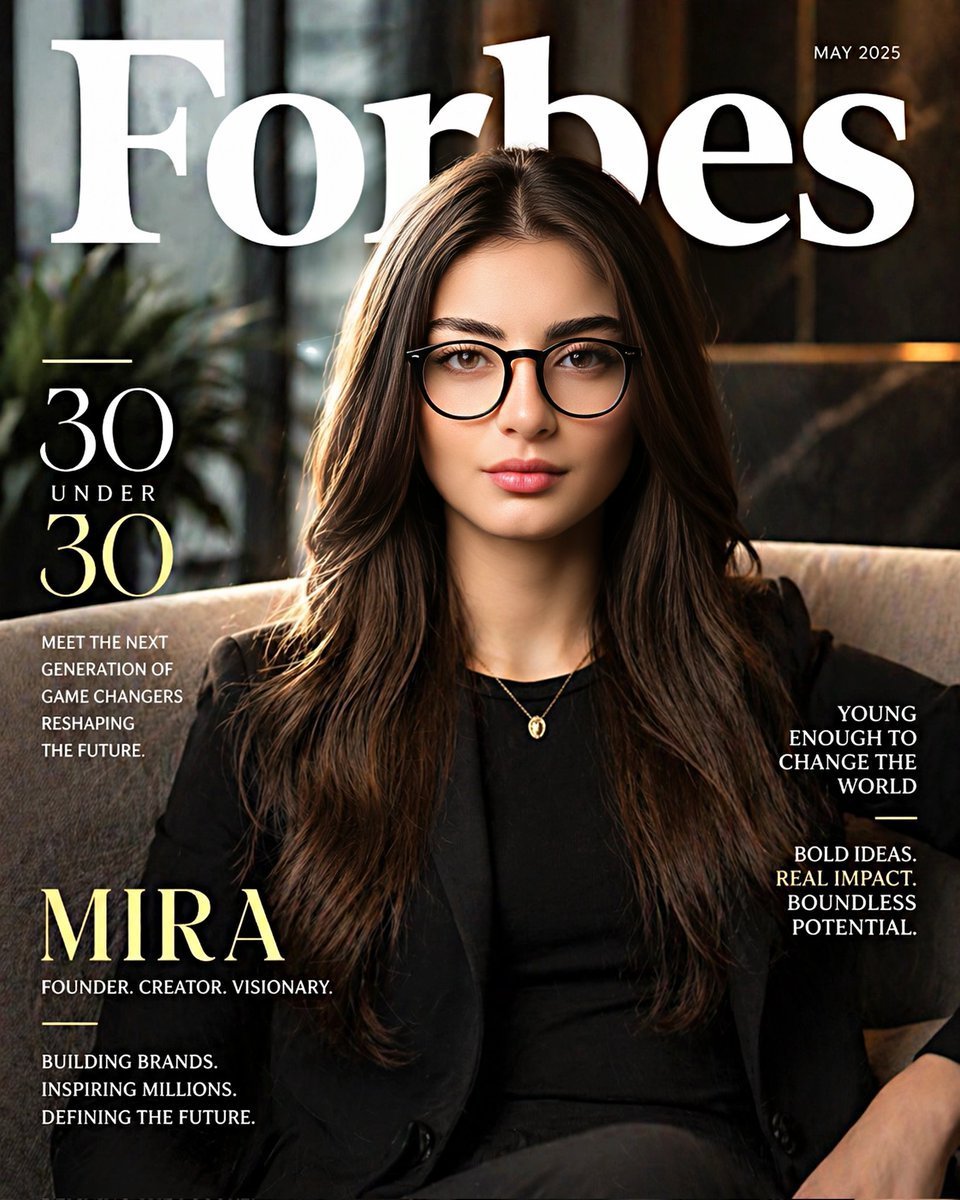
Forbes-Style 30 Under 30 Cover
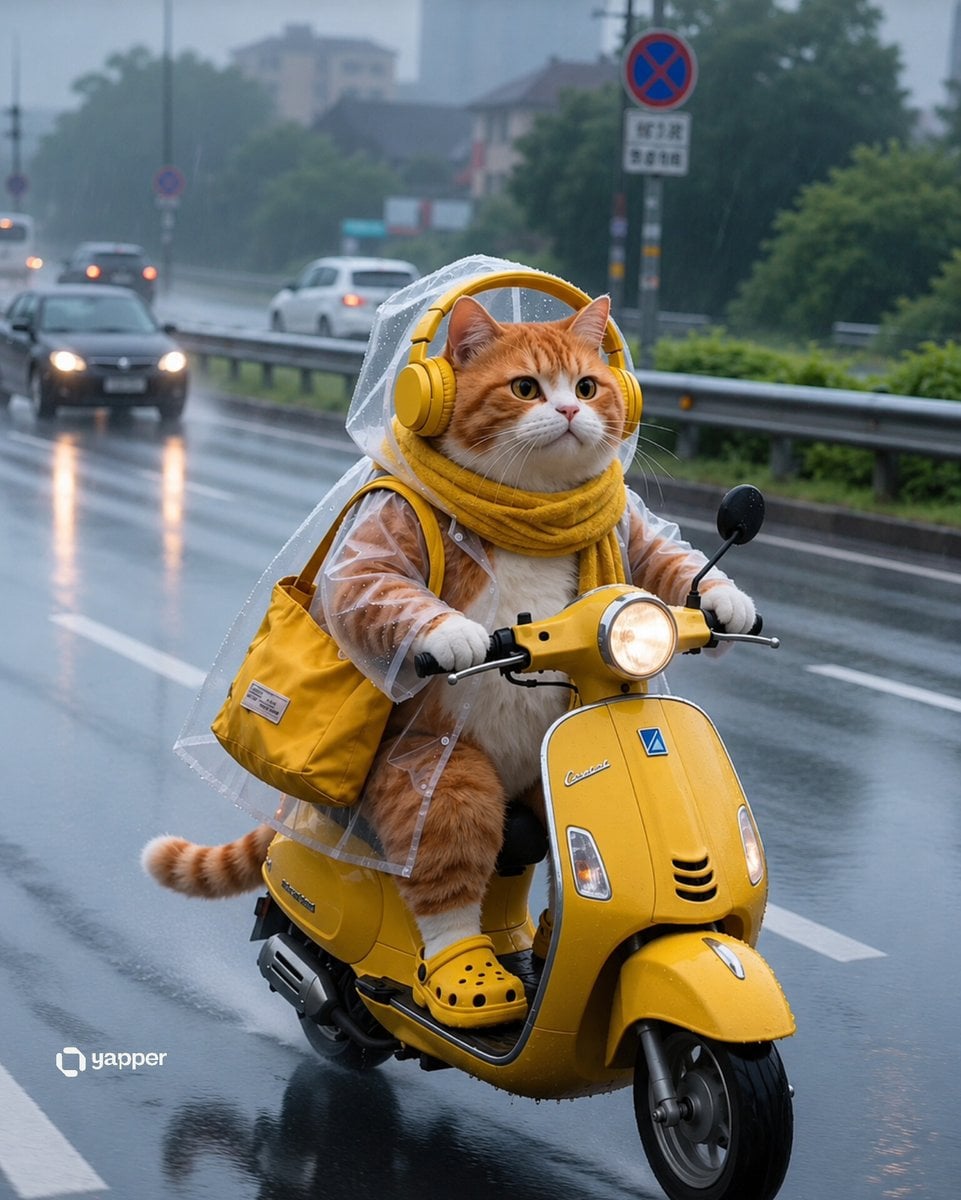
Rainy Tabby Scooter Ride
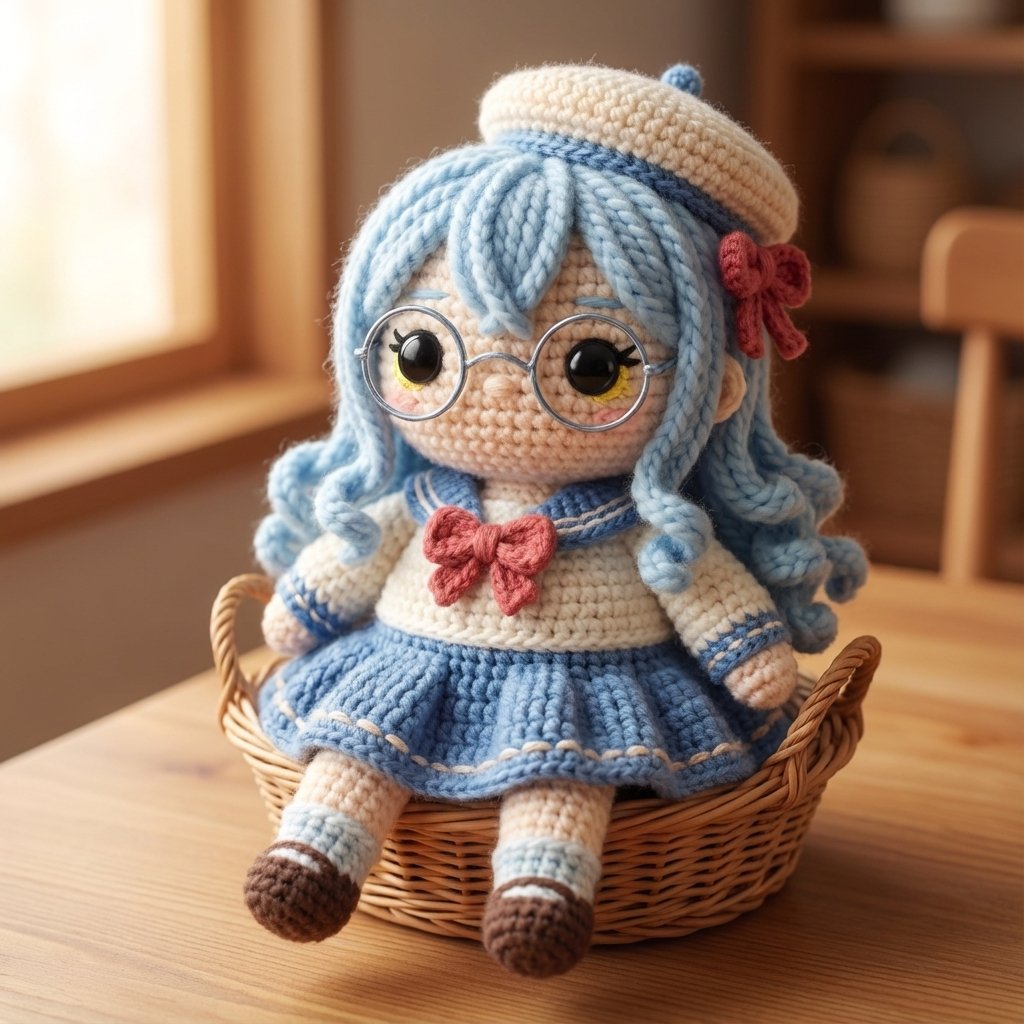
Amigurumi Style Conversion Prompt
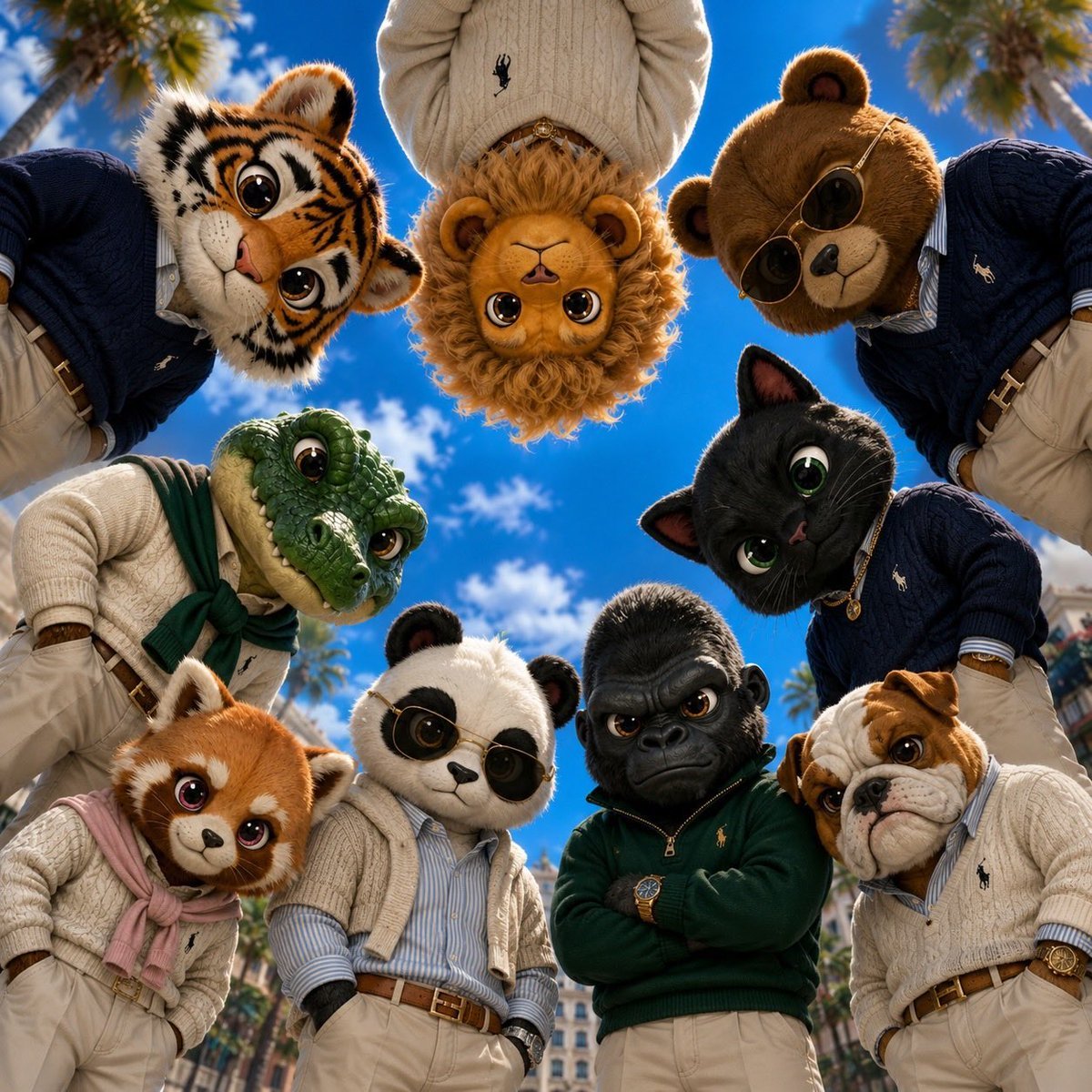
Old Money & Gangster Style Animal Squads
Browse template categories
City Poster Digital Art Prompt questions
How do I use the City Poster Digital Art Prompt template?
Add your photo if the template asks for one, edit the prompt if you like — the template's model and format are already selected — and press Generate. Your version opens in PicX Studio.
Can I customize the City Poster Digital Art Prompt template?
Yes. You can change the subject, setting, lighting, mood, format, and available model controls before creating your image.
Is the City Poster Digital Art Prompt template free?
Opening and editing this template is free. Generating uses credits, shown on the Generate button when you are signed in.
Which AI model should I use?
Start with Nano Banana 2, which is the model associated with this template. You can compare another compatible model for a different finish.
Looking for something else? Browse all templates.

Your photo, any look
Thousands of ready templates for every top image and video model, from one credit balance.