
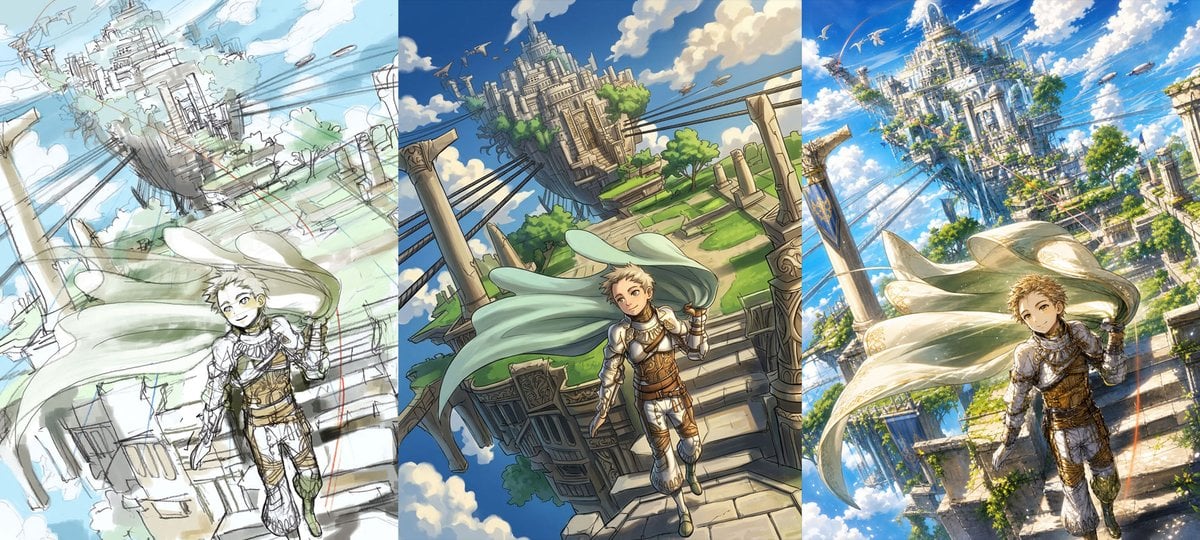
Fantasy Sky Castle Art Evolution Triptych
A three-panel fantasy concept art progression showing a knight before a floating castle, useful for generating comparison-style illustration stages.
- Prompt included
- Model and format preset
- Free template
The prompt behind this image
Copy the exact prompt behind Fantasy Sky Castle Art Evolution Triptych, or open it in the studio and make it yours.
Goal: Create a wide horizontal triptych showing the same fantasy sky-kingdom scene rendered in three progressive art stages, like a concept art evolution from rough sketch to finished illustration. Canvas: Very wide 3-panel image, approximately 2:1 aspect ratio, divided into exactly 3 equal vertical panels with no visible borders beyond the panel edges. Layout: Each panel shows the same composition from a dramatic low, tilted perspective: a young fantasy knight stands in the lower foreground on a stone bridge or stairway, looking toward the viewer, holding or surrounded by a long flowing pale mint cloak that streams leftward in the wind. Behind the knight is a grand floating castle city suspended in a bright blue sky, with cables, stone columns, ruins, greenery, and clouds creating strong depth and motion lines. Panel count and descriptions: Use exactly 3 panels. Panel 1, left: loose rough concept sketch with pale blue sky wash, visible construction lines, scribbly black pencil strokes, unfinished architecture, motion streaks, and minimal muted color. Panel 2, center: clean anime-style colored illustration with strong ink outlines, cel-shaded armor, saturated blue sky, fluffy clouds, green terraces, stone bridge details, and a floating castle in the distance. Panel 3, right: highly polished final fantasy illustration with sparkling sunlight, dense architectural detail, vivid blue sky, bright white clouds, lush green vines and trees, glowing highlights, painterly rendering, and cinematic clarity. Subject details: The foreground character is {argument name="character type" default="a young blond fantasy knight"}, wearing ornate silver-and-gold armor with leather straps, boots, gloves, and a large flowing pale mint-white cape. The face may be softly simplified or obscured, but the body should face forward in a heroic pose with the cape sweeping dramatically across the scene. Keep the character consistently placed in all 3 panels: lower center foreground, slightly larger in the right panel, with the same costume and pose. Environment details: The setting is {argument name="fantasy location" default="a floating castle city above the clouds"}. Include suspended stone platforms, carved pillars, bridge railings, hanging cables or ropes stretching diagonally across the sky, fragments of ancient ruins, patches of green grass, ivy, trees, and many white clouds. The background castle should be tall, ornate, vertical, and luminous, with towers and terraces stacked upward. Visual style: Japanese fantasy anime concept art, dynamic perspective, wind-swept movement, adventurous mood, luminous sky palette. Main colors are {argument name="main color palette" default="sky blue, cloud white, pale mint, stone gray, gold, and fresh green"}. The right panel should feel magical and camera-facing with sparkling highlights and refined detail, while the left panel remains visibly unfinished. Constraints: No captions, no logos, no watermarks, no text overlays. Maintain exactly 3 vertical stages of the same scene. Emphasize the progression from rough sketch to clean color to final polished fantasy key art.
How to use Fantasy Sky Castle Art Evolution Triptych in 3 steps
- 1Upload ImagePNG, JPG or paste
Add your photo
Upload the photo the template builds on. The prompt, model and format are already set.
- 2…a portrait of your subject in softgolden-hour light, 85mm…
Personalize
Edit the subject and creative details for your destination.
- 3Generate
Generate
Press Generate — your image is created in PicX Studio, so you can compare it with the original and refine one variable at a time.
More like this
Templates with the same subject, style or setup. Open one to see its prompt.
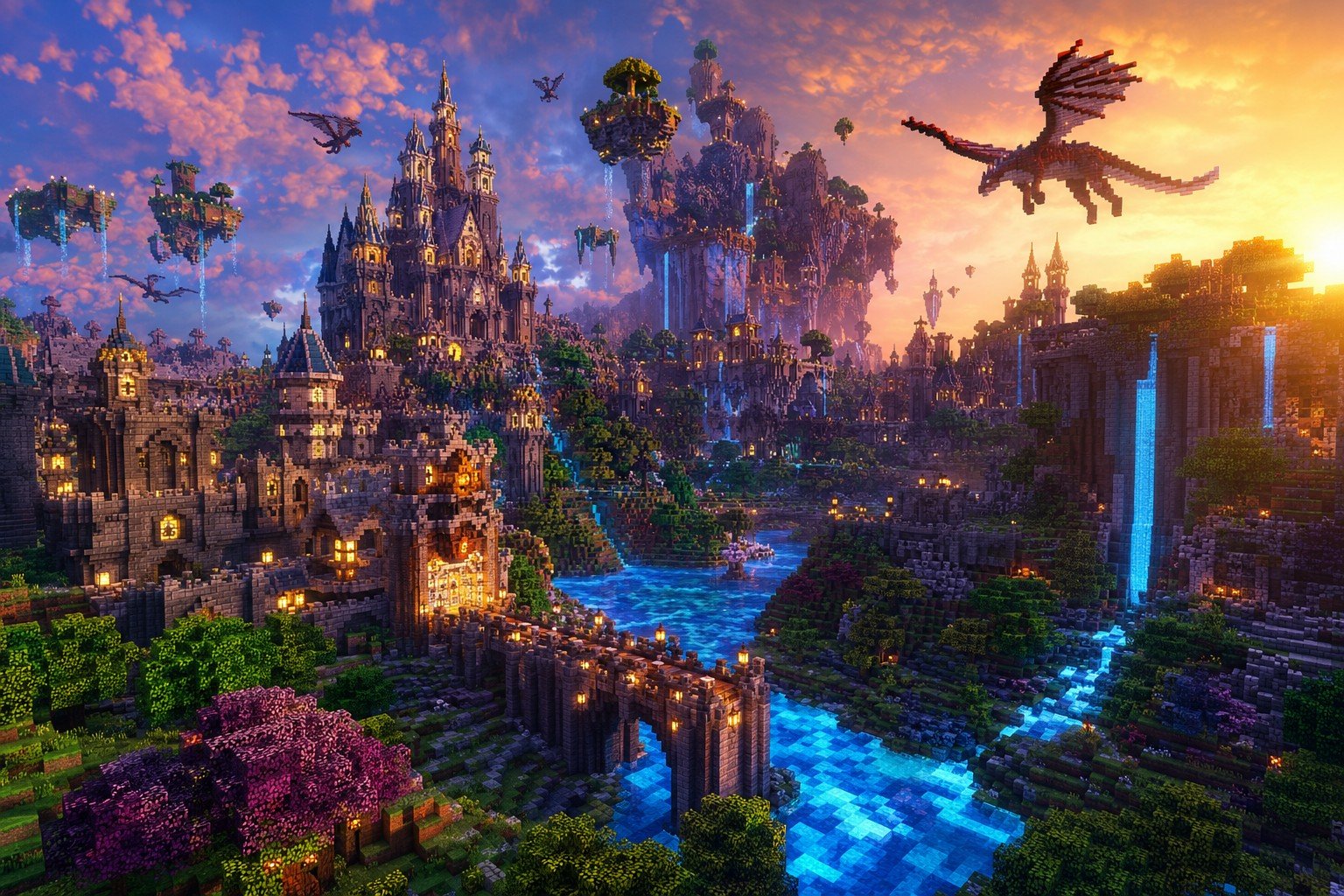
Minecraft Fantasy Kingdom Voxel Landscape
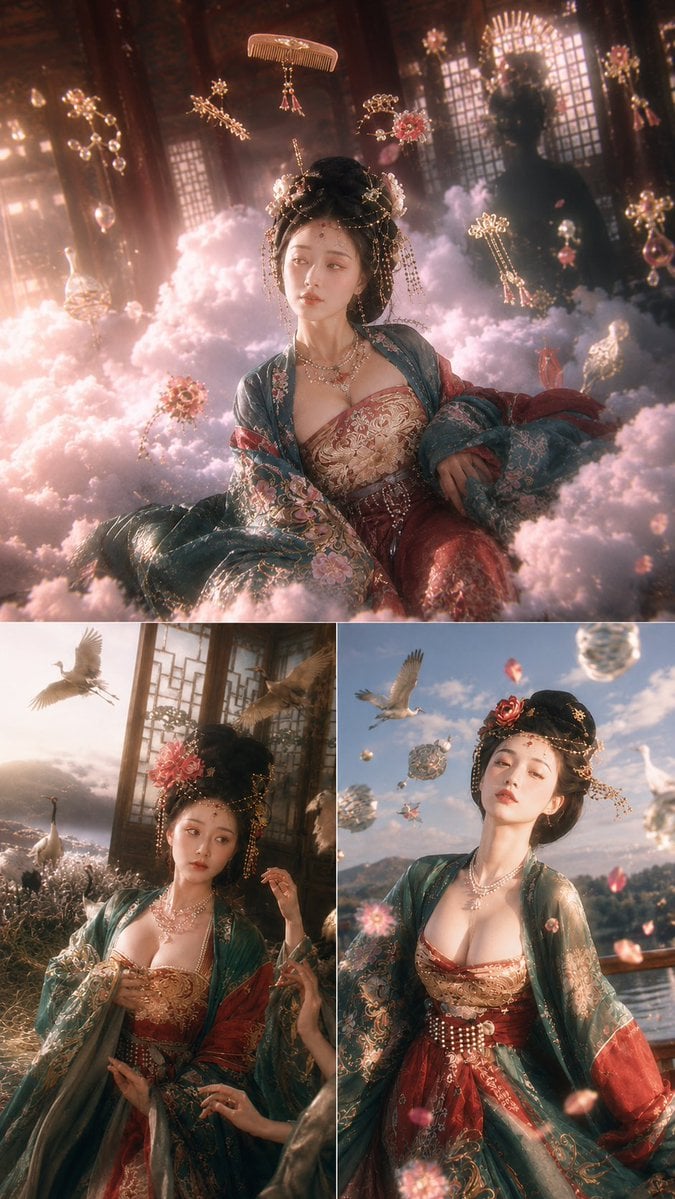
Tang Dynasty Fantasy Triptych
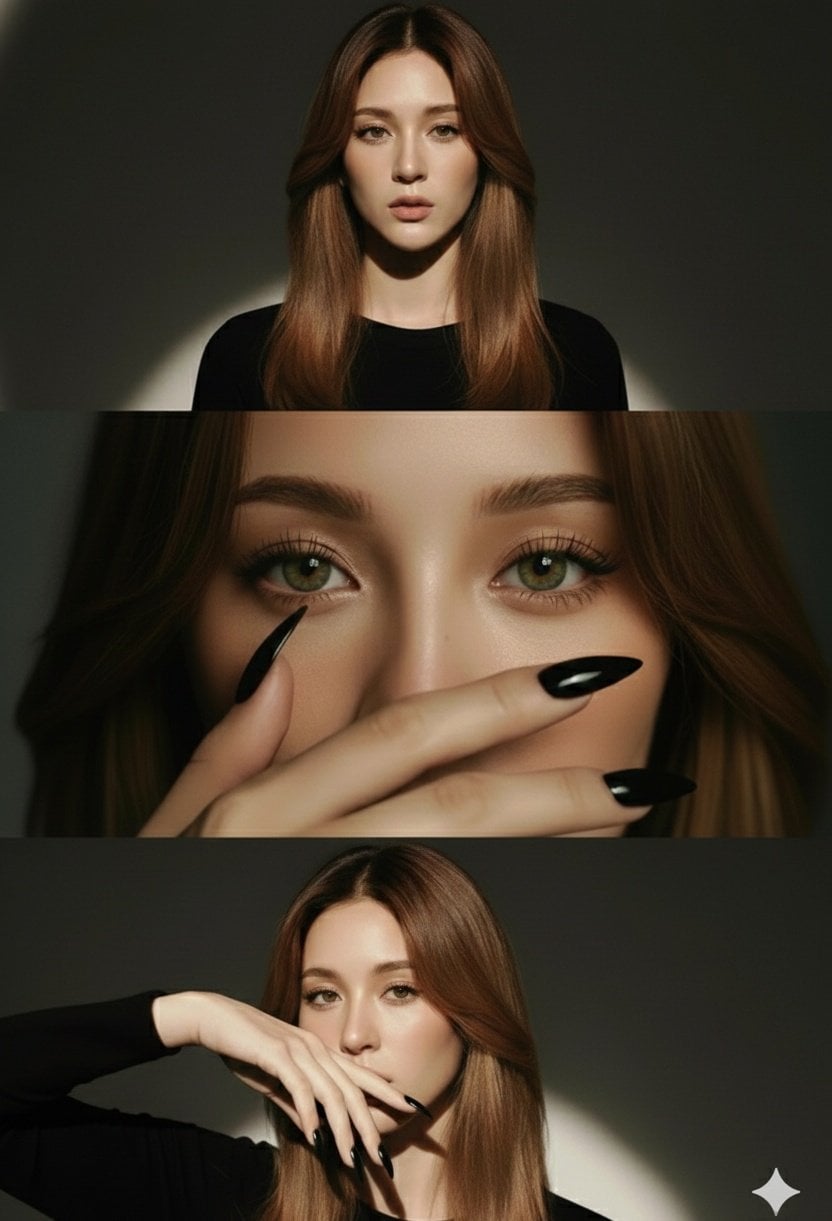
High-Fashion Editorial Studio Portrait Triptych

Anime Fantasy Celestial Movie Poster
Night City Bridge Triptych Portrait Session
Anime Fantasy Celestial Movie Poster
Night City Bridge Triptych Portrait Session
Unfinished Sketch Comes Alive Portrait
Open Travel Journal Overhead Still Life
Tiny Woman Miniature Fantasy Macro Scene
Epic Vertical Fantasy Castle Wallpaper
Anime Sky City Fantasy
Make it yours
Fantasy Sky Castle Art Evolution Triptych works as-is. These are the safest ways to change it without losing the look.
Change one field
Copy a single group, rewrite it, and generate again so you can see what that field is doing.
Keep the frame, change the subject
Hold the composition and light of Fantasy Sky Castle Art Evolution Triptych, then swap wardrobe, props or the person for a new take.
| If the result… | Why | Fix |
|---|---|---|
| The result drifts from the preview | Too many fields changed at once. | Reuse Fantasy Sky Castle Art Evolution Triptych as-is first, then change one group — subject, light, or setting. |
| The model over-stylizes the scene | The prose prompt leaves finish and camera underspecified. | Add one camera or lighting sentence and stay on GPT Image 2. |
More GPT Image 2 templates
Other prompts made for GPT Image 2.

Six VTuber Japanese Logo Sheet

Realistic Portrait of Woman and Deer

The Vista Modular Condo Poster

AI Model Routing Comparison Infographic

2.5D Anime Art Board

Isometric Productivity Desk Scene

New York Double Exposure Poster

Four-Panel AI Landscape Comparison

Japanese Tatami Lifestyle Magazine Cover

NESCAFÉ Coffee Map Poster
More image prompts
Fresh picks from across the catalog.
Surreal Food Photography: Pizza Roundabout
Tuxedo European Street Portrait
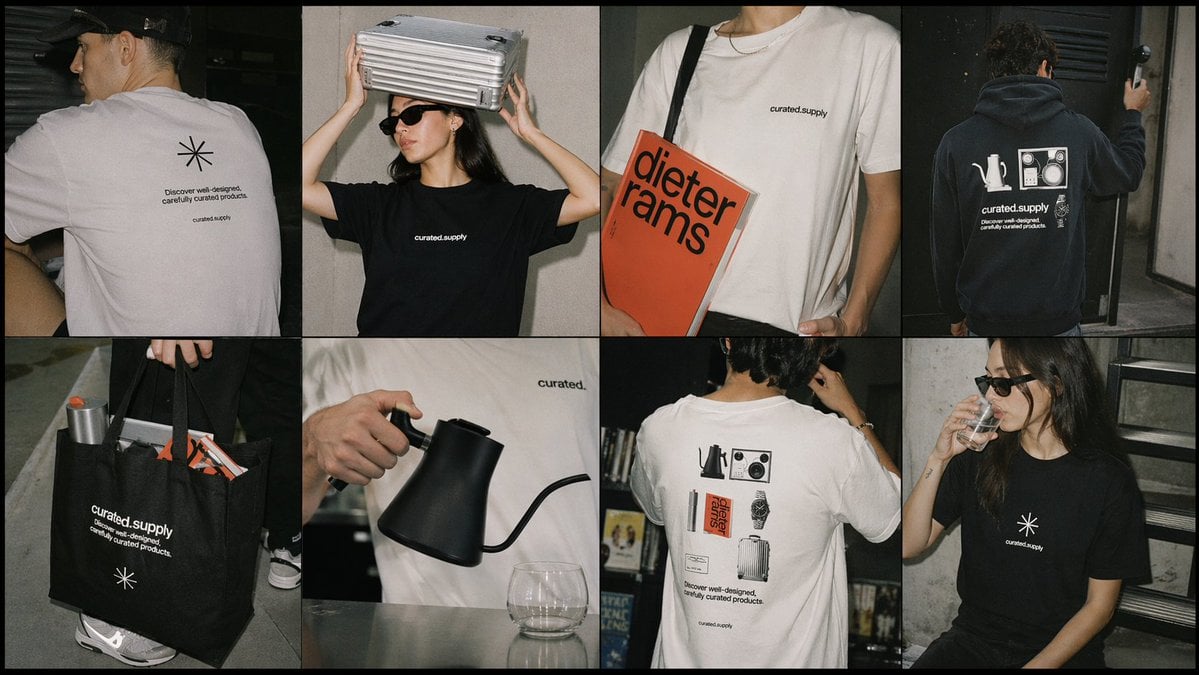
Streetwear Merch Lookbook Grid
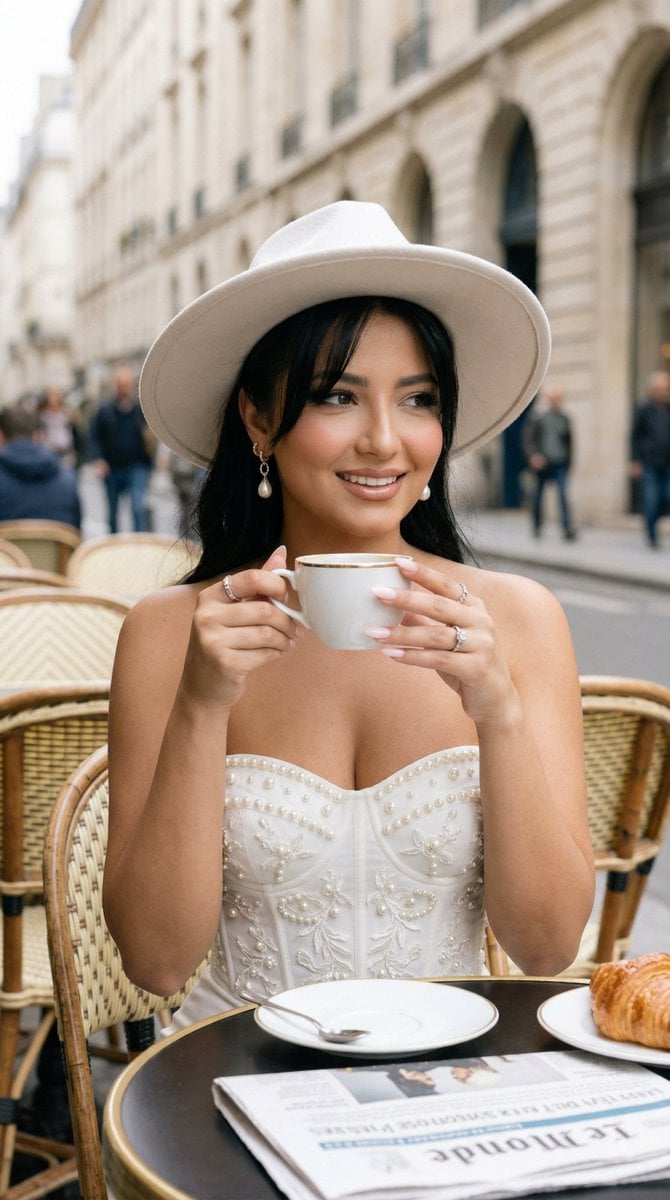
Nano Banana - Window Wine Red Dress
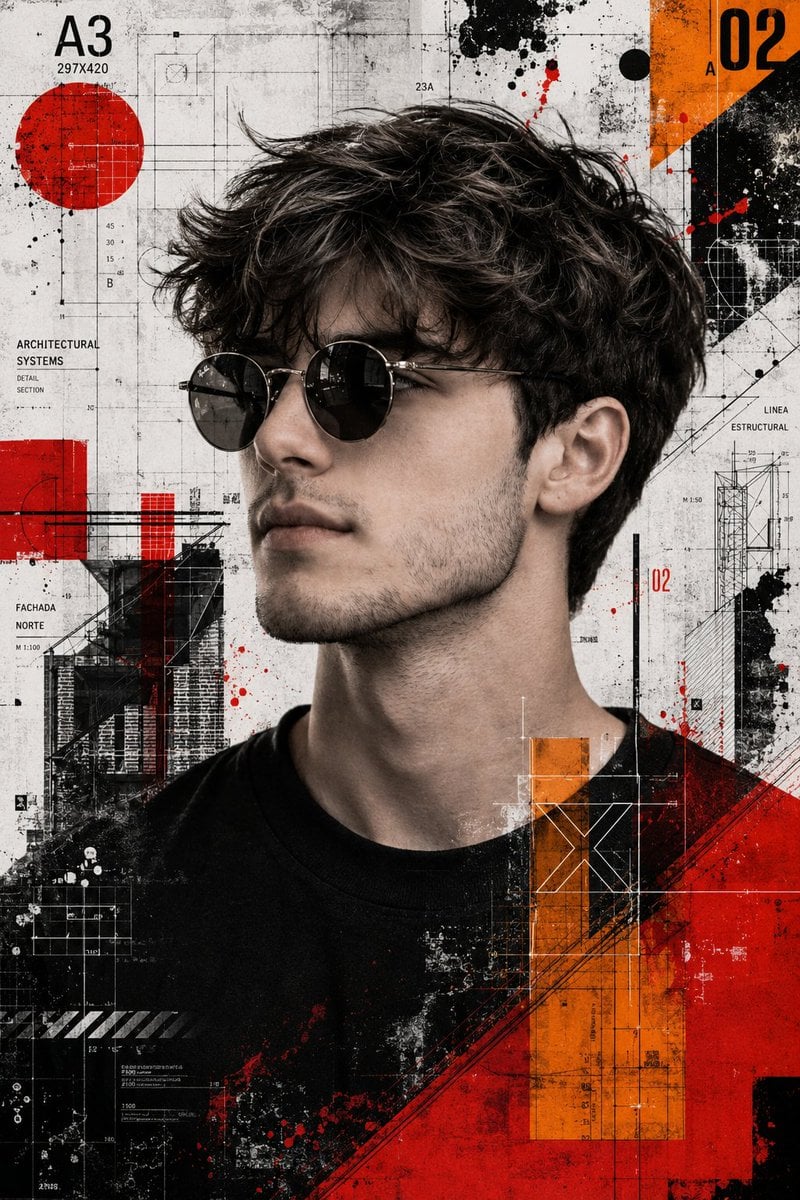
Trash Polka Mixed Media Artwork
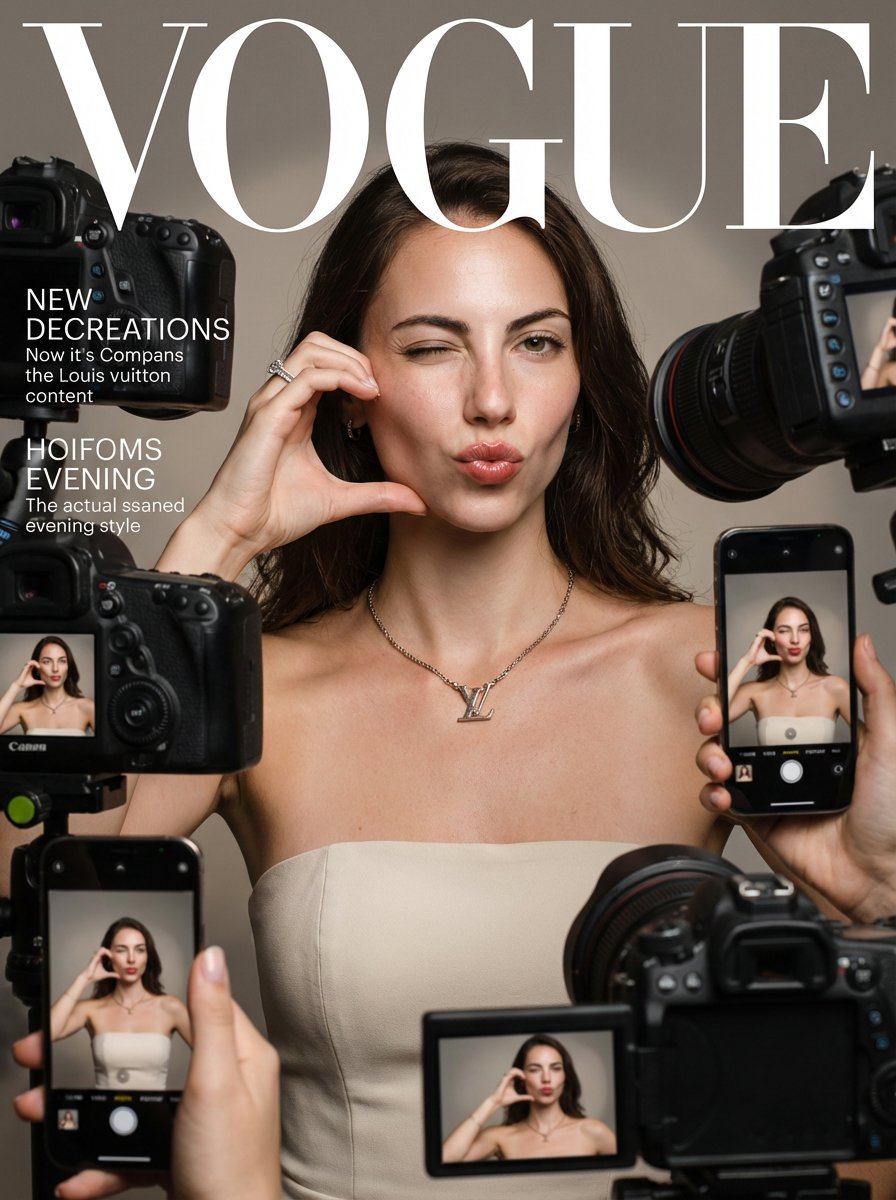
Vogue Magazine Cover Style Fashion Portrait
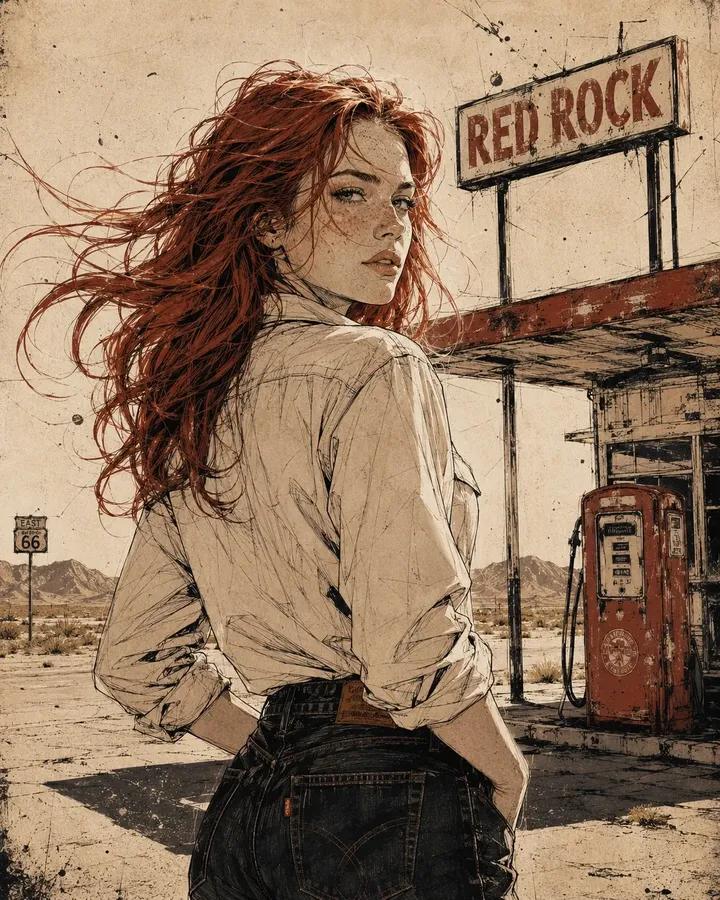
Vintage Americana Desert Illustration
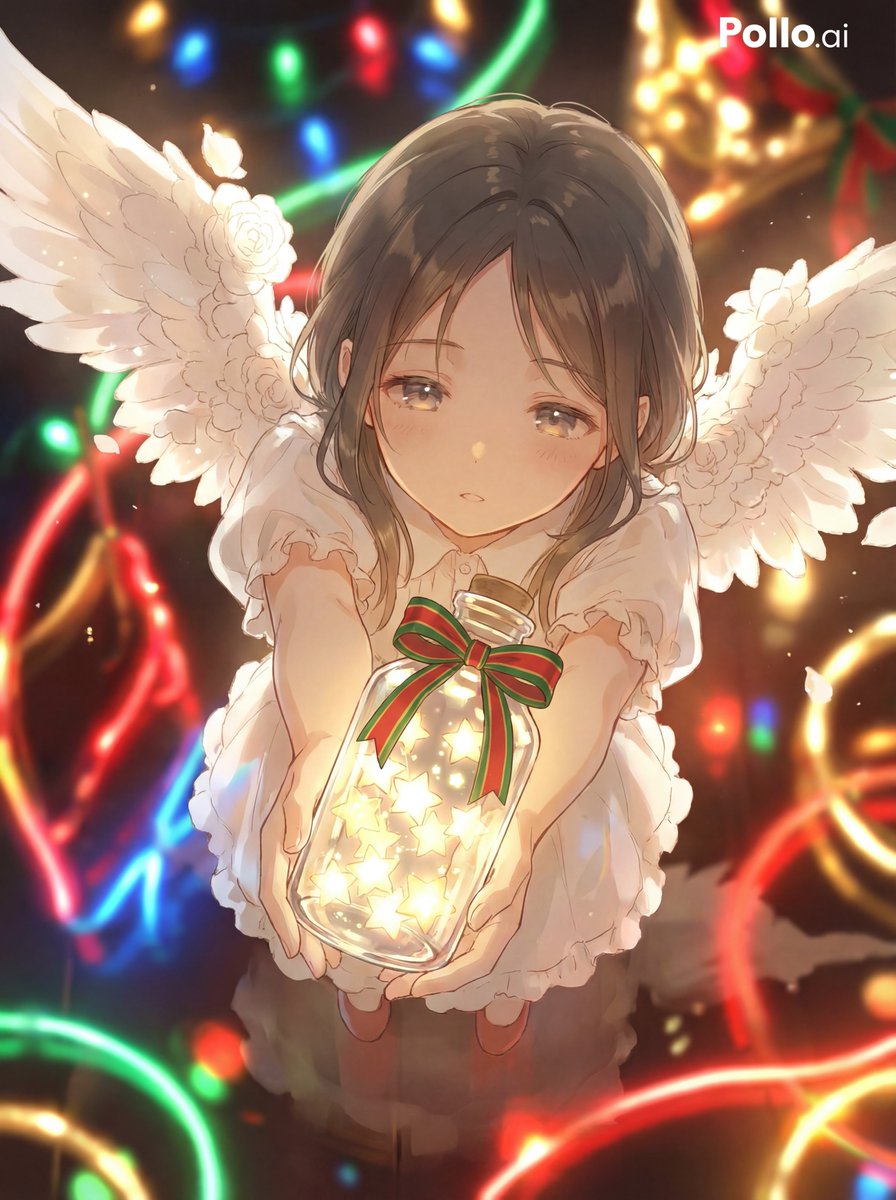
Star Present Image Generation
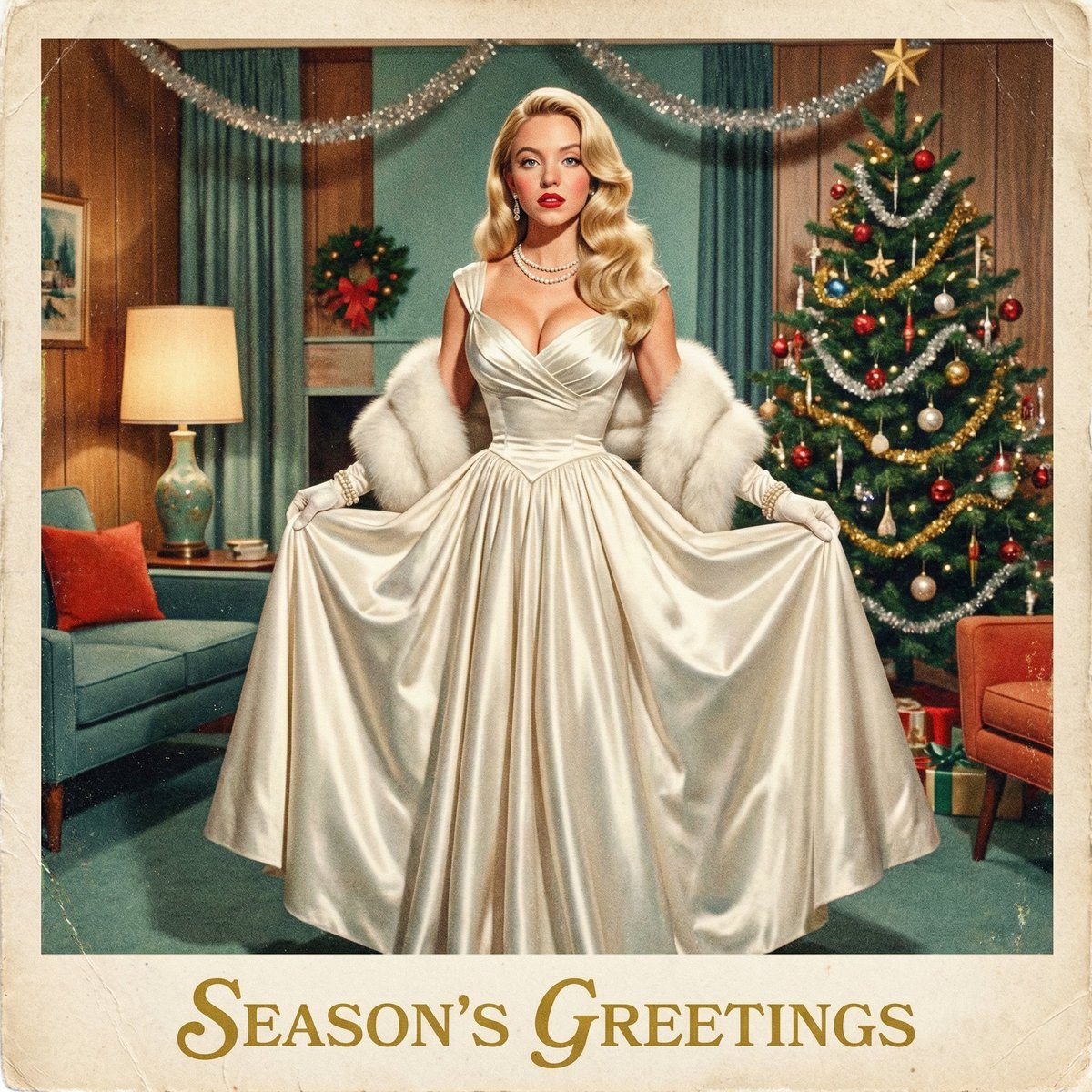
Chrono-Holiday Artisan: Christmas Card Re-render by Era
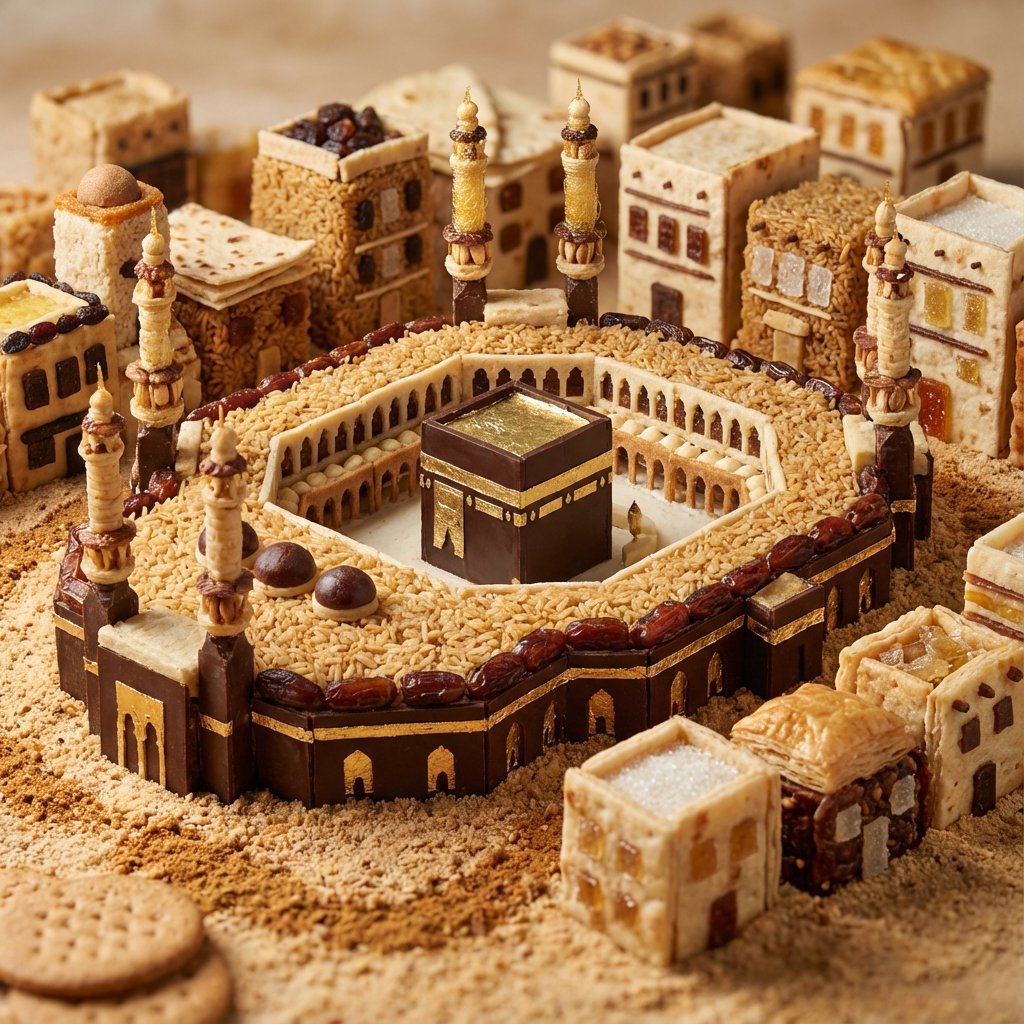
Edible Cityscape Diorama (Double Inference)
Browse template categories
Fantasy Sky Castle Art Evolution Triptych questions
How do I use the Fantasy Sky Castle Art Evolution Triptych template?
Add your photo if the template asks for one, edit the prompt if you like — the template's model and format are already selected — and press Generate. Your version opens in PicX Studio.
Can I customize the Fantasy Sky Castle Art Evolution Triptych template?
Yes. You can change the subject, setting, lighting, mood, format, and available model controls before creating your image.
Is the Fantasy Sky Castle Art Evolution Triptych template free?
Opening and editing this template is free. Generating uses credits, shown on the Generate button when you are signed in.
Which AI model should I use?
Start with GPT Image 2, which is the model associated with this template. You can compare another compatible model for a different finish.
Looking for something else? Browse all templates.

Your photo, any look
Thousands of ready templates for every top image and video model, from one credit balance.