
Tang Dynasty Fantasy Triptych
A cinematic three-panel Chinese fantasy portrait prompt for creating palace cloud scenes with ornate Tang Dynasty fashion, cranes, floating jewelry, and petals.
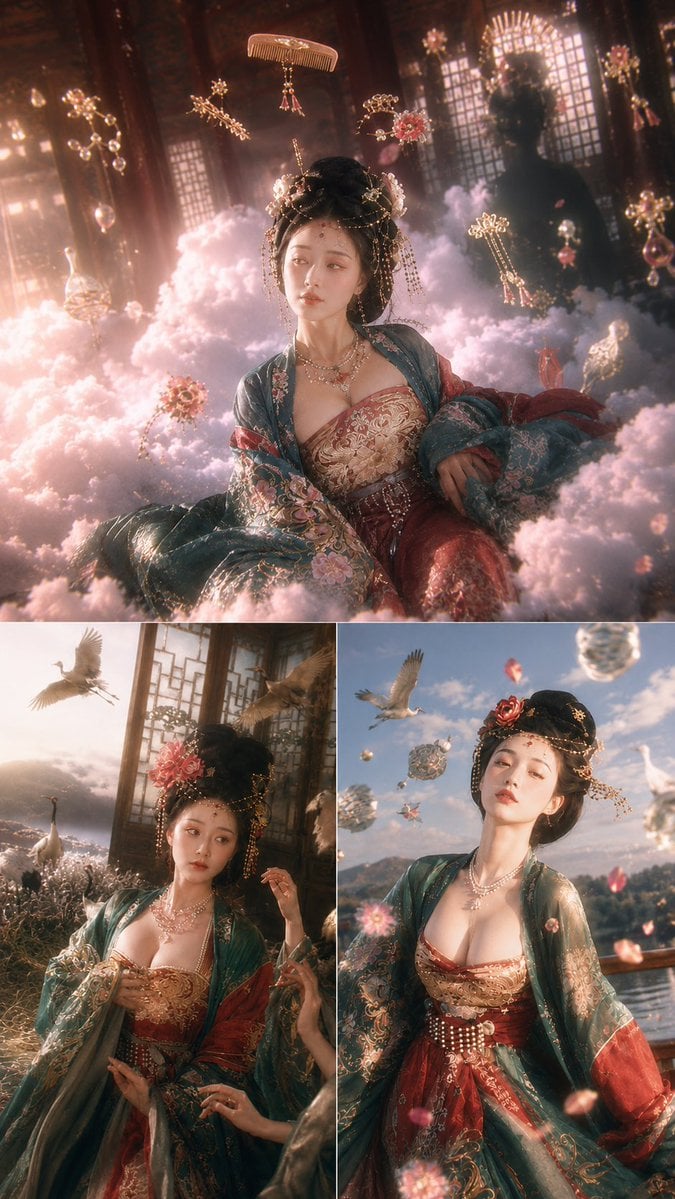
- Prompt included
- Model and format preset
- Premium template
The prompt behind this image
Copy the exact prompt behind Tang Dynasty Fantasy Triptych, or open it in the studio and make it yours.
Goal: Create a vertical cinematic Oriental fantasy fashion-photography triptych featuring {argument name="character name" default="a young Tang Dynasty noblewoman"} in luxurious palace attire, surrounded by dreamlike clouds, cranes, floating jewelry, and falling petals. Canvas: Tall vertical 9:16 poster layout with exactly 3 movie-still panels: 1 large panel across the entire top half, and 2 equal smaller panels side-by-side on the bottom half, separated by thin white borders. Use ultra-detailed gpt-image-2 realism, soft bloom, shallow depth of field, warm golden-pink highlights, delicate haze, and high-end cinematic color grading. Panel 1, top large scene: The noblewoman reclines among thick pastel pink cloud banks inside a dark wooden Tang Dynasty palace hall. Latticed windows glow behind her with diffused sunlight, and a shadowy ornamental silhouette stands in the background. She wears an elaborate high black updo with gold hairpins, dangling chains, floral ornaments, and forehead jewelry. Her expression is dreamy and slightly melancholic, looking off to the side. Around her float exactly 7 ornate objects: 1 golden comb above her head, 1 branch-like gold hairpin to the upper left, 1 flower-and-chain ornament above right, 1 long dangling earring-like ornament to the right, 1 pearl bubble strand at far left, 1 jeweled sphere at lower left, and 1 small floral jewel cluster near the lower center. Add pale pink clouds, tiny petals, soft sparkles, and detailed embroidered fabric. Panel 2, bottom left scene: The same woman stands near tall palace windows and ornate carved screens, wearing the same Tang-inspired outfit and jewelry. She faces forward with a calm, wistful expression while one hand touches her hair and another hand from off-frame adjusts her sleeve, suggesting attendants. The background opens to a misty cloud sea and a flower-filled garden. Include exactly 4 cranes: 1 large crane flying at upper left, 1 crane flying near upper right, 1 standing crane at lower left, and 1 darker crane shape near the lower middle distance. Keep lighting warm, backlit, and hazy. Panel 3, bottom right scene: The noblewoman stands outdoors near a lakeside terrace with distant hills and a bright blue sky. She tilts her head slightly upward, serene and elegant. She wears a deep teal embroidered robe over a red-and-gold brocade dress with a structured red waist sash, pearl chains, layered necklaces, and a red flower in her hair. Include exactly 3 cranes in this panel: 1 flying crane near the upper left, 1 white crane at the far right, and 1 small distant crane near the middle. Include exactly 4 floating jeweled objects: 2 translucent crystal spheres, 1 ornate jade-like pendant, and 1 small red gem. Add falling pink petals and soft lens bloom. Subject details: The woman has pale porcelain skin, delicate East Asian facial features, glossy black hair in a towering Tang Dynasty coiffure, refined makeup, a small forehead adornment, and a graceful posture. Her outfit colors are {argument name="robe colors" default="deep teal, crimson red, antique gold, and soft rose"}; fabrics should show dense floral embroidery, metallic thread, beadwork, pearls, and layered translucent sleeves. Visual style: {argument name="visual style" default="cinematic Chinese fantasy realism"}, highly detailed textures, ethereal cloud sea, palace-window rim light, volumetric haze, soft pink-gold atmosphere, luxury historical costume photography, romantic and otherworldly mood. Constraints: No text, no watermark, no modern objects, no extra panels. Preserve exactly 3 panels, exactly 7 floating ornate objects in the top panel, exactly 4 cranes in the bottom-left panel, and exactly 3 cranes plus 4 floating jeweled objects in the bottom-right panel.
How to use Tang Dynasty Fantasy Triptych in 3 steps
- 1Upload ImagePNG, JPG or paste
Add your photo
Upload the photo the template builds on. The prompt, model and format are already set.
- 2…a portrait of your subject in softgolden-hour light, 85mm…
Personalize
Edit the subject and creative details for your destination.
- 3Generate
Generate
Press Generate — your image is created in PicX Studio, so you can compare it with the original and refine one variable at a time.
More like this
Templates with the same subject, style or setup. Open one to see its prompt.
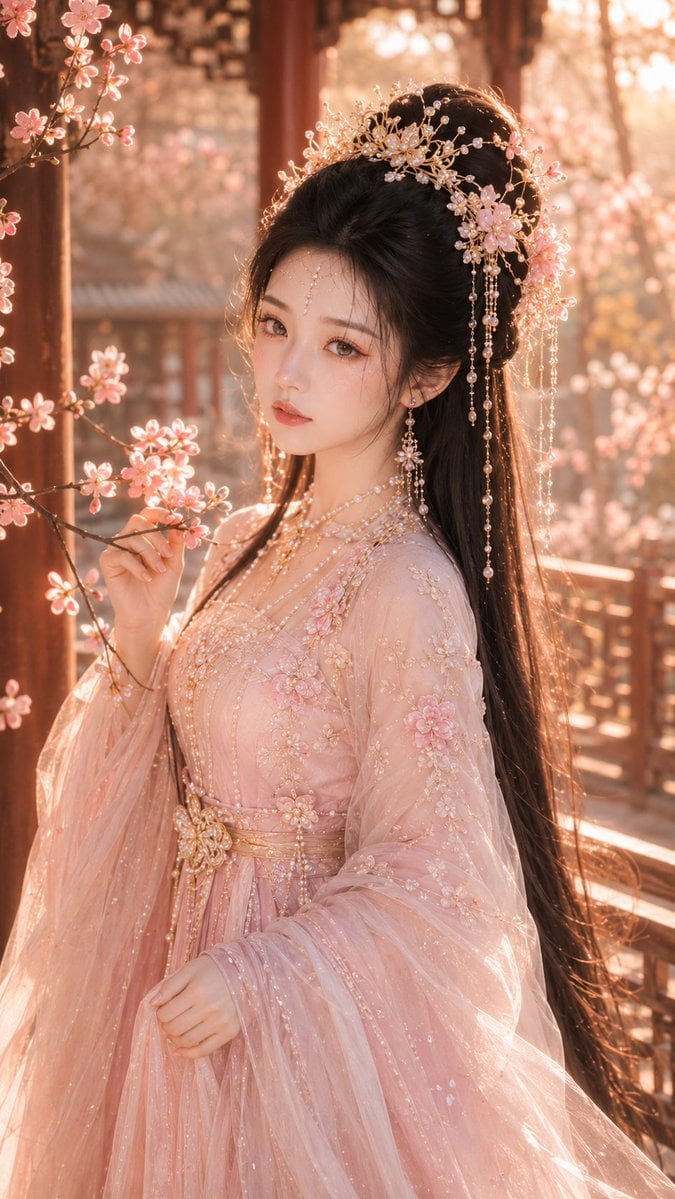
Tang Dynasty Fantasy Female Portrait

Tang Dynasty Royal Banquet Cinematography
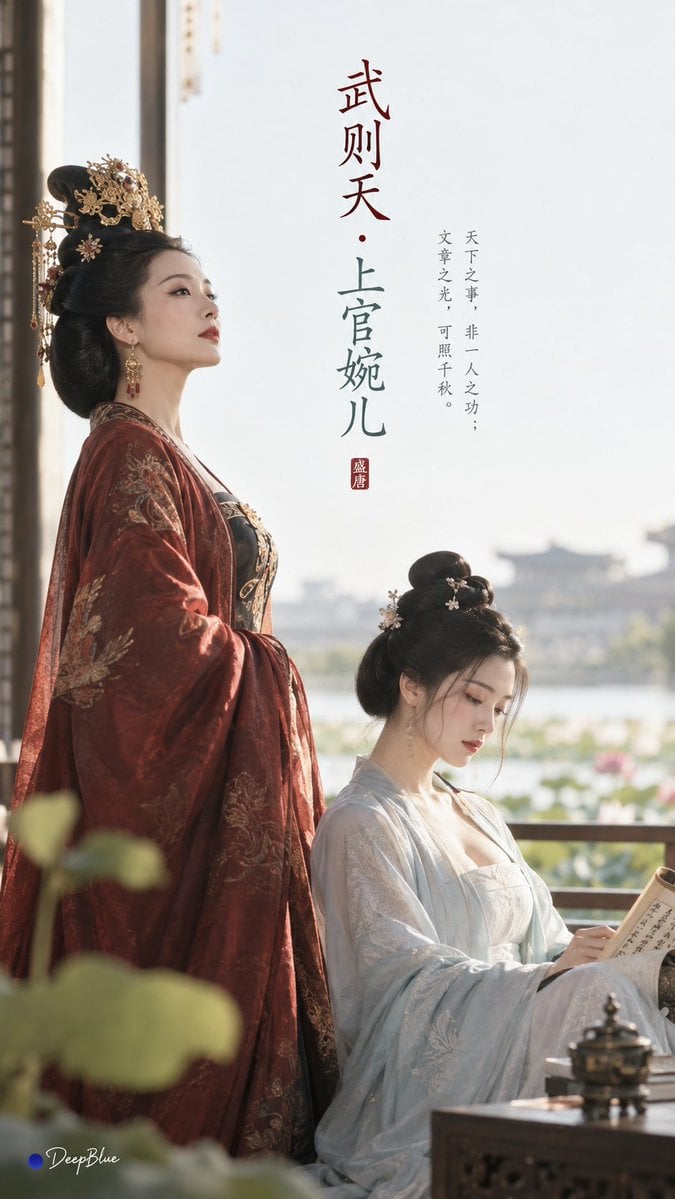
Tang Dynasty Minimalist Editorial
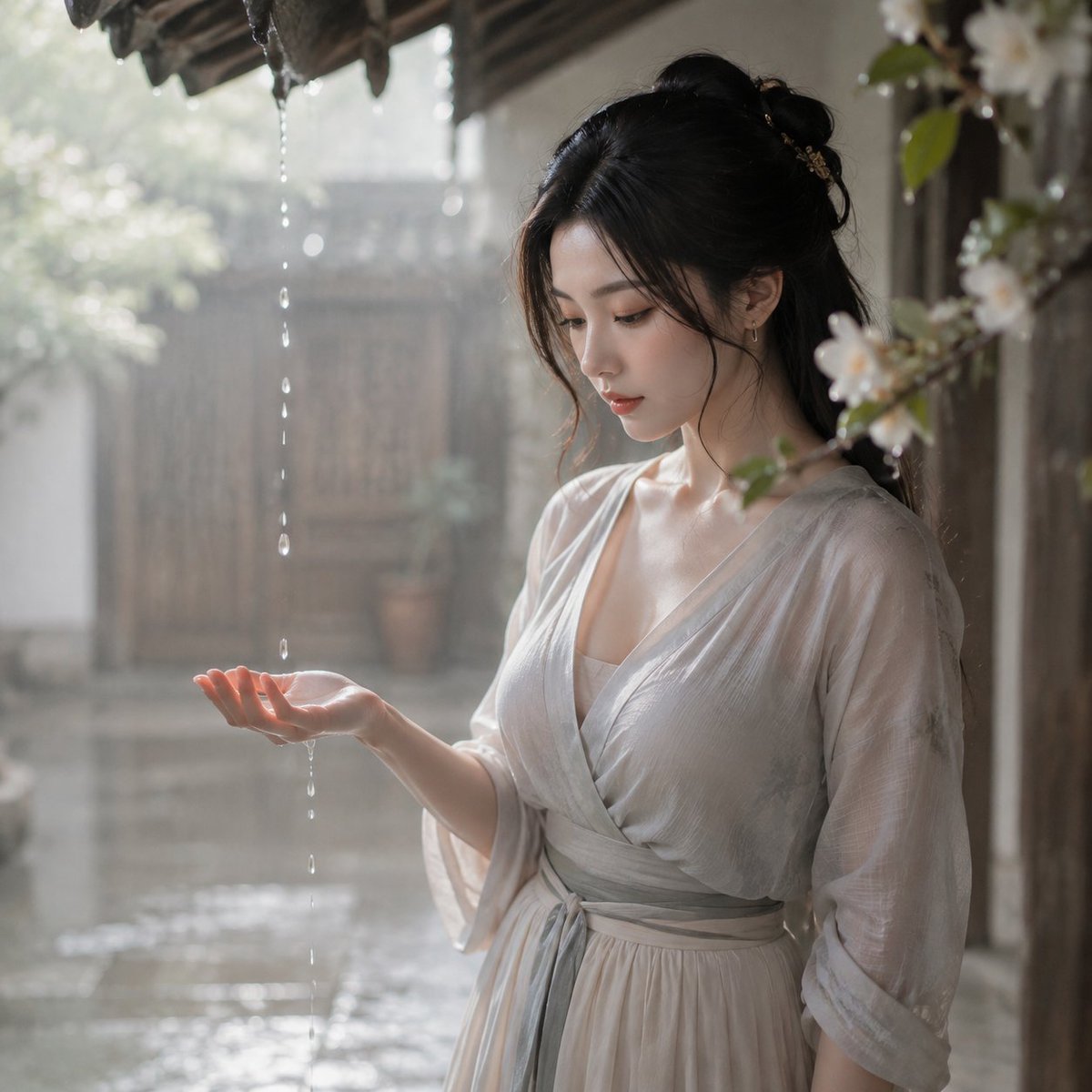
Tang Dynasty Courtyard Rain Scene
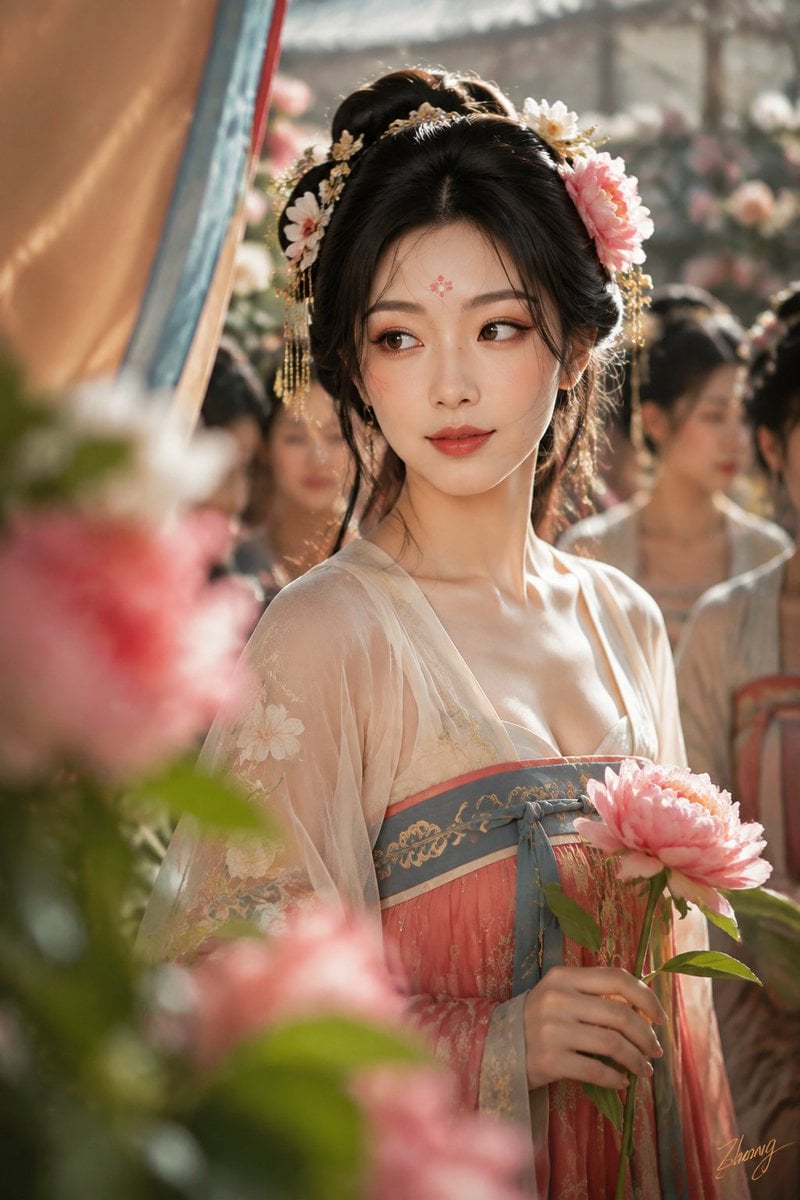
Tang Dynasty Cinematic Photography
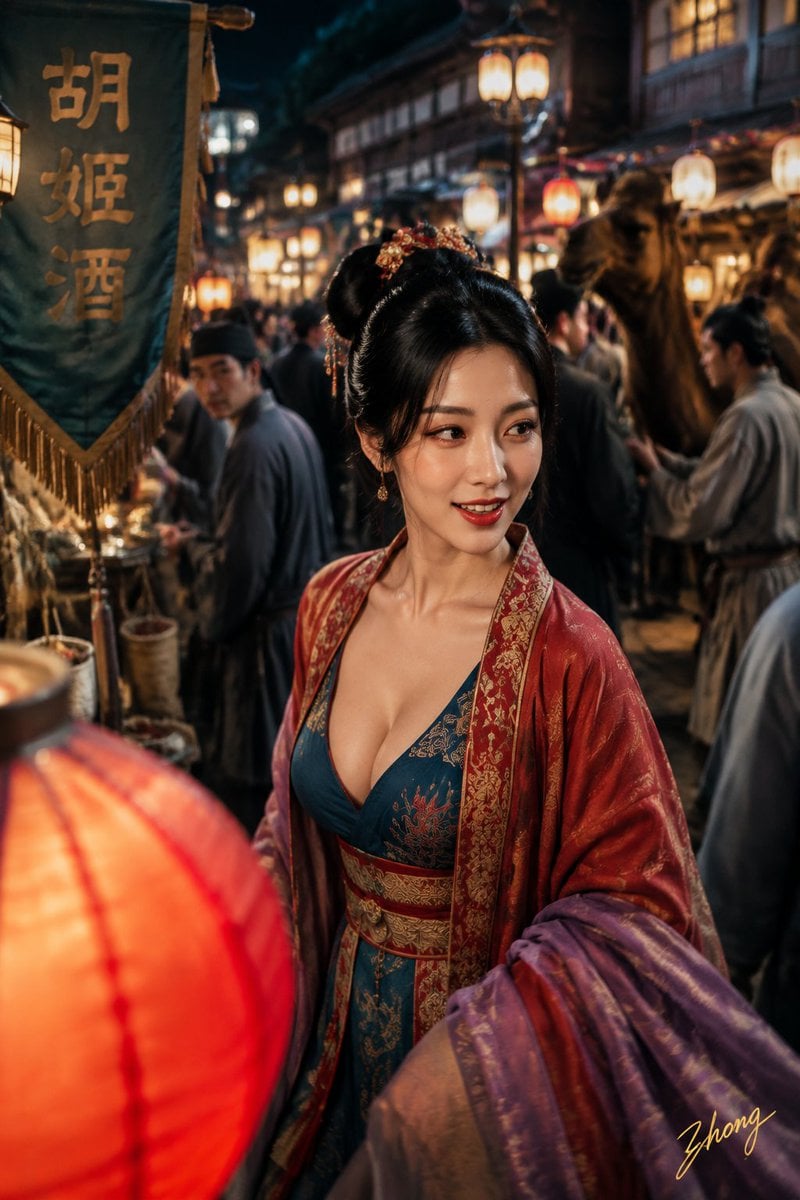
Tang Dynasty Aesthetics Photography Series
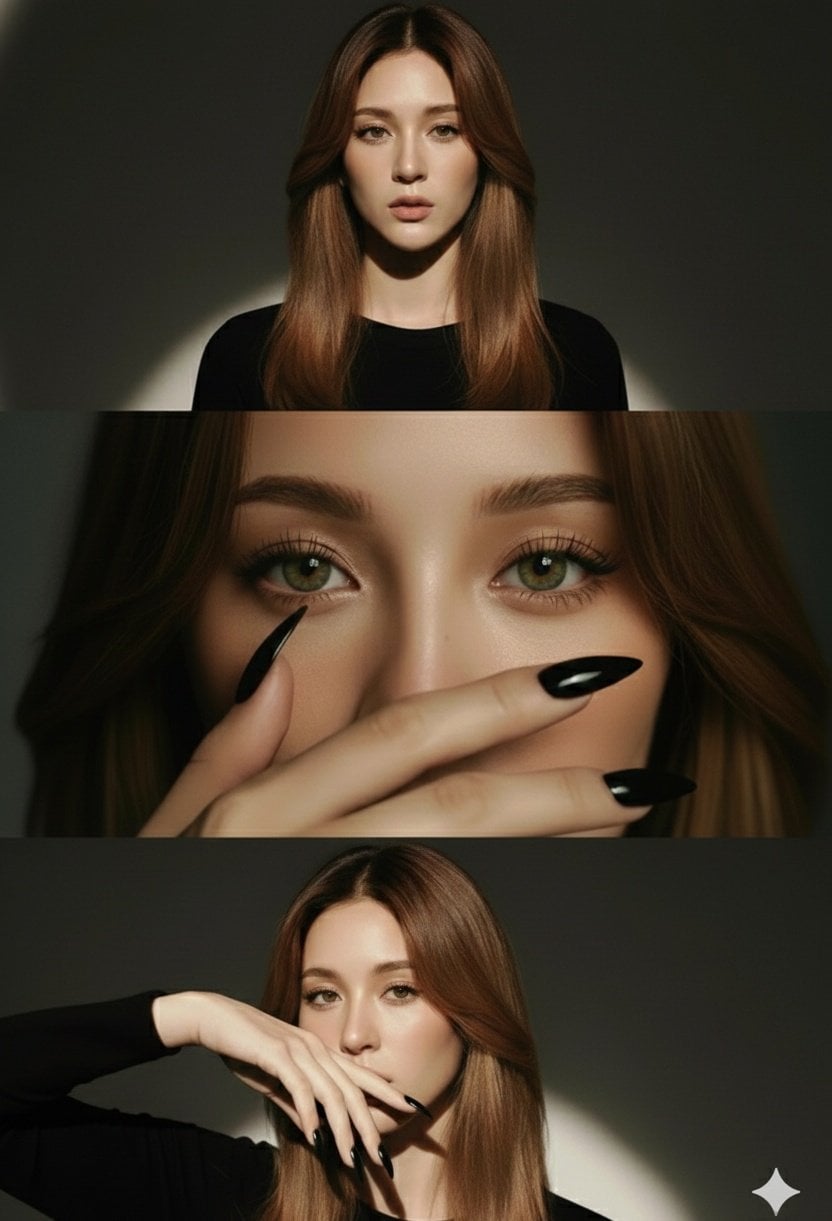
High-Fashion Editorial Studio Portrait Triptych

Anime Fantasy Celestial Movie Poster

Night City Bridge Triptych Portrait Session
Anime Fantasy Celestial Movie Poster
Night City Bridge Triptych Portrait Session

Minecraft Fantasy Kingdom Voxel Landscape
Make it yours
Tang Dynasty Fantasy Triptych works as-is. These are the safest ways to change it without losing the look.
Change one field
Copy a single group, rewrite it, and generate again so you can see what that field is doing.
Keep the frame, change the subject
Hold the composition and light of Tang Dynasty Fantasy Triptych, then swap wardrobe, props or the person for a new take.
| If the result… | Why | Fix |
|---|---|---|
| The result drifts from the preview | Too many fields changed at once. | Reuse Tang Dynasty Fantasy Triptych as-is first, then change one group — subject, light, or setting. |
| The model over-stylizes the scene | The prose prompt leaves finish and camera underspecified. | Add one camera or lighting sentence and stay on GPT Image 2. |
More GPT Image 2 templates
Other prompts made for GPT Image 2.

Six VTuber Japanese Logo Sheet

Realistic Portrait of Woman and Deer

The Vista Modular Condo Poster

AI Model Routing Comparison Infographic

2.5D Anime Art Board

Isometric Productivity Desk Scene

New York Double Exposure Poster

Four-Panel AI Landscape Comparison

Japanese Tatami Lifestyle Magazine Cover

NESCAFÉ Coffee Map Poster
More image prompts
Fresh picks from across the catalog.

High-Tech Corporate KPI Presentation Slide
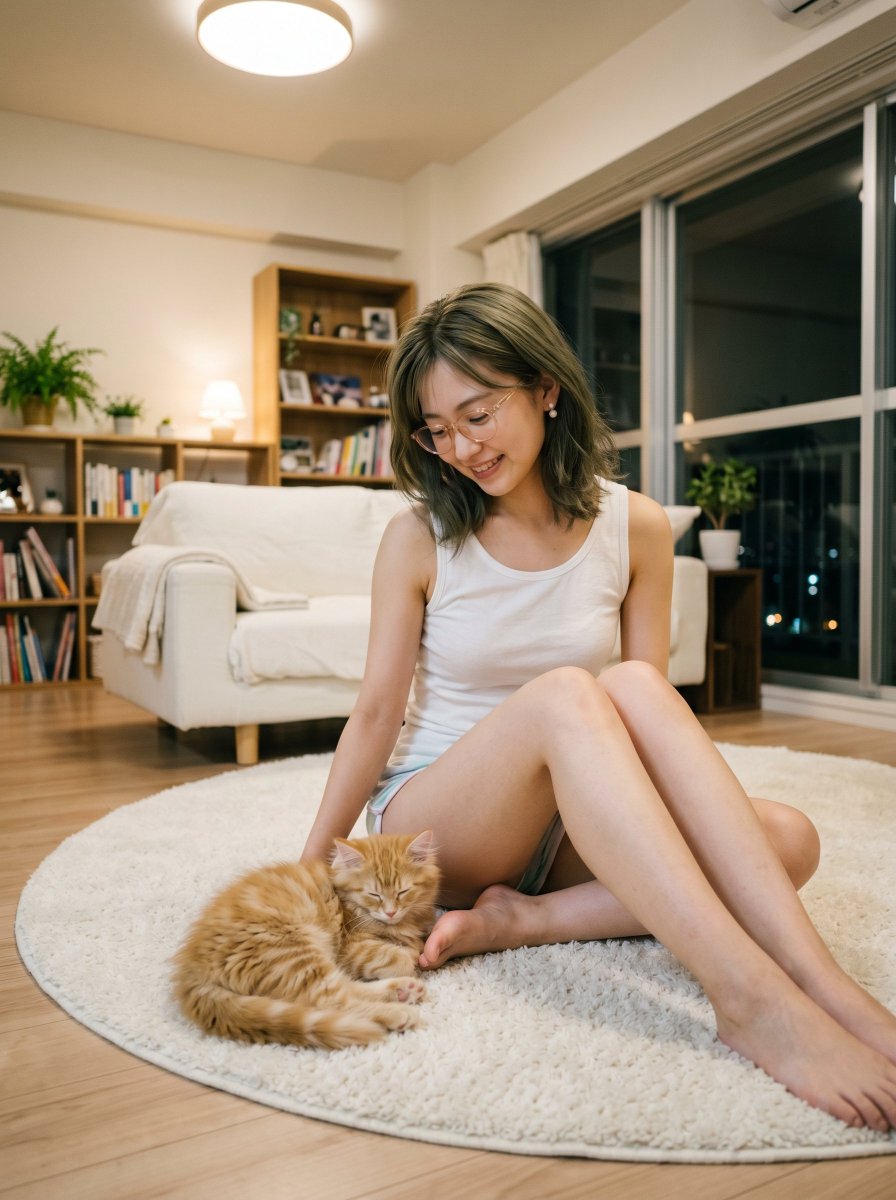
Cozy Apartment Woman With Kitten
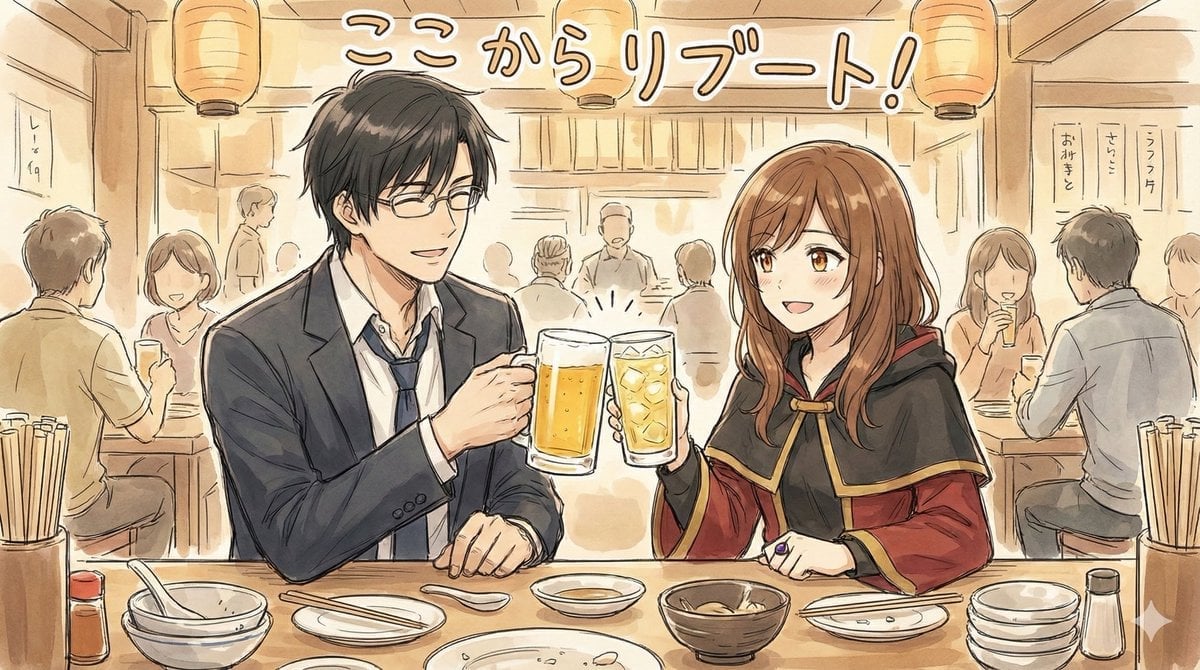
Manga-style Sketch Prompt for Nano Banana Pro
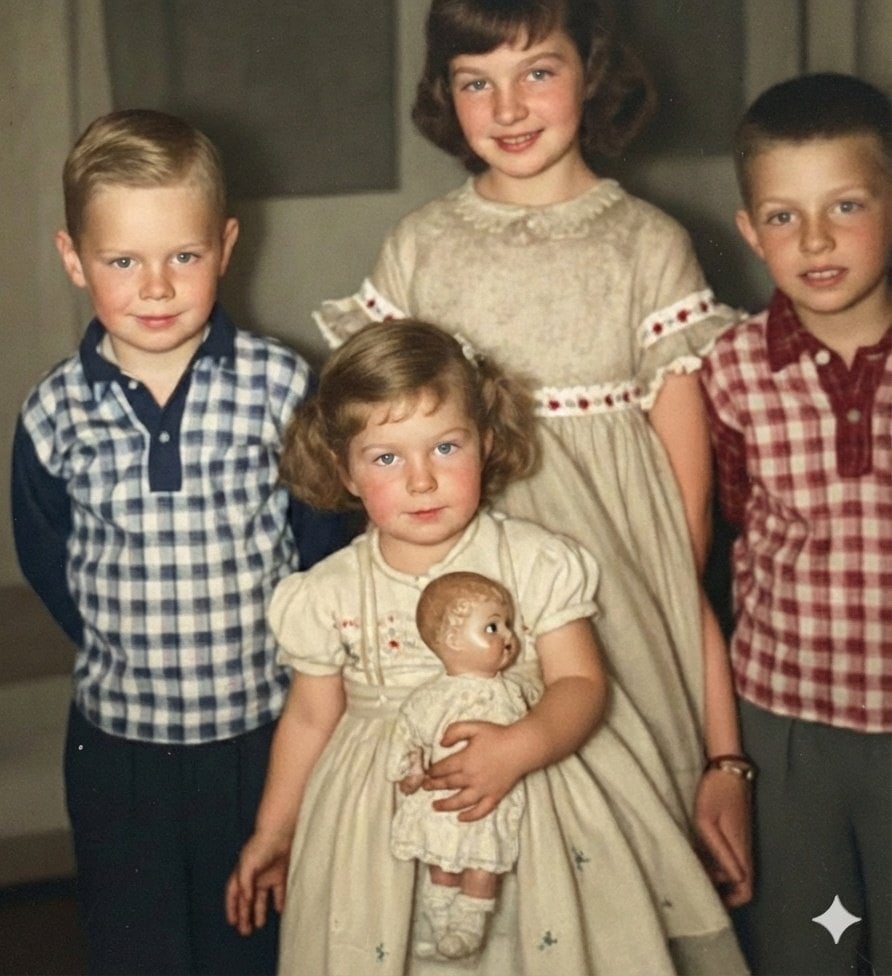
Image Restoration and Upscale Prompt
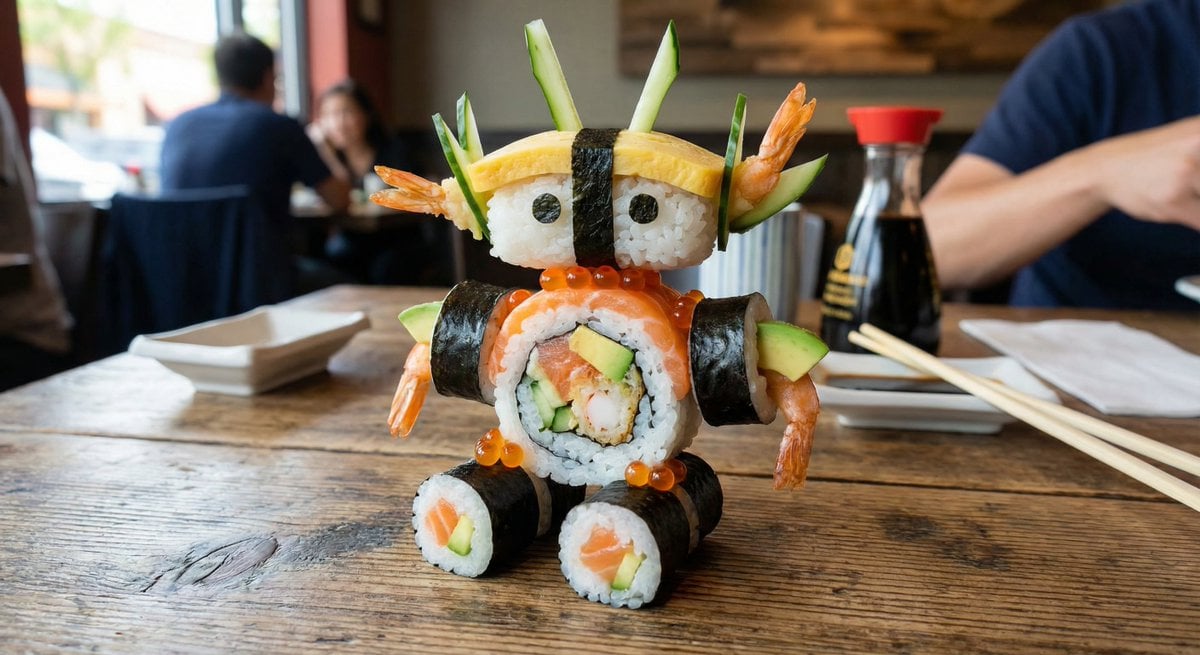
2x2 Grid Scene Progression
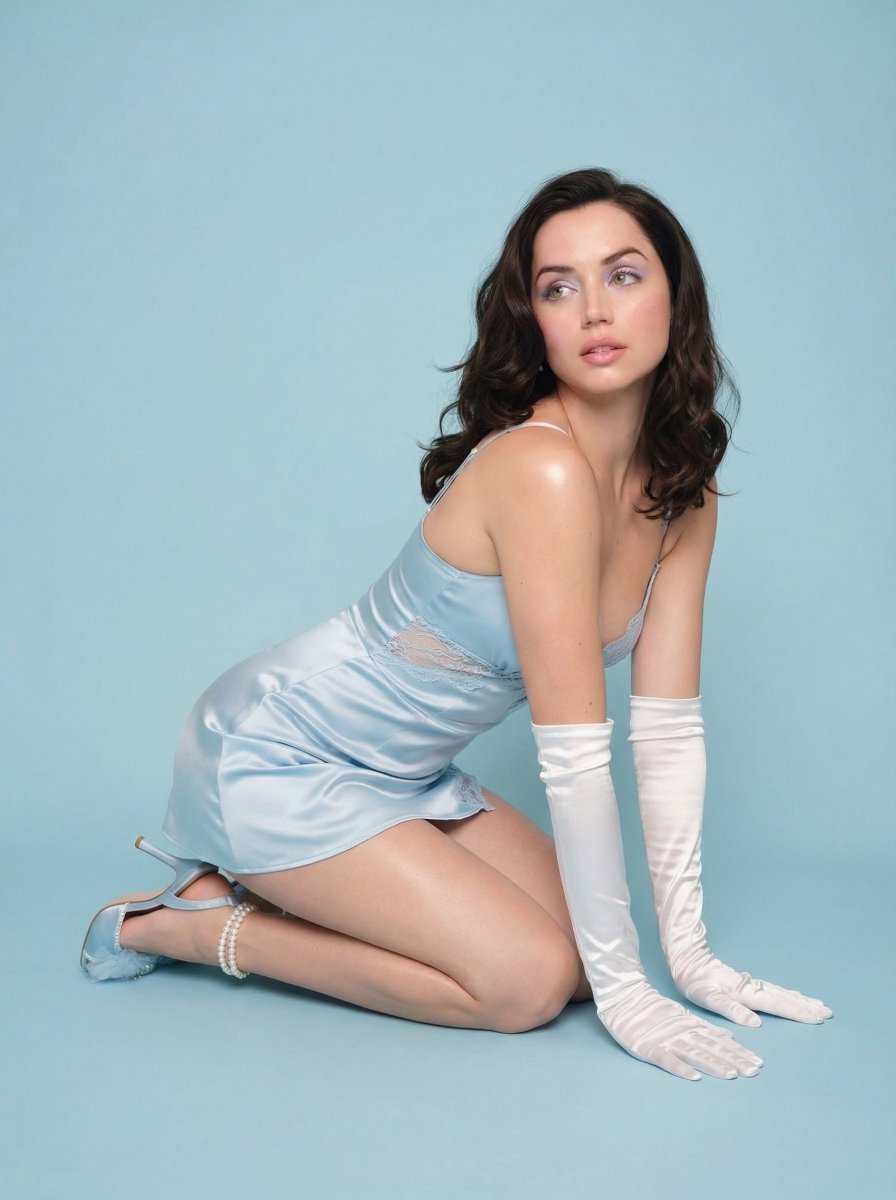
Pastel Cinematic Studio Editorial Prompt
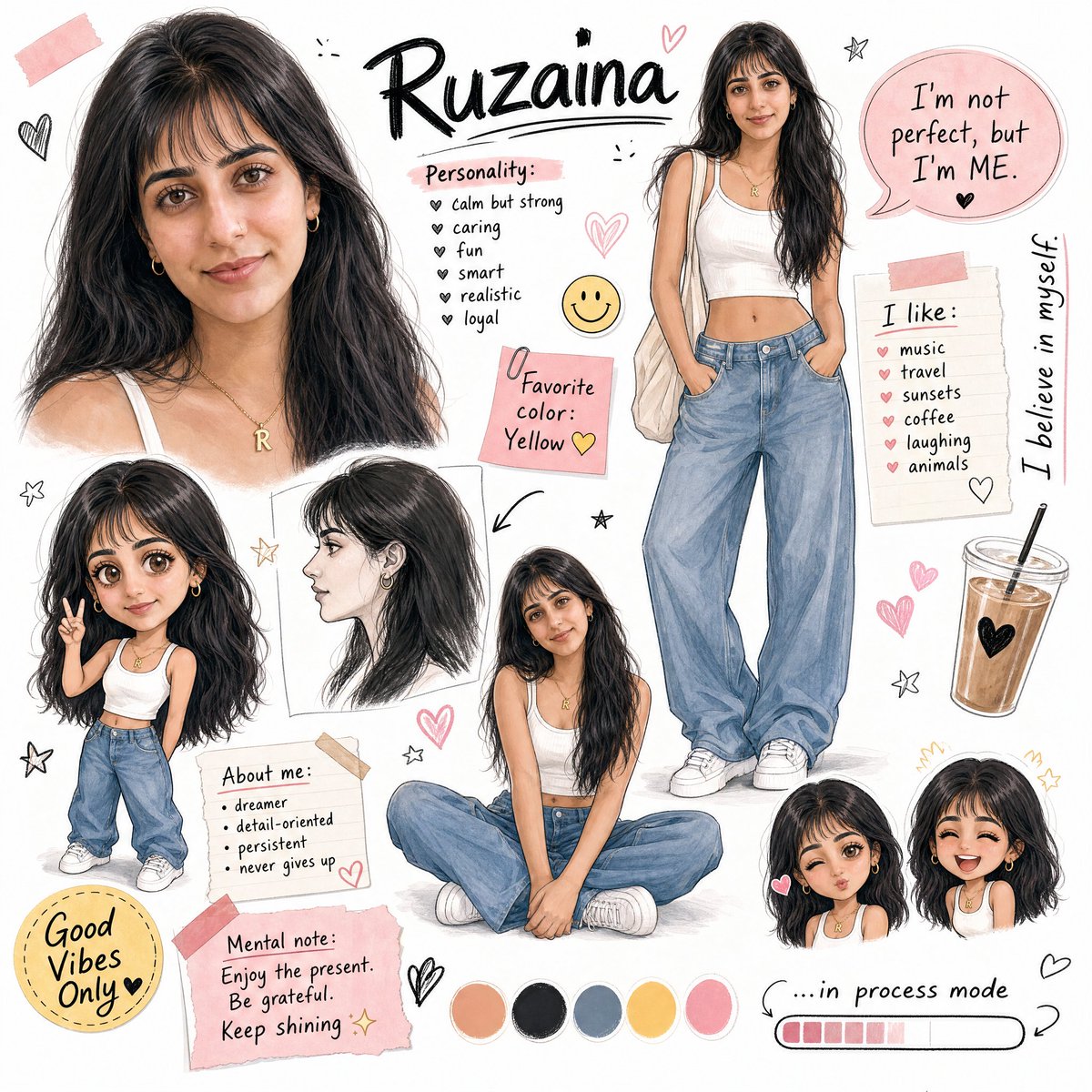
Ruzaina Character Design Sheet

Hyper-Real Studio Portrait Poster Art Generator Prompt
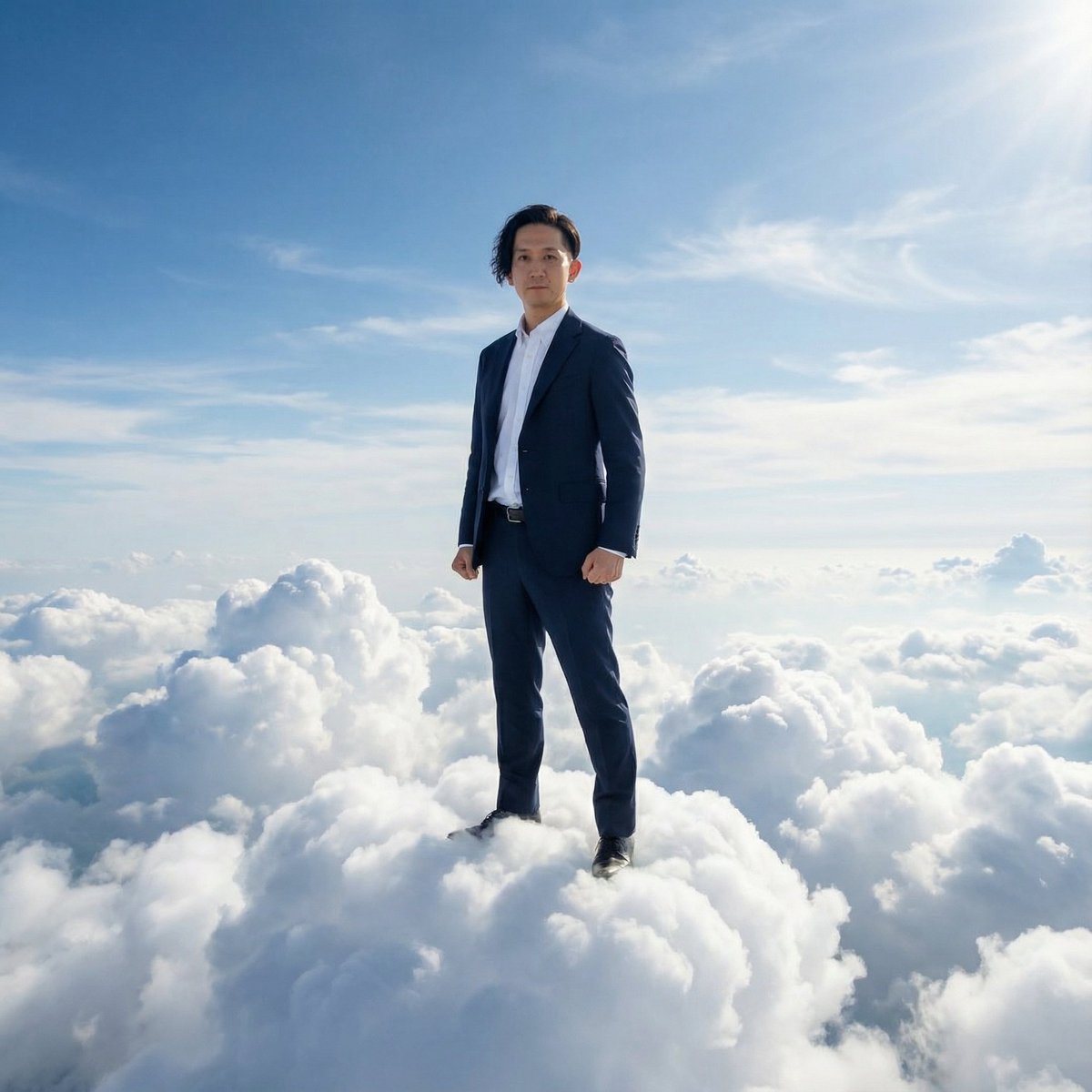
Standing on Clouds in a Suit
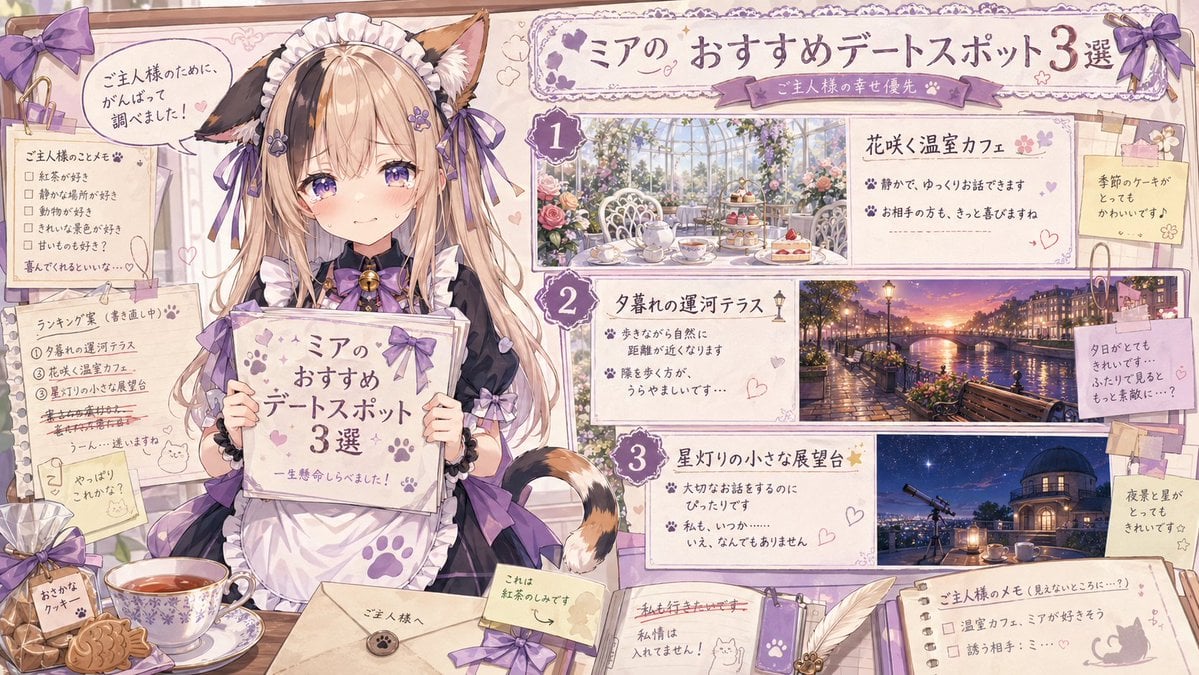
Catmaid Date Spot Recommendation Board
Browse template categories
Tang Dynasty Fantasy Triptych questions
How do I use the Tang Dynasty Fantasy Triptych template?
Add your photo if the template asks for one, edit the prompt if you like — the template's model and format are already selected — and press Generate. Your version opens in PicX Studio.
Can I customize the Tang Dynasty Fantasy Triptych template?
Yes. You can change the subject, setting, lighting, mood, format, and available model controls before creating your image.
Is the Tang Dynasty Fantasy Triptych template free?
Opening and editing this template is free. Generating uses credits, shown on the Generate button when you are signed in.
Which AI model should I use?
Start with GPT Image 2, which is the model associated with this template. You can compare another compatible model for a different finish.
Looking for something else? Browse all templates.

Your photo, any look
Thousands of ready templates for every top image and video model, from one credit balance.