
Hyper-Real Studio Portrait Poster Art Generator Prompt
A complex JSON prompt template designed to generate a hyper-realistic studio photograph of a person (using an uploaded face reference) in a tuxedo, surrounded by hands holding objects related to a specified theme (e.g.…
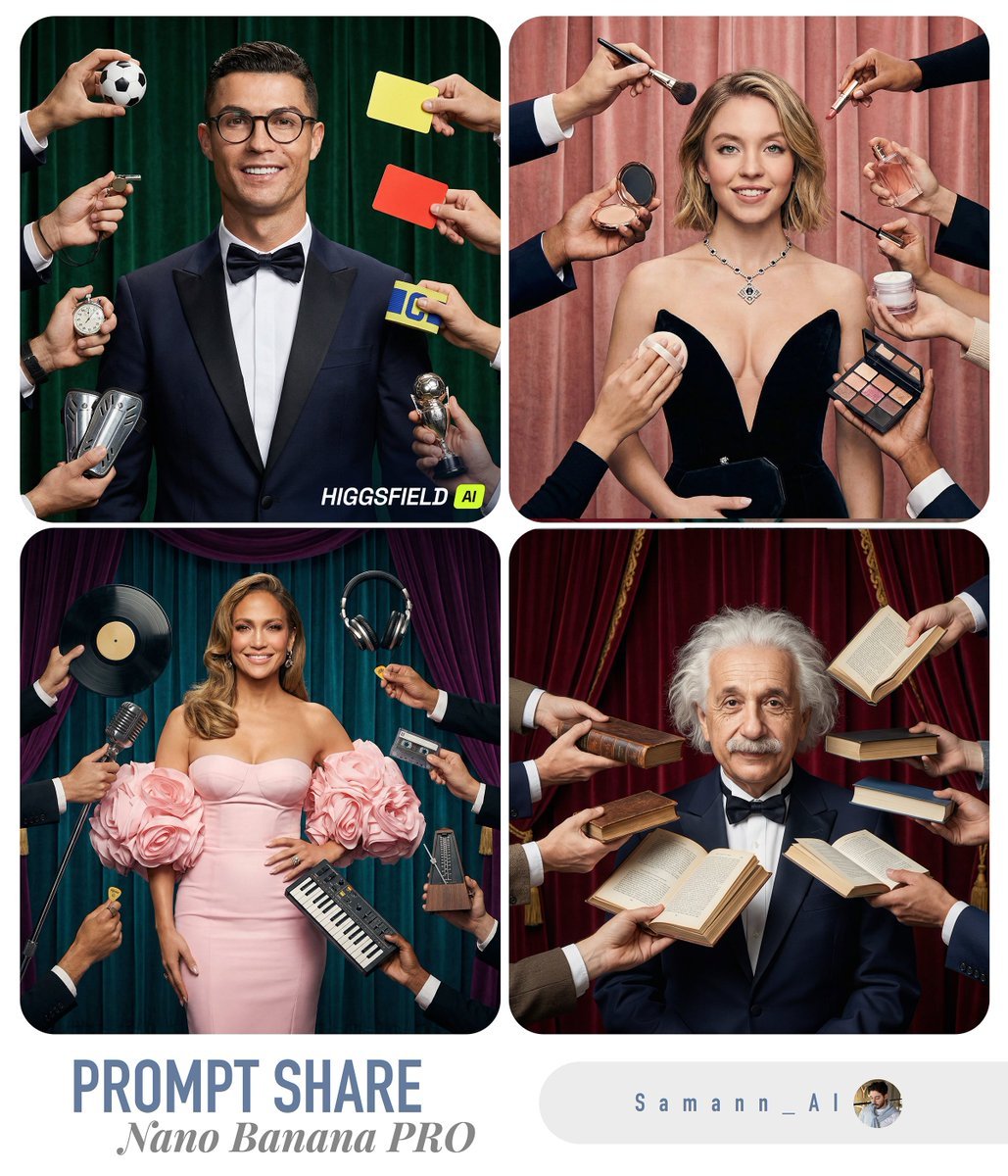
- Prompt included
- Model and format preset
- Free template
The prompt behind this image
Copy the exact prompt behind Hyper-Real Studio Portrait Poster Art Generator Prompt, or open it in the studio and make it yours.
{ "task": "Generate a hyper-real studio photograph that matches the composition of the reference image: a centered adult person in a tuxedo, surrounded by many hands entering the frame from all sides holding objects toward the person, with a curtain backdrop whose color matches the theme.", "variables": { "USER_PHOTO": "<<UPLOAD_OR_URL_TO_USER_FACE_OR_PORTRAIT>>", "SUBJECT_THEME": "{argument name="subject theme" default="finance"}", "HAND_PROPS": [ "<<PROP_1 RELATED TO SUBJECT_THEME>>", "<<PROP_2 RELATED TO SUBJECT_THEME>>", "<<PROP_3 RELATED TO SUBJECT_THEME>>", "<<PROP_4 RELATED TO SUBJECT_THEME>>", "<<PROP_5 RELATED TO SUBJECT_THEME>>", "<<PROP_6 RELATED TO SUBJECT_THEME>>", "<<PROP_7 RELATED TO SUBJECT_THEME>>", "<<PROP_8 RELATED TO SUBJECT_THEME>>" ] }, "prompt": "Create an ultra photorealistic studio photo (hyper-real, DSLR look) with the SAME composition and framing as the reference: a centered adult person standing front-facing, waist-up to mid-thigh visible, wearing a dark navy tuxedo jacket, crisp white shirt, and black bow tie, smiling confidently. The person has round eyeglasses and neat facial hair (mustache + short beard), but the FACE must be replaced with the user's likeness from USER_PHOTO while keeping natural skin texture, pores, and realistic facial proportions (no plastic skin, no cartooning). The lighting is clean professional studio lighting with soft shadows, high dynamic range, crisp detail.\n\nSurround the person with 8–10 different hands and forearms entering the frame from the edges (top, left, right, bottom), each holding an object and aiming it toward the center person (close to the face/upper torso). The hands belong to different people (varied sleeves/patterns/colors), but keep them realistic and anatomically correct.\n\nIMPORTANT: The ONLY changing elements across generations are: (1) the user's face from USER_PHOTO, and (2) the objects held in the hands. Everything else stays consistent: the tuxedo pose, camera angle, lens look, and overall composition.\n\nOBJECT RULE: Select HAND_PROPS so they are strongly related to SUBJECT_THEME. The objects must be clearly visible, realistic, and varied (mix of modern and vintage if it fits). Examples by theme:\n- music: studio headphones, microphone, vinyl record, cassette, guitar pick, small synth, metronome\n- gaming: controller, handheld console, gaming headset, mouse, keyboard, VR accessory\n- cooking: chef thermometer, whisk, spice grinder, mini pan, piping bag, recipe card\n- finance: calculator, credit card reader, stock ticker printout, smartphone with finance app, receipt roll\n- fitness: smartwatch, resistance band, shaker bottle, jump rope handle\n\nBACKGROUND: Use a curtain backdrop (like a stage/studio curtain) with a color"
How to use Hyper-Real Studio Portrait Poster Art Generator Prompt in 3 steps
- 1Upload ImagePNG, JPG or paste
Add your photo
Upload the photo the template builds on. The prompt, model and format are already set.
- 2…a portrait of your subject in softgolden-hour light, 85mm…
Personalize
Edit the subject and creative details for your destination.
- 3Generate
Generate
Press Generate — your image is created in PicX Studio, so you can compare it with the original and refine one variable at a time.
More like this
Templates with the same subject, style or setup. Open one to see its prompt.

80s Couple Studio Portrait

1985 Studio Portrait

Gpt Image 2 Fashion Portrait

Hyper-Realistic Minecraft POV Portrait
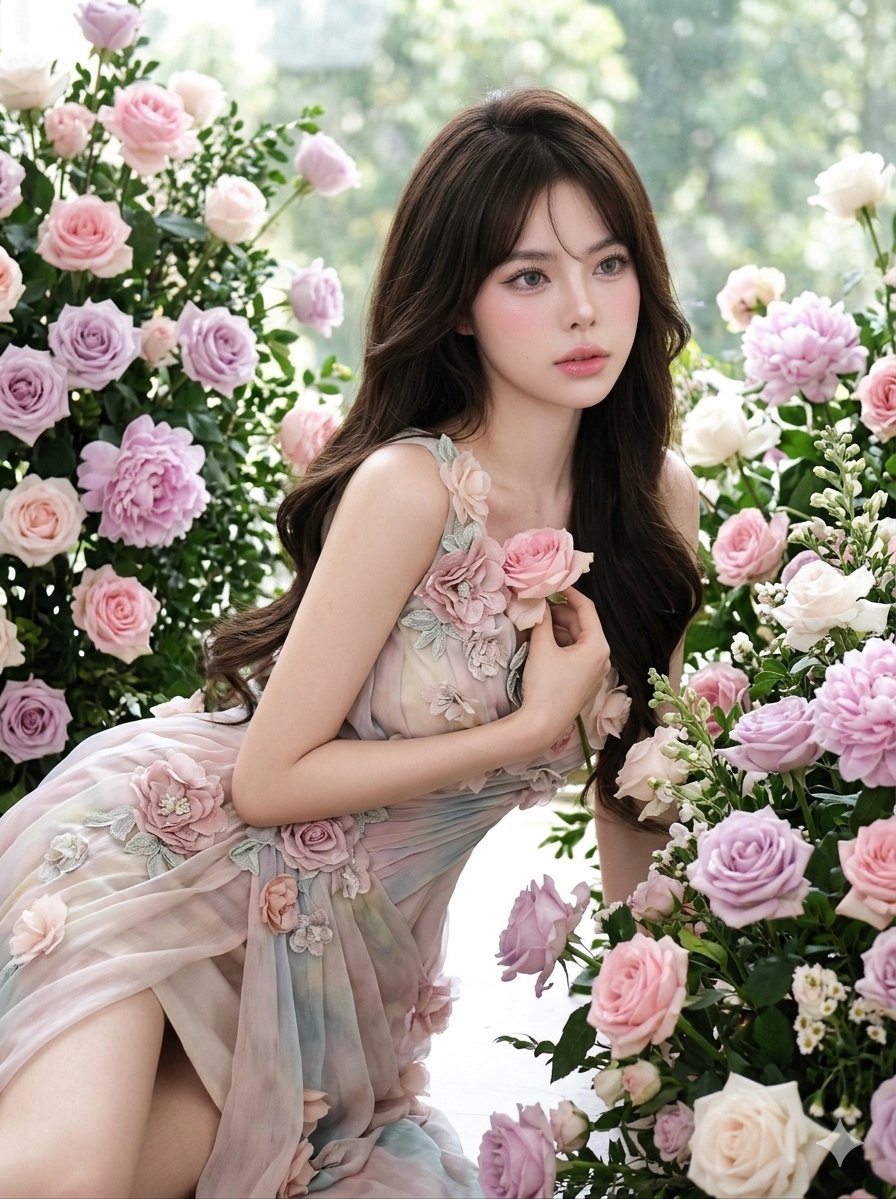
Ethereal Floral Studio Portrait
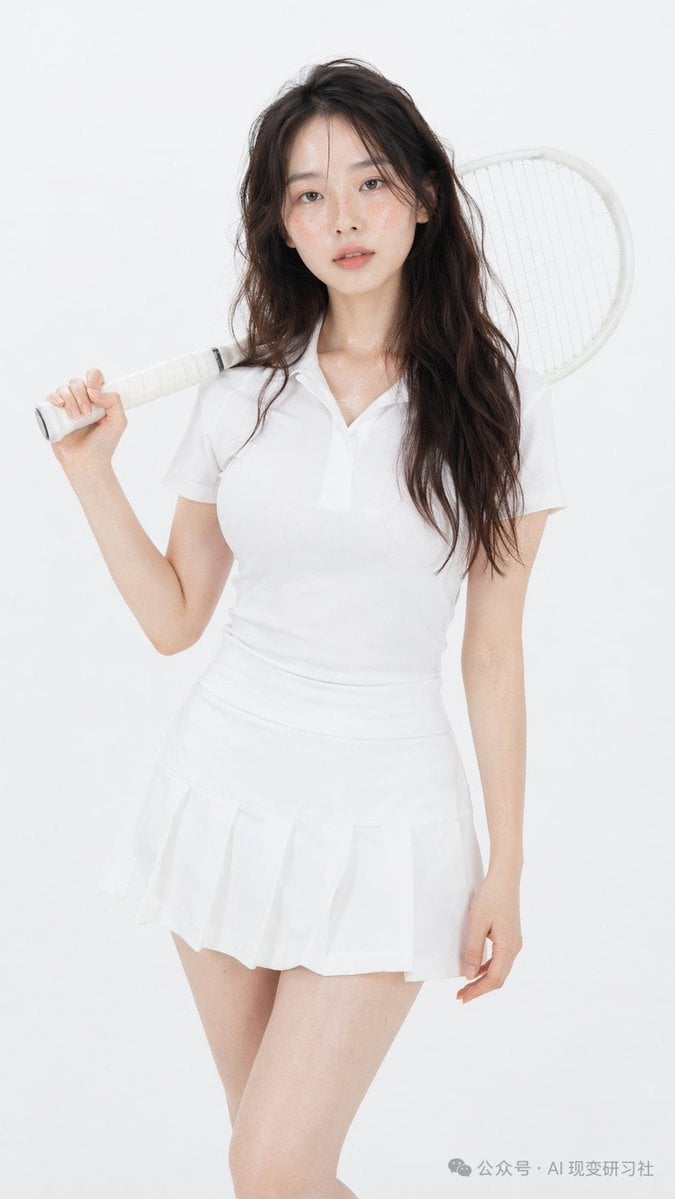
Photorealistic Tennis Player Studio Portrait
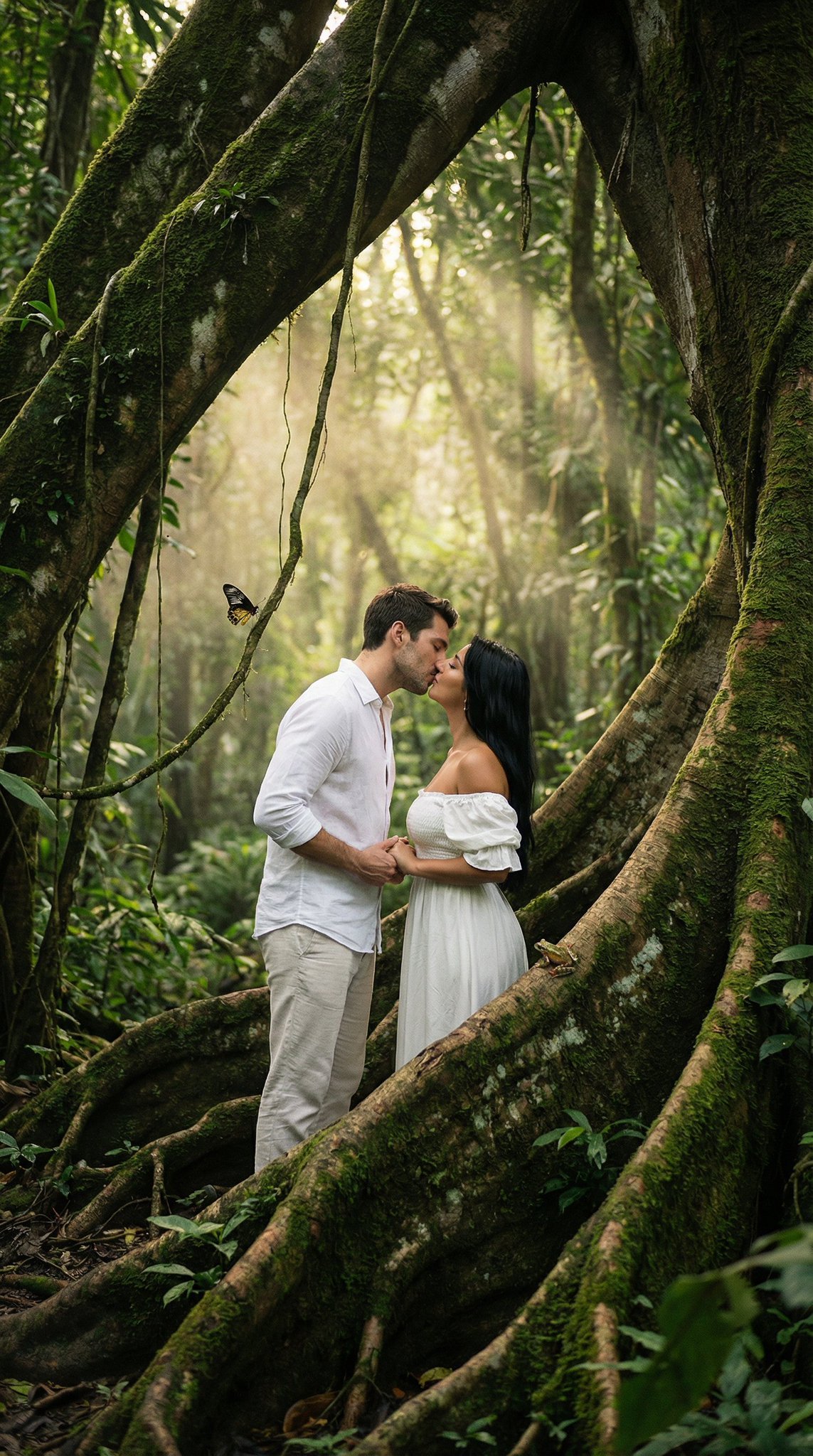
Ultra Realistic Ai Influencer Generator

Comparing Realism Keywords in Midjourney

Cinema Date Popcorn Realistic By Nano Ba

Nano Banana Pro Photoreal Playful Couple

Found Photograph: Us, 1970

80s Bollywood Star
Make it yours
Hyper-Real Studio Portrait Poster Art Generator Prompt works as-is. These are the safest ways to change it without losing the look.
Change one field
Copy a single group, rewrite it, and generate again so you can see what that field is doing.
Keep the frame, change the subject
Hold the composition and light of Hyper-Real Studio Portrait Poster Art Generator Prompt, then swap wardrobe, props or the person for a new take.
| If the result… | Why | Fix |
|---|---|---|
| The result drifts from the preview | Too many fields changed at once. | Reuse Hyper-Real Studio Portrait Poster Art Generator Prompt as-is first, then change one group — subject, light, or setting. |
| The model over-stylizes the scene | The prose prompt leaves finish and camera underspecified. | Add one camera or lighting sentence and stay on Nano Banana 2. |
More Nano Banana 2 templates
Other prompts made for Nano Banana 2.

Photorealistic Leaf Shaped Like a Dragon

K-Pop Idol Portrait Grid for Rapid Selection

Poetic Rain Forest Portrait During Golden Hour

Urban Street Portrait with Cartoon Inner Self Duo

Candid Nighttime Photo with Cat Prompt

High-Concept 3D Diorama Generation Prompt

Cinematic Futuristic Studio Portrait Template

Skincare Editorial Photography Collage Prompt

Hyper-Realistic Commercial Product Photography (Splash Effect)

Hyper-Realistic Nightclub Portrait Prompt
More image prompts
Fresh picks from across the catalog.
Gemini Nano Banana Pro Ultra Realistic S
Moonlit Dark Fantasy Sword Maiden
Watercolor Man Portrait with City Skyline
untitled
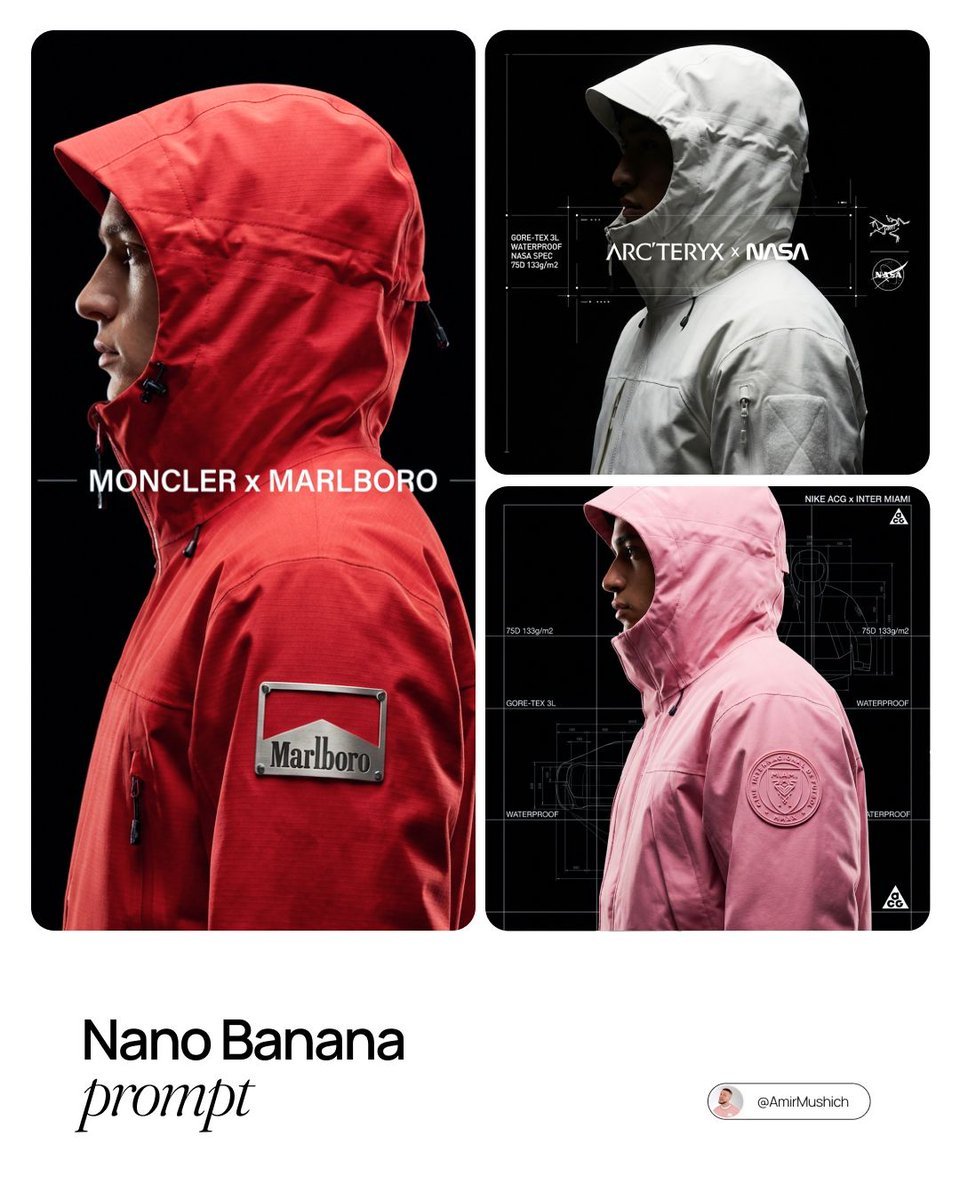
Technical Outerwear Campaign Poster Generation Prompt
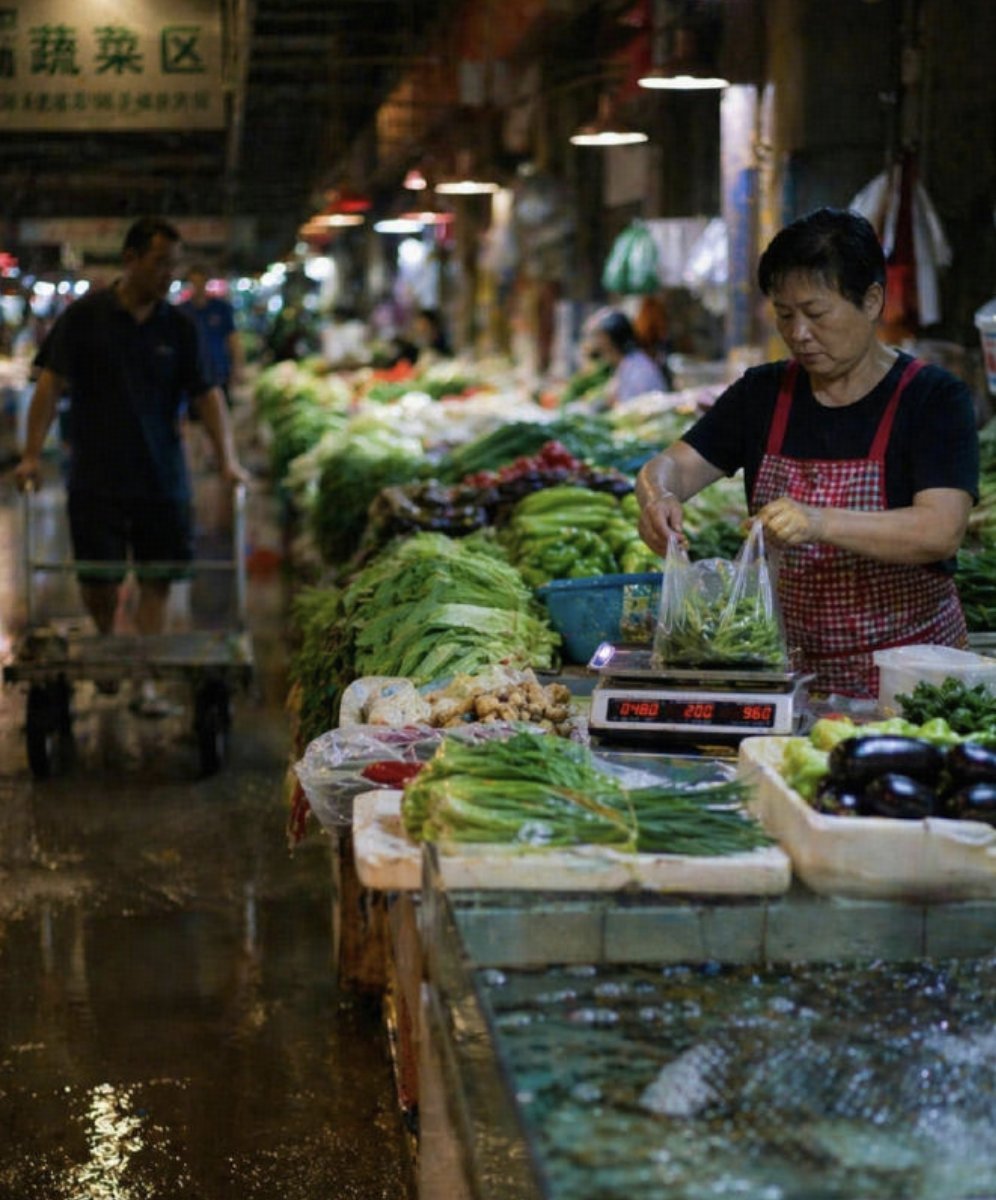
Wet Chinese Night Market Scene
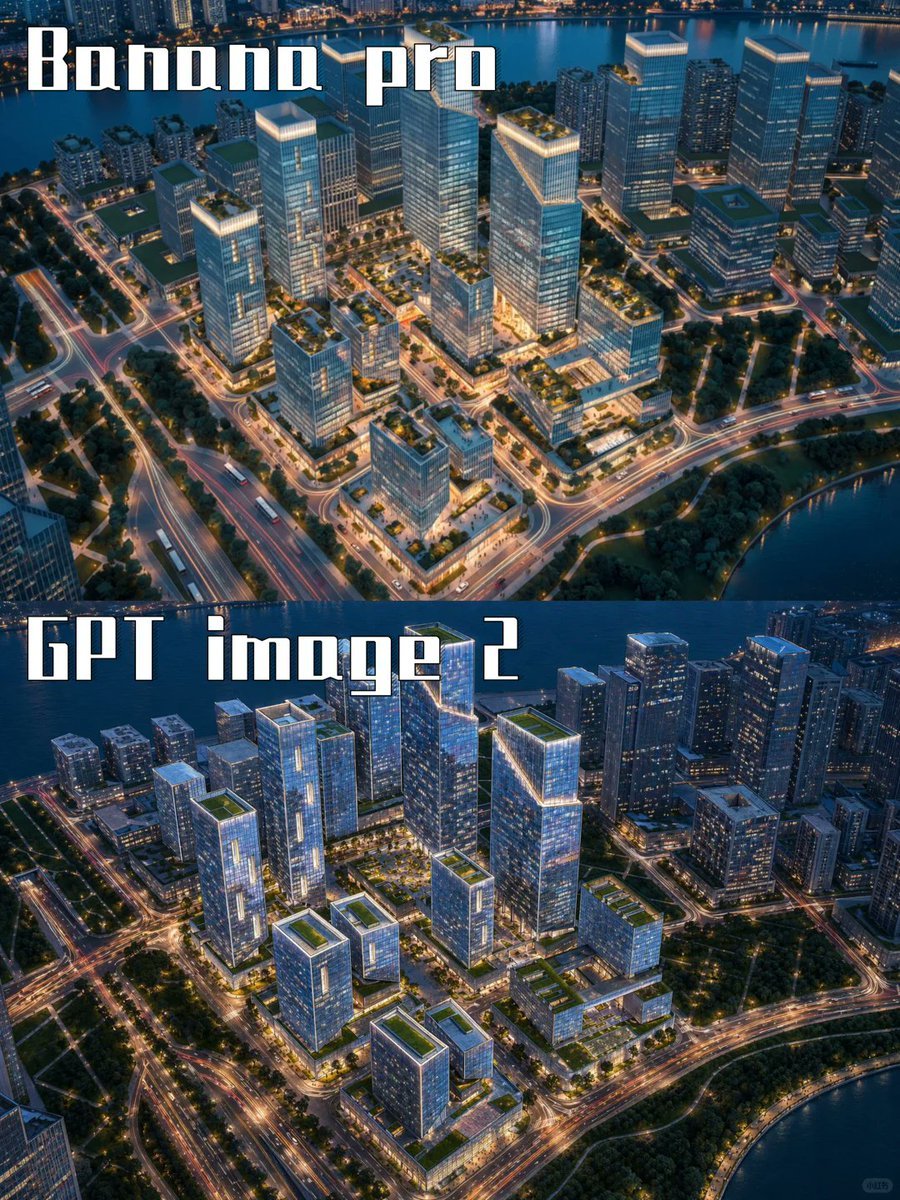
AI City Rendering Comparison Poster
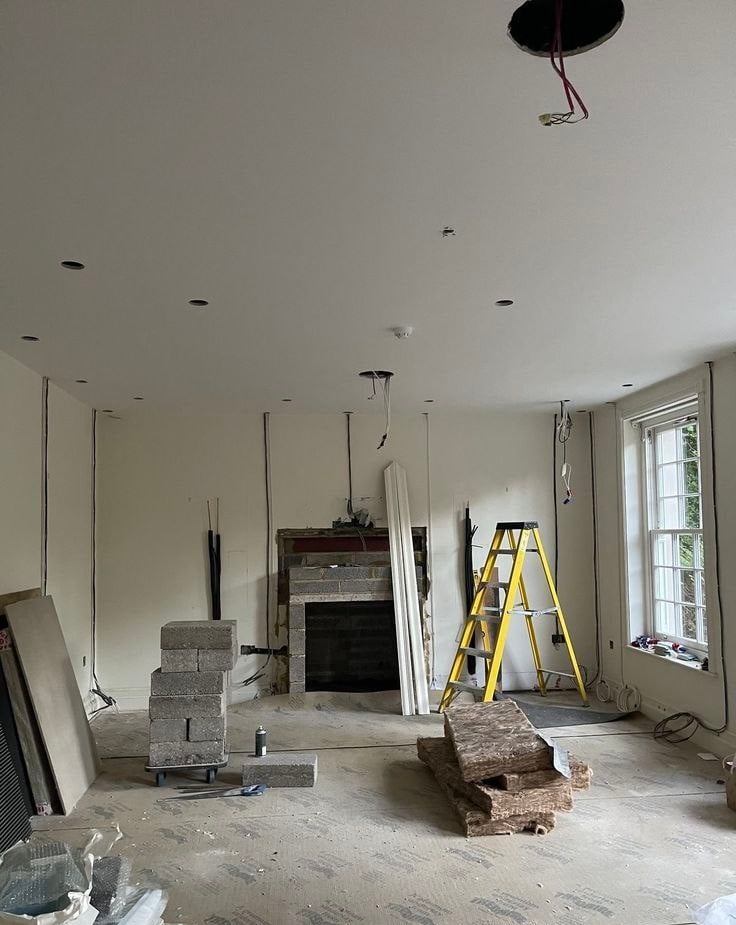
Ultra-realistic Cinematic Time-Lapse Renovation Scene
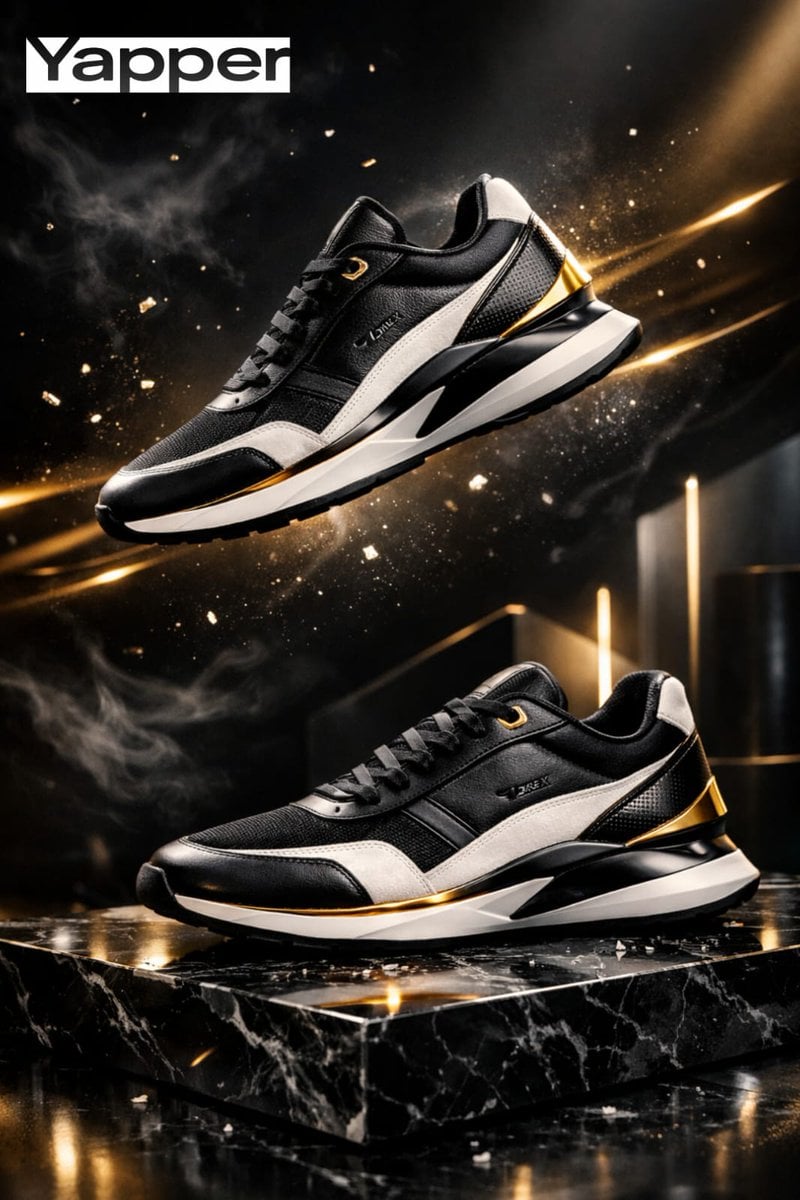
Luxury Sneaker Advertisement Photography
Candid Mirror Selfie with Exaggerated Figure and Cluttered Room
Browse template categories
Hyper-Real Studio Portrait Poster Art Generator Prompt questions
How do I use the Hyper-Real Studio Portrait Poster Art Generator Prompt template?
Add your photo if the template asks for one, edit the prompt if you like — the template's model and format are already selected — and press Generate. Your version opens in PicX Studio.
Can I customize the Hyper-Real Studio Portrait Poster Art Generator Prompt template?
Yes. You can change the subject, setting, lighting, mood, format, and available model controls before creating your image.
Is the Hyper-Real Studio Portrait Poster Art Generator Prompt template free?
Opening and editing this template is free. Generating uses credits, shown on the Generate button when you are signed in.
Which AI model should I use?
Start with Nano Banana 2, which is the model associated with this template. You can compare another compatible model for a different finish.
Looking for something else? Browse all templates.

Your photo, any look
Thousands of ready templates for every top image and video model, from one credit balance.