How do I use the Photorealistic Tennis Player Studio Portrait template?
Edit the prompt in the box under the preview — the template's model and format are already selected — and press Generate. Your version appears right on this page.
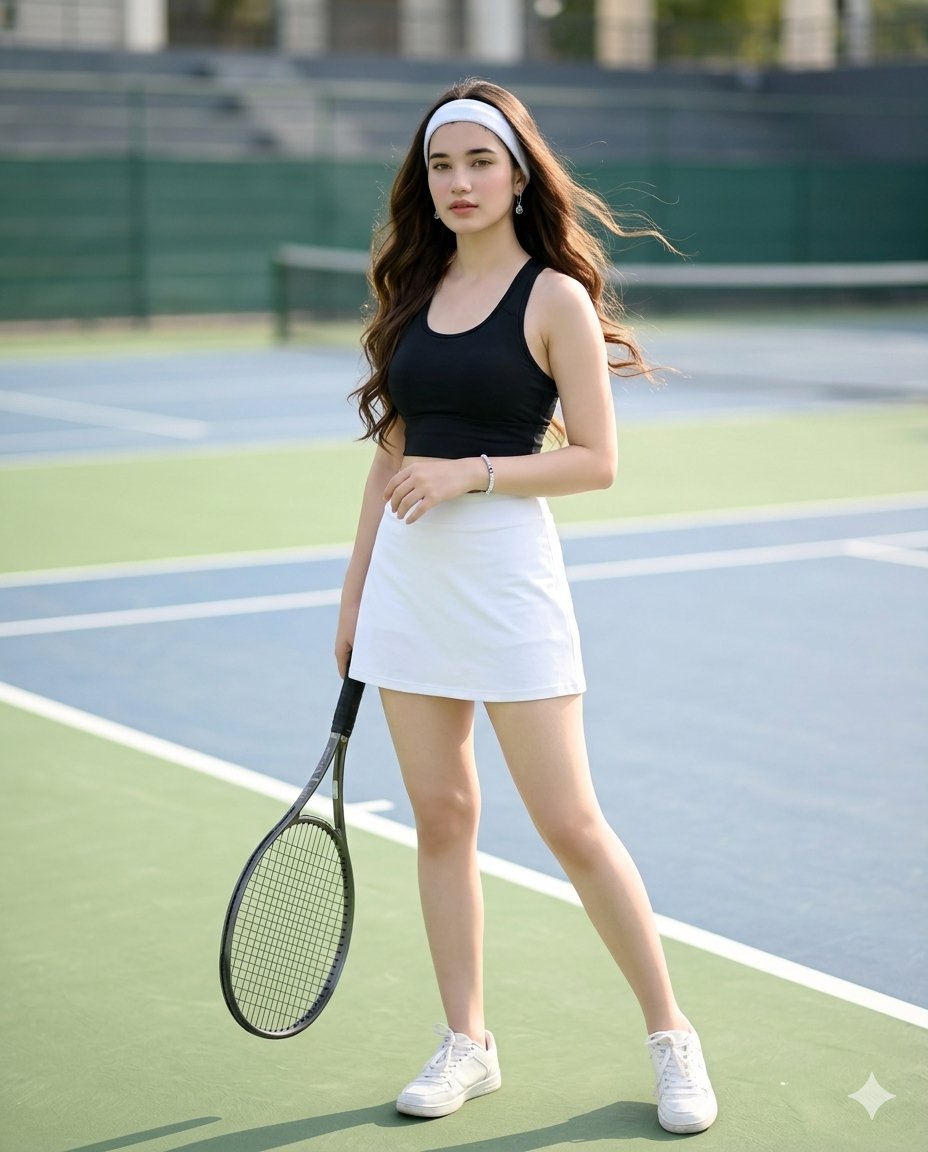
Generates a high-key, photorealistic studio portrait of an athletic woman holding sports equipment.

This template uses your photo — add one with the + button.
A photorealistic studio portrait of a {argument name="subject ethnicity and gender" default="young Asian woman"}. She has {argument name="hair style" default="long, wavy dark hair"}, light freckles, and a subtle glisten of sweat on her skin for a fresh, athletic appearance. She is wearing an {argument name="outfit" default="all-white tennis outfit with a fitted short-sleeved polo shirt and a pleated mini skirt"}. She holds a {argument name="prop" default="white tennis racket"} resting casually over her right shoulder, looking directly at the camera with a calm expression. The setting is a {argument name="background" default="seamless, bright white studio backdrop"} with soft, high-key lighting.
A photorealistic studio portrait of a {argument name="subject ethnicity and gender" default="young Asian woman"}. She has {argument name="hair style" default="long, wavy dark hair"}, light freckles, and a subtle glisten of sweat on her skin for a fresh, athletic appearance. She is wearing an {argument name="outfit" default="all-white tennis outfit with a fitted short-sleeved polo shirt and a pleated mini skirt"}. She holds a {argument name="prop" default="white tennis racket"} resting casually over her right shoulder, looking directly at the camera with a calm expression. The setting is a {argument name="background" default="seamless, bright white studio backdrop"} with soft, high-key lighting.
Edit the prompt in the box under the preview — the template's model and format are already selected — and press Generate. Your version appears right on this page.
Yes. You can change the subject, setting, lighting, mood, format, and available model controls before creating your image.
Opening and editing this template is free. Generating uses credits, shown on the Generate button when you are signed in.
Start with GPT Image 2, which is the model associated with this template. You can compare another compatible model for a different finish.
Follow a topic to a crawlable collection of related PicX Studio templates.