
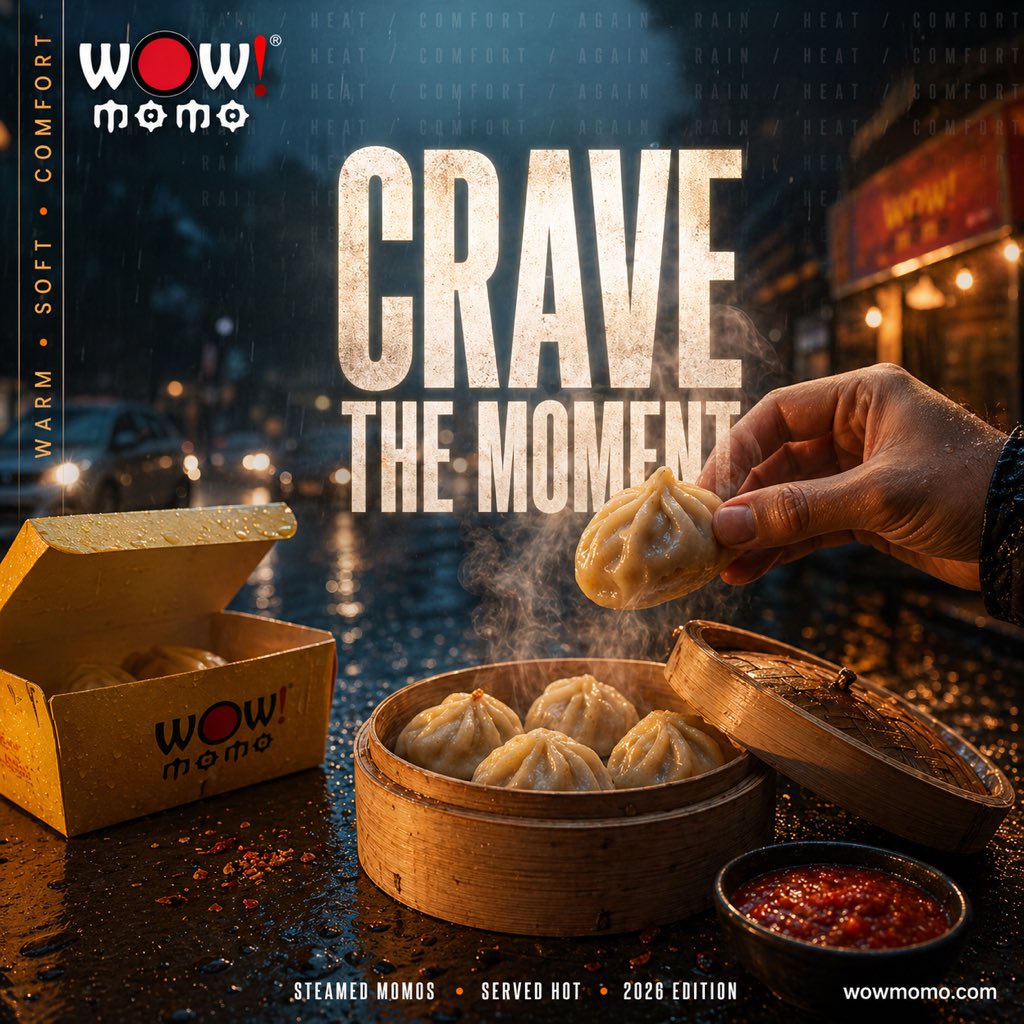
Cinematic Rainy Street Food Ad
This prompt generates a moody photorealistic momos advertisement poster, ideal for restaurant marketing, food campaigns, and social media promo visuals.
- Prompt included
- Model and format preset
- Free template
The prompt behind this image
Copy the exact prompt behind Cinematic Rainy Street Food Ad, or open it in the studio and make it yours.
A cinematic street food advertisement at night in a rainy city street, shot in a dramatic close-up food photography style with shallow depth of field. In the foreground, a bamboo steamer basket sits on a wet reflective table, filled with exactly 4 plump steamed momos, while a human hand from the right side lifts a fifth momo above the basket. Thick steam rises visibly from the dumplings. To the right front, place a small black bowl of glossy red chili sauce. To the left, include an open yellow takeaway box with the stylized WOW! momo logo printed in black and red, with one momo visible inside. The tabletop is covered with rain droplets, scattered chili flakes, and warm reflections. In the background, show a blurred urban street with car headlights, storefront glow, and falling rain, creating a moody blue-and-amber contrast. Add large distressed bold condensed white typography in the center reading {argument name="headline text" default="CRAVE THE MOMENT"}. At the top left, place the WOW! momo logo. Along the left vertical edge, add the words {argument name="side text" default="WARM • SOFT • COMFORT"} in a narrow vertical layout. Across the top background, faintly repeat the atmospheric words {argument name="background text" default="HEAT / COMFORT / AGAIN / RAIN"}. At the bottom center, add a small footer line reading {argument name="footer text" default="STEAMED MOMOS • SERVED HOT • 2026 EDITION"}, and place {argument name="website" default="wowmomo.com"} at the bottom right. Ultra-detailed commercial food ad, photorealistic, high contrast, warm steam against cool rainy night, glossy textures, cinematic lighting, premium brand campaign aesthetic.
How to use Cinematic Rainy Street Food Ad in 3 steps
- 1Upload ImagePNG, JPG or paste
Add your photo
Upload the photo the template builds on. The prompt, model and format are already set.
- 2…a portrait of your subject in softgolden-hour light, 85mm…
Personalize
Edit the subject and creative details for your destination.
- 3Generate
Generate
Press Generate — your image is created in PicX Studio, so you can compare it with the original and refine one variable at a time.
More like this
Templates with the same subject, style or setup. Open one to see its prompt.

Two Tickets, One Night

Meet Me When It Rains

Two Hearts. One Scooter.

1986 Street Couple

1985 Street Scene

Cinematic Street Fashion Portrait Motion Blur Crowd

Blue Hour Editorial Fashion Portrait
Golden Hour Street Motion Portrait

Cozy Food Flat Lay Doodle Labels

Face-Locked Cream Half-Zip Street Walk

Golden Hour Fedora Bar Doorway Street Style
Cyber Noir Dreadlocks Street Portrait
Make it yours
Cinematic Rainy Street Food Ad works as-is. These are the safest ways to change it without losing the look.
Change one field
Copy a single group, rewrite it, and generate again so you can see what that field is doing.
Keep the frame, change the subject
Hold the composition and light of Cinematic Rainy Street Food Ad, then swap wardrobe, props or the person for a new take.
| If the result… | Why | Fix |
|---|---|---|
| The result drifts from the preview | Too many fields changed at once. | Reuse Cinematic Rainy Street Food Ad as-is first, then change one group — subject, light, or setting. |
| The model over-stylizes the scene | The prose prompt leaves finish and camera underspecified. | Add one camera or lighting sentence and stay on GPT Image 2. |
More GPT Image 2 templates
Other prompts made for GPT Image 2.

Six VTuber Japanese Logo Sheet

Realistic Portrait of Woman and Deer

The Vista Modular Condo Poster

AI Model Routing Comparison Infographic

2.5D Anime Art Board

Isometric Productivity Desk Scene

New York Double Exposure Poster

Four-Panel AI Landscape Comparison

Japanese Tatami Lifestyle Magazine Cover

NESCAFÉ Coffee Map Poster
More image prompts
Fresh picks from across the catalog.

Hyper-Realistic Sculpture Carved from Banana Flesh

Luxury Lifestyle Billiards Scene with High-End Cars
Outdoor Christmas Decoration from Input Image

Photorealistic Parisian Cafe Scene
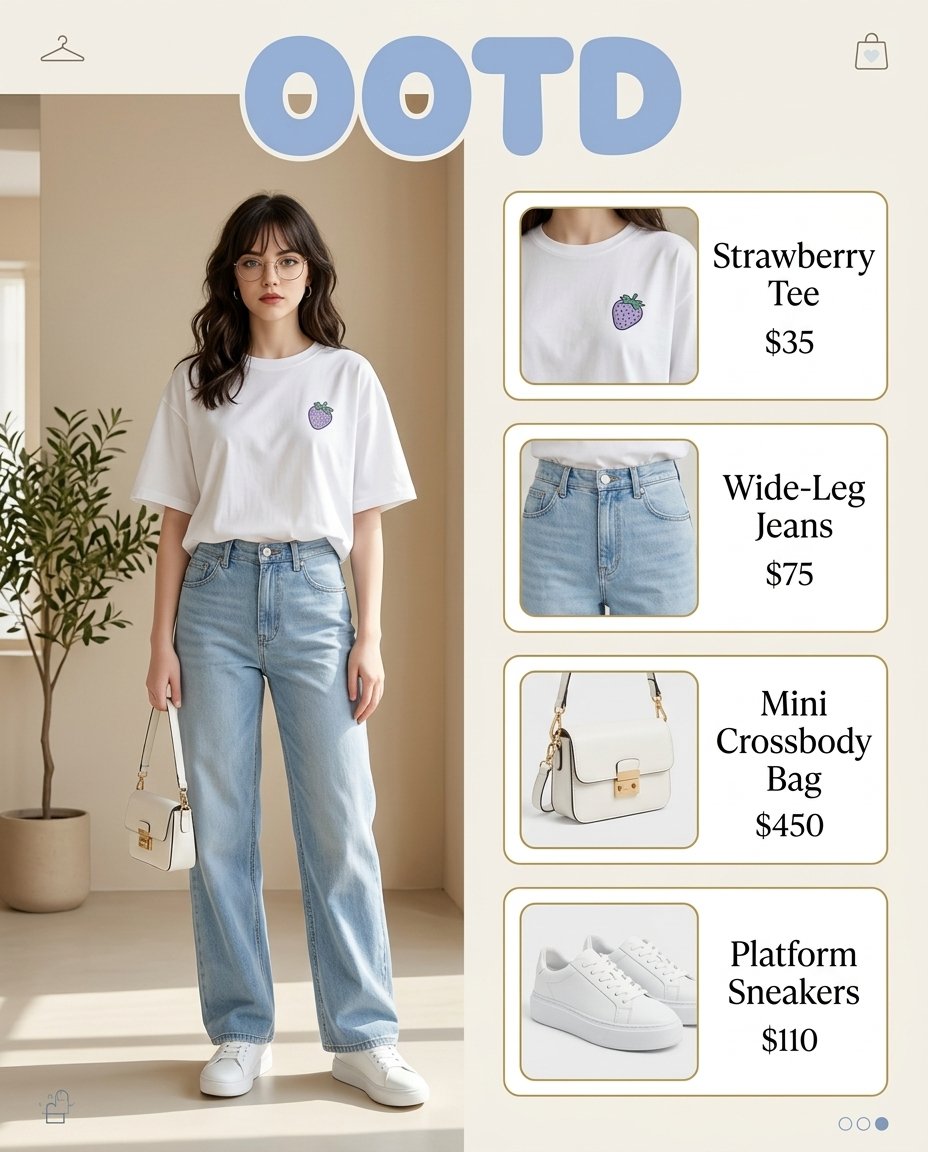
OOTD Fashion Infographic
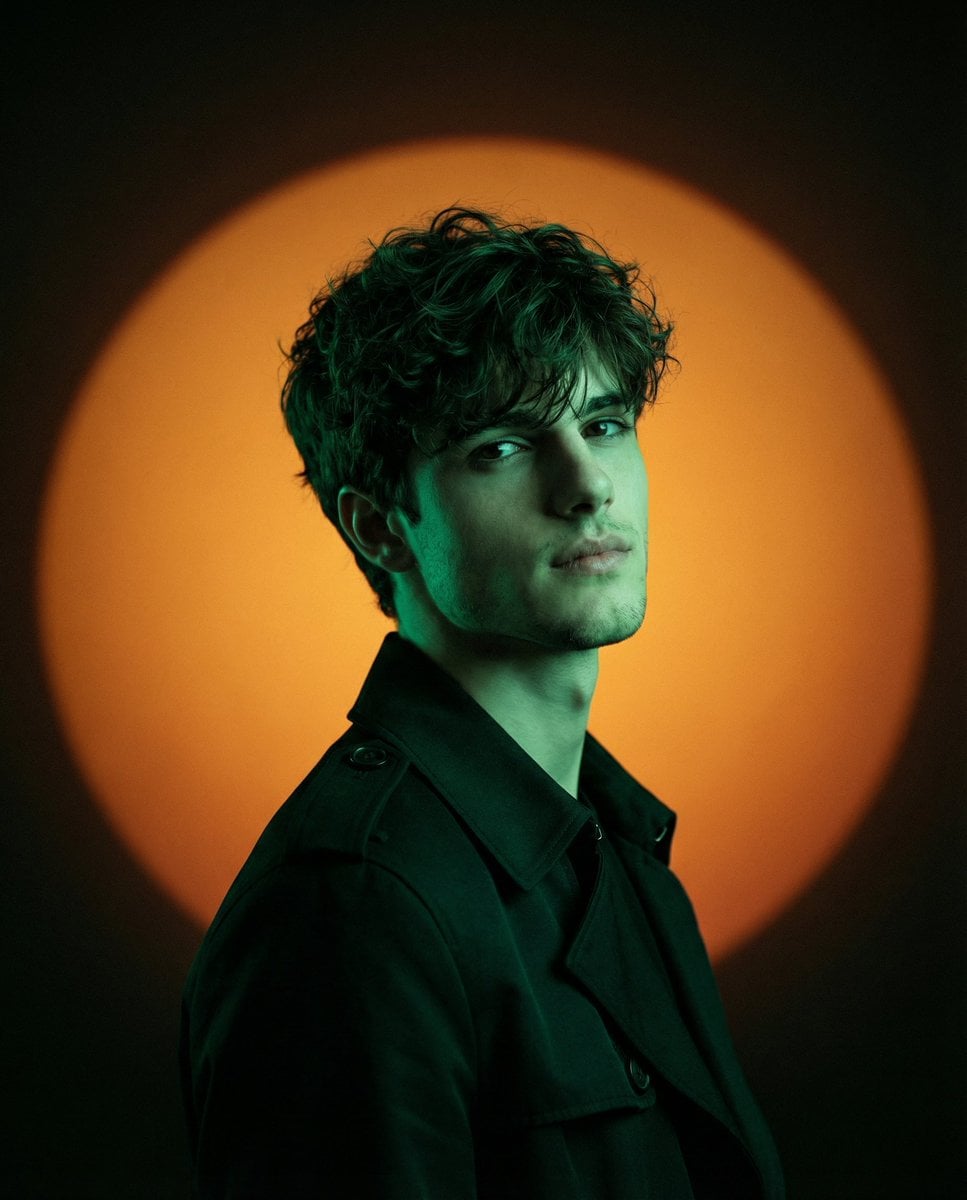
Cinematic Fashion Editorial with Emerald Gel Lighting

Panel Christmas Photobooth Sticker Generator
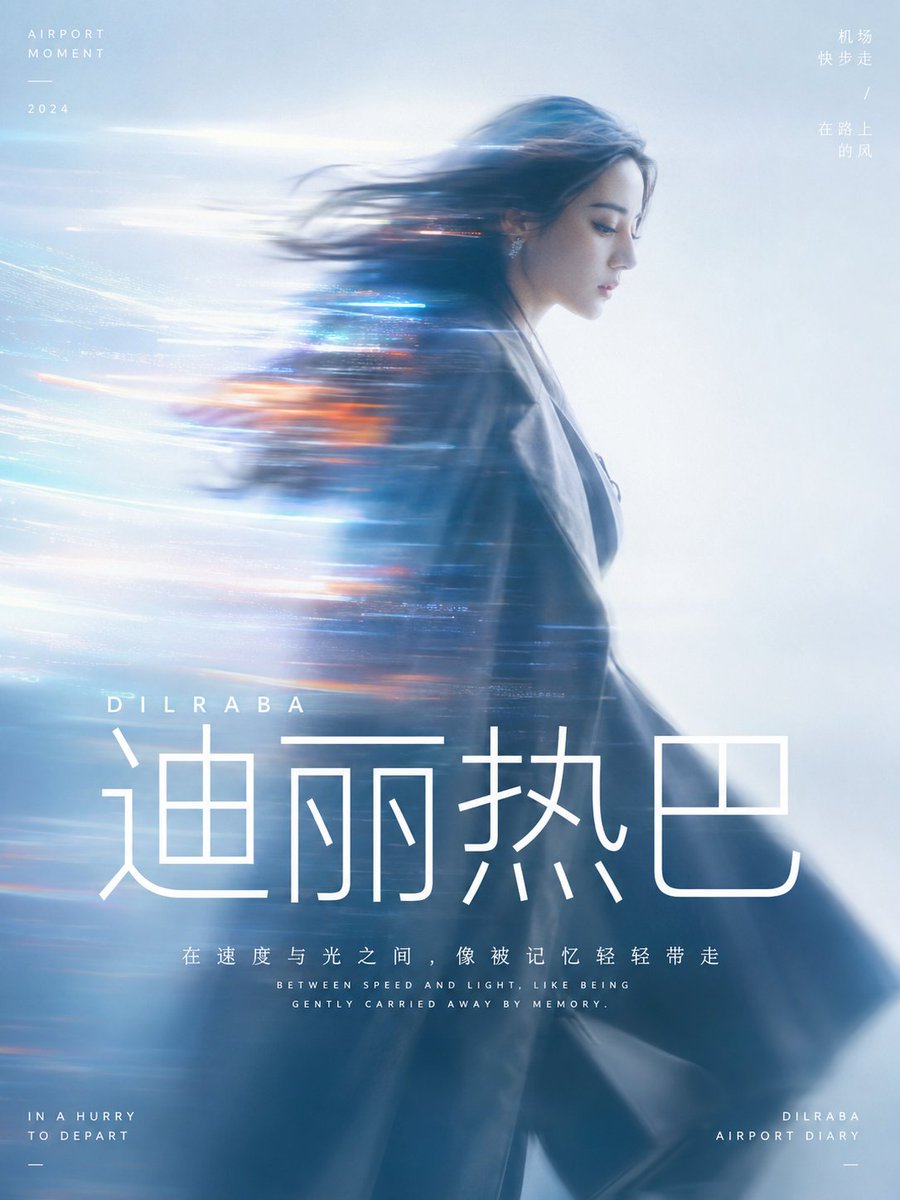
Cinematic Motion Blur Silhouette Portrait
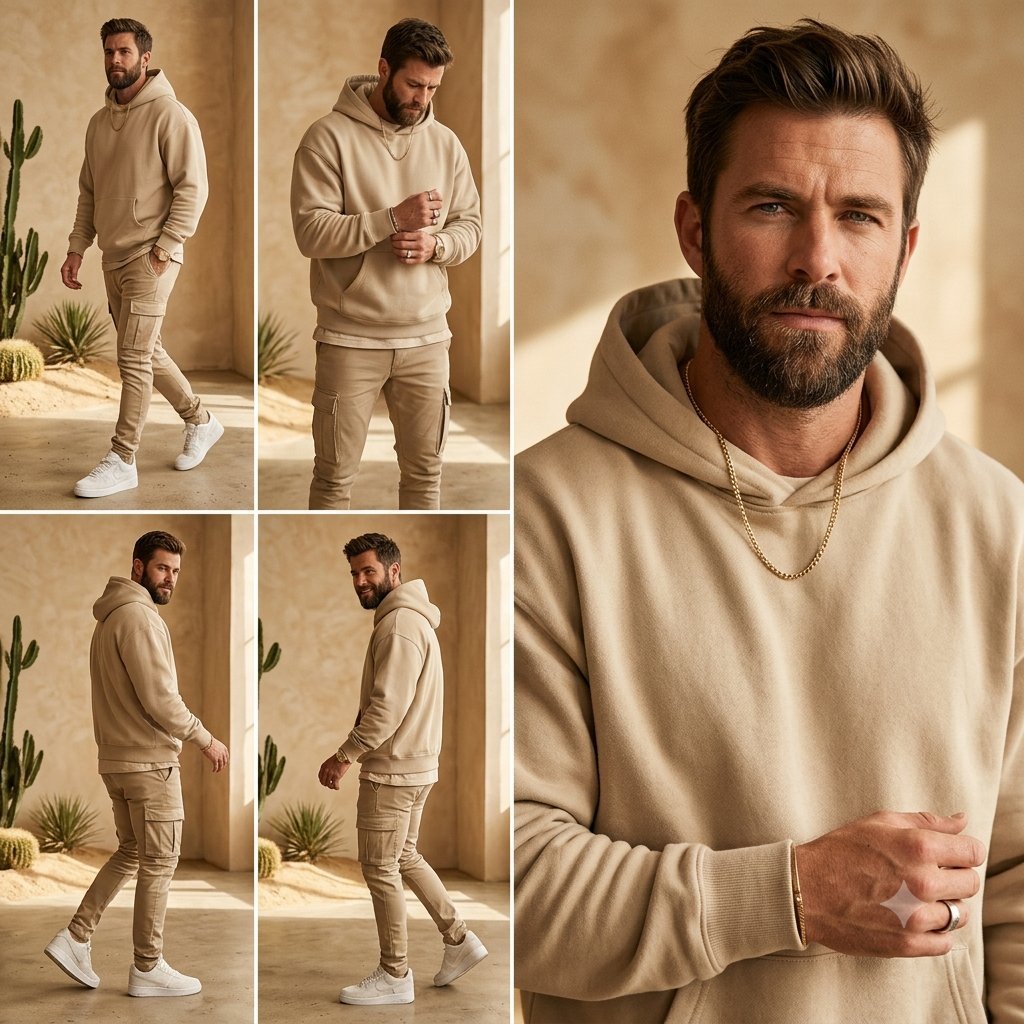
Beige Menswear Lookbook Collage
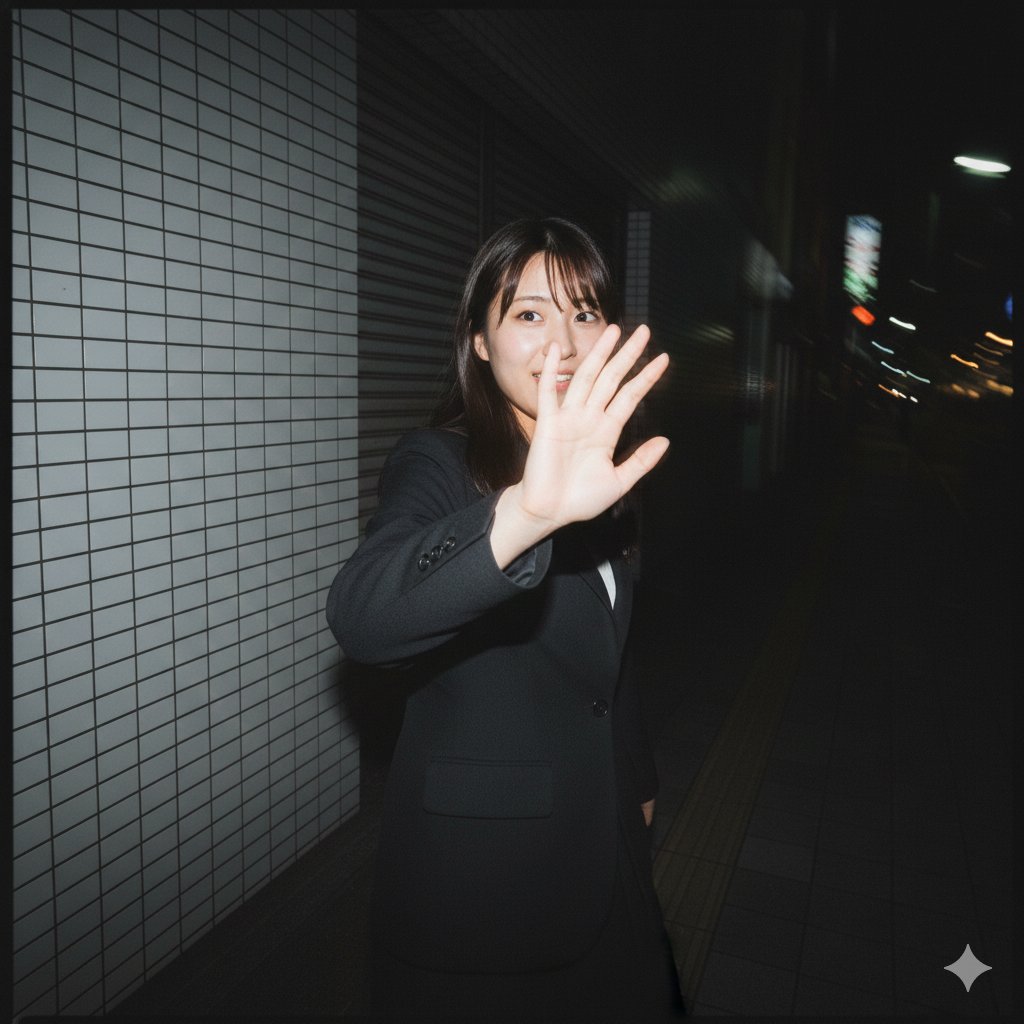
Raw, Motion-Blurred Nighttime Smartphone Flash Portrait
Browse template categories
Cinematic Rainy Street Food Ad questions
How do I use the Cinematic Rainy Street Food Ad template?
Add your photo if the template asks for one, edit the prompt if you like — the template's model and format are already selected — and press Generate. Your version opens in PicX Studio.
Can I customize the Cinematic Rainy Street Food Ad template?
Yes. You can change the subject, setting, lighting, mood, format, and available model controls before creating your image.
Is the Cinematic Rainy Street Food Ad template free?
Opening and editing this template is free. Generating uses credits, shown on the Generate button when you are signed in.
Which AI model should I use?
Start with GPT Image 2, which is the model associated with this template. You can compare another compatible model for a different finish.
Looking for something else? Browse all templates.

Your photo, any look
Thousands of ready templates for every top image and video model, from one credit balance.