
OOTD Fashion Infographic
A clean 4:5 fashion editorial infographic showing a full-body outfit on the left and four labeled product cards with prices on the right, ideal for social media style boards and shopping posts.
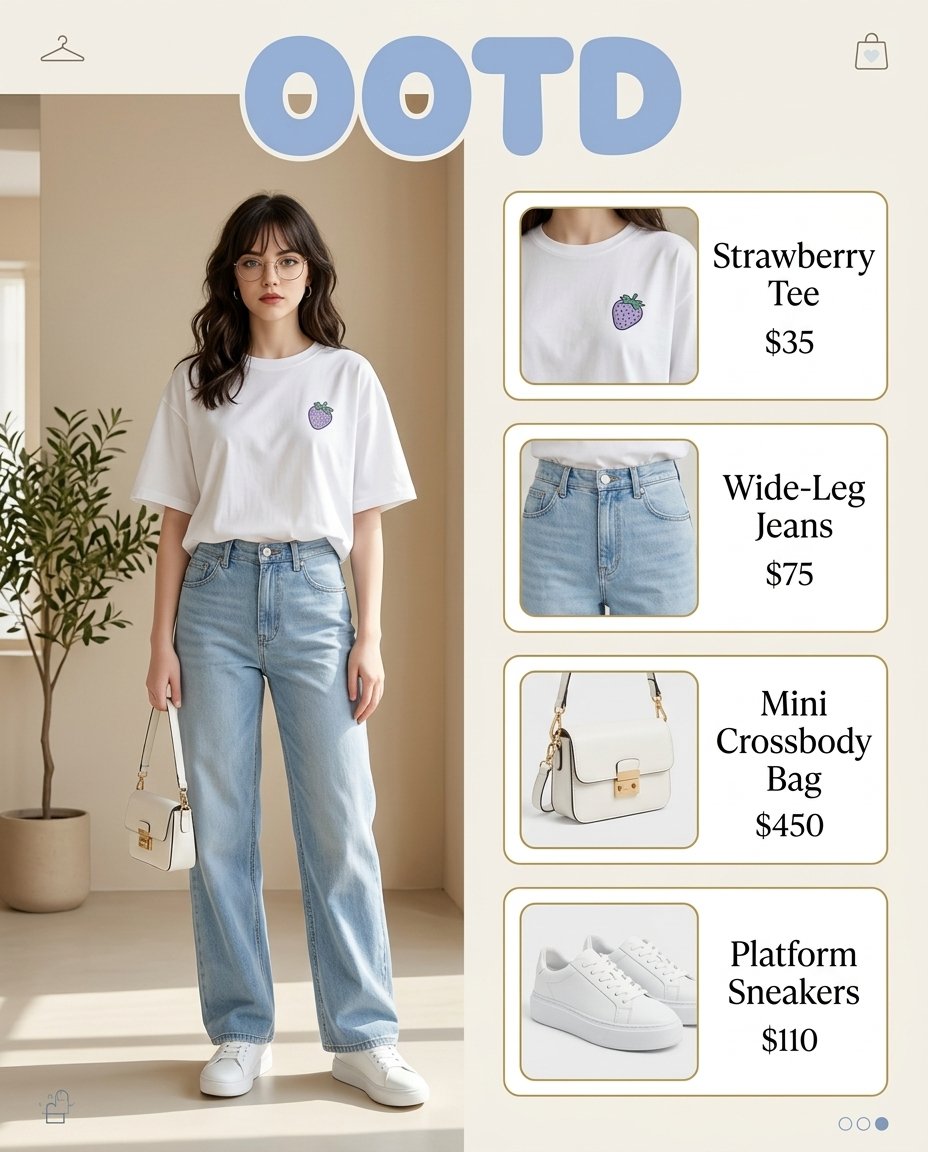
- Prompt included
- Model and format preset
- Free template
The prompt behind this image
Copy the exact prompt behind OOTD Fashion Infographic, or open it in the studio and make it yours.
- Type
- fashion outfit infographic
- Aspect Ratio
- 4:5
- Style
- clean editorial product board, Korean street fashion aesthetic, bright soft natural light, muted beige and powder blue palette, minimalist indoor setting
- Title Text
- {argument name="headline text" default="OOTD"}
- Layout › Background
- warm off-white with subtle beige interior architecture
- Layout › Split
- left model portrait, right vertical product stack
- Layout › Sections › 0 › Title
- model look
- Layout › Sections › 0 › Position
- left
- Layout › Sections › 0 › Count
- 1
- Layout › Sections › 0 › Labels
- full-body outfit shot
- Layout › Sections › 1 › Title
- product cards
- Layout › Sections › 1 › Position
- right
- Layout › Sections › 1 › Count
- 4
- Layout › Sections › 1 › Labels
- Strawberry Tee, Wide-Leg Jeans, Mini Crossbody Bag, Platform Sneakers
- Scene › Setting
- minimal indoor studio corner with soft beige walls, light cream floor, gentle sunlight and shadows, potted olive tree on the far left
- Scene › Decor › Count
- 4
- Scene › Decor › Items
- small hanger icon at top left, small shopping bag icon at top right, three pagination dots at bottom right, tiny shopping bag icon at bottom left
- Subject › Type
- young woman
- Subject › Pose
- standing relaxed, facing forward, one arm down holding a small bag, feet slightly apart
- Subject › Hair
- {argument name="hair style" default="dark brown shoulder-length loose waves with a center part"}
- Subject › Face
- de-emphasized facial detail, soft fashion editorial look
- Subject › Outfit › Count
- 4
- Subject › Outfit › Pieces
- oversized white t-shirt with a small lavender strawberry chest graphic, light-wash high-waisted wide-leg denim jeans, white mini structured crossbody bag with gold hardware, white platform sneakers
- Product Cards › 0 › Name
- {argument name="shirt label" default="Strawberry Tee"}
Raw JSON
{
  "type": "fashion outfit infographic",
  "aspect_ratio": "4:5",
  "style": "clean editorial product board, Korean street fashion aesthetic, bright soft natural light, muted beige and powder blue palette, minimalist indoor setting",
  "title_text": "{argument name=\"headline text\" default=\"OOTD\"}",
  "layout": {
    "background": "warm off-white with subtle beige interior architecture",
    "split": "left model portrait, right vertical product stack",
    "sections": [
      {
        "title": "model look",
        "position": "left",
        "count": 1,
        "labels": ["full-body outfit shot"]
      },
      {
        "title": "product cards",
        "position": "right",
        "count": 4,
        "labels": ["Strawberry Tee", "Wide-Leg Jeans", "Mini Crossbody Bag", "Platform Sneakers"]
      }
    ]
  },
  "scene": {
    "setting": "minimal indoor studio corner with soft beige walls, light cream floor, gentle sunlight and shadows, potted olive tree on the far left",
    "decor": {
      "count": 4,
      "items": ["small hanger icon at top left", "small shopping bag icon at top right", "three pagination dots at bottom right", "tiny shopping bag icon at bottom left"]
    }
  },
  "subject": {
    "type": "young woman",
    "pose": "standing relaxed, facing forward, one arm down holding a small bag, feet slightly apart",
    "hair": "{argument name=\"hair style\" default=\"dark brown shoulder-length loose waves with a center part\"}",
    "face": "de-emphasized facial detail, soft fashion editorial look",
    "outfit": {
      "count": 4,
      "pieces": [
        "oversized white t-shirt with a small lavender strawberry chest graphic",
        "light-wash high-waisted wide-leg denim jeans",
        "white mini structured crossbody bag with gold hardware",
        "white platform sneakers"
      ]
    }
  },
  "product_cards": [
    {
      "name": "{argument name=\"shirt label\" default=\"Strawberry Tee\"}",
      "price": "$35",
      "image": "close-up of white tee neckline and chest area showing the small purple strawberry graphic",
      "card_style": "rounded white card with thin warm-gold outline, left image panel and right serif text"
    },
    {
      "name": "Wide-Leg Jeans",
      "price": "$75",
      "image": "cropped close-up of pale blue jeans waist and upper leg",
      "card_style": "rounded white card with thin warm-gold outline, left image panel and right serif text"
    },
    {
      "name": "Mini Crossbody Bag",
      "price": "$450",
      "image": "close-up of white structured mini bag with top handle, shoulder strap, and gold clasp",
      "card_style": "rounded white card with thin warm-gold outline, left image panel and right serif text"
    },
    {
      "name": "{argument name=\"shoe label\" default=\"Platform Sneakers\"}",
      "price": "$110",
      "image": "close-up of white low-top platform sneakers angled slightly to the side",
      "card_style": "rounded white card with thin warm-gold outline, left image panel and right serif text"
    }
  ],
  "typography": {
    "headline": "large pastel blue bubble letters centered across the top",
    "product_text": "elegant black serif typography with stacked names and prices"
  },
  "rendering": {
    "quality": "high-resolution polished fashion graphic",
    "composition": "balanced and airy with generous margins, catalog-style clarity"
  }
}How to use OOTD Fashion Infographic in 3 steps
- 1Upload ImagePNG, JPG or paste
Add your photo
Upload the photo the template builds on. The prompt, model and format are already set.
- 2…a portrait of your subject in softgolden-hour light, 85mm…
Personalize
Edit the subject and creative details for your destination.
- 3Generate
Generate
Press Generate — your image is created in PicX Studio, so you can compare it with the original and refine one variable at a time.
More like this
Templates with the same subject, style or setup. Open one to see its prompt.

80s College Gate

1988 Mall Style

80s Polka Dot Saree

Japan Travel Brochure Poster

High-Fashion Editorial Magazine Cover ICON

Korean Streetwear Minimalist Campaign Portrait

Cinematic Korean Streetwear Street Portrait

Korean Model Floating Magazine Pages Campaign

Blue Backdrop Luxury Fashion Portrait Campaign

Premium Editorial Branding Poster Charcoal Green

Frozen Street Luxe Graffiti Fashion Campaign

Urban Fashion Editorial Collage Poster
Make it yours
OOTD Fashion Infographic works as-is. These are the safest ways to change it without losing the look.
Swap the setting
Keep the rest of the prompt and replace the location block. The current setting is “warm off-white with subtle beige interior architecture”.
Change one field
Copy a single group, rewrite it, and generate again so you can see what that field is doing.
Keep the frame, change the subject
Hold the composition and light of OOTD Fashion Infographic, then swap wardrobe, props or the person for a new take.
| If the result… | Why | Fix |
|---|---|---|
| The result drifts from the preview | Too many fields changed at once. | Reuse OOTD Fashion Infographic as-is first, then change one group — subject, light, or setting. |
| GPT Image 2 ignores part of the JSON | Some models flatten or skip nested keys. | Keep the same values and paste them as a short paragraph instead. |
More GPT Image 2 templates
Other prompts made for GPT Image 2.

Six VTuber Japanese Logo Sheet

Realistic Portrait of Woman and Deer

The Vista Modular Condo Poster

AI Model Routing Comparison Infographic

2.5D Anime Art Board

Isometric Productivity Desk Scene

New York Double Exposure Poster

Four-Panel AI Landscape Comparison

Japanese Tatami Lifestyle Magazine Cover

NESCAFÉ Coffee Map Poster
More image prompts
Fresh picks from across the catalog.
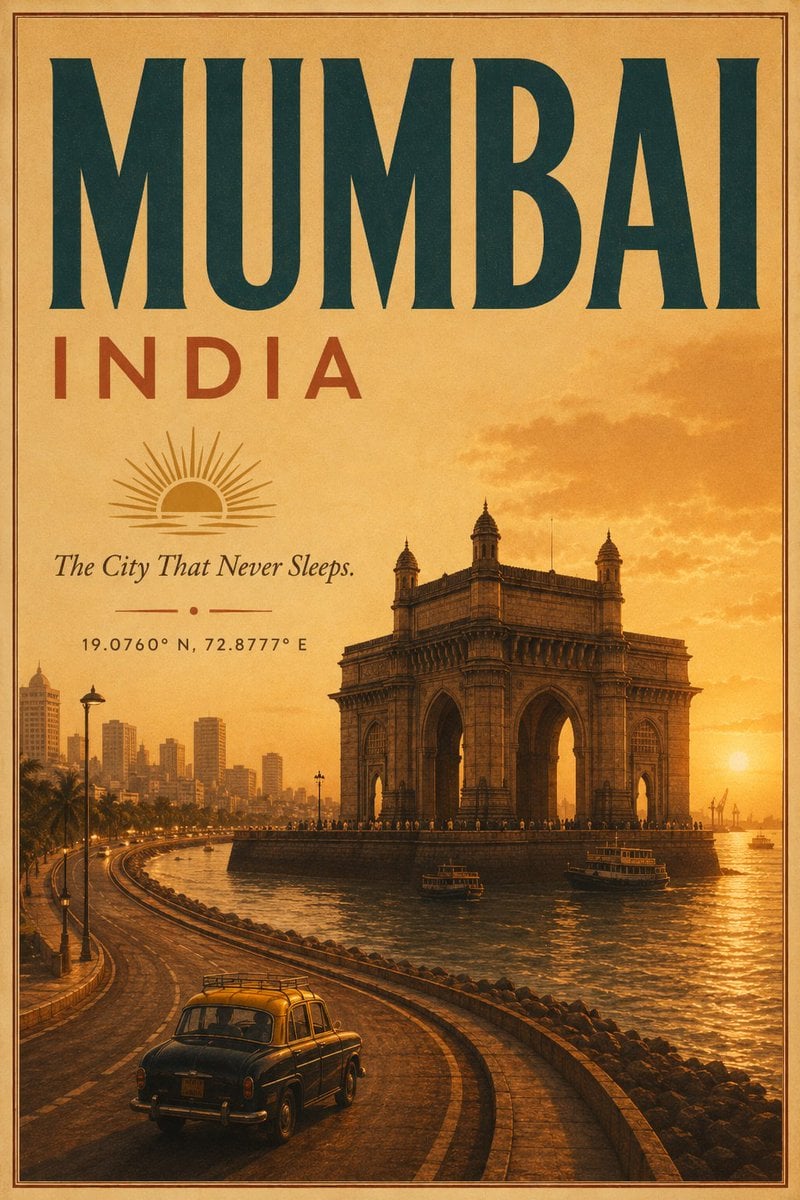
Vintage Mumbai Travel Poster
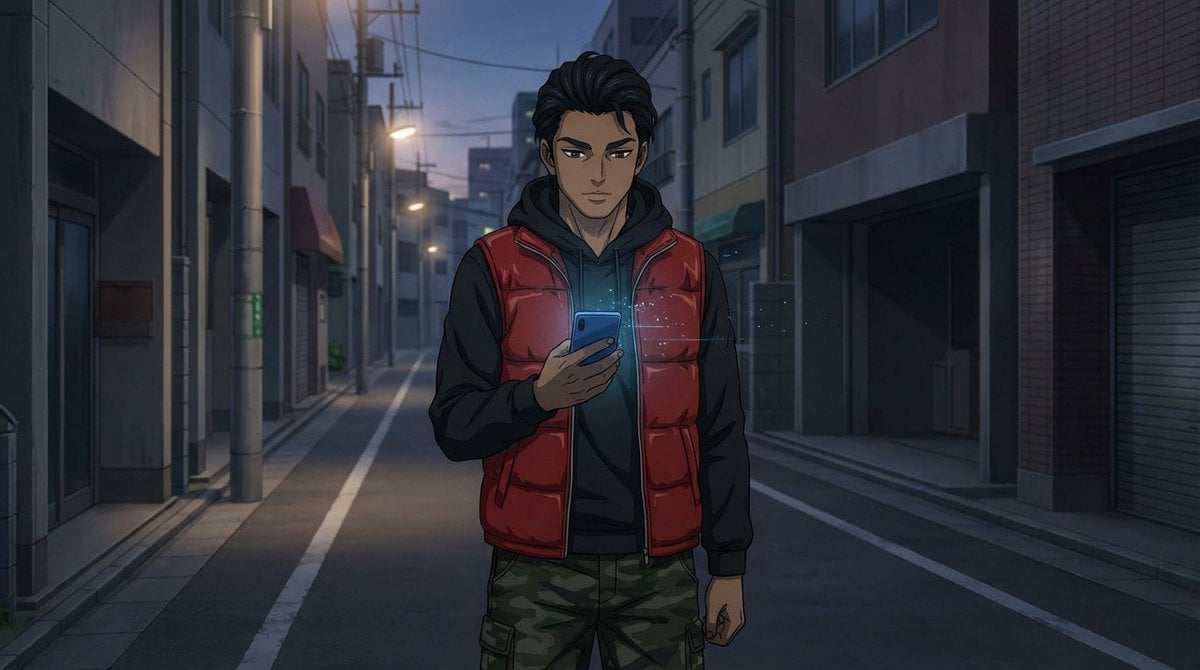
Multi-Tool Workflow for Animation Production
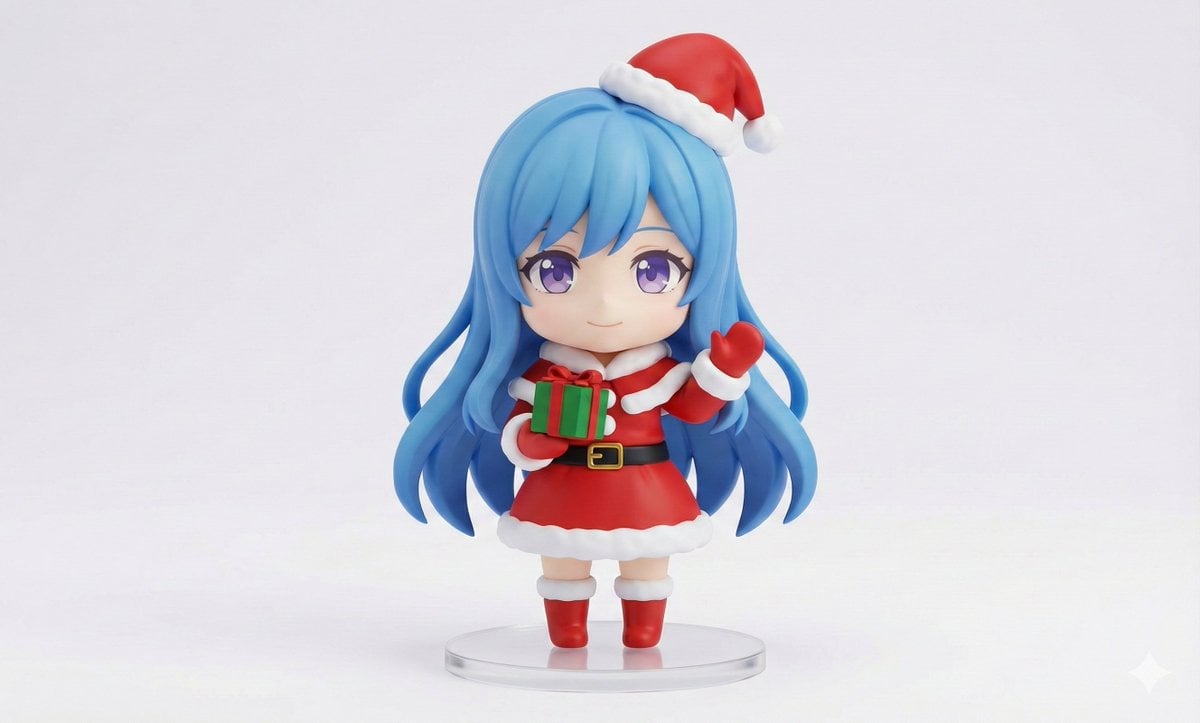
Chibi Santa Character Figure Generation Prompt
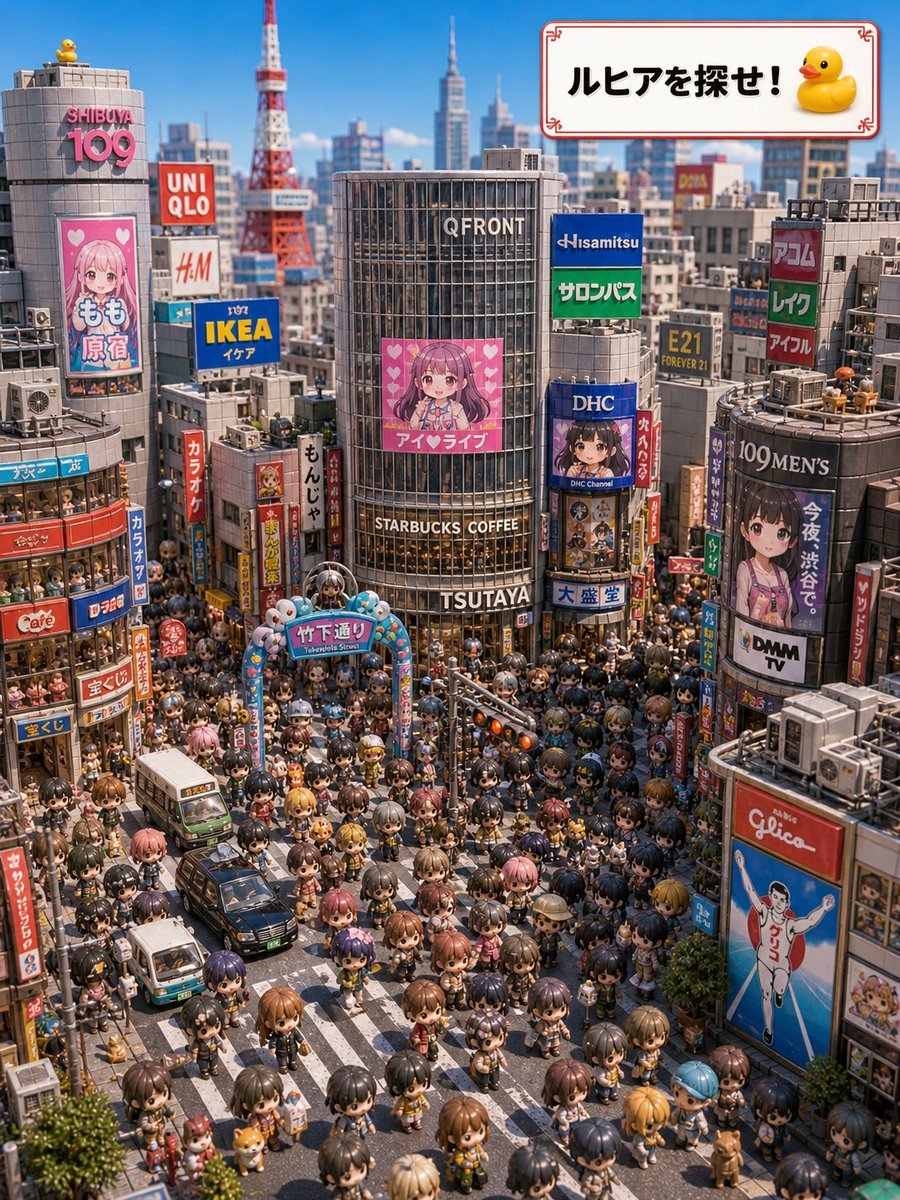
Find Ruhia in Shibuya
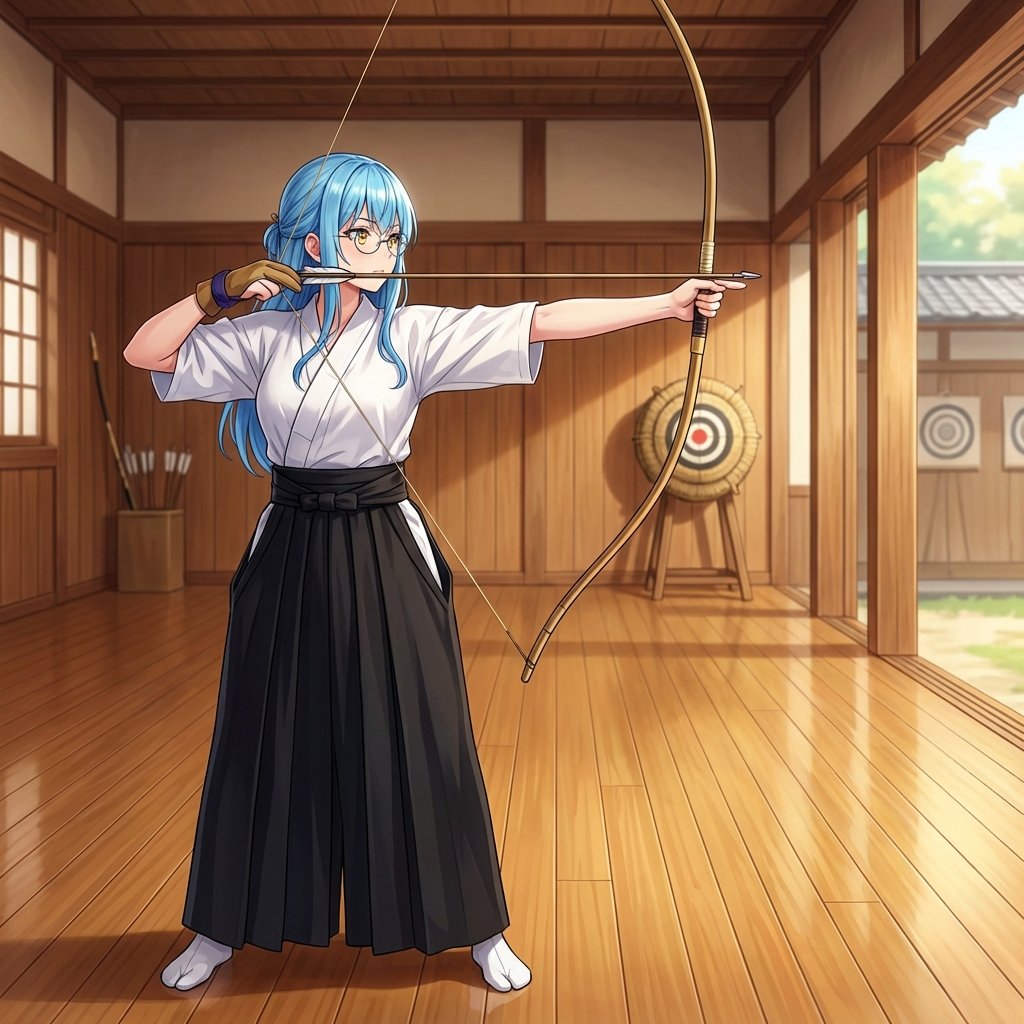
Transforming into a Kyudo (Archery) Practitioner
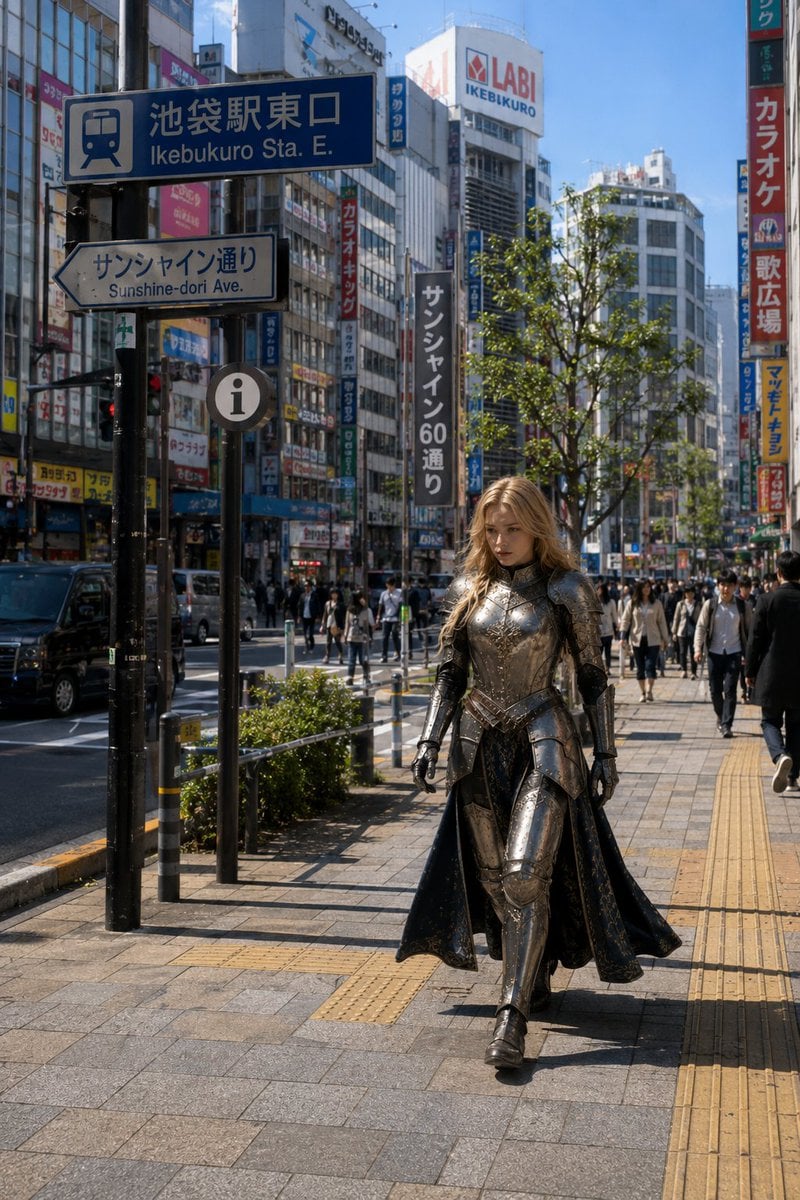
Armored Cosplayer in Ikebukuro
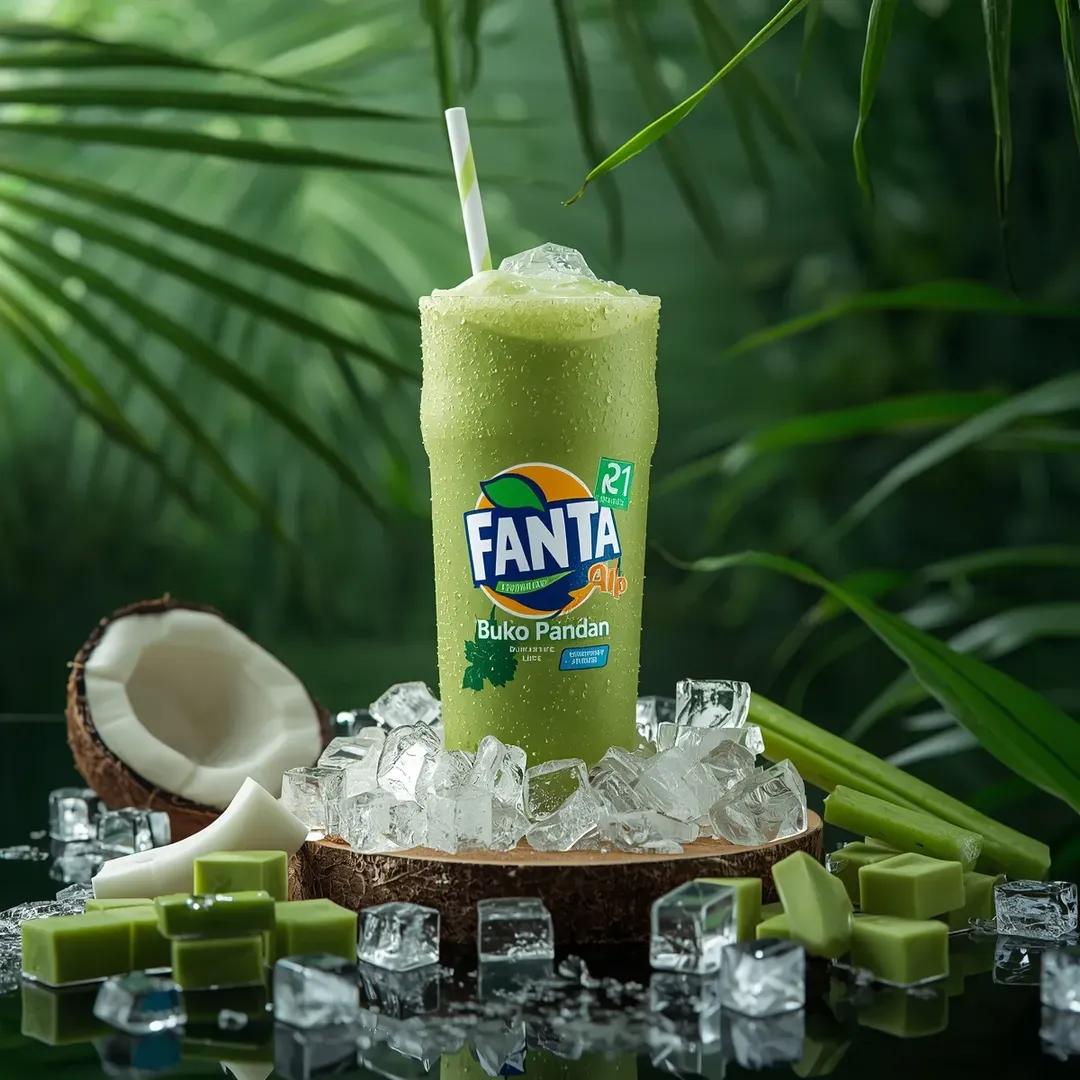
Hyper-realistic Fanta Product Shot Prompt

Attempting to Recreate a BeautyPlus Prompt
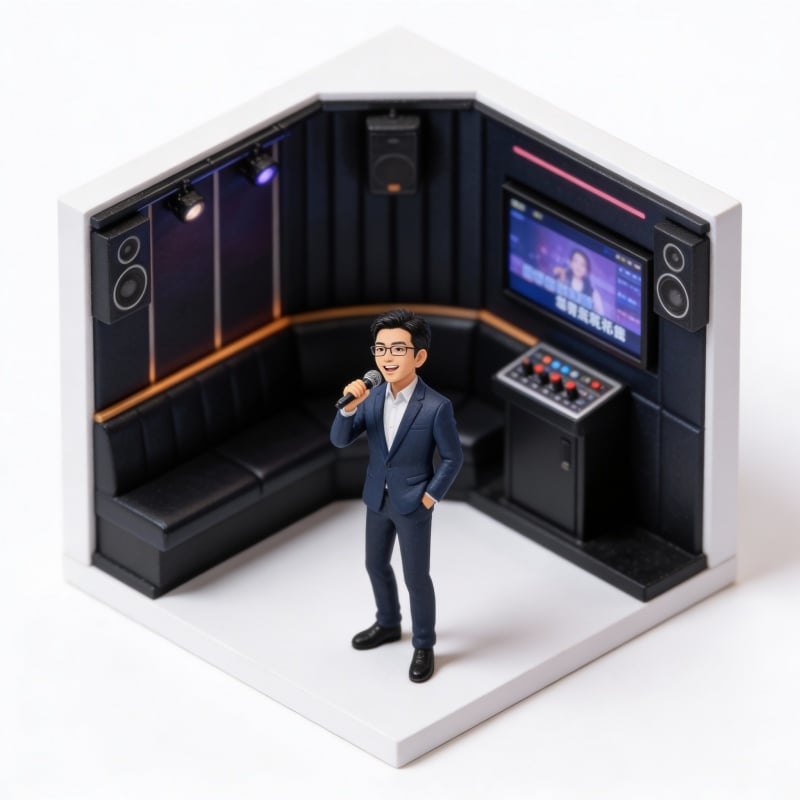
Miniature Figure Generation: Everyday Life of 'Scissors Old Man'
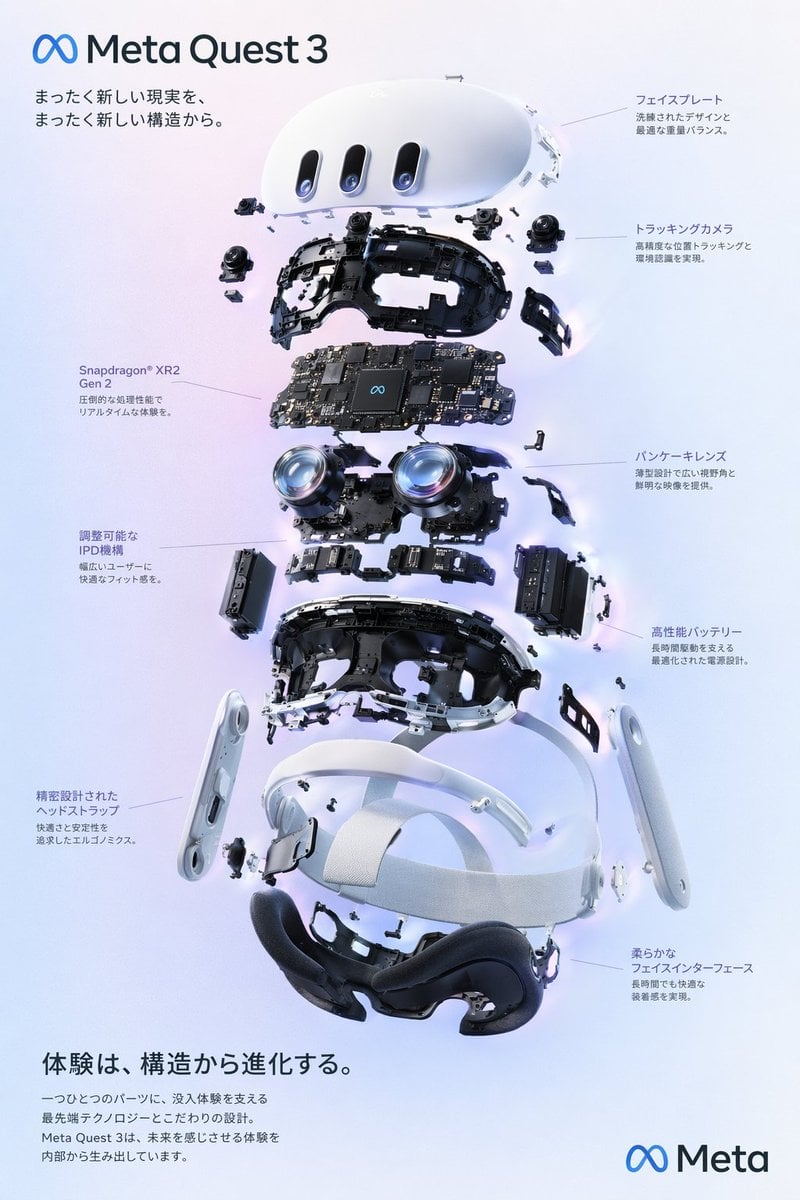
Gpt2 Vr Headset Exploded View Poster
Browse template categories
OOTD Fashion Infographic questions
How do I use the OOTD Fashion Infographic template?
Add your photo if the template asks for one, edit the prompt if you like — the template's model and format are already selected — and press Generate. Your version opens in PicX Studio.
Can I customize the OOTD Fashion Infographic template?
Yes. You can change the subject, setting, lighting, mood, format, and available model controls before creating your image.
Is the OOTD Fashion Infographic template free?
Opening and editing this template is free. Generating uses credits, shown on the Generate button when you are signed in.
Which AI model should I use?
Start with GPT Image 2, which is the model associated with this template. You can compare another compatible model for a different finish.
Looking for something else? Browse all templates.

Your photo, any look
Thousands of ready templates for every top image and video model, from one credit balance.