
Chibi Character Sticker Sheet Ad
Generates a cute Japanese promotional poster showing 18 expressive chibi character stickers for chat or LINE-style use.
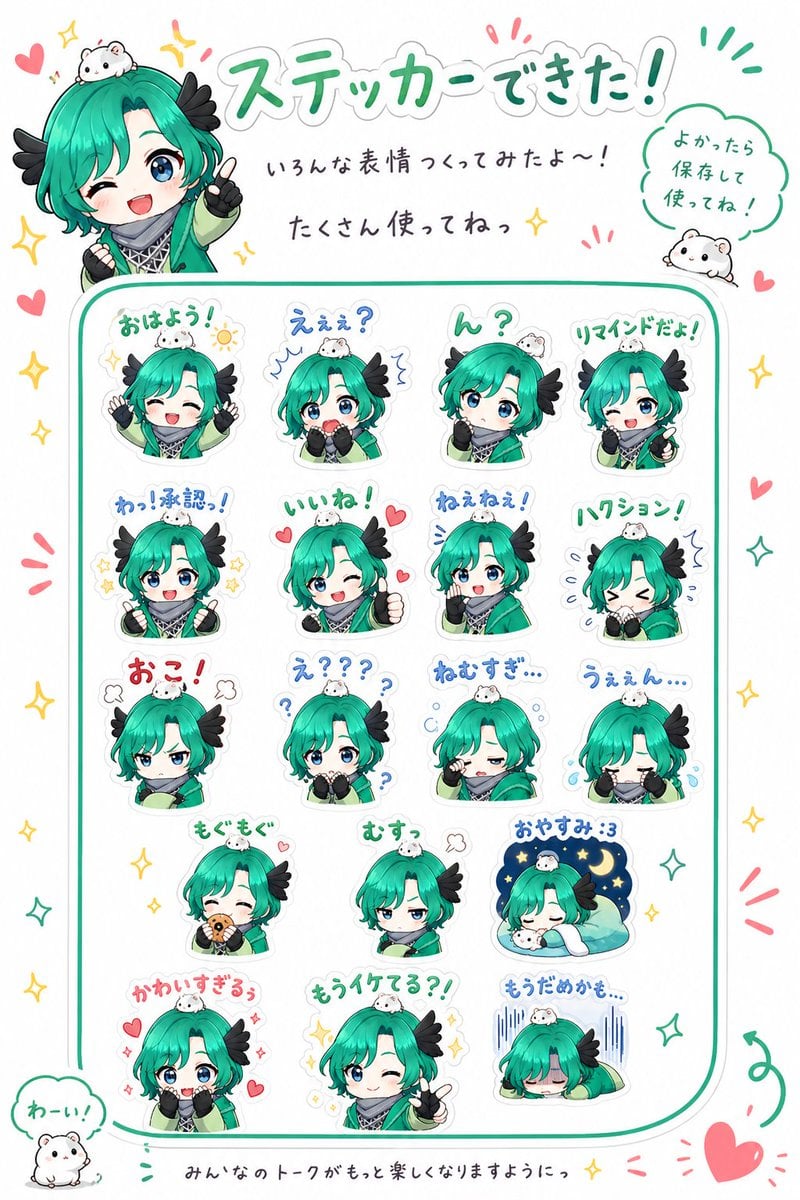
- Prompt included
- Model and format preset
- Free template
The prompt behind this image
Copy the exact prompt behind Chibi Character Sticker Sheet Ad, or open it in the studio and make it yours.
- Type
- promotional chibi sticker sheet poster
- Style
- cute Japanese LINE sticker advertisement, bright clean white background, soft rounded vector-anime rendering, pastel teal/green accent color, thick white sticker outlines, playful handwritten Japanese typography, sparkles, hearts, exclamation marks, small doodles
- Main Subject › Character Name
- {argument name="character name" default="Ogu Ogu"}
- Main Subject › Appearance
- small chibi anime character with vivid teal-green bob hair, long bangs, blue-green eyes, black feather-like side hair accessories, green cloak or jacket, black gloves, patterned black-and-white collar scarf, tiny white hamster mascot sitting on the head in many stickers
- Main Subject › Mood
- adorable, expressive, energetic, promotional
- Poster Text › Headline
- {argument name="headline text" default="ステッカーできた!"}
- Poster Text › Subheadline
- いろんな表情つくってみたよ〜!
- Poster Text › Message
- たくさん使ってねっ
- Poster Text › Speech Bubble
- よかったら保存して使ってね!
- Poster Text › Footer
- みんなのトークがもっと楽しくなりますようにっ
- Layout › Canvas
- vertical poster, white background, teal rounded rectangular frame enclosing the sticker grid, decorative margins
- Layout › Top Area
- large headline centered at the top, main chibi character peeking from the upper left making a peace sign, small hamster in a speech bubble at upper right
- Layout › Sticker Grid › Position
- center
- Layout › Sticker Grid › Count
- 18
- Layout › Sticker Grid › Arrangement
- 4 columns with uneven final rows, each sticker has a white die-cut outline and handwritten label above it
- Layout › Sticker Grid › Labels
- おはよう!, えぇぇ?, ん?, リマインドだよ!, わっ!承認っ!, いいね!, ねぇねぇ!, ハワション!, おこ!, え???, ねむすぎ…, うぇぇん…, もぐもぐ, むすっ, おやすみ :3, かわいすぎるぅ, もうイケてる?!, もうだめかも…
- Layout › Sticker Grid › Poses
- cheerful morning greeting with both hands up and sun doodle, surprised confused reaction with blue shock marks, questioning tilt with question mark, reminder pose raising one hand, approval or acknowledgement with sparkles, winking thumbs-up with hearts, calling for attention with blue motion lines, flustered sneeze or shiver pose, angry pouting pose with steam puffs, confused wide-eyed pose with many question marks, sleepy tired pose with bubbles, crying pose with tears, eating a snack happily, grumpy unimpressed half-lidded expression, sleeping in bed under a crescent moon and stars, sparkly cute pleading expression with hearts, confident winking peace sign, collapsed exhausted pose with vertical gloom lines
- Layout › Decorations › Counted Elements
- 2 small hamster mascot illustrations outside the sticker grid, one on the top right speech bubble and one near the lower left speech bubble; many red hearts and yellow/green sparkles scattered around the border
- Layout › Decorations › Bottom Left Speech Bubble
- わーい!
- Color Palette › Primary
- {argument name="primary color" default="emerald teal"}
- Color Palette › Secondary
- mint green, sky blue, soft pink, warm yellow, black accents
- Quality
- high resolution, crisp sticker edges, cute commercial merchandise look, balanced spacing, no photorealism, no harsh shadows
Raw JSON
{"type":"promotional chibi sticker sheet poster","style":"cute Japanese LINE sticker advertisement, bright clean white background, soft rounded vector-anime rendering, pastel teal/green accent color, thick white sticker outlines, playful handwritten Japanese typography, sparkles, hearts, exclamation marks, small doodles","main_subject":{"character_name":"{argument name=\"character name\" default=\"Ogu Ogu\"}","appearance":"small chibi anime character with vivid teal-green bob hair, long bangs, blue-green eyes, black feather-like side hair accessories, green cloak or jacket, black gloves, patterned black-and-white collar scarf, tiny white hamster mascot sitting on the head in many stickers","mood":"adorable, expressive, energetic, promotional"},"poster_text":{"headline":"{argument name=\"headline text\" default=\"ステッカーできた!\"}","subheadline":"いろんな表情つくってみたよ〜!","message":"たくさん使ってねっ","speech_bubble":"よかったら保存して使ってね!","footer":"みんなのトークがもっと楽しくなりますようにっ"},"layout":{"canvas":"vertical poster, white background, teal rounded rectangular frame enclosing the sticker grid, decorative margins","top_area":"large headline centered at the top, main chibi character peeking from the upper left making a peace sign, small hamster in a speech bubble at upper right","sticker_grid":{"position":"center","count":18,"arrangement":"4 columns with uneven final rows, each sticker has a white die-cut outline and handwritten label above it","labels":["おはよう!","えぇぇ?","ん?","リマインドだよ!","わっ!承認っ!","いいね!","ねぇねぇ!","ハワション!","おこ!","え???","ねむすぎ…","うぇぇん…","もぐもぐ","むすっ","おやすみ :3","かわいすぎるぅ","もうイケてる?!","もうだめかも…"],"poses":["cheerful morning greeting with both hands up and sun doodle","surprised confused reaction with blue shock marks","questioning tilt with question mark","reminder pose raising one hand","approval or acknowledgement with sparkles","winking thumbs-up with hearts","calling for attention with blue motion lines","flustered sneeze or shiver pose","angry pouting pose with steam puffs","confused wide-eyed pose with many question marks","sleepy tired pose with bubbles","crying pose with tears","eating a snack happily","grumpy unimpressed half-lidded expression","sleeping in bed under a crescent moon and stars","sparkly cute pleading expression with hearts","confident winking peace sign","collapsed exhausted pose with vertical gloom lines"]},"decorations":{"counted_elements":"2 small hamster mascot illustrations outside the sticker grid, one on the top right speech bubble and one near the lower left speech bubble; many red hearts and yellow/green sparkles scattered around the border","bottom_left_speech_bubble":"わーい!"}},"color_palette":{"primary":"{argument name=\"primary color\" default=\"emerald teal\"}","secondary":"mint green, sky blue, soft pink, warm yellow, black accents"},"quality":"high resolution, crisp sticker edges, cute commercial merchandise look, balanced spacing, no photorealism, no harsh shadows"}How to use Chibi Character Sticker Sheet Ad in 3 steps
- 1Upload ImagePNG, JPG or paste
Add your photo
Upload the photo the template builds on. The prompt, model and format are already set.
- 2…a portrait of your subject in softgolden-hour light, 85mm…
Personalize
Edit the subject and creative details for your destination.
- 3Generate
Generate
Press Generate — your image is created in PicX Studio, so you can compare it with the original and refine one variable at a time.
More like this
Templates with the same subject, style or setup. Open one to see its prompt.

Chibi Anime Ninja Sticker Sheet
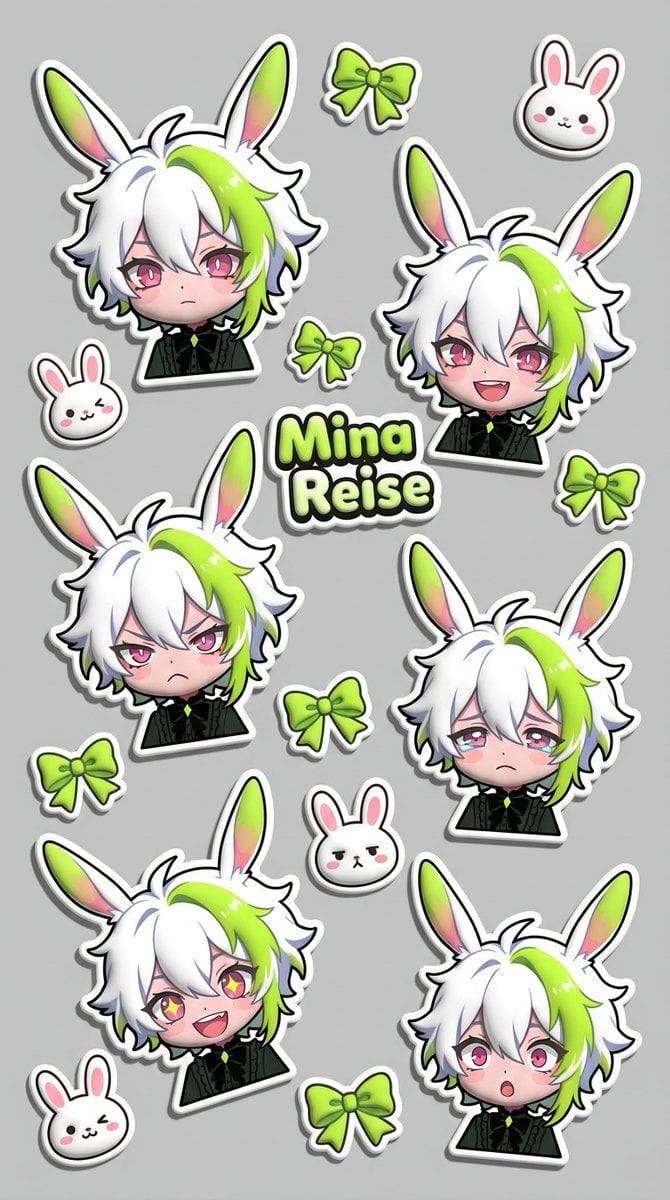
Puffy Chibi Sticker Sheet
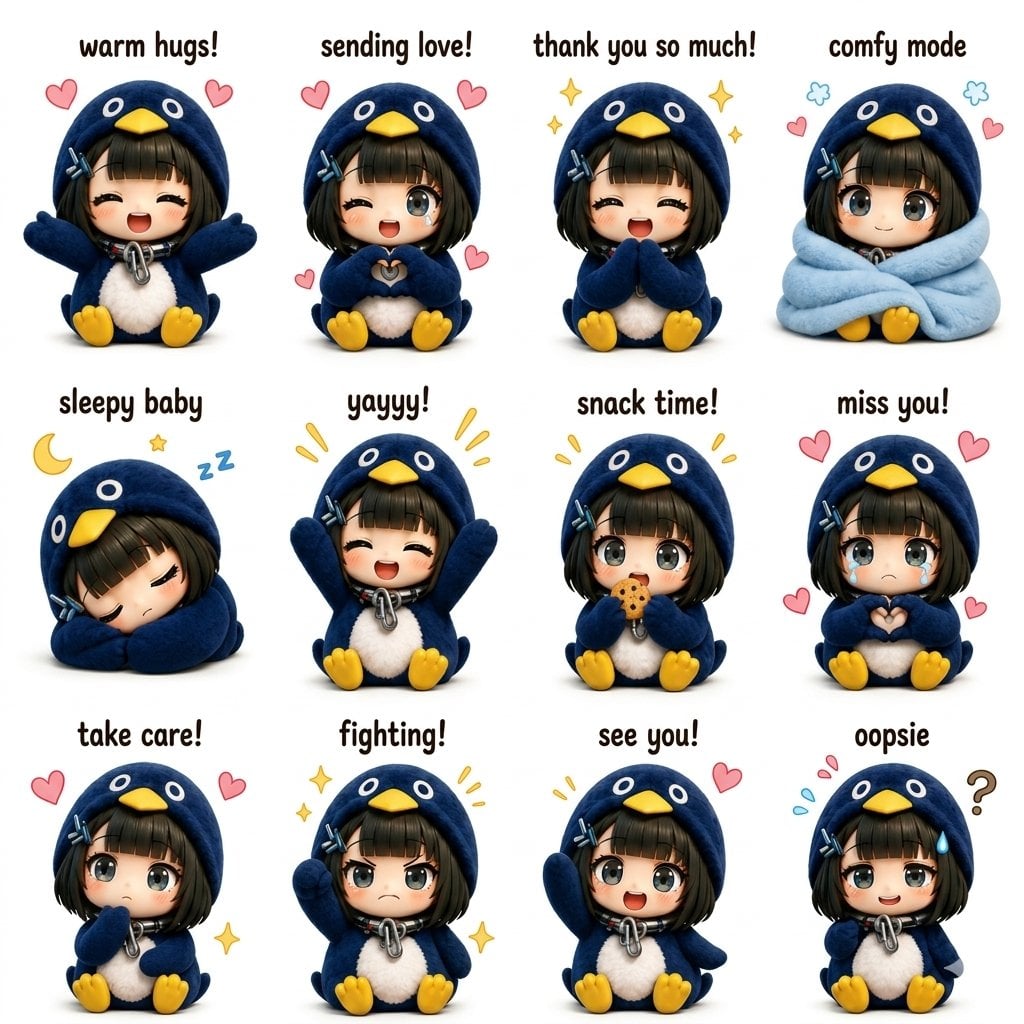
Kawaii Chibi Sticker Sheet
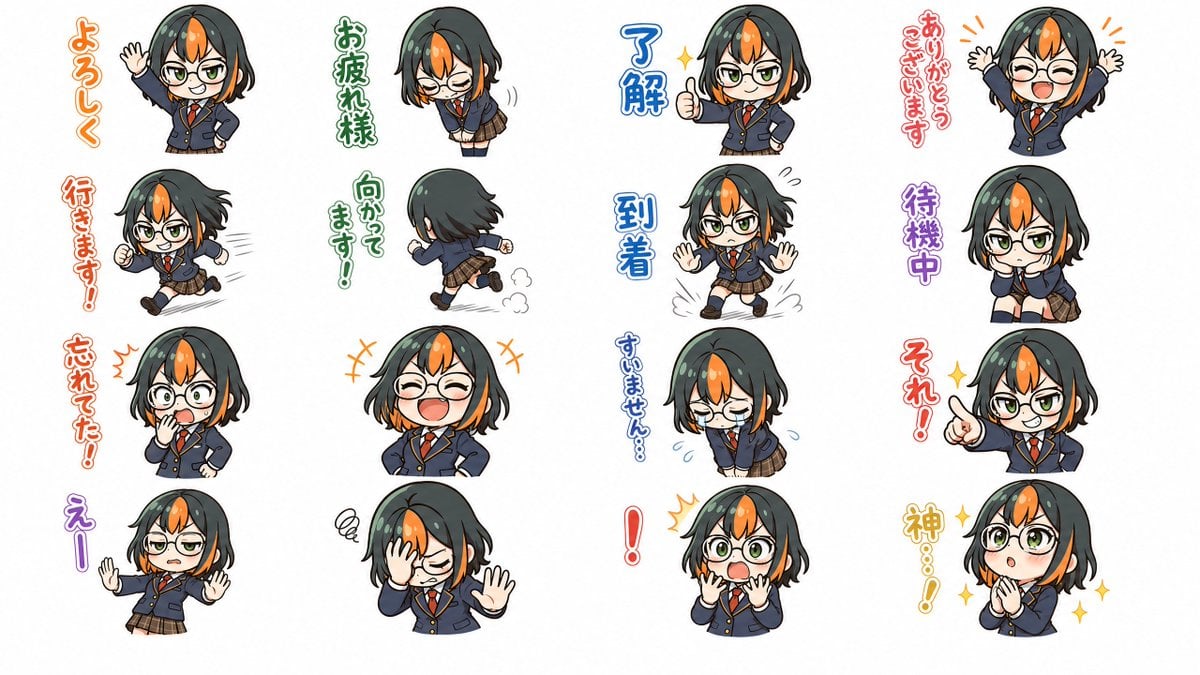
Chibi Japanese Schoolgirl Sticker Sheet

Brand Sticker Sheet Monoline Vector

A trendy, high-end Sticker Sheet set
Gray Kitten Sticker Pack Sheet
Chibi Morning Greeting Sticker
Chibi Anime Morning Greeting Sticker

Halloween Nun Chibi Character Sheet
Cat-Eared Maid Emote Sticker Sheet

Cute Layered Paper Cut Chibi Girl
Make it yours
Chibi Character Sticker Sheet Ad works as-is. These are the safest ways to change it without losing the look.
Change one field
Copy a single group, rewrite it, and generate again so you can see what that field is doing.
Keep the frame, change the subject
Hold the composition and light of Chibi Character Sticker Sheet Ad, then swap wardrobe, props or the person for a new take.
| If the result… | Why | Fix |
|---|---|---|
| The result drifts from the preview | Too many fields changed at once. | Reuse Chibi Character Sticker Sheet Ad as-is first, then change one group — subject, light, or setting. |
| GPT Image 2 ignores part of the JSON | Some models flatten or skip nested keys. | Keep the same values and paste them as a short paragraph instead. |
More GPT Image 2 templates
Other prompts made for GPT Image 2.

Six VTuber Japanese Logo Sheet

Realistic Portrait of Woman and Deer

The Vista Modular Condo Poster

AI Model Routing Comparison Infographic

2.5D Anime Art Board

Isometric Productivity Desk Scene

New York Double Exposure Poster

Four-Panel AI Landscape Comparison

Japanese Tatami Lifestyle Magazine Cover

NESCAFÉ Coffee Map Poster
More image prompts
Fresh picks from across the catalog.

Cinematic Portrait in a Cozy Cafe
Melancholic Cinematic Portrait Prompt for Nano Banana Pro

8K Ultra-Realistic Kashmir Winter Scene Prompt
Sunlit Candid Portrait in a Rose Garden
Edit Prompt: Woman in Bavarian Dirndl (Strict Background Preservation)
Photorealistic Self-Portrait with Chibi and UI Overlay Prompt
Low-Angle Full-Body Portrait on Concrete Steps
Bauhaus Geometry Minimal Illustration Template
Aqua-Haired Anime Street Portrait
Turn a reference image into a realistic Christmas cake
Browse template categories
Chibi Character Sticker Sheet Ad questions
How do I use the Chibi Character Sticker Sheet Ad template?
Add your photo if the template asks for one, edit the prompt if you like — the template's model and format are already selected — and press Generate. Your version opens in PicX Studio.
Can I customize the Chibi Character Sticker Sheet Ad template?
Yes. You can change the subject, setting, lighting, mood, format, and available model controls before creating your image.
Is the Chibi Character Sticker Sheet Ad template free?
Opening and editing this template is free. Generating uses credits, shown on the Generate button when you are signed in.
Which AI model should I use?
Start with GPT Image 2, which is the model associated with this template. You can compare another compatible model for a different finish.
Looking for something else? Browse all templates.

Your photo, any look
Thousands of ready templates for every top image and video model, from one credit balance.