
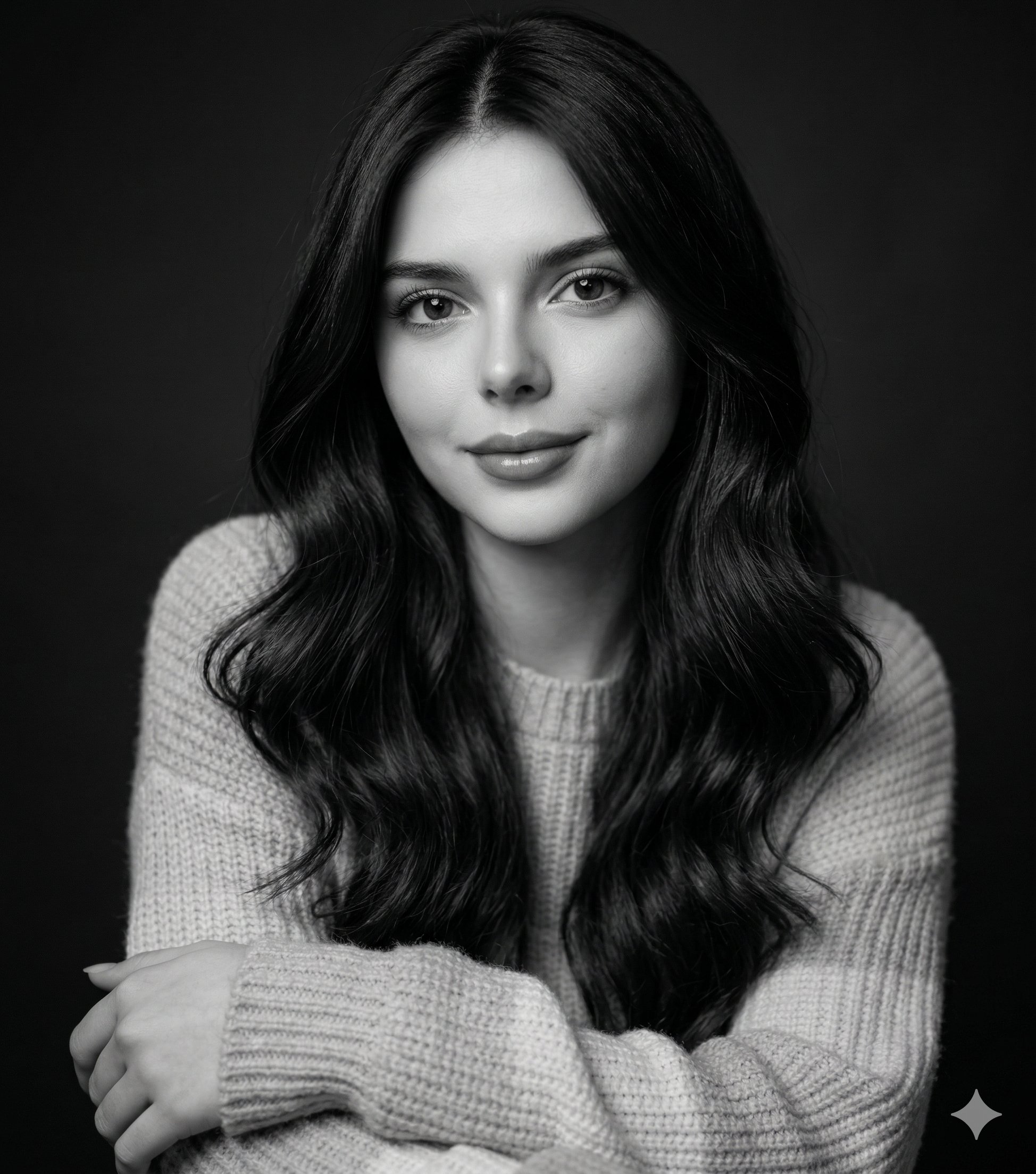
Melancholic Cinematic Portrait Prompt for Nano Banana Pro
A prompt for Google Gemini Nano Banana Pro to create a melancholic, cinematic portrait of a young woman.
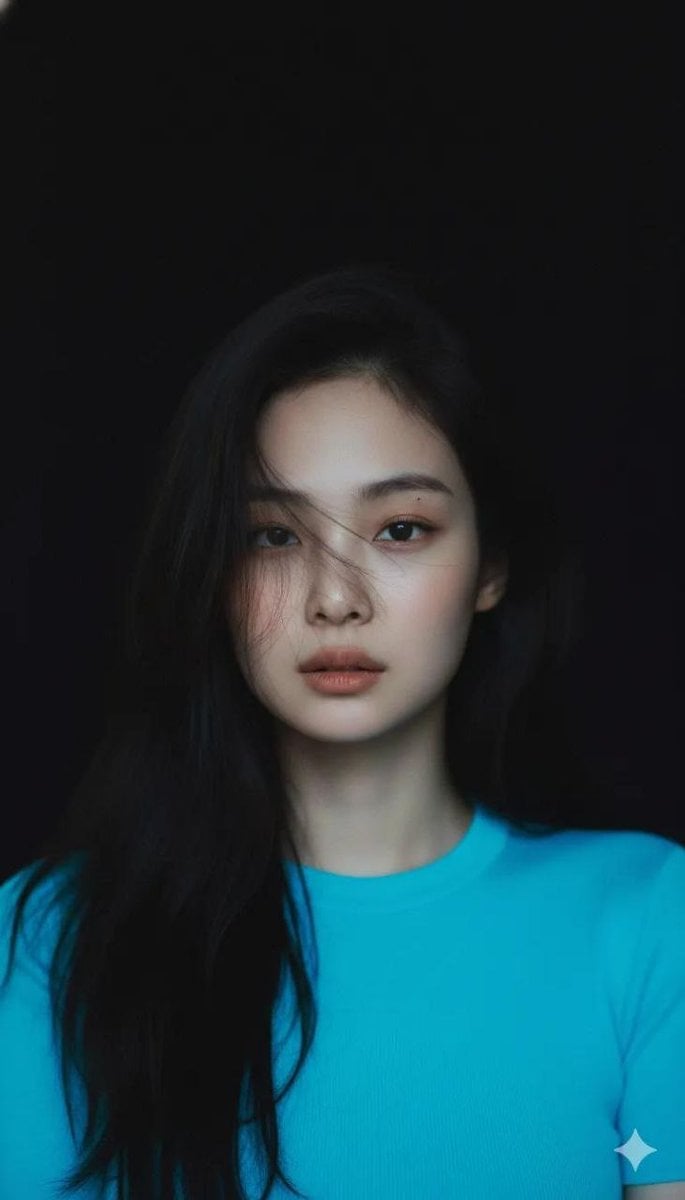
- Prompt included
- Model and format preset
- Free template
The prompt behind this image
Copy the exact prompt behind Melancholic Cinematic Portrait Prompt for Nano Banana Pro, or open it in the studio and make it yours.
创建一张忧郁电影感人像摄影。年轻女性,肌肤清透白皙,淡妆。温暖自然唇色。深棕色头发蓬松质感。平静、自信表情。穿{argument name="上衣颜色" default="霓虹蓝色"}上衣展现优雅。深色极简背景渐变至黑色。柔和扩散前光、柔和阴影、细微胶片感、有机色彩分级、浅景深、高端编辑质感。
How to use Melancholic Cinematic Portrait Prompt for Nano Banana Pro in 3 steps
- 1
Open
The prompt is already in the box next to the preview, with the template's model and format selected.
- 2…a portrait of your subject in softgolden-hour light, 85mm…
Personalize
Edit the subject and creative details for your destination.
- 3Generate
Generate
Press Generate — your image is created in PicX Studio, so you can compare it with the original and refine one variable at a time.
More like this
Templates with the same subject, style or setup. Open one to see its prompt.
Nano Banana Is So Addictive
Nano Banana 2 Perspective Experiment
Gemini Nano Banana 2 Isometric 3d City D
Nano Banana 2
Gemini Nano Banana 2
Gemini Nano Banana 2 Logo in Wet Sand Be
Nano Banana 2 Gourmet Ice Cream Commerci

Nano Banana Pro Photoreal Playful Couple
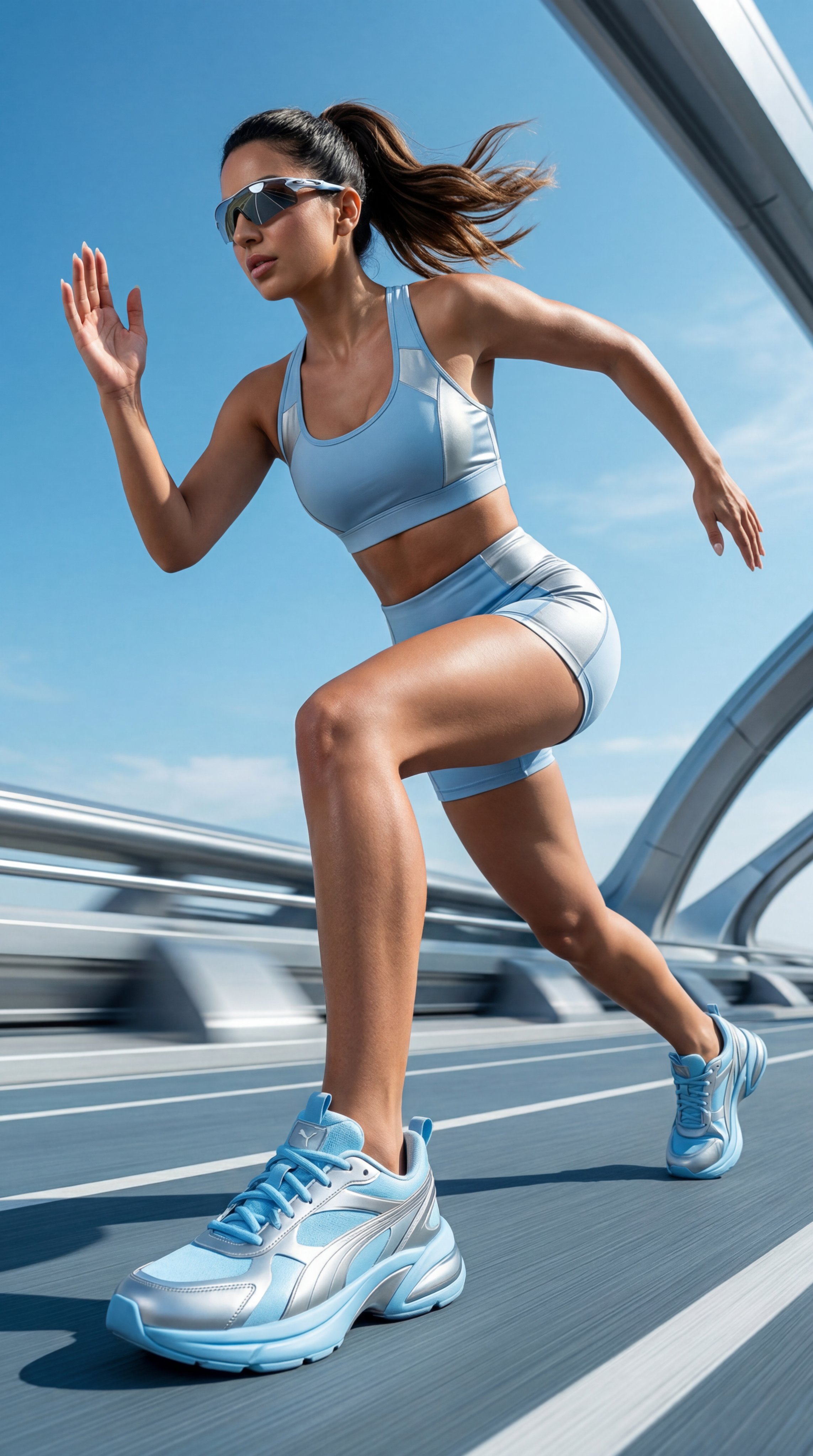
Nano Banana 2 High Fashion Sports Campai
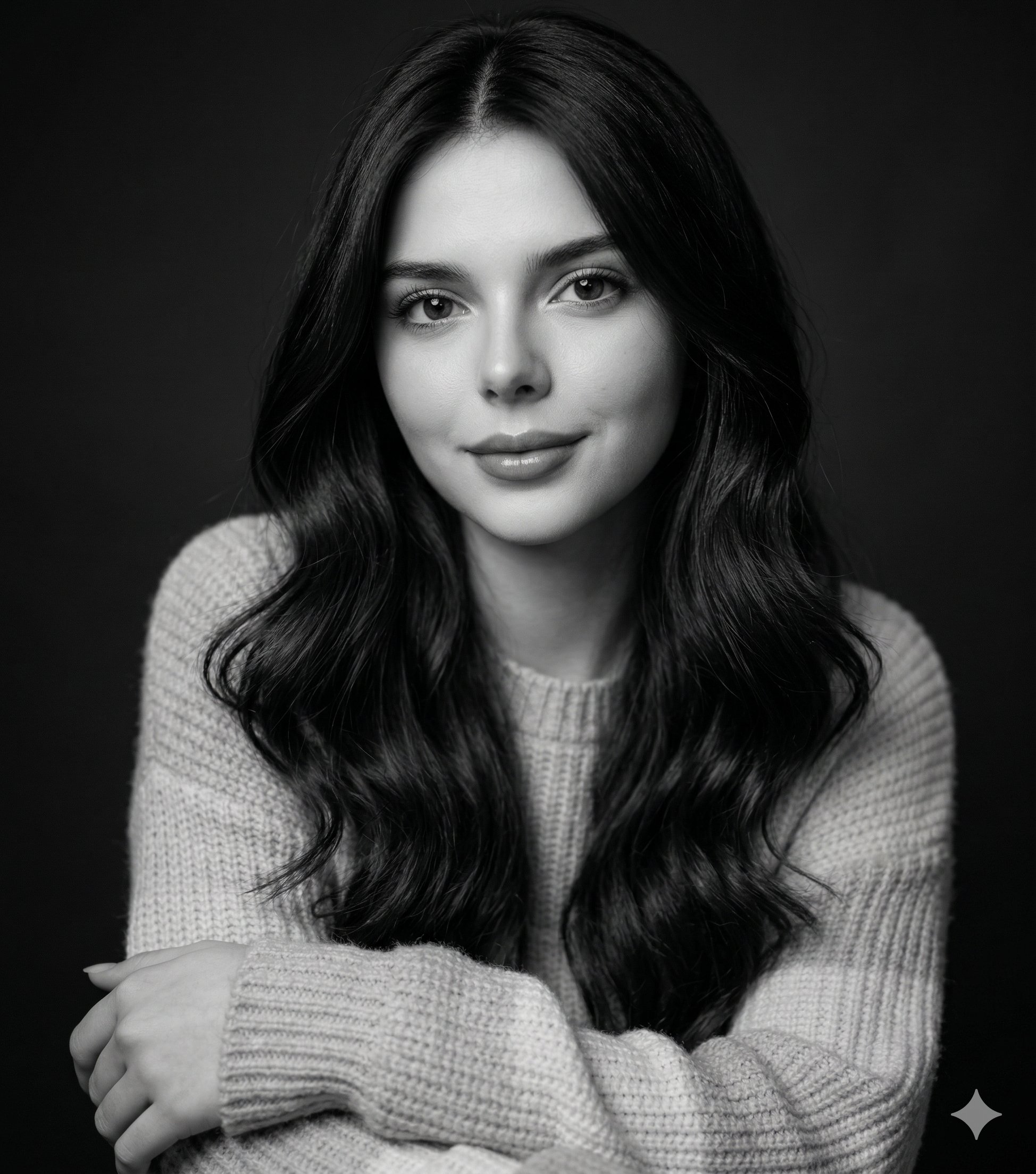
Nano Banana 2 Editorial Fashion Portrait
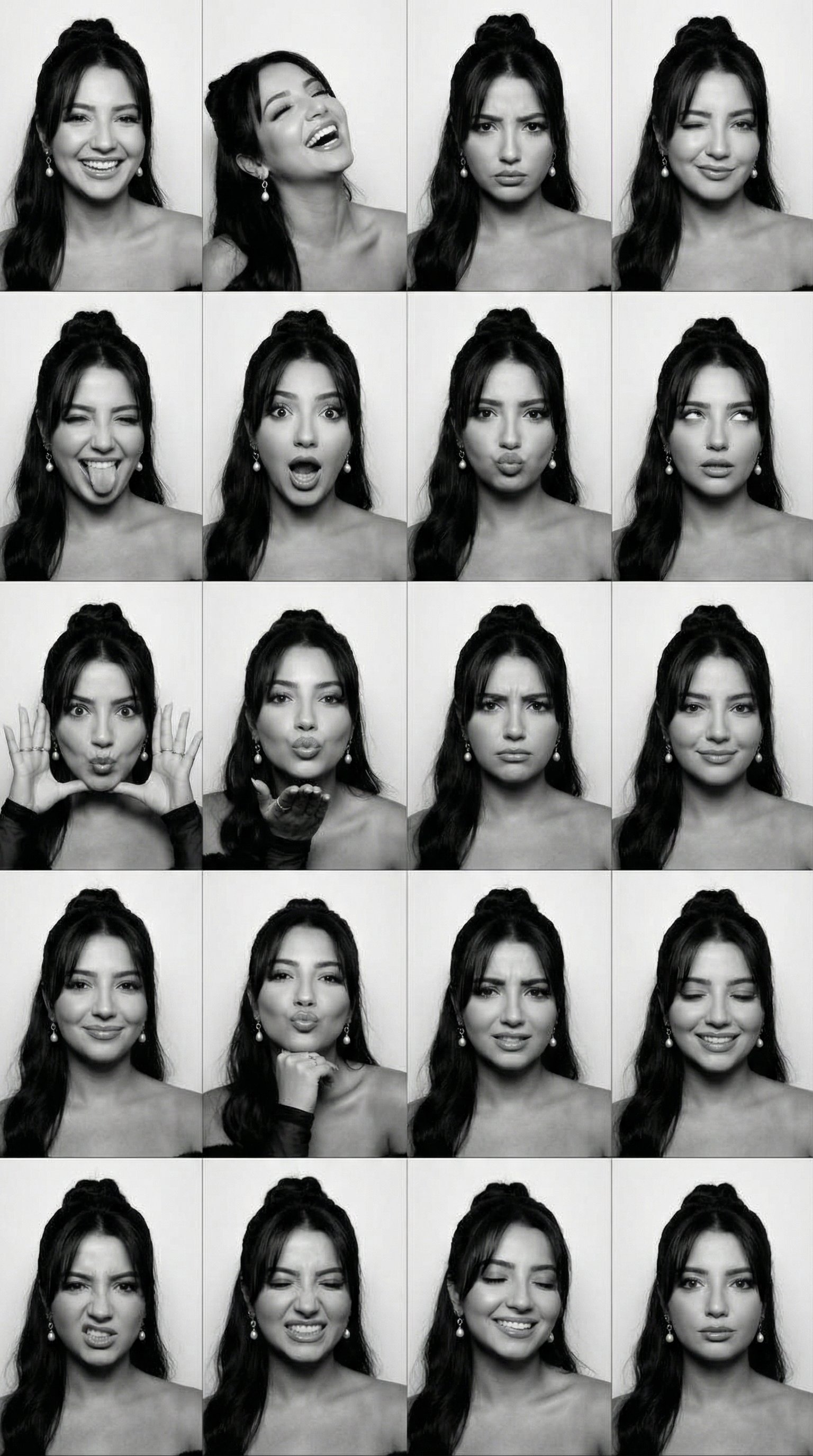
B&W Photobooth Expression Grid 4x4 — Nano Banana
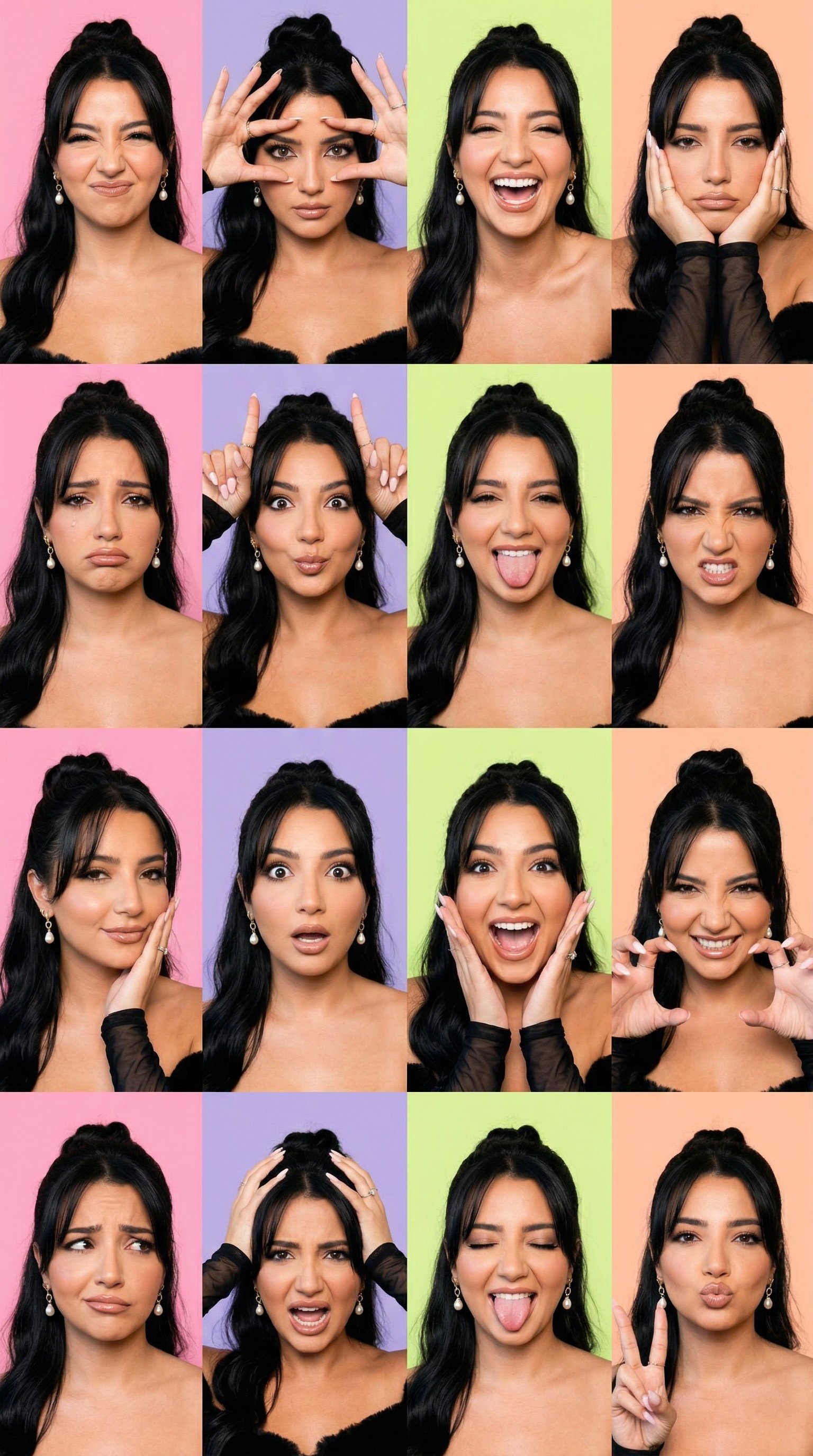
Gen Z TikTok Viral Expression Grid 4x4 — Nano Banana
Make it yours
Melancholic Cinematic Portrait Prompt for Nano Banana Pro works as-is. These are the safest ways to change it without losing the look.
Change one field
Copy a single group, rewrite it, and generate again so you can see what that field is doing.
Keep the frame, change the subject
Hold the composition and light of Melancholic Cinematic Portrait Prompt for Nano Banana Pro, then swap wardrobe, props or the person for a new take.
| If the result… | Why | Fix |
|---|---|---|
| The result drifts from the preview | Too many fields changed at once. | Reuse Melancholic Cinematic Portrait Prompt for Nano Banana Pro as-is first, then change one group — subject, light, or setting. |
| The model over-stylizes the scene | The prose prompt leaves finish and camera underspecified. | Add one camera or lighting sentence and stay on Nano Banana 2. |
More Nano Banana 2 templates
Other prompts made for Nano Banana 2.

Photorealistic Leaf Shaped Like a Dragon

K-Pop Idol Portrait Grid for Rapid Selection

Poetic Rain Forest Portrait During Golden Hour

Urban Street Portrait with Cartoon Inner Self Duo

Candid Nighttime Photo with Cat Prompt

High-Concept 3D Diorama Generation Prompt

Cinematic Futuristic Studio Portrait Template

Skincare Editorial Photography Collage Prompt

Hyper-Realistic Commercial Product Photography (Splash Effect)

Hyper-Realistic Nightclub Portrait Prompt
More image prompts
Fresh picks from across the catalog.
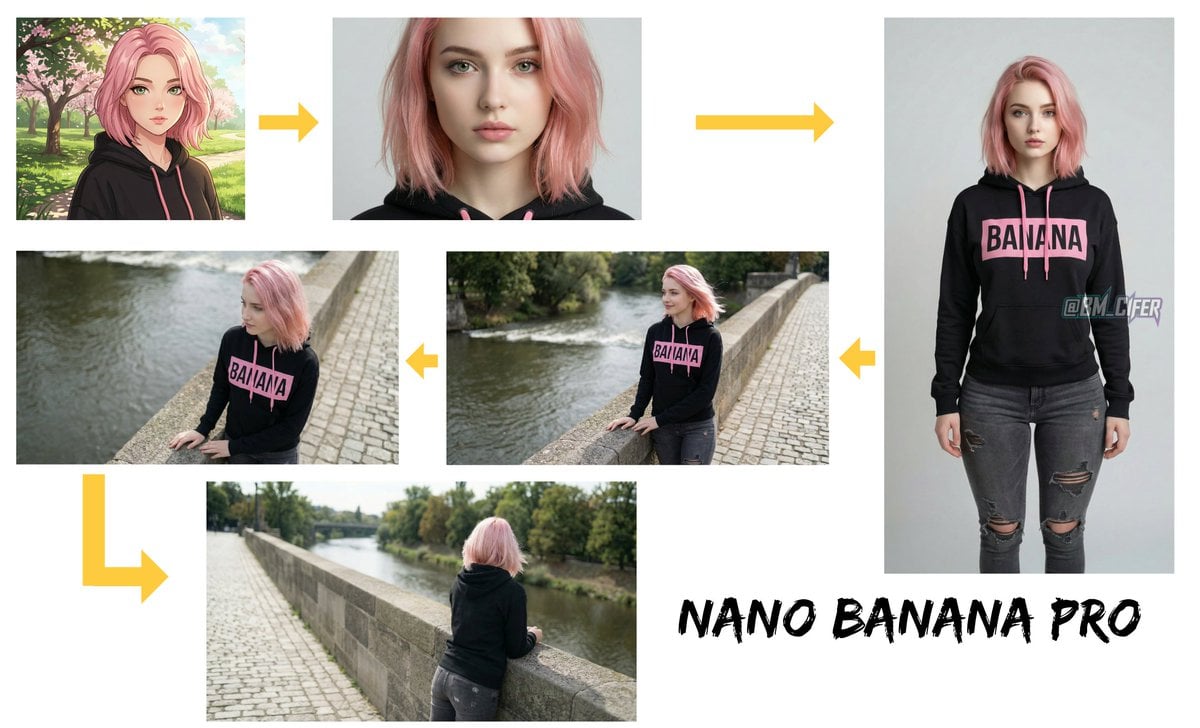
Opposite camera view of anime girl by the river
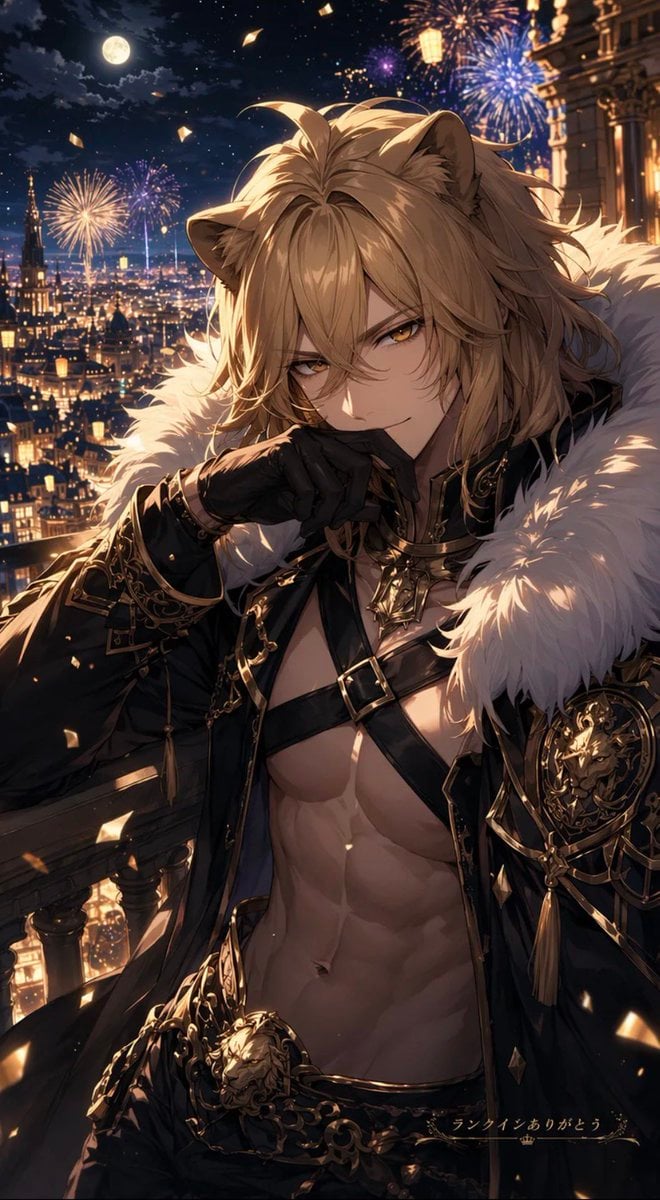
Lion Prince Fireworks Balcony

Cheesy Quesadilla Japanese Food Ad
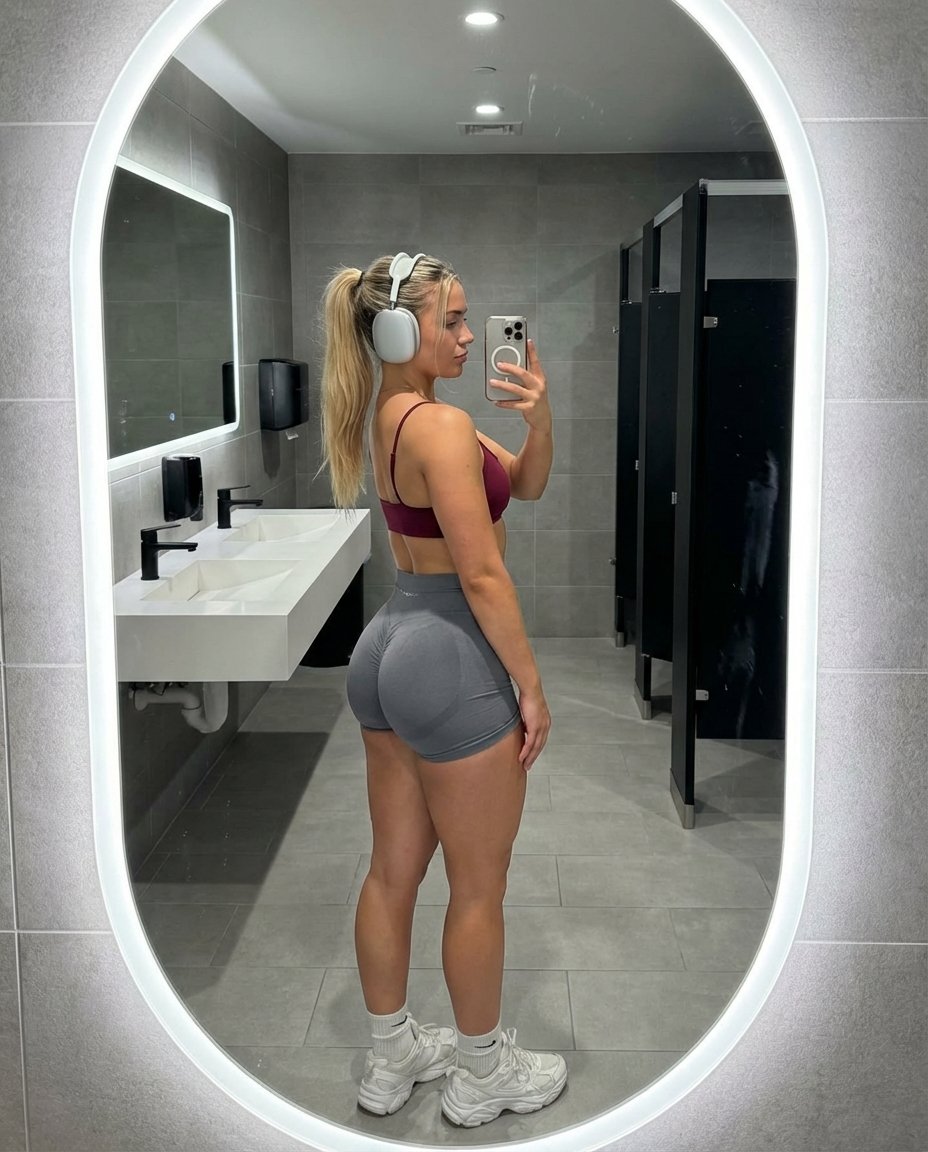
Hyper-Realistic Gym Mirror Selfie
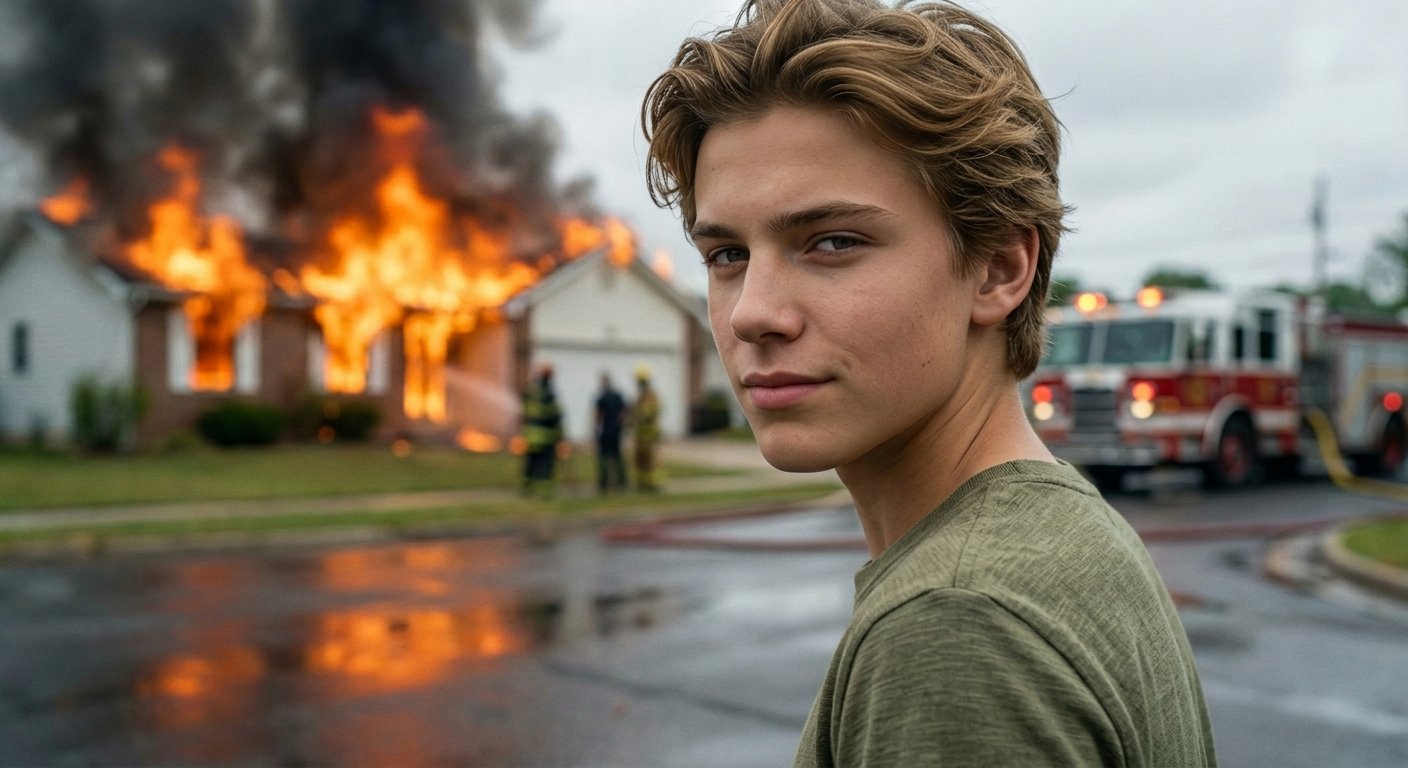
Cinematic Fire Portrait - Boy
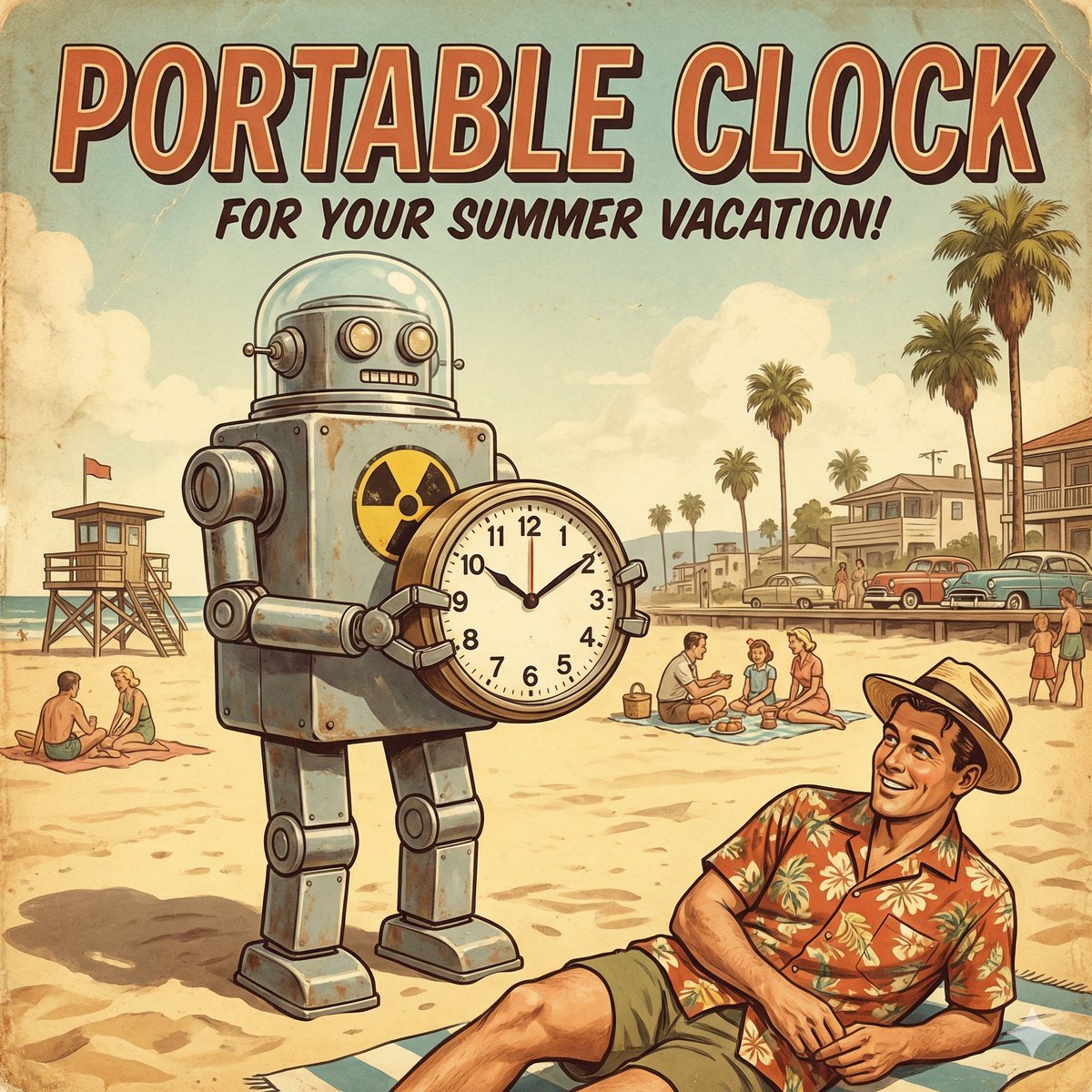
Retro Futurism smart watch prompt
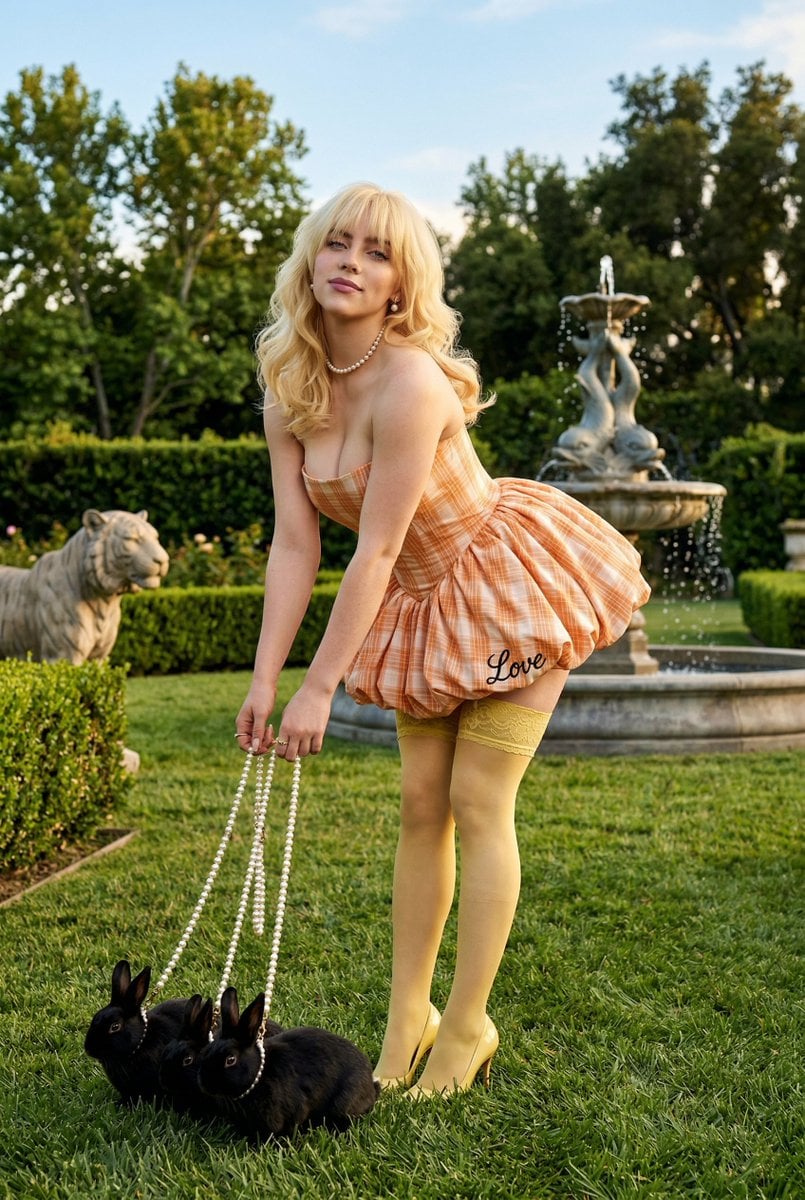
Coquette Garden Editorial with Rabbits
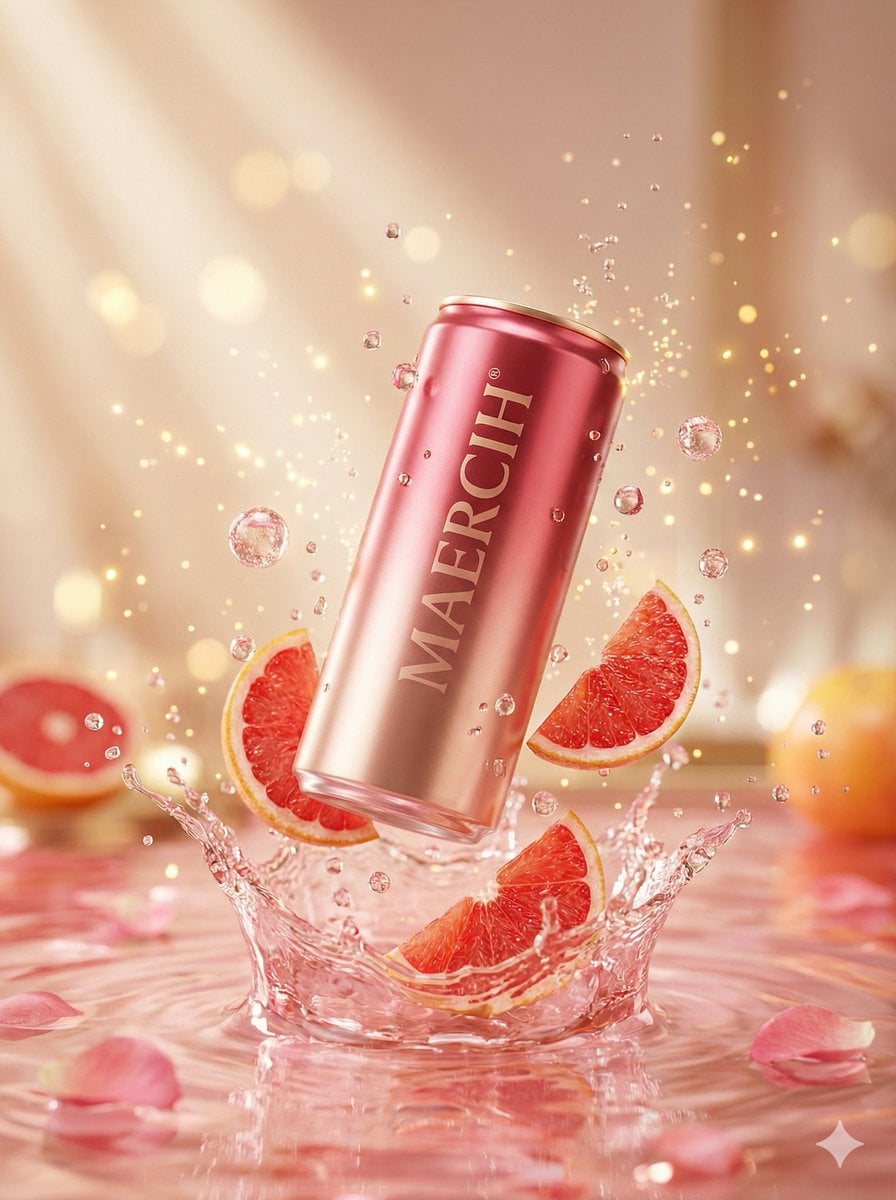
Luxury Commercial Shot of Floating Grapefruit Sparkling Can
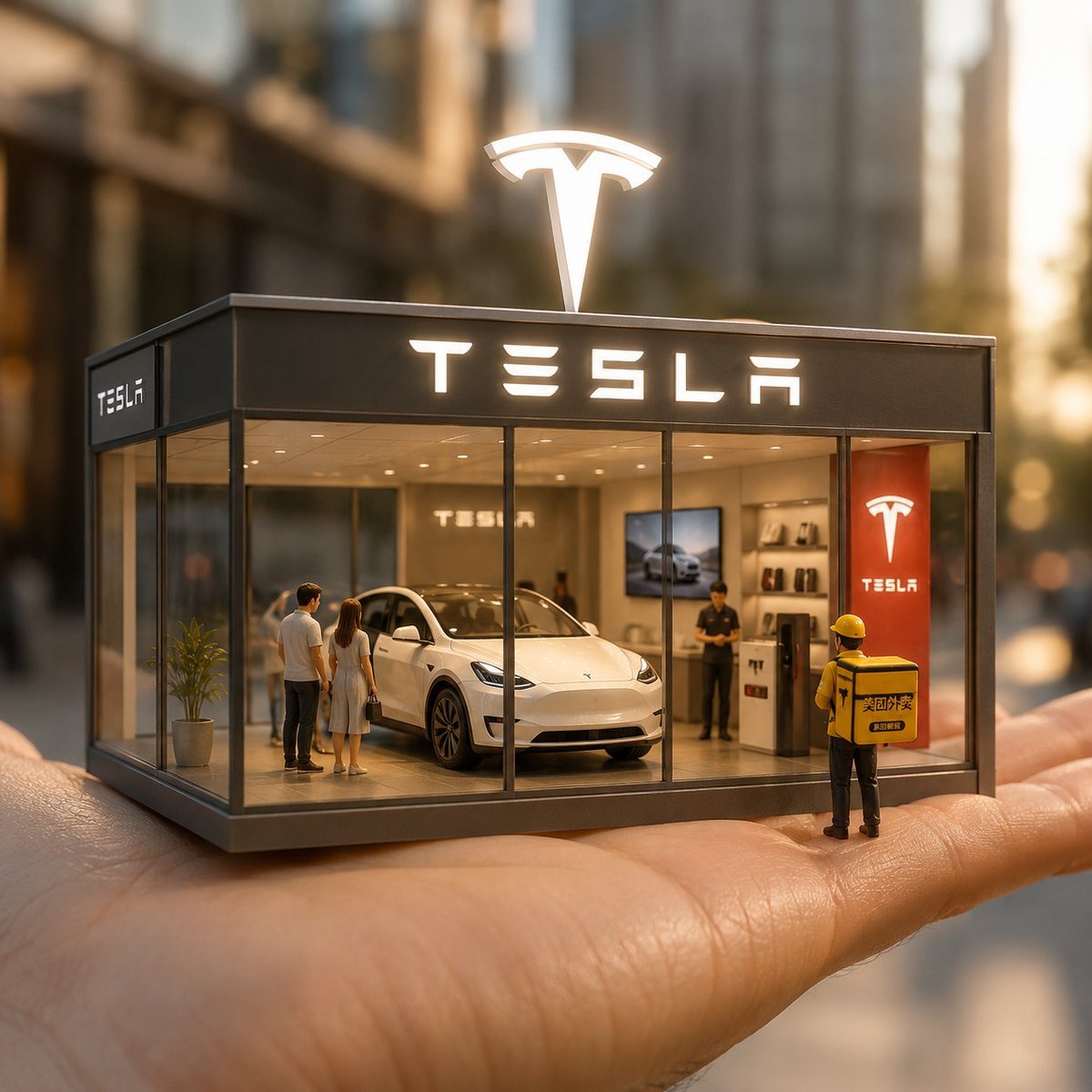
Surreal Miniature Tesla Showroom
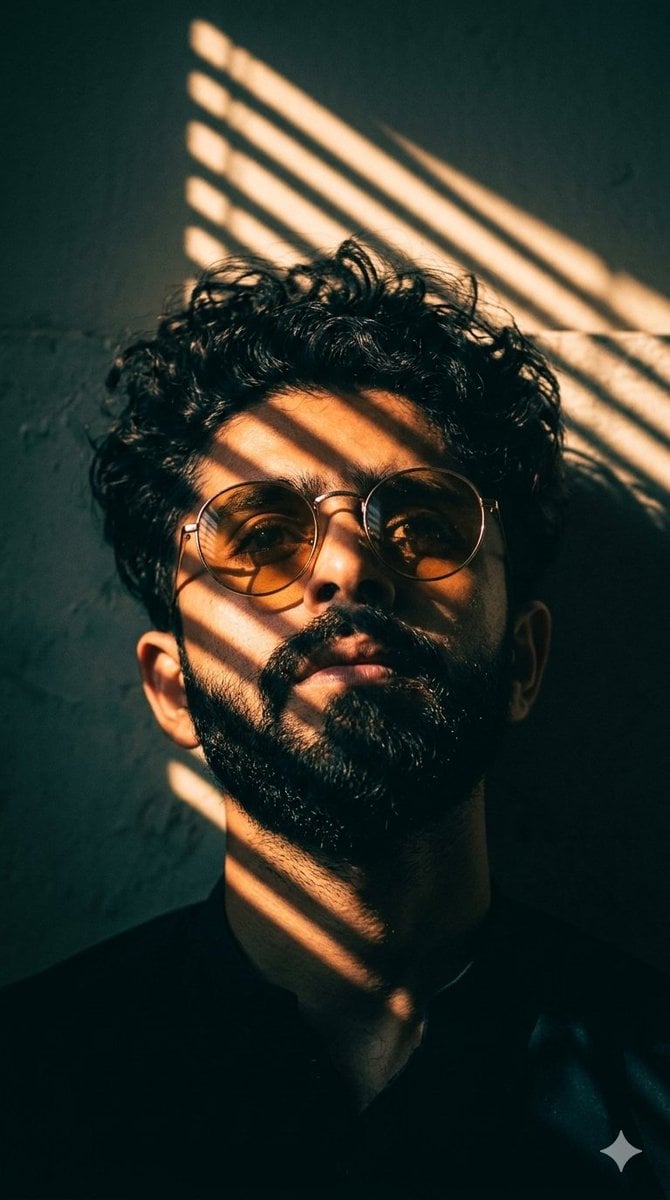
Cinematic Chiaroscuro Film Portrait
Browse template categories
Melancholic Cinematic Portrait Prompt for Nano Banana Pro questions
How do I use the Melancholic Cinematic Portrait Prompt for Nano Banana Pro template?
Add your photo if the template asks for one, edit the prompt if you like — the template's model and format are already selected — and press Generate. Your version opens in PicX Studio.
Can I customize the Melancholic Cinematic Portrait Prompt for Nano Banana Pro template?
Yes. You can change the subject, setting, lighting, mood, format, and available model controls before creating your image.
Is the Melancholic Cinematic Portrait Prompt for Nano Banana Pro template free?
Opening and editing this template is free. Generating uses credits, shown on the Generate button when you are signed in.
Which AI model should I use?
Start with Nano Banana 2, which is the model associated with this template. You can compare another compatible model for a different finish.
Looking for something else? Browse all templates.

Your photo, any look
Thousands of ready templates for every top image and video model, from one credit balance.