How do I use the Cinematic Chiaroscuro Film Portrait template?
Choose the primary action to open PicX Studio with the available template settings. Review the model and format, personalize the creative direction, and generate when ready.
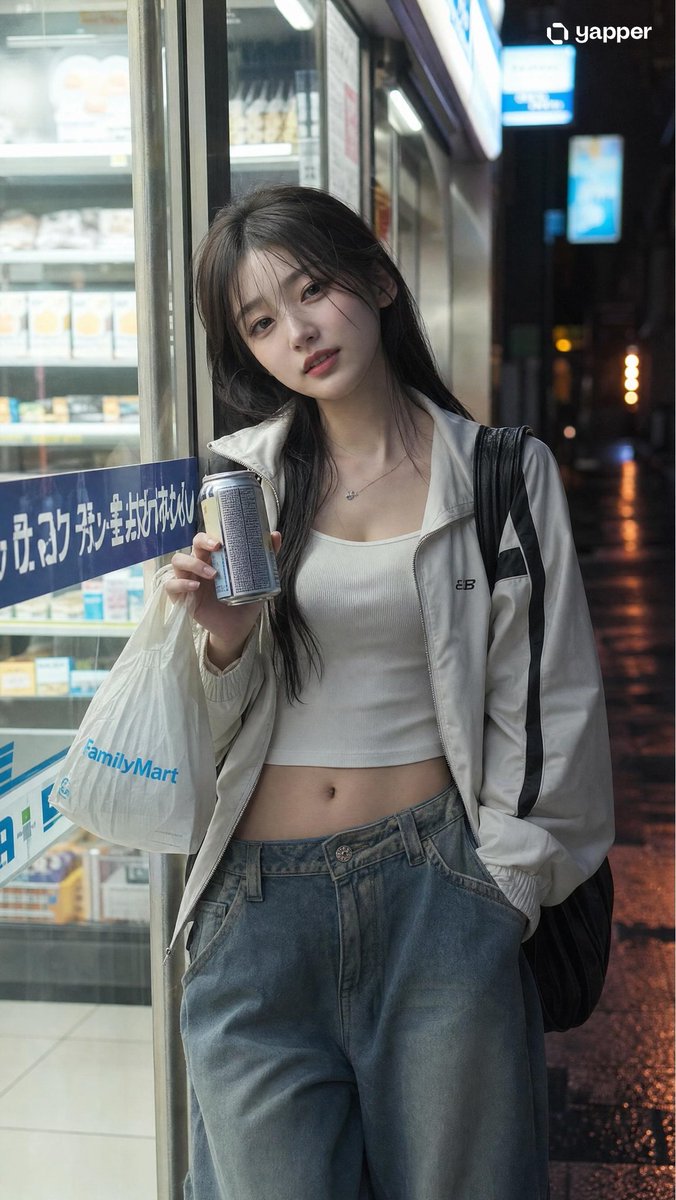
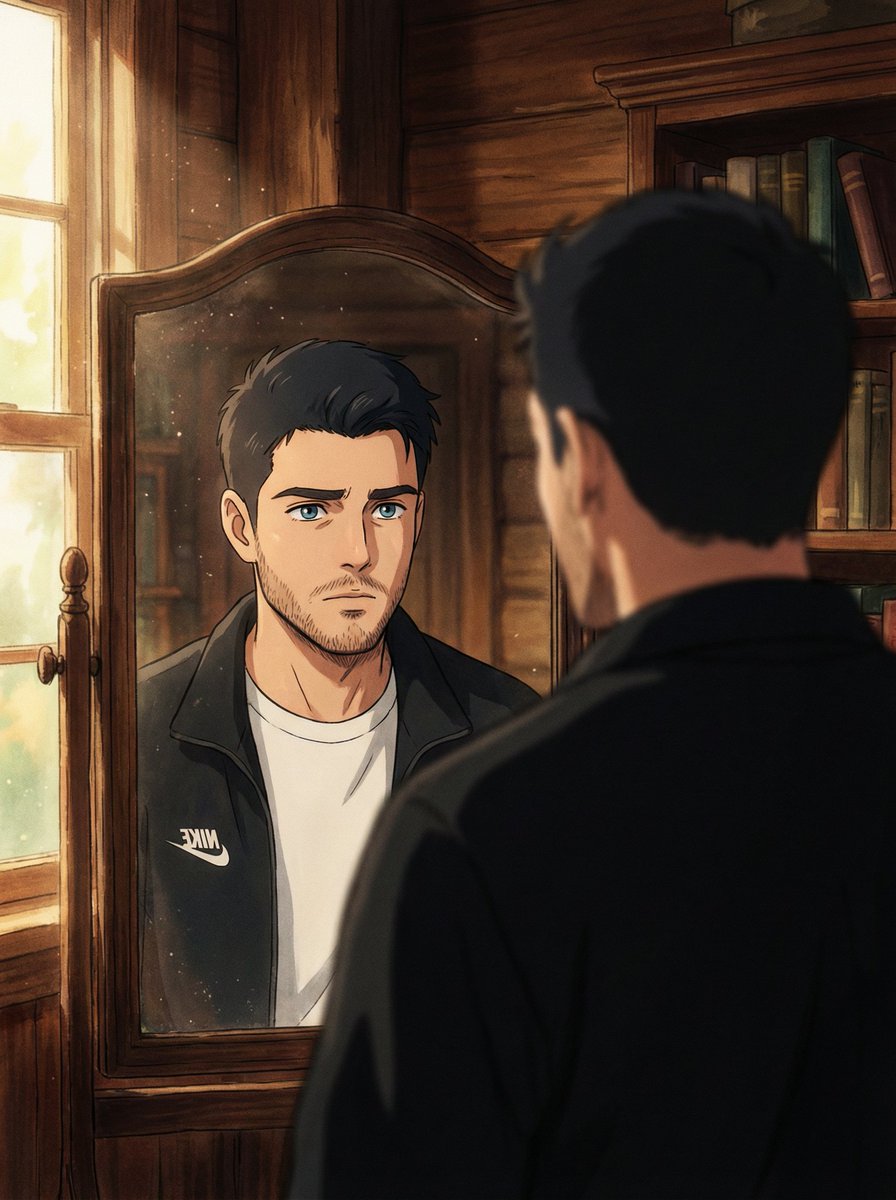
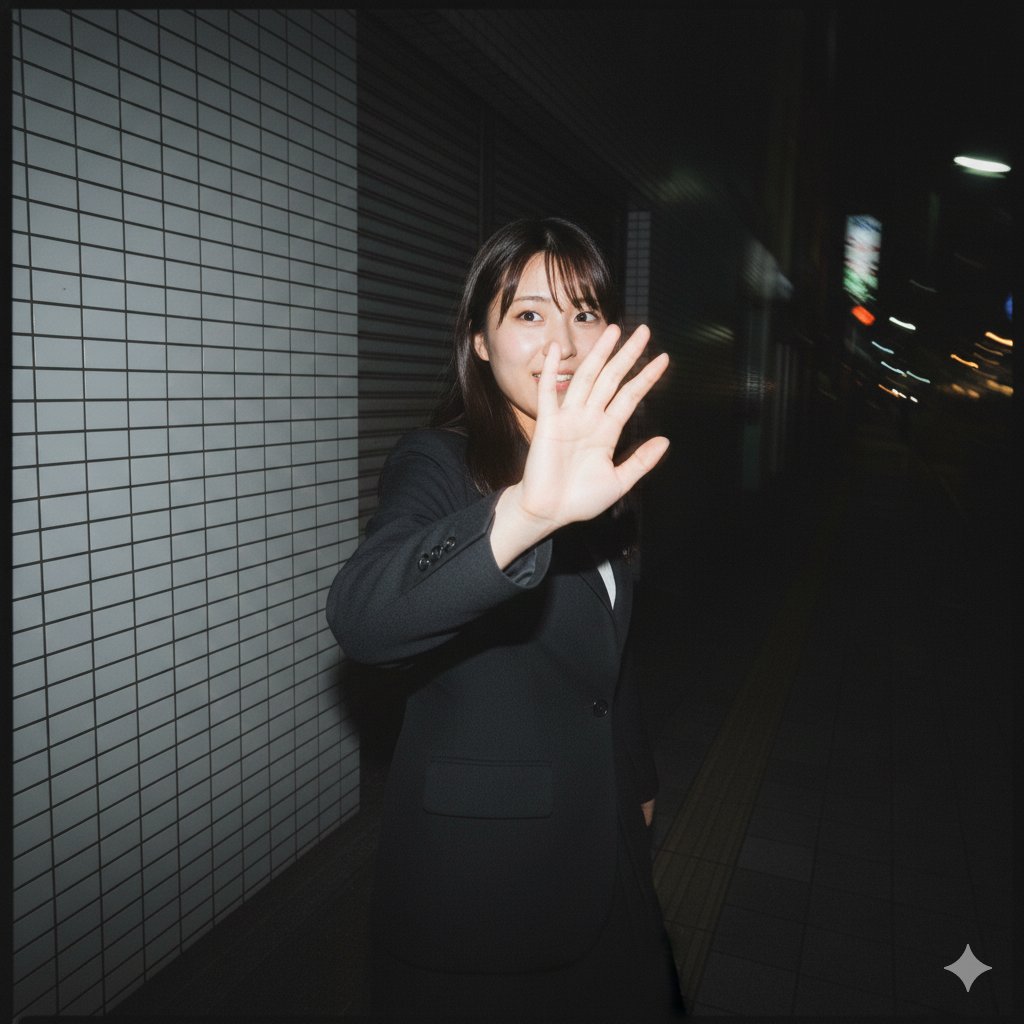
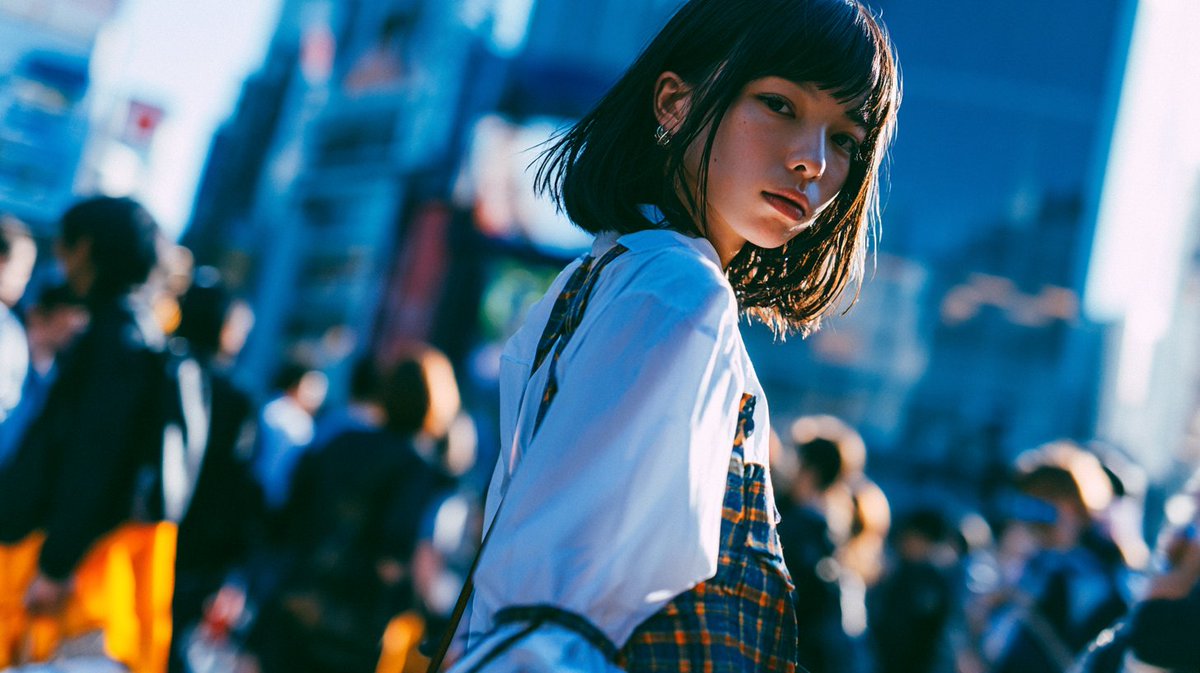
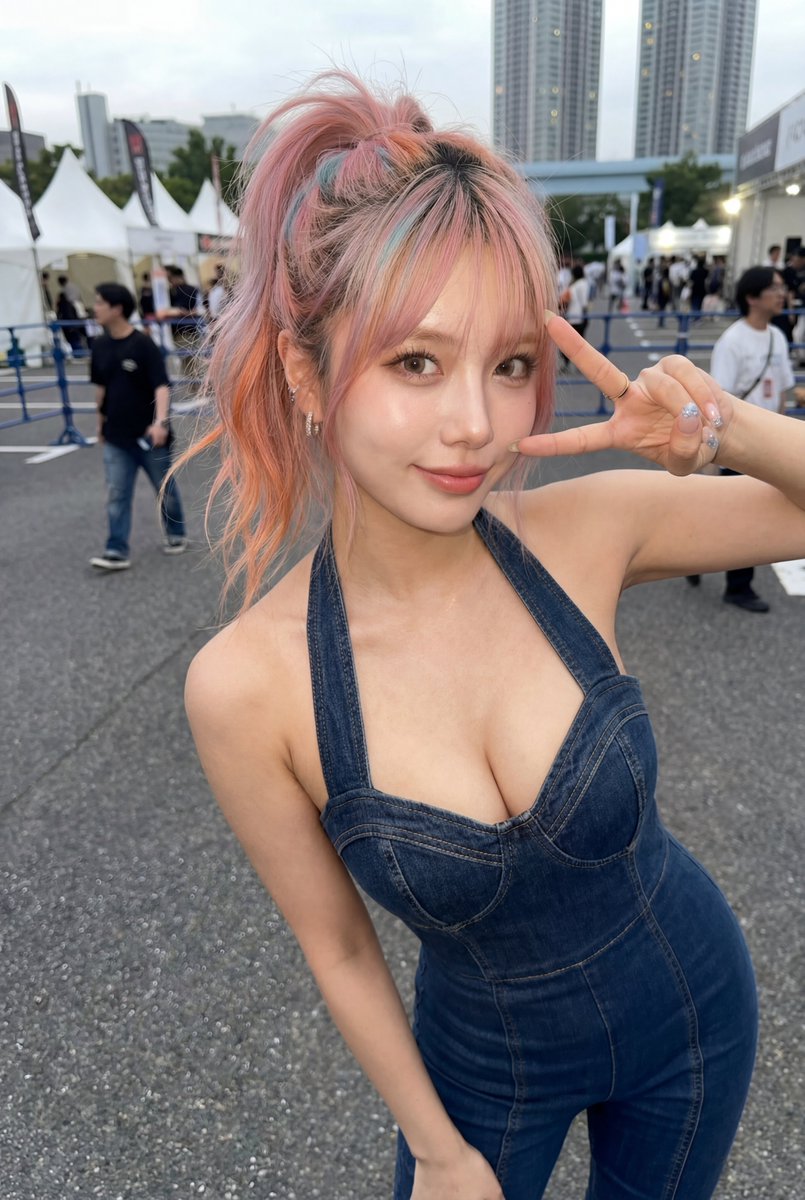
A moody 35mm film portrait prompt utilizing reference images for consistent character generation, featuring amber sunglasses and Venetian blind shadows. Change the subject, setting, or lighting one variable at a time.

A cinematic 35mm film portrait of a man with the uploaded face as reference, featuring {argument name="hair style" default="messy dark curly hair"} and a light beard, looking slightly upward. He wears {argument name="eyewear" default="round, thin-rimmed sunglasses with amber-tinted lenses"}. The scene is defined by dramatic chiaroscuro lighting, with sharp diagonal {argument name="shadow pattern" default="Venetian blind shadows"} casting stripes of warm golden light and deep shadow across his face and neck. The background is a dark, textured wall catching the same striped pattern. The color palette features a high-contrast mix of warm orange highlights and cool teal-toned shadows. Captured from a low angle with an 85mm lens, showcasing a shallow depth of field, subtle film grain, and a moody, vintage cinematic color grade
Choose the primary action to open PicX Studio with the available template settings. Review the model and format, personalize the creative direction, and generate when ready.
Yes. You can change the subject, setting, lighting, mood, format, and available model controls before creating your image.
This template is free to open and customize. Generation usage is shown in PicX Studio before you create.
Start with GPT Image 2, which is the model associated with this template. You can compare another compatible model for a different finish.
© 2026 PicX Studio. All rights reserved.

Follow a topic to a crawlable collection of related PicX Studio templates.
43,474 public templates available. Verified via the PicX Studio public templates API; refreshed hourly.












![118-google-nano-banana-pro-skincare-product- — A professional skincare shot of a [product container] with [cap/lid], labeled [brand, product, descriptor, volume](/_next/image?url=https%3A%2F%2Fcdn.picxstudio.com%2Fuploads%2Fpost118_img0_332898b8-29ea-42a9-87ab-9ed746a3f944.jpg&w=828&q=100)




![69-untitled — FORMAT: 15s / 145 BPM / 14 SHOTS
SUBJECT: @[image1]
WARDROBE: Clean modern outfit
ENVIRONMENT: Street / indoor transitions
MOOD: Discovery → contr](/_next/image?url=https%3A%2F%2Fcdn.picxstudio.com%2Fuploads%2Fpost69_img0_d45faecf-38c3-4bcb-81a4-f6eb1cf42bb2.jpg&w=828&q=100)







![Minimalist Flat Vector Travel Poster — Premium minimalist flat-vector travel poster for {argument name="city name" default="[CITY_NAME]"}, 3:4 vertical format.](https://cms-assets.youmind.com/media/1787917359711_3ug846_HQX205cbMAA6F6S-300x400.jpg)