
Hyper-Realistic Gym Mirror Selfie
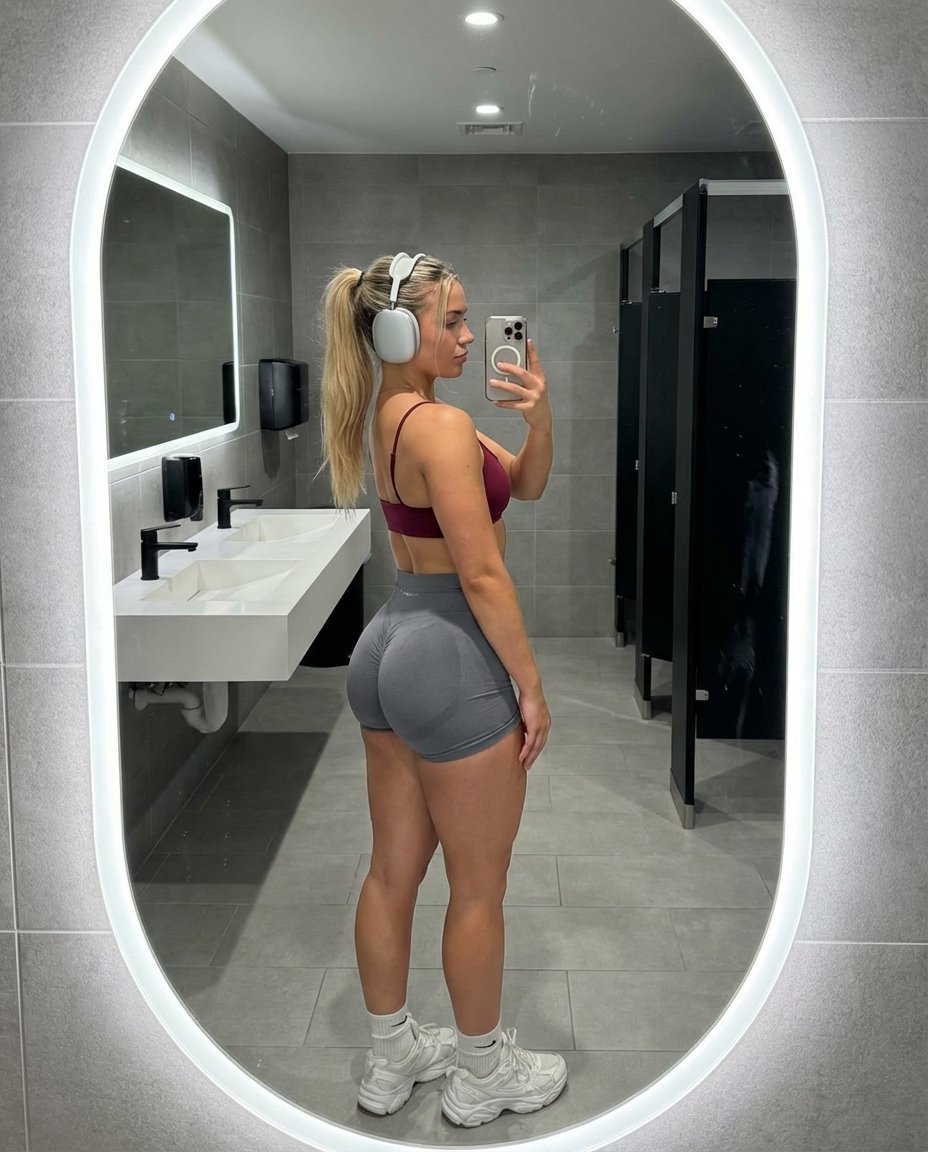
A highly detailed prompt focused on generating a hyper-realistic, candid fitness influencer-style mirror selfie, emphasizing specific body physics (hypertrophy, muscle definition), raw skin texture with perspiration…
- Prompt included
- Model and format preset
- Premium template
The prompt behind this image
Copy the exact prompt behind Hyper-Realistic Gym Mirror Selfie, or open it in the studio and make it yours.
{ "subject": { "demographics": { "age": "early 20s", "gender": "female", "ethnicity": "Caucasian with a fair skin tone" }, "hair": { "color": "blonde with light brown roots", "style": "high ponytail with wavy texture, messy strands framing the face and falling over the shoulder", "texture": "natural, slightly frizzy from workout" }, "face": { "shape": "defined jawline, profile view", "features": "small straight nose, natural lips, dark groomed eyebrows", "expression": "neutral, focused gaze directed at phone screen in mirror reflection", "skin_texture": "raw skin, visible pores, slight sheen from perspiration, no digital smoothing" }, "body_proportions": { "build": "athletic, fitness-oriented 'gym girl' physique", "torso": "narrow waist, flat stomach, visible latissimus dorsi definition", "lower_body": "extreme gluteal hypertrophy, pronounced shelf-like projection of the buttocks, thick muscular thighs, high muscle-to-fat ratio", "pose_effect": "hyper-accentuated lower body curve from 90-degree side profile stance", "skin_details": "slight skin folding at the hip joint, realistic muscle tone in calves and quads, small tattoo visible on side of ribcage" }, "attire": { "top": "minimalist {argument name="top color" default="wine red"} sports bra, thin spaghetti straps, low back design", "bottom": "grey high-waisted spandex gym shorts, scrunch-butt detail, tight compression fit molding to curves", "footwear": "white crew socks, chunky white athletic sneakers", "accessories": "large silver over-ear air pods max, thin black hair tie on wrist" } }, "pose": { "type": "standing side-profile mirror selfie", "orientation": "body turned exactly 90 degrees to the left (viewer's perspective), face turned toward mirror", "arms": { "right_arm": "raised, holding smartphone to take photo, elbow bent", "left_arm": "obscured by body" }, "legs": { "position": "feet planted shoulder-width apart, knees slightly softened to emphasize gluteal curve" } }, "setting": { "location": "modern upscale gym locker room", "foreground": "grey speckled stone tile floor, clean grout lines", "midground": "white vanity counter, black modern faucets", "background": "large oval mirrors with glowing white LED backlighting, grey tiled walls, black toilet stall partitions in soft focus" }, "camera": { "device": "Shot on iPhone 15 Pro", "lens": "24mm wide-angle lens", "angle": "waist-level, shooting upward slightly in the mirror", "framing": "full-body reflection, vertical 4:5 aspect ratio", "perspective": "candid mirror selfie, includes phone in hand, slight mirror glass distortion" }, "lighting": { "source": "cool overhead gym lighting mixed with LED halo rings around mirrors", "quality": "clinical, bright, high-key lighting", "shadows": "harsh downward shadows under the jaw and gluteal fold, highlighting muscle definition" }, "style_and_realism": { "aesthetic": "candid fitness influencer progress photo, unfiltered lifestyle snapshot"} }
How to use Hyper-Realistic Gym Mirror Selfie in 3 steps
- 1
Open
The prompt is already in the box next to the preview, with the template's model and format selected.
- 2…a portrait of your subject in softgolden-hour light, 85mm…
Personalize
Edit the subject and creative details for your destination.
- 3Generate
Generate
Press Generate — your image is created in PicX Studio, so you can compare it with the original and refine one variable at a time.
More like this
Templates with the same subject, style or setup. Open one to see its prompt.

Rooftop Fisheye — Cat-Ear Balaclava at Golden Hour

Felt & Knit 3D Character — Photo-Exact Face, Pixar-Quality Plush Figurine

Eid al-Adha Cute Chaos — Fisheye Selfie with Farm Selfie, Mosque & Animals

Cat Photobomb Selfie — 0.5x Wide Angle Café Chaos

Gen Z Triple Selfie Collage — Y2K Flash Photography

Surreal Cat Astronaut — Humanoid Face Freefall

Nano Banana Grwm Mirror Selfie Pink
Modern Luxury Gym Mirror Selfie
Realistic Gym Mirror Selfie
Professional Gym Mirror Selfie Portrait
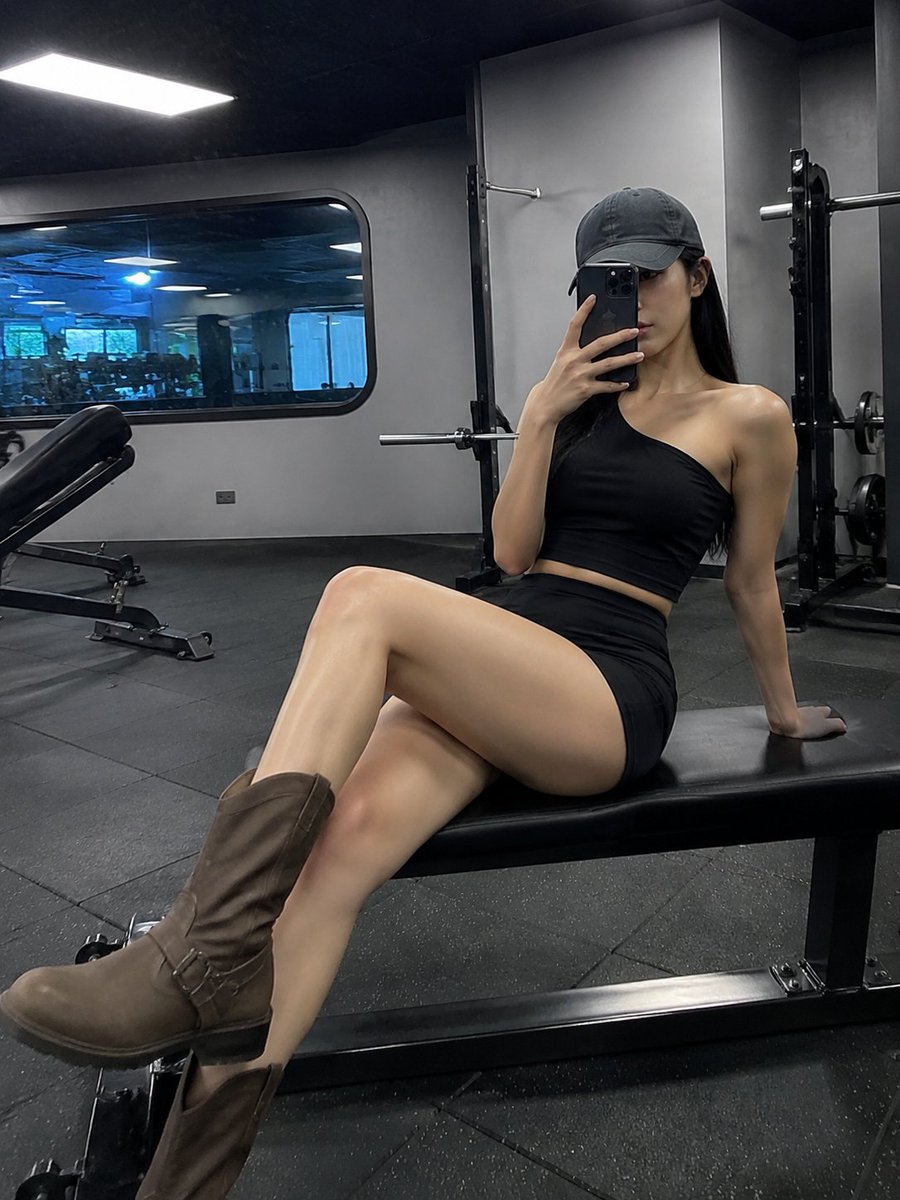
Realistic Gym Mirror Selfie
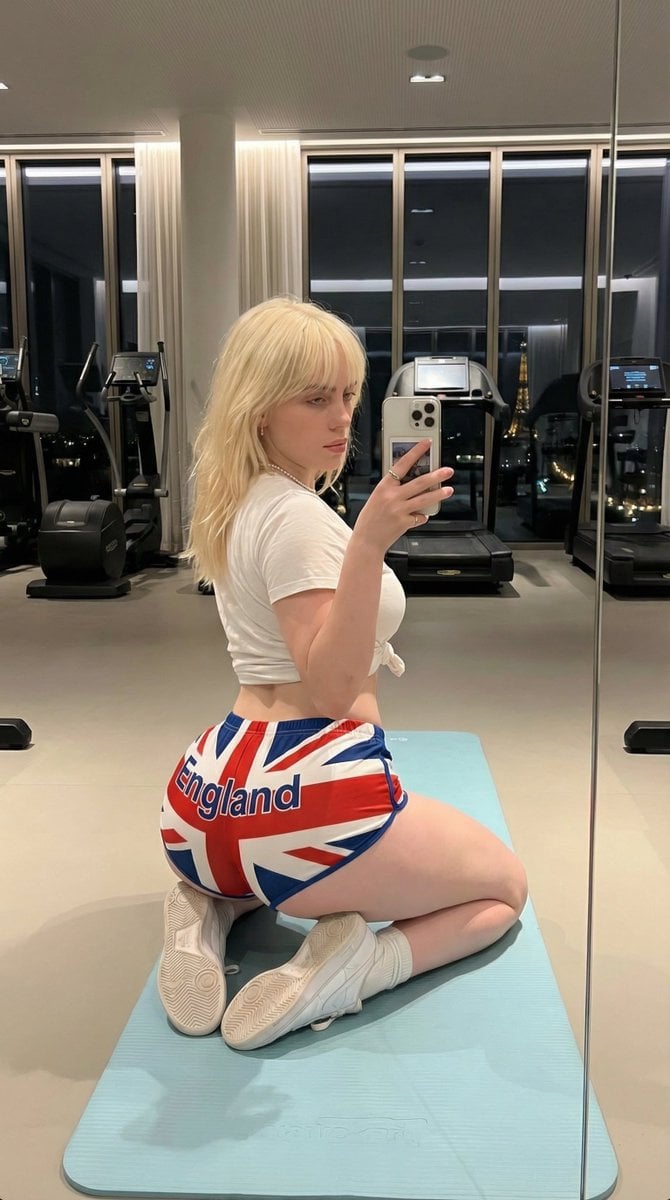
Exaggerated Physique Gym Mirror Selfie Prompt (Spain Theme)
Make it yours
Hyper-Realistic Gym Mirror Selfie works as-is. These are the safest ways to change it without losing the look.
Change one field
Copy a single group, rewrite it, and generate again so you can see what that field is doing.
Keep the frame, change the subject
Hold the composition and light of Hyper-Realistic Gym Mirror Selfie, then swap wardrobe, props or the person for a new take.
| If the result… | Why | Fix |
|---|---|---|
| The result drifts from the preview | Too many fields changed at once. | Reuse Hyper-Realistic Gym Mirror Selfie as-is first, then change one group — subject, light, or setting. |
| The model over-stylizes the scene | The prose prompt leaves finish and camera underspecified. | Add one camera or lighting sentence and stay on Nano Banana 2. |
More Nano Banana 2 templates
Other prompts made for Nano Banana 2.

Photorealistic Leaf Shaped Like a Dragon

K-Pop Idol Portrait Grid for Rapid Selection

Poetic Rain Forest Portrait During Golden Hour

Urban Street Portrait with Cartoon Inner Self Duo

Candid Nighttime Photo with Cat Prompt

High-Concept 3D Diorama Generation Prompt

Cinematic Futuristic Studio Portrait Template

Skincare Editorial Photography Collage Prompt

Hyper-Realistic Commercial Product Photography (Splash Effect)

Hyper-Realistic Nightclub Portrait Prompt
More image prompts
Fresh picks from across the catalog.

Google Fonts Japanese Infographic
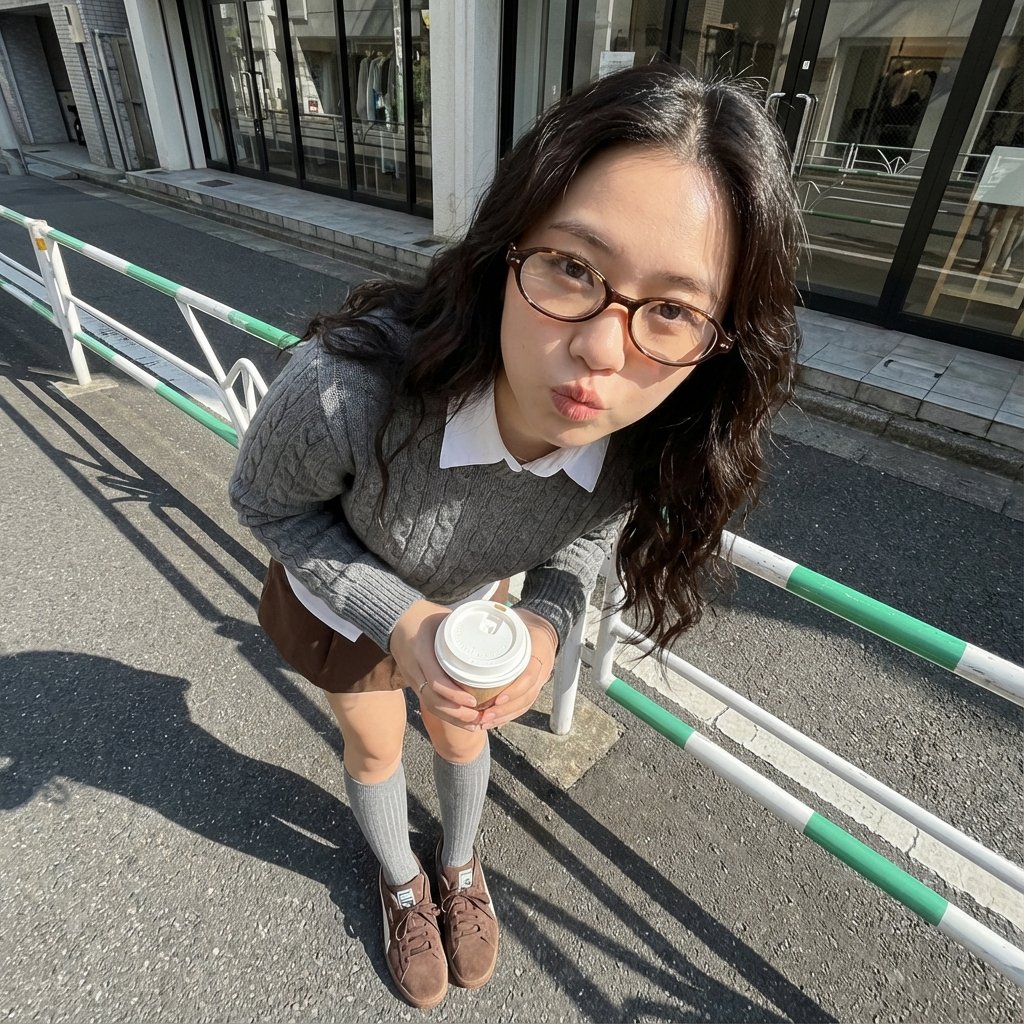
Photorealistic Cute Academic Street Photography Portrait
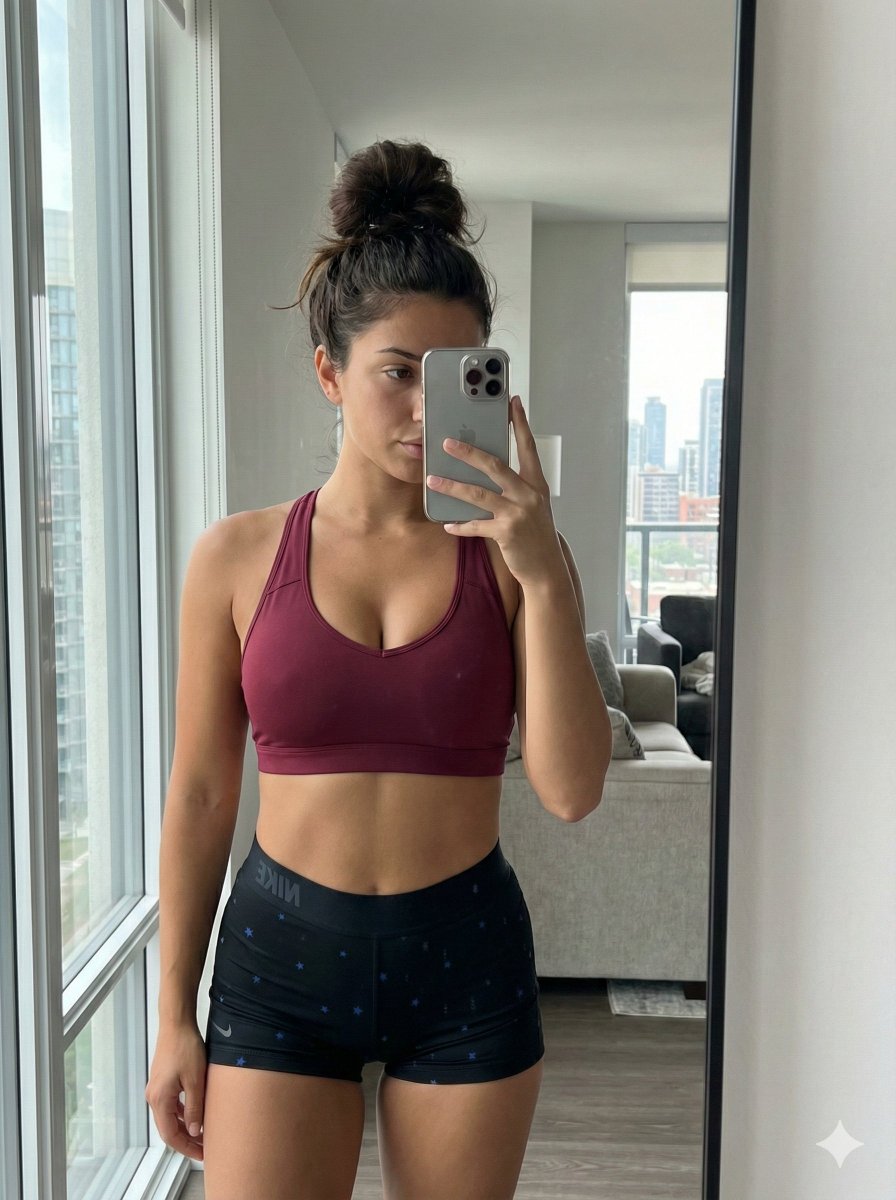
Mirror Selfie with Curvy Physique and ControlNet Constraints
Cyberpunk Fantasy Trading Card App
Novel Optical Illusion Generation
Mint Retro EV by the Sea
Ultra-Realistic Cinematic Product Photography Prompt
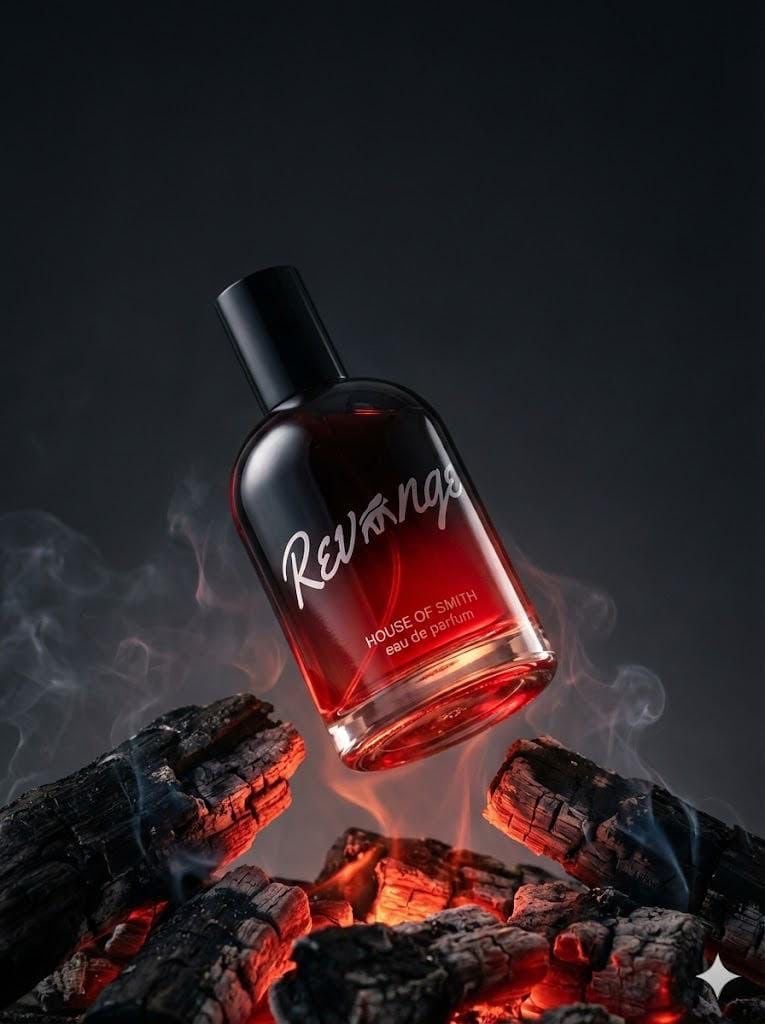
Ultra-realistic Product Portrait for Fragrance Campaign
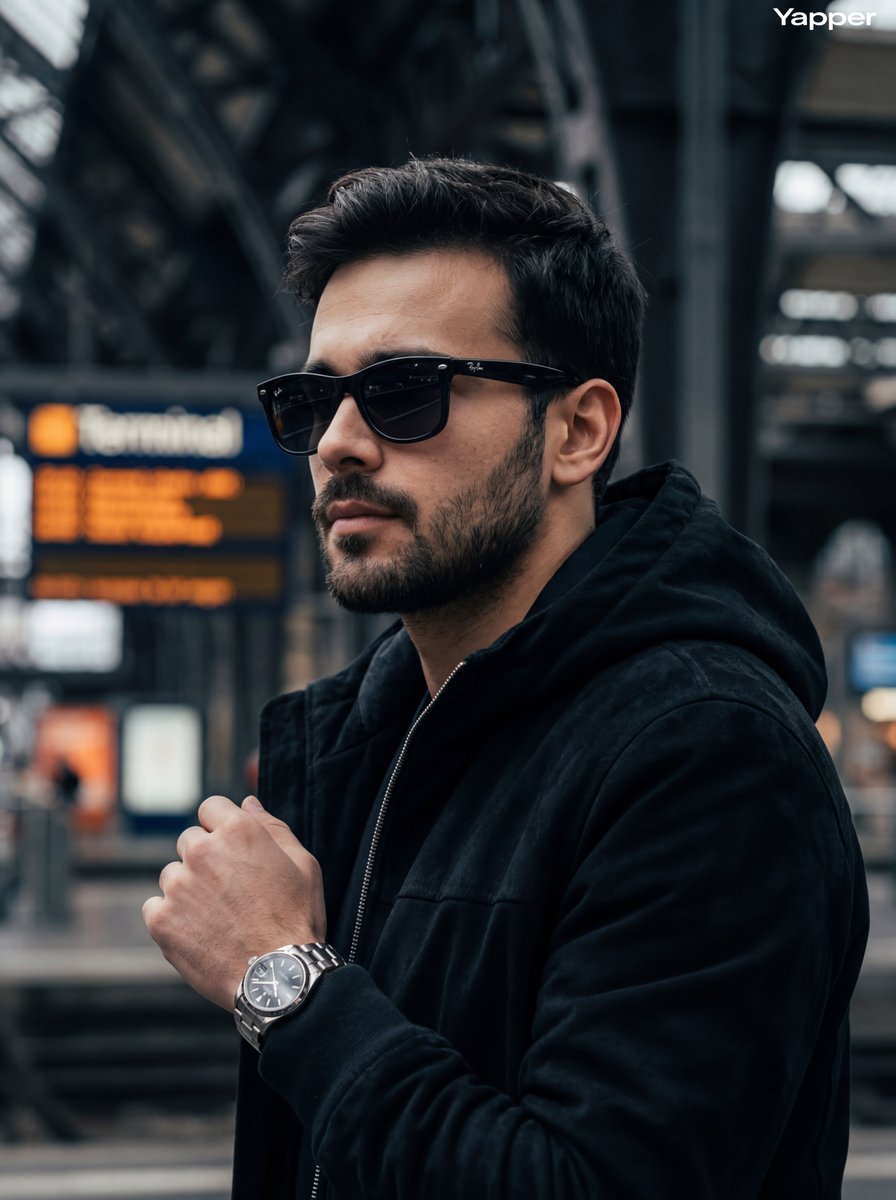
Cinematic Street Photography Portrait

Dark Chinese Crime Drama Poster
Browse template categories
Hyper-Realistic Gym Mirror Selfie questions
How do I use the Hyper-Realistic Gym Mirror Selfie template?
Add your photo if the template asks for one, edit the prompt if you like — the template's model and format are already selected — and press Generate. Your version opens in PicX Studio.
Can I customize the Hyper-Realistic Gym Mirror Selfie template?
Yes. You can change the subject, setting, lighting, mood, format, and available model controls before creating your image.
Is the Hyper-Realistic Gym Mirror Selfie template free?
Opening and editing this template is free. Generating uses credits, shown on the Generate button when you are signed in.
Which AI model should I use?
Start with Nano Banana 2, which is the model associated with this template. You can compare another compatible model for a different finish.
Looking for something else? Browse all templates.

Your photo, any look
Thousands of ready templates for every top image and video model, from one credit balance.